Kong: the Nginx API Gateway
Learn how to deploy Kong, the API gateway, with Docker Compose and use external PostgreSQL as the backend database
Learn how to deploy Kong, the API gateway, with Docker Compose and use external PostgreSQL as the backend database
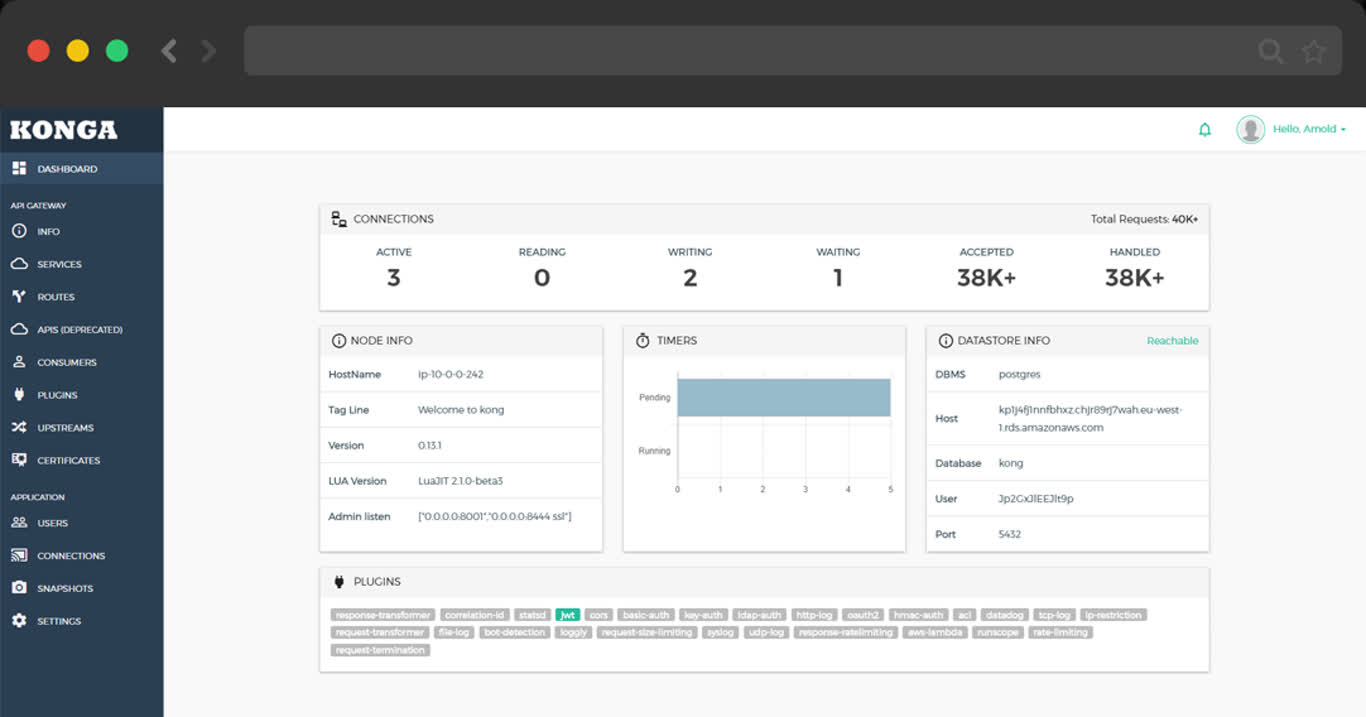
TL;DR
cd app/kong ; docker compose up -d
make up         # pull up kong with docker-compose
make ui         # run swagger ui container
make log        # tail -f kong logs
make info       # introspect kong with jq
make stop       # stop kong container
make clean      # remove kong container
make rmui       # remove swagger ui container
make pull       # pull latest kong image
make rmi        # remove kong image
make save       # save kong image to /tmp/kong.tgz
make load       # load kong image from /tmp
Scripts
- Default Port: 8000
- Default SSL Port: 8443
- Default Admin Port: 8001
- Default Postgres Database:
postgres://dbuser_kong:[email protected]:5432/kong
# postgres://dbuser_kong:[email protected]:5432/kong
- { name: kong, owner: dbuser_kong, revokeconn: true , comment: kong the api gateway database }
- { name: dbuser_kong, password: DBUser.Kong , pgbouncer: true , roles: [ dbrole_admin ] }