开源免费!
Pigsty 开源版
自给自足的开源老司机
自给自足的开源老司机
这是本节的多页打印视图。 .
“PostgreSQL In Great STYle”: Postgres, Infras, Graphics, Service, Toolbox, it’s all Yours.
—— 开箱即用、本地优先的 PostgreSQL 发行版,开源 RDS 替代
仓库 | 演示 | 博客 | 论坛 | GPTs | 微信公众号 | EN Docs
快速上手 最新版本的 Pigsty v2.7.0:
curl -fsSL https://get.pigsty.cc/i | bash -s v2.7.0
入门: 安装部署 | 离线安装 | 资源准备 | 声明配置 | 执行剧本 | 置备机器 | 安全考量 | FAQ
模块:PGSQL | INFRA | NODE | ETCD | MINIO | REDIS | MONGO | DOCKER | APP
关于:功能特性 | 历史沿革 | 活动新闻 | 加入社区 | 隐私政策 | 开源协议 | 赞助我们 | 服务订阅
概念: 架构概览 | 集群模型 | 监控系统 | 本地CA | IaC | HA | PITR | 服务接入 | 认证鉴权
准备 一个安装了 兼容 操作系统的 Linux x86_64 节点,使用带有免密 sudo 权限的用户,执行以下命令:
该命令会 下载 并解压 Pigsty 源码至家目录,依次完成 配置 与安装 即可完成安装。
安装完成后,您可以通过域名,或80/443端口通过 Nginx 访问 WEB 界面,
通过 5432 端口访问默认的 PostgreSQL 数据库 服务。
您可以继续使用 Pigsty 纳管 更多 节点,并部署各种 模块。
样例:在 Ubuntu 22.04 节点上,在线单机安装流程


关于准备工作的完整详细说明,请参考 入门:准备工作 一节。
Pigsty 支持 Linux 内核与 x86_64/amd64 架构,运行于物理机、虚拟机环境中,要求使用静态IP地址。
最低配置要求为 1C1G,推荐至少使用 2C4G 以上的机型,上不封顶,参数会自动优化适配。
我们强烈建议您使用刚安装完操作系统的全新节点部署,从而避免无谓的安装异常问题,建议使用 RockyLinux 8.9 或 Ubuntu 22.04.3, 支持的完整操作系统列表请参考 兼容性。
在安装 Pigsty 的管理节点上,您需要拥有 ssh 登陆权限与 sudo 权限:如果您的部署涉及多个节点,您应当确保当前管理用户在当前管理节点上,可以通过 SSH 公钥免密登陆其他被管理的节点(包括本节点)。
Pigsty 依赖 Ansible 执行剧本,在执行安装前,您需要先安装 ansible 与 jmespath 软件包。您还可以通过 bootstrap 脚本完成这一任务,特别是当您没有互联网访问时。
sudo dnf install -y ansible python3.11-jmespath python3-cryptography
sudo yum install -y ansible # EL7 无需显式安装 Jmespath
sudo apt install -y ansible python3-jmespath
brew install ansible
尽管使用 root 用户安装 Pigsty 是可行的,但 安全最佳实践
是使用一个不同于根用户(root)与数据库超级用户 (postgres) 的专用管理员用户(如:dba),
Pigsty 安装过程中会默认创建由配置文件指定的可选管理员用户 dba
您可以使用以下命令自动下载、解压 Pigsty 源码包至 ~/pigsty 目录下使用:
对于没有互联网访问的环境,您可以参考 离线安装 的说明,提前下载好源码包,与可选的离线软件包,手工上传至目标服务器,并解压使用。 GitHub Release 页面提供下载,您也可以直接使用以下 URL:
你也可以使用 git 来下载 Pigsty 源代码,请 务必 检出特定版本后使用。
master 主干为活跃开发分支,使用 git 时请务必检出特定版本后使用,可用版本请参考 发行注记。
配置 / configure 会根据您当前的环境,自动生成推荐的(单机安装) pigsty.yml 配置文件。
提示: 如果您已经了解了如何配置 Pigsty,configure 这个步骤是可选的,可以跳过。
-m|--mode: 用于直接指定配置 模板 : (auto|el|el7|ubuntu|debian|demo|prod|...)-i|--ip: 当前主机的首要内网IP地址,用于替换配置文件中的 IP 地址占位符 10.10.10.10。-r|--region: 用于指定上游软件源的区域,加速下载: (default|china|europe)-n|--non-interactive: 直接使用命令行参数提供首要IP地址,跳过交互式向导。-x|--proxy: 使用当前环境变量配置 proxy_env 变量(影响 http_proxy/HTTP_PROXY, HTTPS_PROXY, ALL_PROXY, NO_PROXY)。如果您的机器网卡绑定了多个 IP 地址,那么需要使用 -i|--ip <ipaddr> 显式指定一个当前节点的首要 IP 地址,或在交互式问询中提供。
选用的地址应为静态 IP 地址,请勿使用公网 IP 地址。
配置过程生成的配置文件默认位于:~/pigsty/pigsty.yml,您可以在安装前进行检查与修改定制。
我们强烈建议您在安装前,事先修改配置文件中使用的默认密码与凭据,详情参考 安全考量。
使用 install.yml 剧本,默认在当前节点上完成标准的单节点 Pigsty 安装。
这是一个 Ansible 剧本,您可以使用以下参数控制其执行的目标、任务、并传递额外的命令参数:
-l: 限制执行的目标对象-t: 限制要执行的任务-e: 传入额外的命令行参数-i: 指定使用不同于 pigsty.yml 的配置文件警告: 在已经初始化的环境中再次运行 install.yml 会重置整个环境,所以请务必小心!
此剧本仅用于初始安装,安装完毕后可以用 chmod a-x install.yml 来避免此剧本的误执行。
当安装完成后,当前节点会安装有四个 核心模块:PGSQL,INFRA,NODE,ETCD。
本机上的 PGSQL 模块提供了一个开箱即用的单机 PostgreSQL 数据库实例,默认可以使用以下连接串 访问:
psql postgres://dbuser_dba:[email protected]/meta # DBA / 超级用户(IP直连)
psql postgres://dbuser_meta:[email protected]/meta # 业务管理员用户,读/写/DDL变更
psql postgres://dbuser_view:DBUser.View@pg-meta/meta # 只读用户(走域名访问)
本机上的 INFRA 模块为您提供了监控基础设施,默认使用的域名与端口如下所示:
| 组件 | 端口 | 域名 | 说明 | Demo地址 |
|---|---|---|---|---|
| Nginx | 80/443 | h.pigsty |
Web 服务总入口,本地YUM源 | home.pigsty.cc |
| AlertManager | 9093 | a.pigsty |
告警聚合/屏蔽页面 | a.pigsty.cc |
| Grafana | 3000 | g.pigsty |
Grafana 监控面板 | demo.pigsty.cc |
| Prometheus | 9090 | p.pigsty |
Prometheus 管理界面 | p.pigsty.cc |
Grafana 监控系统(g.pigsty / 3000端口)的默认用户名与密码为:
admin/pigsty
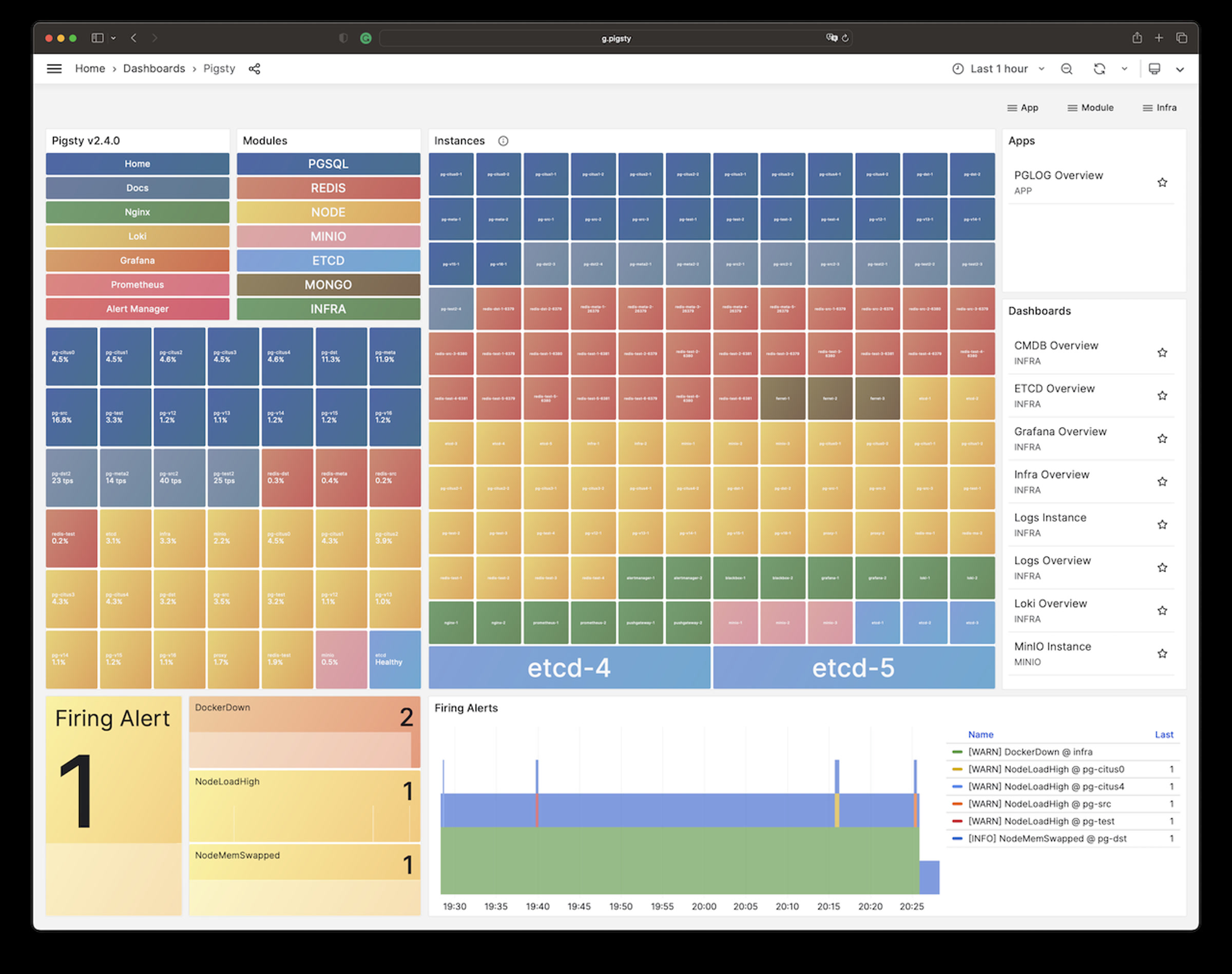
您可以通过 IP地址 + 端口的方式直接访问这些服务。但我们更推荐您使用域名通过 Nginx 80/443 端口代理访问所有组件。
使用域名访问 Pigsty WebUI 时,您需要配置 DNS 解析,或者修改本地的 /etc/hosts 静态解析文件。
客户端可以通过几种不同的办法来使用域名访问:
/etc/hosts 文件添加静态解析记录。(Windows下为:)我们建议普通用户使用第三种方式,在使用浏览器访问 Web 系统的机器上,修改 /etc/hosts (需要 sudo 权限)或 C:\Windows\System32\drivers\etc\hosts(Windows)文件,添加以下的解析记录:
这里的 IP 地址是安装 Pigsty 服务的 对外IP地址。
服务器端域名使用 Nginx 进行配置,如果您想要替换默认的域名,在参数 infra_portal 中填入使用的域名即可。
当您使用 http://g.pigsty 访问 Grafana 监控主页时,实际上是通过 Nginx 代理访问了 Grafana 的 WebUI:
Pigsty默认使用自动生成的自签名的 CA 证书为 Nginx 启用 SSL,如果您希望使用 HTTPS 访问这些页面,而不弹窗提示"不安全",通常有三个选择:
files/pki/ca/ca.crtthisisunsafe 跳过提示你可以使用 Pigsty 部署更多的集群,管理更多的节点,例如:
大多数模块都依赖 NODE 模块,请确保节点被 Pigsty 纳管后再加装其他模块。更多细节请参考 模块 详情:
PGSQL,INFRA,NODE,ETCD,MINIO,REDIS,MONGO,DOCKER,……
Pigsty 的 标准安装 流程需要访问互联网,然而生产环境的数据库服务器通常是与互联网隔离的。
因此 Pigsty 提供了离线安装的功能,允许您在没有互联网访问的环境中,同样完成安装与部署。
如果您有互联网访问,提前下载好预制的 离线软件包 也可以帮助您加速安装的过程,并增强安装过程的确定性与可靠性。
在执行 标准安装 前,首先下载好 Pigsty 软件包与 离线软件包 。
| 软件包下载地址 | CDN(中国大陆) | GitHub Release |
|---|---|---|
| Pigsty 源码包 | pigsty-v2.7.0.tgz | pigsty-v2.7.0.tgz |
| EL8 兼容 离线软件包 | pigsty-pkg-v2.7.0.el8.x86_64.tgz | pigsty-pkg-v2.7.0.el8.x86_64.tgz |
| Debian 12 离线软件包 | pigsty-pkg-v2.7.0.debian12.x86_64.tgz | pigsty-pkg-v2.7.0.debian12.x86_64.tgz |
| Ubuntu 22.04 离线软件包 | pigsty-pkg-v2.7.0.ubuntu22.x86_64.tgz | pigsty-pkg-v2.7.0.ubuntu22.x86_64.tgz |
您也可以使用 curl 通过命令行下载:
上传 Pigsty 软件包与离线软件包至管理节点,将离线包放置于 /tmp/pkg.tgz,然后通过 bootstrap 过程启用。
提示:如果您的节点带有互联网访问, bootstrap 的过程中会询问是否下载离线软件包,回复 y 即可自动下载。
Pigsty 会在安装过程中从互联网上游的 yum/apt 软件仓库,下载所需的 rpm/deb 包并构建一个本地软件源(默认位于 /www/pigsty)。
本地软件源由 Nginx 对外提供服务,后续无论是本机还是其他节点,都默认会使用本地软件源进行安装,而不再需要访问互联网。
使用本地软件源有三个主要好处:
离线安装的原理是:首先在一台具有相同操作系统,且有互联网访问的节点上,完成 标准安装 流程。
然后对构建好的本地软件源(默认位于 /www/pigsty )取快照并打包,制作 成为 离线软件包,供安装有同样操作系统的生产环境网络隔离节点使用。
当 Pigsty 执行 安装 时,如果发现本地软件源已经存在,就会进入离线安装模式。 在此模式下,Pigsty 将跳过从互联网下载并构建本地软件源的过程,使用本地软件源完成整个安装过程,期间无需互联网访问。
判定本地软件源存在的标准是:默认位于 /www/pigsty/repo_complete 的标记文件存在。
这个标记文件会在标准安装过程中,下载完成后自动生成,说明这是一个可用的本地软件源。
删除本地软件源的 repo_complete 标记文件后,安装时将重新从上游下载 缺失的 软件包。
离线软件包是一个使用 gzip 与 tar 制作的标准 Tarball,以 .tgz 后缀结尾。通常放置于 /tmp/pkg.tgz 路径,并解压至 /www/pigsty 使用。
Pigsty 为 首要支持 的三大操作系统发行版提供了预制离线软件包。如果您使用相同的操作系统版本,可以开箱即用。
https://github.com/Vonng/pigsty/releases/download/v2.7.0/pigsty-pkg-v2.7.0.el8.x86_64.tgz # EL 8.9 (Green Obsidian) https://github.com/Vonng/pigsty/releases/download/v2.7.0/pigsty-pkg-v2.7.0.debian12.x86_64.tgz # Debian 12 (bookworm) https://github.com/Vonng/pigsty/releases/download/v2.7.0/pigsty-pkg-v2.7.0.ubuntu22.x86_64.tgz # Ubuntu 22.04 (jammy)
https://get.pigsty.cc/v2.7.0/pigsty-pkg-v2.7.0.el8.x86_64.tgz # EL 8.9 (Green Obsidian) https://get.pigsty.cc/v2.7.0/pigsty-pkg-v2.7.0.debian12.x86_64.tgz # Debian 12 (bookworm) https://get.pigsty.cc/v2.7.0/pigsty-pkg-v2.7.0.ubuntu22.x86_64.tgz # Ubuntu 22.04 (jammy)
Ansible 是 Pigsty 的核心依赖,离线安装首先需要解决如何在没有互联网访问或本地源的情况下,离线安装 Ansible 的问题。
Pigsty 的离线软件包中默认已经包含了 ansible 及其依赖,从离线软件包中提取并安装 ansible 的这一过程,称为 Bootstrap。
首先将离线软件包拷贝至生产环境管理节点上,并放置于 /tmp/pkg.tgz 路径下备用,然后执行 bootstrap 命令即可:
bootstrap 脚本会帮助您自动解压位于 /tmp/pkg.tgz 的离线软件包,向节点添加并启用本地源,并安装 Ansible 及其依赖。
如果您的环境有互联网访问,并且当前操作系统有可用的离线软件包。那么 bootstrap 还会在离线软件包不存在时,询问你是否要下载。
/tmp/pkg.tgz)是否存在?/www/pigsty 并配置本地FS软件源启用它。/etc/yum.repos.d/ 或 /etc/apt/source.list.dpkg.tgz > 下载的 pkg.tgz > 原始上游 > 默认配置ansible python3-jmespath python3.11-jmespath python3-cryptography createrepo_c unzip wget dnf-utils sshpass modulemd-toolsansible python3-jmespath dpkg-dev unzip wget sshpass aclansible 是否成功安装。在一台安装了 RockyLinux 8.9 ,有互联网访问的节点上,因为该操作系统(Rocky 8.9)提供了官方的离线软件包,所以在 ./bootstrap 过程中,
如果没有检测到可用的 /www/pigsty 本地软件源,或 /tmp/pkg.tgz 离线软件包,就会询问用户是否下载离线软件包,回复 y 即可。
当然您也可以直接使用 bootstrap -y 直接默认回复 “yes”。
在一台互联网隔离的 Debian 12 节点上,用户已经提前下载好离线软件包,并上传至该节点的指定路径下。
如果离线软件包存在于 /tmp/pkg.tgz, bootstrap 会直接使用它,输出结果为:
在一台有互联网访问的 Ubuntu 20.04 节点上,因为 Pigsty 官方没有提供离线软件包,因此选择在线安装。在这种情况下,Bootstrap 会使用可用的源,使用 yum/apt 安装 ansible 与依赖:
Pigsty 提供了制作离线软件包的脚本 bin/cache 。默认会将 /www/pigsty 目录压缩打包,放置于 /tmp/pkg.tgz 下。
制作完成后,将其拷贝至生产环境管理节点,参考 bootstrap 过程使用即可,您也可以手工完成这一过程:
例如,在标准安装完成后的 Ubuntu 22.04 系统上执行 bin/cache 脚本,即可创建离线软件包(/tmp/pkg.tgz)。
Pigsty将基础设施和数据库视为代码:Database as Code & Infra as Code
你可以通过声明式的接口/配置文件来描述基础设施和数据库集群,你只需在 配置清单 (Inventory) 中描述你的需求,然后用简单的幂等剧本使其生效即可。
Pigsty 使用
每一套 Pigsty 部署都有一个相应的 配置清单(Inventory)。它可以以 YAML 的形式存储在本地,并使用 git 管理;或从 CMDB 或任何 ansible 兼容的方式动态生成。
Pigsty 默认使用一个名为 pigsty.yml 的单体 YAML 配置文件作为默认的配置清单,它位于 Pigsty 源码主目录下,但你也可以通过命令行参数 -i 指定路径以使用别的配置清单。
清单由两部分组成:全局变量 和多个 组定义 。 前者 all.vars 通常用于描述基础设施,并为集群设置全局默认参数。后者 all.children 则负责定义新的集群(PGSQL/Redis/MinIO/ETCD等等)。一个配置清单文件从最顶层来看大概如下所示:
每个组定义通常代表一个集群,可以是节点集群、PostgreSQL 集群、Redis 集群、Etcd 集群或 Minio 集群等。它们都使用相同的格式:hosts 和 vars。
你可以用 all.children.<cls>.hosts 定义集群成员,并使用 all.children.<cls>.vars 中的集群参数描述集群。以下是名为 pg-test 的三节点 PostgreSQL 高可用集群的定义示例:
你也可以为特定的主机/实例定义参数,也称为实例参数。它将覆盖集群参数和全局参数,实例参数通常用于为节点和数据库实例分配身份(实例号,角色)。
全局变量、组变量和主机变量都是由一系列 键值对 组成的字典对象。每一对都是一个命名的参数,由一个字符串名作为键,和一个值组成。值是五种类型之一:布尔值、字符串、数字、数组或对象。查看配置参数以了解详细的参数语法语义。
绝大多数参数都有着合适的默认值,身份参数 除外;它们被用作标识符,并必须显式配置,例如 pg_cluster, pg_role,以及 pg_seq。
参数可以被更高优先级的同名参数定义覆盖,优先级如下所示:
例如:
-e pg_clean=true 强制删除现有数据库pg_role 和 pg_seq 来为一个数据库实例分配角色与标号。pg_cluster 和数据库版本 pg_versionpg_version ,默认值 16 版本号会作为最后兜底的缺省值。在 Pigsty 的 files/pigsty 目录中,有许多不同场景的预置配置模板可供参考选用。
在 configure 过程中,您可以通过 -m 参数指定模板。否则会根据您的操作系统发行版环境自动选用对应的单节点安装配置模板。
el8.yml / el9.ymldebian12.ymlubuntu22.yml虽然 Pigsty 开源版本已经不再提供过时操作系统的官方支持,但对于老操作系统大版本,您依然可以使用以下两个模板进行安装:
el7.ymldebian11.ymlubuntu20.yml要使用不同的配置模板,您可以将模板的内容复制到 Pigsty 源码目录的 pigsty.yml 文件中,并按需进行相应调整。
您也可以在执行 Ansible 剧本时,通过 -i 命令行参数,显式指定使用的配置文件,例如:
如果您希望修改默认的配置文件名称与位置,您也可以修改源码根目录下的 ansible.cfg 的 inventory 参数,将其指向您的配置文件路径,这样您就可以直接执行 ansible-playbook 命令而无需显式指定 -i 参数。
Pigsty 允许您使用数据库(CMDB)作为动态配置源,而不是使用静态配置文件。 Pigsty 提供了三个便利脚本:
bin/inventory_load: 将 pigsty.yml 配置文件的内容加载到本机上的 PostgreSQL 数据库中(meta.pigsty)bin/inventory_cmdb: 切换配置源为本地 PostgreSQL 数据库(meta.pigsty)bin/inventory_conf: 切换配置源为本地静态配置文件 pigsty.ymlPigsty 带有 280+ 配置参数,分为以下32个参数组,详情请参考 配置参数 。
| 模块 | 参数组 | 描述 | 数量 |
|---|---|---|---|
INFRA |
META |
Pigsty 元数据 | 4 |
INFRA |
CA |
自签名公私钥基础设施 CA | 3 |
INFRA |
INFRA_ID |
基础设施门户,Nginx域名 | 2 |
INFRA |
REPO |
本地软件仓库 | 9 |
INFRA |
INFRA_PACKAGE |
基础设施软件包 | 2 |
INFRA |
NGINX |
Nginx 网络服务器 | 7 |
INFRA |
DNS |
DNSMASQ 域名服务器 | 3 |
INFRA |
PROMETHEUS |
Prometheus 时序数据库全家桶 | 18 |
INFRA |
GRAFANA |
Grafana 可观测性全家桶 | 6 |
INFRA |
LOKI |
Loki 日志服务 | 4 |
NODE |
NODE_ID |
节点身份参数 | 5 |
NODE |
NODE_DNS |
节点域名 & DNS解析 | 6 |
NODE |
NODE_PACKAGE |
节点仓库源 & 安装软件包 | 5 |
NODE |
NODE_TUNE |
节点调优与内核特性开关 | 10 |
NODE |
NODE_ADMIN |
管理员用户与SSH凭证管理 | 7 |
NODE |
NODE_TIME |
时区,NTP服务与定时任务 | 5 |
NODE |
NODE_VIP |
可选的主机节点集群L2 VIP | 8 |
NODE |
HAPROXY |
使用HAProxy对外暴露服务 | 10 |
NODE |
NODE_EXPORTER |
主机节点监控与注册 | 3 |
NODE |
PROMTAIL |
Promtail日志收集组件 | 4 |
DOCKER |
DOCKER |
Docker容器服务(可选) | 4 |
ETCD |
ETCD |
ETCD DCS 集群 | 10 |
MINIO |
MINIO |
MINIO S3 对象存储 | 15 |
REDIS |
REDIS |
Redis 缓存 | 20 |
PGSQL |
PG_ID |
PG 身份参数 | 11 |
PGSQL |
PG_BUSINESS |
PG 业务对象定义 | 12 |
PGSQL |
PG_INSTALL |
安装 PG 软件包 & 扩展 | 10 |
PGSQL |
PG_BOOTSTRAP |
使用 Patroni 初始化 HA PG 集群 | 39 |
PGSQL |
PG_PROVISION |
创建 PG 数据库内对象 | 9 |
PGSQL |
PG_BACKUP |
使用 pgBackRest 设置备份仓库 | 5 |
PGSQL |
PG_SERVICE |
对外暴露服务, 绑定 vip, dns | 9 |
PGSQL |
PG_EXPORTER |
PG 监控,服务注册 | 15 |
与 Pigsty 部署有关的 101 入门知识。
Pigsty 支持 Linux 内核与 x86_64/amd64 架构,适用于任意节点。
所谓节点(node),指 ssh 可达并提供裸操作系统环境的资源,例如物理机,虚拟机,或者启用了 systemd 与 sshd 的操作系统容器。
部署 Pigsty 最少需要一个节点。最低配置要求为 1C1G,推荐至少使用 2C4G 以上的机型,适用配置上不封顶,参数会自动优化适配。
作为 Demo,个人站点,或者开发环境时,可以使用单个节点。 作为独立监控基础设施使用时,建议使用 1-2 个节点,作为高可用 PostgreSQL 数据库集群使用时,建议至少使用 3 个节点。用于核心场景时,建议使用至少 4-5 个节点。
Pigsty 要求节点使用 静态IPv4地址,即您应当为节点显式分配指定固定的 IP 地址,而不应当使用 DHCP 动态分配的地址。
节点使用的 IP 地址应当是节点用于内网通信的首要 IP 地址,并将作为节点的唯一身份标识符。
如果您希望使用可选的 Node VIP 与 PG VIP 功能,应当确保所有节点位于一个大二层网络中。
您的防火墙策略应当保证所需的端口在节点间开放,不同模块所需的具体端口列表请参考 节点:端口。
Pigsty 支持多种基于 Linux 内核的服务器操作系统发行版,我们建议使用 RockyLinux 8.9 或 Ubuntu 22.04.3 作为安装 Pigsty 的 OS。
Pigsty 支持 RHEL (7,8,9),Debian (11,12),Ubuntu (20,22) 以及多种与之兼容的操作系统发行版,完整操作系统列表请参考 兼容性。
在使用多个节点镜进行部署时,我们 强烈 建议您在所有用于 Pigsty 部署的节点上,使用相同版本的操作系统发行版与 Linux 内核版本
我们强烈建议使用干净,全新安装的最小化安装的服务器操作系统环境,并使用 en_US 作为首要语言。
使用其他系统语言包时,如何确保 en_US 本地化规则集可用:
注:Pigsty 部署的 PostgreSQL 集群默认使用 C.UTF8 locale,但字符集定义使用 en_US 以确保 pg_trgm 扩展可以正常工作。
如果您确实不需要此功能,可以配置 pg_lc_ctype 的值为 C.UTF8 ,以避免在系统语言包缺失的情况下,数据库初始化报错的问题。
在安装 Pigsty 的节点上,您需要拥有一个 “管理用户” —— 拥有免密 ssh 登陆权限与免密 sudo 权限。
免密 sudo 是必选项,用于在安装过程中执行需要 sudo 权限的命令,例如安装软件包,配置系统参数等。
假设您的管理用户名为 vagrant ,则可以创建 /etc/sudoers.d/vagrant 文件,并添加以下记录:
则 vagrant 用户即可免密 sudo 执行所有命令。如果你的用户名不是 vagrant,请将上面操作中的 vagrant 替换为您的用户名。
除了免密 sudo 权限, Pigsty 还需要管理用户免密 ssh 登陆的权限。
对于单机安装的节点而言,这意味着本机上的管理用户可以通过 ssh 免密码登陆到本机上。
如果的 Pigsty 部署涉及到多个节点,这意味着管理节点上的管理用户应当可以通过 ssh 免密码登陆到所有被 Pigsty 纳管的节点上(包括本机),并免密执行 sudo 命令。
单机安装时,在 configure 过程中,如果您的当前管理用户没有 SSH key,Pigsty 会尝试修复此问题:随机生成一对新的 id_rsa 密钥,并添加至本地 ~/.ssh/authroized_keys 文件确保本机管理用户的 SSH 登陆能力。
Pigsty 默认会为您在纳管的节点上创建一个可用的管理用户 dba (uid=88),如果您已经使用了此用户,我们建议您修改 node_admin_username 使用新的用户名与其他 uid,或通过 node_admin_enabled 参数禁用。
假设您的管理用户名为 vagrant,则以 vagrant 用户身份执行以下命令,会为其生成公私钥对 ~/.ssh/id_rsa[.pub] 用于登陆。如果已经存在公私钥对,则无需生成新密钥对。
生成的公钥默认位于:/home/vagrant/.ssh/id_rsa.pub,私钥默认位于:/home/vagrant/.ssh/id_rsa,如果您操作系统用户名不叫 vagrant,将上面的 vagrant 替换为您的用户名即可。
您应当将公钥文件(id_rsa.pub)追加写入到需要登陆机器的对应用户上:/home/vagrant/.ssh/authorized_keys 文件中。如果您已经可以直接通过密码访问远程机器,可以直接通过ssh-copy-id的方式拷贝公钥:
Pigsty 推荐将管理用户的创建,权限配置与密钥分发放在虚拟机的置备阶段完成,作为标准化交付内容的一部分。
如果您的 SSH 访问有一些额外限制,例如,使用了跳板机,或者进行了某些定制化修改,无法通过简单的 ssh <ip> 方式访问,那么可以考虑使用 ssh 别名。
例如,如果您的服务器可以通过 ~/.ssh/config 中定义的别名,例如 meta 通过 ssh 访问,那么可以为 配置清单 中的节点配置 ansible_host 参数,指定 SSH Alias:
如果 SSH 别名无法满足您的需求,Ansible 还提供了一系列自定义 ssh 连接参数,可以精细控制 SSH 连接的行为。
最后,如果以下命令可以在管理节点上使用管理用户成功执行,意味着该目标节点上的管理用户与权限配置已经妥当:
在 管理节点 上,Pigsty 需要使用 Ansible 发起控制命令。如果您使用本地单机安装,那么管理节点和被管理的节点是同一台,需要安装 Ansible。对于普通节点,则无需安装 Ansible。
在 bootstrap 过程中,Pigsty 会尽最大努力自动为您完成安装 Ansible 这一任务,但您也可以选择手工安装 Ansible。手工安装 Ansible 的过程因不同操作系统发行版/大版本而异(通常涉及到额外的弱依赖 jmespath):
sudo dnf install -y ansible python3.11-jmespath python3-cryptography
sudo yum install -y ansible # EL7 无需显式安装 Jmespath
sudo apt install -y ansible python3-jmespath
brew install ansible
为了安装 Pigsty,您还需要准备 Pigsty 源码包。您可以直接从 GitHub Release 页面下载特定版本,或使用以下命令获取最新稳定版本:
如果您的环境没有互联网访问,也可以考虑直接从 GitHub Release 页面或其他渠道下载针对不同操作系统发行版预先制作的 离线安装包。
Pigsty v2.7 的资源规划从选择部署拓扑开始,并据此准备主机、操作系统、网络与管理员访问权限。
集群、用户、数据库、服务与备份的准确参数仍以链接到的 v2.7 页面为准;本页只恢复历史规划入口。
在 Pigsty 中,剧本 / Playbooks 用于在节点上安装模块。
剧本可以视作可执行文件直接执行,例如:./install.yml.
以下是 Pigsty 中默认包含的剧本:
| 剧本 | 功能 |
|---|---|
install.yml |
在当前节点上一次性完整安装 Pigsty |
infra.yml |
在 infra 节点上初始化 pigsty 基础设施 |
infra-rm.yml |
从 infra 节点移除基础设施组件 |
node.yml |
纳管节点,并调整节点到期望的状态 |
node-rm.yml |
从 pigsty 中移除纳管节点 |
pgsql.yml |
初始化 HA PostgreSQL 集群或添加新的从库实例 |
pgsql-rm.yml |
移除 PostgreSQL 集群或移除从库实例 |
pgsql-user.yml |
向现有的 PostgreSQL 集群添加新的业务用户 |
pgsql-db.yml |
向现有的 PostgreSQL 集群添加新的业务数据库 |
pgsql-monitor.yml |
监控纳管远程 postgres 实例 |
pgsql-migration.yml |
为现有的 PostgreSQL 生成迁移手册和脚本 |
redis.yml |
初始化 redis 集群/节点/实例 |
redis-rm.yml |
移除 redis 集群/节点/实例 |
etcd.yml |
初始化 etcd 集群(patroni HA DCS所需) |
minio.yml |
初始化 minio 集群(pgbackrest 备份仓库备选项) |
cert.yml |
使用 pigsty 自签名 CA 颁发证书(例如用于客户端) |
docker.yml |
在节点上安装 docker |
mongo.yml |
在节点上安装 Mongo/FerretDB |
特殊的剧本 install.yml 实际上是一个复合剧本,它在当前环境上安装所有以下组件。
请注意,NODE 和 INFRA 之间存在循环依赖:为了在 INFRA 上注册 NODE,INFRA 应该已经存在,而 INFRA 模块依赖于 INFRA节点上的 NODE 模块才能工作。
为了解决这个问题,INFRA 模块的安装剧本也会在 INFRA 节点上安装 NODE 模块。所以,请确保首先初始化 INFRA 节点。
如果您非要一次性初始化包括 INFRA 在内的所有节点,install.yml 剧本就是用来解决这个问题的:它会正确的处理好这里的循环依赖,一次性完成整个环境的初始化。
执行剧本需要 ansible-playbook 可执行文件,该文件包含在 ansible rpm/deb 包中。
Pigsty 将在 准备 期间在尽最大努力尝试在当前节点安装 ansible。
您可以自己使用 yum / apt / brew install ansible 来安装 Ansible,它含在各大发行版的默认仓库中。
了解 ansible 对于使用 Pigsty 很有帮助,但也不是必要的。对于基本使用,您只需要注意四个参数就足够了:
-i|--inventory <path> :显式指定使用的配置文件-l|--limit <pattern> : 限制剧本在特定的组/主机/模式上执行目标(在哪里/Where)-t|--tags <tags> : 只运行带有特定标签的任务(做什么/What)-e|--extra-vars <vars> : 传递额外的命令行参数(怎么做/How)您可以使用 -i 命令行参数,显式指定使用的配置文件。
Pigsty 默认使用名为 pigsty.yml 配置文件,该文件位于 Pigsty 源码根目录中的 pigsty.yml。但您可以使用 -i 覆盖这一行为,例如:
如果您希望永久修改默认使用的配置文件,可以修改源码根目录下的 ansible.cfg 的 inventory 参数,将其指向您的配置文件路径。
这样您就可以在执行 ansible-playbook 命令时无需显式指定 -i 参数了。
您可以使用 -l|-limit <selector> 限制剧本的执行目标。
缺少此值可能很危险,因为大多数剧本会在 all 分组,也就是所有主机上执行,使用时务必小心。
以下是一些主机限制的示例:
你可以使用 -t|--tags <tag> 执行剧本的子集。 你可以在逗号分隔的列表中指定多个标签,例如 -t tag1,tag2。
如果指定了任务子集,将执行给定标签的任务,而不是整个剧本。以下是任务限制的一些示例:
您可以通过 -e|-extra-vars KEY=VALUE 传递额外的命令行参数。
命令行参数具有压倒性的优先级,以下是一些额外参数的示例:
大多数剧本都是幂等的,这意味着在未打开保护选项的情况下,一些部署剧本可能会 删除现有的数据库 并创建新的数据库。
请仔细阅读文档,多次校对命令,并小心操作。作者不对因误用造成的任何数据库损失负责。
Pigsty 在节点上运行,这些节点可以是裸机或虚拟机。您可以手工置备它们,或使用 terraform 和 vagrant 这样的工具在云端或本地进行自动配置。
Pigsty 带有一个演示沙箱,所谓沙箱,就是专门用来演示/测试的环境:IP地址和其他标识符都预先固定配置好,便于复现各种演示用例。
默认的沙箱环境由4个节点组成,配置文件请参考 demo.yml。
沙箱的 4 个节点有着固定的 IP 地址:10.10.10.10、10.10.10.11、10.10.10.12、10.10.10.13。
沙箱带有一个位于 meta 节点上的单实例 PostgreSQL 集群:pg-meta:
meta 10.10.10.10 pg-meta pg-meta-1沙箱中还有一个由三个实例组成的 PostgreSQL 高可用集群:pg-test,部署在另外三个节点上:
node-1 10.10.10.11 pg-test.pg-test-1node-2 10.10.10.12 pg-test.pg-test-2node-3 10.10.10.13 pg-test.pg-test-3两个可选的 L2 VIP 分别绑定在 pg-meta 和 pg-test 集群的主实例上:
10.10.10.2 pg-meta10.10.10.3 pg-test在 meta 节点上,还有一个单实例的 etcd “集群”和一个单实例的 minio “集群”。
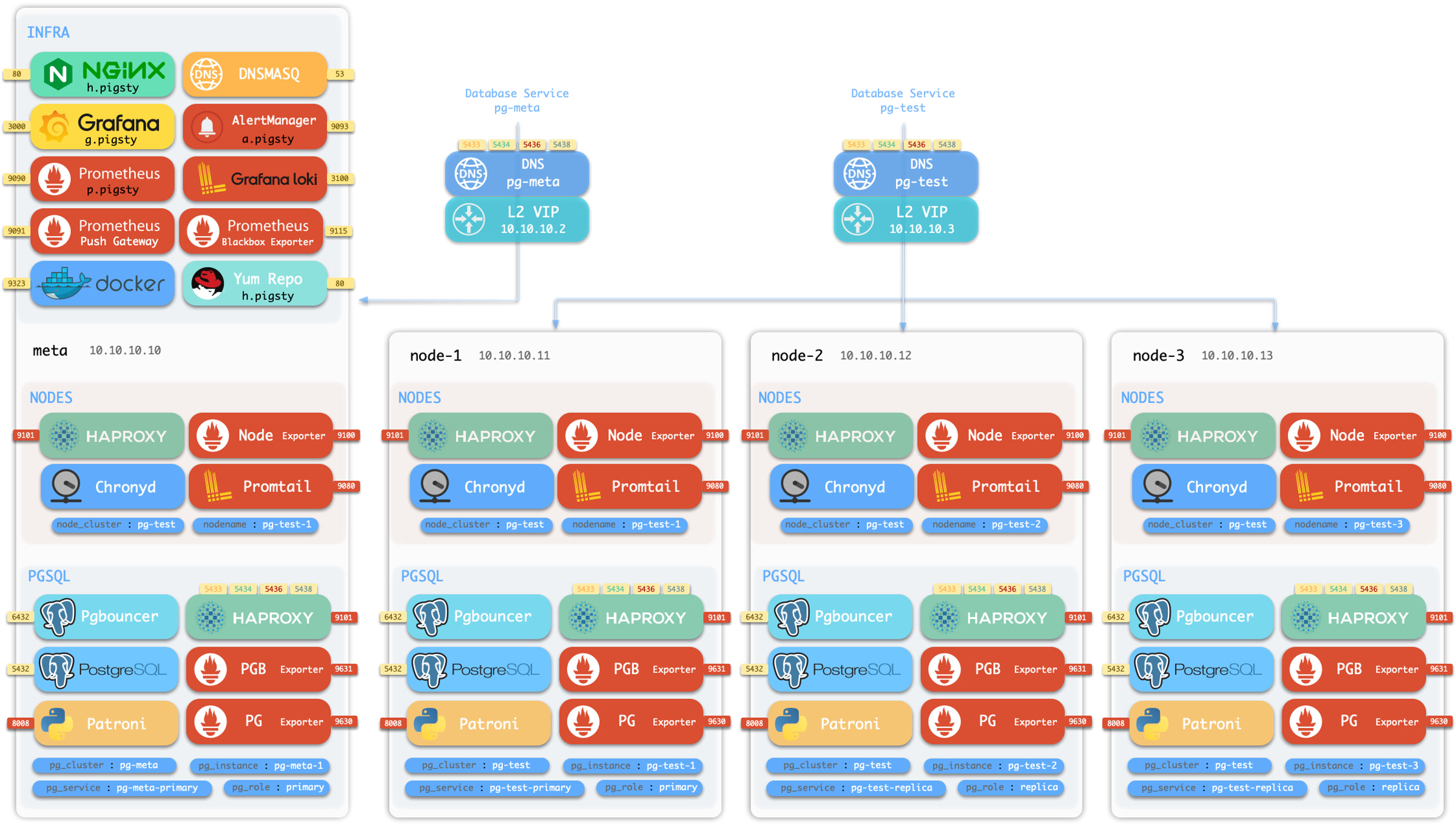
您可以在本地虚拟机或云虚拟机上运行沙箱。Pigsty 提供基于 Vagrant 的本地沙箱(使用 Virtualbox/libvirt 启动本地虚拟机)以及基于 Terraform 的云沙箱(使用云供应商 API 创建虚拟机)。
本地沙箱可以在您的 Mac/PC 上免费运行。运行完整的4节点沙箱,您的 Mac/PC 应至少拥有 4C/8G。
云沙箱可以轻松创建和共享,单需要一个公有云帐户才行。云上虚拟机可以按需创建/一键销毁,对于快速测试来说非常便宜省事。
此外,Pigsty 还提供了一个 42节点 的生产仿真环境沙箱 prod.yml。
Vagrant 可以按照声明式的方式创建本地虚拟机。请查看 Vagrant 模板介绍 以获取详情。
确保您的操作系统中已经安装并可以使用 Vagrant 和 Virtualbox。
如果您使用的是 macOS,您可以使用 homebrew 一键命令安装它们,注意安装 Virtualbox 后需要重启系统。
如果你用的是 Linux,可以使用 virtualbox,也可以考虑使用 KVM: vagrant-libvirt。
vagarnt/Vagranfile 是一个 Ruby 脚本文件,用来描述 Vagrant 要创建的虚拟机节点。Pigsty 提供了一些默认的配置模板:
| 模板 | 快捷方式 | 规格 | 注释 |
|---|---|---|---|
| meta.rb | v1 |
4C8G x 1 | 单一 Meta 节点 |
| full.rb | v4 |
2C4G + 1C2G x 3 | 完整的4节点沙盒示例 |
| el7.rb | v7 |
2C4G + 1C2G x 3 | EL7 3-节点测试环境 |
| el8.rb | v8 |
2C4G + 1C2G x 3 | EL8 3-节点测试环境 |
| el9.rb | v9 |
2C4G + 1C2G x 3 | EL9 3-节点测试环境 |
| build.rb | vb |
2C4G x 3 | 3-节点 EL7,8,9 构建环境 |
| check.rb | vc |
2C4G x 30 | 30 EL7-9, PG12-16 测试环境 |
| minio.rb | vm |
2C4G x 3 + Disk | 3-节点 MinIO/etcd 测试环境 |
| prod.rb | vp |
2C4G x 42 | 42节点的生产模拟环境 |
每个规格文件包含一个描述虚拟机节点的 Specs 变量。例如,full.rb 包含4节点沙盒规格的描述:
您可以使用 vagrant/switch 脚本切换 Vagrant 配置文件,它会根据规格以及虚拟机软件类型,渲染生成最终的 Vagrantfile。
当您使用 vagrant/Vagrantfile 描述了所需的虚拟机后,你可以使用vagrant up命令创建这些虚拟机。
Pigsty 模板默认会使用你的 ~/.ssh/id_rsa[.pub] 作为这些虚拟机的默认ssh凭证。
在开始之前,请确保你有一个有效的ssh密钥对,你可以通过以下方式生成一对:ssh-keygen -t rsa -b 2048
此外,还有一些 makefile 快捷方式包装了 vagrant 命令,你可以使用它们来管理虚拟机。
你可以使用以下的 Makefile 快捷方式使用 vagrant 拉起虚拟机环境。
Terraform是一个开源的实践“基础设施即代码”的工具:描述你想要的云资源,然后一键创建它们。
Pigsty 提供了 AWS,阿里云,腾讯云的 Terraform 模板,您可以使用它们在云上一键创建虚拟机。
在 MacOS 上,Terraform 可以使用 homebrew 一键安装:brew install terraform。你需要创建一个云帐户,获取 AccessKey 和 AccessSecret 凭证来继续下面的操作。
terraform/目录包含两个示例模板:一个 AWS 模板,一个阿里云模板,你可以按需调整它们,或者作为其他云厂商配置文件的参考,让我们用阿里云为例:
在执行 terraform apply 拉起虚拟机之前,你要执行一次 terraform init 安装相应云厂商的插件。
运行 apply 子命令并按提示回答 yes 后,Terraform 将为你创建虚拟机以及其他云资源(网络,安全组,以及其他各种玩意)。
执行结束时,管理员节点的IP地址将被打印出来,你可以登录并开始完成 Pigsty 本身的安装
Pigsty 的默认配置已经足以覆盖绝大多数场景对于安全的需求。
Pigsty 已经提供了开箱即用的认证与访问控制模型,对于绝大多数场景已经足够安全。
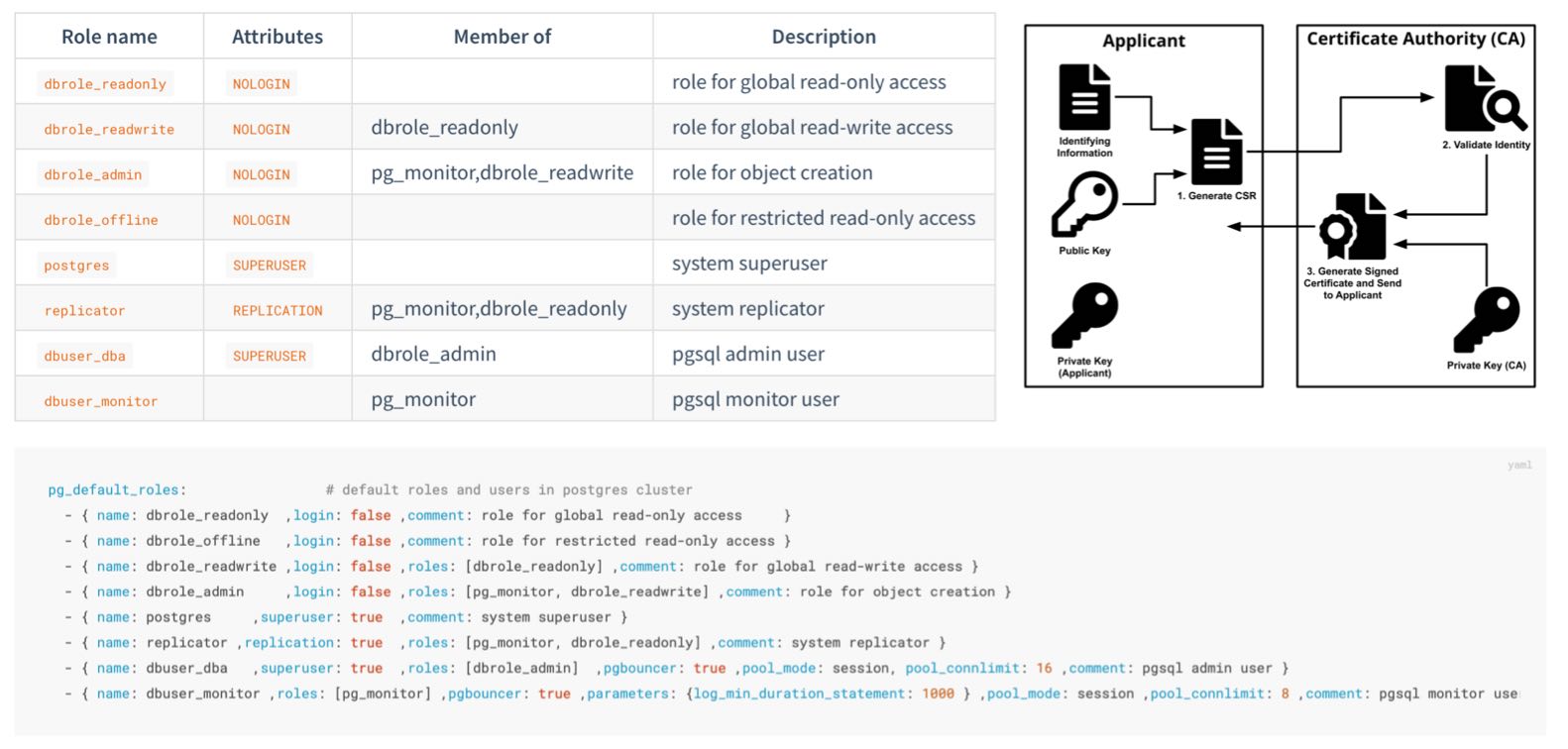
如果您希望进一步加固系统的安全性,那么以下建议供您参考:
保护你的 pigsty.yml 配置文件或CMDB
pigsty.yml 配置文件通常包含了高度敏感的机密信息,您应当确保它的安全。保护你的 CA 私钥和其他证书,这些文件非常重要。
files/pki 内生成。在生产环境部署时,必须更改这些密码,不要使用默认值!
grafana_admin_password : pigstypg_admin_password : DBUser.DBApg_monitor_password : DBUser.Monitorpg_replication_password : DBUser.Replicatorpatroni_password : Patroni.APIhaproxy_admin_password : pigstyminio_secret_key : minioadmin如果您使用MinIO,请修改MinIO的默认用户密码,与pgbackrest中的引用
minio_users.[pgbacrest].secret_keypgbackrest_repo.minio.s3_key_secret如果您使用远程备份仓库,请务必启用备份加密,并设置加解密密码
pgbackrest_repo.*.cipher_type 为 aes-256-cbc${pg_cluster} 作为密码的一部分,避免所有集群使用同一个密码为 PostgreSQL 使用安全可靠的密码加密算法
pg_pwd_enc 默认值 scram-sha-256 替代传统的 md5md5使用 passwordcheck 扩展强制执行强密码。
pg_libs 中添加 $lib/passwordcheck 来强制密码策略。使用加密算法加密远程备份
pgbackrest_repo 的备份仓库定义中使用 repo_cipher_type 启用加密为业务用户配置密码自动过期实践
你应当为每个业务用户设置一个密码自动过期时间,以满足合规要求。
配置自动过期后,请不要忘记在巡检时定期更新这些密码。
不要将更改密码的语句记录到 postgres 日志或其他日志中
为 postgres/pgbouncer/patroni 绑定指定的 IP 地址,而不是所有地址。
pg_listen 地址是 0.0.0.0,即所有 IPv4 地址。pg_listen: '${ip},${vip},${lo}' 绑定到特定IP地址(列表)以增强安全性。不要将任何端口直接暴露到公网IP上,除了基础设施出口Nginx使用的端口(默认80/443)
redis_bind_address 只监听内网IP地址。使用 HBA 限制 postgres 客户端访问
security.yml限制 patroni 管理访问权限:仅 infra/admin 节点可调用控制API
restapi.allowlist 限制的。使用 SSL 和域名,通过Nginx访问基础设施组件
nginx_sslmode 控制,默认为 enable。infra_portal.<component>.domain 指定。使用 SSL 保护 Patroni REST API
patroni_ssl_enabled 默认为禁用。使用 SSL 保护 Pgbouncer 客户端流量
pgbouncer_sslmode 默认为 disable为关键场景下的 PostgreSQL 数据库集群配置一致性优先模式(例如与钱相关的库)
pg_conf 数据库调优模板,使用 crit.yml 将以一些可用性为代价,换取最佳的数据一致性。使用crit节点调优模板,以获得更好的一致性。
node_tune 主机调优模板使用 crit ,可以以减少脏页比率,降低数据一致性风险。启用数据校验和,以检测静默数据损坏。
pg_checksum 默认为 off,但建议开启。pg_conf = crit.yml 数据库模板时,校验和是强制开启的。记录建立/切断连接的日志
crit.yml 配置模板中是默认启用的。log_connections 和 log_disconnections 功能参数。如果您希望彻底杜绝PG集群在故障转移时脑裂的可能性,请启用watchdog
kill -9 杀死,那么 watchdog 可以用来兜底:超时自动关机。对于关键场景的PostgreSQL数据库集群,请使用足够的节点/实例数量
对于 PostgreSQL,在可用性和一致性之间进行权衡
不要直接通过固定的 IP 地址访问数据库;请使用 VIP、DNS、HAProxy 或它们的排列组合
在重要的生产部署中使用多个基础设施节点(例如,1~3)
使用足够数量的 etcd 服务器实例,并使用奇数个实例(1,3,5,7)
这里列出了Pigsty用户在下载、安装、部署时常遇到的问题,如果您遇到了难以解决的问题,可以提交 Issue 或者联系我们。
使用以下命令一键安装 Pigsty: bash -c "$(curl -fsSL https://get.pigsty.cc/install)" -- v2.7.0
上述命令会自动下载最新的稳定版本 pigsty.tgz 并解压到 ~/pigsty 目录。您也可以从以下位置手动下载 Pigsty 源代码的特定版本。
如果您需要在没有互联网的环境中安装,可以提前在有网络的环境中下载好,并通过 scp/sftp 或者 CDROM/USB 传输至生产服务器。
考虑使用本地仓库镜像,仓库镜像在repo_upstream 参数中配置,你可以选择 region 来使用不同镜像站。
例如,您可以设置 region = china,这样将使用 baseurl 中键为 china 的 URL 而不是 default。
如果防火墙或GFW屏蔽了某些仓库,考虑使用proxy_env 来绕过。
请注意,Pigsty 的预制 离线软件包 是针对 特定操作系统发行版小版本 打包的,因此如果您使用的操作系统版本没有精确对齐,我们不建议使用离线软件安装包,而是直接从上游下载符合当前操作系统实际情况的软件包版本。
如果在线安装无法解决包冲突问题,您首先可以尝试修改 Pigsty 使用的上游软件源。例如在 EL 系操作系统中, Pigsty 默认的上游软件源中使用 $releasever 这样的大版本占位符,它将被解析为具体的 7,8,9 大版本号,但是许多操作系统发行版都提供了 Vault,允许您使用特定某一个版本的软件包镜像。
因此,您可以将 repo_upstream 参数中的 BaseURL 前段替换为具体的 Vault 小版本仓库,例如:
https://mirrors.aliyun.com/rockylinux/$releasever/ (原始 BaseURL 前缀,不带 vault )https://mirrors.tuna.tsinghua.edu.cn/centos-vault/7.6.1810/ (使用 7.6 而不是默认的 7.9)https://mirrors.aliyun.com/rockylinux-vault/8.6/ (使用 8.6 而不是默认的 8.9)https://mirrors.aliyun.com/rockylinux-vault/9.2/ (使用 9.2 而不是默认的 9.3)在替换前请注意目标软件源的路径是否真实存在,例如 EPEL 不提供小版本特定的软件源。支持这种方式的上游源包括:base, updates, extras, centos-sclo, centos-sclo-rh, baseos, appstream, extras, crb, powertools, pgdg-common, pgdg1*
在 Pigsty 配置文件中显式定义并覆盖 repo_upstream 后,(可清除 /www/pigsty/repo_complete 标记后)再次尝试安装。如果上游软件源与镜像源的软件没有解决问题,你可以考虑将上面的源替换为操作系统自带的软件源,再次尝试从上游直接安装。
最后如果以上手段都没有解决问题,你可以考虑移除 node_packages, infra_packages, pg_packages,pg_extensions 中出现冲突的软件包。或者移除、升级现有系统上的冲突软件包。
检测环境是否就绪、用各种手段确保后续安装所必需的工具 ansible 被正确安装。
当你下载 Pigsty 源码后,可以进入目录并执行 bootstrap 脚本。它会检测你的节点环境,如果没有发现离线软件包,它会询问你要不要从互联网下载。
你可以选择 “是”(y),直接使用离线软件包安装又快又稳定。你也可以选“否” (n) 跳过,在安装时直接从互联网上游下载最新的软件包,这样会极大减少出现 RPM/DEB 包冲突的概率。
如果使用了离线软件包,bootstrap 会直接从离线软件包中安装 ansible,否则会从上游下载 ansible 并安装,如果你没有互联网访问,又没有 DVD,或者内网软件源,那就只能用离线软件包来安装了。
配置 / configure 过程会检测你的节点环境并为你生成一个 pigsty 配置文件:pigsty.yml,默认根据你的操作系统(EL 7/8/9)选用相应的单机安装模板。
所有默认的配置模板都在 files/pigsty中,你可以使用 -m 直接指定想要使用的配置模板。如果您已经知道如何配置 Pigsty 了,那么完全可以跳过这一步,直接编辑 Pigsty 配置文件。
Pigsty主目录下的 pigsty.yml 是默认的配置文件,可以用来描述整套部署的环境,在 files/pigsty 有许多配置示例供你参考。
当执行剧本时,你可以使用 -i <path> 参数,选用其他位置的配置文件。例如,你想根据另一个专门的配置文件 redis.yml 来安装 redis:./redis.yml -i files/pigsty/redis.yml
默认的配置文件路径在 ansible.cfg 中指定为:inventory = pigsty.yml
你可以使用 bin/inventory_cmdb 切换到动态的 CMDB 清单,
使用 bin/inventory_conf 返回到本地配置文件。
你还需要使用 bin/inventory_load 将当前的配置文件清单加载到 CMDB。
如果使用 CMDB,你必须从数据库而不是配置文件中编辑清单配置,这种方式适合将 Pigsty 与外部系统相集成。
Pigsty 使用 10.10.10.10 作为当前节点 IP 的占位符,配置过程中会用当前节点的主 IP 地址替换它。
当 configure 检测到当前节点有多个 NIC 带有多个 IP 时,配置向导会提示使用哪个主要 IP,即 用户用于从内部网络访问节点的 IP,此 IP 将用于在配置文件模板中替换占位符 10.10.10.10。
请注意:不要使用公共 IP 作为主 IP,因为 Pigsty 会使用主 IP 来配置内部服务,例如 Nginx,Prometheus,Grafana,Loki,AlertManager,Chronyd,DNSMasq 等,除了 Nginx 之外的服务不应该对外界暴露端口。
Pigsty 提供了 280+ 配置参数,可以对整个环境与各个模块 infra/node/etcd/minio/pgsql 进行细致入微的定制。
通常在单节点安装中,你不需要对默认生成的配置文件进行任何调整。但如果需要,可以关注以下这些参数:
infra_portal 指定,有些服务只能通过 Nginx 代理使用域名访问。/data 目录用于存放所有数据;如果数据磁盘的挂载点与此不同,你可以使用 node_data 调整这些路径。当您执行 make install 时,实际上是调用 Ansible 剧本 install.yml,根据配置文件中的参数,安装以下内容:
INFRA 模块:提供本地软件源,Nginx Web接入点,DNS服务器,NTP服务器,Prometheus与Grafana可观测性技术栈。NODE 模块,将当前节点纳入 Pigsty 管理,部署 HAProxy 与 监控。ETCD 模块,部署一个单机 etcd 集群,作为 PG 高可用的 DCSMINIO 模块是默认不安装的,它可以作为 PG 的备份仓库。PGSQL 模块,一个单机 PostgreSQL 数据库实例。在安装 node/infra/pgsql 软件包期间,可能有微小的几率出现 rpm 冲突。特别是,如果您使用的 EL 7-9 小版本不同于 7.9, 8.9, 9.3 ,或者使用了一些冷门换皮魔改发行版的话,可能会出现这种情况。
解决这个问题的最简单方法是:不使用离线包进行安装,这将直接从上游仓库中下载最合适您当前系统的软件包。如果只有少数几个 RPM 包有问题,你可以使用一个小技巧快速修复:
当你第一次使用 Vagrant 启动某个特定的操作系统仓库时,它会下载相应的 Box/Img 镜像文件,Pigsty 沙箱默认使用 generic/rocky9 镜像。
使用代理可能会增加下载速度。Box/Img 只需下载一次,在重建沙箱时会被重复使用。
阿里云的 CentOS 7.9 额外安装的 nscd 可能会导致 RPM 冲突问题:"Error: Package: nscd-2.17-307.el7.1.x86_64 (@base)"
遇见安装失败,RPM冲突报错不要慌,这是一个DNS缓存工具,把这个包卸载了就可以了:sudo yum remove nscd,或者使用 ansible 命令批量删除所有节点上的 nscd:
腾讯云的 Rocky 9.x 需要额外的 annobin 软件包才可以正常完成 Pigsty 安装。
遇见安装失败,RPM冲突报错不要慌,进入 /www/pigsty 把这几个包手动下载下来就好了。
Ansible 命令的默认 ssh 超时时间是10秒。由于网络延迟或其他原因,某些命令可能需要超过这个时间。
你可以在 ansible 配置文件 ansible.cfg 中增加超时参数:
如果你的SSH连接非常慢,通常会是 DNS的问题,请检查sshd配置确保 UseDNS no。
“PostgreSQL In Great STYle”: Postgres, Infras, Graphics, Service, Toolbox, it’s all Yours.
—— 开箱即用、本地优先的 PostgreSQL 发行版,开源 RDS 替代
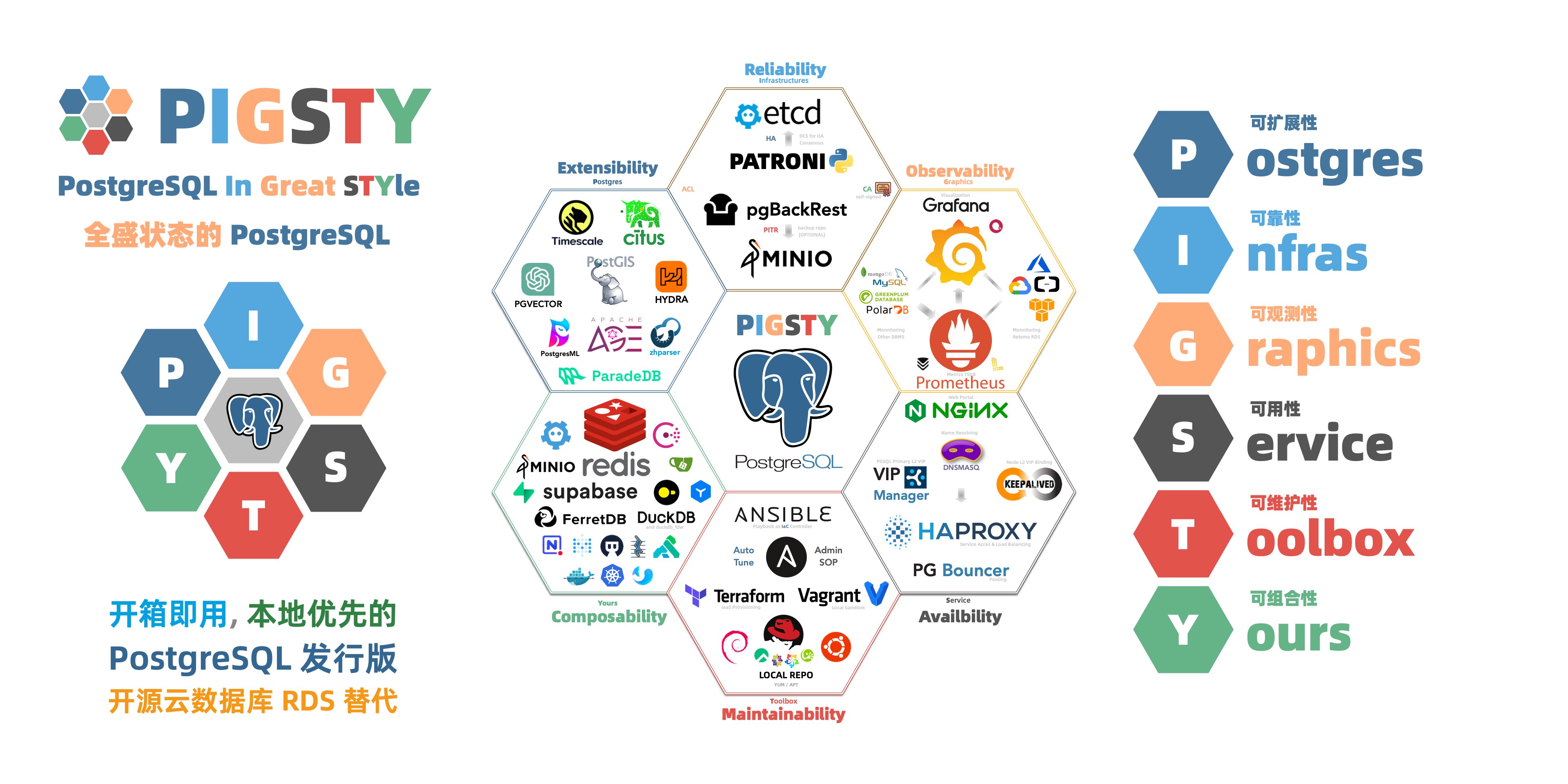
Pigsty 是一个更好的本地开源 RDS for PostgreSQL 替代:
PostgreSQL 整合了生态中的工具与最佳实践:
让您立刻在本地拥有生产级的PostgreSQL数据库服务!
PostgreSQL 是一个足够完美的数据库内核,但它需要更多工具与系统的配合才能成为一个足够好的数据库服务(RDS),而 Pigsty 帮助 PostgreSQL 完成这一步飞跃,帮助用户用好这个强大的数据库。
Pigsty 支持的数据库版本覆盖 PostgreSQL 12 ~ 16,可以运行于 EL/Debian/Ubuntu 以及 兼容 操作系统发行版中。 除了数据库内核与大量开箱即用的扩展插件以外,Pigsty更是提供了数据库服务所需的完整运行时基础设施,与本地沙箱/生产环境/IaaS全自动部署方案。
您无需依赖任何外部组件或互联网访问,便可以在任何环境中一键拉起生产级的 PostgreSQL RDS 服务,10分钟从全新裸机进入生产可用状态。 参数将根据您的硬件规格自动进行优化调整,内核扩展安装,连接池,负载均衡,服务接入,高可用/自动切换,日志监控,备份恢复PITR,访问控制,参数调优,安全加密,证书签发,NTP,DNS,配置管理,CMDB,管理预案……,所有这些在生产环境中可能会遇到的问题,Pigsty 都帮您预先考虑好了。 您所要做的就是一键安装好,然后使用连接串URL连上去使用即可。
彻底释放世界上最先进的关系型数据库的力量!
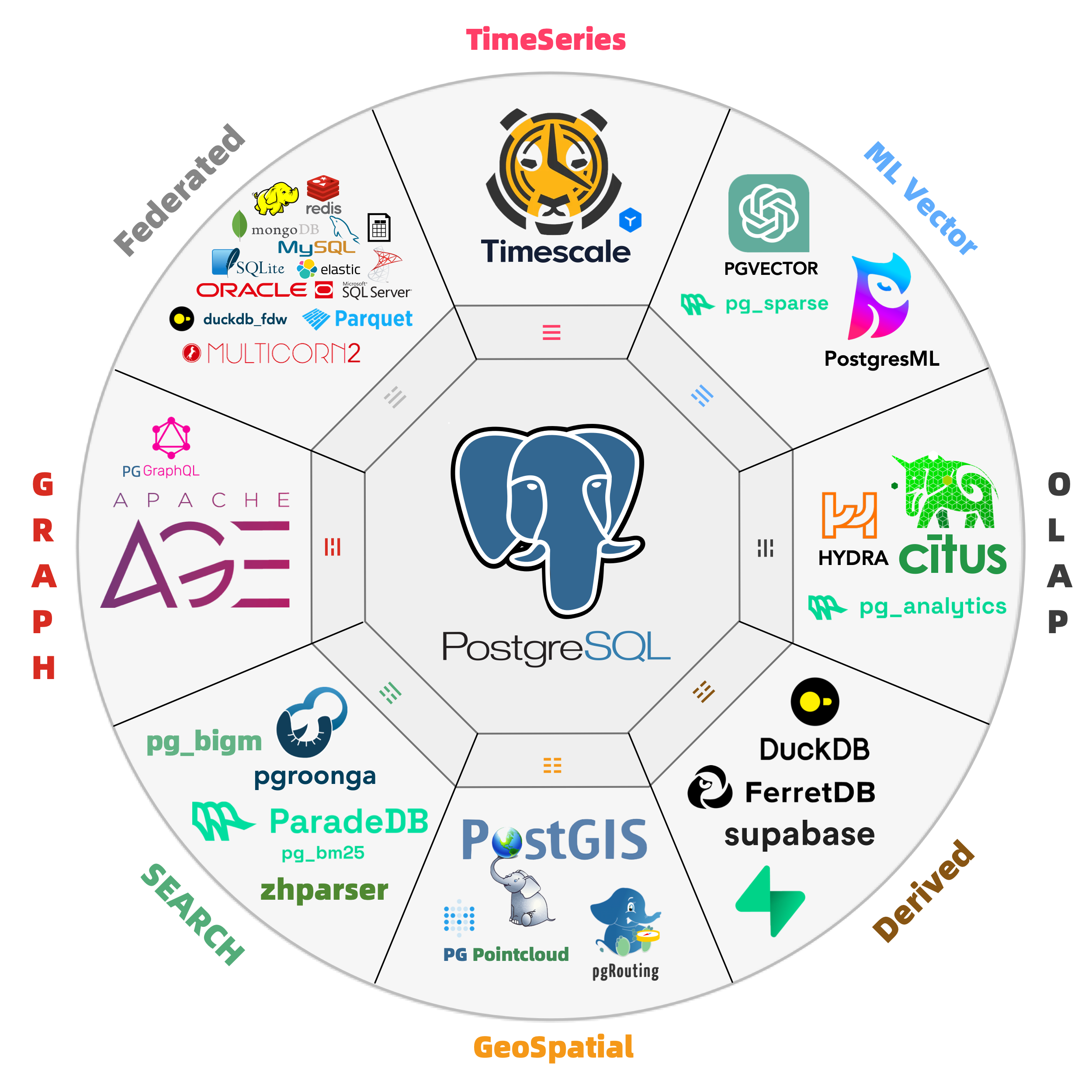
PostgreSQL 的灵魂在于其丰富的 扩展插件 生态,而 Pigsty 深度整合了 PostgreSQL 生态扩展插件,为您提供开箱即用的分布式的时序地理空间图文向量数据库能力!让这些插件产生协同化合反应,产生 1+1 » 2 的效果。
Pigsty 收录了255 个 PostgreSQL 扩展插件,编译维护打包了一些官方仓库没有收录的扩展,并且通过充分的测试确保所有这些插件可以正常协同工作: 您可以使用 PostGIS 处理地理空间数据,使用 TimescaleDB 分析时序/事件流数据,使用 Citus 将单机数据库原地改造为水平扩展的分布式数据库集群, 使用 PGVector 存储并搜索 AI 嵌入实现向量数据库的效果,使用 Apache AGE 进行图数据存储与检索实现 Neo4J 的效果,使用 ParadeDB 实现 ElasticSearch 的效果, 以及 Hydra、 DuckdbFDW、与 pg_analytics 获取专用 OLAP 数据库的分析效果。
Pigsty 还允许您在裸机高可用 PostgreSQL 集群上自行托管 Supabase 与 PostgresML ,并与海量扩展组合使用。 如果您想要的扩展没有被 Pigsty 收录,欢迎提出收录 建议 或自行编译加装。
灵活组合,自由扩展,多数据库支持,监控现有RDS/主机/数据库
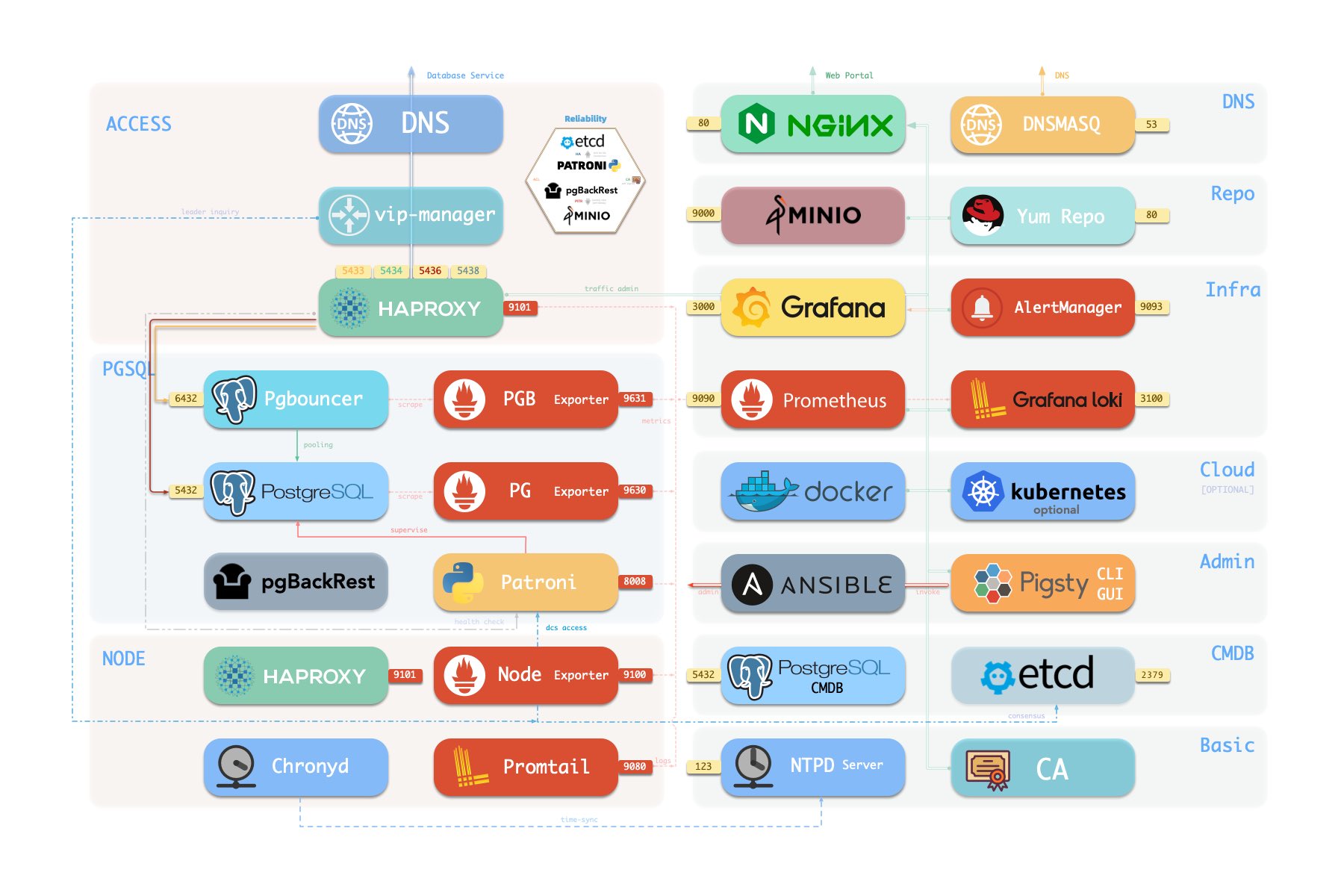
在 Pigsty 中功能组件被抽象为 模块,可以自由组合以应对多变的需求场景。INFRA 模块带有完整的现代监控技术栈,而 NODE 模块则将节点调谐至指定状态并纳入监控。
在多个节点上安装 PGSQL 模块会自动组建出一个基于主从复制的高可用数据库集群,而同样的 ETCD 模块则为数据库高可用提供共识与元数据存储。可选的 MINIO模块可以用作图像视频等大文件存储并可选用为数据库备份仓库。
与 PG 有着极佳相性的 REDIS 亦为 Pigsty 所支持,Pigsty 也允许您使用 MONGO 模块,利用 FerretDB 在 PostgreSQL 集群上提供 MongoDB 协议兼容的服务。
更多的模块(如 GPSQL, MYSQL, KAFKA)将会在后续加入,你也可以开发自己的模块并自行扩展 Pigsty 的能力,并与社区用户分享。
此外,Pigsty的监控系统模块部分还可以 独立使用 ——用它来监控现有的主机节点与数据库实例,或者是云上的 RDS 服务。只需要一个连接串一行命令,您就可以获得极致的 PostgreSQL 可观测性体验。
使用现代开源可观测性技术栈,提供无与伦比的监控最佳实践!
Pigsty 提供了基于开源的 Grafana / Prometheus 现代可观测性技术栈做 监控 的最佳实践:Prometheus 用于收集监控指标,Grafana 负责可视化呈现,Loki 用于日志收集与查询,Alertmanager 用于告警通知。 PushGateway 用于批处理任务监控,Blackbox Exporter 负责检查服务可用性。整套系统同样被设计为一键拉起,开箱即用的 INFRA 模块。
Pigsty 所管理的任何组件都会被自动纳入监控之中,包括主机节点,负载均衡 HAProxy,数据库 Postgres,连接池 Pgbouncer,元数据库 ETCD,KV缓存 Redis,对象存储 MinIO,……,以及整套监控基础设施本身。大量的 Grafana 监控面板与预置告警规则会让你的系统观测能力有质的提升,当然,这套系统也可以被复用于您的应用监控基础设施,或者监控已有的数据库实例或 RDS。
无论是故障分析还是慢查询优化、无论是水位评估还是资源规划,Pigsty 为您提供全面的数据支撑,真正做到数据驱动。在 Pigsty 中,超过三千类监控指标被用于描述整个系统的方方面面,并被进一步加工、聚合、处理、分析、提炼并以符合直觉的可视化模式呈现在您的面前。从全局大盘总览,到某个数据库实例中单个对象(表,索引,函数)的增删改查详情都能一览无余。您可以随意上卷下钻横向跳转,浏览系统现状与历史趋势,并预测未来的演变。

开箱即用的高可用与时间点恢复能力,确保你的数据库坚如磐石!
对于软件缺陷或人为误操作造成的删表删库,Pigsty 提供了开箱即用的 PITR 时间点恢复能力,无需额外配置即默认启用。只要存储空间管够,基于 pgBackRest 的基础备份与 WAL 归档让您拥有快速回到过去任意时间点的能力。您可以使用本地目录/磁盘,亦或专用的 MinIO 集群或 S3 对象存储服务保留更长的回溯期限,丰俭由人。
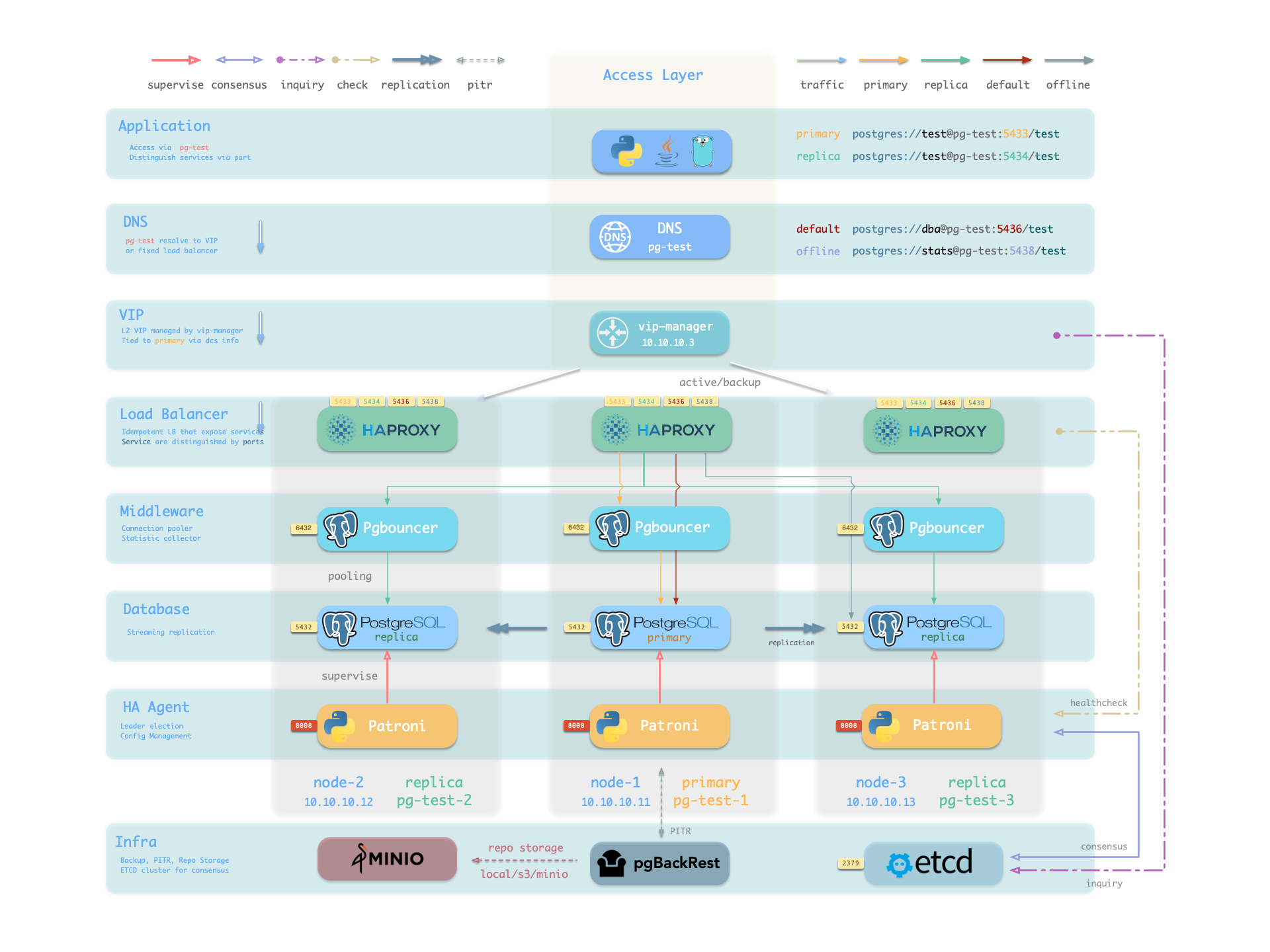
更重要的是,Pigsty 让高可用与故障自愈成为 PostgreSQL 集群的标配,基于 patroni, etcd, 与 haproxy 打造的故障自愈架构,让您在面对硬件故障时游刃有余:主库故障自动切换的 RTO < 30s(可配置),一致性优先模式下确保数据零损失 RPO = 0。只要集群中有任意实例存活,集群就可以对外提供完整的服务,而客户端只要连接至集群中的任意节点,即可获得完整的服务。
Pigsty 内置了 HAProxy 负载均衡器用于自动流量切换,提供 DNS/VIP/LVS 等多种接入方式供客户端选用。故障切换与主动切换对业务侧除零星闪断外几乎无感知,应用不需要修改连接串重启。极小的维护窗口需求带来了极大的灵活便利:您完全可以在无需应用配合的情况下滚动维护升级整个集群。硬件故障可以等到第二天再抽空善后处置的特性,让研发,运维与 DBA 都能安心睡个好觉。 许多大型组织与核心机构已经在生产环境中长时间使用 Pigsty ,最大的部署有 25K CPU 核心与 200+ PostgreSQL 超大规格实例;在这一部署案例中,四年内经历了数十次硬件故障与各类事故,但依然可以保持比 99.999% 更高的可用性战绩。
Infra as Code, 数据库即代码,声明式的API将数据库管理的复杂度来封装。
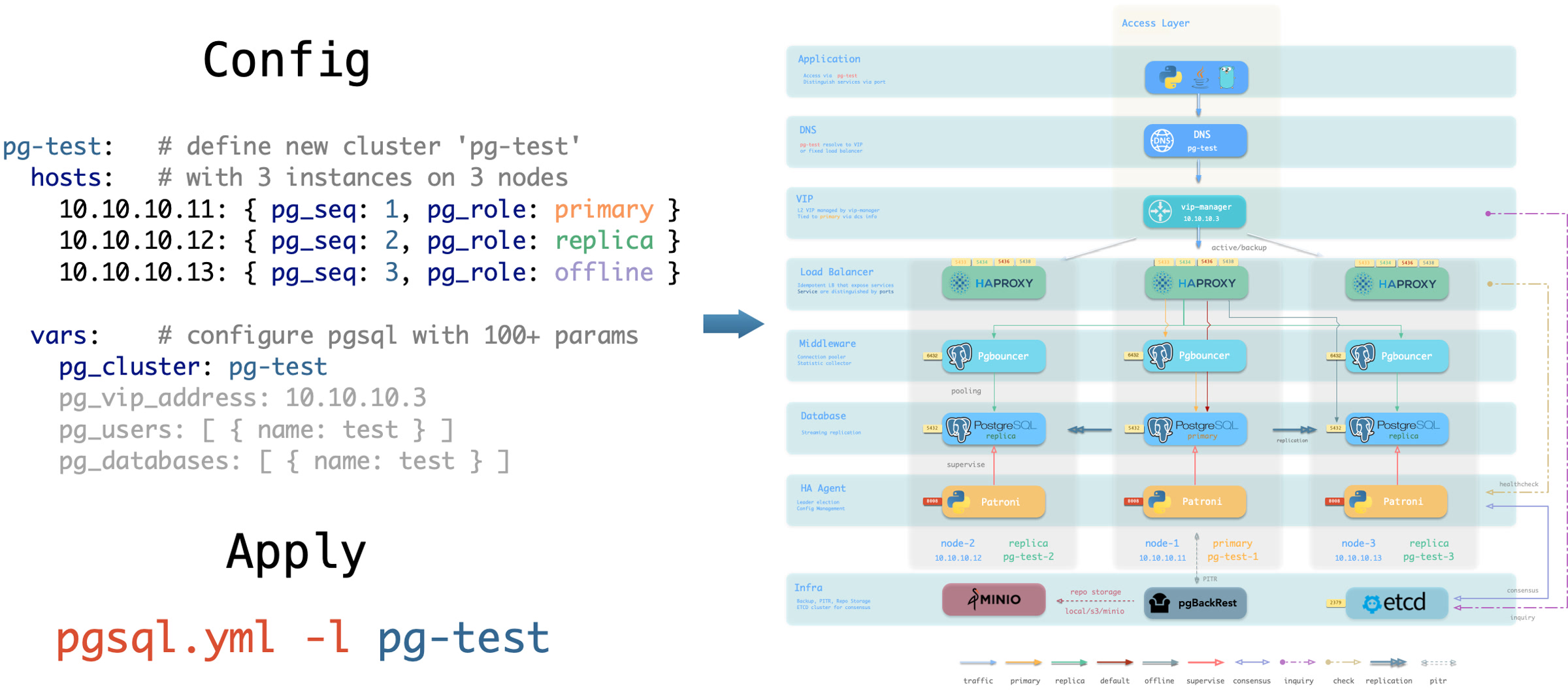
Pigsty 使用声明式的接口对外提供服务,将系统的可控制性拔高到一个全新水平:用户通过配置清单告诉 Pigsty “我想要什么样的数据库集群”,而不用去操心到底需要怎样去做。从效果上讲,这类似于 K8S 中的 CRD 与 Operator,但 Pigsty 可用于任何节点上的数据库与基础设施:不论是容器,虚拟机,还是物理机。
无论是创建/销毁集群,添加/移除从库,还是新增数据库/用户/服务/扩展/黑白名单规则,您只需要修改配置清单并运行 Pigsty 提供的幂等剧本,而 Pigsty 负责将系统调整到您期望的状态。 用户无需操心配置的细节,Pigsty将自动根据机器的硬件配置进行调优,您只需要关心诸如集群叫什么名字,有几个实例放在哪几台机器上,使用什么配置模版:事务/分析/核心/微型,这些基础信息,研发也可以自助服务。但如果您愿意跳入兔子洞中,Pigsty 也提供了丰富且精细的控制参数,满足最龟毛 DBA 的苛刻定制需求。
除此之外,Pigsty 本身的安装部署也是一键傻瓜式的,所有依赖被预先打包,在安装时可以无需互联网访问。而安装所需的机器资源,也可以通过 Vagrant 或 Terraform 模板自动获取,让您在十几分钟内就可以从零在本地笔记本或云端虚拟机上拉起一套完整的 Pigsty 部署。本地沙箱环境可以跑在1核2G的微型虚拟机中,提供与生产环境完全一致的功能模拟,可以用于开发、测试、演示与学习。
加密备份一应俱全,只要硬件与密钥安全,您无需操心数据库的安全性。
每套 Pigsty 部署都会创建一套自签名的 CA 用于证书签发,所有的网络通信都可以使用 SSL 加密。数据库密码使用合规的 scram-sha-256 算法加密存储,远端备份会使用 AES-256 算法加密。此外还针对 PGSQL 提供了一套开箱即用的的访问控制体系,足以应对绝大多数应用场景下的安全需求。
Pigsty 针对 PostgreSQL 提供了一套开箱即用,简单易用,精炼灵活的,便于扩展的访问控制体系,包括职能分离的四类默认角色:读(DQL) / 写(DML) / 管理(DDL) / 离线(ETL) ,与四个默认用户:dbsu / replicator / monitor / admin。 所有数据库模板都针对这些角色与用户配置有合理的默认权限,而任何新建的数据库对象也会自动遵循这套权限体系,而客户端的访问则受到一套基于最小权限原则的设计的 HBA 规则组限制,任何敏感操作都会记入日志审计。
任何网络通信都可以使用 SSL 加密,需要保护的敏感管理页面与API端点都受到多重保护:使用用户名与密码进行认证,限制从管理节点/基础设施节点IP地址/网段访问,要求使用 HTTPS 加密网络流量。Patroni API 与 Pgbouncer 因为性能因素默认不启用 SSL ,但亦提供安全开关便于您在需要时开启。 合理配置的系统通过等保三级毫无问题,只要您遵循安全性最佳实践,内网部署并合理配置安全组与防火墙,数据库安全性将不再是您的痛点。
使用预置的Docker模板,一键拉起使用PostgreSQL的海量软件!
在各类数据密集型应用中,数据库往往是最为棘手的部分。例如 Gitlab 企业版与社区版的核心区别就是底层 PostgreSQL 数据库的监控与高可用,如果您已经有了足够好的本地 PG RDS,完全可以拒绝为软件自带的土法手造数据库组件买单。
Pigsty 提供了 Docker 模块与大量开箱即用的 Compose 模板。您可以使用 Pigsty 管理的高可用 PostgreSQL (以及 Redis 与 MinIO )作为后端存储,以无状态的模式一键拉起这些软件: Gitlab、Gitea、Wiki.js、NocoDB、Odoo、Jira、Confluence、Habour、Mastodon、Discourse、KeyCloak 等等。如果您的应用需要一个靠谱的 PostgreSQL 数据库, Pigsty 也许是最简单的获取方案。
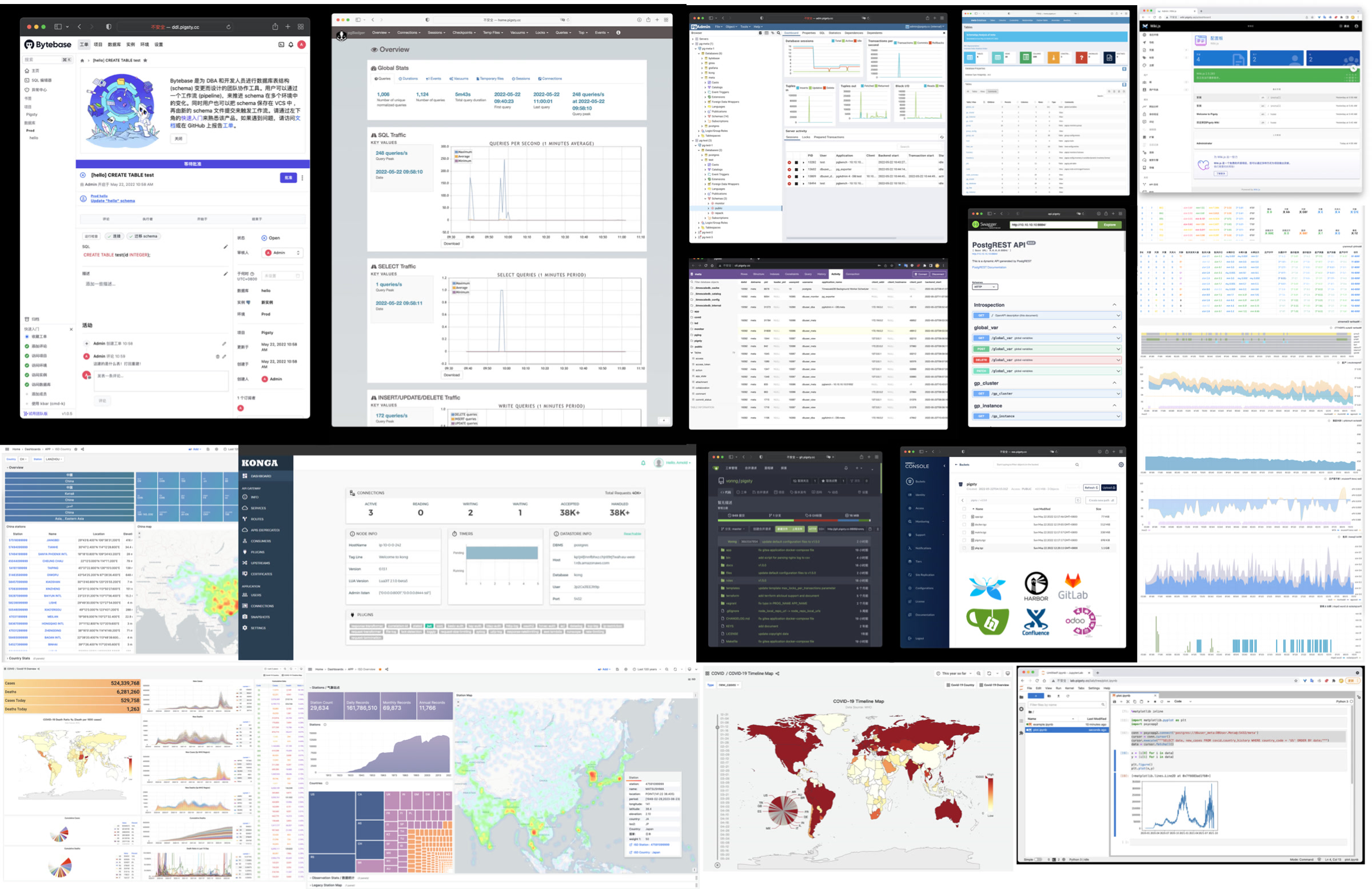
Pigsty 也提供了与 PostgreSQL 紧密联系的应用开发工具集:PGAdmin4、PGWeb、ByteBase、PostgREST、Kong、以及 EdgeDB、FerretDB、Supabase 这些使用 PostgreSQL 作为存储的"上层数据库"。更奇妙的是,您完全可以基于 Pigsty 内置了的 Grafana 与 Postgres ,以低代码的方式快速搭建起一个交互式的数据应用来,甚至还可以使用 Pigsty 内置的 ECharts 面板创造更有表现力的交互可视化作品。
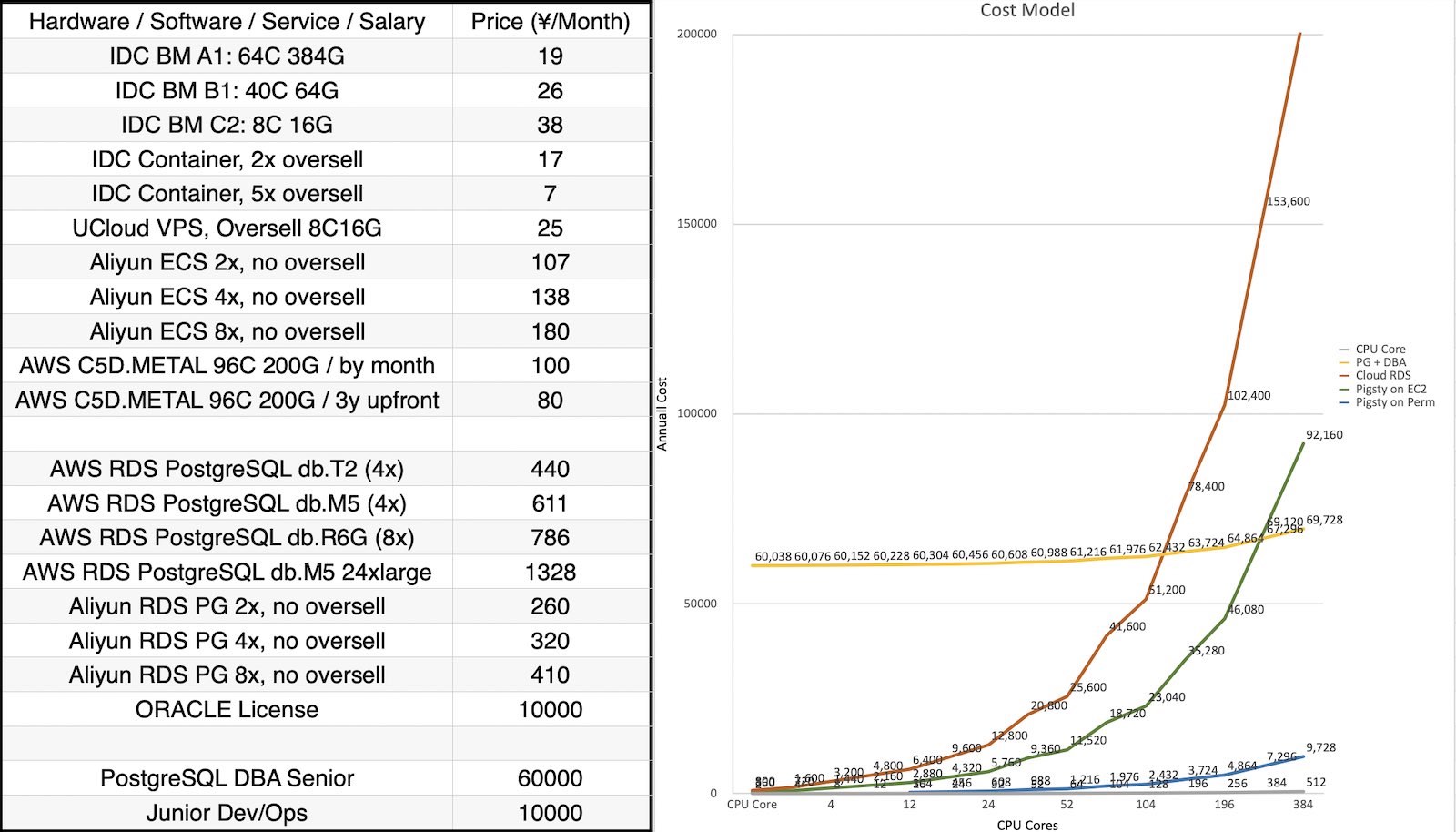
Pigsty是基于 AGPLv3 开源的自由软件,由热爱 PostgreSQL 的社区成员用热情浇灌
Pigsty 是完全 开源免费 的自由软件,它允许您在缺乏数据库专家的情况下,用几乎接近纯硬件的成本来运行企业级的 PostgreSQL 数据库服务。作为对比,公有云厂商提供的 RDS 会收取底层硬件资源几倍到十几倍不等的 溢价 作为 “服务费”。
很多用户选择上云,正是因为自己搞不定数据库;很多用户使用 RDS,是因为别无他选。我们将打破云厂商的垄断,为用户提供一个云中立的,更好的 RDS 开源替代: Pigsty 紧跟 PostgreSQL 上游主干,不会有供应商锁定,不会有恼人的 “授权费”,不会有节点数量限制,不会收集您的任何数据。您的所有的核心资产 —— 数据,都能"自主可控",掌握在自己手中。
Pigsty 本身旨在用数据库自动驾驶软件,替代大量无趣的人肉数据库运维工作,但再好的软件也没法解决所有的问题。总会有一些的冷门低频疑难杂症需要专家介入处理。这也是为什么我们也提供专业的 订阅服务,来为有需要的企业级用户使用 PostgreSQL 提供兜底。几万块的订阅咨询费不到顶尖 DBA 每年工资的几十分之一,让您彻底免除后顾之忧,把成本真正花在刀刃上。对于社区用户,我们亦用爱发电,提供免费的支持与日常答疑。
Pigsty 提供了四个 核心 功能模块,对于提供完整高可用的 PostgreSQL 服务必不可少:
PGSQL:由 Patroni、Pgbouncer、HAproxy、PgBackrest 等驱动的自治高可用 PostgreSQL 集群。INFRA:本地软件仓库、Prometheus、Grafana、Loki、AlertManager、PushGateway、Blackbox Exporter…NODE:调整节点到所需状态、名称、时区、NTP、ssh、sudo、haproxy、docker、promtail、keepalivedETCD:分布式键值存储,用作高可用 Postgres 集群的 DCS:共识选主/配置管理/服务发现。Pigsty 提供了四个 可选 扩展模块,它对于核心功能来说并非必须,但可以用于增强 PostgreSQL 的能力:
MINIO:S3 兼容的简单对象存储服务器,可作为可选的 PostgreSQL 数据库备份仓库,带有生产部署支持与监控。REDIS:Redis 服务器,高性能数据结构服务器,支持独立主从、哨兵、集群模式生产部署,并带有完善的监控支持。MONGO:FerertDB 原生部署支持 —— 它为 PostgreSQL 添加了 MongoDB 线缆协议级别的 API 兼容支持!DOCKER:Docker Daemon 服务,允许用户一键拉起容器化的无状态软件工具模板,加装各种功能。Pigsty v2.7 记录了以下试点与计划中的数据库功能,如果您感兴趣,可以考虑试用,并向我们提出建议与需求反馈:
DUCK:Pigsty 默认在离线软件安装包中囊括了 DuckDB,提供强大的单机嵌入式分析能力(实装阶段)CLOUD:Pigsty 计划使用 SealOS 提供 Kubernetes 部署与监控支持(Beta)MYSQL:Pigsty 正在研究为 MySQL 添加高可用部署支持,作为一个可选的扩展功能(Alpha阶段)GPSQL:Pigsty 计划提供对 Greenplum 生产级部署的支持(试点阶段,特定版本实装阶段)KAFKA:Pigsty 计划提供一种消息队列支持(计划阶段)Pigsty v2.7 同时提供若干容器应用模板:
JUPYTER:Pigsty 提供开箱即用的 Jupyter Notebook 环境,用于数据分析与机器学习等场景(Alpha阶段)SUPABASE:Pigsty 在 EL系操作系统 发行版中提供了完整的自托管 Supabase 支持(实装阶段)PGML:Pigsty 在 Ubuntu 系操作系统中提供了对 PGML 的完整支持(实装阶段)Pigsty 的 INFRA 模块可以独立使用,作为开箱即用的监控基础设施,监控其他节点或现有 PostgreSQL 数据库
RDS PG:是云厂商提供的 PostgreSQL RDS 服务,将其视作标准的外部 Postgres 实例即可纳入监控PolarDB:是阿里云的云原生数据库,将其视作外部 PostgreSQL 11 / 14 实例即可纳入监控。KingBase: 是人大金仓提供的信创国产数据库,视作外部 PostgreSQL 12 实例即可纳入监控。Greenplum / YMatrixDB 监控,目前将其视作水平分片的 PostgreSQL 集群即可纳入监控。此外 Pigsty 还计划支持监控其他种类的数据库系统:
MySQL: Pigsty 目前对 MySQL 监控提供了初步支持(Alpha)Kafka: Pigsty 计划提供对 Kafka 提供监控支持(计划中)MongoDB:Pigsty 计划提供对 MongoDB 提供监控支持(计划中)Pigsty 还提供了一些可以通过 DOCKER 模块快速拉起提供服务,例如底层使用了 PostgreSQL 作为实际状态存储的各类二阶 “数据库”:
Supabase:基于 PostgreSQL 的开源 Firebase 替代,Pigsty 在 EL系操作系统 中提供了它所需的扩展,允许您快速自建 Supabase。FerretDB:基于 PostgreSQL 的开源 MongoDB 替代,您可以通过 Docker Compose 的方式快速拉起容器化的 FerretDB。NocoDB:基于 PostgreSQL 的开源 AirTable 替代,提供了低代码应用的开发能力。如果您需要一个 Web Excel,可以考虑使用 NocoDBMetabase:快速进行库内数据分析,提供友好Web界面的集成工具箱。当您需要探索 PostgreSQL 内的数据时,可以考虑使用 Metabase。考虑纳入支持的扩展:
需要更新跟进的扩展:
Pigsty 使用语义化版本号,例如:<主版本>.<次版本>.<修订号>。Alpha/Beta/RC 版本会在版本号后添加后缀,如 -a1, -b1, -rc1。
主版本更新意味着基础性变化和大量新特性;次版本更新通常表示新特性,软件包版本更新和较小的API变动,修订版本更新意味着修复bug和文档更新。
Pigsty 计划每年发布一次主版本更新,次版本更新通常跟随 PostgreSQL 小版本更新节奏,在 PostgreSQL 新版本发布后最迟一个月内跟进,通常每年 4 - 6 个小版本,完整发布历史请参考 发行注记 。
Pigsty 使用 master 主干分支进行开发,请始终使用特定版本的 发行版。除非您知道自己在做什么,否则不要使用GitHub的 master 分支。
Pigsty 使用 master 主干分支进行开发,请始终使用特定版本的 发行版。除非您知道自己在做什么,否则不要使用GitHub的 master 分支。
Pigsty 项目始于 2018 ~ 2019 年,起源于 探探。 探探是一个互联网交友 App —— 中国的 Tinder,现已被陌陌收购。 探探这家公司是一个北欧 Style 的创业公司,有着一个瑞典工程师初创团队。
探探在技术上极有品味,使用 PostgreSQL 与 Go 作为核心技术栈。 探探整个系统架构参照了 Instagram ,一切围绕 PostgreSQL 数据库设计。 直到几百万日活,几百万 TPS,几百 TB 数据的量级下,数据组件 只用了 PostgreSQL。 几乎所有的业务逻辑都使用 PG 存储过程实现 —— 甚至包括 100ms 的推荐算法!
探探这种深度使用 PostgreSQL 特性的非典型研发模式,对工程师与DBA的水平提出了极高的要求。 而 Pigsty ,就是我们用这种真实世界的大规模,高标准数据库集群场景打磨出的开源项目 —— 沉淀着我们作为顶尖 PostgreSQL 专家的经验与最佳实践。
在最开始,Pigsty 并没有现在这样的愿景、目标与版图。而是旨在提供一个供我们自己使用的 PostgreSQL 监控系统。 我们调研了市面上所有的方案,开源的、商业的、云的,datadog, pgwatch,…… ,没有一个能满足我们对于可观测性的需求。 因此我们决定亲自动手,基于 Grafana 与 Prometheus 自己动手打造一个,这就是 Pigsty 的前身与雏形。Pigsty 作为监控系统的效果相当惊艳,帮助我们解决了无数管理问题。
随后,研发人员希望在本地的开发机上也有这样的监控系统,于是我们使用 Ansible 编写了置备剧本,将这套系统从一次性建设转变为了可重复使用的软件。 新的功能允许用户使用 Vagrant 和 Terraform,用 Infra as Code 的方式快速拉起本地 DevBox 开发机,或生产环境服务器,并自动完成 PostgreSQL 与监控系统的部署。
接下来,我们重新设计了生产环境的 PostgreSQL 架构,引入了 Patroni 与 pgBackRest 解决了数据库的 高可用 与 时间点恢复 问题。开发了基于逻辑复制的不停机 迁移 方案,通过蓝绿部署将生产环境两百套数据库集群滚动升级至最新大版本。并将这些能力引入 Pigsty 中。
Pigsty 是我们做给自己使用的软件,我们自己作为甲方用户,非常清楚自己需要什么,也不会在自己的需求上偷懒。 “Eat dog food”最大的好处就是,我们自己既是开发者也更是用户 —— 因此非常了解自己需要什么,也不会在自己的需求上偷懒。
我们解决了一个又一个的问题,并将解决方案沉淀到 Pigsty 里。Pigsty 的定位,也从一个监控系统,逐渐发展成为一个开箱即用的 PostgreSQL 数据库发行版。 因此在这一阶段,我们决定将 Pigsty 对外开源,并开始了一系列的技术分享与宣传,也开始有各行各业的外部用户使用起 Pigsty 并提出反馈意见。
在 2022 年,Pigsty 项目获得了由陆奇博士发起的奇绩创坛的种子轮投资,我得以全职出来做这件事情。
作为一个开源项目,Pigsty 的发展相当不赖,在全职创业这两年里,Pigsty 在 Github 上的 Star 数从的 几百翻了几番到了 2400;上了 HN 头条推荐,增长开始滚起雪球; 在 OSSRank 开源榜单 中,Pigsty 在 PostgreSQL 生态项目中排名第 37 名,在中国人主导的项目里是最靠前的。
从前 Pigsty 只能跑在 CentOS7 上,现今已经基本覆盖了所有主流 Linux 发行版。支持的 PG 大版本覆盖 12 - 16,收录整合了 PG 生态中的 255 个扩展插件。 其中一些官方仓库中没有的扩展,也是我自己编译打包测试维护的。算上 Pigsty 本身,“基于开源,回馈开源”,也算是为 PG 生态做一些贡献。
Pigsty 的定位,也在不断发展的过程中,从一个 PostgreSQL 数据库发行版,进一步扩展到了 开源云数据库替代。它真正对标的是云厂商的整个云数据库品牌。
AWS、Azure、GCP、Aliyun 等公有云厂商为初创企业提供了许多便利,但它们是闭源的,并迫使用户以高额费用租赁基础资源。
我们认为,优秀的数据库服务,应该和优秀的数据库内核一样,普及到每一个用户手中,而不是必须花费高昂的代价去向赛博领主租赁。
云计算的敏捷与弹性都很好,但它应该是自由、开源、普惠、本地优先的 —— 我们认为云计算宇宙中需要一个代表开源价值观的解决方案,在不牺牲云带来好处的前提下,将基础设施的控制权交还给用户。
因此,我们也在引领着一场下云的运动与战役,作为公有云的反叛者,来重塑这个行业的价值观。
我希望,未来的世界人人都有自由使用优秀服务的事实权利,而不是只能被圈养在几个公有云厂商提供的猪圈(Pigsty)里坐井观天。
这正是 Pigsty要做的事 —— 一个更好的,开源免费的RDS替代。让用户能够在任何地方(包括云服务器)上,一键拉起有比云RDS更好的数据库服务。
Pigsty 是是对 PostgreSQL 的彻底补完,更是对云数据库的辛辣嘲讽。它本意是“猪圈”,但更是 Postgres In Great STYle 的缩写,即“全盛状态下的 PostgreSQL”。
Pigsty 本身是一款完全开源免费的软件,我们纯粹靠提供 咨询与服务 来维持运营 建设良好的系统也许跑个几年都不会遇到需要 ”兜底“ 的问题,但数据库的问题一但出现就不是小问题。很多时候,专家的经验更是能够一言化腐朽为神奇,而我们为有需求的客户提供这样的服务 —— 我们认为这是一种更加公正、合理的模式。
我是冯若航,Pigsty 的作者,Pigsty 绝大部分的代码由我 一人开发,个别特性由社区贡献。
软件领域依然存在个人英雄主义,独一无二的个体才能够创造出独一无二的作品来 —— 我希望 Pigsty 能够成为这样的作品。
如果您对我感兴趣,这里是我的个人主页:https://vonng.com/
PostgreSQL 全球社区官网最近发布了我们的最新版本 v2.7.0 的新闻,欢迎大家前往查看!
Pigsty v2.7 发布!
Pigsty v2.6 Released!
The name of this project always makes me grin: PIGSTY is actually an acronym, standing for Postgres In Great STYle! It’s a Postgres distribution that includes lots of components and tools out of the box in areas like availability, deployment, and observability. The latest release pushes everything up to Postgres 16.2 standards and introduces new ParadeDB and DuckDB FDW extensions.
这个项目的名字总能让我笑开花:PIGSTY 实际上是一个首字母缩略词,代表 Postgres In Great STYle!它是一个 Postgres 发行版,包括了大量的组件和工具,涵盖了可用性、部署和可观测性等领域。最新版本将所有内容推进到了 Postgres 16.2,并引入了新的 ParadeDB 和 DuckDB FDW 扩展。
| 版本 | 发布时间 | 摘要 | 地址 |
|---|---|---|---|
| v2.7.0 | 2024-05-20 | 扩展大爆炸,新增20+强力扩展插件,与多款Docker应用 | v2.7.0 |
| v2.6.0 | 2024-02-28 | PG 16 作为默认大版本,引入 ParadeDB 与 DuckDB 等扩展 | v2.6.0 |
| v2.5.1 | 2023-12-01 | 例行小版本更新,PG16重要扩展支持 | v2.5.1 |
| v2.5.0 | 2023-09-24 | Ubuntu/Debian支持:bullseye, bookworm, jammy, focal | v2.5.0 |
| v2.4.1 | 2023-09-24 | Supabase/PostgresML支持与各种新扩展:graphql, jwt, pg_net, vault | v2.4.1 |
| v2.4.0 | 2023-09-14 | PG16,监控RDS,服务咨询支持,新扩展:中文分词全文检索/图/HTTP/嵌入等 | v2.4.0 |
| v2.3.1 | 2023-09-01 | 带HNSW的PGVector,PG 16 RC1, 文档翻新,中文文档,例行问题修复 | v2.3.1 |
| v2.3.0 | 2023-08-20 | 主机VIP, ferretdb, nocodb, MySQL存根, CVE修复 | v2.3.0 |
| v2.2.0 | 2023-08-04 | 仪表盘 & 置备重做,UOS 兼容性 | v2.2.0 |
| v2.1.0 | 2023-06-10 | 支持 PostgreSQL 12 ~ 16beta | v2.1.0 |
| v2.0.2 | 2023-03-31 | 新增 pgvector 支持,修复 MinIO CVE | v2.0.2 |
| v2.0.1 | 2023-03-21 | v2 错误修复,安全增强,升级 Grafana 版本 | v2.0.1 |
| v2.0.0 | 2023-02-28 | 架构大升级,兼容性、安全性、可维护性显著增强 | v2.0.0 |
| v1.5.1 | 2022-06-18 | Grafana 安全性修复 | v1.5.1 |
| v1.5.0 | 2022-05-31 | Docker 应用程序支持 | v1.5.0 |
| v1.4.1 | 2022-04-20 | 错误修复 & 英文文档完整翻译 | v1.4.1 |
| v1.4.0 | 2022-03-31 | MatrixDB 支持,分离 INFRA/NODES/PGSQL/REDIS模块 | v1.4.0 |
| v1.3.0 | 2021-11-30 | PGCAT 重整 & PGSQL 增强 & Redis Beta支持 | v1.3.0 |
| v1.2.0 | 2021-11-03 | 默认 PGSQL 版本升级至 14 | v1.2.0 |
| v1.1.0 | 2021-10-12 | 主页, JupyterLab, PGWEB, Pev2 & pgbadger | v1.1.0 |
| v1.0.0 | 2021-07-26 | v1 正式版, 监控系统重整 | v1.0.0 |
| v0.9.0 | 2021-04-04 | Pigsty 图形界面, 命令行界面, 日志集成 | v0.9.0 |
| v0.8.0 | 2021-03-28 | 服务置备,定制对外暴露的数据库服务 | v0.8.0 |
| v0.7.0 | 2021-03-01 | 仅监控部署,监控现有 PostgreSQL 实例 | v0.7.0 |
| v0.6.0 | 2021-02-19 | 架构增强,将PG与Consul解耦 | v0.6.0 |
| v0.5.0 | 2021-01-07 | 支持在配置中定义业务数据库/用户 | v0.5.0 |
| v0.4.0 | 2020-12-14 | 支持 PostgreSQL 13,添加官方文档 | v0.4.0 |
| v0.3.0 | 2020-10-22 | 虚拟机置备方案正式定稿 | v0.3.0 |
| v0.2.0 | 2020-07-10 | PG监控系统第六版正式发布 | v0.2.0 |
| v0.1.0 | 2020-06-20 | 在生产仿真测试环境中验证通过 | v0.1.0 |
| v0.0.5 | 2020-08-19 | 离线安装模式:无需互联网访问即可交付 | v0.0.5 |
| v0.0.4 | 2020-07-27 | 将 Ansible 剧本重构为 Role Refactor playbooks into ansible roles | v0.0.4 |
| v0.0.3 | 2020-06-22 | 接口设计改进 | v0.0.3 |
| v0.0.2 | 2020-04-30 | 首次提交 | v0.0.2 |
| v0.0.1 | 2019-05-15 | 概念原型 | v0.0.1 |
| 日期 | 类型 | 活动 | 主题 |
|---|---|---|---|
| 2023-12-20 | 直播辩论 | 开源漫谈第七期 | 上云 or 下云,割韭菜还是降本增效? |
| 2023-11-24 | 技术大会 | 大模型时代的向量数据库 | 圆桌讨论:大模型时代向量数据库新未来 |
| 2023-09-08 | 人物专访 | 墨天轮风云人物访谈 | 冯若航:不想当段子手的技术狂,不是一位好的开源创始人 |
| 2023-08-16 | 技术大会 | DTCC 2023 | DBA之夜:PostgreSQL vs MySQL的开源协议问题 |
| 2023-08-09 | 直播辩论 | 开源漫谈第一期 | MySQL vs PostgreSQL,谁是世界第一? |
| 2023-07-01 | 技术大会 | SACC 2023 | 专题研讨会8:FinOps实践:云成本管理与优化 |
| 2023-05-12 | 线下活动 | PostgreSQL中国社区 温州站线下沙龙 | PG With DB4AI: 向量数据库 PGVECTOR & AI4DB: 数据库自动驾驶 Pigsty |
| 2023-04-08 | 技术大会 | 数据库嘉年华 2023 | 更好的开源RDS替代:Pigsty |
| 2023-04-01 | 技术大会 | PostgreSQL中国社区 西安站线下沙龙 | PG高可用与容灾最佳实践 |
| 2023-03-23 | 公开直播 | Bytebase x Pigsty | 管理 PostgreSQL 的最佳实践: Bytebase x Pigsty |
| 2023-03-04 | 技术大会 | PostgreSQL中国技术大会 | 炮打 RDS,Pigsty v2.0 发布 |
| 2023-02-01 | 技术大会 | DTCC 2022 | 开源 RDS 替代:开箱即用、自动驾驶的数据库发行版 Pigsty |
| 2022-07-21 | 直播辩论 | 云吞噬开源,那开源有机会反击吗? | 云吞噬开源,那开源有机会反击吗? |
| 2022-07-04 | 人物专访 | 专题采访:创造者说 | 90 后,辞职创业,说要卷死云数据库 |
| 2022-06-28 | 公开直播 | 贝斯的圆桌趴 |DBA 福音 - | SQL 审核最佳实践 |
| 2022-06-12 | 公开路演 | 奇绩创坛 S22 路演日 | 好用省钱的数据库发行版 Pigsty |
| 2022-06-05 | 视频直播 | PG中文社区直播分享 | Pigstyv1.5快速上手新特性介绍与生产集群搭建 |
我们的 GitHub 仓库地址是:https://github.com/Vonng/pigsty ,欢迎点个 ⭐️ 关注 我们。
我们欢迎任何人 提交新 Issue 或创建 Pull Request,提出功能建议并参与 Pigsty 贡献。
请注意,关于 Pigsty 文档的问题,请在 github.com/Vonng/pigsty.cc 仓库中提交 Issue。
中文区用户主要活跃于微信群组中,目前有三个活跃的群组,1群,2群已满,3群超过200人,需要添加小助手微信拉入。
加入微信社群,请用搜索 “Pigsty小助手”,(微信号 pigsty-cc) 备注或发送 “加群” ,小助手会将您拉入群组中。

Telegram: https://t.me/joinchat/gV9zfZraNPM3YjFh
Discord: https://discord.gg/j5pG8qfKxU
您也可以通过邮件联系我: [email protected]
当您使用 Pigsty 遇到问题时,可以向社区求助。
请参考 社区求助指南 ,尽可能提供足够的信息,以便社区成员帮助您解决问题。以下是求助提问的参考模板:
发生了什么事? (必选项)
Pigsty版本号与操作系统版本号 (必选项)
一些云厂商对标准操作系统发行版进行了定制,您可以告诉我们使用的是哪一家云厂商的什么操作系统镜像。 如果您在安装操作系统后对环境进行了定制与修改,或者在您的局域网中有特定的安全规则与防火墙配置,也请在提问时告知我们。
Pigsty配置文件
请不要忘记抹掉任何敏感信息:密码,内部密钥,敏感配置等。
你期待发生什么?
请描述正常情况下应该发生什么事情,实际发生的情况与期待的情况有何偏离?
如何复现此问题?
请尽可能详细地告诉我们复现此问题的方法与步骤
监控截图
如果你在使用 Pigsty 提供的监控系统,可以提供 相关 的截图。
错误日志
请尽可能提供与错误有关的日志。请不要粘贴类似“Failed to start xxx service”之类没有帮助的内容。
您可以从 Grafana / Loki 中查询日志,或从以下位置获取日志:
/var/log/messages (rhel) or /var/log/syslog (debian)/pg/log/postgres/*/pg/log/patroni/*/pg/log/pgbouncer/*/pg/log/pgbackrest/*您已经搜索过 Issue/网站/FAQ了吗?
在 FAQ 中,我们提供了许多常见问题的解答,请在提问前检查
您也可以从 Github Issue 与 Discussion 中搜索相关问题:
有什么其他信息是我们需要知道的吗?
您提供的信息与上下文越丰富,我们越有可能帮助您解决问题。
当您安装 Pigsty 软件时,如果在网络隔离的环境中使用离线软件包安装,我们不会收到任何关于您的数据。
如果您选择在线安装,那么在下载相关软件包时,我们的服务器或云供应商的服务器会自动在日志中记录来访机器的 IP 地址和/或主机名,和您下载的软件包名称。
除非法律要求,我们不会与其他组织共享这些信息。
Pigsty 使用的域名为:pigsty.io (中国大陆使用 pigsty.cc )
当您访问我们的网站时,我们的服务器会自动在 Nginx 日志中记录您的 IP 地址和/或主机名。
仅当您决定通过完成调查或在我们的某个网站上注册为用户来向我们发送此类信息时,我们才会存储您的电子邮件地址、姓名和地点等信息
我们收集这些信息是为了帮助我们改进网站内容、定制网页布局以及出于技术和支持目的联系人员。除非法律要求,我们不会与其他组织共享您的电子邮件地址。
本网站使用 Google Analytics,这是 Google, Inc.(“Google”)提供的一项网络分析服务。谷歌分析使用“cookies”,即放置在您计算机上的文本文件,帮助网站分析用户如何使用该网站。
cookie 生成的有关您使用网站的信息(包括您的 IP 地址)将被传输至 Google 位于美国的服务器并由其存储。谷歌将使用这些信息来评估您对网站的使用情况,为网站运营商编制网站活动报告,并提供与网站活动和互联网使用相关的其他服务。如果法律要求,或者第三方代表 Google 处理信息,Google 还可能会将此信息传输给第三方。 Google 不会将您的 IP 地址与 Google 持有的任何其他数据关联起来。您可以通过在浏览器上选择适当的设置来拒绝使用 cookie,但请注意,如果您这样做,您可能无法使用本网站的全部功能。使用本网站即表示您同意 Google 以上述方式和目的处理有关您的数据。
如果您对此政策有任何疑问或意见,或要求删除个人数据,您可以通过发送邮件至 [email protected] 与我们联系
项目协议地址:https://github.com/Vonng/pigsty/blob/v2.7.0/LICENSE
因为受到 Grafana,Citus,MinIO 等组件的传染影响,Pigsty 使用 GNU Affero General Public License v3.0 开源协议,这是一种强制性的 Copyleft 许可证。 如果您通过网络分发、托管或创建 Pigsty 软件的 衍生作品,GNU AGPL v3许可证要求您也按照相同的 GNU AGPL v3 许可证分发组合作品的完整、相应的源代码。无论您是否修改了 Pigsty 此要求都适用。
本协议授权您:
本协议不提供:
本协议的条件:
请注意,Pigsty 的网站本身使用 CC by 4.0 协议,这是一种知识共享许可证, 允许您自由地分享与演绎本站的内容,但是您必须给出适当的署名,提供指向许可证的链接,并指出是否有进行了修改。 您可以使用任何方式来使用本站的内容,包括商业用途,但是您不可以将本站的内容用于商标使用,或者对本站的内容进行担保。
尽管 Pigsty 采用了 AGPLv3 许可证,但对于普通终端用户(即:公有云厂商,数据库厂商除外的用户),执行等效 Apache 2.0 许可证。
普通终端用户可以将 AGPLv3 用户商业目的,提供服务,二次开发,而无需担心许可证问题。 即使普通终端用户对 Pigsty 进行二次开发,并违反了 AGPL 协议没有开源,只要用途在合理范围内,我们不会对此进行追索,并豁免用户的相关开源义务。 在 订阅支持 中,我们可以提供关于责任豁免的书面承诺。
我们支持并欢迎遵循 AGPLv3 协议的 PostgreSQL 服务提供商基于 Pigsty 交付,并提供自己的付费咨询与支持服务,并将二次开发成果回馈上游社区主干。 请注意,Pigsty 的商标与著作权为原作者所有,在提供服务与咨询时,您不应侵犯我们的商标权与著作权。我们提供 OEM 合作方案,详情请参考 商业支持。
本项目所依赖或相关的核心开源软件及其开源协议。
| 模块 | 软件名称 | 许可证 |
|---|---|---|
| PGSQL | PostgreSQL | PostgreSQL License (BSD-Like) |
| PGSQL | pgbouncer | ISC License |
| PGSQL | patroni | MIT License |
| PGSQL | pgbackrest | MIT License |
| PGSQL | vip-manager | BSD 2-Clause License |
| PGSQL | pg_exporter | Apache License 2.0 |
| NODE | node_exporter | Apache License 2.0 |
| NODE | haproxy | HAPROXY’s License (GPLv2) |
| NODE | keepalived | MIT License |
| INFRA | Grafana, Loki | GNU Affero General Public License v3.0 |
| INFRA | Prometheus | Apache License 2.0 |
| INFRA | DNSMASQ | GPLv2 / GPLv3 |
| INFRA | Ansible | GNU General Public License v3.0 |
| ETCD | etcd | Apache License 2.0 |
| MINIO | MinIO | GNU Affero General Public License v3.0 |
| REDIS | Redis | Redis License (3-clause BSD) |
| REDIS | Redis Exporter | MIT License |
| MONGO | FerretDB | Apache License 2.0 |
| DOCKER | docker-ce | Apache License 2.0 |
| CLOUD | Sealos | Apache License 2.0 |
| DUCKDB | DuckDB | MIT |
| External | Vagrant | Business Source License 1.1 |
| External | Terraform | Business Source License 1.1 |
| External | Virtualbox | GPLv2 |
以下是部分 PostgreSQL 扩展插件的许可证:
Pigsty 是由 奇绩创坛 (原YC中国,MiraclePlus) S22 所投资的项目,感谢奇绩创坛与陆奇博士对本项目的支持!
Pigsty 是一个开源免费的自由软件,由 PostgreSQL 社区成员用热情浇灌而成,旨在整合 PostgreSQL 生态的力量,推广 PostgreSQL 的普及。如果我们的工作帮到了您,请考虑赞助或者支持一下我们的项目:
Pigsty 是开箱即用的 PostgreSQL 数据库发行版,本地优先的 RDS/云数据库服务替代,让用户可以用几十块核·月的硬件成本,运行功能完备的本地RDS服务。软件本身完全开源免费,如果它帮到了您,可以考虑 赞助我们。
尽管Pigsty 本身旨在用数据库自动驾驶软件替代人肉数据库运维,但再好的软件也没法解决所有的问题,总会有一些的冷门低频疑难杂症,与各种不限于技术的问题需要专家介入处理,因此我们也提供专业的 咨询 与 服务。
我们提供三种不同的服务档位:基础版、专业版、企业版,与两种不同的定价模式:订阅与许可;您可以根据自身的实际情况与需求选购。
自给自足的开源老司机
自给自足的开源老司机
或 5,000 ¥/月
PG支持:15,16
OS支持:五系最新小版本
功能:所有模块
SLA:工作日时效内响应
提供基础咨询服务:
需要兜底的成熟团队
或 15,000 ¥/月
PG支持:12 - 16
OS支持:五系全部小版本
功能:所有模块
SLA:5 x 8 (<4h)
提供专业咨询服务:
普通用户的默认之选
或 40,000 ¥/月
PG支持:9.0 - 16
OS支持:按需定制
功能:所有模块
SLA:7 x 24 (紧急on-call)
提供企业级咨询服务:
严格 SLA 的关键场景
| 订阅方案 | 开源版 | 基础版 | 专业版 | 企业版 |
|---|---|---|---|---|
| 定价(年) | 免费 | 50,000 ¥/年 | 150,000 ¥/年 | 400,000 ¥/年 |
| 定价(月) | 免费 | 5,000 ¥/月 | 15,000 ¥/月 | 40,000 ¥/月 |
| 适用群体 | 自给自足的开源老司机 | 需要兜底的成熟技术团队 | 适合普通用户的默认选项 | 需要严格SLA的关键场景 |
| 适用规模 | 不限 | 节点数 <= 5 | 节点数 <= 15 | 节点数 <= 50 |
| 咨询答疑 | 社区公益答疑 | 软件缺陷修复 疑难杂症分析 |
软件缺陷修复 疑难杂症分析 备份合规建议 DBA答疑解惑 |
软件缺陷修复 疑难杂症分析 备份合规建议 DBA答疑解惑 故障根因定位 年度架构评估 |
| 升级支持 | - | 提供升级路径支持 | 提供升级路径支持 | 提供升级路径支持 |
| 服务支持 | 无 | 一次架构设计交付 提供人天支持选项 |
每年包含两个人天 提供人天支持选项 |
每年包含四个人天 提供人天支持选项 可用于紧急故障支持 |
| PG支持 | 最近一个大版本 PG 16 |
最近两个大版本 PG 15, 16 |
生命周期内的五个大版本 PG 12 - 16 |
自9.0的十五个大版本 PG 9.0 - 16 |
| OS支持 | EL 8.9 / 9.3 Debian 12 |
EL 7.9 / 8.x / 9.x Ubuntu 22.04 / 20.04 Debian 11 / 12 |
EL 7.9 / 8.9 / 9.3 Ubuntu 22.04 / 20.04 Debian 11 / 12 |
EL 7.x / 8.x / 9.x Ubuntu / Debian LTS UOS v20 / Anolis 8.8 信创操作系统 / 定制 |
| 信创支持 | N/A | N/A | N/A | 国产ARM芯片支持 国产信创操作系统 PG兼容国产数据库 |
| 架构支持 | x86_64 | x86_64 | x86_64 | x86_64, ARM64 |
| 功能模块 | PGSQL, INFRA, NODE ETCD, MINIO, REDIS |
PGSQL, INFRA, NODE ETCD, MINIO, REDIS 所有功能模块 |
PGSQL, INFRA, NODE ETCD, MINIO, REDIS 所有功能模块 |
PGSQL, INFRA, NODE ETCD, MINIO, REDIS 所有功能模块 |
| SLA | - | 48小时内响应 | 5 x 8 (4小时内响应) | 7 x 24 (On-Call) |
| 成本对比 | 相当于什么样的 RDS规模 / DBA工资 |
约 12 vCPU RDS 月薪5K运维兼职 |
约 40 vCPU RDS 月薪1万初级DBA |
约 100 vCPU RDS 月薪3万中级DBA |
Pigsty 专业版提供了更多的功能模块,支持更多种类的操作系统发行版,支持更多 PostgreSQL 大版本与更为丰富的扩展插件,并针对各个OS小版本制作了离线软件安装包,以确保最佳的兼容性。
Pigsty 订阅采用按年付费的模式,为用户提供了 Pigsty商业版本的年度许可,并会提供年内发布的最新软件版本与升级路径,还包括了完整咨询答疑与服务支持。 更大的规模意味着更复杂的场景、更多的问题、与更高的故障事件几率:因此每一份订阅会有节点规模限制,例如当您使用专业版订阅,并部署管理了15个节点时,您需要为超标的节点支付额外的订阅费用(每节点1万元)。
Pigsty 许可采用一次性付费模式,如果您希望将 Opex 转为 Capex,可以选择一次性付费购买 Pigsty 当前商业版本的永久许可证,您将拥有运行当下 Pigsty 特定商业版本的永久许可,不限制节点数量,跑到地老天荒都不会再有额外费用。 许可模式包含了一年的咨询与服务,如果您需要延长服务支持与咨询答疑,可以按照许可价的折扣比例(基础版:1/15,专业版:5/40,企业版:20/100)续费获取。
| 许可方案 | 基础版 | 专业版 | 企业版 |
|---|---|---|---|
| 许可定价 | 150,000 ¥ | 400,000 ¥ | 1,000,000 ¥ |
| 服务咨询/年 | 10,000 ¥/年 | 50,000 ¥/年 | 200,000 ¥/年 |
| 订阅方案 | 基础版 | 专业版 | 企业版 |
| 订阅定价/年 | 50,000 ¥/年 | 150,000 ¥/年 | 400,000 ¥/年 |
| 订阅定价/月 | 5,000 ¥/月 | 15,000 ¥/月 | 40,000 ¥/月 |
Pigsty 的定价策略确保用户物有所值 —— 您可以立即获得顶尖DBA的数据库架构建设方案与管理最佳实践,并由其提供咨询答疑与服务支持兜底;而付出的成本相比于全职雇佣数据库专家或使用云数据库极具竞争力。
如果您有下列需求,欢迎考虑我们的专业版/企业版订阅:
商业支持联系方式:邮件:[email protected] , 微信号 pigsty-cc / RuohangFeng。
如果您购买了我们的商业版本,那么我们对您将开放人天服务支持选项。 您可以购买零售的专家人·天时间 可用于架构咨询,故障分析,问题排查,数据库体检,监控解读,问题评估,教学培训,并按需选购补充。
以上价格不含税点与差旅,非工作时间内 (5x8) 两倍加收,法定节假日内三倍加收,人·天定价可视行业,采购规模,甲方团队技术水平酌情折扣。 一个人·天含八小时工作时间,最小使用单位为半人·天,不满半人日按半人日算,使用人·天时需要至少提前两天预约,即时处理紧急故障 仅企业级订阅客户可用。
我们提供关于 PostgreSQL 的教学与培训服务,基于人天模式定价:
PostgreSQL x Pigsty 咨询:
PostgreSQL 数据恢复服务:
其他服务包括:
Pigsty 使用 模块化架构 与 声明式接口。
Pigsty 采用模块化设计,有六个主要的默认模块:PGSQL、INFRA、NODE、ETCD、REDIS 和 MINIO。
PGSQL:由 Patroni、Pgbouncer、HAproxy、PgBackrest 等驱动的自治高可用 Postgres 集群。INFRA:本地软件仓库、Prometheus、Grafana、Loki、AlertManager、PushGateway、Blackbox Exporter…NODE:调整节点到所需状态、名称、时区、NTP、ssh、sudo、haproxy、docker、promtail、keepalivedETCD:分布式键值存储,用作高可用 Postgres 集群的 DCS:共识选主/配置管理/服务发现。REDIS:Redis 服务器,支持独立主从、哨兵、集群模式,并带有完整的监控支持。MINIO:与 S3 兼容的简单对象存储服务器,可作为 PG数据库备份的可选目的地。你可以声明式地自由组合它们。如果你想要主机监控,在基础设施节点上安装INFRA模块,并在纳管节点上安装 NODE 模块就足够了。
ETCD 和 PGSQL 模块用于搭建高可用 PG 集群,将模块安装在多个节点上,可以自动形成一个高可用的数据库集群。
您可以复用 Pigsty 基础架构并开发您自己的模块,REDIS 和 MINIO 可以作为一个样例。后续还会有更多的模块加入,例如对 Mongo 与 MySQL 的初步支持已经提上了日程。
请注意,所有模块都强依赖 NODE 模块:在 Pigsty 中节点必须先安装 NODE 模块,被 Pigsty 纳管后方可部署其他模块。
当节点(默认)使用本地软件源进行安装时,NODE 模块对 INFRA 模块有弱依赖。因此安装 INFRA 模块的管理节点/基础设施节点会在 [install.yml] 剧本中完成 Bootstrap 过程,解决循环依赖。
默认情况下,Pigsty 将在单个 节点 (物理机/虚拟机) 上安装。install.yml 剧本将在当前节点上安装 INFRA、ETCD、PGSQL 和可选的 MINIO 模块,
这将为你提供一个功能完备的可观测性技术栈全家桶 (Prometheus、Grafana、Loki、AlertManager、PushGateway、BlackboxExporter 等) ,以及一个内置的 PostgreSQL 单机实例作为 CMDB,也可以开箱即用。 (集群名 pg-meta,库名为 meta)。
这个节点现在会有完整的自我监控系统、可视化工具集,以及一个自动配置有 PITR 的 Postgres 数据库(HA不可用,因为你只有一个节点)。你可以使用此节点作为开发箱、测试、运行演示以及进行数据可视化和分析。或者,还可以把这个节点当作管理节点,部署纳管更多的节点!
安装的 单机元节点 可用作管理节点和监控中心,以将更多节点和数据库服务器置于其监视和控制之下。
Pigsty 的监控系统可以独立使用,如果你想安装 Prometheus / Grafana 可观测性全家桶,Pigsty 为你提供了最佳实践! 它为 主机节点 和 PostgreSQL数据库 提供了丰富的仪表盘。 无论这些节点或 PostgreSQL 服务器是否由 Pigsty 管理,只需简单的配置,你就可以立即拥有生产级的监控和告警系统,并将现有的主机与PostgreSQL纳入监管。
Pigsty 帮助您在任何地方 拥有 您自己的生产级高可用 PostgreSQL RDS 服务。
要创建这样一个高可用 PostgreSQL 集群/RDS服务,你只需用简短的配置来描述它,并运行剧本来创建即可:
不到10分钟,您将拥有一个服务接入,监控,备份PITR,高可用配置齐全的 PostgreSQL 数据库集群。
硬件故障由 patroni、etcd 和 haproxy 提供的自愈高可用架构来兜底,在主库故障的情况下,默认会在 30 秒内执行自动故障转移(Failover)。 客户端无需修改配置重启应用:Haproxy 利用 patroni 健康检查进行流量分发,读写请求会自动分发到新的集群主库中,并避免脑裂的问题。 这一过程十分丝滑,例如在从库故障,或主动切换(switchover)的情况下,客户端只有一瞬间的当前查询闪断,
软件故障、人为错误和 数据中心级灾难由 pgbackrest 和可选的 MinIO 集群来兜底。这为您提供了本地/云端的 PITR 能力,并在数据中心失效的情况下提供了跨地理区域复制,与异地容灾功能。
在 Pigsty 中,功能模块是以 “集群” 的方式组织起来的。每一个集群都是一个 Ansible 分组,包含有若干节点资源,定义有实例
PGSQL 模块总览:关键概念与架构细节
PGSQL模块在生产环境中以集群的形式组织,这些集群是由一组由主-备关联的数据库实例组成的逻辑实体。 每个数据库集群都是一个自治的业务服务单元,由至少一个 数据库(主库)实例 组成。
让我们从ER图开始。在Pigsty的PGSQL模块中,有四种核心实体:
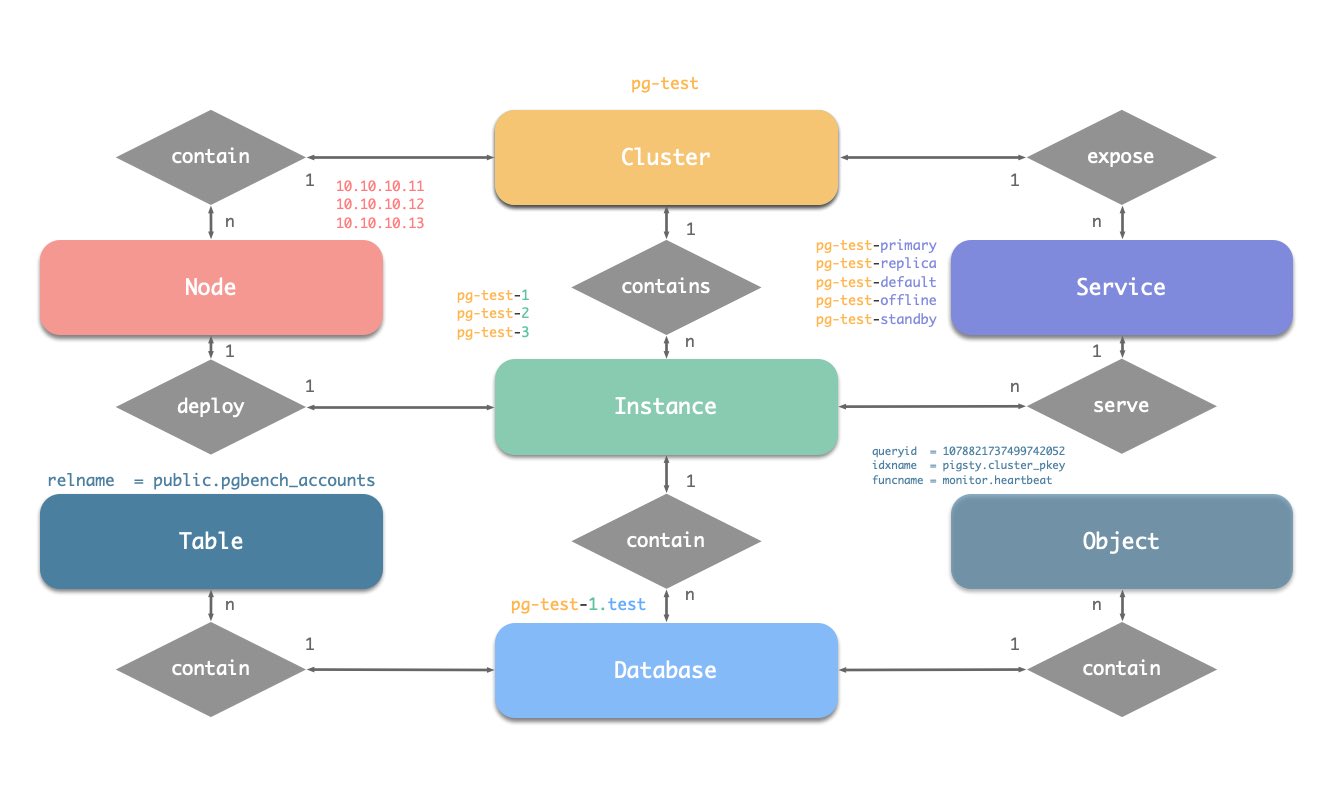
命名约定
[a-zA-Z0-9-]+primary、replica、offline、delayed,中间用-连接。-连接,例如${cluster}-${seq}。Pigsty使用身份参数来识别实体:PG_ID。
除了节点IP地址,pg_cluster、pg_role和pg_seq三个参数是定义postgres集群所必需的最小参数集。
以沙箱环境测试集群pg-test为例:
集群的三个成员如下所示:
| 集群 | 序号 | 角色 | 主机 / IP | 实例 | 服务 | 节点名 |
|---|---|---|---|---|---|---|
pg-test |
1 |
primary |
10.10.10.11 |
pg-test-1 |
pg-test-primary |
pg-test-1 |
pg-test |
2 |
replica |
10.10.10.12 |
pg-test-2 |
pg-test-replica |
pg-test-2 |
pg-test |
3 |
replica |
10.10.10.13 |
pg-test-3 |
pg-test-replica |
pg-test-3 |
这里包含了:
pg-test。primary和replica。pg-test-1、pg-test-2、pg-test-3。10.10.10.11、10.10.10.12和10.10.10.13。pg-test-primarypg-test-replicapg-test-defaultpg-test-offline在监控系统(Prometheus/Grafana/Loki)中,相应的指标将会使用这些身份参数进行标记:
Pigsty 部署默认启用了一些安全最佳实践:使用 SSL 加密网络流量,使用 HTTPS 加密 Web 界面。
为了实现这一功能,Pigsty 内置了本地自签名的 CA ,用于签发 SSL 证书,加密网络通信流量。
在默认情况下,SSL 与 HTTPS 是启用,但不强制使用的。对于有着较高安全要求的环境,您可以强制使用 SSL 与 HTTPS。
Pigsty 默认会在初始化时,在 ADMIN节点 本机 Pigsty 源码目录(~/pigsty)中生成一个自签名的 CA,当您需要使用 SSL,HTTPS,数字签名,签发数据库客户端证书,高级安全特性时,可以使用此 CA。
因此,每一套 Pigsty 部署使用的 CA 都是唯一的,不同的 Pigsty 部署之间的 CA 是不相互信任的。
本地 CA 由两个文件组成,默认放置于 files/pki/ca 目录中:
ca.crt:自签名的 CA 根证书,应当分发安装至到所有纳管节点,用于证书验证。ca.key:CA 私钥,用于签发证书,验证 CA 身份,应当妥善保管,避免泄漏!请妥善保管 CA 私钥文件,不要遗失,不要泄漏。我们建议您在完成 Pigsty 安装后,加密备份此文件。
如果您本身已经有 CA 公私钥基础设施,Pigsty 也可以配置为使用现有 CA 。
将您的 CA 公钥与私钥文件放置于 files/pki/ca 目录中即可。
当 Pigsty 执行 install.yml 与 infra.yml 剧本进行安装时,如果发现 files/pki/ca 目录中的 ca.key 私钥文件存在,则会使用已有的 CA 。ca.crt 文件可以从 ca.key 私钥文件生成,所以如果没有证书文件,Pigsty 会自动重新从 CA 私钥生成新的根证书文件。
您可以将 ca_method 参数配置为 copy,确保 Pigsty 找不到本地 CA 时报错中止,而不是自行重新生成新的自签名 CA。
在 Pigsty 安装过程中,ca.crt 会在 node.yml 剧本的 node_ca 任务中,被分发至所有节点上的 /etc/pki/ca.crt 路径下。
EL系操作系统与 Debian系操作系统默认信任的 CA 根证书路径不同,因此分发的路径与更新的方式也不同。
rm -rf /etc/pki/ca-trust/source/anchors/ca.crt ln -s /etc/pki/ca.crt /etc/pki/ca-trust/source/anchors/ca.crt /bin/update-ca-trust
rm -rf /usr/local/share/ca-certificates/ca.crt ln -s /etc/pki/ca.crt /usr/local/share/ca-certificates/ca.crt /usr/sbin/update-ca-certificates
Pigsty 默认会为基础设施节点上的 Web 系统使用的域名签发 HTTPS 证书,您可以 HTTPS 访问 Pigsty 的 Web 系统。
如果您希望在客户端电脑上浏览器访问时不要弹出“不受信任的 CA 证书”信息,可以将 ca.crt 分发至客户端电脑的信任证书目录中。
您可以双击 ca.crt 文件将其加入系统钥匙串,例如在 MacOS 系统中,需要打开“钥匙串访问” 搜索 pigsty-ca 然后“信任”此根证书
使用以下命令,可以查阅 Pigsty CA 证书的内容
如果您希望通过客户端证书认证,那么可以使用本地 CA 与 cert.yml 剧本手工签发PostgreSQL 客户端证书。
将证书的 CN 字段设置为数据库用户名即可:
签发的证书会默认生成在 files/pki/misc/<cn>.{key,crt} 路径下。
基础设施即代码,Infra as Code,简称 IaC。
Pigsty 遵循 IaC 与 GitOPS 的理念:Pigsty 的部署由声明式的 配置清单 描述,并通过 幂等剧本 来实现。
用户用声明的方式通过 参数 来描述自己期望的状态,而剧本则以幂等的方式调整目标节点以达到这个状态。这类似于 Kubernetes 的 CRD & Operator,Pigsty 在裸机和虚拟机上实现了同样的功能。
以下面的默认配置片段为例,这段配置描述了一个节点 10.10.10.10,其上安装了 INFRA、NODE、ETCD 和 PGSQL 模块。
要真正安装这些模块,执行以下剧本:
您可以声明 PostgreSQL 数据库集群,在多个节点上安装 PGSQL 模块,并使其成为一个服务单元:
例如,要在以下三个已被 Pigsty 纳管的节点上,部署一个使用流复制组建的三节点高可用 PostgreSQL 集群,
您可以在配置文件 pigsty.yml 的 all.children 中添加以下定义:
定义完后,可以使用 剧本 将集群创建:
你可以使用不同的的实例角色,例如 主库(primary),从库(replica),离线从库(offline),延迟从库(delayed),同步备库(sync standby); 以及不同的集群:例如 备份集群(Standby Cluster),Citus集群,甚至是 Redis / MinIO / Etcd 集群
您不仅可以使用声明式的方式定义集群,还可以定义集群中的数据库、用户、服务、HBA 规则等内容,例如,下面的配置文件对默认的 pg-meta 单节点数据库集群的内容进行了深度定制:
包括:声明了六个业务数据库与七个业务用户,添加了一个额外的 standby 服务(同步备库,提供无复制延迟的读取能力),定义了一些额外的 pg_hba 规则,一个指向集群主库的 L2 VIP 地址,与自定义的备份策略。
您还可以通过声明式的配置,深度定制 Pigsty 的访问控制能力。例如下面的配置文件对 pg-meta 集群进行了深度安全定制:
使用三节点核心集群模板:crit.yml,确保数据一致性有限,故障切换数据零丢失。
启用了 L2 VIP,并将数据库与连接池的监听地址限制在了 本地环回IP + 内网IP + VIP 三个特定地址。
模板强制启用了 Patroni 的 SSL API,与 Pgbouncer 的 SSL,并在 HBA 规则中强制要求使用 SSL 访问数据库集群。
同时还在 pg_libs 中启用了 $libdir/passwordcheck 扩展,来强制执行密码强度安全策略。
最后,还单独声明了一个 pg-meta-delay 集群,作为 pg-meta 在一个小时前的延迟镜像从库,用于紧急数据误删恢复。
下面是一个四节点的 Citus 分布式集群的声明式配置:
下面给出了 Redis 主从集群、哨兵集群、以及 Redis Cluster 的声明配置样例
下面给出了一个三节点的 Etcd 集群声明式配置样例:
下面给出了一个三节点的 MinIO 集群声明式配置样例:
Pigsty 的 PostgreSQL 集群带有开箱即用的高可用方案,由 Patroni、Etcd 和 HAProxy 强力驱动。
当您的 PostgreSQL 集群含有两个或更多实例时,您无需任何配置即拥有了硬件故障自愈的数据库高可用能力 —— 只要集群中有任意实例存活,集群就可以对外提供完整的服务,而客户端只要连接至集群中的任意节点,即可获得完整的服务,而无需关心主从拓扑变化。
在默认配置下,主库故障恢复时间目标 RTO ≈ 30s,数据恢复点目标 RPO < 1MB;从库故障 RPO = 0,RTO ≈ 0 (闪断);在一致性优先模式下,可确保故障切换数据零损失:RPO = 0。以上指标均可通过参数,根据您的实际硬件条件与可靠性要求 按需配置。
Pigsty 内置了 HAProxy 负载均衡器用于自动流量切换,提供 DNS/VIP/LVS 等多种接入方式供客户端选用。故障切换与主动切换对业务侧除零星闪断外几乎无感知,应用不需要修改连接串重启。 极小的维护窗口需求带来了极大的灵活便利:您完全可以在无需应用配合的情况下滚动维护升级整个集群。硬件故障可以等到第二天再抽空善后处置的特性,让研发,运维与 DBA 都能在故障时安心睡个好觉。
许多大型组织与核心机构已经在生产环境中长时间使用 Pigsty ,最大的部署有 25K CPU 核心与 220+ PostgreSQL 超大规格实例(64c / 512g / 3TB NVMe SSD);在这一部署案例中,五年内经历了数十次硬件故障与各类事故,但依然可以保持高于 99.999% 的总体可用性战绩。
高可用(High-Availability)解决什么问题?
高可用有什么代价?
高可用的局限性
因为复制实时进⾏,所有变更被⽴即应⽤⾄从库。因此基于流复制的高可用方案⽆法应对⼈为错误与软件缺陷导致的数据误删误改。(例如:DROP TABLE,或 DELETE 数据)
此类故障需要使用 延迟集群 ,或使用先前的基础备份与 WAL 归档进行 时间点恢复。
| 配置策略 | RTO | RPO |
|---|---|---|
| 单机 + 什么也不做 | 数据永久丢失,无法恢复 | 数据全部丢失 |
| 单机 + 基础备份 | 取决于备份大小与带宽(几小时) | 丢失上一次备份后的数据(几个小时到几天) |
| 单机 + 基础备份 + WAL归档 | 取决于备份大小与带宽(几小时) | 丢失最后尚未归档的数据(几十MB) |
| 主从 + 手工故障切换 | 十分钟 | 丢失复制延迟中的数据(约百KB) |
| 主从 + 自动故障切换 | 一分钟内 | 丢失复制延迟中的数据(约百KB) |
| 主从 + 自动故障切换 + 同步提交 | 一分钟内 | 无数据丢失 |
在 Pigsty 中,高可用架构的实现原理如下:
当主库故障时,将触发新一轮领导者竞选,集群中最为健康的从库将胜出(LSN位点最高,数据损失最小者),并被提升为新的主库。 胜选从库提升后,读写流量将立即路由至新的主库。 主库故障影响是 写服务短暂不可用:从主库故障到新主库提升期间,写入请求将被阻塞或直接失败,不可用时长通常在 15秒 ~ 30秒,通常不会超过 1 分钟。
当从库故障时,只读流量将路由至其他从库,如果所有从库都故障,只读流量才会最终由主库承载。 从库故障的影响是 部分只读查询闪断:当前从库上正在运行查询将由于连接重置而中止,并立即由其他可用从库接管。
故障检测由 Patroni 和 Etcd 共同完成,集群领导者将持有一个租约, 如果集群领导者因为故障而没有及时续租(10s),租约将会被释放,并触发 故障切换(Failover) 与新一轮集群选举。
即使没有出现任何故障,您依然可以主动通过 主动切换 (Switchover)变更集群的主库。 在这种情况下,主库上的写入查询将会闪断,并立即路由至新主库执行。这一操作通常可用于滚动维护/升级数据库服务器。
故障恢复时间目标(RTO)与 数据恢复点目标(RPO)是高可用集群设计时需要仔细进行利弊权衡的两个参数。
Pigsty 使用的 RTO 与 RPO 默认值满足绝大多数场景下的可靠性要求,您可以根据您的硬件水平,网络质量,业务需求来合理调整它们。
过小的 RTO 将增大误报几率,过小的 RPO 将降低成功自动切换的概率。
故障切换时的不可用时长上限由 pg_rto 参数控制,RTO 默认值为 30s,增大它将导致更长的主库故障转移写入不可用时长,而减少它将增加误报故障转移率(例如,由短暂网络抖动导致的反复切换)。
潜在数据丢失量的上限由 pg_rpo 参数控制,默认为 1MB,减小这个值可以降低故障切换时的数据损失上限,但也会增加故障时因为从库不够健康(落后太久)而拒绝自动切换的概率。
Pigsty 默认使用可用性优先模式,这意味着当主库故障时,它将尽快进行故障转移,尚未复制到从库的数据可能会丢失(常规万兆网络下,复制延迟在通常在几KB到100KB)。
如果您需要确保故障切换时不丢失任何数据,您可以使用 crit.yml 模板来确保在故障转移期间没有数据丢失,但这会牺牲一些性能作为代价。
pg_rto
参数名称: pg_rto, 类型: int, 层次:C
以秒为单位的恢复时间目标(RTO)。这将用于计算 Patroni 的 TTL 值,默认为 30 秒。
如果主实例在这么长时间内失踪,将触发新的领导者选举,此值并非越低越好,它涉及到利弊权衡: 减小这个值可以减少集群故障转移期间的不可用时间(无法写入), 但会使集群对短期网络抖动更加敏感,从而增加误报触发故障转移的几率。 您需要根据网络状况和业务约束来配置这个值,在 故障几率 和 故障影响 之间做出权衡。
pg_rpo
参数名称: pg_rpo, 类型: int, 层次:C
以字节为单位的恢复点目标(RPO),默认值:1048576。
默认为 1MiB,这意味着在故障转移期间最多可以容忍 1MiB 的数据丢失。
当主节点宕机并且所有副本都滞后时,你必须做出一个艰难的选择: 是马上提升一个从库成为新的主库,付出可接受的数据丢失代价(例如,少于 1MB),并尽快将系统恢复服务。 还是等待主库重新上线(可能永远不会)以避免任何数据丢失,或放弃自动故障切换,等人工介入作出最终决策。 您需要根据业务的需求偏好配置这个值,在 可用性 和 一致性 之间进行 利弊权衡。
您可以将集群恢复回滚至过去任意时刻,避免软件缺陷与人为失误导致的数据损失。
Pigsty 的 PostgreSQL 集群带有自动配置的时间点恢复(PITR)方案,基于备份组件 pgBackRest 与可选的对象存储仓库 MinIO 提供。
高可用方案 可以解决硬件故障,但却对软件缺陷与人为失误导致的数据删除/覆盖写入/删库等问题却无能为力。 对于这种情况,Pigsty 提供了开箱即用的 时间点恢复(Point in Time Recovery, PITR)能力,无需额外配置即默认启用。
Pigsty 为您提供了基础备份与 WAL 归档的默认配置,您可以使用本地目录与磁盘,亦或专用的 MinIO 集群或 S3 对象存储服务来存储备份并实现异地容灾。 当您使用本地磁盘时,默认保留恢复至过去一天内的任意时间点的能力。当您使用 MinIO 或 S3 时,默认保留恢复至过去一周内的任意时间点的能力。 只要存储空间管够,您尽可保留任意长地可恢复时间段,丰俭由人。
时间点恢复(PITR)解决什么问题?
| 单实例配置策略 | 事件 | RTO | RPO |
|---|---|---|---|
| 什么也不做 | 宕机 | 永久丢失 | 全部丢失 |
| 基础备份 | 宕机 | 取决于备份大小与带宽(几小时) | 丢失上一次备份后的数据(几个小时到几天) |
| 基础备份 + WAL归档 | 宕机 | 取决于备份大小与带宽(几小时) | 丢失最后尚未归档的数据(几十MB) |
时间点恢复有什么代价?
时间点恢复的局限性
如果只有 PITR 用于故障恢复,则 RTO 与 RPO 指标相比 高可用方案 更为逊色,通常应两者组合使用。
除了 PITR 之外,您还可以在 Pigsty 中使用 延迟集群 来解决人为失误或软件缺陷导致的数据误删误改问题。
时间点恢复允许您将集群恢复回滚至过去的“任意时刻”,避免软件缺陷与人为失误导致的数据损失。要做到这一点,首先需要做好两样准备工作:基础备份 与 WAL归档。 拥有 基础备份,允许用户将数据库恢复至备份时的状态,而同时拥有从某个基础备份开始的 WAL归档,允许用户将数据库恢复至基础备份时刻之后的任意时间点。
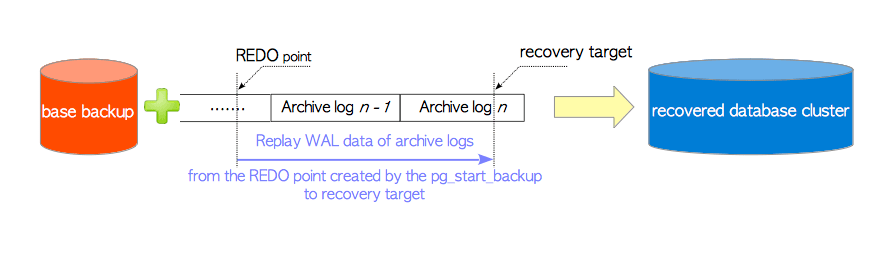
详细原理,请参阅:基础备份与时间点恢复;具体操作,请参考 PGSQL管理:备份恢复。
Pigsty 使用 pgbackrest 管理 PostgreSQL 备份。pgBackRest 将在所有集群实例上初始化空仓库,但只会在集群主库上实际使用仓库。
pgBackRest 支持三种备份模式:全量备份,增量备份,差异备份,其中前两者最为常用。 全量备份将对数据库集群取一个当前时刻的全量物理快照,增量备份会记录当前数据库集群与上一次全量备份之间的差异。
Pigsty 为备份提供了封装命令:/pg/bin/pg-backup [full|incr]。您可以通过 Crontab 或任何其他任务调度系统,按需定期制作基础备份。
Pigsty 默认在集群主库上启⽤了 WAL 归档,并使⽤ pgbackrest 命令行工具持续推送 WAL 段⽂件至备份仓库。
pgBackRest 会⾃动管理所需的 WAL ⽂件,并根据备份的保留策略及时清理过期的备份,与其对应的 WAL 归档⽂件。
如果您不需要 PITR 功能,可以通过 配置集群: archive_mode: off 来关闭 WAL 归档,移除 node_crontab 来停止定期备份任务。
默认情况下,Pigsty提供了两种预置备份策略:默认使用本地文件系统备份仓库,在这种情况下每天进行一次全量备份,确保用户任何时候都能回滚至一天内的任意时间点。备选策略使用专用的 MinIO 集群或S3存储备份,每周一全备,每天一增备,默认保留两周的备份与WAL归档。
Pigsty 使用 pgBackRest 管理备份,接收 WAL 归档,执行 PITR。备份仓库可以进行灵活配置(pgbackrest_repo):默认使用主库本地文件系统(local),但也可以使用其他磁盘路径,或使用自带的可选 MinIO 服务(minio)与云上 S3 服务。
Pigsty 参数 pgbackrest_repo 中的目标仓库会被转换为 /etc/pgbackrest/pgbackrest.conf 配置文件中的仓库定义。
例如,如果您定义了一个美西区的 S3 仓库用于存储冷备份,可以使用下面的参考配置。
您可以直接使用以下封装命令可以用于 PostgreSQL 数据库集群的 时间点恢复。
Pigsty 默认使用增量差分并行恢复,允许您以最快速度恢复到指定时间点。
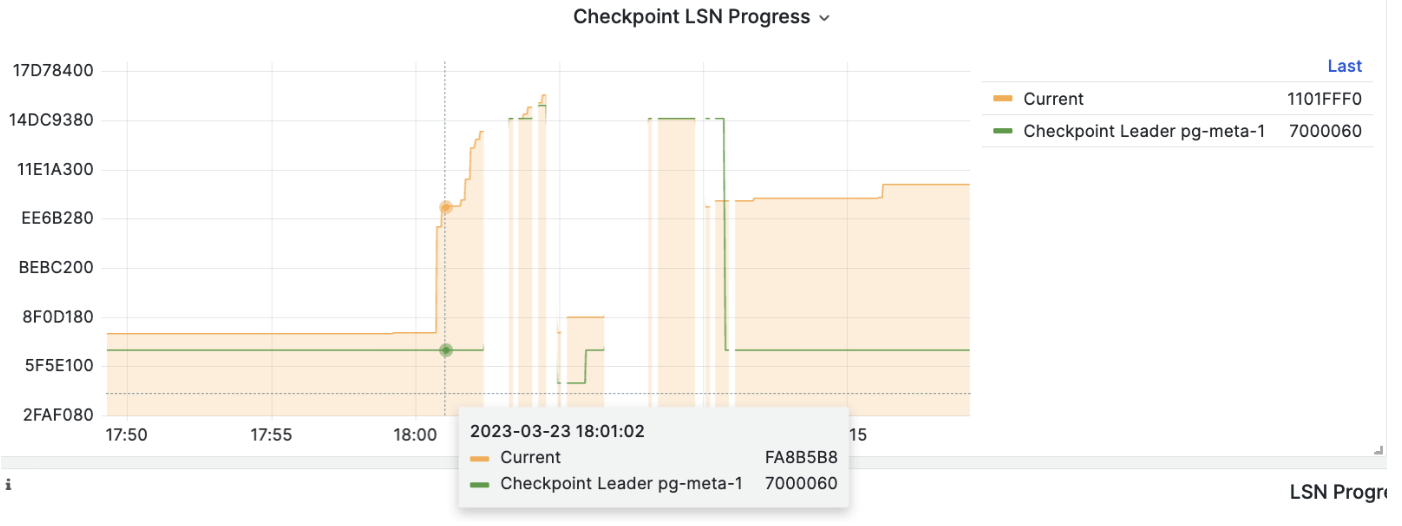
在执行 PITR 时,您可以使用 Pigsty 监控系统观察集群 LSN 位点状态,判断是否成功恢复到指定的时间点,事务点,LSN位点,或其他点位。
“服务” 的概念是给生产环境用的,个人用户/单机集群可以不折腾,直接拿实例名/IP地址访问数据库。
例如,Pigsty 默认的单节点 pg-meta.meta 数据库,就可以直接用下面三个不同的用户连接上去。
在真实世界生产环境中,我们会使用基于复制的主从数据库集群。集群中有且仅有一个实例作为领导者(主库)可以接受写入。 而其他实例(从库)则会从持续从集群领导者获取变更日志,与领导者保持一致。同时,从库还可以承载只读请求,在读多写少的场景下可以显著分担主库的负担, 因此对集群的写入请求与只读请求进行区分,是一种十分常见的实践。
此外对于高频短连接的生产环境,我们还会通过连接池中间件(Pgbouncer)对请求进行池化,减少连接与后端进程的创建开销。但对于ETL与变更执行等场景,我们又需要绕过连接池,直接访问数据库。 同时,高可用集群在故障时会出现故障切换(Failover),故障切换会导致集群的领导者出现变更。因此高可用的数据库方案要求写入流量可以自动适配集群的领导者变化。 这些不同的访问需求(读写分离,池化与直连,故障切换自动适配)最终抽象出 服务 (Service)的概念。
通常来说,数据库集群都必须提供这种最基础的服务:
对于生产数据库集群,至少应当提供这两种服务:
此外,根据具体的业务场景,可能还会有其他的服务,例如:
Pigsty的服务交付边界止步于集群的HAProxy,用户可以用各种手段访问这些负载均衡器。
典型的做法是使用 DNS 或 VIP 接入,将其绑定在集群所有或任意数量的负载均衡器上。

你可以使用不同的 主机 & 端口 组合,它们以不同的方式提供 PostgreSQL 服务。
主机
| 类型 | 样例 | 描述 |
|---|---|---|
| 集群域名 | pg-test |
通过集群域名访问(由 dnsmasq @ infra 节点解析) |
| 集群 VIP 地址 | 10.10.10.3 |
通过由 vip-manager 管理的 L2 VIP 地址访问,绑定到主节点 |
| 实例主机名 | pg-test-1 |
通过任何实例主机名访问(由 dnsmasq @ infra 节点解析) |
| 实例 IP 地址 | 10.10.10.11 |
访问任何实例的 IP 地址 |
端口
Pigsty 使用不同的 端口 来区分 pg services
| 端口 | 服务 | 类型 | 描述 |
|---|---|---|---|
| 5432 | postgres | 数据库 | 直接访问 postgres 服务器 |
| 6432 | pgbouncer | 中间件 | 访问 postgres 前先通过连接池中间件 |
| 5433 | primary | 服务 | 访问主 pgbouncer (或 postgres) |
| 5434 | replica | 服务 | 访问备份 pgbouncer (或 postgres) |
| 5436 | default | 服务 | 访问主 postgres |
| 5438 | offline | 服务 | 访问离线 postgres |
组合
权限控制很重要,但很多用户做不好。因此 Pigsty 提供了一套开箱即用的精简访问控制模型,为您的集群安全性提供一个兜底。
Pigsty 默认的角色系统包含四个默认角色和四个默认用户:
| 角色名称 | 属性 | 所属 | 描述 |
|---|---|---|---|
dbrole_readonly |
NOLOGIN |
角色:全局只读访问 | |
dbrole_readwrite |
NOLOGIN |
dbrole_readonly | 角色:全局读写访问 |
dbrole_admin |
NOLOGIN |
pg_monitor,dbrole_readwrite | 角色:管理员/对象创建 |
dbrole_offline |
NOLOGIN |
角色:受限的只读访问 | |
postgres |
SUPERUSER |
系统超级用户 | |
replicator |
REPLICATION |
pg_monitor,dbrole_readonly | 系统复制用户 |
dbuser_dba |
SUPERUSER |
dbrole_admin | pgsql 管理用户 |
dbuser_monitor |
pg_monitor | pgsql 监控用户 |
这些角色与用户的详细定义如下所示:
Pigsty 中有四个默认角色:
dbrole_readonly): 用于全局只读访问的角色。如果别的业务想要此库只读访问权限,可以使用此角色。dbrole_readwrite): 用于全局读写访问的角色,主属业务使用的生产账号应当具有数据库读写权限dbrole_admin): 拥有DDL权限的角色,通常用于业务管理员,或者需要在应用中建表的场景(比如各种业务软件)dbrole_offline): 受限的只读访问角色(只能访问 offline 实例,通常是个人用户,ETL工具账号)默认角色在 pg_default_roles 中定义,除非您确实知道自己在干什么,建议不要更改默认角色的名称。
Pigsty 也有四个默认用户(系统用户):
postgres),集群的所有者和创建者,与操作系统 dbsu 名称相同。replicator),用于主-从复制的系统用户。dbuser_monitor),用于监控数据库和连接池指标的用户。dbuser_dba),执行日常操作和数据库更改的管理员用户。这4个默认用户的用户名/密码通过4对专用参数进行定义,并在很多地方引用:
pg_dbsu:操作系统 dbsu 名称,默认为 postgres,最好不要更改它pg_dbsu_password:dbsu 密码,默认为空字符串意味着不设置 dbsu 密码,最好不要设置。pg_replication_username:postgres 复制用户名,默认为 replicatorpg_replication_password:postgres 复制密码,默认为 DBUser.Replicatorpg_admin_username:postgres 管理员用户名,默认为 dbuser_dbapg_admin_password:postgres 管理员密码的明文,默认为 DBUser.DBApg_monitor_username:postgres 监控用户名,默认为 dbuser_monitorpg_monitor_password:postgres 监控密码,默认为 DBUser.Monitor在生产部署中记得更改这些密码,不要使用默认值!
如果您修改默认用户的参数,在 pg_default_roles 中修改相应的角色定义即可:
Pigsty 拥有一套开箱即用的权限模型,该模型与默认角色一起配合工作。
dbrole_readonly)可以从所有表中读取数据。(SELECT,EXECUTE)dbrole_readwrite)可以向所有表中写入数据并运行 DML。(INSERT,UPDATE,DELETE)。dbrole_admin)可以创建对象并运行 DDL(CREATE,USAGE,TRUNCATE,REFERENCES,TRIGGER)。dbrole_offline)类似只读用户,但访问受到限制,只允许访问离线实例(pg_role = 'offline' 或 pg_offline_query = true)PUBLIC在数据库和public模式下的CREATE权限。数据库中新建对象的默认权限由参数 pg_default_privileges 所控制:
由管理员新创建的对象,默认将会上述权限。使用 \ddp+ 可以查看这些默认权限:
| 类型 | 访问权限 |
|---|---|
| 函数 | =X |
| dbrole_readonly=X | |
| dbrole_offline=X | |
| dbrole_admin=X | |
| 模式 | dbrole_readonly=U |
| dbrole_offline=U | |
| dbrole_admin=UC | |
| 序列号 | dbrole_readonly=r |
| dbrole_offline=r | |
| dbrole_readwrite=wU | |
| dbrole_admin=rwU | |
| 表 | dbrole_readonly=r |
| dbrole_offline=r | |
| dbrole_readwrite=awd | |
| dbrole_admin=arwdDxt |
SQL 语句 ALTER DEFAULT PRIVILEGES 允许您设置将来创建的对象的权限。 它不会影响已经存在对象的权限,也不会影响非管理员用户创建的对象。
在 Pigsty 中,默认权限针对三个角色进行定义:
这些内容将会被 PG集群初始化模板 pg-init-template.sql 所使用,在集群初始化的过程中渲染并输出至 /pg/tmp/pg-init-template.sql。
该命令会在 template1 与 postgres 数据库中执行,新创建的数据库会通过模板 template1 继承这些默认权限配置。
也就是说,为了维持正确的对象权限,您必须用管理员用户来执行 DDL,它们可以是:
{{ pg_dbsu }},默认为 postgres{{ pg_admin_username }},默认为 dbuser_dbadbrole_admin 角色的业务管理员用户(通过 SET ROLE 切换为 dbrole_admin 身份)。使用 postgres 作为全局对象所有者是明智的。如果您希望以业务管理员用户身份创建对象,创建之前必须使用 SET ROLE dbrole_admin 来维护正确的权限。
当然,您也可以在数据库中通过 ALTER DEFAULT PRIVILEGE FOR ROLE <some_biz_admin> XXX 来显式对业务管理员授予默认权限。
在 Pigsty 中,数据库(Database)层面的权限在数据库定义中被涵盖。
数据库有三个级别的权限:CONNECT、CREATE、TEMP,以及一个特殊的’权限’:OWNERSHIP。
owner 参数存在,它作为数据库属主,替代默认的 {{ pg_dbsu }}(通常也就是postgres)revokeconn 为 false,所有用户都有数据库的 CONNECT 权限,这是默认的行为。revokeconn 为 true:
CONNECT 权限将从 PUBLIC 中撤销:普通用户无法连接上此数据库CONNECT 权限将被显式授予 {{ pg_replication_username }}、{{ pg_monitor_username }} 和 {{ pg_admin_username }}CONNECT 权限将 GRANT OPTION 被授予数据库属主,数据库属主用户可以自行授权其他用户连接权限。revokeconn 选项可用于在同一个集群间隔离跨数据库访问,您可以为每个数据库创建不同的业务用户作为属主,并为它们设置 revokeconn 选项。出于安全考虑,Pigsty 默认从 PUBLIC 撤销数据库上的 CREATE 权限,从 PostgreSQL 15 开始这也是默认行为。
数据库属主总是可以根据实际需要,来自行调整 CREATE 权限。
Pigsty 建议使用 Linux 内核,amd64 架构的节点,使用 RockyLinux 8.9,Debian 12 或 Ubuntu 22.04 操作系统。
内核架构兼容性:Linux 内核,amd64 架构(x86_64)
EL发行版支持: EL7,EL8,EL9 ;(RHEL, Rocky, CentOS, Alma, Oracle, Anolis,…)
Debian系发行版支持:Ubuntu 22.04 jammy,20.04 focal;Debian 12 bookworm 与 11 bullseye。
Pigsty 不使用任何虚拟化容器化技术,直接运行于裸操作系统上。 EL 是我们长期支持的操作系统,而 Ubuntu/Debian 系统的支持近期于 v2.5 版本中引入。 EL 系与 Debian 系的主要差别是:软件包名有显著差异,以及默认可用的 PostgreSQL 扩展插件 会有所不同。
我们强烈建议使用 RockyLinux 8.9 或 Ubuntu 22.04.3 LTS 作为安装 Pigsty 的操作系统,我们针对这几种操作系统发行版的特定小版本预先准备了离线软件包。 可以确保在没有互联网访问的情况下也能稳定可靠丝滑地完成安装。使用其他操作系统发行版首次进行 标准安装 时,通常需要您有互联网访问,以便下载并构建本地软件源。
如果您有对兼容性的高级需求,例如使用特定操作系统发行版大小版本,支持特定版本的 PostgreSQL,我们亦提供专业的 服务支持 选项。
Pigsty 目前只支持 Linux 内核,与 x86_64 / amd64 芯片架构。
MacOS 与 Windows 操作系统可以通过 Linux 虚拟机/容器的方式安装 Pigsty。我们提供了 Vagrant 本地沙箱支持,可以在其他操作系统上使用 Vagrant 和 Virtualbox 等虚拟化软件一键拉起 Pigsty 所需的部署环境。
我们在 企业级订阅服务 中试点提供部分国产操作系统/国产芯片的 arm64 架构支持,
EL 系操作系统是 Pigsty 的首要支持目标,包括 Red Hat Enterprise Linux,RockyLinux,CentOS,AlmaLinux,OracleLinux, Anolis 等兼容发行版,Pigsty 支持最近三个大版本: 7,8,9
| 代码 | 发行版 | 小版本 | PG16 | PG15 | PG14 | PG13 | PG12 | 局限性 |
|---|---|---|---|---|---|---|---|---|
| EL8 | RHEL 8 / Rocky8 / Alma8 / Anolis8 | 8.9 | EL系标准功能集 | |||||
| EL9 | RHEL 9 / Rocky9 / Alma9 | 9.3 | pgxnclient 缺失,perf 依赖冲突 | |||||
| EL7 | RHEL7 / CentOS7 | 7.9 | PG16, supabase, pgml, duckdb_fdw 等扩展不可用 |
Rocky 8.9 在系统可靠性/稳定性与软件版本的新颖性/齐全性上取得了良好的平衡,建议 EL 系用户默认使用此系统版本。
Red Hat Enterprise Linux 7 将于 2024年6月停止维护,同时 PGDG 也不再为 PostgreSQL 16 提供 EL7 二进制包支持。
Pigsty 支持 Ubuntu / Debian 系操作系统及其兼容发行版,目前支持范围为两个最近的 LTS 大版本,即:
| 代码 | Debian系发行版 | 小版本 | PG16 | PG15 | PG14 | PG13 | PG12 | 局限性 |
|---|---|---|---|---|---|---|---|---|
| U22 | Ubuntu 22.04 (jammy) | 22.04.3 | Debian系标准功能集 | |||||
| U20 | Ubuntu 20.04 (focal) | 20.04.6 | 部分扩展需要在线安装 | |||||
| D12 | Debian 12 (bookworm) | 12.4 | ||||||
| D11 | Debian 11 (bullseye) | 11.8 |
Ubuntu 22.04 带有一些独特的扩展支持,例如 pg_graphql,pg_net,pg_bm25,pg_analytics,pg_sparse。
Postgres 机器学习扩展 pgml 官方支持仅限 Ubuntu 22.04 ,有相关需求的用户建议使用此系统版本:Ubuntu 22.04.3。
Ubuntu 20.04 的 postgresql-16-postgis 与 postgresql-server-dev-16 软件包有依赖缺失,需要在联网环境下在线安装。
如果您的环境没有互联网访问,又需要用到 PostGIS 扩展,请谨慎使用此操作系统。
当您使用云服务器部署 Pigsty 时,可以考虑在 Vagrant 中使用以下操作系统镜像,这也是 Pigsty 开发测试构建使用的镜像。
generic/centos7: CentOS 7.9generic/rocky8: Rocky 8.9generic/rocky9: Rocky 9.3generic/debian11: Debian 11.8generic/debian12: Debian 12.4generic/ubuntu2004: Ubuntu 20.04.6generic/ubuntu2204: Ubuntu 22.04.3当您使用云服务器部署 Pigsty 时,可以考虑在 Terraform 中使用以下操作系统基础镜像,以阿里云为例:
centos_7_9_x64_20G_alibase_20231220.vhdrockylinux_8_9_x64_20G_alibase_20231221.vhdrockylinux_9_3_x64_20G_alibase_20231221.vhdubuntu_20_04_x64_20G_alibase_20231221.vhdubuntu_22_04_x64_20G_alibase_20231221.vhddebian_11_7_x64_20G_alibase_20230907.vhddebian_12_4_x64_20G_alibase_20231220.vhdanolisos_8_8_x64_20G_rhck_alibase_20230804.vhdPigsty 提供了 280+ 参数,用于描述数据库集群与整个环境的方方面面。
| 序号 | 参数 | 模块 | 参数组 | 类型 | 层次 | 中文说明 |
|---|---|---|---|---|---|---|
| 101 | version |
INFRA |
META |
string | G | pigsty 版本字符串 |
| 102 | admin_ip |
INFRA |
META |
ip | G | 管理节点 IP 地址 |
| 103 | region |
INFRA |
META |
enum | G | 上游镜像区域:default,china,europe |
| 104 | proxy_env |
INFRA |
META |
dict | G | 下载包时使用的全局代理环境变量 |
| 105 | ca_method |
INFRA |
CA |
enum | G | CA处理方式:create,recreate,copy,默认为没有则创建 |
| 106 | ca_cn |
INFRA |
CA |
string | G | CA CN名称,固定为 pigsty-ca |
| 107 | cert_validity |
INFRA |
CA |
interval | G | 证书有效期,默认为 20 年 |
| 108 | infra_seq |
INFRA |
INFRA_ID |
int | I | 基础设施节号,必选身份参数 |
| 109 | infra_portal |
INFRA |
INFRA_ID |
dict | G | 通过Nginx门户暴露的基础设施服务列表 |
| 110 | repo_enabled |
INFRA |
REPO |
bool | G/I | 在此基础设施节点上创建软件仓库? |
| 111 | repo_home |
INFRA |
REPO |
path | G | 软件仓库主目录,默认为/www |
| 112 | repo_name |
INFRA |
REPO |
string | G | 软件仓库名称,默认为 pigsty |
| 113 | repo_endpoint |
INFRA |
REPO |
url | G | 仓库的访问点:域名或 ip:port 格式 |
| 114 | repo_remove |
INFRA |
REPO |
bool | G/A | 构建本地仓库时是否移除现有上游仓库源定义文件? |
| 115 | repo_modules |
INFRA |
REPO |
string | G/A | 启用的上游仓库模块列表,用逗号分隔 |
| 116 | repo_upstream |
INFRA |
REPO |
upstream[] | G | 上游仓库源定义:从哪里下载上游包? |
| 117 | repo_packages |
INFRA |
REPO |
string[] | G | 从上游仓库下载哪些软件包? |
| 118 | repo_url_packages |
INFRA |
REPO |
string[] | G | 使用URL下载的额外软件包列表 |
| 120 | infra_packages |
INFRA |
INFRA_PACKAGE |
string[] | G | 在基础设施节点上要安装的软件包 |
| 121 | infra_packages_pip |
INFRA |
INFRA_PACKAGE |
string | G | 在基础设施节点上使用 pip 安装的包 |
| 130 | nginx_enabled |
INFRA |
NGINX |
bool | G/I | 在此基础设施节点上启用 nginx? |
| 131 | nginx_exporter_enabled |
INFRA |
NGINX |
bool | G/I | 在此基础设施节点上启用 nginx_exporter? |
| 132 | nginx_sslmode |
INFRA |
NGINX |
enum | G | nginx SSL模式?disable,enable,enforce |
| 133 | nginx_home |
INFRA |
NGINX |
path | G | nginx 内容目录,默认为 /www,通常和仓库目录一致 |
| 134 | nginx_port |
INFRA |
NGINX |
port | G | nginx 监听端口,默认为 80 |
| 135 | nginx_ssl_port |
INFRA |
NGINX |
port | G | nginx SSL监听端口,默认为 443 |
| 136 | nginx_navbar |
INFRA |
NGINX |
index[] | G | nginx 首页导航链接列表 |
| 140 | dns_enabled |
INFRA |
DNS |
bool | G/I | 在此基础设施节点上设置dnsmasq? |
| 141 | dns_port |
INFRA |
DNS |
port | G | DNS 服务器监听端口,默认为 53 |
| 142 | dns_records |
INFRA |
DNS |
string[] | G | 由 dnsmasq 解析的动态 DNS 记录 |
| 150 | prometheus_enabled |
INFRA |
PROMETHEUS |
bool | G/I | 在此基础设施节点上启用 prometheus? |
| 151 | prometheus_clean |
INFRA |
PROMETHEUS |
bool | G/A | 初始化Prometheus的时候清除现有数据? |
| 152 | prometheus_data |
INFRA |
PROMETHEUS |
path | G | Prometheus 数据目录,默认为 /data/prometheus |
| 153 | prometheus_sd_dir |
INFRA |
PROMETHEUS |
path | G | Prometheus 服务发现目标文件目录 |
| 154 | prometheus_sd_interval |
INFRA |
PROMETHEUS |
interval | G | Prometheus 目标刷新间隔,默认为 5s |
| 155 | prometheus_scrape_interval |
INFRA |
PROMETHEUS |
interval | G | Prometheus 抓取 & 评估间隔,默认为 10s |
| 156 | prometheus_scrape_timeout |
INFRA |
PROMETHEUS |
interval | G | Prometheus 全局抓取超时,默认为 8s |
| 157 | prometheus_options |
INFRA |
PROMETHEUS |
arg | G | Prometheus 额外的命令行参数选项 |
| 158 | pushgateway_enabled |
INFRA |
PROMETHEUS |
bool | G/I | 在此基础设施节点上设置 pushgateway? |
| 159 | pushgateway_options |
INFRA |
PROMETHEUS |
arg | G | pushgateway 额外的命令行参数选项 |
| 160 | blackbox_enabled |
INFRA |
PROMETHEUS |
bool | G/I | 在此基础设施节点上设置 blackbox_exporter? |
| 161 | blackbox_options |
INFRA |
PROMETHEUS |
arg | G | blackbox_exporter 额外的命令行参数选项 |
| 162 | alertmanager_enabled |
INFRA |
PROMETHEUS |
bool | G/I | 在此基础设施节点上设置 alertmanager? |
| 163 | alertmanager_options |
INFRA |
PROMETHEUS |
arg | G | alertmanager 额外的命令行参数选项 |
| 164 | exporter_metrics_path |
INFRA |
PROMETHEUS |
path | G | exporter 指标路径,默认为 /metrics |
| 165 | exporter_install |
INFRA |
PROMETHEUS |
enum | G | 如何安装 exporter?none,yum,binary |
| 166 | exporter_repo_url |
INFRA |
PROMETHEUS |
url | G | 通过 yum 安装exporter时使用的yum仓库文件地址 |
| 170 | grafana_enabled |
INFRA |
GRAFANA |
bool | G/I | 在此基础设施节点上启用 Grafana? |
| 171 | grafana_clean |
INFRA |
GRAFANA |
bool | G/A | 初始化Grafana期间清除数据? |
| 172 | grafana_admin_username |
INFRA |
GRAFANA |
username | G | Grafana 管理员用户名,默认为 admin |
| 173 | grafana_admin_password |
INFRA |
GRAFANA |
password | G | Grafana 管理员密码,默认为 pigsty |
| 174 | grafana_plugin_cache |
INFRA |
GRAFANA |
path | G | Grafana 插件缓存 tarball 的路径 |
| 175 | grafana_plugin_list |
INFRA |
GRAFANA |
string[] | G | 使用 grafana-cli 下载的 Grafana 插件 |
| 176 | loki_enabled |
INFRA |
LOKI |
bool | G/I | 在此基础设施节点上启用 loki? |
| 177 | loki_clean |
INFRA |
LOKI |
bool | G/A | 是否删除现有的 loki 数据? |
| 178 | loki_data |
INFRA |
LOKI |
path | G | loki 数据目录,默认为 /data/loki |
| 179 | loki_retention |
INFRA |
LOKI |
interval | G | loki 日志保留期,默认为 15d |
| 201 | nodename |
NODE |
NODE_ID |
string | I | node 实例标识,如缺失则使用主机名,可选 |
| 202 | node_cluster |
NODE |
NODE_ID |
string | C | node 集群标识,如缺失则使用默认值’nodes’,可选 |
| 203 | nodename_overwrite |
NODE |
NODE_ID |
bool | C | 用 nodename 覆盖节点的主机名吗? |
| 204 | nodename_exchange |
NODE |
NODE_ID |
bool | C | 在剧本主机之间交换 nodename 吗? |
| 205 | node_id_from_pg |
NODE |
NODE_ID |
bool | C | 如果可行,是否借用 postgres 身份作为节点身份? |
| 210 | node_write_etc_hosts |
NODE |
NODE_DNS |
bool | G/C/I | 是否修改目标节点上的 /etc/hosts? |
| 211 | node_default_etc_hosts |
NODE |
NODE_DNS |
string[] | G | /etc/hosts 中的静态 DNS 记录 |
| 212 | node_etc_hosts |
NODE |
NODE_DNS |
string[] | C | /etc/hosts 中的额外静态 DNS 记录 |
| 213 | node_dns_method |
NODE |
NODE_DNS |
enum | C | 如何处理现有DNS服务器:add,none,overwrite |
| 214 | node_dns_servers |
NODE |
NODE_DNS |
string[] | C | /etc/resolv.conf 中的动态域名服务器列表 |
| 215 | node_dns_options |
NODE |
NODE_DNS |
string[] | C | /etc/resolv.conf 中的DNS解析选项 |
| 220 | node_repo_modules |
NODE |
NODE_PACKAGE |
enum | C | 在节点上启用哪些软件源模块?默认为 local 使用本地源 |
| 221 | node_repo_remove |
NODE |
NODE_PACKAGE |
bool | C | 配置节点软件仓库时,删除节点上现有的仓库吗? |
| 223 | node_packages |
NODE |
NODE_PACKAGE |
string[] | C | 要在当前节点上安装的软件包列表 |
| 224 | node_default_packages |
NODE |
NODE_PACKAGE |
string[] | G | 默认在所有节点上安装的软件包列表 |
| 230 | node_disable_firewall |
NODE |
NODE_TUNE |
bool | C | 禁用节点防火墙?默认为 true |
| 231 | node_disable_selinux |
NODE |
NODE_TUNE |
bool | C | 禁用节点 selinux?默认为 true |
| 232 | node_disable_numa |
NODE |
NODE_TUNE |
bool | C | 禁用节点 numa,禁用需要重启 |
| 233 | node_disable_swap |
NODE |
NODE_TUNE |
bool | C | 禁用节点 Swap,谨慎使用 |
| 234 | node_static_network |
NODE |
NODE_TUNE |
bool | C | 重启后保留 DNS 解析器设置,即静态网络,默认启用 |
| 235 | node_disk_prefetch |
NODE |
NODE_TUNE |
bool | C | 在 HDD 上配置磁盘预取以提高性能 |
| 236 | node_kernel_modules |
NODE |
NODE_TUNE |
string[] | C | 在此节点上启用的内核模块列表 |
| 237 | node_hugepage_count |
NODE |
NODE_TUNE |
int | C | 主机节点分配的 2MB 大页数量,优先级比比例更高 |
| 238 | node_hugepage_ratio |
NODE |
NODE_TUNE |
float | C | 主机节点分配的内存大页占总内存比例,0 默认禁用 |
| 239 | node_overcommit_ratio |
NODE |
NODE_TUNE |
float | C | 节点内存允许的 OverCommit 超额比率 (50-100),0 默认禁用 |
| 240 | node_tune |
NODE |
NODE_TUNE |
enum | C | 节点调优配置文件:无,oltp,olap,crit,tiny |
| 241 | node_sysctl_params |
NODE |
NODE_TUNE |
dict | C | 额外的 sysctl 配置参数,k:v 格式 |
| 250 | node_data |
NODE |
NODE_ADMIN |
path | C | 节点主数据目录,默认为 /data |
| 251 | node_admin_enabled |
NODE |
NODE_ADMIN |
bool | C | 在目标节点上创建管理员用户吗? |
| 252 | node_admin_uid |
NODE |
NODE_ADMIN |
int | C | 节点管理员用户的 uid 和 gid |
| 253 | node_admin_username |
NODE |
NODE_ADMIN |
username | C | 节点管理员用户的名称,默认为 dba |
| 254 | node_admin_ssh_exchange |
NODE |
NODE_ADMIN |
bool | C | 是否在节点集群之间交换管理员 ssh 密钥 |
| 255 | node_admin_pk_current |
NODE |
NODE_ADMIN |
bool | C | 将当前用户的 ssh 公钥添加到管理员的 authorized_keys 中吗? |
| 256 | node_admin_pk_list |
NODE |
NODE_ADMIN |
string[] | C | 要添加到管理员用户的 ssh 公钥 |
| 260 | node_timezone |
NODE |
NODE_TIME |
string | C | 设置主机节点时区,空字符串跳过 |
| 261 | node_ntp_enabled |
NODE |
NODE_TIME |
bool | C | 启用 chronyd 时间同步服务吗? |
| 262 | node_ntp_servers |
NODE |
NODE_TIME |
string[] | C | /etc/chrony.conf 中的 ntp 服务器列表 |
| 263 | node_crontab_overwrite |
NODE |
NODE_TIME |
bool | C | 写入 /etc/crontab 时,追加写入还是全部覆盖? |
| 264 | node_crontab |
NODE |
NODE_TIME |
string[] | C | 在 /etc/crontab 中的 crontab 条目 |
| 270 | vip_enabled |
NODE |
NODE_VIP |
bool | C | 在此节点集群上启用 L2 vip 吗? |
| 271 | vip_address |
NODE |
NODE_VIP |
ip | C | 节点 vip 地址的 ipv4 格式,启用 vip 时为必要参数 |
| 272 | vip_vrid |
NODE |
NODE_VIP |
int | C | 所需的整数,1-254,在同一 VLAN 中应唯一 |
| 273 | vip_role |
NODE |
NODE_VIP |
enum | I | 可选,master/backup,默认为 backup,用作初始角色 |
| 274 | vip_preempt |
NODE |
NODE_VIP |
bool | C/I | 可选,true/false,默认为 false,启用 vip 抢占 |
| 275 | vip_interface |
NODE |
NODE_VIP |
string | C/I | 节点 vip 网络接口监听,默认为 eth0 |
| 276 | vip_dns_suffix |
NODE |
NODE_VIP |
string | C | 节点 vip DNS 名称后缀,默认为空字符串 |
| 277 | vip_exporter_port |
NODE |
NODE_VIP |
port | C | keepalived exporter 监听端口,默认为 9650 |
| 280 | haproxy_enabled |
NODE |
HAPROXY |
bool | C | 在此节点上启用 haproxy 吗? |
| 281 | haproxy_clean |
NODE |
HAPROXY |
bool | G/C/A | 清除所有现有的 haproxy 配置吗? |
| 282 | haproxy_reload |
NODE |
HAPROXY |
bool | A | 配置后重新加载 haproxy 吗? |
| 283 | haproxy_auth_enabled |
NODE |
HAPROXY |
bool | G | 启用 haproxy 管理页面的身份验证? |
| 284 | haproxy_admin_username |
NODE |
HAPROXY |
username | G | haproxy 管理用户名,默认为 admin |
| 285 | haproxy_admin_password |
NODE |
HAPROXY |
password | G | haproxy 管理密码,默认为 pigsty |
| 286 | haproxy_exporter_port |
NODE |
HAPROXY |
port | C | haproxy exporter 的端口,默认为 9101 |
| 287 | haproxy_client_timeout |
NODE |
HAPROXY |
interval | C | haproxy 客户端连接超时,默认为 24h |
| 288 | haproxy_server_timeout |
NODE |
HAPROXY |
interval | C | haproxy 服务器端连接超时,默认为 24h |
| 289 | haproxy_services |
NODE |
HAPROXY |
service[] | C | 要在节点上对外暴露的 haproxy 服务列表 |
| 290 | node_exporter_enabled |
NODE |
NODE_EXPORTER |
bool | C | 在此节点上配置 node_exporter 吗? |
| 291 | node_exporter_port |
NODE |
NODE_EXPORTER |
port | C | node exporter 监听端口,默认为 9100 |
| 292 | node_exporter_options |
NODE |
NODE_EXPORTER |
arg | C | node_exporter 的额外服务器选项 |
| 293 | promtail_enabled |
NODE |
PROMTAIL |
bool | C | 启用 promtail 日志收集器吗? |
| 294 | promtail_clean |
NODE |
PROMTAIL |
bool | G/A | 初始化期间清除现有的 promtail 状态文件吗? |
| 295 | promtail_port |
NODE |
PROMTAIL |
port | C | promtail 监听端口,默认为 9080 |
| 296 | promtail_positions |
NODE |
PROMTAIL |
path | C | promtail 位置状态文件路径 |
| 401 | docker_enabled |
NODE |
DOCKER |
bool | C | 在当前节点上启用 Docker?默认不启用 |
| 402 | docker_cgroups_driver |
NODE |
DOCKER |
enum | C | Docker CGroup 文件系统驱动:cgroupfs,systemd |
| 403 | docker_registry_mirrors |
NODE |
DOCKER |
string[] | C | Docker 仓库镜像列表 |
| 404 | docker_image_cache |
NODE |
DOCKER |
path | C | Docker 镜像缓存目录:默认为/tmp/docker |
| 501 | etcd_seq |
ETCD |
ETCD |
int | I | etcd 实例标识符,必填 |
| 502 | etcd_cluster |
ETCD |
ETCD |
string | C | etcd 集群名,默认固定为 etcd |
| 503 | etcd_safeguard |
ETCD |
ETCD |
bool | G/C/A | etcd 防误删保险,阻止清除正在运行的 etcd 实例? |
| 504 | etcd_clean |
ETCD |
ETCD |
bool | G/C/A | etcd 清除指令:在初始化时清除现有的 etcd 实例? |
| 505 | etcd_data |
ETCD |
ETCD |
path | C | etcd 数据目录,默认为 /data/etcd |
| 506 | etcd_port |
ETCD |
ETCD |
port | C | etcd 客户端端口,默认为 2379 |
| 507 | etcd_peer_port |
ETCD |
ETCD |
port | C | etcd 同伴端口,默认为 2380 |
| 508 | etcd_init |
ETCD |
ETCD |
enum | C | etcd 初始集群状态,新建或已存在 |
| 509 | etcd_election_timeout |
ETCD |
ETCD |
int | C | etcd 选举超时,默认为 1000ms |
| 510 | etcd_heartbeat_interval |
ETCD |
ETCD |
int | C | etcd 心跳间隔,默认为 100ms |
| 601 | minio_seq |
MINIO |
MINIO |
int | I | minio 实例标识符,必填 |
| 602 | minio_cluster |
MINIO |
MINIO |
string | C | minio 集群名称,默认为 minio |
| 603 | minio_clean |
MINIO |
MINIO |
bool | G/C/A | 初始化时清除 minio?默认为 false |
| 604 | minio_user |
MINIO |
MINIO |
username | C | minio 操作系统用户,默认为 minio |
| 605 | minio_node |
MINIO |
MINIO |
string | C | minio 节点名模式 |
| 606 | minio_data |
MINIO |
MINIO |
path | C | minio 数据目录,使用 {x...y} 指定多个磁盘 |
| 607 | minio_domain |
MINIO |
MINIO |
string | G | minio 外部域名,默认为 sss.pigsty |
| 608 | minio_port |
MINIO |
MINIO |
port | C | minio 服务端口,默认为 9000 |
| 609 | minio_admin_port |
MINIO |
MINIO |
port | C | minio 控制台端口,默认为 9001 |
| 610 | minio_access_key |
MINIO |
MINIO |
username | C | 根访问密钥,默认为 minioadmin |
| 611 | minio_secret_key |
MINIO |
MINIO |
password | C | 根密钥,默认为 minioadmin |
| 612 | minio_extra_vars |
MINIO |
MINIO |
string | C | minio 服务器的额外环境变量 |
| 613 | minio_alias |
MINIO |
MINIO |
string | G | minio 部署的客户端别名 |
| 614 | minio_buckets |
MINIO |
MINIO |
bucket[] | C | 待创建的 minio 存储桶列表 |
| 615 | minio_users |
MINIO |
MINIO |
user[] | C | 待创建的 minio 用户列表 |
| 701 | redis_cluster |
REDIS |
REDIS |
string | C | Redis数据库集群名称,必选身份参数 |
| 702 | redis_instances |
REDIS |
REDIS |
dict | I | Redis节点上的实例定义 |
| 703 | redis_node |
REDIS |
REDIS |
int | I | Redis节点编号,正整数,集群内唯一,必选身份参数 |
| 710 | redis_fs_main |
REDIS |
REDIS |
path | C | Redis主数据目录,默认为 /data |
| 711 | redis_exporter_enabled |
REDIS |
REDIS |
bool | C | Redis Exporter 是否启用? |
| 712 | redis_exporter_port |
REDIS |
REDIS |
port | C | Redis Exporter监听端口 |
| 713 | redis_exporter_options |
REDIS |
REDIS |
string | C/I | Redis Exporter命令参数 |
| 720 | redis_safeguard |
REDIS |
REDIS |
bool | G/C/A | 禁止抹除现存的Redis |
| 721 | redis_clean |
REDIS |
REDIS |
bool | G/C/A | 初始化Redis是否抹除现存实例 |
| 722 | redis_rmdata |
REDIS |
REDIS |
bool | G/C/A | 移除Redis实例时是否一并移除数据? |
| 723 | redis_mode |
REDIS |
REDIS |
enum | C | Redis集群模式:sentinel,cluster,standalone |
| 724 | redis_conf |
REDIS |
REDIS |
string | C | Redis配置文件模板,sentinel 除外 |
| 725 | redis_bind_address |
REDIS |
REDIS |
ip | C | Redis监听地址,默认留空则会绑定主机IP |
| 726 | redis_max_memory |
REDIS |
REDIS |
size | C/I | Redis可用的最大内存 |
| 727 | redis_mem_policy |
REDIS |
REDIS |
enum | C | Redis内存逐出策略 |
| 728 | redis_password |
REDIS |
REDIS |
password | C | Redis密码,默认留空则禁用密码 |
| 729 | redis_rdb_save |
REDIS |
REDIS |
string[] | C | Redis RDB 保存指令,字符串列表,空数组则禁用RDB |
| 730 | redis_aof_enabled |
REDIS |
REDIS |
bool | C | Redis AOF 是否启用? |
| 731 | redis_rename_commands |
REDIS |
REDIS |
dict | C | Redis危险命令重命名列表 |
| 732 | redis_cluster_replicas |
REDIS |
REDIS |
int | C | Redis原生集群中每个主库配几个从库? |
| 733 | redis_sentinel_monitor |
REDIS |
REDIS |
master[] | C | Redis哨兵监控的主库列表,只在哨兵集群上使用 |
| 801 | pg_mode |
PGSQL |
PG_ID |
enum | C | pgsql 集群模式: pgsql,citus,gpsql |
| 802 | pg_cluster |
PGSQL |
PG_ID |
string | C | pgsql 集群名称, 必选身份参数 |
| 803 | pg_seq |
PGSQL |
PG_ID |
int | I | pgsql 实例号, 必选身份参数 |
| 804 | pg_role |
PGSQL |
PG_ID |
enum | I | pgsql 实例角色, 必选身份参数, 可为 primary,replica,offline |
| 805 | pg_instances |
PGSQL |
PG_ID |
dict | I | 在一个节点上定义多个 pg 实例,使用 {port:ins_vars} 格式 |
| 806 | pg_upstream |
PGSQL |
PG_ID |
ip | I | 级联从库或备份集群或的复制上游节点IP地址 |
| 807 | pg_shard |
PGSQL |
PG_ID |
string | C | pgsql 分片名,对 citus 与 gpsql 等水平分片集群为必选身份参数 |
| 808 | pg_group |
PGSQL |
PG_ID |
int | C | pgsql 分片号,正整数,对 citus 与 gpsql 等水平分片集群为必选身份参数 |
| 809 | gp_role |
PGSQL |
PG_ID |
enum | C | 这个集群的 greenplum 角色,可以是 master 或 segment |
| 810 | pg_exporters |
PGSQL |
PG_ID |
dict | C | 在该节点上设置额外的 pg_exporters 用于监控远程 postgres 实例 |
| 811 | pg_offline_query |
PGSQL |
PG_ID |
bool | I | 设置为 true 将此只读实例标记为特殊的离线从库,承载 Offline 服务,允许离线查询 |
| 820 | pg_users |
PGSQL |
PG_BUSINESS |
user[] | C | postgres 业务用户 |
| 821 | pg_databases |
PGSQL |
PG_BUSINESS |
database[] | C | postgres 业务数据库 |
| 822 | pg_services |
PGSQL |
PG_BUSINESS |
service[] | C | postgres 业务服务 |
| 823 | pg_hba_rules |
PGSQL |
PG_BUSINESS |
hba[] | C | postgres 的业务 hba 规则 |
| 824 | pgb_hba_rules |
PGSQL |
PG_BUSINESS |
hba[] | C | pgbouncer 的业务 hba 规则 |
| 831 | pg_replication_username |
PGSQL |
PG_BUSINESS |
username | G | postgres 复制用户名,默认为 replicator |
| 832 | pg_replication_password |
PGSQL |
PG_BUSINESS |
password | G | postgres 复制密码,默认为 DBUser.Replicator |
| 833 | pg_admin_username |
PGSQL |
PG_BUSINESS |
username | G | postgres 管理员用户名,默认为 dbuser_dba |
| 834 | pg_admin_password |
PGSQL |
PG_BUSINESS |
password | G | postgres 管理员明文密码,默认为 DBUser.DBA |
| 835 | pg_monitor_username |
PGSQL |
PG_BUSINESS |
username | G | postgres 监控用户名,默认为 dbuser_monitor |
| 836 | pg_monitor_password |
PGSQL |
PG_BUSINESS |
password | G | postgres 监控密码,默认为 DBUser.Monitor |
| 837 | pg_dbsu_password |
PGSQL |
PG_BUSINESS |
password | G/C | dbsu 密码,默认为空字符串意味着不设置 dbsu 密码,最好不要设置。 |
| 840 | pg_dbsu |
PGSQL |
PG_INSTALL |
username | C | 操作系统 dbsu 名称,默认为 postgres,最好不要更改 |
| 841 | pg_dbsu_uid |
PGSQL |
PG_INSTALL |
int | C | 操作系统 dbsu uid 和 gid,对于默认的 postgres 用户和组为 26 |
| 842 | pg_dbsu_sudo |
PGSQL |
PG_INSTALL |
enum | C | dbsu sudo 权限, none,limit,all,nopass,默认为 limit,有限sudo权限 |
| 843 | pg_dbsu_home |
PGSQL |
PG_INSTALL |
path | C | postgresql 主目录,默认为 /var/lib/pgsql |
| 844 | pg_dbsu_ssh_exchange |
PGSQL |
PG_INSTALL |
bool | C | 在 pgsql 集群之间交换 postgres dbsu ssh 密钥 |
| 845 | pg_version |
PGSQL |
PG_INSTALL |
enum | C | 要安装的 postgres 主版本,默认为 16 |
| 846 | pg_bin_dir |
PGSQL |
PG_INSTALL |
path | C | postgres 二进制目录,默认为 /usr/pgsql/bin |
| 847 | pg_log_dir |
PGSQL |
PG_INSTALL |
path | C | postgres 日志目录,默认为 /pg/log/postgres |
| 848 | pg_packages |
PGSQL |
PG_INSTALL |
string[] | C | 要安装的 pg 包,${pg_version} 将被替换为实际主版本号 |
| 849 | pg_extensions |
PGSQL |
PG_INSTALL |
string[] | C | 要安装的 pg 扩展,${pg_version} 将被替换为实际主版本号 |
| 850 | pg_safeguard |
PGSQL |
PG_BOOTSTRAP |
bool | G/C/A | 防误删保险,禁止清除正在运行的 postgres 实例?默认为 false |
| 851 | pg_clean |
PGSQL |
PG_BOOTSTRAP |
bool | G/C/A | 在 pgsql 初始化期间清除现有的 postgres?默认为 true |
| 852 | pg_data |
PGSQL |
PG_BOOTSTRAP |
path | C | postgres 数据目录,默认为 /pg/data |
| 853 | pg_fs_main |
PGSQL |
PG_BOOTSTRAP |
path | C | postgres 主数据的挂载点/路径,默认为 /data |
| 854 | pg_fs_bkup |
PGSQL |
PG_BOOTSTRAP |
path | C | pg 备份数据的挂载点/路径,默认为 /data/backup |
| 855 | pg_storage_type |
PGSQL |
PG_BOOTSTRAP |
enum | C | pg 主数据的存储类型,SSD、HDD,默认为 SSD,影响自动优化的参数。 |
| 856 | pg_dummy_filesize |
PGSQL |
PG_BOOTSTRAP |
size | C | /pg/dummy 的大小,默认保留 64MB 磁盘空间用于紧急抢修 |
| 857 | pg_listen |
PGSQL |
PG_BOOTSTRAP |
ip(s) | C/I | postgres/pgbouncer 的监听地址,用逗号分隔的IP列表,默认为 0.0.0.0 |
| 858 | pg_port |
PGSQL |
PG_BOOTSTRAP |
port | C | postgres 监听端口,默认为 5432 |
| 859 | pg_localhost |
PGSQL |
PG_BOOTSTRAP |
path | C | postgres 的 Unix 套接字目录,用于本地连接 |
| 860 | pg_namespace |
PGSQL |
PG_BOOTSTRAP |
path | C | 在 etcd 中的顶级键命名空间,被 patroni & vip 用于高可用管理 |
| 861 | patroni_enabled |
PGSQL |
PG_BOOTSTRAP |
bool | C | 如果禁用,初始化期间不会创建 postgres 集群 |
| 862 | patroni_mode |
PGSQL |
PG_BOOTSTRAP |
enum | C | patroni 工作模式:default,pause,remove |
| 863 | patroni_port |
PGSQL |
PG_BOOTSTRAP |
port | C | patroni 监听端口,默认为 8008 |
| 864 | patroni_log_dir |
PGSQL |
PG_BOOTSTRAP |
path | C | patroni 日志目录,默认为 /pg/log/patroni |
| 865 | patroni_ssl_enabled |
PGSQL |
PG_BOOTSTRAP |
bool | G | 使用 SSL 保护 patroni RestAPI 通信? |
| 866 | patroni_watchdog_mode |
PGSQL |
PG_BOOTSTRAP |
enum | C | patroni 看门狗模式:automatic,required,off,默认为 off |
| 867 | patroni_username |
PGSQL |
PG_BOOTSTRAP |
username | C | patroni restapi 用户名,默认为 postgres |
| 868 | patroni_password |
PGSQL |
PG_BOOTSTRAP |
password | C | patroni restapi 密码,默认为 Patroni.API |
| 869 | patroni_citus_db |
PGSQL |
PG_BOOTSTRAP |
string | C | 由 Patroni 所管理的 Citus 数据库名称,默认为 postgres |
| 870 | pg_conf |
PGSQL |
PG_BOOTSTRAP |
enum | C | 配置模板:oltp,olap,crit,tiny,默认为 oltp.yml |
| 871 | pg_max_conn |
PGSQL |
PG_BOOTSTRAP |
int | C | postgres 最大连接数,auto 将使用推荐值 |
| 872 | pg_shared_buffer_ratio |
PGSQL |
PG_BOOTSTRAP |
float | C | postgres 共享缓冲区内存比率,默认为 0.25,范围 0.1~0.4 |
| 873 | pg_rto |
PGSQL |
PG_BOOTSTRAP |
int | C | 恢复时间目标(秒),默认为 30s |
| 874 | pg_rpo |
PGSQL |
PG_BOOTSTRAP |
int | C | 恢复点目标(字节),默认为 1MiB |
| 875 | pg_libs |
PGSQL |
PG_BOOTSTRAP |
string | C | 预加载的库,默认为 pg_stat_statements,auto_explain |
| 876 | pg_delay |
PGSQL |
PG_BOOTSTRAP |
interval | I | 备份集群主库的WAL重放应用延迟,用于制备延迟从库 |
| 877 | pg_checksum |
PGSQL |
PG_BOOTSTRAP |
bool | C | 为 postgres 集群启用数据校验和? |
| 878 | pg_pwd_enc |
PGSQL |
PG_BOOTSTRAP |
enum | C | 密码加密算法:md5,scram-sha-256 |
| 879 | pg_encoding |
PGSQL |
PG_BOOTSTRAP |
enum | C | 数据库集群编码,默认为 UTF8 |
| 880 | pg_locale |
PGSQL |
PG_BOOTSTRAP |
enum | C | 数据库集群本地化设置,默认为 C |
| 881 | pg_lc_collate |
PGSQL |
PG_BOOTSTRAP |
enum | C | 数据库集群排序,默认为 C |
| 882 | pg_lc_ctype |
PGSQL |
PG_BOOTSTRAP |
enum | C | 数据库字符类型,默认为 en_US.UTF8 |
| 890 | pgbouncer_enabled |
PGSQL |
PG_BOOTSTRAP |
bool | C | 如果禁用,则不会配置 pgbouncer 连接池 |
| 891 | pgbouncer_port |
PGSQL |
PG_BOOTSTRAP |
port | C | pgbouncer 监听端口,默认为 6432 |
| 892 | pgbouncer_log_dir |
PGSQL |
PG_BOOTSTRAP |
path | C | pgbouncer 日志目录,默认为 /pg/log/pgbouncer |
| 893 | pgbouncer_auth_query |
PGSQL |
PG_BOOTSTRAP |
bool | C | 使用 AuthQuery 来从 postgres 获取未列出的业务用户? |
| 894 | pgbouncer_poolmode |
PGSQL |
PG_BOOTSTRAP |
enum | C | 池化模式:transaction,session,statement,默认为 transaction |
| 895 | pgbouncer_sslmode |
PGSQL |
PG_BOOTSTRAP |
enum | C | pgbouncer 客户端 SSL 模式,默认为禁用 |
| 900 | pg_provision |
PGSQL |
PG_PROVISION |
bool | C | 在引导后置备 postgres 集群内部的业务对象? |
| 901 | pg_init |
PGSQL |
PG_PROVISION |
string | G/C | 为集群模板提供初始化脚本,默认为 pg-init |
| 902 | pg_default_roles |
PGSQL |
PG_PROVISION |
role[] | G/C | postgres 集群中的默认预定义角色和系统用户 |
| 903 | pg_default_privileges |
PGSQL |
PG_PROVISION |
string[] | G/C | 由管理员用户创建数据库内对象时的默认权限 |
| 904 | pg_default_schemas |
PGSQL |
PG_PROVISION |
string[] | G/C | 要创建的默认模式列表 |
| 905 | pg_default_extensions |
PGSQL |
PG_PROVISION |
extension[] | G/C | 要创建的默认扩展列表 |
| 906 | pg_reload |
PGSQL |
PG_PROVISION |
bool | A | 更改HBA后,是否立即重载 postgres 配置 |
| 907 | pg_default_hba_rules |
PGSQL |
PG_PROVISION |
hba[] | G/C | postgres 基于主机的认证规则,全局PG默认HBA |
| 908 | pgb_default_hba_rules |
PGSQL |
PG_PROVISION |
hba[] | G/C | pgbouncer 默认的基于主机的认证规则,全局PGB默认HBA |
| 910 | pgbackrest_enabled |
PGSQL |
PG_BACKUP |
bool | C | 在 pgsql 主机上启用 pgbackrest? |
| 911 | pgbackrest_clean |
PGSQL |
PG_BACKUP |
bool | C | 在初始化时删除以前的 pg 备份数据? |
| 912 | pgbackrest_log_dir |
PGSQL |
PG_BACKUP |
path | C | pgbackrest 日志目录,默认为 /pg/log/pgbackrest |
| 913 | pgbackrest_method |
PGSQL |
PG_BACKUP |
enum | C | pgbackrest 使用的仓库:local,minio,等… |
| 914 | pgbackrest_repo |
PGSQL |
PG_BACKUP |
dict | G/C | pgbackrest 仓库定义 |
| 921 | pg_weight |
PGSQL |
PG_SERVICE |
int | I | 在服务中的相对负载均衡权重,默认为 100,范围 0-255 |
| 922 | pg_service_provider |
PGSQL |
PG_SERVICE |
string | G/C | 专用的 haproxy 节点组名称,或默认空字符,使用本地节点上的 haproxy |
| 923 | pg_default_service_dest |
PGSQL |
PG_SERVICE |
enum | G/C | 如果 svc.dest=‘default’,默认服务指向哪里?postgres 或 pgbouncer,默认指向 pgbouncer |
| 924 | pg_default_services |
PGSQL |
PG_SERVICE |
service[] | G/C | postgres 默认服务定义列表,全局共用。 |
| 931 | pg_vip_enabled |
PGSQL |
PG_SERVICE |
bool | C | 是否为 pgsql 主节点启用 L2 VIP?默认不启用 |
| 932 | pg_vip_address |
PGSQL |
PG_SERVICE |
cidr4 | C | vip 地址的格式为 |
| 933 | pg_vip_interface |
PGSQL |
PG_SERVICE |
string | C/I | 监听的 vip 网络接口,默认为 eth0 |
| 934 | pg_dns_suffix |
PGSQL |
PG_SERVICE |
string | C | pgsql dns 后缀,默认为空 |
| 935 | pg_dns_target |
PGSQL |
PG_SERVICE |
enum | C | PG DNS 解析到哪里?auto、primary、vip、none 或者特定的 IP 地址 |
| 940 | pg_exporter_enabled |
PGSQL |
PG_EXPORTER |
bool | C | 在 pgsql 主机上启用 pg_exporter 吗? |
| 941 | pg_exporter_config |
PGSQL |
PG_EXPORTER |
string | C | pg_exporter 配置文件/模板名称 |
| 942 | pg_exporter_cache_ttls |
PGSQL |
PG_EXPORTER |
string | C | pg_exporter 收集器阶梯TTL配置,默认为4个由逗号分隔的秒数:‘1,10,60,300’ |
| 943 | pg_exporter_port |
PGSQL |
PG_EXPORTER |
port | C | pg_exporter 监听端口,默认为 9630 |
| 944 | pg_exporter_params |
PGSQL |
PG_EXPORTER |
string | C | pg_exporter dsn 中传入的额外 URL 参数 |
| 945 | pg_exporter_url |
PGSQL |
PG_EXPORTER |
pgurl | C | 如果指定,则覆盖自动生成的 postgres DSN 连接串 |
| 946 | pg_exporter_auto_discovery |
PGSQL |
PG_EXPORTER |
bool | C | 监控是否启用自动数据库发现?默认启用 |
| 947 | pg_exporter_exclude_database |
PGSQL |
PG_EXPORTER |
string | C | 启用自动发现时,排除在外的数据库名称列表,用逗号分隔 |
| 948 | pg_exporter_include_database |
PGSQL |
PG_EXPORTER |
string | C | 启用自动发现时,只监控这个列表中的数据库,名称用逗号分隔 |
| 949 | pg_exporter_connect_timeout |
PGSQL |
PG_EXPORTER |
int | C | pg_exporter 连接超时,单位毫秒,默认为 200 |
| 950 | pg_exporter_options |
PGSQL |
PG_EXPORTER |
arg | C | pg_exporter 的额外命令行参数选项 |
| 951 | pgbouncer_exporter_enabled |
PGSQL |
PG_EXPORTER |
bool | C | 在 pgsql 主机上启用 pgbouncer_exporter 吗? |
| 952 | pgbouncer_exporter_port |
PGSQL |
PG_EXPORTER |
port | C | pgbouncer_exporter 监听端口,默认为 9631 |
| 953 | pgbouncer_exporter_url |
PGSQL |
PG_EXPORTER |
pgurl | C | 如果指定,则覆盖自动生成的 pgbouncer dsn 连接串 |
| 954 | pgbouncer_exporter_options |
PGSQL |
PG_EXPORTER |
arg | C | pgbouncer_exporter 的额外命令行参数选项 |
INFRA
关于基础设施组件的配置参数:本地软件源,Nginx,DNSMasq,Prometheus,Grafana,Loki,Alertmanager,Pushgateway,Blackbox_exporter 等…
META
这一小节指定了一套 Pigsty 部署的元数据:包括版本号,管理员节点 IP 地址,软件源镜像上游区域 和下载软件包时使用的 http(s) 代理。
version
参数名称: version, 类型: string, 层次:G
Pigsty 版本号字符串,默认值为当前版本:v2.7.0。
Pigsty 内部会使用版本号进行功能控制与内容渲染。
Pigsty使用语义化版本号,版本号字符串通常以字符 v 开头。
admin_ip
参数名称: admin_ip, 类型: ip, 层次:G
管理节点的 IP 地址,默认为占位符 IP 地址:10.10.10.10
由该参数指定的节点将被视为管理节点,通常指向安装 Pigsty 时的第一个节点,即中控节点。
默认值 10.10.10.10 是一个占位符,会在 configure 过程中被替换为实际的管理节点 IP 地址。
许多参数都会引用此参数,例如:
在这些参数中,字符串 ${admin_ip} 会被替换为 admin_ip 的真实取值。使用这种机制,您可以为不同的节点指定不同的中控管理节点。
region
参数名称: region, 类型: enum, 层次:G
上游镜像的区域,默认可选值为:upstream mirror region: default,china,europe,默认为: default
如果一个不同于 default 的区域被设置,且在 repo_upstream 中有对应的条目,将会使用该条目对应 baseurl 代替 default 中的 baseurl。
例如,如果您的区域被设置为 china,那么 Pigsty 会尝试使用中国地区的上游软件镜像站点以加速下载,如果某个上游软件仓库没有对应的中国地区镜像,那么会使用默认的上游镜像站点替代。
proxy_env
参数名称: proxy_env, 类型: dict, 层次:G
下载包时使用的全局代理环境变量,默认值指定了 no_proxy,即不使用代理的地址列表:
当您在中国大陆地区从互联网上游安装时,特定的软件包可能会被墙,您可以使用代理来解决这个问题。
CA
Pigsty 使用的自签名 CA 证书,用于支持高级安全特性。
ca_method
参数名称: ca_method, 类型: enum, 层次:G
CA处理方式:create , recreate ,copy,默认为没有则创建
默认值为: create,即如果不存在则创建一个新的 CA 证书。
create:如果 files/pki/ca 中不存在现有的CA,则创建一个全新的 CA 公私钥对,否则就直接使用现有的 CA 公私钥对。recreate:总是创建一个新的 CA 公私钥对,覆盖现有的 CA 公私钥对。注意,这是一个危险的操作。copy:假设files/pki/ca 目录下已经有了一对CA公私钥对,并将 ca_method 设置为 copy,Pigsty 将会使用现有的 CA 公私钥对。如果不存在则会报错如果您已经有了一对 CA 公私钥对,可以将其复制到 files/pki/ca 目录下,并将 ca_method 设置为 copy,Pigsty 将会使用现有的 CA 公私钥对,而不是新建一个。
ca_cn
参数名称: ca_cn, 类型: string, 层次:G
CA CN名称,固定为 pigsty-ca,不建议修改。
你可以使用以下命令来查看节点上的 Pigsty CA 证书: openssl x509 -text -in /etc/pki/ca.crt
cert_validity
参数名称: cert_validity, 类型: interval, 层次:G
签发证书的有效期,默认为 20 年,对绝大多数场景都足够了。默认值为: 7300d
INFRA_ID
Infrastructure identity and portal definition.
infra_seq
参数名称: infra_seq, 类型: int, 层次:I
基础设施节号,必选身份参数,所以不提供默认值,必须在基础设施节点上显式指定。
infra_portal
参数名称: infra_portal, 类型: dict, 层次:G
通过Nginx门户暴露的基础设施服务列表,默认情况下,Pigsty 会通过 Nginx 对外暴露以下服务:
每个记录包含三个子部分:name 作为键,代表组件名称,外部访问域名和内部TCP端口。 值包含 domain 和 endpoint,以及其他可选字段:
name 定义是固定的,其他模块会引用它,所以不要修改默认条目名称。domain 是用于外部访问此上游服务器的域名。域名将被添加到Nginx SSL证书的 SAN 字段中。endpoint 是一个可以内部访问的TCP端口。如果包含 ${admin_ip} ,则将在运行时被实际的 admin_ip 替换。websocket 设置为 true,http协议将自动为 Websocket 连接升级。scheme(http 或 https),它将被用作 proxy_pass URL的一部分。REPO
本节配置是关于本地软件仓库的。 Pigsty 默认会在基础设施节点上启用一个本地软件仓库(APT / YUM)。
在初始化过程中,Pigsty 会从互联网上游仓库(由 repo_upstream 指定)下载所有软件包及其依赖项(由 repo_packages 指定)到 {{ nginx_home }} / {{ repo_name }} (默认为 /www/pigsty),所有软件及其依赖的总大小约为1GB左右。
创建本地软件仓库时,如果仓库已存在(判断方式:仓库目录目录中有一个名为 repo_complete 的标记文件)Pigsty 将认为仓库已经创建完成,跳过软件下载阶段,直接使用构建好的仓库。
如果某些软件包的下载速度太慢,您可以通过使用 proxy_env 配置项来设置下载代理来完成首次下载,或直接下载预打包的 离线软件包,离线软件包本质上就是在同样操作系统上构建好的本地软件源。
repo_enabled
参数名称: repo_enabled, 类型: bool, 层次:G/I
是否在当前的基础设施节点上启用本地软件源?默认为: true,即所有 Infra 节点都会设置一个本地软件仓库。
如果您有多个基础设施节点,可以只保留 1 ~ 2 个节点作为软件仓库,其他节点可以通过设置此参数为 false 来避免重复软件下载构建。
repo_home
参数名称: repo_home, 类型: path, 层次:G
本地软件仓库的家目录,默认为 Nginx 的根目录,也就是: /www,我们不建议您修改此目录。如果修改,需要和 nginx_home
repo_name
参数名称: repo_name, 类型: string, 层次:G
本地仓库名称,默认为 pigsty,更改此仓库的名称是不明智的行为。
repo_endpoint
参数名称: repo_endpoint, 类型: url, 层次:G
其他节点访问此仓库时使用的端点,默认值为:http://${admin_ip}:80。
Pigsty 默认会在基础设施节点 80/443 端口启动 Nginx,对外提供本地软件源(静态文件)服务。
如果您修改了 nginx_port 与 nginx_ssl_port,或者使用了不同于中控节点的基础设施节点,请相应调整此参数。
如果您使用了域名,可以在 node_default_etc_hosts、node_etc_hosts、或者 dns_records 中添加解析。
repo_remove
参数名称: repo_remove, 类型: bool, 层次:G/A
在构建本地软件源时,是否移除现有的上游仓库定义?默认值: true。
当启用此参数时,/etc/yum.repos.d 中所有已有仓库文件会被移动备份至/etc/yum.repos.d/backup,在 Debian 系上是移除 /etc/apt/sources.list 和 /etc/apt/sources.list.d,将文件备份至 /etc/apt/backup 中。
因为操作系统已有的源内容不可控,使用 Pigsty 验证过的上游软件源可以提高从互联网下载软件包的成功率与速度。
但在一些特定情况下(例如您的操作系统是某种 EL/Deb 兼容版,许多软件包使用了自己的私有源),您可能需要保留现有的上游仓库定义,此时可以将此参数设置为 false。
repo_modules
参数名称: repo_modules, 类型: string, 层次:G/A
哪些上游仓库模块会被添加到本地软件源中,默认值: infra,node,pgsql
当 Pigsty 尝试添加上游仓库时,会根据此参数的值来过滤 repo_upstream 中的条目,只有 module 字段与此参数值匹配的条目才会被添加到本地软件源中。
对于 Ubuntu/Debian 用户来说,如果希望使用 Rediscover 相关功能,此参数应当显式配置为 infra,node,pgsql,redis 以启用 Redis 上游源。
repo_upstream
参数名称: repo_upstream, 类型: upstream[], 层次:G
从哪里下载上游软件包?默认值是针对 EL 7/8/9 及其兼容操作系统发行版所准备的:
对于 Debian (11,12) 或 Ubuntu (20.04,22.04),您需要在配置文件的合适位置(全局/集群/实例)中 显式 指定此参数:
Pigsty 构建配置模板 build.yml 提供了不同操作系统下的权威默认值。
repo_packages
参数名称: repo_packages, 类型: string[], 层次:G
构建本地软件源时,从上游下载哪些离线软件包?默认值是针对 EL 7/8/9 及其兼容操作系统发行版所准备的:
不同的 EL 大版本所包含的软件包会有微量差别,在当前版本中:
python36-requests python36-idna yum-utils yum-utils,以及 postgis33*python3-jmespath python3.11-jmespath dnf-utils modulemd-tools,以及 postgis34*pgxnclient 软件包对于 Debian 系操作系统,合理默认值有所不同:
其中也有少量区别:
postgresql-pgml-15, postgresql-15-rdkit, linux-tools-generic(perf), netcat, ftppostgresql-15-rdkit 不可用, postgresql-15-postgis-3 必须在线安装(不能使用本地源)netcat -> netcat-openbsd,ftp -> tnftp,linux-tools-generic(perf) 的包名是 linux-perf,其余与 Ubuntu 一致postgresql-15-rdkit 不可用。每一行都是 由空格分隔 的软件包列表字符串,这些软件包会使用 repotrack 或 apt download 下载本地以及所有依赖。
Pigsty 构建配置模板 build.yml 提供了不同操作系统下的权威默认值。
repo_url_packages
参数名称: repo_url_packages, 类型: string[], 层次:G
直接使用 URL 从互联网上下载的软件包,默认为:
这几个都是可选的加装项:例如,如果不下载 plugins.tgz,Grafana 初始化的时候就会直接从互联网上下载插件,这样会导致初始化时间变长(而且有可能被墙),但是不会影响最终结果。
INFRA_PACKAGE
这些软件包只会在 INFRA 节点上安装,包括普通的 RPM/DEB 软件包,以及 PIP 软件包。
infra_packages
参数名称: infra_packages, 类型: string[], 层次:G
将要在 Infra 节点上安装的软件包列表,默认值(EL系操作系统)为:
对于 Debian/Ubuntu 来说,默认的 Infra 软件包列表为:
infra_packages_pip
参数名称: infra_packages_pip, 类型: string, 层次:G
Infra 节点上要使用 pip 额外安装的软件包,包名使用逗号分隔,默认值是空字符串,即不安装任何额外的 python 包。
NGINX
Pigsty 会通过 Nginx 代理所有的 Web 服务访问:Home Page、Grafana、Prometheus、AlertManager 等等。
以及其他可选的工具,如 PGWe、Jupyter Lab、Pgadmin、Bytebase 等等,还有一些静态资源和报告,如 pev、schemaspy 和 pgbadger。
最重要的是,Nginx 还作为本地软件仓库(Yum/Apt)的 Web 服务器,用于存储和分发 Pigsty 的软件包。
nginx_enabled
参数名称: nginx_enabled, 类型: bool, 层次:G/I
是否在当前的 Infra 节点上启用 Nginx?默认值为: true。
nginx_exporter_enabled
参数名称: nginx_exporter_enabled, 类型: bool, 层次:G/I
在此基础设施节点上启用 nginx_exporter ?默认值为: true。
如果禁用此选项,还会一并禁用 /nginx 健康检查 stub,当您安装使用的 Nginx 版本不支持此功能是可以考虑关闭此开关
nginx_sslmode
参数名称: nginx_sslmode, 类型: enum, 层次:G
Nginx 的 SSL工作模式?有三种选择:disable , enable , enforce, 默认值为 enable,即启用 SSL,但不强制使用。
disable:只监听 nginx_port 指定的端口服务 HTTP 请求。enable:同时会监听 nginx_ssl_port 指定的端口服务 HTTPS 请求。enforce:所有链接都会被渲染为默认使用 https://nginx_home
参数名称: nginx_home, 类型: path, 层次:G
Nginx服务器静态文件目录,默认为: /www
Nginx服务器的根目录,包含静态资源和软件仓库文件。最好不要随意修改此参数,修改时需要与 repo_home 参数保持一致。
nginx_port
参数名称: nginx_port, 类型: port, 层次:G
Nginx 默认监听的端口(提供HTTP服务),默认为 80 端口,最好不要修改这个参数。
当您的服务器 80 端口被占用时,可以考虑修改此参数,但是需要同时修改 repo_endpoint ,以及 node_repo_local_urls 所使用的端口并与这里保持一致。
nginx_ssl_port
参数名称: nginx_ssl_port, 类型: port, 层次:G
Nginx SSL 默认监听的端口,默认为 443,最好不要修改这个参数。
nginx_navbar
参数名称: nginx_navbar, 类型: index[], 层次:G
Nginx 首页上的导航栏内容,默认值:
每一条记录都会被渲染为一个导航链接,链接到 Pigsty 首页的 App 下拉菜单,所有的 App 都是可选的,默认挂载在 Pigsty 默认服务器下的 http://pigsty/ 。
url 参数指定了 App 的 URL PATH,但是如果 URL 中包含 ${grafana} 字符串,它会被自动替换为 infra_portal 中定义的 Grafana 域名。
所以您可以将一些使用 Grafana 的数据应用挂载到 Pigsty 的首页导航栏中。
DNS
Pigsty 默认会在 Infra 节点上启用 DNSMASQ 服务,用于解析一些辅助域名,例如 h.pigsty a.pigsty p.pigsty g.pigsty 等等,以及可选 MinIO 的 sss.pigsty。
解析记录会记录在 Infra 节点的 /etc/hosts.d/default 文件中。 要使用这个 DNS 服务器,您必须将 nameserver <ip> 添加到 /etc/resolv 中,node_dns_servers 参数可以解决这个问题。
dns_enabled
参数名称: dns_enabled, 类型: bool, 层次:G/I
是否在这个 Infra 节点上启用 DNSMASQ 服务?默认值为: true。
如果你不想使用默认的 DNS 服务器,(比如你已经有了外部的DNS服务器,或者您的供应商不允许您使用 DNS 服务器)可以将此值设置为 false 来禁用它。
并使用 node_default_etc_hosts 和 node_etc_hosts 静态解析记录代替。
dns_port
参数名称: dns_port, 类型: port, 层次:G
DNSMASQ 的默认监听端口,默认是 53,不建议修改 DNS 服务默认端口。
dns_records
参数名称: dns_records, 类型: string[], 层次:G
由 dnsmasq 负责解析的动态 DNS 记录,一般用于将一些辅助域名解析到本地,例如 h.pigsty a.pigsty p.pigsty g.pigsty 等等。这些记录会被写入到基础设置节点的 /etc/hosts.d/default 文件中。
PROMETHEUS
Prometheus 被用作时序数据库,用于存储和分析监控指标数据,进行指标预计算,评估告警规则。
prometheus_enabled
参数名称: prometheus_enabled, 类型: bool, 层次:G/I
是否在当前 Infra 节点上启用 Prometheus? 默认值为 true,即所有基础设施节点默认都会安装启用 Prometheus。
例如,如果您有多个元节点,默认情况下,Pigsty会在所有元节点上部署Prometheus。如果您想一台用于Prometheus监控指标收集,一台用于Loki日志收集,则可以在其他元节点的实例层次上将此参数设置为false。
prometheus_clean
参数名称: prometheus_clean, 类型: bool, 层次:G/A
是否在执行 Prometheus 初始化的时候清除现有 Prometheus 数据?默认值为 true。
prometheus_data
参数名称: prometheus_data, 类型: path, 层次:G
Prometheus数据库目录, 默认位置为 /data/prometheus。
prometheus_sd_dir
参数名称: prometheus_sd_dir, 类型: path, 层次:G
Prometheus 静态文件服务发现的对象存储目录,默认值为 /etc/prometheus/targets。
prometheus_sd_interval
参数名称: prometheus_sd_interval, 类型: interval, 层次:G
Prometheus 静态文件服务发现的刷新周期,默认值为 5s。
这意味着 Prometheus 每隔这样长的时间就会重新扫描一次 prometheus_sd_dir (默认为:/etc/prometheus/targets 目录),以发现新的监控对象。
prometheus_scrape_interval
参数名称: prometheus_scrape_interval, 类型: interval, 层次:G
Prometheus 全局指标抓取周期, 默认值为 10s。在生产环境,10秒 - 30秒是一个较为合适的抓取周期。如果您需要更精细的的监控数据粒度,则可以调整此参数。
prometheus_scrape_timeout
参数名称: prometheus_scrape_timeout, 类型: interval, 层次:G
Prometheus 全局抓取超时,默认为 8s。
设置抓取超时可以有效避免监控系统查询导致的雪崩,设置原则是,本参数必须小于并接近 prometheus_scrape_interval ,确保每次抓取时长不超过抓取周期。
prometheus_options
参数名称: prometheus_options, 类型: arg, 层次:G
Prometheus 的额外的命令行参数,默认值:--storage.tsdb.retention.time=15d
默认的参数会为 Prometheus 配置一个 15 天的保留期限来限制磁盘使用量。
pushgateway_enabled
参数名称: pushgateway_enabled, 类型: bool, 层次:G/I
是否在当前 Infra 节点上启用 PushGateway? 默认值为 true,即所有基础设施节点默认都会安装启用 PushGateway。
pushgateway_options
参数名称: pushgateway_options, 类型: arg, 层次:G
PushGateway 的额外的命令行参数,默认值:--persistence.interval=1m,即每分钟进行一次持久化操作。
blackbox_enabled
参数名称: blackbox_enabled, 类型: bool, 层次:G/I
是否在当前 Infra 节点上启用 BlackboxExporter ? 默认值为 true,即所有基础设施节点默认都会安装启用 BlackboxExporter 。
BlackboxExporter 会向节点 IP 地址, VIP 地址,PostgreSQL VIP 地址发送 ICMP 报文测试网络连通性。
blackbox_options
参数名称: blackbox_options, 类型: arg, 层次:G
BlackboxExporter 的额外的命令行参数,默认值:空字符串。
alertmanager_enabled
参数名称: alertmanager_enabled, 类型: bool, 层次:G/I
是否在当前 Infra 节点上启用 AlertManager ? 默认值为 true,即所有基础设施节点默认都会安装启用 AlertManager 。
alertmanager_options
参数名称: alertmanager_options, 类型: arg, 层次:G
AlertManager 的额外的命令行参数,默认值:空字符串。
exporter_metrics_path
参数名称: exporter_metrics_path, 类型: path, 层次:G
监控 exporter 暴露指标的 HTTP 端点路径,默认为: /metrics ,不建议修改此参数。
exporter_install
参数名称: exporter_install, 类型: enum, 层次:G
(弃用参数)安装监控组件的方式,有三种可行选项:none, yum, binary
指明安装Exporter的方式:
none:不安装,(默认行为,Exporter已经在先前由 node_pkg 任务完成安装)yum:使用yum(apt)安装(如果启用yum安装,在部署Exporter前执行yum安装 node_exporter 与 pg_exporter )binary:使用拷贝二进制的方式安装(从元节点中直接拷贝node_exporter 与 pg_exporter 二进制,不推荐)使用yum安装时,如果指定了exporter_repo_url(不为空),在执行安装时会首先将该URL下的REPO文件安装至/etc/yum.repos.d中。这一功能可以在不执行节点基础设施初始化的环境下直接进行Exporter的安装。
不推荐普通用户使用binary安装,这种模式通常用于紧急故障抢修与临时问题修复。
exporter_repo_url
参数名称: exporter_repo_url, 类型: url, 层次:G
(弃用参数)监控组件的 Yum Repo URL
默认为空,当 exporter_install 为 yum 时,该参数指定的Repo会被添加至节点源列表中。
GRAFANA
Pigsty 使用 Grafana 作为监控系统前端。它也可以做为数据分析与可视化平台,或者用于低代码数据应用开发,制作数据应用原型等目的。
grafana_enabled
参数名称: grafana_enabled, 类型: bool, 层次:G/I
是否在Infra节点上启用Grafana?默认值为: true,即所有基础设施节点默认都会安装启用 Grafana。
grafana_clean
参数名称: grafana_clean, 类型: bool, 层次:G/A
是否在初始化 Grafana 时一并清理其数据文件?默认为:true。
该操作会移除 /var/lib/grafana/grafana.db,确保 Grafana 全新安装。
grafana_admin_username
参数名称: grafana_admin_username, 类型: username, 层次:G
Grafana管理员用户名,admin by default
grafana_admin_password
参数名称: grafana_admin_password, 类型: password, 层次:G
Grafana管理员密码,pigsty by default
提示:请务必在生产部署中修改此密码参数!
grafana_plugin_cache
参数名称: grafana_plugin_cache, 类型: path, 层次:G
Grafana 插件缓存地址,一个指向 Tarball 的路径,默认值为:/www/pigsty/plugins.tgz
如果该文件存在,Pigsty会直接将其解压至:/var/lib/grafana/plugins 中并跳过从互联网下载 Grafana 插件的步骤。
grafana_plugin_list
参数名称: grafana_plugin_list, 类型: string[], 层次:G
列表中的 Grafana 插件将会被下载,默认包含了来自 volkovlabs 与 marusolsson 的几个实用扩展。
每个数组元素是一个字符串,表示插件的名称。插件会通过grafana-cli plugins install的方式进行安装。
LOKI
Loki 是Grafana提供的轻量级日志收集/检索平台,它可以提供一个集中查询服务器/数据库日志的地方。
loki_enabled
参数名称: loki_enabled, 类型: bool, 层次:G/I
是否在当前 Infra 节点上启用 Loki ? 默认值为 true,即所有基础设施节点默认都会安装启用 Loki 。
loki_clean
参数名称: loki_clean, 类型: bool, 层次:G/A
是否在安装Loki时清理数据库目录?默认值: false,现有日志数据在初始化时会保留。
loki_data
参数名称: loki_data, 类型: path, 层次:G
Loki的数据目录,默认值为: /data/loki
loki_retention
参数名称: loki_retention, 类型: interval, 层次:G
Loki日志默认保留天数,默认保留 15d 。
NODE
NODE 模块负责将主机节点调整到期待的目标状态,并将其纳入 Pigsty 的监控系统中。
NODE_ID
每个节点都有身份参数,通过在<cluster>.hosts与<cluster>.vars中的相关参数进行配置。
Pigsty使用IP地址作为数据库节点的唯一标识,该IP地址必须是数据库实例监听并对外提供服务的IP地址,但不宜使用公网IP地址。
尽管如此,用户并不一定非要通过该IP地址连接至该数据库。例如,通过SSH隧道或跳板机中转的方式间接操作管理目标节点也是可行的。
但在标识数据库节点时,首要IPv4地址依然是节点的核心标识符。这一点非常重要,用户应当在配置时保证这一点。
IP地址即配置清单中主机的inventory_hostname ,体现为<cluster>.hosts对象中的key。
除此之外,在Pigsty监控系统中,节点还有两个重要的身份参数:nodename 与 node_cluster,这两者将在监控系统中被用作节点的 实例标识(ins) 与 集群标识 (cls)。
在执行默认的PostgreSQL部署时,因为Pigsty默认采用节点独占1:1部署,因此可以通过 node_id_from_pg 参数,将数据库实例的身份参数( pg_cluster 借用至节点的ins与cls标签上。
| 名称 | 类型 | 层级 | 必要性 | 说明 |
|---|---|---|---|---|
inventory_hostname |
ip |
- | 必选 | 节点IP地址 |
nodename |
string |
I | 可选 | 节点名称 |
node_cluster |
string |
C | 可选 | 节点集群名称 |
nodename
参数名称: nodename, 类型: string, 层次:I
主机节点的身份参数,如果没有显式设置,则会使用现有的主机 Hostname 作为节点名。本参数虽然是身份参数,但因为有合理默认值,所以是可选项。
如果启用了 node_id_from_pg 选项(默认启用),且 nodename 没有被显式指定,
那么 nodename 会尝试使用 ${pg_cluster}-${pg_seq} 作为实例身份参数,如果集群没有定义 PGSQL 模块,那么会回归到默认值,也就是主机节点的 HOSTNAME。
node_cluster
参数名称: node_cluster, 类型: string, 层次:C
该选项可为节点显式指定一个集群名称,通常在节点集群层次定义才有意义。使用默认空值将直接使用固定值nodes作为节点集群标识。
如果启用了 node_id_from_pg 选项(默认启用),且 node_cluster 没有被显式指定,那么 node_cluster 会尝试使用 ${pg_cluster}-${pg_seq} 作为集群身份参数,如果集群没有定义 PGSQL 模块,那么会回归到默认值 nodes。
nodename_overwrite
参数名称: nodename_overwrite, 类型: bool, 层次:C
是否使用 nodename 覆盖主机名?默认值为 true,在这种情况下,如果你设置了一个非空的 nodename ,那么它会被用作当前主机的 HOSTNAME 。
当 nodename 配置为空时,如果 node_id_from_pg 参数被配置为 true (默认为真),那么 Pigsty 会尝试借用1:1定义在节点上的 PostgreSQL 实例的身份参数作为主机的节点名。
也就是 {{ pg_cluster }}-{{ pg_seq }},如果该节点没有安装 PGSQL 模块,则会回归到默认什么都不做的状态。
因此,如果您将 nodename 留空,并且没有启用 node_id_from_pg 参数时,Pigsty不会对现有主机名进行任何修改。
nodename_exchange
参数名称: nodename_exchange, 类型: bool, 层次:C
是否在剧本节点间交换主机名?默认值为:false
启用此参数时,同一批组执行 node.yml 剧本的节点之间会相互交换节点名称,写入/etc/hosts中。
node_id_from_pg
参数名称: node_id_from_pg, 类型: bool, 层次:C
从节点上 1:1 部署的 PostgreSQL 实例/集群上借用身份参数? 默认值为 true。
Pigsty 中的 PostgreSQL 实例与节点默认使用 1:1 部署,因此,您可以从数据库实例上“借用” 身份参数。 此参数默认启用,这意味着一套 PostgreSQL 集群如果没有特殊配置,主机节点集群和实例的身份参数默认值是与数据库身份参数保持一致的。对于问题分析,监控数据处理都提供了额外便利。
NODE_DNS
Pigsty会为节点配置静态DNS解析记录与动态DNS服务器。
如果您的节点供应商已经为您配置了DNS服务器,您可以将 node_dns_method 设置为 none 跳过DNS设置。
参数名称: node_write_etc_hosts, 类型: bool, 层次:G|C|I
是否修改目标节点上的 /etc/hosts?例如,在容器环境中通常不允许修改此配置文件。
node_default_etc_hosts
参数名称: node_default_etc_hosts, 类型: string[], 层次:G
默认写入所有节点 /etc/hosts 的静态DNS记录,默认值为:
node_default_etc_hosts 是一个数组,每个元素都是一条 DNS 记录,格式为 <ip> <name>,您可以指定多个用空格分隔的域名。
这个参数是用于配置全局静态DNS解析记录的,如果您希望为单个集群与实例配置特定的静态DNS解析,则可以使用 node_etc_hosts 参数。
node_etc_hosts
参数名称: node_etc_hosts, 类型: string[], 层次:C
写入节点 /etc/hosts 的额外的静态DNS记录,默认值为:[] 空数组。
本参数与 node_default_etc_hosts,形式一样,但用途不同:适合在集群/实例层面进行配置。
node_dns_method
参数名称: node_dns_method, 类型: enum, 层次:C
如何配置DNS服务器?有三种选项:add、none、overwrite,默认值为 add。
add:将 node_dns_servers 中的记录追加至/etc/resolv.conf,并保留已有DNS服务器。(默认)overwrite:使用将 node_dns_servers 中的记录覆盖/etc/resolv.confnone:跳过DNS服务器配置,如果您的环境中已经配置有DNS服务器,则可以直接跳过DNS配置。node_dns_servers
参数名称: node_dns_servers, 类型: string[], 层次:C
配置 /etc/resolv.conf 中的动态DNS服务器列表:默认值为: ["${admin_ip}"],即将管理节点作为首要DNS服务器。
node_dns_options
参数名称: node_dns_options, 类型: string[], 层次:C
/etc/resolv.conf 中的DNS解析选项,默认值为:
如果 node_dns_method 配置为add或overwrite,则本配置项中的记录会被首先写入/etc/resolv.conf 中。具体格式请参考Linux文档关于/etc/resolv.conf的说明
NODE_PACKAGE
Pigsty会为纳入管理的节点配置Yum源,并安装软件包。
node_repo_modules
参数名称: node_repo_modules, 类型: string, 层次:C/A
需要在节点上添加的的软件源模块列表,形式同 repo_modules。默认值为 local,即使用 repo_upstream 中 local 所指定的本地软件源。
当 Pigsty 纳管节点时,会根据此参数的值来过滤 repo_upstream 中的条目,只有 module 字段与此参数值匹配的条目才会被添加到节点的软件源中。
node_repo_remove
参数名称: node_repo_remove, 类型: bool, 层次:C/A
是否移除节点已有的软件仓库定义?默认值为:true。
如果启用,则Pigsty会 移除 节点上/etc/yum.repos.d中原有的配置文件,并备份至/etc/yum.repos.d/backup。
在 Debian/Ubuntu 系统上,则是 /etc/apt/sources.list(.d) 备份至 /etc/apt/backup。
node_packages
参数名称: node_packages, 类型: string[], 层次:C
在当前节点上要安装的软件包列表,默认值为:[] 空数组。
每一个数组元素都是字符串:由逗号分隔的软件包名称。形式上与 node_packages_default 相同。本参数通常用于在节点/集群层面指定需要额外安装的软件包。
node_default_packages
参数名称: node_default_packages, 类型: string[], 层次:G
默认在所有节点上安装的软件包,默认值是 EL 7/8/9 通用的 RPM 软件包列表,数组,每个元素为逗号分隔的包名:
对于 Ubuntu 22.04 / 20.04 ,默认值应当被显式替换为:
对于 Debian 12 / 11 ,默认值应当被显式替换为:
形式上与 node_packages 相同,但本参数通常用于全局层面指定所有节点都必须安装的默认软件包。
NODE_TUNE
主机节点特性、内核模块与参数调优模板。
node_disable_firewall
参数名称: node_disable_firewall, 类型: bool, 层次:C
关闭节点防火墙?默认关闭防火墙:true。
如果您在受信任的内网部署,可以关闭防火墙。在 EL 下是 firewalld 服务,在 Ubuntu下是 ufw 服务。
node_disable_selinux
参数名称: node_disable_selinux, 类型: bool, 层次:C
关闭节点SELINUX?默认关闭SELinux:true。
如果您没有操作系统/安全专家,请关闭 SELinux。
node_disable_numa
参数名称: node_disable_numa, 类型: bool, 层次:C
是否关闭NUMA?默认不关闭NUMA:false。
注意,关闭NUMA需要重启机器后方可生效!如果您不清楚如何绑核,在生产环境使用数据库时建议关闭NUMA。
node_disable_swap
参数名称: node_disable_swap, 类型: bool, 层次:C
是否关闭 SWAP ? 默认不关闭SWAP:false。
通常情况下不建议关闭SWAP,如果您有足够的内存,且数据库采用独占式部署,则可以关闭SWAP提高性能。
例外:当您的节点用于部署Kubernetes时,应当禁用SWAP。
node_static_network
参数名称: node_static_network, 类型: bool, 层次:C
是否使用静态DNS服务器, 类型:bool,层级:C,默认值为:true,默认启用。
启用静态网络,意味着您的DNS Resolv配置不会因为机器重启与网卡变动被覆盖(EL 7/8 操作系统)。建议启用。
node_disk_prefetch
参数名称: node_disk_prefetch, 类型: bool, 层次:C
是否启用磁盘预读?默认不启用:false。
针对HDD部署的实例可以优化性能,使用机械硬盘时建议启用。
node_kernel_modules
参数名称: node_kernel_modules, 类型: string[], 层次:C
启用哪些内核模块?默认启用以下内核模块:
形式上是由内核模块名称组成的数组,声明了需要在节点上安装的内核模块。
node_hugepage_count
参数名称: node_hugepage_count, 类型: int, 层次:C
在节点上分配 2MB 大页的数量,默认为 0,另一个相关的参数是 node_hugepage_ratio。
如果这两个参数 node_hugepage_count 和 node_hugepage_ratio 都为 0(默认),则大页将完全被禁用,本参数的优先级相比 node_hugepage_ratio 更高,因为它更加精确。
如果设定了一个非零值,它将被写入 /etc/sysctl.d/hugepage.conf 中应用生效;负值将不起作用,高于 90% 节点内存的数字将被限制为节点内存的 90%
如果不为零,它应该略大于pg_shared_buffer_ratio 的对应值,这样才能让 PostgreSQL 用上大页。
node_hugepage_ratio
参数名称: node_hugepage_ratio, 类型: float, 层次:C
节点内存大页占内存的比例,默认为 0,有效范围:0 ~ 0.40
此内存比例将以大页的形式分配,并为PostgreSQL预留。 node_hugepage_count 是具有更高优先级和精度的参数版本。
默认值:0,这将设置 vm.nr_hugepages=0 并完全不使用大页。
本参数应该等于或略大于pg_shared_buffer_ratio,如果不为零。
例如,如果您为Postgres共享缓冲区默认分配了25%的内存,您可以将此值设置为 0.27 ~ 0.30,并在初始化后使用 /pg/bin/pg-tune-hugepage 精准回收浪费的大页。
node_overcommit_ratio
参数名称: node_overcommit_ratio, 类型: int, 层次:C
节点内存超额分配比率,默认为:0。这是一个从 0 到 100+ 的整数。
默认值:0,这将设置 vm.overcommit_memory=0,否则将使用 vm.overcommit_memory=2, 并使用此值作为 vm.overcommit_ratio。
建议在 pgsql 独占节点上设置 vm.overcommit_ratio,避免内存过度提交。
node_tune
参数名称: node_tune, 类型: enum, 层次:C
针对机器进行调优的预制方案,基于tuned 提供服务。有四种预制模式:
tiny:微型虚拟机oltp:常规OLTP模板,优化延迟(默认值)olap:常规OLAP模板,优化吞吐量crit:核心金融业务模板,优化脏页数量通常,数据库的调优模板 pg_conf应当与机器调优模板配套。
node_sysctl_params
参数名称: node_sysctl_params, 类型: dict, 层次:C
使用 K:V 形式的 sysctl 内核参数,会添加到 tuned profile 中,默认值为: {} 空对象。
这是一个 KV 结构的字典参数,Key 是内核 sysctl 参数名,Value 是参数值。你也可以考虑直接在 roles/node/templates 中的 tuned 模板中直接定义额外的 sysctl 参数。
NODE_ADMIN
这一节关于主机节点上的管理员,谁能登陆,怎么登陆。
node_data
参数名称: node_data, 类型: path, 层次:C
节点的主数据目录,默认为 /data。
如果该目录不存在,则该目录会被创建。该目录应当由 root 拥有,并拥有 777 权限。
node_admin_enabled
参数名称: node_admin_enabled, 类型: bool, 层次:C
是否在本节点上创建一个专用管理员用户?默认值为:true。
Pigsty默认会在每个节点上创建一个管理员用户(拥有免密sudo与ssh权限),默认的管理员名为dba (uid=88)的管理用户,可以从元节点上通过SSH免密访问环境中的其他节点并执行免密sudo。
node_admin_uid
参数名称: node_admin_uid, 类型: int, 层次:C
管理员用户UID,默认值为:88。
请尽可能确保 UID 在所有节点上都相同,可以避免一些无谓的权限问题。
如果默认 UID 88 已经被占用,您可以选择一个其他 UID ,手工分配时请注意UID命名空间冲突。
node_admin_username
参数名称: node_admin_username, 类型: username, 层次:C
管理员用户名,默认为 dba 。
node_admin_ssh_exchange
参数名称: node_admin_ssh_exchange, 类型: bool, 层次:C
在节点集群间交换节点管理员SSH密钥, 类型:bool,层级:C,默认值为:true
启用时,Pigsty会在执行剧本时,在成员间交换SSH公钥,允许管理员 node_admin_username 从不同节点上相互访问。
node_admin_pk_current
参数名称: node_admin_pk_current, 类型: bool, 层次:C
是否将当前节点 & 用户的公钥加入管理员账户,默认值是: true
启用时,将会把当前节点上执行此剧本的管理用户的SSH公钥(~/.ssh/id_rsa.pub)拷贝至目标节点管理员用户的 authorized_keys 中。
生产环境部署时,请务必注意此参数,此参数会将当前执行命令用户的默认公钥安装至所有机器的管理用户上。
node_admin_pk_list
参数名称: node_admin_pk_list, 类型: string[], 层次:C
可登陆管理员的公钥列表,默认值为:[] 空数组。
数组的每一个元素为字符串,内容为写入到管理员用户~/.ssh/authorized_keys中的公钥,持有对应私钥的用户可以以管理员身份登录。
生产环境部署时,请务必注意此参数,仅将信任的密钥加入此列表中。
NODE_TIME
关于主机时间/时区/NTP/定时任务的相关配置。
时间同步对于数据库服务来说非常重要,请确保系统 chronyd 授时服务正常运行。
node_timezone
参数名称: node_timezone, 类型: string, 层次:C
设置节点时区,空字符串表示跳过。默认值是空字符串,默认不会修改默认的时区(即使用通常的默认值UTC)
在中国地区使用时,建议设置为 Asia/Hong_Kong。
node_ntp_enabled
参数名称: node_ntp_enabled, 类型: bool, 层次:C
启用chronyd时间同步服务?默认值为:true
此时 Pigsty 将使用 node_ntp_servers 中指定的 NTP服务器列表覆盖节点的 /etc/chrony.conf。
如果您的节点已经配置好了 NTP 服务器,那么可以将此参数设置为 false 跳过时间同步配置。
node_ntp_servers
参数名称: node_ntp_servers, 类型: string[], 层次:C
在 /etc/chrony.conf 中使用的 NTP 服务器列表。默认值为:["pool pool.ntp.org iburst"]
本参数是一个数组,每一个数组元素是一个字符串,代表一行 NTP 服务器配置。仅当 node_ntp_enabled 启用时生效。
Pigsty 默认使用全球 NTP 服务器 pool.ntp.org,您可以根据自己的网络环境修改此参数,例如 cn.pool.ntp.org iburst,或内网的时钟服务。
您也可以在配置中使用 ${admin_ip} 占位符,使用管理节点上的时间服务器。
node_crontab_overwrite
参数名称: node_crontab_overwrite, 类型: bool, 层次:C
处理 node_crontab 中的定时任务时,是追加还是覆盖?默认值为:true,即覆盖。
如果您希望在节点上追加定时任务,可以将此参数设置为 false,Pigsty 将会在节点的 crontab 上 追加,而非 覆盖所有 定时任务。
node_crontab
参数名称: node_crontab, 类型: string[], 层次:C
定义在节点 /etc/crontab 中的定时任务:默认值为:[] 空数组。
每一个数组数组元素都是一个字符串,代表一行定时任务。使用标准的 cron 格式定义。
例如,以下配置会以 postgres 用户在每天凌晨1点执行全量备份任务。
NODE_VIP
您可以为节点集群绑定一个可选的 L2 VIP,默认不启用此特性。L2 VIP 只对一组节点集群有意义,该 VIP 会根据配置的优先级在集群中的节点之间进行切换,确保节点服务的高可用。
请注意,L2 VIP 只能 在同一 L2 网段中使用,这可能会对您的网络拓扑产生额外的限制,如果不想受此限制,您可以考虑使用 DNS LB 或者 Haproxy 实现类似的功能。
当启用此功能时,您需要为这个 L2 VIP 显式分配可用的 vip_address 与 vip_vrid,用户应当确保这两者在同一网段内唯一。
vip_enabled
参数名称: vip_enabled, 类型: bool, 层次:C
是否在当前这个节点集群中配置一个由 Keepalived 管理的 L2 VIP ? 默认值为: false。
vip_address
参数名称: vip_address, 类型: ip, 层次:C
节点 VIP 地址,IPv4 格式(不带 CIDR 网段后缀),当节点启用 vip_enabled 时,这是一个必选参数。
本参数没有默认值,这意味着您必须显式地为节点集群分配一个唯一的 VIP 地址。
vip_vrid
参数名称: vip_address, 类型: ip, 层次:C
VRID 是一个范围从 1 到 254 的正整数,用于标识一个网络中的 VIP,当节点启用 vip_enabled 时,这是一个必选参数。
本参数没有默认值,这意味着您必须显式地为节点集群分配一个网段内唯一的 ID。
vip_role
参数名称: vip_role, 类型: enum, 层次:I
节点 VIP 角色,可选值为: master 或 backup,默认值为 backup
该参数的值会被设置为 keepalived 的初始状态。
vip_preempt
参数名称: vip_preempt, 类型: bool, 层次:C/I
是否启用 VIP 抢占?可选参数,默认值为 false,即不抢占 VIP。
所谓抢占,是指一个 backup 角色的节点,当其优先级高于当前存活且正常工作的 master 角色的节点时,是否取抢占其 VIP?
vip_interface
参数名称: vip_interface, 类型: string, 层次:C/I
节点 VIP 监听使用的网卡,默认为 eth0。
您应当使用与节点主IP地址(即:你填入清单中IP地址)所使用网卡相同的名称。
如果你的节点有着不同的网卡名称,你可以在实例/节点层次对其进行覆盖。
vip_dns_suffix
参数名称: vip_dns_suffix, 类型: string, 层次:C/I
节点集群 L2 VIP 使用的DNS名称,默认是空字符串,即直接使用集群名本身作为DNS名。
vip_exporter_port
参数名称: vip_exporter_port, 类型: port, 层次:C/I
keepalived exporter 监听端口号,默认为:9650。
HAPROXY
HAProxy 默认在所有节点上安装启用,并以类似于 Kubernetes NodePort 的方式对外暴露服务。
haproxy_enabled
参数名称: haproxy_enabled, 类型: bool, 层次:C
在此节点上启用haproxy?默认值为: true。
haproxy_clean
参数名称: haproxy_clean, 类型: bool, 层次:G/C/A
清理所有现有的haproxy配置?默认值为 false。
haproxy_reload
参数名称: haproxy_reload, 类型: bool, 层次:A
配置后重新加载 haproxy?默认值为 true,配置更改后会重新加载haproxy。
如果您希望在应用配置前进行手工检查,您可以使用命令参数关闭此选项,并进行检查后再应用。
haproxy_auth_enabled
参数名称: haproxy_auth_enabled, 类型: bool, 层次:G
为haproxy管理页面启用身份验证,默认值为 true,它将要求管理页面进行http基本身份验证。
建议不要禁用认证,因为您的流量控制页面将对外暴露,这是比较危险的。
haproxy_admin_username
参数名称: haproxy_admin_username, 类型: username, 层次:G
haproxy 管理员用户名,默认为:admin。
haproxy_admin_password
参数名称: haproxy_admin_password, 类型: password, 层次:G
haproxy管理密码,默认为 pigsty
在生产环境中请务必修改此密码!
haproxy_exporter_port
参数名称: haproxy_exporter_port, 类型: port, 层次:C
haproxy 流量管理/指标对外暴露的端口,默认为:9101
haproxy_client_timeout
参数名称: haproxy_client_timeout, 类型: interval, 层次:C
客户端连接超时,默认为 24h。
设置一个超时可以避免难以清理的超长的连接,但如果您真的需要一个长连接,您可以将其设置为更长的时间。
haproxy_server_timeout
参数名称: haproxy_server_timeout, 类型: interval, 层次:C
服务端连接超时,默认为 24h。
设置一个超时可以避免难以清理的超长的连接,但如果您真的需要一个长连接,您可以将其设置为更长的时间。
haproxy_services
参数名称: haproxy_services, 类型: service[], 层次:C
需要在此节点上通过 Haproxy 对外暴露的服务列表,默认值为: [] 空数组。
每一个数组元素都是一个服务定义,下面是一个服务定义的例子:
每个服务定义会被渲染为 /etc/haproxy/<service.name>.cfg 配置文件,并在 Haproxy 重载后生效。
NODE_EXPORTER
node_exporter_enabled
参数名称: node_exporter_enabled, 类型: bool, 层次:C
在当前节点上启用节点指标收集器?默认启用:true
node_exporter_port
参数名称: node_exporter_port, 类型: port, 层次:C
对外暴露节点指标使用的端口,默认为 9100。
node_exporter_options
参数名称: node_exporter_options, 类型: arg, 层次:C
节点指标采集器的命令行参数,默认值为:
--no-collector.softnet --no-collector.nvme --collector.tcpstat --collector.processes
该选项会启用/禁用一些指标收集器,请根据您的需要进行调整。
PROMTAIL
Promtail 是与 Loki 配套的日志收集组件,会收集各个模块产生的日志并发送至基础设施节点上的 LOKI 服务。
INFRA: 基础设施组件的日志只会在 Infra 节点上收集。
nginx-access: /var/log/nginx/access.lognginx-error: /var/log/nginx/error.loggrafana: /var/log/grafana/grafana.logNODES:主机相关的日志,所有节点上都会启用收集。
syslog: /var/log/messages (Debian上为 /var/log/syslog)dmesg: /var/log/dmesgcron: /var/log/cronPGSQL:PostgreSQL 相关的日志,只有节点配置了 PGSQL 模块才会启用收集。
postgres: /pg/log/postgres/*.csvpatroni: /pg/log/patroni.logpgbouncer: /pg/log/pgbouncer/pgbouncer.logpgbackrest: /pg/log/pgbackrest/*.logREDIS:Redis 相关日志,只有节点配置了 REDIS 模块才会启用收集。
redis: /var/log/redis/*.log日志目录会根据这些参数的配置自动调整:
pg_log_dir,patroni_log_dir,pgbouncer_log_dir,pgbackrest_log_dir
promtail_enabled
参数名称: promtail_enabled, 类型: bool, 层次:C
是否启用Promtail日志收集服务?默认值为: true
promtail_clean
参数名称: promtail_clean, 类型: bool, 层次:G/A
是否在安装 Promtail 时移除已有状态信息?默认值为: false。
默认不会清理,当您选择清理时,Pigsty会在部署Promtail时移除现有状态文件 promtail_positions,这意味着Promtail会重新收集当前节点上的所有日志并发送至Loki。
promtail_port
参数名称: promtail_port, 类型: port, 层次:C
Promtail 监听使用的默认端口号, 默认为:9080
promtail_positions
参数名称: promtail_positions, 类型: path, 层次:C
Promtail 状态文件路径,默认值为:/var/log/positions.yaml。
Promtail记录了所有日志的消费偏移量,定期写入由本参数指定的文件中。
DOCKER
您可以使用 docker.yml 剧本,在节点上安装并启用 Docker。
docker_enabled
参数名称: docker_enabled, 类型: bool, 层次:C
是否在当前节点启用Docker?默认为: false,即不启用。
docker_cgroups_driver
参数名称: docker_cgroups_driver, 类型: enum, 层次:C
Docker使用的 CGroup FS 驱动,可以是 cgroupfs 或 systemd,默认值为: systemd
docker_registry_mirrors
参数名称: docker_registry_mirrors, 类型: string[], 层次:C
Docker使用的镜像仓库地址,默认值为:[] 空数组。
您可以使用Docker镜像站点加速镜像拉取,下面是一些例子:
如果拉取速度太慢,您也可以考虑:docker login quay.io 使用其他的 Registry。
docker_image_cache
参数名称: docker_image_cache, 类型: path, 层次:C
本地的Docker镜像离线缓存包路径, 默认为 /tmp/docker。
在该路径下以 tgz 结尾的文件会被逐个 load 到 Docker 中:
ETCD
ETCD 是一个分布式、可靠的键值存储,用于分布式系统的最关键数据。Pigsty使用etcd作为DCS,这对PostgreSQL的高可用性至关重要。
Pigsty为etcd集群使用一个硬编码的集群组名 etcd,它可以是一套现有的外部etcd集群,或者默认由 Pigsty 使用 etcd.yml 剧本部署创建的新etcd集群。
etcd_seq
参数名称: etcd_seq, 类型: int, 层次:I
etcd 实例标号, 这是必选参数,必须为每一个 etcd 实例指定一个唯一的标号。
以下是一个3节点etcd集群的示例,分配了 1 ~ 3 三个标号。
etcd_cluster
参数名称: etcd_cluster, 类型: string, 层次:C
etcd 集群 & 分组名称,默认值为硬编码值 etcd。
当您想要部署另外的 etcd 集群备用时,可以修改此参数并使用其他集群名。
etcd_safeguard
参数名称: etcd_safeguard, 类型: bool, 层次:G/C/A
安全保险参数,防止清除正在运行的etcd实例?默认值为 false。
如果启用安全保险,etcd.yml 剧本不会清除正在运行的etcd实例。
etcd_clean
参数名称: etcd_clean, 类型: bool, 层次:G/C/A
在初始化时清除现有的 etcd ?默认值为true。
如果启用,etcd.yml 剧本将清除正在运行的 etcd 实例,这将使其成为一个真正幂等的剧本(总是抹除现有集群)。
但是如果启用了etcd_safeguard,即使设置了此参数,剧本依然会在遇到运行中的 etcd 实例时中止,避免误删。
etcd_data
参数名称: etcd_data, 类型: path, 层次:C
etcd 数据目录,默认为/data/etcd 。
etcd_port
参数名称: etcd_port, 类型: port, 层次:C
etcd 客户端端口号,默认为2379。
etcd_peer_port
参数名称: etcd_peer_port, 类型: port, 层次:C
etcd peer 端口,默认为 2380 。
etcd_init
参数名称: etcd_init, 类型: enum, 层次:C
etcd初始集群状态,可以是new或existing,默认值:new。
默认将创建一个独立的新etcd集群,当尝试向现有etcd集群添加新成员时,应当使用 existing。
etcd_election_timeout
参数名称: etcd_election_timeout, 类型: int, 层次:C
etcd 选举超时,默认为 1000 (毫秒),也就是 1 秒。
etcd_heartbeat_interval
参数名称: etcd_heartbeat_interval, 类型: int, 层次:C
etcd心跳间隔,默认为 100 (毫秒)。
MINIO
MinIO 是一个与S3兼容的对象存储服务,它被用作PostgreSQL的可选的集中式备份存储库。
但你也可以将其用于其他目的,如存储大文件、文档、图片和视频。
minio_seq
参数名称: minio_seq, 类型: int, 层次:I
MinIO 实例标识符,必需的身份参数。没有默认值,您必须手动分配。
minio_cluster
参数名称: minio_cluster, 类型: string, 层次:C
MinIO 集群名称,默认为 minio。当部署多个MinIO集群时,可以使用此参数进行区分。
minio_clean
参数名称: minio_clean, 类型: bool, 层次:G/C/A
是否在初始化时清理 MinIO ?默认为 false,即不清理现有数据。
minio_user
参数名称: minio_user, 类型: username, 层次:C
MinIO 操作系统用户名,默认为 minio。
minio_node
参数名称: minio_node, 类型: string, 层次:C
MinIO 节点名称模式,用于多节点部署。
默认值为:${minio_cluster}-${minio_seq}.pigsty,即以实例名 + .pigsty 后缀作为默认的节点名。
minio_data
参数名称: minio_data, 类型: path, 层次:C
MinIO 数据目录(们),默认值:/data/minio,这是单节点部署的常见目录。
对于多个磁盘部署,您可以使用 {x...y} 的记法来指定多个驱动器。
minio_domain
参数名称: minio_domain, 类型: string, 层次:G
MinIO 服务域名,默认为sss.pigsty。
客户端可以通过此域名访问 MinIO S3服务。此名称将注册到本地DNSMASQ,并包含在SSL证书字段中。
minio_port
参数名称: minio_port, 类型: port, 层次:C
MinIO 服务端口,默认为9000。
minio_admin_port
参数名称: minio_admin_port, 类型: port, 层次:C
MinIO 控制台端口,默认为9001。
minio_access_key
参数名称: minio_access_key, 类型: username, 层次:C
根访问用户名(access key),默认为minioadmin。
minio_secret_key
参数名称: minio_secret_key, 类型: password, 层次:C
根访问密钥(secret key),默认为minioadmin。
请务必在生产部署中更改此参数!
minio_extra_vars
参数名称: minio_extra_vars, 类型: string, 层次:C
MinIO 服务器的额外环境变量。查看Minio Server 文档以获取完整列表。
默认值为空字符串,您可以使用多行字符串来传递多个环境变量。
minio_alias
参数名称: minio_alias, 类型: string, 层次:G
本地MinIO集群的MinIO别名,默认值:sss,它将被写入基础设施节点/管理员用户的客户端别名配置文件中。
minio_buckets
参数名称: minio_buckets, 类型: bucket[], 层次:C
默认创建的minio存储桶列表:
为模块PGSQL、INFRA和REDIS创建了三个默认的存储桶。
minio_users
参数名称: minio_users, 类型: user[], 层次:C
要创建的minio用户列表,默认值:
默认配置会为 PostgreSQL DBA 和 pgBackREST 创建两个默认用户。
请务必在您的部署中调整这些凭证!
REDIS
Redis 模块包含了20个配置参数。
redis_cluster
参数名称: redis_cluster, 类型: string, 层次:C
身份参数,必选参数,必须显式在集群层面配置,将用作集群内资源的命名空间。
需要遵循特定命名规则:[a-z][a-z0-9-]*,以兼容不同约束对身份标识的要求,建议使用redis-作为集群名前缀。
redis_node
参数名称: redis_node, 类型: int, 层次:I
Redis节点序列号,身份参数,必选参数,必须显式在节点(Host)层面配置。
自然数,在集群中应当是唯一的,用于区别与标识集群内的不同节点,从0或1开始分配。
redis_instances
参数名称: redis_instances, 类型: dict, 层次:I
当前 Redis 节点上的 Redis 实例定义,必选参数,必须显式在节点(Host)层面配置。
内容为JSON KV对象格式。Key为数值类型端口号,Value为该实例特定的JSON配置项。
每一个Redis实例在对应节点上监听一个唯一端口,实例配置项中replica_of 用于设置一个实例的上游主库地址,构建主从复制关系。
redis_fs_main
参数名称: redis_fs_main, 类型: path, 层次:C
Redis使用的主数据盘挂载点,默认为/data,Pigsty会在该目录下创建redis目录,用于存放Redis数据。
所以实际存储数据的目录为 /data/redis,该目录的属主为操作系统用户 redis,内部结构详情请参考 FHS:Redis
redis_exporter_enabled
参数名称: redis_exporter_enabled, 类型: bool, 层次:C
是否启用Redis监控组件 Redis Exporter?
默认启用,在每个Redis节点上部署一个,默认监听 redis_exporter_port 9121 端口。所有本节点上 Redis 实例的监控指标都由它负责抓取。
redis_exporter_port
参数名称: redis_exporter_port, 类型: port, 层次:C
Redis Exporter监听端口,默认值为:9121
redis_exporter_options
参数名称: redis_exporter_options, 类型: string, 层次:C/I
传给 Redis Exporter 的额外命令行参数,会被渲染到 /etc/defaut/redis_exporter 中,默认为空字符串。
redis_safeguard
参数名称: redis_safeguard, 类型: bool, 层次:G/C/A
Redis的防误删安全保险开关:打开后无法使用剧本抹除正在运行的 Redis 实例。
默认值为 false,如果设置为 true,那么当剧本遇到正在运行的 Redis 实例时,会中止初始化/抹除的操作,避免误删。
redis_clean
参数名称: redis_clean, 类型: bool, 层次:G/C/A
Redis清理开关:是否在初始化的过程中抹除运行中的Redis实例?默认值为:true。
剧本 redis.yml 会在执行时抹除具有相同定义的现有 Redis 实例,这样可以保证剧本的幂等性。
如果您不希望 redis.yml 这样做,可以将此参数设置为 false,那么当剧本遇到正在运行的 Redis 实例时,会中止初始化/抹除的操作,避免误删。
如果安全保险参数 redis_safeguard 已经打开,那么本参数的优先级低于该参数。
redis_rmdata
参数名称: redis_rmdata, 类型: bool, 层次:G/C/A
移除 Redis 实例的时候,是否一并移除 Redis 数据目录?默认为 true。
数据目录包含了 Redis 的 RDB与AOF文件,如果不抹除它们,那么新拉起的 Redis 实例将会从这些备份文件中加载数据。
redis_mode
参数名称: redis_mode, 类型: enum, 层次:C
Redis集群的工作模式,有三种选项:standalone, cluster, sentinel,默认值为 standalone
standalone:默认,独立的Redis主从模式cluster: Redis原生集群模式sentinel:Redis高可用组件:哨兵当使用standalone模式时,Pigsty会根据 replica_of 参数设置Redis主从复制关系。
当使用cluster模式时,Pigsty会根据 redis_cluster_replicas 参数使用所有定义的实例创建原生Redis集群。
redis_conf
参数名称: redis_conf, 类型: string, 层次:C
Redis 配置模板路径,Sentinel除外。
默认值:redis.conf,这是一个模板文件,位于 roles/redis/templates/redis.conf。
如果你想使用自己的 Redis 配置模板,你可以将它放在 templates/ 目录中,并设置此参数为模板文件名。
注意: Redis Sentinel 使用的是另一个不同的模板文件,即 roles/redis/templates/redis-sentinel.conf。
redis_bind_address
参数名称: redis_bind_address, 类型: ip, 层次:C
Redis服务器绑定的IP地址,空字符串将使用配置清单中定义的主机名。
默认值:0.0.0.0,这将绑定到此主机上的所有可用 IPv4 地址。
在生产环境中出于安全性考虑,建议仅绑定内网 IP,即将此值设置为空字符串 ''
redis_max_memory
参数名称: redis_max_memory, 类型: size, 层次:C/I
每个 Redis 实例使用的最大内存配置,默认值:1GB。
redis_mem_policy
参数名称: redis_mem_policy, 类型: enum, 层次:C
Redis 内存回收策略,默认值:allkeys-lru,
noeviction:内存达限时不保存新值:当使用主从复制时仅适用于主库allkeys-lru:保持最近使用的键;删除最近最少使用的键(LRU)allkeys-lfu:保持频繁使用的键;删除最少频繁使用的键(LFU)volatile-lru:删除带有真实过期字段的最近最少使用的键volatile-lfu:删除带有真实过期字段的最少频繁使用的键allkeys-random:随机删除键以为新添加的数据腾出空间volatile-random:随机删除带有过期字段的键volatile-ttl:删除带有真实过期字段和最短剩余生存时间(TTL)值的键。详情请参阅Redis内存回收策略。
redis_password
参数名称: redis_password, 类型: password, 层次:C/N
Redis 密码,空字符串将禁用密码,这是默认行为。
注意,由于 redis_exporter 的实现限制,您每个节点只能设置一个 redis_password。这通常不是问题,因为 pigsty 不允许在同一节点上部署两个不同的 Redis 集群。
请在生产环境中使用强密码
redis_rdb_save
参数名称: redis_rdb_save, 类型: string[], 层次:C
Redis RDB 保存指令,使用空列表则禁用 RDB。
默认值是 ["1200 1"]:如果最近20分钟至少有1个键更改,则将数据集转储到磁盘。
详情请参考 Redis持久化。
redis_aof_enabled
参数名称: redis_aof_enabled, 类型: bool, 层次:C
启用 Redis AOF 吗?默认值是 false,即不使用 AOF。
redis_rename_commands
参数名称: redis_rename_commands, 类型: dict, 层次:C
重命名 Redis 危险命令,这是一个 k:v 字典:old: new,old是待重命名的命令名称,new是重命名后的名字。
默认值:{},你可以通过设置此值来隐藏像 FLUSHDB 和 FLUSHALL 这样的危险命令,下面是一个例子:
redis_cluster_replicas
参数名称: redis_cluster_replicas, 类型: int, 层次:C
在 Redis 原生集群中,应当为一个 Master/Primary 实例配置多少个从库?默认值为: 1,即每个主库配一个从库。
redis_sentinel_monitor
参数名称: redis_sentinel_monitor, 类型: master[], 层次:C
Redis哨兵监控的主库列表,只在哨兵集群上使用。每个待纳管的主库定义方式如下所示:
其中,name,host 是必选参数,port,password,quorum 是可选参数,quorum 用于设置判定主库失效所需的法定人数数,通常大于哨兵实例数的一半(默认为1)。
PGSQL
PGSQL 模块需要在 Pigsty 管理的节点上安装(即节点已经配置了 NODE 模块),同时还要求您的部署中有一套可用的 ETCD 集群来存储集群元数据。
在单个节点上安装 PGSQL 模块将创建一个独立的 PGSQL 服务器/实例,即主实例。
在额外节点上安装将创建只读副本,可以作为备用实例,并用于承载分担只读请求。
您还可以创建用于 ETL/OLAP/交互式查询的离线实例, 使用同步备库 和 法定人数提交 来提高数据一致性,
甚至搭建备份集群 和 延迟集群 以快速应对人为失误与软件缺陷导致的数据损失。
您可以定义多个 PGSQL 集群并进一步组建一个水平分片集群: Pigsty 支持原生的 citus 集群组,可以将您的标准 PGSQL 集群原地升级为一个分布式的数据库集群。
PG_ID
以下是一些常用的参数,用于标识 PGSQL 模块中的实体:集群、实例、服务等…
您必须显式指定这些身份参数,它们没有默认值:
| 名称 | 类型 | 级别 | 扩展说明 |
|---|---|---|---|
pg_cluster |
string |
C | PG 数据库集群名称 |
pg_seq |
number |
I | PG 数据库实例 ID |
pg_role |
enum |
I | PG 数据库实例角色 |
pg_shard |
string |
C | 数据库分片名称 |
pg_group |
number |
C | 数据库分片序号 |
pg_cluster: 它标识集群的名称,该名称在集群级别配置。pg_role: 在实例级别配置,标识 ins 的角色。只有 primary 角色会特别处理。如果不填写,默认为 replica 角色和特殊的 delayed 和 offline 角色。pg_seq: 用于在集群内标识 ins,通常是从 0 或 1 递增的整数,一旦分配就不会更改。{{ pg_cluster }}-{{ pg_seq }} 用于唯一标识 ins,即 pg_instance。{{ pg_cluster }}-{{ pg_role }} 用于标识集群内的服务,即 pg_service。pg_shard 和 pg_group 用于水平分片集群,仅用于 citus、greenplum 和 matrixdb。pg_cluster、pg_role、pg_seq 是核心标识参数,对于任何 Postgres 集群都是必选的,并且必须显式指定。以下是一个示例:
所有其他参数都可以从全局配置或默认配置继承,但标识参数必须明确指定和手动分配。
pg_mode
参数名称: pg_mode, 类型: enum, 层次:C
PostgreSQL 集群模式,可选值为:pgsql,citus,或 gpsql,默认值为 pgsql,即标准的 PostgreSQL 集群。
如果 pg_mode 设置为 citus 或 gpsql,则需要两个额外的必选身份参数 pg_shard 和 pg_group 来定义水平分片集群的身份。
在这两种情况下,每一个 PostgreSQL 集群都是一组更大的业务单元的一部分。
pg_cluster
参数名称: pg_cluster, 类型: string, 层次:C
PostgreSQL 集群名称,必选的身份标识参数,没有默认值
集群名将用作资源的命名空间。
集群命名需要遵循特定的命名模式:[a-z][a-z0-9-]*,即,只使用数字与小写字母,且不以数字开头,以符合标识上的不同约束的要求。
pg_seq
参数名称: pg_seq, 类型: int, 层次:I
PostgreSQL 实例序列号,必选的身份标识参数,无默认值。
此实例的序号,在其集群内是唯一分配的,通常使用自然数,从0或1开始分配,通常不会回收重用。
pg_role
参数名称: pg_role, 类型: enum, 层次:I
PostgreSQL 实例角色,必选的身份标识参数,无默认值。取值可以是:primary, replica, offline
PGSQL 实例的角色,可以是:primary、replica、standby 或 offline。
primary: 主实例,在集群中有且仅有一个。replica: 用于承载在线只读流量的副本,高负载下可能会有轻微复制延迟(10ms~100ms, 100KB)。offline: 用于处理离线只读流量的离线副本,如统计分析/ETL/个人查询等。pg_instances
参数名称: pg_instances, 类型: dict, 层次:I
使用 {port:ins_vars} 的形式在一台主机上定义多个 PostgreSQL 实例。
此参数是为在单个节点上的多实例部署保留的参数,Pigsty 尚未实现此功能,并强烈建议独占节点部署。
pg_upstream
参数名称: pg_upstream, 类型: ip, 层次:I
备份集群或级联从库的上游实例 IP 地址。
在集群的 primary 实例上设置 pg_upstream ,表示此集群是一个备份集群,该实例将作为 standby leader,从上游集群接收并应用更改。
对非 primary 实例设置 pg_upstream 参数将指定一个具体实例作为物理复制的上游,如果与主实例 ip 地址不同,此实例将成为 级联副本 。确保上游 IP 地址是同一集群中的另一个实例是用户的责任。
pg_shard
参数名称: pg_shard, 类型: string, 层次:C
PostgreSQL 水平分片名称,对于分片集群来说(例如 citus 集群),这是的必选标识参数。
当多个标准的 PostgreSQL 集群一起以水平分片方式为同一业务提供服务时,Pigsty 将此组集群标记为 水平分片集群。
pg_shard 是分片组名称。它通常是 pg_cluster 的前缀。
例如,如果我们有一个分片组 pg-citus,并且其中有4个集群,它们的标识参数将是:
pg_group
参数名称: pg_group, 类型: int, 层次:C
PostgreSQL 水平分片集群的分片索引号,对于分片集群来说(例如 citus 集群),这是的必选标识参数。
此参数与 pg_shard 配对使用,通常可以使用非负整数作为索引号。
gp_role
参数名称: gp_role, 类型: enum, 层次:C
PostgreSQL 集群的 Greenplum/Matrixdb 角色,可以是 master 或 segment。
master: 标记 postgres 集群为 greenplum 主实例(协调节点),这是默认值。segment 标记 postgres 集群为 greenplum 段集群(数据节点)。此参数仅用于 Greenplum/MatrixDB 数据库 (pg_mode 为 gpsql),对于普通的 PostgreSQL 集群没有意义。
pg_exporters
参数名称: pg_exporters, 类型: dict, 层次:C
额外用于监控远程 PostgreSQL 实例的 Exporter 定义,默认值:{}
如果您希望监控远程 PostgreSQL 实例,请在监控系统所在节点(Infra节点)集群上的 pg_exporters 参数中定义它们,并使用 pgsql-monitor.yml 剧本来完成部署。
pg_offline_query
参数名称: pg_offline_query, 类型: bool, 层次:I
设置为 true 以在此实例上启用离线查询,默认为 false。
当某个 PostgreSQL 实例启用此参数时, 属于 dbrole_offline 分组的用户可以直接连接到该 PostgreSQL 实例上执行离线查询(慢查询,交互式查询,ETL/分析类查询)。
带有此标记的实例在效果上类似于为实例设置 pg_role = offline ,唯一的区别在于 offline 实例默认不会承载 replica 服务的请求,是作为专用的离线/分析从库实例而存在的。
如果您没有富余的实例可以专门用于此目的,则可以挑选一台普通的从库,在实例层次启用此参数,以便在需要时承载离线查询。
PG_BUSINESS
定制集群模板:用户,数据库,服务,权限规则。
用户需重点关注此部分参数,因为这里是业务声明自己所需数据库对象的地方。
pg_userspg_databasespg_services (全局定义:pg_default_services)pg_default_servicespgb_hba_rules默认的数据库用户及其凭据,强烈建议在生产环境中修改这些用户的密码。
pg_admin_username / pg_admin_passwordpg_replication_username / pg_replication_passwordpg_monitor_username / pg_monitor_passwordpg_users
参数名称: pg_users, 类型: user[], 层次:C
PostgreSQL 业务用户列表,需要在 PG 集群层面进行定义。默认值为:[] 空列表。
每一个数组元素都是一个 用户/角色 定义,例如:
pg_databases
参数名称: pg_databases, 类型: database[], 层次:C
PostgreSQL 业务数据库列表,需要在 PG 集群层面进行定义。默认值为:[] 空列表。
每一个数组元素都是一个 业务数据库 定义,例如:
在每个数据库定义对象中,只有 name 是必选字段,其他的字段都是可选项。
pg_services
参数名称: pg_services, 类型: service[], 层次:C
PostgreSQL 服务列表,需要在 PG 集群层面进行定义。默认值为:[] ,空列表。
用于在数据库集群层面定义额外的服务,数组中的每一个对象定义了一个服务,一个完整的服务定义样例如下:
请注意,本参数用于在集群层面添加额外的服务。如果您想在全局定义所有 PostgreSQL 数据库都要提供的服务,可以使用 pg_default_services 参数。
pg_hba_rules
参数名称: pg_hba_rules, 类型: hba[], 层次:C
数据库集群/实例的客户端IP黑白名单规则。默认为:[] 空列表。
对象数组,每一个对象都代表一条规则, hba 规则对象的定义形式如下:
title: 规则的标题名称,会被渲染为 HBA 文件中的注释。rules:规则数组,每个元素是一条标准的 HBA 规则字符串。role:规则的应用范围,哪些实例角色会启用这条规则?
common:对于所有实例生效primary, replica,offline: 只针对特定的角色 pg_role 实例生效。role: 'offline' 的规则除了会应用在 pg_role : offline 的实例上,对于带有 pg_offline_query 标记的实例也生效。除了上面这种原生 HBA 规则定义形式,Pigsty 还提供了另外一种更为简便的别名形式:
pg_default_hba_rules 与本参数基本类似,但它是用于定义全局的 HBA 规则,而本参数通常用于定制某个集群/实例的 HBA 规则。
pgb_hba_rules
参数名称: pgb_hba_rules, 类型: hba[], 层次:C
Pgbouncer 业务HBA规则,默认值为: [], 空数组。
此参数与 pg_hba_rules 基本类似,都是 hba 规则对象的数组,区别在于本参数是为 Pgbouncer 准备的。
pgb_default_hba_rules 与本参数基本类似,但它是用于定义全局连接池 HBA 规则,而本参数通常用于定制某个连接池集群/实例的 HBA 规则。
pg_replication_username
参数名称: pg_replication_username, 类型: username, 层次:G
PostgreSQL 物理复制用户名,默认使用 replicator,不建议修改此参数。
pg_replication_password
参数名称: pg_replication_password, 类型: password, 层次:G
PostgreSQL 物理复制用户密码,默认值为:DBUser.Replicator。
警告:请在生产环境中修改此密码!
pg_admin_username
参数名称: pg_admin_username, 类型: username, 层次:G
PostgreSQL / Pgbouncer 管理员名称,默认为:dbuser_dba。
这是全局使用的数据库管理员,具有数据库的 Superuser 权限与连接池的流量管理权限,请务必控制使用范围。
pg_admin_password
参数名称: pg_admin_password, 类型: password, 层次:G
PostgreSQL / Pgbouncer 管理员密码,默认为: DBUser.DBA。
警告:请在生产环境中修改此密码!
pg_monitor_username
参数名称: pg_monitor_username, 类型: username, 层次:G
PostgreSQL/Pgbouncer 监控用户名,默认为:dbuser_monitor。
这是一个用于监控的数据库/连接池用户,不建议修改此用户名。
但如果您的现有数据库使用了不同的监控用户,可以在指定监控目标时使用此参数传入使用的监控用户名。
pg_monitor_password
参数名称: pg_monitor_password, 类型: password, 层次:G
PostgreSQL/Pgbouncer 监控用户使用的密码,默认为:DBUser.Monitor。
请尽可能不要在密码中使用 @:/ 这些容易与 URL 分隔符混淆的字符,减少不必要的麻烦。
警告:请在生产环境中修改此密码!
pg_dbsu_password
参数名称: pg_dbsu_password, 类型: password, 层次:G/C
PostgreSQL pg_dbsu 超级用户密码,默认是空字符串,即不为其设置密码。
我们不建议为 dbsu 配置密码登陆,这会增大攻击面。例外情况是:pg_mode = citus,这时候需要为每个分片集群的 dbsu 配置密码,以便在分片集群内部进行连接。
PG_INSTALL
本节负责安装 PostgreSQL 及其扩展。如果您希望安装不同大版本与扩展插件,修改 pg_version 与 pg_extensions 即可,不过请注意,并不是所有扩展都在所有大版本可用。
pg_dbsu
参数名称: pg_dbsu, 类型: username, 层次:C
PostgreSQL 使用的操作系统 dbsu 用户名, 默认为 postgres,改这个用户名是不太明智的。
不过在特定情况下,您可能会使用到不同于 postgres 的用户名,例如在安装配置 Greenplum / MatrixDB 时,需要使用 gpadmin / mxadmin 作为相应的操作系统超级用户。
pg_dbsu_uid
参数名称: pg_dbsu_uid, 类型: int, 层次:C
操作系统数据库超级用户的 uid 和 gid,26 是 PGDG RPM 默认的 postgres 用户 UID/GID。
对于 Debian/Ubuntu 系统来说,没有默认值,所以您最好指定一个合适的值,比如 543
pg_dbsu_sudo
参数名称: pg_dbsu_sudo, 类型: enum, 层次:C
数据库超级用户的 sudo 权限,可以是 none、limit、all 或 nopass。默认为 limit
none: 无 Sudo 权限
limit: 有限的 sudo 权限,用于执行与数据库相关的组件的 systemctl 命令(默认选项)。
all: 完全的 sudo 权限,需要密码。
nopass: 不需要密码的完全 sudo 权限(不推荐)。
默认值为 limit,只允许执行 sudo systemctl <start|stop|reload> <postgres|patroni|pgbouncer|...> 。
pg_dbsu_home
参数名称: pg_dbsu_home, 类型: path, 层次:C
postgresql 主目录,默认为 /var/lib/pgsql,与官方的 pgdg RPM 保持一致。
pg_dbsu_ssh_exchange
参数名称: pg_dbsu_ssh_exchange, 类型: bool, 层次:C
是否在同一 PostgreSQL 集群中交换操作系统 dbsu 的 ssh 密钥?
默认值为 true,意味着同一集群中的数据库超级用户可以互相 ssh 访问。
pg_version
参数名称: pg_version, 类型: enum, 层次:C
要安装的 postgres 主版本,默认为 16。
请注意,PostgreSQL 的物理流复制不能跨主要版本,因此最好不要在实例级别上配置此项。
您可以使用 pg_packages 和 pg_extensions 中的参数来为特定的 PG 大版本安装不同的软件包与扩展。
pg_bin_dir
参数名称: pg_bin_dir, 类型: path, 层次:C
PostgreSQL 二进制程序目录,默认为 /usr/pgsql/bin。
默认值是在安装过程中手动创建的软链接,指向安装的特定的 Postgres 版本目录。
例如 /usr/pgsql -> /usr/pgsql-16。在 Ubuntu/Debian 上则指向 /usr/lib/postgresql/16/bin。
更多详细信息,请查看 PGSQL 文件结构。
pg_log_dir
参数名称: pg_log_dir, 类型: path, 层次:C
PostgreSQL 日志目录,默认为:/pg/log/postgres,Promtail 会使用此变量收集 PostgreSQL 日志。
请注意,如果日志目录 pg_log_dir 以数据库目录 pg_data 作为前缀,则不会显式创建(数据库目录初始化时自动创建)。
pg_packages
参数名称: pg_packages, 类型: string[], 层次:C
要安装的 PostgreSQL 软件包(rpm/deb),包名中的 ${pg_version} 将被替换为具体的大版本号: pg_version 的取值。
默认情况下安装的软件包为:
对于 Ubuntu/Debian 来说,合适的取值需要显式地在配置文件中指定:
pg_extensions
参数名称: pg_extensions, 类型: string[], 层次:C
要安装的 PostgreSQL 扩展,${pg_version} 将被替换为具体的PG大版本号: pg_version。
Pigsty 默认会为所有数据库实例安装以下扩展:postgis、timescaledb、pgvector、pg_repack、wal2json 和 passwordcheck_cracklib。
对于 Ubuntu/Debian 来说,合适的取值需要显式地在配置文件中指定:
请注意,并不是所有扩展都在所有大版本可用,但 Pigsty 确保重要的扩展 wal2json,pg_repack 和 passwordcheck_cracklib(仅限EL) 在所有PG大版本上都可用。
PG_BOOTSTRAP
使用 Patroni 引导拉起 PostgreSQL 集群,并设置 1:1 对应的 Pgbouncer 连接池。
它还会使用 PG_PROVISION 中定义的默认角色、用户、权限、模式、扩展来初始化数据库集群
pg_safeguard
参数名称: pg_safeguard, 类型: bool, 层次:G/C/A
是否防止清除正在运行的Postgres实例?默认为:false。
如果启用,pgsql.yml 和 pgsql-rm.yml 在检测到任何正在运行的postgres实例时将立即中止。
pg_clean
参数名称: pg_clean, 类型: bool, 层次:G/C/A
在 PostgreSQL 初始化期间清除现有的 PG 实例吗?默认为:true。
默认值为true,在 pgsql.yml 初始化期间它将清除现有的postgres实例,这使得playbook具有幂等性。
如果设置为 false,pgsql.yml 会在遇到正在运行的 PostgreSQL 实例时中止。而 pgsql-rm.yml 将不会删除 PostgreSQL 的数据目录(只会停止服务器)。
pg_data
参数名称: pg_data, 类型: path, 层次:C
Postgres 数据目录,默认为 /pg/data。
这是一个指向底层实际数据目录的符号链接,在多处被使用,请不要修改它。参阅 PGSQL文件结构 获取详细信息。
pg_fs_main
参数名称: pg_fs_main, 类型: path, 层次:C
PostgreSQL 主数据盘的挂载点/文件系统路径,默认为/data。
默认值:/data,它将被用作 PostgreSQL 主数据目录(/data/postgres)的父目录。
建议使用 NVME SSD 作为 PostgreSQL 主数据存储,Pigsty默认为SSD存储进行了优化,但是也支持HDD。
您可以更改pg_storage_type为HDD以针对HDD存储进行优化。
pg_fs_bkup
参数名称: pg_fs_bkup, 类型: path, 层次:C
PostgreSQL 备份数据盘的挂载点/文件系统路径,默认为/data/backup。
如果您使用的是默认的 pgbackrest_method = local,建议为备份存储使用一个单独的磁盘。
备份磁盘应足够大,以容纳所有的备份,至少足以容纳3个基础备份+2天的WAL归档。 通常容量不是什么大问题,因为您可以使用便宜且大的机械硬盘作为备份盘。
建议为备份存储使用一个单独的磁盘,否则 Pigsty 将回退到主数据磁盘,并占用主数据盘的容量与IO。
pg_storage_type
参数名称: pg_storage_type, 类型: enum, 层次:C
PostgreSQL 数据存储介质的类型:SSD或HDD,默认为SSD。
默认值:SSD,它会影响一些调优参数,如 random_page_cost 和 effective_io_concurrency 。
pg_dummy_filesize
参数名称: pg_dummy_filesize, 类型: size, 层次:C
/pg/dummy的大小,默认值为64MiB,用于紧急使用的64MB磁盘空间。
当磁盘已满时,删除占位符文件可以为紧急使用释放一些空间,建议生产使用至少8GiB。
pg_listen
参数名称: pg_listen, 类型: ip, 层次:C
PostgreSQL / Pgbouncer 的监听地址,默认为0.0.0.0(所有ipv4地址)。
您可以在此变量中使用占位符,例如:'${ip},${lo}'或'${ip},${vip},${lo}':
${ip}:转换为 inventory_hostname,它是配置清单中定义的首要内网IP地址。${vip}:如果启用了pg_vip_enabled,将使用pg_vip_address的主机部分。${lo}:将替换为127.0.0.1对于高安全性要求的生产环境,建议限制监听的IP地址。
pg_port
参数名称: pg_port, 类型: port, 层次:C
PostgreSQL 服务器监听的端口,默认为 5432。
pg_localhost
参数名称: pg_localhost, 类型: path, 层次:C
本地主机连接 PostgreSQL 使用的 Unix套接字目录,默认值为/var/run/postgresql。
PostgreSQL 和 Pgbouncer 本地连接的Unix套接字目录,pg_exporter 和 patroni 都会优先使用 Unix 套接字访问 PostgreSQL。
pg_namespace
参数名称: pg_namespace, 类型: path, 层次:C
在 etcd 中使用的顶级命名空间,由 patroni 和 vip-manager 使用,默认值是:/pg,不建议更改。
patroni_enabled
参数名称: patroni_enabled, 类型: bool, 层次:C
是否启用 Patroni ?默认值为:true。
如果禁用,则在初始化期间不会创建Postgres集群。Pigsty将跳过拉起 patroni的任务,当试图向现有的postgres实例添加一些组件时,可以使用此参数。
patroni_mode
参数名称: patroni_mode, 类型: enum, 层次:C
Patroni 工作模式:default,pause,remove。默认值:default。
default:正常使用 Patroni 引导 PostgreSQL 集群pause:与default相似,但在引导后进入维护模式remove:使用Patroni初始化集群,然后删除Patroni并使用原始 PostgreSQL。patroni_port
参数名称: patroni_port, 类型: port, 层次:C
patroni监听端口,默认为8008,不建议更改。
Patroni API服务器在此端口上监听健康检查和API请求。
patroni_log_dir
参数名称: patroni_log_dir, 类型: path, 层次:C
patroni日志目录,默认为/pg/log/patroni,由promtail收集。
patroni_ssl_enabled
参数名称: patroni_ssl_enabled, 类型: bool, 层次:G
使用SSL保护patroni RestAPI通信吗?默认值为false。
此参数是一个全局标志,只能在部署之前预先设置。因为如果为 patroni 启用了SSL,您将必须使用 HTTPS 而不是 HTTP 执行健康检查、获取指标,调用API。
patroni_watchdog_mode
参数名称: patroni_watchdog_mode, 类型: string, 层次:C
patroni看门狗模式:automatic,required,off,默认值为 off。
在主库故障的情况下,Patroni 可以使用看门狗 来强制关机旧主库节点以避免脑裂。
off:不使用看门狗。完全不进行 Fencing (默认行为)automatic:如果内核启用了softdog模块并且看门狗属于dbsu,则启用 watchdog。required:强制启用 watchdog,如果softdog不可用则拒绝启动 Patroni/PostgreSQL。默认值为off,您不应该在 Infra节点 启用看门狗,数据一致性优先于可用性的关键系统,特别是与钱有关的业务集群可以考虑打开此选项。
请注意,如果您的所有访问流量都使用 HAproxy 健康检查服务接入,正常是不存在脑裂风险的。
patroni_username
参数名称: patroni_username, 类型: username, 层次:C
Patroni REST API 用户名,默认为postgres,与patroni_password 配对使用。
Patroni的危险 REST API (比如重启集群)由额外的用户名/密码保护,查看配置集群和Patroni RESTAPI以获取详细信息。
patroni_password
参数名称: patroni_password, 类型: password, 层次:C
Patroni REST API 密码,默认为Patroni.API。
警告:务必生产环境中修改此参数!
patroni_citus_db
参数名称: patroni_citus_db, 类型: string, 层次:C
由 Patroni 管理的 citus 业务数据库,默认为 postgres。
Patroni 3.0的原生citus支持,将为citus指定一个由patroni自身创建并管理的数据库。
pg_conf
参数名称: pg_conf, 类型: enum, 层次:C
配置模板:{oltp,olap,crit,tiny}.yml,默认为oltp.yml。
tiny.yml:为小节点、虚拟机、小型演示优化(1-8核,1-16GB)oltp.yml:为OLTP工作负载和延迟敏感应用优化(4C8GB+)(默认模板)olap.yml:为OLAP工作负载和吞吐量优化(4C8G+)crit.yml:为数据一致性和关键应用优化(4C8G+)默认值:oltp.yml,但是配置程序将在当前节点为小节点时将此值设置为 tiny.yml。
您可以拥有自己的模板,只需将其放在templates/<mode>.yml下,并将此值设置为模板名称即可使用。
pg_max_conn
参数名称: pg_max_conn, 类型: int, 层次:C
PostgreSQL 服务器最大连接数。你可以选择一个介于 50 到 5000 之间的值,或使用 auto 选择推荐值。
默认值为 auto,会根据 pg_conf 和 pg_default_service_dest 来设定最大连接数。
不建议将此值设定为超过 5000,否则你还需要手动增加 haproxy 服务的连接限制。
Pgbouncer 的事务池可以缓解过多的 OLTP 连接问题,因此默认情况下不建议设置很大的连接数。
对于 OLAP 场景, pg_default_service_dest 修改为 postgres 可以绕过连接池。
pg_shared_buffer_ratio
参数名称: pg_shared_buffer_ratio, 类型: float, 层次:C
Postgres 共享缓冲区内存比例,默认为 0.25,正常范围在 0.1~0.4 之间。
默认值:0.25,意味着节点内存的 25% 将被用作 PostgreSQL 的分片缓冲区。如果您想为 PostgreSQL 启用大页,那么此参数值应当适当小于 node_hugepage_ratio。
将此值设定为大于 0.4(40%)通常不是好主意,但在极端情况下可能有用。
注意,共享缓冲区只是 PostgreSQL 中共享内存的一部分,要计算总共享内存,使用 show shared_memory_size_in_huge_pages;。
pg_rto
参数名称: pg_rto, 类型: int, 层次:C
以秒为单位的恢复时间目标(RTO)。这将用于计算 Patroni 的 TTL 值,默认为 30 秒。
如果主实例在这么长时间内失踪,将触发新的领导者选举,此值并非越低越好,它涉及到利弊权衡:
减小这个值可以减少集群故障转移期间的不可用时间(无法写入), 但会使集群对短期网络抖动更加敏感,从而增加误报触发故障转移的几率。
您需要根据网络状况和业务约束来配置这个值,在故障几率和故障影响之间做出权衡, 默认值是 30s,它将影响以下的 Patroni 参数:
pg_rpo
参数名称: pg_rpo, 类型: int, 层次:C
以字节为单位的恢复点目标(RPO),默认值:1048576。
默认为 1MiB,这意味着在故障转移期间最多可以容忍 1MiB 的数据丢失。
当主节点宕机并且所有副本都滞后时,你必须做出一个艰难的选择,在可用性和一致性之间进行权衡:
你可以使用 crit.yml conf 模板来确保在故障转移期间没有数据丢失,但这会牺牲一些性能。
pg_libs
参数名称: pg_libs, 类型: string, 层次:C
预加载的动态共享库,默认为 pg_stat_statements,auto_explain,这是两个 PostgreSQL 自带的扩展,强烈建议启用。
对于现有集群,您可以直接配置集群的 shared_preload_libraries 参数并应用生效。
如果您想使用 TimescaleDB 或 Citus 扩展,您需要将 timescaledb 或 citus 添加到此列表中。timescaledb 和 citus 应当放在这个列表的最前面,例如:
其他需要动态加载的扩展也可以添加到这个列表中,例如 pg_cron, pgml 等,通常 citus 和 timescaledb 有着最高的优先级,应该添加到列表的最前面。
pg_delay
参数名称: pg_delay, 类型: interval, 层次:I
延迟备库复制延迟,默认值:0。
如果此值被设置为一个正值,备用集群主库在应用 WAL 变更之前将被延迟这个时间。设置为 1h 意味着该集群中的数据将始终滞后原集群一个小时。
查看 延迟备用集群 以获取详细信息。
pg_checksum
参数名称: pg_checksum, 类型: bool, 层次:C
为 PostgreSQL 集群启用数据校验和吗?默认值是 false,不启用。
这个参数只能在 PGSQL 部署之前设置(但你可以稍后手动启用它)。
如果使用 pg_conf crit.yml 模板,无论此参数如何,都会始终启用数据校验和,以确保数据完整性。
pg_pwd_enc
参数名称: pg_pwd_enc, 类型: enum, 层次:C
密码加密算法:md5 或 scram-sha-256,默认值:scram-sha-256。
前者已经不再安全,如果你与旧客户端有兼容性问题,你可以将其设置为 md5。
pg_encoding
参数名称: pg_encoding, 类型: enum, 层次:C
数据库集群编码,默认为 UTF8。
不建议使用其他非 UTF8 系编码。
pg_locale
参数名称: pg_locale, 类型: enum, 层次:C
数据库集群编码,默认为 UTF8。
数据库集群本地化规则集,默认为 UTF8。
pg_lc_collate
参数名称: pg_lc_collate, 类型: enum, 层次:C
数据库集群本地化排序规则,默认为 C。
除非您知道自己在做什么,否则不建议修改集群级别的本地排序规则设置。
pg_lc_ctype
参数名称: pg_lc_ctype, 类型: enum, 层次:C
数据库字符集 CTYPE,默认为 en_US.UTF8。
pgbouncer_enabled
参数名称: pgbouncer_enabled, 类型: bool, 层次:C
默认值为 true,如果禁用,将不会在 PGSQL节点上配置连接池 Pgbouncer。
pgbouncer_port
参数名称: pgbouncer_port, 类型: port, 层次:C
Pgbouncer 监听端口,默认为 6432。
pgbouncer_log_dir
参数名称: pgbouncer_log_dir, 类型: path, 层次:C
Pgbouncer 日志目录,默认为 /pg/log/pgbouncer,日志代理 promtail 会根据此参数收集 Pgbouncer 日志。
pgbouncer_auth_query
参数名称: pgbouncer_auth_query, 类型: bool, 层次:C
是否允许 Pgbouncer 查询 PostgreSQL,以允许未显式列出的用户通过连接池访问 PostgreSQL?默认值是 false。
如果启用,pgbouncer 用户将使用 SELECT username, password FROM monitor.pgbouncer_auth($1) 对 postgres 数据库进行身份验证,否则,只有带有 pgbouncer: true 的业务用户才被允许连接到 Pgbouncer 连接池。
pgbouncer_poolmode
参数名称: pgbouncer_poolmode, 类型: enum, 层次:C
Pgbouncer 连接池池化模式:transaction,session,statement,默认为 transaction。
session:会话级池化,具有最佳的功能兼容性。transaction:事务级池化,具有更好的性能(许多小连接),可能会破坏某些会话级特性,如NOTIFY/LISTEN 等…statements:语句级池化,用于简单的只读查询。如果您的应用出现功能兼容性问题,可以考虑修改此参数为 session。
pgbouncer_sslmode
参数名称: pgbouncer_sslmode, 类型: enum, 层次:C
Pgbouncer 客户端 ssl 模式,默认为 disable。
注意,启用 SSL 可能会对你的 pgbouncer 产生巨大的性能影响。
disable:如果客户端请求 TLS 则忽略(默认)allow:如果客户端请求 TLS 则使用。如果没有则使用纯TCP。不验证客户端证书。prefer:与 allow 相同。require:客户端必须使用 TLS。如果没有则拒绝客户端连接。不验证客户端证书。verify-ca:客户端必须使用有效的客户端证书的TLS。verify-full:与 verify-ca 相同。PG_PROVISION
如果说 PG_BOOTSTRAP 是创建一个新的集群,那么 PG_PROVISION 就是在集群中创建默认的对象,包括:
pg_provision
参数名称: pg_provision, 类型: bool, 层次:C
在集群拉起后,完整本节定义的 PostgreSQL 集群置备工作。默认值为true。
如果禁用,不会置备 PostgreSQL 集群。对于一些特殊的 “PostgreSQL” 集群,比如 Greenplum,可以关闭此选项跳过置备阶段。
pg_init
参数名称: pg_init, 类型: string, 层次:G/C
用于初始化数据库模板的Shell脚本位置,默认为 pg-init,该脚本会被拷贝至/pg/bin/pg-init后执行。
该脚本位于 roles/pgsql/templates/pg-init
你可以在该脚本中添加自己的逻辑,或者提供一个新的脚本放置在 templates/ 目录下,并将 pg_init 设置为新的脚本名称。使用自定义脚本时请保留现有的初始化逻辑。
pg_default_roles
参数名称: pg_default_roles, 类型: role[], 层次:G/C
Postgres 集群中的默认角色和用户。
Pigsty有一个内置的角色系统,请查看PGSQL访问控制:角色系统了解详情。
pg_default_privileges
参数名称: pg_default_privileges, 类型: string[], 层次:G/C
每个数据库中的默认权限(DEFAULT PRIVILEGE)设置:
Pigsty 基于默认角色系统提供了相应的默认权限设置,请查看PGSQL访问控制:权限了解详情。
pg_default_schemas
参数名称: pg_default_schemas, 类型: string[], 层次:G/C
要创建的默认模式,默认值为:[ monitor ],这将在所有数据库上创建一个monitor模式,用于放置各种监控扩展、表、视图、函数。
pg_default_extensions
参数名称: pg_default_extensions, 类型: extension[], 层次:G/C
要在所有数据库中默认创建启用的扩展列表,默认值:
唯一的三方扩展是 pg_repack,这对于数据库维护很重要,所有其他扩展都是内置的 PostgreSQL Contrib 扩展插件。
监控相关的扩展默认安装在 monitor 模式中,该模式由pg_default_schemas创建。
pg_reload
参数名称: pg_reload, 类型: bool, 层次:A
在hba更改后重新加载 PostgreSQL,默认值为true
当您想在应用HBA更改之前进行检查时,将其设置为false以禁用自动重新加载配置。
pg_default_hba_rules
参数名称: pg_default_hba_rules, 类型: hba[], 层次:G/C
PostgreSQL 基于主机的认证规则,全局默认规则定义。默认值为:
默认值为常见场景提供了足够的安全级别,请查看PGSQL身份验证了解详情。
本参数为 HBA规则对象组成的数组,在形式上与 pg_hba_rules 完全一致。
建议在全局配置统一的 pg_default_hba_rules,针对特定集群使用 pg_hba_rules 进行额外定制。两个参数中的规则都会依次应用,后者优先级更高。
pgb_default_hba_rules
参数名称: pgb_default_hba_rules, 类型: hba[], 层次:G/C
pgbouncer default host-based authentication rules, array or hba rule object.
default value provides a fair enough security level for common scenarios, check PGSQL Authentication for details.
默认的Pgbouncer HBA规则很简单:
用户可以按照自己的需求进行定制。
本参数在形式上与 pgb_hba_rules 完全一致,建议在全局配置统一的 pgb_default_hba_rules,针对特定集群使用 pgb_hba_rules 进行额外定制。两个参数中的规则都会依次应用,后者优先级更高。
PG_BACKUP
本节定义了用于 pgBackRest 的变量,它被用于 PGSQL 时间点恢复 PITR 。
查看 PGSQL 备份 & PITR 以获取详细信息。
pgbackrest_enabled
参数名称: pgbackrest_enabled, 类型: bool, 层次:C
是否在 PGSQL 节点上启用 pgBackRest?默认值为: true
在使用本地文件系统备份仓库(local)时,只有集群主库才会真正启用 pgbackrest。其他实例只会初始化一个空仓库。
pgbackrest_clean
参数名称: pgbackrest_clean, 类型: bool, 层次:C
初始化时删除 PostgreSQL 备份数据吗?默认值为 true。
pgbackrest_log_dir
参数名称: pgbackrest_log_dir, 类型: path, 层次:C
pgBackRest 日志目录,默认为 /pg/log/pgbackrest,promtail 日志代理会引用此参数收集日志。
pgbackrest_method
参数名称: pgbackrest_method, 类型: enum, 层次:C
pgBackRest 仓库方法:默认可选项为:local、minio 或其他用户定义的方法,默认为 local。
此参数用于确定用于 pgBackRest 的仓库,所有可用的仓库方法都在 pgbackrest_repo 中定义。
Pigsty 默认使用 local 备份仓库,这将在主实例的 /pg/backup 目录上创建一个备份仓库。底层存储路径由 pg_fs_bkup 指定。
pgbackrest_repo
参数名称: pgbackrest_repo, 类型: dict, 层次:G/C
pgBackRest 仓库文档:https://pgbackrest.org/configuration.html#section-repository
默认值包括两种仓库方法:local 和 minio,定义如下:
您可以定义新的备份仓库,例如使用 AWS S3,GCP 或其他云供应商的 S3 兼容存储服务。
PG_SERVICE
本节介绍如何将PostgreSQL服务暴露给外部世界,包括:
haproxy在不同的端口上暴露不同的PostgreSQL服务vip-manager将可选的L2 VIP绑定到主实例dnsmasq注册集群/实例DNS记录pg_weight
参数名称: pg_weight, 类型: int, 层次:G
服务中的相对负载均衡权重,默认为100,范围0-255。
默认值: 100。您必须在实例变量中定义它,并重载服务以生效。
pg_service_provider
参数名称: pg_service_provider, 类型: string, 层次:G/C
专用的haproxy节点组名,或默认为本地节点的空字符串。
如果指定,PostgreSQL服务将注册到专用的haproxy节点组,而不是当下的 PGSQL 集群节点。
请记住为每个服务在专用的 haproxy 节点上分配唯一的端口!
例如,如果我们在3节点的 pg-test 集群上定义以下参数:
pg_default_service_dest
参数名称: pg_default_service_dest, 类型: enum, 层次:G/C
当定义一个服务时,如果 svc.dest='default',此参数将用作默认值。
默认值: pgbouncer,意味着5433主服务和5434副本服务将默认将流量路由到 pgbouncer。
如果您不想使用pgbouncer,将其设置为postgres。流量将直接路由到 postgres。
pg_default_services
参数名称: pg_default_services, 类型: service[], 层次:G/C
postgres默认服务定义
默认值是四个默认服务定义,如PGSQL Service所述
pg_vip_enabled
参数名称: pg_vip_enabled, 类型: bool, 层次:C
为 PGSQL 集群启用 L2 VIP吗?默认值是false,表示不创建 L2 VIP。
启用 L2 VIP 后,会有一个 VIP 绑定在集群主实例节点上,由 vip-manager 管理,根据 etcd 中的数据进行判断。
L2 VIP只能在相同的L2网络中使用,这可能会对您的网络拓扑产生额外的限制。
pg_vip_address
参数名称: pg_vip_address, 类型: cidr4, 层次:C
如果启用vip,则需要<ipv4>/<mask>格式的vip地址。
默认值: 127.0.0.1/24。这个值由两部分组成:ipv4和mask,用/分隔。
pg_vip_interface
参数名称: pg_vip_interface, 类型: string, 层次:C/I
vip network interface to listen, eth0 by default.
L2 VIP 监听的网卡接口,默认为 eth0。
它应该是您节点的首要网卡名,即您在配置清单中使用的IP地址。
如果您的节点有多块名称不同的网卡,您可以在实例变量上进行覆盖:
pg_dns_suffix
参数名称: pg_dns_suffix, 类型: string, 层次:C
PostgreSQL DNS 名称后缀,默认为空字符串。
在默认情况下,PostgreQL 集群名会作为 DNS 域名注册到 Infra 节点的 dnsmasq 中对外提供解析。
您可以通过本参数指定一个域名后缀,这样会使用 {{ pg_cluster }}{{ pg_dns_suffix }} 作为集群 DNS 名称。
例如,如果您将 pg_dns_suffix 设置为 .db.vip.company.tld,那么 pg-test 的集群 DNS 名称将是 pg-test.db.vip.company.tld
pg_dns_target
参数名称: pg_dns_target, 类型: enum, 层次:C
Could be: auto, primary, vip, none, or an ad hoc ip address, which will be the target IP address of cluster DNS record.
default values: auto , which will bind to pg_vip_address if pg_vip_enabled, or fallback to cluster primary instance ip address.
vip: bind to pg_vip_addressprimary: resolve to cluster primary instance ip addressauto: resolve to pg_vip_address if pg_vip_enabled, or fallback to cluster primary instance ip address.none: do not bind to any ip address<ipv4>: bind to the given IP address可以是:auto、primary、vip、none或一个特定的IP地址,它将是集群DNS记录的解析目标IP地址。
默认值: auto,如果pg_vip_enabled,将绑定到pg_vip_address,否则会回退到集群主实例的 IP 地址。
vip:绑定到pg_vip_addressprimary:解析为集群主实例IP地址auto:如果 pg_vip_enabled,解析为 pg_vip_address,或回退到集群主实例ip地址。none:不绑定到任何ip地址<ipv4>:绑定到指定的IP地址PG_EXPORTER
PG Exporter 用于监控 PostgreSQL 数据库与 Pgbouncer 连接池的状态。
pg_exporter_enabled
参数名称: pg_exporter_enabled, 类型: bool, 层次:C
是否在 PGSQL 节点上启用 pg_exporter?默认值为:true。
PG Exporter 用于监控 PostgreSQL 数据库实例,如果不想安装 pg_exporter 可以设置为 false。
pg_exporter_config
参数名称: pg_exporter_config, 类型: string, 层次:C
pg_exporter 配置文件名,PG Exporter 和 PGBouncer Exporter 都会使用这个配置文件。默认值:pg_exporter.yml。
如果你想使用自定义配置文件,你可以在这里定义它。你的自定义配置文件应当放置于 files/<name>.yml。
例如,当您希望监控一个远程的 PolarDB 数据库实例时,可以使用样例配置:files/polar_exporter.yml。
pg_exporter_cache_ttls
参数名称: pg_exporter_cache_ttls, 类型: string, 层次:C
pg_exporter 收集器 TTL 阶梯(秒),默认为 ‘1,10,60,300’
默认值:1,10,60,300,它将为不同的度量收集器使用不同的TTL值: 1s, 10s, 60s, 300s。
PG Exporter 内置了缓存机制,避免多个 Prometheus 重复抓取对数据库产生不当影响,所有指标收集器按 TTL 分为四类:
例如,在默认配置下,存活类指标默认最多缓存 1s,大部分普通指标会缓存 10s(应当与 prometheus_scrape_interval 相同)。
少量变化缓慢的查询会有 60s 的TTL,极个别大开销监控查询会有 300s 的TTL。
pg_exporter_port
参数名称: pg_exporter_port, 类型: port, 层次:C
pg_exporter 监听端口号,默认值为:9631
pg_exporter_params
参数名称: pg_exporter_params, 类型: string, 层次:C
pg_exporter 所使用 DSN 中额外的 URL PATH 参数。
默认值:sslmode=disable,它将禁用用于监控连接的 SSL(因为默认使用本地 unix 套接字)。
pg_exporter_url
参数名称: pg_exporter_url, 类型: pgurl, 层次:C
如果指定了本参数,将会覆盖自动生成的 PostgreSQL DSN,使用指定的 DSN 连接 PostgreSQL 。默认值为空字符串。
如果没有指定此参数,PG Exporter 默认会使用以下的连接串访问 PostgreSQL :
当您想监控一个远程的 PostgreSQL 实例时,或者需要使用不同的监控用户/密码,配置选项时,可以使用这个参数。
pg_exporter_auto_discovery
参数名称: pg_exporter_auto_discovery, 类型: bool, 层次:C
启用自动数据库发现吗? 默认启用:true。
PG Exporter 默认会连接到 DSN 中指定的数据库 (默认为管理数据库 postgres) 收集全局指标,如果您希望收集所有业务数据库的指标,可以开启此选项。
PG Exporter 会自动发现目标 PostgreSQL 实例中的所有数据库,并在这些数据库中收集 库级监控指标。
pg_exporter_exclude_database
参数名称: pg_exporter_exclude_database, 类型: string, 层次:C
如果启用了数据库自动发现(默认启用),在这个参数指定的列表中的数据库将不会被监控。
默认值为: template0,template1,postgres,即管理数据库 postgres 与模板数据库会被排除在自动监控的数据库之外。
作为例外,DSN 中指定的数据库不受此参数影响,例如,PG Exporter 如果连接的是 postgres 数据库,那么即使 postgres 在此列表中,也会被监控。
pg_exporter_include_database
参数名称: pg_exporter_include_database, 类型: string, 层次:C
如果启用了数据库自动发现(默认启用),在这个参数指定的列表中的数据库才会被监控。默认值为空字符串,即不启用此功能。
参数的形式是由逗号分隔的数据库名称列表,例如:db1,db2,db3。
此参数相对于 [pg_exporter_exclude_database] 有更高的优先级,相当于白名单模式。如果您只希望监控特定的数据库,可以使用此参数。
pg_exporter_connect_timeout
参数名称: pg_exporter_connect_timeout, 类型: int, 层次:C
pg_exporter 连接超时(毫秒),默认为 200 (单位毫秒)
当 PG Exporter 尝试连接到 PostgreSQL 数据库时,最多会等待多长时间?超过这个时间,PG Exporter 将会放弃连接并报错。
默认值 200毫秒 对于绝大多数场景(例如:同可用区监控)都是足够的,但是如果您监控的远程 PostgreSQL 位于另一个大洲,您可能需要增加此值以避免连接超时。
pg_exporter_options
参数名称: pg_exporter_options, 类型: arg, 层次:C
传给 PG Exporter 的命令行参数,默认值为:"" 空字符串。
当使用空字符串时,会使用默认的命令参数:
注意,请不要在本参数中覆盖 pg_exporter_port 的端口配置。
pgbouncer_exporter_enabled
参数名称: pgbouncer_exporter_enabled, 类型: bool, 层次:C
在 PGSQL 节点上,是否启用 pgbouncer_exporter ?默认值为:true。
pgbouncer_exporter_port
参数名称: pgbouncer_exporter_port, 类型: port, 层次:C
pgbouncer_exporter 监听端口号,默认值为:9631
pgbouncer_exporter_url
参数名称: pgbouncer_exporter_url, 类型: pgurl, 层次:C
如果指定了本参数,将会覆盖自动生成的 pgbouncer DSN,使用指定的 DSN 连接 pgbouncer。默认值为空字符串。
如果没有指定此参数,Pgbouncer Exporter 默认会使用以下的连接串访问 Pgbouncer:
当您想监控一个远程的 Pgbouncer 实例时,或者需要使用不同的监控用户/密码,配置选项时,可以使用这个参数。
pgbouncer_exporter_options
参数名称: pgbouncer_exporter_options, 类型: arg, 层次:C
传给 Pgbouncer Exporter 的命令行参数,默认值为:"" 空字符串。
当使用空字符串时,会使用默认的命令参数:
注意,请不要在本参数中覆盖 pgbouncer_exporter_port 的端口配置。
Pigsty 提供了丰富的 PostgreSQL 扩展插件支持,包括 230 个 RPM扩展 与 189 个 DEB扩展。
Pigsty 总共提供了 255 个可用扩展,其中含 PostgreSQL 自带的 73 个内置扩展)。 Pigsty 仓库的 维护了 34 个 RPM 扩展与 10 个 DEB 扩展。
Pigsty 在 EL系操作系统 上共有 230 个扩展,其中包括 73 个 PostgreSQL 自带扩展 和 157 个额外的 RPM 扩展,其中由 Pigsty 维护的占 34 个。
统计以 EL8 版本为基准,有 6 个扩展尚未针对 PG 16 完成适配(带有
❋标记) —— 故目前实际可用扩展为 224 个。
| 扩展 | 版本 | 包名 | 仓库 | 包名 | 说明 | 备注 |
|---|---|---|---|---|---|---|
| ddlx | 0.27 | ADMIN | pgdg16 | ddlx_16 | DDL 提取器 | |
| pg_cron | 1.6 | ADMIN | pgdg16 | pg_cron_16 | 定时任务调度器 | |
| pg_dirtyread | 2 | ADMIN | pigsty-pgsql | pg_dirtyread_16 | 从表中读取尚未垃圾回收的行 | |
| pg_readonly | 1.0.0 | ADMIN | pgdg16 | pg_readonly_16 | 将集群设置为只读 | |
| pg_repack | 1.5.0 | ADMIN | pgdg16 | pg_repack_16 | 在线垃圾清理与表膨胀治理 | |
| pg_squeeze | 1.6 | ADMIN | pgdg16 | pg_squeeze_16 | 从关系中删除未使用空间 | |
| pgagent | 4.2 | ADMIN | pgdg16 | pgagent_16 | PostgreSQL任务调度工具,与PGADMIN配合使用 | |
| pgautofailover | 2.1 | ADMIN | pgdg16 | pg_auto_failover_16 | PG 自动故障迁移 | |
| pgdd | 0.5.2 | ADMIN | pigsty-pgsql | pgdd_16 | 提供通过标准SQL查询数据库目录集簇的能力 | |
| pgfincore | 1.3.1 | ADMIN | pgdg16 | pgfincore_16 | 检查和管理操作系统缓冲区缓存 | |
| pgl_ddl_deploy | 2.2 | ADMIN | pgdg16 | pgl_ddl_deploy_16 | 使用 pglogical 执行自动 DDL 部署 | |
| pgpool_adm | 1.5 | ADMIN | pgdg16 | pgpool-II-pg16-extensions | PGPool 管理函数 | |
| pgpool_recovery | 1.4 | ADMIN | pgdg16 | pgpool-II-pg16-extensions | PGPool辅助扩展,从v4.3提供的恢复函数 | |
| pgpool_regclass | 1.0 | ADMIN | pgdg16 | pgpool-II-pg16-extensions | PGPool辅助扩展,RegClass替代 | |
| prioritize | 1.0 | ADMIN | pgdg16 | prioritize_16 | 获取和设置 PostgreSQL 后端的优先级 | |
| safeupdate | 1.4 | ADMIN | pgdg16 | safeupdate_16 | 强制在 UPDATE 和 DELETE 时提供 Where 条件 | |
| pg_tiktoken | 0.0.1 | AI | pigsty-pgsql | pg_tiktoken_16 | 在PostgreSQL中计算OpenAI使用的Token数 | |
| pgml | 2.8.1 | AI | pigsty-pgsql | pgml_16 | PostgresML:用SQL运行机器学习算法并训练模型 | |
| svector | 0.6.1 | AI | pigsty-pgsql | pg_sparse_16 | ParadeDB 稀疏向量数据库类型与HNSW索引 | obsolete |
| vector | 0.7.0 | AI | pgdg16 | pgvector_16 | 向量数据类型和 ivfflat / hnsw 访问方法 | |
| vectorize | 0.15.0 | AI | pigsty-pgsql | pg_vectorize_16 | 在PostgreSQL中封装RAG向量检索服务 | deps: pgmq, pg_cron |
| decoderbufs | 0.1.0 | ETL | pgdg16 | postgres-decoderbufs_16 | 将WAL逻辑解码为ProtocolBuffer协议的消息 | |
| pg_bulkload | 3.1.21 | ETL | pgdg16 | pg_bulkload_16 | 向 PostgreSQL 中高速加载数据 | |
| pg_fact_loader | 2.0 | ETL | pgdg16 | pg_fact_loader_16 | 在 Postgres 中构建事实表 | |
| wal2json | 2.5.3 | ETL | pgdg16 | wal2json_16 | 用逻辑解码捕获 JSON 格式的 CDC 变更 | |
| db2_fdw | 6.0.1 | FDW | pgdg16-non-free | db2_fdw_16 | 提供对DB2的外部数据源包装器 | extra db2 deps |
| hdfs_fdw | 2.0.5 | FDW | pgdg16 | hdfs_fdw_16 | hdfs 外部数据包装器 | |
| mongo_fdw | 1.1 | FDW | pgdg16 | mongo_fdw_16 | MongoDB 外部数据包装器 | |
| mysql_fdw | 1.2 | FDW | pgdg16 | mysql_fdw_16 | MySQL外部数据包装器 | |
| ogr_fdw | 1.1 | FDW | pgdg16 | ogr_fdw_16 | GIS 数据外部数据源包装器 | |
| oracle_fdw | 1.2 | FDW | pgdg16-non-free | oracle_fdw_16 | 提供对Oracle的外部数据源包装器 | extra oracle deps |
| pgbouncer_fdw | 1.1.0 | FDW | pgdg16 | pgbouncer_fdw_16 | 用 SQL 查询 pgbouncer 统计信息,执行 pgbouncer 命令。 | |
| sqlite_fdw | 1.1 | FDW | pgdg16 | sqlite_fdw_16 | SQLite 外部数据包装器 | |
| tds_fdw | 2.0.3 | FDW | pgdg16 | tds_fdw_16 | TDS 数据库(Sybase/SQL Server)外部数据包装器 | |
| wrappers | 0.3.1 | FDW | pigsty-pgsql | wrappers_16 | Supabase提供的外部数据源包装器捆绑包 | |
| age | 1.5.0 | FEAT | pigsty-pgsql | age_16 | Apache AGE,图数据库扩展 (Deb可用) | |
| emaj | 4.4.0 | FEAT | pgdg16 | e-maj_16 | 让数据库的子集具有细粒度日志和时间旅行功能 | |
| hll | 2.18 | FEAT | pgdg16 | hll_16 | hyperloglog 数据类型 | |
| hypopg | 1.4.1 | FEAT | pgdg16 | hypopg_16 | 假设索引,用于创建一个虚拟索引检验执行计划 | |
| jsquery | 1.1 | FEAT | pgdg16 | jsquery_16 | 用于内省 JSONB 数据类型的查询类型 | |
| periods | 1.2 | FEAT | pgdg16 | periods_16 | 为 PERIODs 和 SYSTEM VERSIONING 提供标准 SQL 功能 | |
| pg_graphql | 1.5.4 | FEAT | pigsty-pgsql | pg_graphql_16 | PG内的 GraphQL 支持 (RUST, supabase) | |
| pg_hint_plan | 1.6.0 | FEAT | pgdg16 | pg_hint_plan_16 | 添加强制指定执行计划的能力 | |
| pg_ivm | 1.8 | FEAT | pgdg16 | pg_ivm_16 | 增量维护的物化视图 | |
| pg_jsonschema | 0.3.1 | FEAT | pigsty-pgsql | pg_jsonschema_16 | 提供JSON Schema校验能力 | |
| pg_strom | 5.1 | FEAT | pgdg16-non-free | pg_strom_16 | 使用GPU与NVMe加速大数据处理 | extra cuda deps |
| pgmq | 1.1.1 | FEAT | pigsty-pgsql | pgmq_16 | 基于Postgres实现类似AWS SQS/RSMQ的消息队列 | |
| pgq | 3.5.1 | FEAT | pgdg16 | pgq_16 | 通用队列的PG实现 | |
| pgtt | 3.1.0 | FEAT | pgdg16 | pgtt_16 | 全局临时表功能 | |
| rum | 1.3 | FEAT | pgdg16 | rum_16 | RUM 索引访问方法 | |
| table_version | 1.10.3 | FEAT | pgdg16 | table_version_16 | PostgreSQL 版本控制表扩展 | |
| temporal_tables | 1.2.2 | FEAT | pgdg16 | temporal_tables_16 | 时态表功能支持 | |
| count_distinct | 3.0.1 | FUNC | pgdg16 | count_distinct_16 | COUNT(DISTINCT …) 聚合的替代方案 | |
| extra_window_functions | 1.0 | FUNC | pgdg16 | extra_window_functions_16 | 额外的窗口函数 | |
| gzip | 1.0 | FUNC | pgdg16 | pgsql_gzip_16 | 使用SQL执行Gzip压缩与解压缩 | new in pgdg |
| http | 1.6 | FUNC | pgdg16 | pgsql_http_16 | HTTP客户端,允许在数据库内收发HTTP请求 (supabase) | new in pgdg |
| pg_background | 1.0 | FUNC | pgdg16 | pg_background_16 | 在后台运行 SQL 查询 | |
| pg_idkit | 0.2.3 | FUNC | pigsty-pgsql | pg_idkit_16 | 生成各式各样的唯一标识符:UUIDv6, ULID, KSUID | |
| pg_later | 0.1.0 | FUNC | pigsty-pgsql | pg_later_16 | 执行查询,并在稍后异步获取查询结果 | dep: pgmq |
| pg_net | 0.9.1 | FUNC | pgdg16 | pg_net_16 | 用 SQL 进行异步非阻塞HTTP/HTTPS 请求的扩展 (supabase) | |
| pgjwt | 0.2.0 | FUNC | pigsty-pgsql | pgjwt_16 | JSON Web Token API 的PG实现 (supabase) | |
| pgsql_tweaks | 0.10.2 | FUNC | pgdg16 | pgsql_tweaks_16 | 一些便利函数与视图 | |
| tdigest | 1.4.1 | FUNC | pgdg16 | tdigest_16 | tdigest 聚合函数 | |
| topn | 2.6.0 | FUNC | pgdg16 | topn_16 | top-n JSONB 的类型 | |
| address_standardizer | 3.4.2 | GIS | pgdg16 | postgis34_16 | 地址标准化函数。 | |
| address_standardizer_data_us | 3.4.2 | GIS | pgdg16 | postgis34_16 | 地址标准化函数:美国数据集示例 | |
| h3 | 4.1.3 | GIS | pgdg16 | h3-pg_16 | H3六边形层级索引支持 | |
| h3_postgis | 4.1.3 | GIS | pgdg16 | h3-pg_16 | 将 H3 与 PostGIS相集成 | |
| pgrouting | 3.6.0 | GIS | pgdg16 | pgrouting_16 | 提供寻路能力 | |
| pointcloud | 1.2.5 | GIS | pigsty-pgsql | pointcloud_16 | 提供激光雷达点云数据类型支持 | |
| pointcloud_postgis | 1.2.5 | GIS | pgdg16 | pointcloud_16 | 将激光雷达点云与PostGIS几何类型相集成 | |
| postgis | 3.4.2 | GIS | pgdg16 | postgis34_16 | PostGIS 几何和地理空间扩展 | |
| postgis_raster | 3.4.2 | GIS | pgdg16 | postgis34_16 | PostGIS 光栅类型和函数 | |
| postgis_sfcgal | 3.4.2 | GIS | pgdg16 | postgis34_16 | PostGIS SFCGAL 函数 | |
| postgis_tiger_geocoder | 3.4.2 | GIS | pgdg16 | postgis34_16 | PostGIS tiger 地理编码器和反向地理编码器 | |
| postgis_topology | 3.4.2 | GIS | pgdg16 | postgis34_16 | PostGIS 拓扑空间类型和函数 | |
| pg_tle | 1.4.0 | LANG | pigsty-pgsql | pg_tle_16 | AWS 可信语言扩展 | |
| pldbgapi | 1.1 | LANG | pgdg16 | pldebugger_16 | 用于调试 PL/pgSQL 函数的服务器端支持 | |
| pllua | 2.0 | LANG | pgdg16 | pllua_16 | Lua 程序语言 | |
| plluau | 2.0 | LANG | pgdg16 | pllua_16 | Lua 程序语言(不受信任的) | |
| plpgsql_check | 2.7 | LANG | pgdg16 | plpgsql_check_16 | 对 plpgsql 函数进行扩展检查 | |
| plprql | 0.1.0 | LANG | pigsty-pgsql | plprql_16 | 在PostgreSQL使用PRQL——管线式关系查询语言 | |
| plr | 8.4.6 | LANG | pgdg16 | plr_16 | 从数据库中加载R语言解释器并执行R脚本 | |
| plsh | 2 | LANG | pgdg16 | plsh_16 | PL/sh 程序语言 | |
| plv8 | 3.2.2 | LANG | pigsty-pgsql | plv8_16 | PL/JavaScript (v8) 可信过程程序语言 | |
| citus_columnar | 11.3-1 | OLAP | pgdg16 | citus_16 | Citus 列式存储 | citus |
| columnar | 11.1-11 | OLAP | pigsty-pgsql | hydra_16 | 开源列式存储扩展 | hydra 1.1.2 |
| duckdb_fdw | 1.1 | OLAP | pigsty-pgsql | duckdb_fdw_16 | DuckDB 外部数据源包装器 (libduck 0.10.2) | libduckdb 0.10.2 |
| parquet_s3_fdw | 0.3 | OLAP | pigsty-pgsql | parquet_s3_fdw_16 | 针对S3/MinIO上的Parquet文件的外部数据源包装器 | deps: libarrow-s3 |
| pg_analytics | 0.6.1 | OLAP | pigsty-pgsql | pg_analytics_16 | ParadeDB 列存x向量执行分析加速插件 | |
| pg_lakehouse | 0.7.0 | OLAP | pigsty-pgsql | pg_lakehouse_16 | ParadeDB 湖仓分析引擎 | rust |
| pg_tier | 0.0.3 | OLAP | pigsty-pgsql | pg_tier_16 | 将冷数据分级存储至S3 | 依赖parquet_s3_fdw |
| timescaledb | 2.15.0 | OLAP | timescaledb | timescaledb-2-postgresql-16 | 时序数据库扩展插件 | |
| pglogical | 2.4.4 | REPL | pgdg16 | pglogical_16 | 第三方逻辑复制支持 | |
| pglogical_origin | 1.0.0 | REPL | pgdg16 | pglogical_16 | 用于从 Postgres 9.4 升级时的兼容性虚拟扩展 | |
| repmgr | 5.4 | REPL | pgdg16 | repmgr_16 | PostgreSQL复制管理组件 | |
| pg_bigm | 1.2 | SEARCH | pgdg16 | pg_bigm_16 | 基于二字组的多语言全文检索扩展 | |
| pg_search | 0.7.0 | SEARCH | pigsty-pgsql | pg_search_16 | ParadeDB BM25算法全文检索插件,ES全文检索 | old name: pg_bm25 |
| zhparser | 2.2 | SEARCH | pigsty-pgsql | zhparser_16 | 中文分词,全文搜索解析器 | deps: scws |
| anon | 1.3.2 | SEC | pgdg16 | postgresql_anonymizer_16 | 数据匿名化处理工具 | |
| credcheck | 2.7.0 | SEC | pgdg16 | credcheck_16 | 明文凭证检查器 | |
| logerrors | 2.1 | SEC | pgdg16 | logerrors_16 | 用于收集日志文件中消息统计信息的函数 | |
| login_hook | 1.5 | SEC | pgdg16 | login_hook_16 | 在用户登陆时执行login_hook.login()函数 | |
| passwordcracklib | 3.0.0 | SEC | pgdg16 | passwordcracklib_16 | 使用cracklib加固PG用户密码 | |
| pg_auth_mon | 1.1 | SEC | pgdg16 | pg_auth_mon_16 | 监控每个用户的连接尝试 | |
| pg_jobmon | 1.4.1 | SEC | pgdg16 | pg_jobmon_16 | 记录和监控函数 | |
| pg_tde | 1.0 | SEC | pigsty-pgsql | pg_tde_16 | 试点性质的加密存储引擎 | alpha |
| pgaudit | 16.0 | SEC | pgdg16 | pgaudit_16 | 提供审计功能 | |
| pgauditlogtofile | 1.5 | SEC | pgdg16 | pgauditlogtofile_16 | pgAudit 子扩展,将审计日志写入单独的文件中 | |
| pgcryptokey | 1.0 | SEC | pgdg16 | pgcryptokey_16 | PG密钥管理 | |
| pgsmcrypto | 0.1.0 | SEC | pigsty-pgsql | pgsmcrypto_16 | 为PostgreSQL提供商密算法支持:SM2,SM3,SM4 | |
| pgsodium | 3.1.9 | SEC | pgdg16 | pgsodium_16 | 表数据加密存储 TDE | |
| set_user | 4.0.1 | SEC | pgdg16 | set_user_16 | 增加了日志记录的 SET ROLE | |
| supabase_vault | 0.2.8 | SEC | pigsty-pgsql | vault_16 | 在 Vault 中存储加密凭证的扩展 (supabase) | |
| citus | 12.1-1 | SHARD | pgdg16 | citus_16 | Citus 分布式数据库 | |
| pg_fkpart | 1.7 | SHARD | pgdg16 | pg_fkpart_16 | 按外键实用程序进行表分区的扩展 | |
| pg_partman | 5.1.0 | SHARD | pgdg16 | pg_partman_16 | 用于按时间或 ID 管理分区表的扩展 | |
| orafce | 4.10 | SIM | pgdg16 | orafce_16 | 模拟 Oracle RDBMS 的一部分函数和包的函数和运算符 | |
| pg_dbms_job | 1.5.0 | SIM | pgdg16 | pg_dbms_job_16 | 添加 Oracle DBMS_JOB 兼容性支持的扩展 | |
| pg_dbms_lock | 1.0.0 | SIM | pgdg16 | pg_dbms_lock_16 | 为PG添加对 Oracle DBMS_LOCK 的完整兼容性支持 | |
| pg_dbms_metadata | 1.0.0 | SIM | pgdg16 | pg_dbms_metadata_16 | 添加 Oracle DBMS_METADATA 兼容性支持的扩展 | |
| pg_extra_time | 1.1.2 | SIM | pgdg16 | pg_extra_time_16 | 一些关于日期与时间的扩展函数 | |
| pgmemcache | 2.3.0 | SIM | pgdg16 | pgmemcache_16 | 为 PG 提供 memcached 借口 | |
| pg_permissions | 1.1 | STAT | pgdg16 | pg_permissions_16 | 查看对象权限并将其与期望状态进行比较 | |
| pg_profile | 4.6 | STAT | pgdg16 | pg_profile_16 | PostgreSQL 数据库负载记录与AWR报表工具 | |
| pg_qualstats | 2.1.0 | STAT | pgdg16 | pg_qualstats_16 | 收集有关 quals 的统计信息的扩展 | |
| pg_show_plans | 2.1 | STAT | pgdg16 | pg_show_plans_16 | 打印所有当前正在运行查询的执行计划 | |
| pg_stat_kcache | 2.2.3 | STAT | pgdg16 | pg_stat_kcache_16 | 内核统计信息收集 | |
| pg_stat_monitor | 2.0 | STAT | pgdg16 | pg_stat_monitor_16 | 提供查询聚合统计、客户端信息、执行计划详细信息和直方图 | |
| pg_statviz | 0.6 | STAT | pgdg16 | pg_statviz_extension_16 | 可视化统计指标并分析时间序列 | |
| pg_store_plans | 1.8 | STAT | pgdg16 | pg_store_plans_16 | 跟踪所有执行的 SQL 语句的计划统计信息 | |
| pg_track_settings | 2.1.2 | STAT | pgdg16 | pg_track_settings_16 | 跟踪设置更改 | |
| pg_wait_sampling | 1.1 | STAT | pgdg16 | pg_wait_sampling_16 | 基于采样的等待事件统计 | |
| pgexporter_ext | 0.2.3 | STAT | pgdg16 | pgexporter_ext_16 | PGExporter的额外指标支持 | |
| pgmeminfo | 1.0 | STAT | pgdg16 | pgmeminfo_16 | 显示内存使用情况 | |
| plprofiler | 4.2 | STAT | pgdg16 | plprofiler_16 | 剖析 PL/pgSQL 函数 | |
| powa | 4.2.2 | STAT | pgdg16 | powa_16 | PostgreSQL 工作负载分析器-核心 | |
| system_stats | 2.0 | STAT | pgdg16 | system_stats_16 | PostgreSQL 的系统统计函数 | |
| dbt2 | 0.45.0 | TEST | pgdg16 | dbt2-pg16-extensions | OSDL-DBT-2 测试组件 | |
| faker | 0.5.3 | TEST | pgdg16 | postgresql_faker_16 | 插入生成的测试伪造数据,Python库的包装 | postgresql_faker |
| pgtap | 1.3.3 | TEST | pgdg16 | pgtap_16 | PostgreSQL单元测试框架 | |
| ip4r | 2.4 | TYPE | pgdg16 | ip4r_16 | PostgreSQL 的 IPv4/v6 和 IPv4/v6 范围索引类型 | |
| md5hash | 1.0.1 | TYPE | pigsty-pgsql | md5hash_16 | 提供128位MD5的原生数据类型 | |
| pg_uuidv7 | 1.5 | TYPE | pgdg16 | pg_uuidv7_16 | UUIDv7 支持 | |
| pgmp | 1.1 | TYPE | pgdg16 | pgmp_16 | 多精度算术扩展 | |
| prefix | 1.2.0 | TYPE | pgdg16 | prefix_16 | 前缀树数据类型 | |
| roaringbitmap | 0.5 | TYPE | pigsty-pgsql | pg_roaringbitmap_16 | 支持RoaringBitmap数据类型 | |
| semver | 0.32.1 | TYPE | pgdg16 | semver_16 | 语义版本号数据类型 | |
| timestamp9 | 1.4.0 | TYPE | pgdg16 | timestamp9_16 | 纳秒分辨率时间戳 | |
| uint | 0 | TYPE | pgdg16 | uint_16 | 无符号整型数据类型 | |
| unit | 7 | TYPE | pgdg16 | postgresql-unit_16 | SI 国标单位扩展 | |
| imgsmlr ❋ | 1.0.0 | AI | pigsty-pgsql | imgsmlr_16 | 使用Haar小波分析计算图片相似度 | |
| pg_similarity ❋ | 1.0.0 | AI | pigsty-pgsql | pg_similarity_16 | 提供17种距离度量函数 | |
| multicorn ❋ | 2.4 | FDW | pgdg16 | multicorn2_16 | 用Python编写自定义的外部数据源包装器 | |
| geoip ❋ | 0.2.4 | GIS | pgdg16 | geoip_16 | IP 地理位置扩展(围绕 MaxMind GeoLite 数据集的包装器) | |
| plproxy ❋ | 2.10.0 | SHARD | pgdg16 | plproxy_16 | 作为过程语言实现的数据库分区 | |
| mysqlcompat ❋ | 0.0.7 | SIM | pgdg16 | mysqlcompat_16 | 尽可能在PG中实现MySQL的提供的函数 |
mysqlcompat_16 multicorn2_16* plproxy_16* geoip_16* postgresql-unit_16*plr_16* repmgr_16* pgexporter_ext_16* dbt2-pg16-extensions* pgpool-II-pg16-extensionsoracle_fdw_16* db2_fdw_16* pg_strom_16*citus_16*mysqlcompat_16 multicorn2_16* plproxy_16* geoip_16* postgresql-unit_16* table_version_16* pgxnclientplr_16* repmgr_16* pgexporter_ext_16* dbt2-pg16-extensions* pgpool-II-pg16-extensions pljava_16oracle_fdw_16* db2_fdw_16* pg_strom_16*citus_16*sequential_uuids_16* pljava*,firebird_fdw
pljava_16 1.6.6 PL/Java procedural language (https://tada.github.io/pljava/)firebird_fdw_16 1.3.0 foreign data wrapper for Firebirdsequential_uuids 1.0.2 generator of sequential UUIDspgxnclient 不可用table_version_16* 不可用Pigsty 在 Deb 系操作系统 上共有 189 个可用扩展,其中包括 73 个 PostgreSQL 自带扩展 和 116 个额外的 DEB 扩展,其中由 Pigsty 维护的占 10 个。
DEB 扩展统计以 Debian 12 与 Ubuntu 22.04 为准,两者仅有个别扩展差异,见备注。
| 扩展 | 版本 | 包名 | 仓库 | 包名 | 说明 | 备注 |
|---|---|---|---|---|---|---|
| ddlx | 0.27 | ADMIN | pgdg16 | ddlx_16 | DDL 提取器 | |
| pg_cron | 1.6 | ADMIN | pgdg16 | pg_cron_16 | 定时任务调度器 | |
| pg_dirtyread | 2 | ADMIN | pigsty-pgsql | pg_dirtyread_16 | 从表中读取尚未垃圾回收的行 | |
| pg_readonly | 1.0.0 | ADMIN | pgdg16 | pg_readonly_16 | 将集群设置为只读 | |
| pg_repack | 1.5.0 | ADMIN | pgdg16 | pg_repack_16 | 在线垃圾清理与表膨胀治理 | |
| pg_squeeze | 1.6 | ADMIN | pgdg16 | pg_squeeze_16 | 从关系中删除未使用空间 | |
| pgagent | 4.2 | ADMIN | pgdg16 | pgagent_16 | PostgreSQL任务调度工具,与PGADMIN配合使用 | |
| pgautofailover | 2.1 | ADMIN | pgdg16 | pg_auto_failover_16 | PG 自动故障迁移 | |
| pgdd | 0.5.2 | ADMIN | pigsty-pgsql | pgdd_16 | 提供通过标准SQL查询数据库目录集簇的能力 | |
| pgfincore | 1.3.1 | ADMIN | pgdg16 | pgfincore_16 | 检查和管理操作系统缓冲区缓存 | |
| pgl_ddl_deploy | 2.2 | ADMIN | pgdg16 | pgl_ddl_deploy_16 | 使用 pglogical 执行自动 DDL 部署 | |
| pgpool_adm | 1.5 | ADMIN | pgdg16 | pgpool-II-pg16-extensions | PGPool 管理函数 | |
| pgpool_recovery | 1.4 | ADMIN | pgdg16 | pgpool-II-pg16-extensions | PGPool辅助扩展,从v4.3提供的恢复函数 | |
| pgpool_regclass | 1.0 | ADMIN | pgdg16 | pgpool-II-pg16-extensions | PGPool辅助扩展,RegClass替代 | |
| prioritize | 1.0 | ADMIN | pgdg16 | prioritize_16 | 获取和设置 PostgreSQL 后端的优先级 | |
| safeupdate | 1.4 | ADMIN | pgdg16 | safeupdate_16 | 强制在 UPDATE 和 DELETE 时提供 Where 条件 | |
| pg_tiktoken | 0.0.1 | AI | pigsty-pgsql | pg_tiktoken_16 | 在PostgreSQL中计算OpenAI使用的Token数 | |
| pgml | 2.8.1 | AI | pigsty-pgsql | pgml_16 | PostgresML:用SQL运行机器学习算法并训练模型 | |
| svector | 0.6.1 | AI | pigsty-pgsql | pg_sparse_16 | ParadeDB 稀疏向量数据库类型与HNSW索引 | obsolete |
| vector | 0.7.0 | AI | pgdg16 | pgvector_16 | 向量数据类型和 ivfflat / hnsw 访问方法 | |
| vectorize | 0.15.0 | AI | pigsty-pgsql | pg_vectorize_16 | 在PostgreSQL中封装RAG向量检索服务 | deps: pgmq, pg_cron |
| decoderbufs | 0.1.0 | ETL | pgdg16 | postgres-decoderbufs_16 | 将WAL逻辑解码为ProtocolBuffer协议的消息 | |
| pg_bulkload | 3.1.21 | ETL | pgdg16 | pg_bulkload_16 | 向 PostgreSQL 中高速加载数据 | |
| pg_fact_loader | 2.0 | ETL | pgdg16 | pg_fact_loader_16 | 在 Postgres 中构建事实表 | |
| wal2json | 2.5.3 | ETL | pgdg16 | wal2json_16 | 用逻辑解码捕获 JSON 格式的 CDC 变更 | |
| db2_fdw | 6.0.1 | FDW | pgdg16-non-free | db2_fdw_16 | 提供对DB2的外部数据源包装器 | extra db2 deps |
| hdfs_fdw | 2.0.5 | FDW | pgdg16 | hdfs_fdw_16 | hdfs 外部数据包装器 | |
| mongo_fdw | 1.1 | FDW | pgdg16 | mongo_fdw_16 | MongoDB 外部数据包装器 | |
| mysql_fdw | 1.2 | FDW | pgdg16 | mysql_fdw_16 | MySQL外部数据包装器 | |
| ogr_fdw | 1.1 | FDW | pgdg16 | ogr_fdw_16 | GIS 数据外部数据源包装器 | |
| oracle_fdw | 1.2 | FDW | pgdg16-non-free | oracle_fdw_16 | 提供对Oracle的外部数据源包装器 | extra oracle deps |
| pgbouncer_fdw | 1.1.0 | FDW | pgdg16 | pgbouncer_fdw_16 | 用 SQL 查询 pgbouncer 统计信息,执行 pgbouncer 命令。 | |
| sqlite_fdw | 1.1 | FDW | pgdg16 | sqlite_fdw_16 | SQLite 外部数据包装器 | |
| tds_fdw | 2.0.3 | FDW | pgdg16 | tds_fdw_16 | TDS 数据库(Sybase/SQL Server)外部数据包装器 | |
| wrappers | 0.3.1 | FDW | pigsty-pgsql | wrappers_16 | Supabase提供的外部数据源包装器捆绑包 | |
| age | 1.5.0 | FEAT | pigsty-pgsql | age_16 | Apache AGE,图数据库扩展 (Deb可用) | |
| emaj | 4.4.0 | FEAT | pgdg16 | e-maj_16 | 让数据库的子集具有细粒度日志和时间旅行功能 | |
| hll | 2.18 | FEAT | pgdg16 | hll_16 | hyperloglog 数据类型 | |
| hypopg | 1.4.1 | FEAT | pgdg16 | hypopg_16 | 假设索引,用于创建一个虚拟索引检验执行计划 | |
| jsquery | 1.1 | FEAT | pgdg16 | jsquery_16 | 用于内省 JSONB 数据类型的查询类型 | |
| periods | 1.2 | FEAT | pgdg16 | periods_16 | 为 PERIODs 和 SYSTEM VERSIONING 提供标准 SQL 功能 | |
| pg_graphql | 1.5.4 | FEAT | pigsty-pgsql | pg_graphql_16 | PG内的 GraphQL 支持 (RUST, supabase) | |
| pg_hint_plan | 1.6.0 | FEAT | pgdg16 | pg_hint_plan_16 | 添加强制指定执行计划的能力 | |
| pg_ivm | 1.8 | FEAT | pgdg16 | pg_ivm_16 | 增量维护的物化视图 | |
| pg_jsonschema | 0.3.1 | FEAT | pigsty-pgsql | pg_jsonschema_16 | 提供JSON Schema校验能力 | |
| pg_strom | 5.1 | FEAT | pgdg16-non-free | pg_strom_16 | 使用GPU与NVMe加速大数据处理 | extra cuda deps |
| pgmq | 1.1.1 | FEAT | pigsty-pgsql | pgmq_16 | 基于Postgres实现类似AWS SQS/RSMQ的消息队列 | |
| pgq | 3.5.1 | FEAT | pgdg16 | pgq_16 | 通用队列的PG实现 | |
| pgtt | 3.1.0 | FEAT | pgdg16 | pgtt_16 | 全局临时表功能 | |
| rum | 1.3 | FEAT | pgdg16 | rum_16 | RUM 索引访问方法 | |
| table_version | 1.10.3 | FEAT | pgdg16 | table_version_16 | PostgreSQL 版本控制表扩展 | |
| temporal_tables | 1.2.2 | FEAT | pgdg16 | temporal_tables_16 | 时态表功能支持 | |
| count_distinct | 3.0.1 | FUNC | pgdg16 | count_distinct_16 | COUNT(DISTINCT …) 聚合的替代方案 | |
| extra_window_functions | 1.0 | FUNC | pgdg16 | extra_window_functions_16 | 额外的窗口函数 | |
| gzip | 1.0 | FUNC | pgdg16 | pgsql_gzip_16 | 使用SQL执行Gzip压缩与解压缩 | new in pgdg |
| http | 1.6 | FUNC | pgdg16 | pgsql_http_16 | HTTP客户端,允许在数据库内收发HTTP请求 (supabase) | new in pgdg |
| pg_background | 1.0 | FUNC | pgdg16 | pg_background_16 | 在后台运行 SQL 查询 | |
| pg_idkit | 0.2.3 | FUNC | pigsty-pgsql | pg_idkit_16 | 生成各式各样的唯一标识符:UUIDv6, ULID, KSUID | |
| pg_later | 0.1.0 | FUNC | pigsty-pgsql | pg_later_16 | 执行查询,并在稍后异步获取查询结果 | dep: pgmq |
| pg_net | 0.9.1 | FUNC | pgdg16 | pg_net_16 | 用 SQL 进行异步非阻塞HTTP/HTTPS 请求的扩展 (supabase) | |
| pgjwt | 0.2.0 | FUNC | pigsty-pgsql | pgjwt_16 | JSON Web Token API 的PG实现 (supabase) | |
| pgsql_tweaks | 0.10.2 | FUNC | pgdg16 | pgsql_tweaks_16 | 一些便利函数与视图 | |
| tdigest | 1.4.1 | FUNC | pgdg16 | tdigest_16 | tdigest 聚合函数 | |
| topn | 2.6.0 | FUNC | pgdg16 | topn_16 | top-n JSONB 的类型 | |
| address_standardizer | 3.4.2 | GIS | pgdg16 | postgis34_16 | 地址标准化函数。 | |
| address_standardizer_data_us | 3.4.2 | GIS | pgdg16 | postgis34_16 | 地址标准化函数:美国数据集示例 | |
| h3 | 4.1.3 | GIS | pgdg16 | h3-pg_16 | H3六边形层级索引支持 | |
| h3_postgis | 4.1.3 | GIS | pgdg16 | h3-pg_16 | 将 H3 与 PostGIS相集成 | |
| pgrouting | 3.6.0 | GIS | pgdg16 | pgrouting_16 | 提供寻路能力 | |
| pointcloud | 1.2.5 | GIS | pigsty-pgsql | pointcloud_16 | 提供激光雷达点云数据类型支持 | |
| pointcloud_postgis | 1.2.5 | GIS | pgdg16 | pointcloud_16 | 将激光雷达点云与PostGIS几何类型相集成 | |
| postgis | 3.4.2 | GIS | pgdg16 | postgis34_16 | PostGIS 几何和地理空间扩展 | |
| postgis_raster | 3.4.2 | GIS | pgdg16 | postgis34_16 | PostGIS 光栅类型和函数 | |
| postgis_sfcgal | 3.4.2 | GIS | pgdg16 | postgis34_16 | PostGIS SFCGAL 函数 | |
| postgis_tiger_geocoder | 3.4.2 | GIS | pgdg16 | postgis34_16 | PostGIS tiger 地理编码器和反向地理编码器 | |
| postgis_topology | 3.4.2 | GIS | pgdg16 | postgis34_16 | PostGIS 拓扑空间类型和函数 | |
| pg_tle | 1.4.0 | LANG | pigsty-pgsql | pg_tle_16 | AWS 可信语言扩展 | |
| pldbgapi | 1.1 | LANG | pgdg16 | pldebugger_16 | 用于调试 PL/pgSQL 函数的服务器端支持 | |
| pllua | 2.0 | LANG | pgdg16 | pllua_16 | Lua 程序语言 | |
| plluau | 2.0 | LANG | pgdg16 | pllua_16 | Lua 程序语言(不受信任的) | |
| plpgsql_check | 2.7 | LANG | pgdg16 | plpgsql_check_16 | 对 plpgsql 函数进行扩展检查 | |
| plprql | 0.1.0 | LANG | pigsty-pgsql | plprql_16 | 在PostgreSQL使用PRQL——管线式关系查询语言 | |
| plr | 8.4.6 | LANG | pgdg16 | plr_16 | 从数据库中加载R语言解释器并执行R脚本 | |
| plsh | 2 | LANG | pgdg16 | plsh_16 | PL/sh 程序语言 | |
| plv8 | 3.2.2 | LANG | pigsty-pgsql | plv8_16 | PL/JavaScript (v8) 可信过程程序语言 | |
| citus_columnar | 11.3-1 | OLAP | pgdg16 | citus_16 | Citus 列式存储 | citus |
| columnar | 11.1-11 | OLAP | pigsty-pgsql | hydra_16 | 开源列式存储扩展 | hydra 1.1.2 |
| duckdb_fdw | 1.1 | OLAP | pigsty-pgsql | duckdb_fdw_16 | DuckDB 外部数据源包装器 (libduck 0.10.2) | libduckdb 0.10.2 |
| parquet_s3_fdw | 0.3 | OLAP | pigsty-pgsql | parquet_s3_fdw_16 | 针对S3/MinIO上的Parquet文件的外部数据源包装器 | deps: libarrow-s3 |
| pg_analytics | 0.6.1 | OLAP | pigsty-pgsql | pg_analytics_16 | ParadeDB 列存x向量执行分析加速插件 | |
| pg_lakehouse | 0.7.0 | OLAP | pigsty-pgsql | pg_lakehouse_16 | ParadeDB 湖仓分析引擎 | rust |
| pg_tier | 0.0.3 | OLAP | pigsty-pgsql | pg_tier_16 | 将冷数据分级存储至S3 | 依赖parquet_s3_fdw |
| timescaledb | 2.15.0 | OLAP | timescaledb | timescaledb-2-postgresql-16 | 时序数据库扩展插件 | |
| pglogical | 2.4.4 | REPL | pgdg16 | pglogical_16 | 第三方逻辑复制支持 | |
| pglogical_origin | 1.0.0 | REPL | pgdg16 | pglogical_16 | 用于从 Postgres 9.4 升级时的兼容性虚拟扩展 | |
| repmgr | 5.4 | REPL | pgdg16 | repmgr_16 | PostgreSQL复制管理组件 | |
| pg_bigm | 1.2 | SEARCH | pgdg16 | pg_bigm_16 | 基于二字组的多语言全文检索扩展 | |
| pg_search | 0.7.0 | SEARCH | pigsty-pgsql | pg_search_16 | ParadeDB BM25算法全文检索插件,ES全文检索 | old name: pg_bm25 |
| zhparser | 2.2 | SEARCH | pigsty-pgsql | zhparser_16 | 中文分词,全文搜索解析器 | deps: scws |
| anon | 1.3.2 | SEC | pgdg16 | postgresql_anonymizer_16 | 数据匿名化处理工具 | |
| credcheck | 2.7.0 | SEC | pgdg16 | credcheck_16 | 明文凭证检查器 | |
| logerrors | 2.1 | SEC | pgdg16 | logerrors_16 | 用于收集日志文件中消息统计信息的函数 | |
| login_hook | 1.5 | SEC | pgdg16 | login_hook_16 | 在用户登陆时执行login_hook.login()函数 | |
| passwordcracklib | 3.0.0 | SEC | pgdg16 | passwordcracklib_16 | 使用cracklib加固PG用户密码 | |
| pg_auth_mon | 1.1 | SEC | pgdg16 | pg_auth_mon_16 | 监控每个用户的连接尝试 | |
| pg_jobmon | 1.4.1 | SEC | pgdg16 | pg_jobmon_16 | 记录和监控函数 | |
| pg_tde | 1.0 | SEC | pigsty-pgsql | pg_tde_16 | 试点性质的加密存储引擎 | alpha |
| pgaudit | 16.0 | SEC | pgdg16 | pgaudit_16 | 提供审计功能 | |
| pgauditlogtofile | 1.5 | SEC | pgdg16 | pgauditlogtofile_16 | pgAudit 子扩展,将审计日志写入单独的文件中 | |
| pgcryptokey | 1.0 | SEC | pgdg16 | pgcryptokey_16 | PG密钥管理 | |
| pgsmcrypto | 0.1.0 | SEC | pigsty-pgsql | pgsmcrypto_16 | 为PostgreSQL提供商密算法支持:SM2,SM3,SM4 | |
| pgsodium | 3.1.9 | SEC | pgdg16 | pgsodium_16 | 表数据加密存储 TDE | |
| set_user | 4.0.1 | SEC | pgdg16 | set_user_16 | 增加了日志记录的 SET ROLE | |
| supabase_vault | 0.2.8 | SEC | pigsty-pgsql | vault_16 | 在 Vault 中存储加密凭证的扩展 (supabase) | |
| citus | 12.1-1 | SHARD | pgdg16 | citus_16 | Citus 分布式数据库 | |
| pg_fkpart | 1.7 | SHARD | pgdg16 | pg_fkpart_16 | 按外键实用程序进行表分区的扩展 | |
| pg_partman | 5.1.0 | SHARD | pgdg16 | pg_partman_16 | 用于按时间或 ID 管理分区表的扩展 | |
| orafce | 4.10 | SIM | pgdg16 | orafce_16 | 模拟 Oracle RDBMS 的一部分函数和包的函数和运算符 | |
| pg_dbms_job | 1.5.0 | SIM | pgdg16 | pg_dbms_job_16 | 添加 Oracle DBMS_JOB 兼容性支持的扩展 | |
| pg_dbms_lock | 1.0.0 | SIM | pgdg16 | pg_dbms_lock_16 | 为PG添加对 Oracle DBMS_LOCK 的完整兼容性支持 | |
| pg_dbms_metadata | 1.0.0 | SIM | pgdg16 | pg_dbms_metadata_16 | 添加 Oracle DBMS_METADATA 兼容性支持的扩展 | |
| pg_extra_time | 1.1.2 | SIM | pgdg16 | pg_extra_time_16 | 一些关于日期与时间的扩展函数 | |
| pgmemcache | 2.3.0 | SIM | pgdg16 | pgmemcache_16 | 为 PG 提供 memcached 借口 | |
| pg_permissions | 1.1 | STAT | pgdg16 | pg_permissions_16 | 查看对象权限并将其与期望状态进行比较 | |
| pg_profile | 4.6 | STAT | pgdg16 | pg_profile_16 | PostgreSQL 数据库负载记录与AWR报表工具 | |
| pg_qualstats | 2.1.0 | STAT | pgdg16 | pg_qualstats_16 | 收集有关 quals 的统计信息的扩展 | |
| pg_show_plans | 2.1 | STAT | pgdg16 | pg_show_plans_16 | 打印所有当前正在运行查询的执行计划 | |
| pg_stat_kcache | 2.2.3 | STAT | pgdg16 | pg_stat_kcache_16 | 内核统计信息收集 | |
| pg_stat_monitor | 2.0 | STAT | pgdg16 | pg_stat_monitor_16 | 提供查询聚合统计、客户端信息、执行计划详细信息和直方图 | |
| pg_statviz | 0.6 | STAT | pgdg16 | pg_statviz_extension_16 | 可视化统计指标并分析时间序列 | |
| pg_store_plans | 1.8 | STAT | pgdg16 | pg_store_plans_16 | 跟踪所有执行的 SQL 语句的计划统计信息 | |
| pg_track_settings | 2.1.2 | STAT | pgdg16 | pg_track_settings_16 | 跟踪设置更改 | |
| pg_wait_sampling | 1.1 | STAT | pgdg16 | pg_wait_sampling_16 | 基于采样的等待事件统计 | |
| pgexporter_ext | 0.2.3 | STAT | pgdg16 | pgexporter_ext_16 | PGExporter的额外指标支持 | |
| pgmeminfo | 1.0 | STAT | pgdg16 | pgmeminfo_16 | 显示内存使用情况 | |
| plprofiler | 4.2 | STAT | pgdg16 | plprofiler_16 | 剖析 PL/pgSQL 函数 | |
| powa | 4.2.2 | STAT | pgdg16 | powa_16 | PostgreSQL 工作负载分析器-核心 | |
| system_stats | 2.0 | STAT | pgdg16 | system_stats_16 | PostgreSQL 的系统统计函数 | |
| dbt2 | 0.45.0 | TEST | pgdg16 | dbt2-pg16-extensions | OSDL-DBT-2 测试组件 | |
| faker | 0.5.3 | TEST | pgdg16 | postgresql_faker_16 | 插入生成的测试伪造数据,Python库的包装 | postgresql_faker |
| pgtap | 1.3.3 | TEST | pgdg16 | pgtap_16 | PostgreSQL单元测试框架 | |
| ip4r | 2.4 | TYPE | pgdg16 | ip4r_16 | PostgreSQL 的 IPv4/v6 和 IPv4/v6 范围索引类型 | |
| md5hash | 1.0.1 | TYPE | pigsty-pgsql | md5hash_16 | 提供128位MD5的原生数据类型 | |
| pg_uuidv7 | 1.5 | TYPE | pgdg16 | pg_uuidv7_16 | UUIDv7 支持 | |
| pgmp | 1.1 | TYPE | pgdg16 | pgmp_16 | 多精度算术扩展 | |
| prefix | 1.2.0 | TYPE | pgdg16 | prefix_16 | 前缀树数据类型 | |
| roaringbitmap | 0.5 | TYPE | pigsty-pgsql | pg_roaringbitmap_16 | 支持RoaringBitmap数据类型 | |
| semver | 0.32.1 | TYPE | pgdg16 | semver_16 | 语义版本号数据类型 | |
| timestamp9 | 1.4.0 | TYPE | pgdg16 | timestamp9_16 | 纳秒分辨率时间戳 | |
| uint | 0 | TYPE | pgdg16 | uint_16 | 无符号整型数据类型 | |
| unit | 7 | TYPE | pgdg16 | postgresql-unit_16 | SI 国标单位扩展 | |
| imgsmlr ❋ | 1.0.0 | AI | pigsty-pgsql | imgsmlr_16 | 使用Haar小波分析计算图片相似度 | |
| pg_similarity ❋ | 1.0.0 | AI | pigsty-pgsql | pg_similarity_16 | 提供17种距离度量函数 | |
| multicorn ❋ | 2.4 | FDW | pgdg16 | multicorn2_16 | 用Python编写自定义的外部数据源包装器 | |
| geoip ❋ | 0.2.4 | GIS | pgdg16 | geoip_16 | IP 地理位置扩展(围绕 MaxMind GeoLite 数据集的包装器) | |
| plproxy ❋ | 2.10.0 | SHARD | pgdg16 | plproxy_16 | 作为过程语言实现的数据库分区 | |
| mysqlcompat ❋ | 0.0.7 | SIM | pgdg16 | mysqlcompat_16 | 尽可能在PG中实现MySQL的提供的函数 |
PostgreSQL 自带了 73 个扩展插件,在所有操作系统发行版上均可用。
| 扩展 | 版本 | 类目 | 说明 |
|---|---|---|---|
| adminpack | 2.1 | ADMIN | PostgreSQL 管理函数集合 |
| amcheck | 1.3 | ADMIN | 校验关系完整性 |
| auth_delay | SEC | 在返回认证失败前暂停一会,避免爆破 | |
| auto_explain | STAT | 提供一种自动记录执行计划的手段 | |
| autoinc | 1.0 | FUNC | 用于自动递增字段的函数 |
| basebackup_to_shell | ADMIN | 添加一种备份到Shell终端到基础备份方式 | |
| basic_archive | ADMIN | 归档模块样例 | |
| bloom | 1.0 | FEAT | bloom 索引-基于指纹的索引 |
| bool_plperl | 1.0 | LANG | 在 bool 和 plperl 之间转换 |
| bool_plperlu | 1.0 | LANG | 在 bool 和 plperlu 之间转换 |
| btree_gin | 1.3 | FUNC | 用GIN索引常见数据类型 |
| btree_gist | 1.7 | FUNC | 用GiST索引常见数据类型 |
| citext | 1.6 | TYPE | 提供大小写不敏感的字符串类型 |
| cube | 1.5 | TYPE | 用于存储多维立方体的数据类型 |
| dblink | 1.2 | FDW | 从数据库内连接到其他 PostgreSQL 数据库 |
| dict_int | 1.0 | FUNC | 用于整数的文本搜索字典模板 |
| dict_xsyn | 1.0 | FUNC | 用于扩展同义词处理的文本搜索字典模板 |
| earthdistance | 1.1 | GIS | 计算地球表面上的大圆距离 |
| file_fdw | 1.0 | FDW | 访问外部文件的外部数据包装器 |
| fuzzystrmatch | 1.2 | SEARCH | 确定字符串之间的相似性和距离 |
| hstore | 1.8 | TYPE | 用于存储(键,值)对集合的数据类型 |
| hstore_plperl | 1.0 | LANG | 在 hstore 和 plperl 之间转换适配类型 |
| hstore_plperlu | 1.0 | LANG | 在 hstore 和 plperlu 之间转换适配类型 |
| hstore_plpython | LANG | 在 hstore 和 plpython 之间转换适配类型 | |
| hstore_plpython3u | 1.0 | LANG | 在 hstore 和 plpython3u 之间转换 |
| insert_username | 1.0 | FUNC | 用于跟踪谁更改了表的函数 |
| intagg | 1.1 | FUNC | 整数聚合器和枚举器(过时) |
| intarray | 1.5 | FUNC | 1维整数数组的额外函数、运算符和索引支持 |
| isn | 1.2 | TYPE | 用于国际产品编号标准的数据类型 |
| jsonb_plperl | 1.0 | LANG | 在 jsonb 和 plperl 之间转换 |
| jsonb_plperlu | 1.0 | LANG | 在 jsonb 和 plperlu 之间转换 |
| jsonb_plpython | LANG | 在 jsonb 和 plpython 之间转换适配类型 | |
| jsonb_plpython3u | 1.0 | LANG | 在 jsonb 和 plpython3u 之间转换 |
| lo | 1.1 | ADMIN | 大对象维护 |
| ltree | 1.2 | TYPE | 用于表示分层树状结构的数据类型 |
| ltree_plpython | LANG | 在 ltree 和 plpython 之间转换适配类型 | |
| ltree_plpython3u | 1.0 | LANG | 在 ltree 和 plpython3u 之间转换 |
| moddatetime | 1.0 | FUNC | 跟踪最后修改时间 |
| oid2name | ADMIN | 用于检查PG文件结构的实用命令行工具 | |
| old_snapshot | 1.0 | ADMIN | 支持 old_snapshot_threshold 的实用程序 |
| pageinspect | 1.12 | STAT | 检查数据库页面二进制内容 |
| passwordcheck | SEC | 用于强制拒绝修改弱密码的扩展 | |
| pg_buffercache | 1.4 | STAT | 检查共享缓冲区缓存 |
| pg_freespacemap | 1.2 | STAT | 检查自由空间映射的内容(FSM) |
| pg_prewarm | 1.2 | ADMIN | 预热关系数据 |
| pg_stat_statements | 1.10 | STAT | 跟踪所有执行的 SQL 语句的计划和执行统计信息 |
| pg_surgery | 1.0 | ADMIN | 对损坏的关系进行手术 |
| pg_trgm | 1.6 | SEARCH | 文本相似度测量函数与模糊检索 |
| pg_visibility | 1.2 | STAT | 检查可见性图(VM)和页面级可见性信息 |
| pg_walinspect | 1.1 | STAT | 用于检查 PostgreSQL WAL 日志内容的函数 |
| pgcrypto | 1.3 | SEC | 实用加解密函数 |
| pgrowlocks | 1.2 | STAT | 显示行级锁信息 |
| pgstattuple | 1.5 | STAT | 显示元组级统计信息 |
| plperl | 1.0 | LANG | PL/Perl 存储过程语言 |
| plperlu | 1.0 | LANG | PL/PerlU 存储过程语言(未受信/高权限) |
| plpgsql | 1.0 | LANG | PL/pgSQL 程序设计语言 |
| plpython3u | 1.0 | LANG | PL/Python3 存储过程语言(未受信/高权限) |
| pltcl | 1.0 | LANG | PL/TCL 存储过程语言 |
| pltclu | 1.0 | LANG | PL/TCL 存储过程语言(未受信/高权限) |
| postgres_fdw | 1.1 | FDW | 用于远程 PostgreSQL 服务器的外部数据包装器 |
| refint | 1.0 | FUNC | 实现引用完整性的函数 |
| seg | 1.4 | TYPE | 表示线段或浮点间隔的数据类型 |
| sepgsql | SEC | 基于SELinux标签的强制访问控制 | |
| sslinfo | 1.2 | STAT | 关于 SSL 证书的信息 |
| tablefunc | 1.0 | OLAP | 交叉表函数 |
| tcn | 1.0 | FUNC | 用触发器通知变更 |
| test_decoding | REPL | 基于SQL的WAL逻辑解码样例 | |
| tsm_system_rows | 1.0 | FUNC | 接受行数限制的 TABLESAMPLE 方法 |
| tsm_system_time | 1.0 | FUNC | 接受毫秒数限制的 TABLESAMPLE 方法 |
| unaccent | 1.1 | FUNC | 删除重音的文本搜索字典 |
| uuid-ossp | 1.1 | FUNC | 生成通用唯一标识符(UUIDs) |
| vacuumlo | ADMIN | 从PostgreSQL中移除孤儿数据库文件的实用命令行工具 | |
| xml2 | 1.1 | TYPE | XPath 查询和 XSLT |
Pigsty 维护了 34 个 RPM 扩展插件,以及 10 个 DEB 扩展插件,详情参考:Pigsty RPMs。
| 扩展 | 版本 | 说明 |
|---|---|---|
| pgml | 2.8.1 | 使用 SQL 进行机器学习训练与推理 |
| age | 1.5.0 | Apache AGE 图数据库扩展,提供 OpenCypher 查询语言 |
| pointcloud | 1.2.5 | 用于存储(激光雷达)点云数据的扩展插件 |
| pg_bigm | 1.2.0 | 基于二字组的多语言全文检索扩展 |
| pg_tle | 1.4.0 | AWS 可信语言扩展 |
| roaringbitmap | 0.5 | 支持RoaringBitmap数据类型 |
| zhparser | 2.2 | 中文分词,全文搜索解析器 |
| pgjwt | 0.2.0 | JSON Web Token API 的PG实现 (supabase) |
| pg_graphql | 1.5.4 | PG内的 GraphQL 支持 (RUST, supabase) |
| pg_jsonschema | 0.3.1 | 提供JSON Schema校验能力 |
| vault | 0.2.9 | 在 Vault 中存储加密凭证的扩展 (supabase) |
| hydra | 1.1.2 | 开源列式存储扩展 |
| wrappers | 0.3.1 | Supabase提供的外部数据源包装器捆绑包 |
| duckdb_fdw | 1.1 | DuckDB 外部数据源包装器 (libduck 0.10.2) |
| pg_search | 0.7.0 | ParadeDB BM25算法全文检索插件,ES全文检索 |
| pg_lakehouse | 0.7.0 | ParadeDB 湖仓分析引擎 |
| pg_analytics | 0.6.1 | 加速 PostgreSQL 内部的分析查询处理 |
| pgmq | 1.5.2 | 轻量级消息队列,类似于 AWS SQS 和 RSMQ. |
| pg_tier | 0.0.3 | 支将将冷数据分级存储到 AWS S3 |
| pg_vectorize | 0.15.0 | 在 PG 中实现 RAG 向量检索的封装 |
| pg_later | 0.1.0 | 现在执行 SQL,并在稍后获取结果 |
| pg_idkit | 0.2.3 | 生成各式各样的唯一标识符:UUIDv6, ULID, KSUID |
| plprql | 0.1.0 | 在PostgreSQL使用PRQL——管线式关系查询语言 |
| pgsmcrypto | 0.1.0 | 为PostgreSQL提供商密算法支持:SM2,SM3,SM4 |
| pg_tiktoken | 0.0.1 | 计算 OpenAI 使用的 Token 数量 |
| pgdd | 0.5.2 | 提供通过标准SQL查询数据库目录集簇的能力 |
| parquet_s3_fdw | 1.1.0 | 针对S3/MinIO上的Parquet文件的外部数据源包装器 |
| plv8 | 3.2.2 | PL/JavaScript (v8) 可信过程程序语言 |
| md5hash | 1.0.1 | 提供128位MD5的原生数据类型 |
| pg_tde | 1.0-alpha | PostgreSQL 的实验性加密存储引擎。 |
| pg_dirtyread | 2.6 | 从 PostgreSQL 表中读取未清理的死元组,用于脏读 |
| pg_sparse ❋ | 0.6.1 | ParadeDB 稀疏向量数据库类型与HNSW索引 |
| imgsmlr ❋ | 1.0.0 | 使用Haar小波分析计算图片相似度 |
| pg_similarity ❋ | 1.0.0 | 提供17种距离度量函数 |
| pg_net ※ | 0.9.1 | 用 SQL 进行异步非阻塞HTTP/HTTPS 请求的扩展 (supabase) |
| pgsql-http ※ | 1.6 | HTTP客户端,允许在数据库内收发HTTP请求 |
| pgsql-gzip ※ | 1.0 | 使用SQL执行Gzip压缩与解压缩 |
注意:带有 ❋ 标记的扩展由于各种原因尚未适配 PostgreSQL 16
带有 ※ 标记的扩展曾经由 Pigsty 维护管理,现在已经收纳至 PGDG 官方源中
Pigsty 的主目录默认放置于于 ~/pigsty,该目录下的文件结构如下所示:
Pigsty 的自签名 CA 位于 Pigsty 主目录下的 files/pki/。
你必须妥善保管 CA 的密钥文件:files/pki/ca/ca.key,该密钥是在 install.yml 或 infra.yml 的 ca 角色负责生成的。
被 Pigsty 所管理的节点将安装以下证书文件:
所有 infra 节点都会有以下证书:
当您的管理节点出现故障时,files/pki 目录与 pigsty.yml 文件应当在备份的管理节点上可用。你可以用 rsync 做到这一点。
节点的数据目录由参数 node_data 指定,默认为 /data,由 root 用户持有,权限为 0777。
每个组件的默认数据目录都位于这个数据库目录下,如下所示:
Prometheus 的主配置文件则位于 roles/infra/templates/prometheus/prometheus.yml.j2 ,并渲染至所有基础设施节点的 /etc/prometheus/prometheus.yml。
Prometheus 相关的脚本与规则定义放置于 pigsty 主目录下的 files/prometheus/ 目录,会被拷贝至所有基础设施节点的 /etc/prometheus/ 下。
以下参数与PostgreSQL数据库目录结构相关:
/var/lib/pgsql/usr/pgsql/bin//pg/data/data/var/backups(可选,也可以选择备份到主数据盘上的子目录)数据文件结构
二进制文件结构
在 EL 兼容发行版上(使用yum),PostgreSQL 默认安装位置为
Pigsty 会创建一个名为 /usr/pgsql 的软连接,指向由 pg_version 参数指定的实际版本,例如
因此,默认的 pg_bin_dir 是 /usr/pgsql/bin/,而该路径会被添加至系统的 PATH 环境变量中,定义文件为:/etc/profile.d/pgsql.sh.
在 Ubuntu/Debian 上,PostgreSQL Deb 包的默认安装位置是:
Pgbouncer 使用与 {{ pg_dbsu }} (默认为 postgres) 相同的用户运行,配置文件位于/etc/pgbouncer。
pgbouncer.ini,连接池主配置文件database.txt:定义连接池中的数据库userlist.txt:定义连接池中的用户pgb_hba.conf:定义连接池的访问权限Pigsty提供了对Redis部署与监控对基础支持。
Redis二进制使用RPM包或复制二进制的方式安装于/bin/中,包括
对于一个名为 redis-test-1-6379 的 Redis 实例,与其相关的资源如下所示:
对于 Ubuntu / Debian 而言,systemd 服务的默认目录不是 /usr/lib/systemd/system/ 而是 /lib/systemd/system/
Pigsty 是使用 AGPLv3 开源的本地优先 RDS 替代,可以部署在您自己的物理机/虚拟机上,也可以部署在云服务器上。
因此,我们选择了全球份额第一的亚马逊云 AWS RDS for PostgreSQL,以及中国市场份额第一的阿里云 RDS for PostgreSQL 作为参照对象。
阿里云 RDS 与 AWS RDS 均为闭源云数据库服务,通过租赁模式,仅在公有云上对外提供,以下对比基于最新的 PostgreSQL 16 主干版本进行,对比截止日期为 2024 年 2 月份。
| 指标 | Pigsty | Aliyun RDS | AWS RDS |
|---|---|---|---|
| 大版本支持 | 12 - 16 | 12 - 16 | 12 - 16 |
| 只读从库 | 支持任意数量只读从库 | 备实例不对用户开放 | 备实例不对用户开放 |
| 读写分离 | 支持端口区分读写流量 | 独立收费组件 | 独立收费组件 |
| 快慢分离 | 支持离线 ETL 实例 | 未见相关特性 | 未见相关特性 |
| 异地灾备 | 支持备份集群 | 支持多可用区部署 | 支持多可用区部署 |
| 延迟从库 | 支持延迟实例 | 未见相关特性 | 未见相关特性 |
| 负载均衡 | HAProxy / LVS | 独立收费组件 | 独立收费组件 |
| 连接池 | Pgbouncer | 独立收费组件:RDS | 独立收费组件:RDS Proxy |
| 高可用 | Patroni / etcd | 需高可用版提供支持 | 需高可用版提供支持 |
| 时间点恢复 | pgBackRest / MinIO | 提供备份支持 | 提供备份支持 |
| 指标监控 | Prometheus / Exporter | 免费基础版/收费进阶版 | 免费基础版/收费进阶版 |
| 日志采集 | Loki / Promtail | 基础支持 | 基础支持 |
| 可视化系统 | Grafana / Echarts | 提供基本监控 | 提供基本监控 |
| 告警聚合通知 | AlterManager | 基础支持 | 基础支持 |
这里列出了一些重要扩展,对比基于最新的 PostgreSQL 16 主干版本进行,截止至 2024-02-28
| 扩展名称 | Pigsty RDS / PGDG 官方仓库 | 阿里云 RDS | AWS RDS |
|---|---|---|---|
| 加装扩展 | 自由加装 | 不允许 | 不允许 |
| 地理空间 | PostGIS 3.4.2 | PostGIS 3.3.4 / Ganos 6.1 | PostGIS 3.4.1 |
| 雷达点云 | PG PointCloud 1.2.5 | Ganos PointCloud 6.1 | |
| 向量嵌入 | PGVector 0.6.1 / Svector 0.5.6 | pase 0.0.1 | PGVector 0.6 |
| 机器学习 | PostgresML 2.8.1 | ||
| 时序扩展 | TimescaleDB 2.14.2 | ||
| 水平分布式 | Citus 12.1 | ||
| 列存扩展 | Hydra 1.1.1 | ||
| 全文检索 | pg_bm25 0.5.6 |
||
| 图数据库 | Apache AGE 1.5.0 | ||
| GraphQL | PG GraphQL 1.5.0 | ||
| OLAP | pg_analytics 0.5.6 | ||
| 消息队列 | pgq 3.5.0 | ||
| DuckDB | duckdb_fdw 1.1 | ||
| 模糊分词 | zhparser 1.1 / pg_bigm 1.2 | zhparser 1.0 / pg_jieba | pg_bigm 1.2 |
| CDC抽取 | wal2json 2.5.3 | wal2json 2.5 | |
| 膨胀治理 | pg_repack 1.5.0 | pg_repack 1.4.8 | pg_repack 1.5.0 |
AWS RDS for PostgreSQL 16 可用扩展(已刨除PG自带扩展)
| name | pg16 | pg15 | pg14 | pg13 | pg12 | pg11 | pg10 |
|---|---|---|---|---|---|---|---|
| amcheck | 1.3 | 1.3 | 1.3 | 1.2 | 1.2 | yes | 1 |
| auto_explain | yes | yes | yes | yes | yes | yes | yes |
| autoinc | 1 | 1 | 1 | 1 | null | null | null |
| bloom | 1 | 1 | 1 | 1 | 1 | 1 | 1 |
| bool_plperl | 1 | 1 | 1 | 1 | null | null | null |
| btree_gin | 1.3 | 1.3 | 1.3 | 1.3 | 1.3 | 1.3 | 1.2 |
| btree_gist | 1.7 | 1.7 | 1.6 | 1.5 | 1.5 | 1.5 | 1.5 |
| citext | 1.6 | 1.6 | 1.6 | 1.6 | 1.6 | 1.5 | 1.4 |
| cube | 1.5 | 1.5 | 1.5 | 1.4 | 1.4 | 1.4 | 1.2 |
| dblink | 1.2 | 1.2 | 1.2 | 1.2 | 1.2 | 1.2 | 1.2 |
| dict_int | 1 | 1 | 1 | 1 | 1 | 1 | 1 |
| dict_xsyn | 1 | 1 | 1 | 1 | 1 | 1 | 1 |
| earthdistance | 1.1 | 1.1 | 1.1 | 1.1 | 1.1 | 1.1 | 1.1 |
| fuzzystrmatch | 1.2 | 1.1 | 1.1 | 1.1 | 1.1 | 1.1 | 1.1 |
| hstore | 1.8 | 1.8 | 1.8 | 1.7 | 1.6 | 1.5 | 1.4 |
| hstore_plperl | 1 | 1 | 1 | 1 | 1 | 1 | 1 |
| insert_username | 1 | 1 | 1 | 1 | null | null | null |
| intagg | 1.1 | 1.1 | 1.1 | 1.1 | 1.1 | 1.1 | 1.1 |
| intarray | 1.5 | 1.5 | 1.5 | 1.3 | 1.2 | 1.2 | 1.2 |
| isn | 1.2 | 1.2 | 1.2 | 1.2 | 1.2 | 1.2 | 1.1 |
| jsonb_plperl | 1 | 1 | 1 | 1 | 1 | null | null |
| lo | 1.1 | 1.1 | 1.1 | 1.1 | 1.1 | 1.1 | 1.1 |
| ltree | 1.2 | 1.2 | 1.2 | 1.2 | 1.1 | 1.1 | 1.1 |
| moddatetime | 1 | 1 | 1 | 1 | null | null | null |
| old_snapshot | 1 | 1 | 1 | null | null | null | null |
| pageinspect | 1.12 | 1.11 | 1.9 | 1.8 | 1.7 | 1.7 | 1.6 |
| pg_buffercache | 1.4 | 1.3 | 1.3 | 1.3 | 1.3 | 1.3 | 1.3 |
| pg_freespacemap | 1.2 | 1.2 | 1.2 | 1.2 | 1.2 | 1.2 | 1.2 |
| pg_prewarm | 1.2 | 1.2 | 1.2 | 1.2 | 1.2 | 1.2 | 1.1 |
| pg_stat_statements | 1.1 | 1.1 | 1.9 | 1.8 | 1.7 | 1.6 | 1.6 |
| pg_trgm | 1.6 | 1.6 | 1.6 | 1.5 | 1.4 | 1.4 | 1.3 |
| pg_visibility | 1.2 | 1.2 | 1.2 | 1.2 | 1.2 | 1.2 | 1.2 |
| pg_walinspect | 1.1 | 1 | null | null | null | null | null |
| pgcrypto | 1.3 | 1.3 | 1.3 | 1.3 | 1.3 | 1.3 | 1.3 |
| pgrowlocks | 1.2 | 1.2 | 1.2 | 1.2 | 1.2 | 1.2 | 1.2 |
| pgstattuple | 1.5 | 1.5 | 1.5 | 1.5 | 1.5 | 1.5 | 1.5 |
| plperl | 1 | 1 | 1 | 1 | 1 | 1 | 1 |
| plpgsql | 1 | 1 | 1 | 1 | 1 | 1 | 1 |
| pltcl | 1 | 1 | 1 | 1 | 1 | 1 | 1 |
| postgres_fdw | 1.1 | 1.1 | 1.1 | 1 | 1 | 1 | 1 |
| refint | 1 | 1 | 1 | 1 | null | null | null |
| seg | 1.4 | 1.4 | 1.4 | 1.3 | 1.3 | 1.3 | 1.1 |
| sslinfo | 1.2 | 1.2 | 1.2 | 1.2 | 1.2 | 1.2 | 1.2 |
| tablefunc | 1 | 1 | 1 | 1 | 1 | 1 | 1 |
| tcn | 1 | 1 | 1 | 1 | 1 | 1 | 1 |
| tsm_system_rows | 1 | 1 | 1 | 1 | 1 | 1 | 1.1 |
| tsm_system_time | 1 | 1 | 1 | 1 | 1 | 1 | 1.1 |
| unaccent | 1.1 | 1.1 | 1.1 | 1.1 | 1.1 | 1.1 | 1.1 |
| uuid-ossp | 1.1 | 1.1 | 1.1 | 1.1 | 1.1 | 1.1 | 1.1 |
阿里云 RDS for PostgreSQL 16 可用扩展(已刨除PG自带扩展)
| name | pg16 | pg15 | pg14 | pg13 | pg12 | pg11 | pg10 | ali_desc |
|---|---|---|---|---|---|---|---|---|
| bloom | 1 | 1 | 1 | 1 | 1 | 1 | 1 | 提供一种基于布鲁姆过滤器的索引访问方法。 |
| btree_gin | 1.3 | 1.3 | 1.3 | 1.3 | 1.3 | 1.3 | 1.2 | 提供一个为多种数据类型和所有enum类型实现B树等价行为的GIN操作符类示例。 |
| btree_gist | 1.7 | 1.7 | 1.6 | 1.5 | 1.5 | 1.5 | 1.5 | 提供一个为多种数据类型和所有enum类型实现B树等价行为的GiST操作符类示例。 |
| citext | 1.6 | 1.6 | 1.6 | 1.6 | 1.6 | 1.5 | 1.4 | 提供一种大小写不敏感的字符串类型。 |
| cube | 1.5 | 1.5 | 1.5 | 1.4 | 1.4 | 1.4 | 1.2 | 提供一种数据类型来表示多维立方体。 |
| dblink | 1.2 | 1.2 | 1.2 | 1.2 | 1.2 | 1.2 | 1.2 | 跨库操作表。 |
| dict_int | 1 | 1 | 1 | 1 | 1 | 1 | 1 | 附加全文搜索词典模板的示例。 |
| earthdistance | 1.1 | 1.1 | 1.1 | 1.1 | 1.1 | 1.1 | 1.1 | 提供两种不同的方法来计算地球表面的大圆距离。 |
| fuzzystrmatch | 1.2 | 1.1 | 1.1 | 1.1 | 1.1 | 1.1 | 1.1 | 判断字符串之间的相似性和距离。 |
| hstore | 1.8 | 1.8 | 1.8 | 1.7 | 1.6 | 1.5 | 1.4 | 在单一PostgreSQL值中存储键值对。 |
| intagg | 1.1 | 1.1 | 1.1 | 1.1 | 1.1 | 1.1 | 1.1 | 提供一个整数聚集器和一个枚举器。 |
| intarray | 1.5 | 1.5 | 1.5 | 1.3 | 1.2 | 1.2 | 1.2 | 提供一些有用的函数和操作符来操纵不含空值的整数数组。 |
| isn | 1.2 | 1.2 | 1.2 | 1.2 | 1.2 | 1.2 | 1.1 | 按照一个硬编码的前缀列表对输入进行验证,也被用来在输出时连接号码。 |
| ltree | 1.2 | 1.2 | 1.2 | 1.2 | 1.1 | 1.1 | 1.1 | 用于表示存储在一个层次树状结构中的数据的标签。 |
| pg_buffercache | 1.4 | 1.3 | 1.3 | 1.3 | 1.3 | 1.3 | 1.3 | 提供一种方法实时检查共享缓冲区。 |
| pg_freespacemap | 1.2 | 1.2 | 1.2 | 1.2 | 1.2 | 1.2 | 1.2 | 检查空闲空间映射(FSM)。 |
| pg_prewarm | 1.2 | 1.2 | 1.2 | 1.2 | 1.2 | 1.2 | 1.1 | 提供一种方便的方法把数据载入到操作系统缓冲区或者PostgreSQL缓冲区。 |
| pg_stat_statements | 1.1 | 1.1 | 1.9 | 1.8 | 1.7 | 1.6 | 1.6 | 提供一种方法追踪服务器执行的所有SQL语句的执行统计信息。 |
| pg_trgm | 1.6 | 1.6 | 1.6 | 1.5 | 1.4 | 1.4 | 1.3 | 提供字母数字文本相似度的函数和操作符,以及支持快速搜索相似字符串的索引操作符类。 |
| pgcrypto | 1.3 | 1.3 | 1.3 | 1.3 | 1.3 | 1.3 | 1.3 | 为PostgreSQL提供了密码函数。 |
| pgrowlocks | 1.2 | 1.2 | 1.2 | 1.2 | 1.2 | 1.2 | 1.2 | 提供一个函数来显示一个指定表的行锁定信息。 |
| pgstattuple | 1.5 | 1.5 | 1.5 | 1.5 | 1.5 | 1.5 | 1.5 | 提供多种函数来获得元组层的统计信息。 |
| plperl | 1 | 1 | 1 | 1 | 1 | 1 | 1 | 提供perl过程语言。 |
| plpgsql | 1 | 1 | 1 | 1 | 1 | 1 | 1 | 提供SQL过程语言。 |
| pltcl | 1 | 1 | 1 | 1 | 1 | 1 | 1 | 提供tcl过程语言。 |
| postgres_fdw | 1.1 | 1.1 | 1.1 | 1 | 1 | 1 | 1 | 跨库操作表。 |
| sslinfo | 1.2 | 1.2 | 1.2 | 1.2 | 1.2 | 1.2 | 1.2 | 提供当前客户端提供的 SSL 证书的有关信息。 |
| tablefunc | 1 | 1 | 1 | 1 | 1 | 1 | 1 | 包括多个返回表的函数。 |
| tsm_system_rows | 1 | 1 | 1 | 1 | 1 | 1 | 1 | 提供表采样方法SYSTEM_ROWS。 |
| tsm_system_time | 1 | 1 | 1 | 1 | 1 | 1 | 1 | 提供了表采样方法SYSTEM_TIME。 |
| unaccent | 1.1 | 1.1 | 1.1 | 1.1 | 1.1 | 1.1 | 1.1 | 文本搜索字典,它能从词位中移除重音(附加符号)。 |
| uuid-ossp | 1.1 | 1.1 | 1.1 | 1.1 | 1.1 | 1.1 | 1.1 | 提供函数使用几种标准算法之一产生通用唯一标识符(UUID)。 |
| xml2 | 1.1 | 1.1 | 1.1 | 1.1 | 1.1 | 1.1 | 1.1 | 提供XPath查询和XSLT功能。 |
| 指标 | Pigsty | Aliyun RDS | AWS RDS |
|---|---|---|---|
| 最佳性能 | PGTPC on NVME SSD 评测 sysbench oltp_rw | RDS PG 性能白皮书 sysbench oltp 场景 每核 QPS 4000 ~ 8000 | |
| 存储规格:最高档容量 | 32TB / NVME SSD | 32 TB / ESSD PL3 | 64 TB / io2 EBS Block Express |
| 存储规格:最高档IOPS | 4K随机读:最大3M,随机写 2000~350K | 4K随机读:最大 1M | 16K随机IOPS: 256K |
| 存储规格:最高档延迟 | 4K随机读:75µs,随机写 15µs | 4K随机读:200µs | 500µs / 推断为16K随机IO |
| 存储规格:最高档可靠性 | UBER < 1e-18,折合18个9 MTBF: 200万小时 5DWPD,持续三年 | 可靠性 9个9, 合 UBER 1e-9 存储与数据可靠性 | 持久性:99.999%,5个9 (0.001% 年故障率) io2 说明 |
| 存储规格:最高档成本 | 31.5 ¥/TB·月 ( 5年质保均摊 / 3.2T / 企业级 / MLC ) | 3200¥/TB·月 (原价 6400¥,包月4000¥) 3年预付整体打5折才有此价格 | 1900 ¥/TB·月 使用最大规格 65536GB / 256K IOPS 最大优惠 |
Pigsty 提供了近 3000 类监控指标,提供了 50+ 监控面板,覆盖了数据库监控、主机监控、连接池监控、负载均衡监控等方方面面,为用户提供无与伦比的可观测性体验。
Pigsty 提供了 638 与 PostgreSQL 有关的监控指标,而 AWS RDS 只有 99 个,阿里云 RDS 更是只有个位数指标:
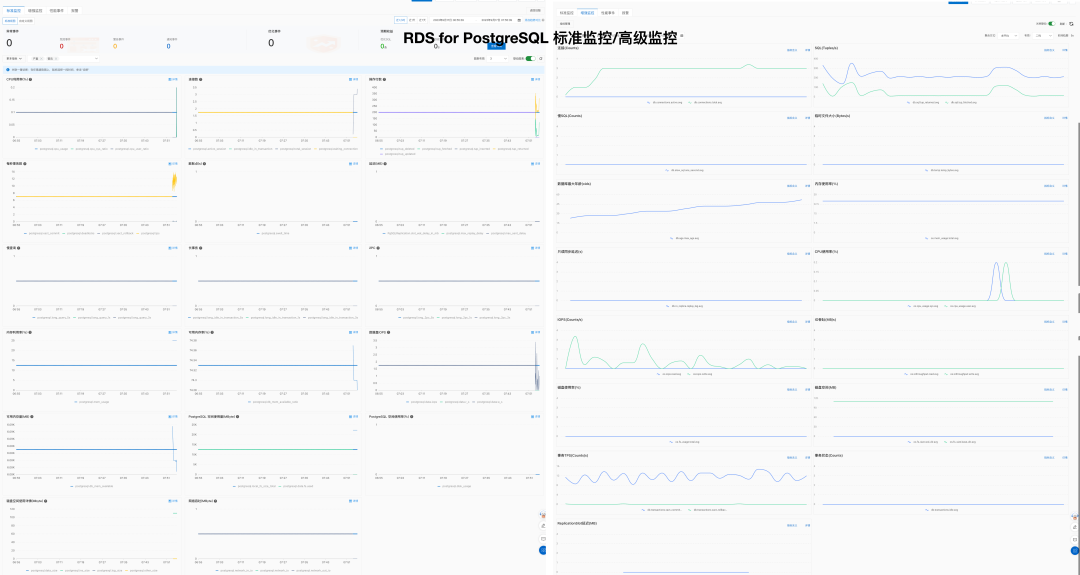
此外,也有一些项目提供了监控 PostgreSQL 的能力,但都相对比较简单初级:
| 指标 | Pigsty | Aliyun RDS | AWS RDS |
|---|---|---|---|
| 系统易用性 | 简单 | 简单 | 简单 |
| 配置管理 | 配置文件 / CMDB 基于 Ansible Inventory | 可使用 Terraform | 可使用 Terraform |
| 变更方式 | 幂等剧本 基于 Ansible Playbook | 控制台点击操作 | 控制台点击操作 |
| 参数调优 | 自动根据节点适配 四种预置模板 OLTP, OLAP, TINY, CRIT | ||
| Infra as Code | 原生支持 | 可使用 Terraform | 可使用 Terraform |
| 可定制参数点 | Pigsty Parameters 283 个 | ||
| 服务与支持 | 提供商业订阅支持兜底 | 提供售后工单支持 | 提供售后工单支持 |
| 无互联网部署 | 可离线安装部署 | N/A | N/A |
| 数据库迁移 | 提供从现有v10+ PG实例基于逻辑复制不停机迁移至Pigsty托管实例的剧本 | 提供上云辅助迁移 Aliyun RDS 数据同步 |
经验上看,软硬件资源的部分 RDS 单位成本是自建的 5 ~ 15 倍,租售比通常在一个月。详情请参考 成本分析。
| 要素 | 指标 | Pigsty | Aliyun RDS | AWS RDS |
|---|---|---|---|---|
| 成本 | 软件授权/服务费用 | 免费,硬件约 20 - 40 ¥/核·月 | 200 ~ 400 ¥/核·月 | 400 ~ 1300 ¥/核·月 |
| 服务支持费用 | 服务约 100 ¥/ 核·月 | 包含在 RDS 成本中 |
一些提供管理 PostgreSQL 能力的软件与供应商
Pigsty 拒绝在生产环境中使用 Kubernetes 管理数据库,因此与这些方案在生态位上存在差异。
更多信息请参阅:
| EC2 | 核·月 | RDS | 核·月 |
|---|---|---|---|
| DHH 自建核月价格(192C 384G) | 25.32 | 初级开源数据库DBA参考工资 | 15K/人·月 |
| IDC自建机房(独占物理机: 64C384G) | 19.53 | 中级开源数据库DBA参考工资 | 30K/人·月 |
| IDC自建机房(容器,超卖500%) | 7 | 高级开源数据库DBA参考工资 | 60K/人·月 |
| UCloud 弹性虚拟机(8C16G,有超卖) | 25 | ORACLE 数据库授权 | 10000 |
| 阿里云 弹性服务器 2x内存(独占无超卖) | 107 | 阿里云 RDS PG 2x内存(独占) | 260 |
| 阿里云 弹性服务器 4x内存(独占无超卖) | 138 | 阿里云 RDS PG 4x内存(独占) | 320 |
| 阿里云 弹性服务器 8x内存(独占无超卖) | 180 | 阿里云 RDS PG 8x内存(独占) | 410 |
| AWS C5D.METAL 96C 200G (按月无预付) | 100 | AWS RDS PostgreSQL db.T2 (2x) | 440 |
| AWS C5D.METAL 96C 200G (预付三年) | 80 | AWS RDS PostgreSQL db.M5 (4x) | 611 |
| AWS C7A.METAL 192C 384G (预付三年) | 104.8 | AWS RDS PostgreSQL db.R6G (8x) | 786 |
| 付费模式 | 价格 | 折合每年(万¥) |
|---|---|---|
| IDC自建(单物理机) | ¥7.5w / 5年 | 1.5 |
| IDC自建(2~3台组HA) | ¥15w / 5年 | 3.0 ~ 4.5 |
| 阿里云 RDS 按需 | ¥87.36/时 | 76.5 |
| 阿里云 RDS 月付(基准) | ¥4.2w / 月 | 50 |
| 阿里云 RDS 年付(85折) | ¥425095 / 年 | 42.5 |
| 阿里云 RDS 3年付(5折) | ¥750168 / 3年 | 25 |
| AWS 按需 | $25,817 / 月 | 217 |
| AWS 1年不预付 | $22,827 / 月 | 191.7 |
| AWS 3年全预付 | 12w$ + 17.5k$/月 | 175 |
| AWS 中国/宁夏按需 | ¥197,489 / 月 | 237 |
| AWS 中国/宁夏1年不预付 | ¥143,176 / 月 | 171 |
| AWS 中国/宁夏3年全预付 | ¥647k + 116k/月 | 160.6 |
我们可以对比一下自建与云数据库的成本差异:
| 方式 | 折合每年(万元) |
|---|---|
| IDC托管服务器 64C / 384G / 3.2TB NVME SSD 660K IOPS (2~3台) | 3.0 ~ 4.5 |
| 阿里云 RDS PG 高可用版 pg.x4m.8xlarge.2c, 64C / 256GB / 3.2TB ESSD PL3 | 25 ~ 50 |
| AWS RDS PG 高可用版 db.m5.16xlarge, 64C / 256GB / 3.2TB io1 x 80k IOPS | 160 ~ 217 |
以阿里云为例,纯算力包月模式的价格是自建基准的 5 ~ 7 倍,预付五年的价格是自建的 2 倍
| 付费模式 | 单价(¥/核·月) | 相对于标准价格 | 自建溢价倍率 |
|---|---|---|---|
| 按量付费(1.5倍) | ¥ 202 | 160 % | 9.2 ~ 11.2 |
| 包月(标准价格) | ¥ 126 | 100 % | 5.7 ~ 7.0 |
| 预付一年(65折) | ¥ 83.7 | 66 % | 3.8 ~ 4.7 |
| 预付二年(55折) | ¥ 70.6 | 56 % | 3.2 ~ 3.9 |
| 预付三年(44折) | ¥ 55.1 | 44 % | 2.5 ~ 3.1 |
| 预付四年(35折) | ¥ 45 | 35 % | 2.0 ~ 2.5 |
| 预付五年(30折) | ¥ 38.5 | 30 % | 1.8 ~ 2.1 |
| DHH @ 2023 | ¥ 22.0 | ||
| 探探 IDC 自建 | ¥ 18.0 |
包含常用规格后的 NVMe SSD 规格之后,纯算力包月模式的价格是自建基准的 11 ~ 14 倍,预付五年的价格是自建的 9 倍左右。
| 付费模式 | 单价(¥/核·月) | + 40GB ESSD PL3 | 自建溢价比例 |
|---|---|---|---|
| 按量付费(1.5倍) | ¥ 202 | ¥ 362 | 14.3 ~ 18.6 |
| 包月(标准价格) | ¥ 126 | ¥ 286 | 11.3 ~ 14.7 |
| 预付一年(65折) | ¥ 83.7 | ¥ 244 | 9.6 ~ 12.5 |
| 预付二年(55折) | ¥ 70.6 | ¥ 230 | 9.1 ~ 11.8 |
| 预付三年(44折) | ¥ 55.1 | ¥ 215 | 8.5 ~ 11.0 |
| 预付四年(35折) | ¥ 45 | ¥ 205 | 8.1 ~ 10.5 |
| 预付五年(30折) | ¥ 38.5 | ¥ 199 | 7.9 ~ 10.2 |
| DHH @ 2023 | ¥ 25.3 | ||
| 探探 IDC 自建 | ¥ 19.5 |
DHH案例:192核配12.8TB Gen4 SSD (1c:66);探探案例: 64核配3.2T Gen3 MLC SSD (1c:50)。
云上价格每核配比40GB ESSD PL3(1核:4x内存:40x磁盘)计算。
| 评估因素 | 本地 PCI-E NVME SSD | Aliyun ESSD PL3 | AWS io2 Block Express |
|---|---|---|---|
| 容量 | 32TB | 32 TB | 64 TB |
| IOPS | 4K随机读:600K ~ 1.1M 4K随机写 200K ~ 350K | 4K随机读:最大 1M | 16K随机IOPS: 256K |
| 延迟 | 4K随机读:75µs 4K随机写:15µs | 4K 随机读: 200µs | 随机IO:500µs 上下文推断为16K |
| 可靠性 | UBER < 1e-18,折合18个9 MTBF: 200万小时 5DWPD,持续三年 | 数据可靠性 9个9 存储与数据可靠性 | 持久性:99.999%,5个9 (0.001% 年故障率) io2 说明 |
| 成本 | **16 ¥/TB·**月 ( 5年均摊 / 3.2T MLC ) 5 年质保,¥3000 零售 | **3200¥/TB·**月 (原价 6400¥,包月4000¥) 3年预付整体打5折才有此价格 | **1900 ¥/TB·**月 使用最大规格 65536GB 256K IOPS 最优惠状态 |
| SLA | 5年质保 出问题直接换新 | Aliyun RDS SLA 可用性 99.99%: 月费 15% 99%: 月费 30% 95%: 月费 100% | Amazon RDS SLA 可用性 99.95%: 月费 15% 99%: 月费 25% 95%: 月费 100% |
| Date | $/GB·月 | ¥/TB·5年 | HDD ¥/TB | SSD ¥/TB |
|---|---|---|---|---|
| 2006.03 | 0.150 | 63000 | 2800 | |
| 2010.11 | 0.140 | 58800 | 1680 | |
| 2012.12 | 0.095 | 39900 | 420 | 15400 |
| 2014.04 | 0.030 | 12600 | 371 | 9051 |
| 2016.12 | 0.023 | 9660 | 245 | 3766 |
| 2023.12 | 0.023 | 9660 | 105 | 280 |
| 其他参考价 | 高性能存储 | 顶配底折价 | 与采购NVMe SSD | 价格参考 |
| S3 Express | 0.160 | 67200 | DHH 12T | 1400 |
| EBS io2 | 0.125 + IOPS | 114000 | Shannon 3.2T | 900 |
曾几何时,“上云“近乎成为技术圈的政治正确,整整一代应用开发者的视野被云遮蔽。就让我们用实打实的数据分析与亲身经历,讲清楚公有云租赁模式的价值与陷阱 —— 在这个降本增效的时代中,供您借鉴与参考 —— 请看 《云计算泥石流:合订本》
云基础资源篇
云商业模式篇
下云奥德赛篇
云故障复盘篇
RDS翻车篇
云厂商画像篇
互联网技术大师速成班 【转载】
门内的国企如何看门外的云厂商【转载】
卡在政企客户门口的阿里云【转载】
互联网故障背后的草台班子们【转载】
云厂商眼中的客户:又穷又闲又缺爱【转载】
世界上最先进的开源关系型数据库!
而 Pigsty 帮它进入全盛状态:开箱即用、可靠、可观测、可维护、可伸缩! 配置 | 管理 | 剧本 | 监控 | 参数
了解关于 PostgreSQL 的重要主题与概念。
描述 你想要的 PostgreSQL 集群
管理 您所创建的 PostgreSQL 集群。
使用幂等的剧本,将您的描述变为现实。
pgsql.yml :初始化PostgreSQL集群或添加新的从库。pgsql-rm.yml :移除PostgreSQL集群,或移除某个实例pgsql-user.yml :在现有的PostgreSQL集群中添加新的业务用户pgsql-db.yml :在现有的PostgreSQL集群中添加新的业务数据库pgsql-monitor.yml :将远程postgres实例纳入监控中pgsql-migration.yml :为现有的PostgreSQL集群生成迁移手册和脚本

在 Grafana 仪表盘 中查阅 PostgreSQL 的详情状态。
在 Pigsty 中共有 26 个与 PostgreSQL 相关的监控面板:
PGSQL 模块的配置参数列表
PG_ID : 计算和校验 PostgreSQL 实例身份PG_BUSINESS : PostgreSQL业务对象定义PG_INSTALL : 安装 PostgreSQL 内核,支持软件包与扩展插件PG_BOOTSTRAP : 使用 Patroni 初始化高可用 PostgreSQL 集群PG_PROVISION : 创建 PostgreSQL 用户、数据库和其他数据库内对象PG_BACKUP : 使用 pgbackrest 设置备份仓库PG_SERVICE : 暴露 PostgreSQL 服务,绑定 VIP (可选),以及注册DNSPG_EXPORTER : 为 PostgreSQL 实例添加监控,并注册至基础设施中。| 参数 | 参数组 | 类型 | 级别 | 说明 | 中文说明 |
|---|---|---|---|---|---|
pg_mode |
PG_ID |
enum | C | pgsql cluster mode: pgsql,citus,gpsql | pgsql 集群模式: pgsql,citus,gpsql |
pg_cluster |
PG_ID |
string | C | pgsql cluster name, REQUIRED identity parameter | pgsql 集群名称, 必选身份参数 |
pg_seq |
PG_ID |
int | I | pgsql instance seq number, REQUIRED identity parameter | pgsql 实例号, 必选身份参数 |
pg_role |
PG_ID |
enum | I | pgsql role, REQUIRED, could be primary,replica,offline | pgsql 实例角色, 必选身份参数, 可为 primary,replica,offline |
pg_instances |
PG_ID |
dict | I | define multiple pg instances on node in {port:ins_vars} format |
在一个节点上定义多个 pg 实例,使用 {port:ins_vars} 格式 |
pg_upstream |
PG_ID |
ip | I | repl upstream ip addr for standby cluster or cascade replica | 级联从库或备份集群或的复制上游节点IP地址 |
pg_shard |
PG_ID |
string | C | pgsql shard name, optional identity for sharding clusters | pgsql 分片名,对 citus 与 gpsql 等水平分片集群为必选身份参数 |
pg_group |
PG_ID |
int | C | pgsql shard index number, optional identity for sharding clusters | pgsql 分片号,正整数,对 citus 与 gpsql 等水平分片集群为必选身份参数 |
gp_role |
PG_ID |
enum | C | greenplum role of this cluster, could be master or segment | 这个集群的 greenplum 角色,可以是 master 或 segment |
pg_exporters |
PG_ID |
dict | C | additional pg_exporters to monitor remote postgres instances | 在该节点上设置额外的 pg_exporters 用于监控远程 postgres 实例 |
pg_offline_query |
PG_ID |
bool | I | set to true to enable offline query on this instance | 设置为 true 将此只读实例标记为特殊的离线从库,承载 Offline 服务,允许离线查询 |
pg_users |
PG_BUSINESS |
user[] | C | postgres business users | postgres 业务用户 |
pg_databases |
PG_BUSINESS |
database[] | C | postgres business databases | postgres 业务数据库 |
pg_services |
PG_BUSINESS |
service[] | C | postgres business services | postgres 业务服务 |
pg_hba_rules |
PG_BUSINESS |
hba[] | C | business hba rules for postgres | postgres 的业务 hba 规则 |
pgb_hba_rules |
PG_BUSINESS |
hba[] | C | business hba rules for pgbouncer | pgbouncer 的业务 hba 规则 |
pg_replication_username |
PG_BUSINESS |
username | G | postgres replication username, replicator by default |
postgres 复制用户名,默认为 replicator |
pg_replication_password |
PG_BUSINESS |
password | G | postgres replication password, DBUser.Replicator by default |
postgres 复制密码,默认为 DBUser.Replicator |
pg_admin_username |
PG_BUSINESS |
username | G | postgres admin username, dbuser_dba by default |
postgres 管理员用户名,默认为 dbuser_dba |
pg_admin_password |
PG_BUSINESS |
password | G | postgres admin password in plain text, DBUser.DBA by default |
postgres 管理员明文密码,默认为 DBUser.DBA |
pg_monitor_username |
PG_BUSINESS |
username | G | postgres monitor username, dbuser_monitor by default |
postgres 监控用户名,默认为 dbuser_monitor |
pg_monitor_password |
PG_BUSINESS |
password | G | postgres monitor password, DBUser.Monitor by default |
postgres 监控密码,默认为 DBUser.Monitor |
pg_dbsu_password |
PG_BUSINESS |
password | G/C | dbsu password, empty string means no dbsu password by default | dbsu 密码,默认为空字符串意味着不设置 dbsu 密码,最好不要设置。 |
pg_dbsu |
PG_INSTALL |
username | C | os dbsu name, postgres by default, better not change it | 操作系统 dbsu 名称,默认为 postgres,最好不要更改 |
pg_dbsu_uid |
PG_INSTALL |
int | C | os dbsu uid and gid, 26 for default postgres users and groups | 操作系统 dbsu uid 和 gid,对于默认的 postgres 用户和组为 26 |
pg_dbsu_sudo |
PG_INSTALL |
enum | C | dbsu sudo privilege, none,limit,all,nopass. limit by default | dbsu sudo 权限, none,limit,all,nopass,默认为 limit,有限sudo权限 |
pg_dbsu_home |
PG_INSTALL |
path | C | postgresql home directory, /var/lib/pgsql by default |
postgresql 主目录,默认为 /var/lib/pgsql |
pg_dbsu_ssh_exchange |
PG_INSTALL |
bool | C | exchange postgres dbsu ssh key among same pgsql cluster | 在 pgsql 集群之间交换 postgres dbsu ssh 密钥 |
pg_version |
PG_INSTALL |
enum | C | postgres major version to be installed, 16 by default | 要安装的 postgres 主版本,默认为 16 |
pg_bin_dir |
PG_INSTALL |
path | C | postgres binary dir, /usr/pgsql/bin by default |
postgres 二进制目录,默认为 /usr/pgsql/bin |
pg_log_dir |
PG_INSTALL |
path | C | postgres log dir, /pg/log/postgres by default |
postgres 日志目录,默认为 /pg/log/postgres |
pg_packages |
PG_INSTALL |
string[] | C | pg packages to be installed, ${pg_version} will be replaced |
要安装的 pg 包,${pg_version} 将被替换为实际主版本号 |
pg_extensions |
PG_INSTALL |
string[] | C | pg extensions to be installed, ${pg_version} will be replaced |
要安装的 pg 扩展,${pg_version} 将被替换为实际主版本号 |
pg_safeguard |
PG_BOOTSTRAP |
bool | G/C/A | prevent purging running postgres instance? false by default | 防误删保险,禁止清除正在运行的 postgres 实例?默认为 false |
pg_clean |
PG_BOOTSTRAP |
bool | G/C/A | purging existing postgres during pgsql init? true by default | 在 pgsql 初始化期间清除现有的 postgres?默认为 true |
pg_data |
PG_BOOTSTRAP |
path | C | postgres data directory, /pg/data by default |
postgres 数据目录,默认为 /pg/data |
pg_fs_main |
PG_BOOTSTRAP |
path | C | mountpoint/path for postgres main data, /data by default |
postgres 主数据的挂载点/路径,默认为 /data |
pg_fs_bkup |
PG_BOOTSTRAP |
path | C | mountpoint/path for pg backup data, /data/backup by default |
pg 备份数据的挂载点/路径,默认为 /data/backup |
pg_storage_type |
PG_BOOTSTRAP |
enum | C | storage type for pg main data, SSD,HDD, SSD by default | pg 主数据的存储类型,SSD、HDD,默认为 SSD,影响自动优化的参数。 |
pg_dummy_filesize |
PG_BOOTSTRAP |
size | C | size of /pg/dummy, hold 64MB disk space for emergency use |
/pg/dummy 的大小,默认保留 64MB 磁盘空间用于紧急抢修 |
pg_listen |
PG_BOOTSTRAP |
ip(s) | C/I | postgres/pgbouncer listen addresses, comma separated list | postgres/pgbouncer 的监听地址,用逗号分隔的IP列表,默认为 0.0.0.0 |
pg_port |
PG_BOOTSTRAP |
port | C | postgres listen port, 5432 by default | postgres 监听端口,默认为 5432 |
pg_localhost |
PG_BOOTSTRAP |
path | C | postgres unix socket dir for localhost connection | postgres 的 Unix 套接字目录,用于本地连接 |
pg_namespace |
PG_BOOTSTRAP |
path | C | top level key namespace in etcd, used by patroni & vip | 在 etcd 中的顶级键命名空间,被 patroni & vip 用于高可用管理 |
patroni_enabled |
PG_BOOTSTRAP |
bool | C | if disabled, no postgres cluster will be created during init | 如果禁用,初始化期间不会创建 postgres 集群 |
patroni_mode |
PG_BOOTSTRAP |
enum | C | patroni working mode: default,pause,remove | patroni 工作模式:default,pause,remove |
patroni_port |
PG_BOOTSTRAP |
port | C | patroni listen port, 8008 by default | patroni 监听端口,默认为 8008 |
patroni_log_dir |
PG_BOOTSTRAP |
path | C | patroni log dir, /pg/log/patroni by default |
patroni 日志目录,默认为 /pg/log/patroni |
patroni_ssl_enabled |
PG_BOOTSTRAP |
bool | G | secure patroni RestAPI communications with SSL? | 使用 SSL 保护 patroni RestAPI 通信? |
patroni_watchdog_mode |
PG_BOOTSTRAP |
enum | C | patroni watchdog mode: automatic,required,off. off by default | patroni 看门狗模式:automatic,required,off,默认为 off |
patroni_username |
PG_BOOTSTRAP |
username | C | patroni restapi username, postgres by default |
patroni restapi 用户名,默认为 postgres |
patroni_password |
PG_BOOTSTRAP |
password | C | patroni restapi password, Patroni.API by default |
patroni restapi 密码,默认为 Patroni.API |
patroni_citus_db |
PG_BOOTSTRAP |
string | C | citus database managed by patroni, postgres by default | 由 Patroni 所管理的 Citus 数据库名称,默认为 postgres |
pg_conf |
PG_BOOTSTRAP |
enum | C | config template: oltp,olap,crit,tiny. oltp.yml by default |
配置模板:oltp,olap,crit,tiny,默认为 oltp.yml |
pg_max_conn |
PG_BOOTSTRAP |
int | C | postgres max connections, auto will use recommended value |
postgres 最大连接数,auto 将使用推荐值 |
pg_shared_buffer_ratio |
PG_BOOTSTRAP |
float | C | postgres shared buffer memory ratio, 0.25 by default, 0.1~0.4 | postgres 共享缓冲区内存比率,默认为 0.25,范围 0.1~0.4 |
pg_rto |
PG_BOOTSTRAP |
int | C | recovery time objective in seconds, 30s by default |
恢复时间目标(秒),默认为 30s |
pg_rpo |
PG_BOOTSTRAP |
int | C | recovery point objective in bytes, 1MiB at most by default |
恢复点目标(字节),默认为 1MiB |
pg_libs |
PG_BOOTSTRAP |
string | C | preloaded libraries, pg_stat_statements,auto_explain by default |
预加载的库,默认为 pg_stat_statements,auto_explain |
pg_delay |
PG_BOOTSTRAP |
interval | I | replication apply delay for standby cluster leader | 备份集群主库的WAL重放应用延迟,用于制备延迟从库 |
pg_checksum |
PG_BOOTSTRAP |
bool | C | enable data checksum for postgres cluster? | 为 postgres 集群启用数据校验和? |
pg_pwd_enc |
PG_BOOTSTRAP |
enum | C | passwords encryption algorithm: md5,scram-sha-256 | 密码加密算法:md5,scram-sha-256 |
pg_encoding |
PG_BOOTSTRAP |
enum | C | database cluster encoding, UTF8 by default |
数据库集群编码,默认为 UTF8 |
pg_locale |
PG_BOOTSTRAP |
enum | C | database cluster local, C by default |
数据库集群本地化设置,默认为 C |
pg_lc_collate |
PG_BOOTSTRAP |
enum | C | database cluster collate, C by default |
数据库集群排序,默认为 C |
pg_lc_ctype |
PG_BOOTSTRAP |
enum | C | database character type, en_US.UTF8 by default |
数据库字符类型,默认为 en_US.UTF8 |
pgbouncer_enabled |
PG_BOOTSTRAP |
bool | C | if disabled, pgbouncer will not be launched on pgsql host | 如果禁用,则不会配置 pgbouncer 连接池 |
pgbouncer_port |
PG_BOOTSTRAP |
port | C | pgbouncer listen port, 6432 by default | pgbouncer 监听端口,默认为 6432 |
pgbouncer_log_dir |
PG_BOOTSTRAP |
path | C | pgbouncer log dir, /pg/log/pgbouncer by default |
pgbouncer 日志目录,默认为 /pg/log/pgbouncer |
pgbouncer_auth_query |
PG_BOOTSTRAP |
bool | C | query postgres to retrieve unlisted business users? | 使用 AuthQuery 来从 postgres 获取未列出的业务用户? |
pgbouncer_poolmode |
PG_BOOTSTRAP |
enum | C | pooling mode: transaction,session,statement, transaction by default | 池化模式:transaction,session,statement,默认为 transaction |
pgbouncer_sslmode |
PG_BOOTSTRAP |
enum | C | pgbouncer client ssl mode, disable by default | pgbouncer 客户端 SSL 模式,默认为禁用 |
pg_provision |
PG_PROVISION |
bool | C | provision postgres cluster after bootstrap | 在引导后置备 postgres 集群内部的业务对象? |
pg_init |
PG_PROVISION |
string | G/C | provision init script for cluster template, pg-init by default |
为集群模板提供初始化脚本,默认为 pg-init |
pg_default_roles |
PG_PROVISION |
role[] | G/C | default roles and users in postgres cluster | postgres 集群中的默认预定义角色和系统用户 |
pg_default_privileges |
PG_PROVISION |
string[] | G/C | default privileges when created by admin user | 由管理员用户创建数据库内对象时的默认权限 |
pg_default_schemas |
PG_PROVISION |
string[] | G/C | default schemas to be created | 要创建的默认模式列表 |
pg_default_extensions |
PG_PROVISION |
extension[] | G/C | default extensions to be created | 要创建的默认扩展列表 |
pg_reload |
PG_PROVISION |
bool | A | reload postgres after hba changes | 更改HBA后,是否立即重载 postgres 配置 |
pg_default_hba_rules |
PG_PROVISION |
hba[] | G/C | postgres default host-based authentication rules | postgres 基于主机的认证规则,全局PG默认HBA |
pgb_default_hba_rules |
PG_PROVISION |
hba[] | G/C | pgbouncer default host-based authentication rules | pgbouncer 默认的基于主机的认证规则,全局PGB默认HBA |
pgbackrest_enabled |
PG_BACKUP |
bool | C | enable pgbackrest on pgsql host? | 在 pgsql 主机上启用 pgbackrest? |
pgbackrest_clean |
PG_BACKUP |
bool | C | remove pg backup data during init? | 在初始化时删除以前的 pg 备份数据? |
pgbackrest_log_dir |
PG_BACKUP |
path | C | pgbackrest log dir, /pg/log/pgbackrest by default |
pgbackrest 日志目录,默认为 /pg/log/pgbackrest |
pgbackrest_method |
PG_BACKUP |
enum | C | pgbackrest repo method: local,minio,etc… | pgbackrest 使用的仓库:local,minio,等… |
pgbackrest_repo |
PG_BACKUP |
dict | G/C | pgbackrest repo: https://pgbackrest.org/configuration.html#section-repository | pgbackrest 仓库定义:https://pgbackrest.org/configuration.html#section-repository |
pg_weight |
PG_SERVICE |
int | I | relative load balance weight in service, 100 by default, 0-255 | 在服务中的相对负载均衡权重,默认为 100,范围 0-255 |
pg_service_provider |
PG_SERVICE |
enum | G/C | dedicate haproxy node group name, or empty string for local nodes by default | 专用的 haproxy 节点组名称,或默认空字符,使用本地节点上的 haproxy |
pg_default_service_dest |
PG_SERVICE |
enum | G/C | default service destination if svc.dest=‘default’ | 如果 svc.dest=‘default’,默认服务指向哪里?postgres 或 pgbouncer,默认指向 pgbouncer |
pg_default_services |
PG_SERVICE |
service[] | G/C | postgres default service definitions | postgres 默认服务定义列表,全局共用。 |
pg_vip_enabled |
PG_SERVICE |
bool | C | enable a l2 vip for pgsql primary? false by default | 是否为 pgsql 主节点启用 L2 VIP?默认不启用 |
pg_vip_address |
PG_SERVICE |
cidr4 | C | vip address in <ipv4>/<mask> format, require if vip is enabled |
vip 地址的格式为 |
pg_vip_interface |
PG_SERVICE |
string | C/I | vip network interface to listen, eth0 by default | 监听的 vip 网络接口,默认为 eth0 |
pg_dns_suffix |
PG_SERVICE |
string | C | pgsql dns suffix, ’’ by default | pgsql dns 后缀,默认为空 |
pg_dns_target |
PG_SERVICE |
enum | C | auto, primary, vip, none, or ad hoc ip | PG DNS 解析到哪里?auto、primary、vip、none 或者特定的 IP 地址 |
pg_exporter_enabled |
PG_EXPORTER |
bool | C | enable pg_exporter on pgsql hosts? | 在 pgsql 主机上启用 pg_exporter 吗? |
pg_exporter_config |
PG_EXPORTER |
string | C | pg_exporter configuration file name | pg_exporter 配置文件/模板名称 |
pg_exporter_cache_ttls |
PG_EXPORTER |
string | C | pg_exporter collector ttl stage in seconds, ‘1,10,60,300’ by default | pg_exporter 收集器阶梯TTL配置,默认为4个由逗号分隔的秒数:‘1,10,60,300’ |
pg_exporter_port |
PG_EXPORTER |
port | C | pg_exporter listen port, 9630 by default | pg_exporter 监听端口,默认为 9630 |
pg_exporter_params |
PG_EXPORTER |
string | C | extra url parameters for pg_exporter dsn | pg_exporter dsn 中传入的额外 URL 参数 |
pg_exporter_url |
PG_EXPORTER |
pgurl | C | overwrite auto-generate pg dsn if specified | 如果指定,则覆盖自动生成的 postgres DSN 连接串 |
pg_exporter_auto_discovery |
PG_EXPORTER |
bool | C | enable auto database discovery? enabled by default | 监控是否启用自动数据库发现?默认启用 |
pg_exporter_exclude_database |
PG_EXPORTER |
string | C | csv of database that WILL NOT be monitored during auto-discovery | 启用自动发现时,排除在外的数据库名称列表,用逗号分隔 |
pg_exporter_include_database |
PG_EXPORTER |
string | C | csv of database that WILL BE monitored during auto-discovery | 启用自动发现时,只监控这个列表中的数据库,名称用逗号分隔 |
pg_exporter_connect_timeout |
PG_EXPORTER |
int | C | pg_exporter connect timeout in ms, 200 by default | pg_exporter 连接超时,单位毫秒,默认为 200 |
pg_exporter_options |
PG_EXPORTER |
arg | C | overwrite extra options for pg_exporter | pg_exporter 的额外命令行参数选项 |
pgbouncer_exporter_enabled |
PG_EXPORTER |
bool | C | enable pgbouncer_exporter on pgsql hosts? | 在 pgsql 主机上启用 pgbouncer_exporter 吗? |
pgbouncer_exporter_port |
PG_EXPORTER |
port | C | pgbouncer_exporter listen port, 9631 by default | pgbouncer_exporter 监听端口,默认为 9631 |
pgbouncer_exporter_url |
PG_EXPORTER |
pgurl | C | overwrite auto-generate pgbouncer dsn if specified | 如果指定,则覆盖自动生成的 pgbouncer dsn 连接串 |
pgbouncer_exporter_options |
PG_EXPORTER |
arg | C | overwrite extra options for pgbouncer_exporter | pgbouncer_exporter 的额外命令行参数选项 |
一些使用/管理 Pigsty中 PostgreSQL 数据库的教程。
PGSQL 模块总览:关键概念与架构细节
PGSQL模块在生产环境中以集群的形式组织,这些集群是由一组由主-备关联的数据库实例组成的逻辑实体。 每个数据库集群都是一个自治的业务服务单元,由至少一个 数据库(主库)实例 组成。
让我们从ER图开始。在Pigsty的PGSQL模块中,有四种核心实体:

命名约定
[a-zA-Z0-9-]+primary、replica、offline、delayed,中间用-连接。-连接,例如${cluster}-${seq}。Pigsty使用身份参数来识别实体:PG_ID。
除了节点IP地址,pg_cluster、pg_role和pg_seq三个参数是定义postgres集群所必需的最小参数集。
以沙箱环境测试集群pg-test为例:
集群的三个成员如下所示:
| 集群 | 序号 | 角色 | 主机 / IP | 实例 | 服务 | 节点名 |
|---|---|---|---|---|---|---|
pg-test |
1 |
primary |
10.10.10.11 |
pg-test-1 |
pg-test-primary |
pg-test-1 |
pg-test |
2 |
replica |
10.10.10.12 |
pg-test-2 |
pg-test-replica |
pg-test-2 |
pg-test |
3 |
replica |
10.10.10.13 |
pg-test-3 |
pg-test-replica |
pg-test-3 |
这里包含了:
pg-test。primary和replica。pg-test-1、pg-test-2、pg-test-3。10.10.10.11、10.10.10.12和10.10.10.13。pg-test-primarypg-test-replicapg-test-defaultpg-test-offline在监控系统(Prometheus/Grafana/Loki)中,相应的指标将会使用这些身份参数进行标记:
以下是 PostgreSQL 模块组件及其相互作用的详细描述,从上至下分别为:
vip-manager 组件管理,它负责将 pg_vip_address 绑定到集群主库节点上。
vip-manager 从 etcd 集群获取由 patroni 写入的集群领导者信息pg_default_service_dest指定跳过)patroni 管理。etcd 作为 DCS:存储配置、故障检测和领导者选举。pgbackrest_method = local)
local(默认)作为备份仓库,pgBackRest 将在主库节点的pg_fs_bkup 下创建本地仓库minio 作为备份仓库,pgBackRest 将在专用的 MinIO 集群上创建备份仓库:pgbackrest_repo.minio
主库故障恢复时间目标 (RTO) ≈ 30s,数据恢复点目标 (RPO) < 1MB,从库故障 RTO ≈ 0 (重置当前连接)
Pigsty 的 PostgreSQL 集群带有开箱即用的高可用方案,由 patroni、etcd 和 haproxy 强力驱动。
当主库故障时,将触发新一轮领导者竞选,集群中最为健康的从库将胜出,并被提升为新的主库。读写流量将立即路由至新的主库。主库故障影响是:默认情况下写入查询将被阻塞 15 ~ 40s,直到选出新的领导者来。
当从库故障时,只读流量将路由至其他从库,如果所有从库都故障,只读流量才会最终由主库承载。从库故障的影响非常小:查询闪断:该从库上正在运行查询将由于连接重置而中止。
故障检测由 patroni 和 etcd 完成,集群领导者将持有一个租约,如果它因为故障而没有及时续租(10s),租约将会被释放,新一轮集群选举会被触发。
您可以使用 pg_rto 参数调整集群的 TTL,默认 RTO 配置为 30s,增大它将导致更长的故障转移等待时间,而减少它将增加误报故障转移率(例如,网络抖动)。
Pigsty 默认使用可用性优先模式,这意味着当主库故障时,它将尽快进行故障转移,尚未复制到从库的数据可能会丢失(常规万兆网络下,复制延迟在通常在几KB到100KB)。
最大潜在数据丢失由 pg_rpo 控制,默认为 1MB,减小这个值将会减少故障恢复时的可能数据损失,但也会增加故障时因为从库不够健康(落后太久)而拒绝自动切换的概率。
RTO 与 RPO 是高可用集群设计时需要仔细权衡的两个参数,您应当根据您的硬件水平,网络质量,业务需求来合理调整它们。
您可以将集群恢复回滚至过去任意时刻,避免软件缺陷与人为失误导致的数据损失。
Pigsty 的 PostgreSQL 集群带有自动配置的时间点恢复(PITR)方案,基于 pgBackRest 与可选的 MinIO。
高可用可以解决硬件故障,软件缺陷与人为失误导致的数据删除/覆盖写入却无能为力:因为变更操作会立即同步至从库应用。时间点恢复(Point in Time Recovery, PITR)可以解决这个问题。此外当您只有单个实例时,PITR也可以代替高可用,为最坏的情况兜底。
如果想将集群恢复至某个备份,用户需要提前定期做好基础备份,如果想将集群恢复至任意时间点,用户还需要从备份时刻迄今的 WAL归档。这两项工作 Pigsty 为您自动进行了兜底配置。
Pigsty 使用 pgBackRest 管理备份,接受WAL归档,执行PITR。备份仓库可以进行灵活配置(pgbackrest_repo):默认使用主库本地文件系统(local),但也可以使用其他磁盘路径,或使用自带的可选 MinIO 服务(minio)与云上 S3 服务。
默认情况下,Pigsty提供了两种预置备份策略:默认使用本地文件系统备份仓库,在这种情况下每天进行一次全量备份,确保用户任何时候都能回滚至一天内的任意时间点。备选策略使用专用的 MinIO 集群或S3存储备份,每周一全备,每天一增备,默认保留两周的备份与WAL归档。
以下是 PostgreSQL 模块组件及其相互作用的详细描述,从上至下分别为:
vip-manager 组件管理,它负责将 pg_vip_address 绑定到集群主库节点上。
vip-manager 从 etcd 集群获取由 patroni 写入的集群领导者信息pg_default_service_dest指定跳过)patroni 管理。etcd 作为 DCS:存储配置、故障检测和领导者选举。pgbackrest_method = local)
local(默认)作为备份仓库,pgBackRest 将在主库节点的pg_fs_bkup 下创建本地仓库minio 作为备份仓库,pgBackRest 将在专用的 MinIO 集群上创建备份仓库:pgbackrest_repo.minio
主库故障恢复时间目标 (RTO) ≈ 30s,数据恢复点目标 (RPO) < 1MB,从库故障 RTO ≈ 0 (重置当前连接)
Pigsty 的 PostgreSQL 集群带有开箱即用的高可用方案,由 patroni、etcd 和 haproxy 强力驱动。
当主库故障时,将触发新一轮领导者竞选,集群中最为健康的从库将胜出,并被提升为新的主库。读写流量将立即路由至新的主库。主库故障影响是:默认情况下写入查询将被阻塞 15 ~ 40s,直到选出新的领导者来。
当从库故障时,只读流量将路由至其他从库,如果所有从库都故障,只读流量才会最终由主库承载。从库故障的影响非常小:查询闪断:该从库上正在运行查询将由于连接重置而中止。
故障检测由 patroni 和 etcd 完成,集群领导者将持有一个租约,如果它因为故障而没有及时续租(10s),租约将会被释放,新一轮集群选举会被触发。
您可以使用 pg_rto 参数调整集群的 TTL,默认 RTO 配置为 30s,增大它将导致更长的故障转移等待时间,而减少它将增加误报故障转移率(例如,网络抖动)。
Pigsty 默认使用可用性优先模式,这意味着当主库故障时,它将尽快进行故障转移,尚未复制到从库的数据可能会丢失(常规万兆网络下,复制延迟在通常在几KB到100KB)。
最大潜在数据丢失由 pg_rpo 控制,默认为 1MB,减小这个值将会减少故障恢复时的可能数据损失,但也会增加故障时因为从库不够健康(落后太久)而拒绝自动切换的概率。
RTO 与 RPO 是高可用集群设计时需要仔细权衡的两个参数,您应当根据您的硬件水平,网络质量,业务需求来合理调整它们。
您可以将集群恢复回滚至过去任意时刻,避免软件缺陷与人为失误导致的数据损失。
Pigsty 的 PostgreSQL 集群带有自动配置的时间点恢复(PITR)方案,基于 pgBackRest 与可选的 MinIO。
高可用可以解决硬件故障,软件缺陷与人为失误导致的数据删除/覆盖写入却无能为力:因为变更操作会立即同步至从库应用。时间点恢复(Point in Time Recovery, PITR)可以解决这个问题。此外当您只有单个实例时,PITR也可以代替高可用,为最坏的情况兜底。
如果想将集群恢复至某个备份,用户需要提前定期做好基础备份,如果想将集群恢复至任意时间点,用户还需要从备份时刻迄今的 WAL归档。这两项工作 Pigsty 为您自动进行了兜底配置。
Pigsty 使用 pgBackRest 管理备份,接受WAL归档,执行PITR。备份仓库可以进行灵活配置(pgbackrest_repo):默认使用主库本地文件系统(local),但也可以使用其他磁盘路径,或使用自带的可选 MinIO 服务(minio)与云上 S3 服务。
默认情况下,Pigsty提供了两种预置备份策略:默认使用本地文件系统备份仓库,在这种情况下每天进行一次全量备份,确保用户任何时候都能回滚至一天内的任意时间点。备选策略使用专用的 MinIO 集群或S3存储备份,每周一全备,每天一增备,默认保留两周的备份与WAL归档。
CREATE USER/ROLE 创建的,数据库集簇内的逻辑对象。在这里的上下文中,用户指的是使用 SQL 命令
CREATE USER/ROLE创建的,数据库集簇内的逻辑对象。
在PostgreSQL中,用户直接隶属于数据库集簇而非某个具体的数据库。因此在创建业务数据库和业务用户时,应当遵循"先用户,后数据库"的原则。
Pigsty通过两个配置参数定义数据库集群中的角色与用户:
pg_default_roles:定义全局统一使用的角色和用户pg_users:在数据库集群层面定义业务用户和角色前者用于定义了整套环境中共用的角色与用户,后者定义单个集群中特有的业务角色与用户。二者形式相同,均为用户定义对象的数组。
你可以定义多个用户/角色,它们会按照先全局,后集群,最后按数组内排序的顺序依次创建,所以后面的用户可以属于前面定义的角色。
下面是 Pigsty 演示环境中默认集群 pg-meta 中的业务用户定义:
每个用户/角色定义都是一个 object,可能包括以下字段,以 dbuser_meta 用户为例:
name,它应该是 PostgreSQL 集群中的一个有效且唯一的用户名。password,但对于可登录的业务用户,通常是需要指定一个密码的。password 可以是明文或 scram-sha-256 / md5 哈希字符串,请最好不要使用明文密码。login、superuser、createdb、createrole、inherit、replication、bypassrls 是布尔标志。pgbouncer 默认是禁用的:要将业务用户添加到 pgbouncer 用户列表,您应当显式将其设置为 true。ACL系统
Pigsty 具有一套内置的,开箱即用的访问控制 / ACL 系统,您只需将以下四个默认角色分配给业务用户即可轻松使用:
dbrole_readwrite:全局读写访问的角色(主属业务使用的生产账号应当具有数据库读写权限)dbrole_readonly:全局只读访问的角色(如果别的业务想要只读访问,可以使用此角色)dbrole_admin:拥有DDL权限的角色 (业务管理员,需要在应用中建表的场景)dbrole_offline:受限的只读访问角色(只能访问 offline 实例,通常是个人用户)如果您希望重新设计您自己的 ACL 系统,可以考虑定制以下参数和模板:
pg_default_roles:系统范围的角色和全局用户pg_default_privileges:新建对象的默认权限roles/pgsql/templates/pg-init-roles.sql:角色创建 SQL 模板roles/pgsql/templates/pg-init-template.sql:权限 SQL 模板在 pg_default_roles 和 pg_users 中定义的用户和角色,将在集群初始化的 PROVISION 阶段中自动逐一创建。
如果您希望在现有的集群上创建用户,可以使用 bin/pgsql-user 工具。
将新用户/角色定义添加到 all.children.<cls>.pg_users,并使用以下方法创建该数据库:
不同于数据库,创建用户的剧本总是幂等的。当目标用户已经存在时,Pigsty会修改目标用户的属性使其符合配置。所以在现有集群上重复运行它通常不会有问题。
我们不建议您手工创建新的业务用户,特别当您想要创建的用户使用默认的 pgbouncer 连接池时:除非您愿意手工负责维护 Pgbouncer 中的用户列表并与 PostgreSQL 保持一致。
使用 bin/pgsql-user 工具或 pgsql-user.yml 剧本创建新数据库时,会将此数据库一并添加到 Pgbouncer用户 列表中。
修改 PostgreSQL 用户的属性的方式与 创建用户 相同。
首先,调整您的用户定义,修改需要调整的属性,然后执行以下命令应用:
请注意,修改用户不会删除用户,而是通过 ALTER USER 命令修改用户属性;也不会回收用户的权限与分组,并使用 GRANT 命令授予新的角色。
默认情况下启用 Pgbouncer,并作为连接池中间件,其用户默认被管理。
Pigsty 默认将 pg_users 中显式带有 pgbouncer: true 标志的所有用户添加到 pgbouncer 用户列表中。
Pgbouncer 连接池中的用户在 /etc/pgbouncer/userlist.txt 中列出:
而用户级别的连接池参数则是使用另一个单独的文件: /etc/pgbouncer/useropts.txt 进行维护,比如:
当您创建数据库时,Pgbouncer 的数据库列表定义文件将会被刷新,并通过在线重载配置的方式生效,不会影响现有的连接。
Pgbouncer 使用和 PostgreSQL 同样的 dbsu 运行,默认为 postgres 操作系统用户,您可以使用 pgb 别名,使用 dbsu 访问 pgbouncer 管理功能。
Pigsty 还提供了一个实用函数 pgb-route ,可以将 pgbouncer 数据库流量快速切换至集群中的其他节点,用于零停机迁移:
连接池用户配置文件 userlist.txt 与 useropts.txt 会在您创建用户时自动刷新,并通过在线重载配置的方式生效,正常不会影响现有的连接。
请注意,pgbouncer_auth_query 参数允许你使用动态查询来完成连接池用户认证,当您懒得管理连接池中的用户时,这是一种折中的方案。
CREATE DATABASE 创建的,数据库集簇内的逻辑对象。在这里的上下文中,数据库指的是使用 SQL 命令
CREATE DATABASE创建的,数据库集簇内的逻辑对象。
一组 PostgreSQL 服务器可以同时服务于多个 数据库 (Database)。在 Pigsty 中,你可以在集群配置中定义好所需的数据库。
Pigsty会对默认模板数据库template1进行修改与定制,创建默认模式,安装默认扩展,配置默认权限,新创建的数据库默认会从template1继承这些设置。
默认情况下,所有业务数据库都会被1:1添加到 Pgbouncer 连接池中;pg_exporter 默认会通过 自动发现 机制查找所有业务数据库并进行库内对象监控。
业务数据库定义在数据库集群参数 pg_databases 中,这是一个数据库定义构成的对象数组。
数组内的数据库按照定义顺序依次创建,因此后面定义的数据库可以使用先前定义的数据库作为模板。
下面是 Pigsty 演示环境中默认集群 pg-meta 中的数据库定义:
每个数据库定义都是一个 object,可能包括以下字段,以 meta 数据库为例:
唯一必选的字段是 name,它应该是当前 PostgreSQL 集群中有效且唯一的数据库名称,其他参数都有合理的默认值。
name:数据库名称,必选项。baseline:SQL文件路径(Ansible搜索路径,通常位于files),用于初始化数据库内容。owner:数据库属主,默认为postgrestemplate:数据库创建时使用的模板,默认为template1encoding:数据库默认字符编码,默认为UTF8,默认与实例保持一致。建议不要配置与修改。locale:数据库默认的本地化规则,默认为C,建议不要配置,与实例保持一致。lc_collate:数据库默认的本地化字符串排序规则,默认与实例设置相同,建议不要修改,必须与模板数据库一致。强烈建议不要配置,或配置为C。lc_ctype:数据库默认的LOCALE,默认与实例设置相同,建议不要修改或设置,必须与模板数据库一致。建议配置为C或en_US.UTF8。allowconn:是否允许连接至数据库,默认为true,不建议修改。revokeconn:是否回收连接至数据库的权限?默认为false。如果为true,则数据库上的PUBLIC CONNECT权限会被回收。只有默认用户(dbsu|monitor|admin|replicator|owner)可以连接。此外,admin|owner 会拥有GRANT OPTION,可以赋予其他用户连接权限。tablespace:数据库关联的表空间,默认为pg_default。connlimit:数据库连接数限制,默认为-1,即没有限制。extensions:对象数组 ,每一个对象定义了一个数据库中的扩展,以及其安装的模式。parameters:KV对象,每一个KV定义了一个需要针对数据库通过ALTER DATABASE修改的参数。pgbouncer:布尔选项,是否将该数据库加入到Pgbouncer中。所有数据库都会加入至Pgbouncer列表,除非显式指定pgbouncer: false。comment:数据库备注信息。pool_auth_user:启用 pgbouncer_auth_query 时,连接到此 pgbouncer 数据库的所有连接都将使用这里指定的用户执行认证查询。你需要使用一个具有访问 pg_shadow 表权限的用户。pool_mode:数据库级别的 pgbouncer 池化模式,默认为 transaction,即事物池化。如果留空,会使用 pgbouncer_pool_mode 参数作为默认值。pool_size:数据库级别的 pgbouncer 默认池子大小,默认为 64pool_size_reserve:数据库级别的 pgbouncer 池子保留空间,默认为 32,当默认池子不够用时,最多再申请这么多条突发连接。pool_size_min: 数据库级别的 pgbouncer 池的最小大小,默认为 0pool_max_db_conn: 数据库级别的 pgbouncer 连接池最大数据库连接数,默认为 100新创建的数据库默认会从 template1 数据库 Fork 出来,这个模版数据库会在 PG_PROVISION 阶段进行定制修改:
配置好扩展,模式以及默认权限,因此新创建的数据库也会继承这些配置,除非您显式使用一个其他的数据库作为模板。
关于数据库的访问权限,请参考 ACL:数据库权限 一节。
在 pg_databases 中定义的数据库将在集群初始化时自动创建。
如果您希望在现有集群上创建数据库,可以使用 bin/pgsql-db 包装脚本。
将新的数据库定义添加到 all.children.<cls>.pg_databases 中,并使用以下命令创建该数据库:
下面是新建数据库时的一些注意事项:
创建数据库的剧本默认为幂等剧本,不过当您当使用 baseline 脚本时就不一定了:这种情况下,通常不建议在现有数据库上重复执行此操作,除非您确定所提供的 baseline SQL也是幂等的。
我们不建议您手工创建新的数据库,特别当您使用默认的 pgbouncer 连接池时:除非您愿意手工负责维护 Pgbouncer 中的数据库列表并与 PostgreSQL 保持一致。
使用 pgsql-db 工具或 pgsql-db.yml 剧本创建新数据库时,会将此数据库一并添加到 Pgbouncer 数据库 列表中。
如果您的数据库定义有一个非常规 owner(默认为 dbsu postgres),那么请确保在创建该数据库前,属主用户已经存在。
最佳实践永远是在创建数据库之前创建 用户。
Pigsty 会默认为 PostgreSQL 实例 1:1 配置启用一个 Pgbouncer 连接池,使用 /var/run/postgresql Unix Socket 通信。
连接池可以优化短连接性能,降低并发征用,以避免过高的连接数冲垮数据库,并在数据库迁移时提供额外的灵活处理空间。
Pigsty 默认将 pg_databases 中的所有数据库都添加到 pgbouncer 的数据库列表中。
您可以通过在数据库定义中显式设置 pgbouncer: false 来禁用特定数据库的 pgbouncer 连接池支持。
Pgbouncer数据库列表在 /etc/pgbouncer/database.txt 中定义,数据库定义中关于连接池的参数会体现在这里:
当您创建数据库时,Pgbouncer 的数据库列表定义文件将会被刷新,并通过在线重载配置的方式生效,正常不会影响现有的连接。
Pgbouncer 使用和 PostgreSQL 同样的 dbsu 运行,默认为 postgres 操作系统用户,您可以使用 pgb 别名,使用 dbsu 访问 pgbouncer 管理功能。
Pigsty 还提供了一个实用函数 pgb-route ,可以将 pgbouncer 数据库流量快速切换至集群中的其他节点,用于零停机迁移:
分离读写操作,正确路由流量,稳定可靠地交付 PostgreSQL 集群提供的能力。
服务是一种抽象:它是数据库集群对外提供能力的形式,并封装了底层集群的细节。
服务对于生产环境中的稳定接入至关重要,在高可用集群自动故障时方显其价值,单机用户通常不需要操心这个概念。
“服务” 的概念是给生产环境用的,个人用户/单机集群可以不折腾,直接拿实例名/IP地址访问数据库。
例如,Pigsty 默认的单节点 pg-meta.meta 数据库,就可以直接用下面三个不同的用户连接上去。
在真实世界生产环境中,我们会使用基于复制的主从数据库集群。集群中有且仅有一个实例作为领导者(主库)可以接受写入。 而其他实例(从库)则会从持续从集群领导者获取变更日志,与领导者保持一致。同时,从库还可以承载只读请求,在读多写少的场景下可以显著分担主库的负担, 因此对集群的写入请求与只读请求进行区分,是一种十分常见的实践。
此外对于高频短连接的生产环境,我们还会通过连接池中间件(Pgbouncer)对请求进行池化,减少连接与后端进程的创建开销。但对于ETL与变更执行等场景,我们又需要绕过连接池,直接访问数据库。 同时,高可用集群在故障时会出现故障切换(Failover),故障切换会导致集群的领导者出现变更。因此高可用的数据库方案要求写入流量可以自动适配集群的领导者变化。 这些不同的访问需求(读写分离,池化与直连,故障切换自动适配)最终抽象出 服务 (Service)的概念。
通常来说,数据库集群都必须提供这种最基础的服务:
对于生产数据库集群,至少应当提供这两种服务:
此外,根据具体的业务场景,可能还会有其他的服务,例如:
Pigsty默认为每个 PostgreSQL 数据库集群提供四种不同的服务,以下是默认服务及其定义:
| 服务 | 端口 | 描述 |
|---|---|---|
| primary | 5433 | 生产读写,连接到主库连接池(6432) |
| replica | 5434 | 生产只读,连接到备库连接池(6432) |
| default | 5436 | 管理,ETL写入,直接访问主库(5432) |
| offline | 5438 | OLAP、ETL、个人用户、交互式查询 |
以默认的 pg-meta 集群为例,它提供四种默认服务:
从示例集群架构图上可以看出这四种服务的工作方式:
注意在这里pg-meta 域名指向了集群的 L2 VIP,进而指向集群主库上的 haproxy 负载均衡器,它负责将流量路由到不同的实例上,详见服务接入
在 Pigsty 中,服务使用节点上的 haproxy 来实现,通过主机节点上的不同端口进行区分。
Pigsty 所纳管的每个节点上都默认启用了 Haproxy 以对外暴露服务,而数据库节点也不例外。 集群中的节点尽管从数据库的视角来看有主从之分,但从服务的视角来看,每个节点都是相同的: 这意味着即使您访问的是从库节点,只要使用正确的服务端口,就依然可以使用到主库读写的服务。 这样的设计可以屏蔽复杂度:所以您只要可以访问 PostgreSQL 集群上的任意一个实例,就可以完整的访问到所有服务。
这样的设计类似于 Kubernetes 中的 NodePort 服务,同样在 Pigsty 中,每一个服务都包括以下两个核心要素:
Pigsty的服务交付边界止步于集群的HAProxy,用户可以用各种手段访问这些负载均衡器,请参考接入服务。
所有的服务都通过配置文件进行声明,例如,PostgreSQL 默认服务就是由 pg_default_services 参数所定义的:
您也可以在 pg_services 中定义额外的服务,参数 pg_default_services 与 pg_services 都是由 服务定义 对象组成的数组。
Pigsty 允许您定义自己的服务:
pg_default_services:所有 PostgreSQL 集群统一对外暴露的服务,默认有四个。pg_services:额外的 PostgreSQL 服务,可以视需求在全局或集群级别定义。haproxy_servies:直接定制 HAProxy 服务内容,可以用于其他组件的接入对于 PostgreSQL 集群来说,通常只需要关注前两者即可。
每一条服务定义都会在所有相关 HAProxy 实例的配置目录下生成一个新的配置文件:/etc/haproxy/<svcname>.cfg
下面是一个自定义的服务样例 standby:当您想要对外提供没有复制延迟的只读服务时,就可以在 pg_services 新增这条记录:
而上面的服务定义,在样例的三节点 pg-test 上将会被转换为 haproxy 配置文件 /etc/haproxy/pg-test-standby.conf:
在这里,pg-test 集群全部三个实例都被 selector: "[]" 给圈中了,渲染进入 pg-test-replica 服务的后端服务器列表中。但是因为还有 /sync 健康检查,Patroni Rest API只有在主库和同步备库上才会返回代表健康的 HTTP 200 状态码,因此只有主库和同步备库才能真正承载请求。
此外,主库因为满足条件 pg_role == primary, 被 backup selector 选中,被标记为了备份服务器,只有当没有其他实例(也就是同步备库)可以满足需求时,才会顶上。
Primary服务可能是生产环境中最关键的服务,它在 5433 端口提供对数据库集群的读写能力,服务定义如下:
selector: "[]" 意味着所有集群成员都将被包括在Primary服务中check: /primary),实际承载Primary服务的流量。dest: default 意味着Primary服务的目的地受到 pg_default_service_dest 参数的影响dest 默认值 default 会被替换为 pg_default_service_dest 的值,默认为 pgbouncer。pgbouncer_port 指定的端口,默认为 6432如果 pg_default_service_dest 的值为 postgres,那么 primary 服务的目的地就会绕过连接池,直接使用 PostgreSQL 数据库的端口(pg_port,默认值 5432),对于一些不希望使用连接池的场景,这个参数非常实用。
Patroni 的高可用机制确保任何时候最多只会有一个实例的 /primary 健康检查为真,因此Primary服务将始终将流量路由到主实例。
使用 Primary 服务而不是直连数据库的一个好处是,如果集群因为某种情况出现了双主(比如在没有watchdog的情况下kill -9杀死主库 Patroni),Haproxy在这种情况下仍然可以避免脑裂,因为它只会在 Patroni 存活且返回主库状态时才会分发流量。
Replica服务在生产环境中的重要性仅次于Primary服务,它在 5434 端口提供对数据库集群的只读能力,服务定义如下:
selector: "[]" 意味着所有集群成员都将被包括在Replica服务中check: /read-only),承载Replica服务的流量。[? pg_role == 'primary' || pg_role == 'offline' ] 将主库和离线从库标注为备份服务器。dest: default 意味着Replica服务的目的地也受到 pg_default_service_dest 参数的影响dest 默认值 default 会被替换为 pg_default_service_dest 的值,默认为 pgbouncer,这一点和 Primary服务 相同pgbouncer_port 指定的端口,默认为 6432Replica服务非常灵活:如果有存活的专用 Replica 实例,那么它会优先使用这些实例来承载只读请求,只有当从库实例全部宕机后,才会由主库来兜底只读请求。对于常见的一主一从双节点集群就是:只要从库活着就用从库,从库挂了再用主库。
此外,除非专用只读实例全部宕机,Replica 服务也不会使用专用 Offline 实例,这样就避免了在线快查询与离线慢查询混在一起,相互影响。
Default服务在 5436 端口上提供服务,它是Primary服务的变体。
Default服务总是绕过连接池直接连到主库上的 PostgreSQL,这对于管理连接、ETL写入、CDC数据变更捕获等都很有用。
如果 pg_default_service_dest 被修改为 postgres,那么可以说 Default 服务除了端口和名称内容之外,与 Primary 服务是完全等价的。在这种情况下,您可以考虑将 Default 从默认服务中剔除。
Default服务在 5438 端口上提供服务,它也绕开连接池直接访问 PostgreSQL 数据库,通常用于慢查询/分析查询/ETL读取/个人用户交互式查询,其服务定义如下:
Offline服务将流量直接路由到专用的离线从库上,或者带有 pg_offline_query 标记的普通只读实例。
pg_role = offline 的离线从库,或是带有 pg_offline_query = true 标记的普通只读实例/replica 只会针对从库返回 200, 主库会返回错误,因此 Offline服务 永远不会将流量分发到主库实例上去,哪怕集群中只剩这一台主库。Offline服务提供受限的只读服务,通常用于两类查询:交互式查询(个人用户),慢查询长事务(分析/ETL)。
Offline 服务需要额外的维护照顾:当集群发生主从切换或故障自动切换时,集群的实例角色会发生变化,而 Haproxy 的配置却不会自动发生变化。对于有多个从库的集群来说,这通常并不是一个问题。 然而对于一主一从,从库跑Offline查询的精简小集群而言,主从切换意味着从库变成了主库(健康检查失效),原来的主库变成了从库(不在 Offline 后端列表中),于是没有实例可以承载 Offline 服务了,因此需要手动重载服务以使变更生效。
如果您的业务模型较为简单,您可以考虑剔除 Default 服务与 Offline 服务,使用 Primary 服务与 Replica 服务直连数据库。
当集群成员发生变化,如添加/删除副本、主备切换或调整相对权重时, 你需要 重载服务 以使更改生效。
Pigsty的服务交付边界止步于集群的HAProxy,用户可以用各种手段访问这些负载均衡器。
典型的做法是使用 DNS 或 VIP 接入,将其绑定在集群所有或任意数量的负载均衡器上。
你可以使用不同的 主机 & 端口 组合,它们以不同的方式提供 PostgreSQL 服务。
主机
| 类型 | 样例 | 描述 |
|---|---|---|
| 集群域名 | pg-test |
通过集群域名访问(由 dnsmasq @ infra 节点解析) |
| 集群 VIP 地址 | 10.10.10.3 |
通过由 vip-manager 管理的 L2 VIP 地址访问,绑定到主节点 |
| 实例主机名 | pg-test-1 |
通过任何实例主机名访问(由 dnsmasq @ infra 节点解析) |
| 实例 IP 地址 | 10.10.10.11 |
访问任何实例的 IP 地址 |
端口
Pigsty 使用不同的 端口 来区分 pg services
| 端口 | 服务 | 类型 | 描述 |
|---|---|---|---|
| 5432 | postgres | 数据库 | 直接访问 postgres 服务器 |
| 6432 | pgbouncer | 中间件 | 访问 postgres 前先通过连接池中间件 |
| 5433 | primary | 服务 | 访问主 pgbouncer (或 postgres) |
| 5434 | replica | 服务 | 访问备份 pgbouncer (或 postgres) |
| 5436 | default | 服务 | 访问主 postgres |
| 5438 | offline | 服务 | 访问离线 postgres |
组合
你可以通过多种方式覆盖默认的服务配置,一种常见的需求是让 Primary服务 与 Replica服务 绕过Pgbouncer连接池,直接访问 PostgreSQL 数据库。
为了实现这一点,你可以将 pg_default_service_dest 更改为 postgres,这样所有服务定义中 svc.dest='default' 的服务都会使用 postgres 而不是默认的 pgbouncer 作为目标。
如果您已经将 Primary服务 指向了 PostgreSQL,那么 default服务 就会比较多余,可以考虑移除。
如果您不需要区分个人交互式查询,分析/ETL慢查询,可以考虑从默认服务列表 pg_default_services 中移除Offline服务。
如果您不需要只读从库来分担在线只读流量,也可以从默认服务列表中移除 Replica服务。
Pigsty 通过节点上的 haproxy 暴露 PostgreSQL 服务。整个集群中的所有 haproxy 实例都使用相同的服务定义进行配置。
但是,你可以将 pg 服务委托给特定的节点分组(例如,专门的 haproxy 负载均衡器集群),而不是 PostgreSQL 集群成员上的 haproxy。
为此,你需要使用 pg_default_services 覆盖默认的服务定义,并将 pg_service_provider 设置为代理组名称。
例如,此配置将在端口 10013 的 proxy haproxy 节点组上公开 pg 集群的主服务。
用户需要确保每个委托服务的端口,在代理集群中都是唯一的。
扩展是 PostgreSQL 的灵魂所在
Pigsty 收录了255 个预先编译打包、开箱即用的 PostgreSQL 强力扩展插件,其中包括一些强力扩展:
绝大部分扩展都是可以并存甚至组合使用的,妙用扩展可以产生 1+1 远大于 2 的协同增幅效应(例外:hydra 与 citus 互斥),实现 PostgreSQL for Everything!
绝大多数插件插件都已经收录放置在基础设施节点上的本地软件源中,可以直接通过 yum/apt 命令安装。您可以通过 Pigsty 配置文件指定需要下载、安装、启用的扩展,并自动完成安装与配置。
此外,有一些“数据库”其实并不是 PostgreSQL 扩展插件,但是基于 PostgreSQL,或与其密切相关。因此也收录在 Pigsty 中提供原生支持, 比如基于 PostgreSQL 提供开源 MongoDB 替代的 FerretDB,提供开源 Airtable 替代的 NocoDB,提供交互式分析检视的 Metabase 等。
当您初始化 PostgreSQL 集群时,列于 pg_packages 与 pg_extensions 中列出的扩展插件将会被安装。
在 EL 系列系统(默认)和 Ubuntu/Debian 系列系统中,包的名称略有不同。但通常包含 pg (el) / postgres (deb),和 PG 大版本号(目前默认为 16)。
Pigsty 允许在这两个变量中使用 ${pg_version} 占位符,它将被自动替换成集群安装的 PG 大版本号。
在 EL / RPM (默认)系统中,默认安装的扩展为:
在 Ubuntu / Debian 系统中,默认安装的扩展为:
因此,Pigsty 默认安装的扩展为:
postgis:地理空间数据库扩展(注意:EL7 的版本为 3.3,Ubuntu20 需要在线安装)timescaledb:时序数据库扩展插件(从 TimescaleDB 独立的仓库下载安装,特殊的包名)pgvector:向量数据类型与IVFFLAT/HNSW索引,向量数据库替代。pg_repack:在线处理表膨胀的维护性扩展:对于维护数据库健康非常重要,默认启用。wal2json:通过逻辑解码抽取JSON格式的变更:对于抽取数据库变更非常实用,无需显式启用。passwordcheck_cracklib:强制用户密码强度/过期策略,此扩展默认安装但可选,仅在EL中可用。citus:默认在 Debian/Ubuntu 中安装,EL系因为与 Fork 出来的列存插件 hydra冲突,用户可以二者择一安装。您也可以在集群初始化完成后再安装新扩展插件,如下一节所示。
当集群已经完成初始化后,如果您需要向集群中安装新扩展,可以向 pg_extensions 中添加扩展名称,并通过剧本完成安装。
例如,如果您想在 pg-meta 集群中安装用于分析的 hydra 与 pg_analytics 扩展,可以在集群配置文件中添加:
使用 pgsql.yml 的 pg_extension 子任务,为已经创建好的集群添加扩展:
您也可以在数据库服务器上使用 yum | apt 命令直接安装扩展软件包,或者使用 Ansible 模块来批量完成安装,但是这样您必须显式指明扩展的大版本号(目前为 16):
请注意,Pigsty 默认只下载 PG 主版本(PG16)上的主流扩展插件,当您使用其他大版本的 PostgreSQL 时,应当调整 repo_packages 中下载的插件名称。
安装 PostgreSQL 扩展后,您可以在 PostgreSQL 的 pg_available_extensions 视图中看到它们。但想要实际启用扩展,通常还需要额外的步骤:
shared_preload_libraries 中动态加载,例如 timescaledb,citus 等。CREATE EXTENSION <name>; 启用,极少量扩展不需要,例如 wal2json。shared_preload_libraries:
CREATE EXTENSION:
pg_databases.extensions 列表中指定。从原理上讲:PostgreSQL 的扩展通常由 Control文件(元数据,一定存在),SQL文件(SQL语句,可选),So文件(二进制动态连接库,可选)三部分组成。 提供
.so文件的扩展有可能需要添加到shared_preload_libraries才能生效,例如citus与timescaledb,但也有许多扩展不用,例如postgis,pgvector。 不通过 SQL 接口对外服务的扩展不需要执行CREATE EXTENSION,例如提供 CDC 抽取能力的wal2json扩展。
在您希望启用扩展的数据库中执行 CREATE EXTENSION SQL 语句,即可完成扩展的创建:
Pigsty 默认从 PostgreSQL 官方软件源下载扩展插件,如果您希望使用 Pigsty 没有收录的扩展,可以选择直接编译安装,
或者下载 RPM/DEB 包放置于管理节点上的本地软件源中(/www/pigsty),供所有节点使用,详情参考管理SOP-添加软件。
Pigsty 中基于主机的身份认证 HBA(Host-Based Authentication)详解。
认证是 访问控制 与 权限系统 的基石,PostgreSQL拥有多种认证方法。
这里主要介绍 HBA:Host Based Authentication,HBA规则定义了哪些用户能够通过哪些方式从哪些地方访问哪些数据库。
要连接到PostgreSQL数据库,用户必须先经过认证(默认使用密码)。
您可以在连接字符串中提供密码(不安全)或使用PGPASSWORD环境变量或.pgpass文件传递密码。参考psql文档和PostgreSQL连接字符串以获取更多详细信息。
例如,连接 Pigsty 默认的 meta 数据库,可以使用以下连接串:
默认配置下,Pigsty会启用服务端 SSL 加密,但不验证客户端 SSL 证书。要使用客户端SSL证书连接,你可以使用PGSSLCERT和PGSSLKEY环境变量或sslkey和sslcert参数提供客户端参数。
客户端证书(CN = 用户名)可以使用本地CA与cert.yml剧本签发。
在Pigsty中,有四个与HBA规则有关的参数:
pg_hba_rules:postgres HBA规则pg_default_hba_rules:postgres 全局默认HBA规则pgb_hba_rules:pgbouncer HBA规则pgb_default_hba_rules:pgbouncer 全局默认HBA规则这些都是 HBA 规则对象的数组,每个HBA规则都是以下两种形式之一的对象:
原始形式的 HBA 与 PostgreSQL pg_hba.conf 的格式几乎完全相同:
在这种形式中,rules 字段是字符串数组,每一行都是条原始形式的 HBA规则。title 字段会被渲染为一条注释,解释下面规则的作用。
role 字段用于说明该规则适用于哪些实例角色,当实例的pg_role与role相同时,HBA规则将被添加到这台实例的 HBA 中。
role: common的HBA规则将被添加到所有实例上。role: primary 的 HBA 规则只会添加到主库实例上。role: replica 的 HBA 规则只会添加到从库实例上。role: offline的HBA规则将被添加到离线实例上( pg_role = offline或pg_offline_query = true)别名形式允许您用更简单清晰便捷的方式维护 HBA 规则:它用addr、auth、user和db 字段替换了 rules。 title 和 role 字段则仍然生效。
addr: where 哪些IP地址段受本条规则影响?
world: 所有的IP地址intra: 所有的内网IP地址段: '10.0.0.0/8', '172.16.0.0/12', '192.168.0.0/16'infra: Infra节点的IP地址admin: admin_ip 管理节点的IP地址local: 本地 Unix Socketlocalhost: 本地 Unix Socket 以及TCP 127.0.0.1/32 环回地址cluster: 同一个 PostgresQL 集群所有成员的IP地址<cidr>: 一个特定的 CIDR 地址块或IP地址auth: how 本条规则指定的认证方式?
deny: 拒绝访问trust: 直接信任,不需要认证pwd: 密码认证,根据 pg_pwd_enc 参数选用 md5 或 scram-sha-256 认证sha/scram-sha-256:强制使用 scram-sha-256 密码认证方式。md5: md5 密码认证方式,但也可以兼容 scram-sha-256 认证,不建议使用。ssl: 在密码认证 pwd 的基础上,强制要求启用SSLssl-md5: 在密码认证 md5 的基础上,强制要求启用SSLssl-sha: 在密码认证 sha 的基础上,强制要求启用SSLos/ident: 使用操作系统用户的身份进行 ident 认证peer: 使用 peer 认证方式,类似于 os identcert: 使用基于客户端SSL证书的认证方式,证书CN为用户名user: who:哪些用户受本条规则影响?
all: 所有用户${dbsu}: 默认数据库超级用户 pg_dbsu${repl}: 默认数据库复制用户 pg_replication_username${admin}: 默认数据库管理用户 pg_admin_username${monitor}: 默认数据库监控用户 pg_monitor_usernamedb: which:哪些数据库受本条规则影响?
all: 所有数据库replication: 允许建立复制连接(不指定特定数据库)通常,全局的HBA定义在 all.vars 中,如果您想要修改全局默认的HBA规则,可以从 full.yml 模板中复制一份到 all.vars 中进行修改。
pg_default_hba_rules:postgres 全局默认HBA规则pgb_default_hba_rules:pgbouncer 全局默认HBA规则而集群特定的 HBA 规则定义在数据库的集群级配置中:
pg_hba_rules:postgres HBA规则pgb_hba_rules:pgbouncer HBA规则下面是一些集群HBA规则的定义例子:
HBA 是一个静态的规则配置文件,修改后需要重载才能生效。默认的 HBA 规则集合因为不涉及 Role 与集群成员,所以通常不需要重载。
如果您设计的 HBA 使用了特定的实例角色限制,或者集群成员限制,那么当集群实例成员发生变化(新增/下线/主从切换),一部分HBA规则的生效条件/涉及范围发生变化,通常也需要重载HBA以反映最新变化。
要重新加载 postgres/pgbouncer 的 hba 规则:
底层实际执行的 Ansible 剧本命令为:
Pigsty 有一套默认的 HBA 规则,对于绝大多数场景来说,它已经足够安全了。这些规则使用别名形式,因此基本可以自我解释。
对于那些需要更高安全性的场合,我们提供了一个安全加固的配置模板 security.yml,使用了以下的默认 HBA 规则集:
更多信息,请参考安全加固一节。
根据需求场景选择合适的实例与集群类型,配置出满足需求的 PostgreSQL 数据库集群。
您可以定义不同类型的实例和集群,下面是 Pigsty 中常见的几种 PostgreSQL 实例/集群类型:
我们从最简单的情况开始:由一个主库(Primary)组成的单实例集群:
这段配置言简意赅,仅由身份参数构成。
使用以下命令在节点 10.10.10.11 上创建一个主库实例:
Demo展示,开发测试,承载临时需求,进行无关紧要的计算分析任务时,使用单一数据库实例可能并没有太大问题。但这样的单机集群没有高可用,当出现硬件故障时,您需要使用 PITR 或其他恢复手段来确保集群的 RTO / RPO。为此,您可以考虑为集群添加若干个只读从库
要添加一台只读从库(Replica)实例,您可以在 pg-test 中添加一个新节点,并将其 pg_role 设置为replica。
如果整个集群不存在,您可以直接创建这个完整的集群。 如果集群主库已经初始化好了,那么您可以向现有集群添加一个从库:
当集群主库出现故障时,只读实例(Replica)可以在高可用系统的帮助下接管主库的工作。除此之外,只读实例还可以用于执行只读查询:许多业务的读请求要比写请求多很多,而大部分只读查询负载都可以由从库实例承担。
离线实例(Offline)是专门用于服务慢查询、ETL、OLAP流量和交互式查询等的专用只读从库。慢查询/长事务对在线业务的性能与稳定性有不利影响,因此最好将它们与在线业务隔离开来。
要添加离线实例,请为其分配一个新实例,并将pg_role设置为offline。
专用离线实例的工作方式与常见的从库实例类似,但它在 pg-test-replica 服务中用作备份服务器。 也就是说,只有当所有replica实例都宕机时,离线和主实例才会提供此项只读服务。
许多情况下,数据库资源有限,单独使用一台服务器作为离线实例是不经济的做法。作为折中,您可以选择一台现有的从库实例,打上 pg_offline_query 标记,将其标记为一台可以承载“离线查询”的实例。在这种情况下,这台只读从库会同时承担在线只读请求与离线类查询。您可以使用 pg_default_hba_rules和pg_hba_rules 对离线实例进行额外的访问控制。
当启用同步备库(Sync Standby)时,PostgreSQL 将选择一个从库作为同步备库,其他所有从库作为候选者。 主数据库会等待备库实例刷新到磁盘,然后才确认提交,备库实例始终拥有最新的数据,没有复制延迟,主从切换至同步备库不会有数据丢失。
PostgreSQL 默认使用异步流复制,这可能会有小的复制延迟(10KB / 10ms 数量级)。当主库失败时,可能会有一个小的数据丢失窗口(可以使用pg_rpo来控制),但对于大多数场景来说,这是可以接受的。
但在某些关键场景中(例如,金融交易),数据丢失是完全不可接受的,或者,读取复制延迟是不可接受的。在这种情况下,您可以使用同步提交来解决这个问题。 要启用同步备库模式,您可以简单地使用pg_conf中的crit.yml模板。
要在现有集群上启用同步备库,请配置集群并启用 synchronous_mode:
在这种情况下,PostgreSQL 配置项 synchronous_standby_names 由 Patroni 自动管理。
一台从库将被选拔为同步从库,它的 application_name 将被写入 PostgreSQL 主库配置文件中并应用生效。
法定人数提交(Quorum Commit)提供了比同步备库更强大的控制能力:特别是当您有多个从库时,您可以设定提交成功的标准,实现更高/更低的一致性级别(以及可用性之间的权衡)。
如果想要最少两个从库来确认提交,可以通过 Patroni 配置集群,调整参数 synchronous_node_count 并应用生效
如果你想要使用更多的同步从库,修改 synchronous_node_count 的取值即可。当集群的规模发生变化时,您应当确保这里的配置仍然是有效的,以避免服务不可用。
在这种情况下,PostgreSQL 配置项 synchronous_standby_names 由 Patroni 自动管理。
应用配置后,出现两个同步备库。
另一种情景是,使用 任意n个 从库来确认提交。在这种情况下,配置的方式略有不同,例如,假设我们只需要任意一个从库确认提交:
应用后,配置生效,所有备库在 Patroni 中变为普通的 replica。但是在 pg_stat_replication 中可以看到 sync_state 会变为 quorum。
您可以克隆现有的集群,并创建一个备份集群(Standby Cluster),用于数据迁移、水平拆分、多区域部署,或灾难恢复。
在正常情况下,备份集群将追随上游集群并保持内容同步,您可以将备份集群提升,作为真正地独立集群。
备份集群的定义方式与正常集群的定义基本相同,除了在主库上额外定义了 pg_upstream 参数,备份集群的主库被称为 备份集群领导者 (Standby Leader)。
例如,下面定义了一个pg-test集群,以及其备份集群pg-test2,其配置清单可能如下所示:
而 pg-test2 集群的主节点 pg-test2-1 将是 pg-test 的下游从库,并在pg-test2集群中充当备份集群领导者(Standby Leader)。
只需确保备份集群的主节点上配置了pg_upstream参数,以便自动从原始上游拉取备份。
如果您在一台从库上指定了 pg_upstream,而不是主库。那么可以配置集群的 级联复制(Cascade Replication)
在配置级联复制时,您必须使用集群中某一个实例的IP地址作为参数的值,否则初始化会报错。该从库从特定的实例进行流复制,而不是主库。
这台充当 WAL 中继器的实例被称为 桥接实例(Bridge Instance)。使用桥接实例可以分担主库发送 WAL 的负担,当您有几十台从库时,使用桥接实例级联复制是一个不错的注意。
延迟集群(Delayed Cluster)是一种特殊类型的备份集群,用于尽快恢复“意外删除”的数据。
例如,如果你希望有一个名为 pg-testdelay 的集群,其数据内容与一小时前的 pg-test 集群相同:
当某些元组和表格被意外删除时,你可以通过修改此参数的方式,将此延迟集群推进到适当的时间点,并从中读取数据,快速修复原始集群。
延迟集群需要额外的资源,但比起 PITR 要快得多,并且对系统的影响也小得多,对于非常关键的集群,可以考虑搭建延迟集群。
Pigsty 原生支持 Citus。可以参考 files/pigsty/citus.yml 与 prod.yml 作为样例。
要定义一个 citus 集群,您需要指定以下参数:
pg_mode 必须设置为 citus,而不是默认的 pgsqlpg_shard 和分片号 pg_grouppatroni_citus_db 来指定由 Patroni 管理的数据库。pg_dbsu 的 postgres 而不是默认的 pg_admin_username 来执行管理命令,那么 pg_dbsu_password 必须设置为非空的纯文本密码此外,还需要额外的 hba 规则,允许从本地和其他数据节点进行 SSL 访问。如下所示:
在协调者节点上,您可以创建分布式表和引用表,并从任何数据节点查询它们。从 11.2 开始,任何 Citus 数据库节点都可以扮演协调者的角色了。
Pigsty 从 PostgreSQL 10 开始提供支持,不过目前预打包的离线软件包中仅包含 12 - 16 版本。
Pigsty 对不同大版本的支持力度不同,如下表所示:
| 版本 | 说明 | 软件包支持程度 |
|---|---|---|
| 16 | v2.7 默认稳定大版本,提供完整扩展集合 | Core, L1, L2, L3 |
| 15 | 上一稳定大版本,需调整软件源与软件包 | Core, L1, L2 |
| 14 | 旧的稳定主版本,支持 L1、L2 扩展 | Core, L1 |
| 13 | 更旧的主版本,仅支持 L1 扩展 | Core, L1 |
| 12 | 更旧的主版本,仅支持 L1 扩展 | Core, L1 |
postgresql*,提供 12 - 16 支持wal2json,pg_repack,passwordcheck_cracklib (在 PG 12 - 16 中提供)postgis, citus, timescaledb, pgvector (在 PG 15,16 中提供)v2.7 默认软件源聚焦 PG16,使用其他大版本时可能有扩展不可用,您可能需要更改 pg_extensions 和 pg_libs 以满足您的需求。
如果您确实希望在较老的大版本上使用这些扩展,可以参考添加软件和安装扩展的说明,手工从PGDG源下载并安装。
这里有一些不同大版本集群的配置样例:
Pigsty提供了一系列剧本,用于集群上下线扩缩容,用户/数据库管理,监控或迁移已有实例。
pgsql.yml :初始化PostgreSQL集群或添加新的从库。pgsql-rm.yml :移除PostgreSQL集群,或移除某个实例pgsql-user.yml :在现有的PostgreSQL集群中添加新的业务用户pgsql-db.yml :在现有的PostgreSQL集群中添加新的业务数据库pgsql-monitor.yml :将远程postgres实例纳入监控中pgsql-migration.yml :为现有的PostgreSQL集群生成迁移手册和脚本使用 PGSQL 剧本时需要特别注意,剧本 pgsql.yml 与 pgsql-rm.yml 使用不当会有误删数据库的风险!
pgsql.yml时,请再三检查--tags|-t 与 --limit|-l 参数是否正确。-l参数,限制命令执行的对象范围,并确保自己在正确的目标上执行正确的任务。pgsql.yml在生产环境中是一个高危操作,务必三思而后行。出于防止误删的目的,Pigsty 的 PGSQL 模块提供了防误删保险,由以下两个参数控制:
pg_safeguard 默认为 false,不打开。pg_clean 默认为 true,默认清理已有实例。对初始化剧本的影响
当 pgsql.yml 剧本执行中遭遇配置相同的运行中现存实例时,会有以下行为表现:
pg_safeguard / pg_clean |
pg_clean=true |
pg_clean=false |
|---|---|---|
pg_safeguard=false |
抹除实例 | 中止执行 |
pg_safeguard=true |
中止执行 | 中止执行 |
pg_safeguard 启用,那么该剧本会中止执行,避免误删。pg_clean 的取值,来决定是否移除现有的实例。
pg_clean 为 true,该剧本会直接清理现有实例,为新实例腾出空间。这是默认行为。pg_clean 为 false,该剧本会中止执行,这需要显式配置。对下线剧本的影响
当 pgsql-rm.yml 剧本执行中遭遇配置相同的运行中现存实例时,会有以下行为表现:
pg_safeguard / pg_clean |
pg_clean=true |
pg_clean=false |
|---|---|---|
pg_safeguard=false |
抹除实例与数据 | 抹除实例 |
pg_safeguard=true |
中止执行 | 中止执行 |
pg_safeguard 启用,那么该剧本会中止执行,避免误删。pg_clean 在本剧本中会被解释为:是否移除数据目录。
pg_clean 为 true,该剧本会直接一并清理 PostgreSQL 数据目录,即所谓“删库”,这是默认行为。pg_clean 为 false,该剧本保留数据目录,继续完成其他清理工作,这需要显式配置。pgsql.yml
剧本 pgsql.yml 用于初始化PostgreSQL集群或添加新的从库。
下面是使用此剧本初始化沙箱环境中 PostgreSQL 集群的过程:
本剧本包含以下子任务:
以下管理任务使用到了此剧本
一些关于本剧本的注意事项
单独针对某一集群从库执行此剧本时,用户应当确保 集群主库已经完成初始化!
集群扩容时,如果Patroni拉起从库的时间过长,Ansible剧本可能会因为超时而中止。
wait for postgres/patroni replica 任务执行很长时间后中止pgsql-rm.yml
剧本 pgsql-rm.yml 用于移除PostgreSQL集群,或移除某个实例。
下面是使用此剧本移除沙箱环境中 PostgreSQL 集群的过程:
本剧本包含以下子任务:
本剧本可以使用一些命令行参数影响其行为:
以下管理任务使用到了此剧本
一些关于本剧本的注意事项
请不要直接对还有从库的集群主库单独直接执行此剧本
实例下线后请刷新集群服务
pgsql-user.yml
剧本 pgsql-user.yml 用于在现有的PostgreSQL集群中添加新的业务用户
详情请参考:管理SOP:创建用户
pgsql-db.yml
剧本 pgsql-db.yml 用于在现有的PostgreSQL集群中添加新的业务数据库
详情请参考:管理SOP:创建数据库
pgsql-monitor.yml
剧本 pgsql-monitor.yml 用于将远程postgres实例纳入监控中
详情请参考:管理SOP:监控现有PG
pgsql-migration.yml
剧本 pgsql-migration.yml 用于为现有的PostgreSQL集群生成迁移手册和脚本
详情请参考:管理SOP:迁移数据库集群
本文整理了 Pigsty 中常用的 PostgreSQL 管理预案,用于维护生产环境中的数据库集群。
这里是一些常见 PostgreSQL 管理任务的 SOP 预案:
PGSQL 剧本与快捷方式:
Patroni 管理命令与快捷方式:
pgBackRest 备份/恢复命令与快捷方式:
使用 Systemd 管理系统组件的命令:
要创建一个新的Postgres集群,请首先在配置清单中定义,然后进行初始化:
请注意,PGSQL 模块需要在 Pigsty 纳管的节点上安装,请先使用
bin/node-add纳管节点。

要在现有的Postgres集群上创建一个新的业务用户,请将用户定义添加到 all.children.<cls>.pg_users,然后使用以下命令将其创建:

要在现有的Postgres集群上创建一个新的数据库用户,请将数据库定义添加到 all.children.<cls>.pg_databases,然后按照以下方式创建数据库:
注意:如果数据库指定了一个非默认的属主,该属主用户应当已存在,否则您必须先创建用户。

服务是 PostgreSQL 对外提供能力的访问点(PGURL可达),由主机节点上的 HAProxy 对外暴露。
当集群成员发生变化时使用此任务,例如:添加/移除副本,主从切换/故障转移 / 暴露新服务,或更新现有服务的配置(例如,LB权重)
要在整个代理集群,或特定实例上创建新服务或重新加载现有服务:

当您的 Postgres/Pgbouncer HBA 规则发生更改时,您 可能 需要重载 HBA 以应用更改。
如果您有任何特定于角色的 HBA 规则,或者在IP地址段中引用了集群成员的别名,那么当主从切换/集群扩缩容后也可能需要重载HBA。
要在整个集群或特定实例上重新加载 postgres 和 pgbouncer 的 HBA 规则:

要更改现有的 Postgres 集群配置,您需要在管理节点上使用管理员用户(安装Pigsty的用户,nopass ssh/sudo)发起控制命令:
另一种方式是在数据库集群中的任何节点上,使用 dbsu (默认为 postgres) ,也可以执行管理命令,但只能管理本集群。
更改 patroni 参数和 postgresql.parameters,根据提示保存并应用更改即可。
您可以跳过交互模式,并使用 -p 选项覆盖 postgres 参数,例如:
您还可以使用 Patroni REST API 以非交互式方式更改配置,例如:
注意:Patroni 敏感API(例如重启等) 访问仅限于从基础设施/管理节点发起,并且有 HTTP 基本认证(用户名/密码)以及可选的 HTTPS 保护。

若要将新从库添加到现有的 PostgreSQL 集群中,您需要将其定义添加到配置清单:all.children.<cls>.hosts 中,然后:
这将会把节点 <ip> 添加到 pigsty 并将其初始化为集群 <cls> 的一个副本。
集群服务将会重新加载以接纳新成员。

例如,如果您想将 pg-test-3 / 10.10.10.13 添加到现有的集群 pg-test,您首先需要更新配置清单:
然后按如下方式应用更改:
这与集群初始化相似,但只在单个实例上工作:
若要从现有的 PostgreSQL 集群中移除副本:
这将从集群 <cls> 中移除实例 <ip>。 集群服务将会重新加载以从负载均衡器中踢除已移除的实例。

例如,如果您想从现有的集群 pg-test 中移除 pg-test-3 / 10.10.10.13:
并从配置清单中移除实例定义:
最后,您可以重载PG服务并从负载均衡器中踢除已移除的实例:
要移除整个 Postgres 集群,只需运行:
注意:如果为这个集群配置了pg_safeguard(或全局设置为 true),pgsql-rm.yml 将中止,以避免意外移除集群。
您可以使用 playbook 命令行参数明确地覆盖它,以强制执行清除:
您可以使用 patroni 命令行工具执行 PostgreSQL 集群的切换操作。

要通过 Patroni API 来执行此操作(例如,在指定时间将主库从 2号实例 切换到 1号实例)
使用 pgBackRest 创建备份,需要以本地 dbsu (默认为 postgres)的身份运行以下命令:
参阅备份恢复获取更多信息。

要将集群恢复到先前的时间点 (PITR),请以本地 dbsu 用户(默认为postgres)运行 Pigsty 提供的辅助脚本 pg-pitr
该命令会输出操作手册,请按照说明进行操作。查看备份恢复-PITR获取详细信息。
要添加新版本的 RPM 包,你需要将它们加入到 repo_packages 和 repo_url_packages 中。
使用 ./infra.yml -t repo_build 子任务在 Infra 节点上重新构建本地软件仓库。然后,你可以使用 ansible 的 package 模块安装这些包:
例如,你可以使用以下方式安装或升级包:
如果你想在 PostgreSQL 集群上安装扩展,请将它们加入到 pg_extensions 中,并执行:
一部分扩展需要在 shared_preload_libraries 中加载后才能生效。你可以将它们加入到 pg_libs 中,或者配置一个已有的集群。
最后,在集群的主库上执行 CREATE EXTENSION <extname>; 来完成扩展的安装。
更多细节,请参考PGSQL扩展安装。
要执行小版本的服务器升级/降级,您首先需要在本地软件仓库中添加软件:最新的PG小版本 RPM/DEB。
首先对所有从库执行滚动升级/降级,然后执行集群主从切换以升级/降级主库。
将15.1的包添加到软件仓库并刷新节点的 yum/apt 缓存:
执行降级并重启集群:
这次我们采用滚动方式升级:
实现大版本升级的最简单办法是:创建一个使用新版本的新集群,然后通过逻辑复制,蓝绿部署,并进行在线迁移。
您也可以进行原地大版本升级,当您只使用数据库内核本身时,这并不复杂,使用 PostgreSQL 自带的 pg_upgrade 即可:
假设您想将 PostgreSQL 大版本从 14 升级到 15,您首先需要在仓库中添加软件,并确保两个大版本两侧安装的核心扩展插件也具有相同的版本号。
权限控制很重要,但很多用户做不好。因此 Pigsty 提供了一套开箱即用的精简访问控制模型,为您的集群安全性提供一个兜底。
Pigsty 默认的角色系统包含四个默认角色和四个默认用户:
| 角色名称 | 属性 | 所属 | 描述 |
|---|---|---|---|
dbrole_readonly |
NOLOGIN |
角色:全局只读访问 | |
dbrole_readwrite |
NOLOGIN |
dbrole_readonly | 角色:全局读写访问 |
dbrole_admin |
NOLOGIN |
pg_monitor,dbrole_readwrite | 角色:管理员/对象创建 |
dbrole_offline |
NOLOGIN |
角色:受限的只读访问 | |
postgres |
SUPERUSER |
系统超级用户 | |
replicator |
REPLICATION |
pg_monitor,dbrole_readonly | 系统复制用户 |
dbuser_dba |
SUPERUSER |
dbrole_admin | pgsql 管理用户 |
dbuser_monitor |
pg_monitor | pgsql 监控用户 |
这些角色与用户的详细定义如下所示:
Pigsty 中有四个默认角色:
dbrole_readonly): 用于全局只读访问的角色。如果别的业务想要此库只读访问权限,可以使用此角色。dbrole_readwrite): 用于全局读写访问的角色,主属业务使用的生产账号应当具有数据库读写权限dbrole_admin): 拥有DDL权限的角色,通常用于业务管理员,或者需要在应用中建表的场景(比如各种业务软件)dbrole_offline): 受限的只读访问角色(只能访问 offline 实例,通常是个人用户,ETL工具账号)默认角色在 pg_default_roles 中定义,除非您确实知道自己在干什么,建议不要更改默认角色的名称。
Pigsty 也有四个默认用户(系统用户):
postgres),集群的所有者和创建者,与操作系统 dbsu 名称相同。replicator),用于主-从复制的系统用户。dbuser_monitor),用于监控数据库和连接池指标的用户。dbuser_dba),执行日常操作和数据库更改的管理员用户。这4个默认用户的用户名/密码通过4对专用参数进行定义,并在很多地方引用:
pg_dbsu:操作系统 dbsu 名称,默认为 postgres,最好不要更改它pg_dbsu_password:dbsu 密码,默认为空字符串意味着不设置 dbsu 密码,最好不要设置。pg_replication_username:postgres 复制用户名,默认为 replicatorpg_replication_password:postgres 复制密码,默认为 DBUser.Replicatorpg_admin_username:postgres 管理员用户名,默认为 dbuser_dbapg_admin_password:postgres 管理员密码的明文,默认为 DBUser.DBApg_monitor_username:postgres 监控用户名,默认为 dbuser_monitorpg_monitor_password:postgres 监控密码,默认为 DBUser.Monitor在生产部署中记得更改这些密码,不要使用默认值!
如果您修改默认用户的参数,在 pg_default_roles 中修改相应的角色定义即可:
Pigsty 拥有一套开箱即用的权限模型,该模型与默认角色一起配合工作。
dbrole_readonly)可以从所有表中读取数据。(SELECT,EXECUTE)dbrole_readwrite)可以向所有表中写入数据并运行 DML。(INSERT,UPDATE,DELETE)。dbrole_admin)可以创建对象并运行 DDL(CREATE,USAGE,TRUNCATE,REFERENCES,TRIGGER)。dbrole_offline)类似只读用户,但访问受到限制,只允许访问离线实例(pg_role = 'offline' 或 pg_offline_query = true)PUBLIC在数据库和public模式下的CREATE权限。数据库中新建对象的默认权限由参数 pg_default_privileges 所控制:
由管理员新创建的对象,默认将会上述权限。使用 \ddp+ 可以查看这些默认权限:
| 类型 | 访问权限 |
|---|---|
| 函数 | =X |
| dbrole_readonly=X | |
| dbrole_offline=X | |
| dbrole_admin=X | |
| 模式 | dbrole_readonly=U |
| dbrole_offline=U | |
| dbrole_admin=UC | |
| 序列号 | dbrole_readonly=r |
| dbrole_offline=r | |
| dbrole_readwrite=wU | |
| dbrole_admin=rwU | |
| 表 | dbrole_readonly=r |
| dbrole_offline=r | |
| dbrole_readwrite=awd | |
| dbrole_admin=arwdDxt |
ALTER DEFAULT PRIVILEGES 允许您设置将来创建的对象的权限。 它不会影响已经存在对象的权限,也不会影响非管理员用户创建的对象。
在 Pigsty 中,默认权限针对三个角色进行定义:
这些内容将会被 PG集群初始化模板 pg-init-template.sql 所使用,在集群初始化的过程中渲染并输出至 /pg/tmp/pg-init-template.sql。
该命令会在 template1 与 postgres 数据库中执行,新创建的数据库会通过模板 template1 继承这些默认权限配置。
也就是说,为了维持正确的对象权限,您必须用管理员用户来执行 DDL,它们可以是:
{{ pg_dbsu }},默认为 postgres{{ pg_admin_username }},默认为 dbuser_dbadbrole_admin 角色的业务管理员用户(通过 SET ROLE 切换为 dbrole_admin 身份)。使用 postgres 作为全局对象所有者是明智的。如果您希望以业务管理员用户身份创建对象,创建之前必须使用 SET ROLE dbrole_admin 来维护正确的权限。
当然,您也可以在数据库中通过 ALTER DEFAULT PRIVILEGE FOR ROLE <some_biz_admin> XXX 来显式对业务管理员授予默认权限。
在 Pigsty 中,数据库(Database)层面的权限在数据库定义中被涵盖。
数据库有三个级别的权限:CONNECT、CREATE、TEMP,以及一个特殊的’权限’:OWNERSHIP。
owner 参数存在,它作为数据库属主,替代默认的 {{ pg_dbsu }}(通常也就是postgres)revokeconn 为 false,所有用户都有数据库的 CONNECT 权限,这是默认的行为。revokeconn 为 true:
CONNECT 权限将从 PUBLIC 中撤销:普通用户无法连接上此数据库CONNECT 权限将被显式授予 {{ pg_replication_username }}、{{ pg_monitor_username }} 和 {{ pg_admin_username }}CONNECT 权限将 GRANT OPTION 被授予数据库属主,数据库属主用户可以自行授权其他用户连接权限。revokeconn 选项可用于在同一个集群间隔离跨数据库访问,您可以为每个数据库创建不同的业务用户作为属主,并为它们设置 revokeconn 选项。出于安全考虑,Pigsty 默认从 PUBLIC 撤销数据库上的 CREATE 权限,从 PostgreSQL 15 开始这也是默认行为。
数据库属主总是可以根据实际需要,来自行调整 CREATE 权限。
Pigsty 使用 pgBackRest 进行 PITR 备份和恢复。
对于硬件故障来说,基于物理复制的高可用故障切换可能会是最佳选择。而对于数据损坏(无论是机器还是人为错误),时间点恢复(PITR)则更为合适:它提供了对最坏情况的兜底。
使用以下命令备份 PostgreSQL 数据库集群:
使用以下命令打印备份信息:
您也可以从监控系统查阅备份信息:PGCAT 实例 - 备份
以下命令可以用于 PostgreSQL 数据库集群的 恢复
Pigsty 提供的 pg-pitr 脚本会帮助您生成进行 PITR 指令,例如,如果您希望将当前集群状态回滚至 "2023-02-07 12:38:00+08":
安装说明依次操作,即可完成集群的恢复。
您可以使用node_crontab 和 pgbackrest_repo自定义备份策略。
node_crontab设置定时备份任务pgbackrest_repo设置备份保留策略本地备份仓库
例如,默认的pg-meta将每天凌晨1点进行一次全量备份。
使用默认的本地备份仓库保留策略,它最多保留两个完整备份,在备份过程中临时允许第三个备份存在。
您的备份磁盘存储空间至少应该能放下最近三个数据库全量备份文件,以及这段期间(3天)内的WAL归档文件。
MinIO备份仓库
使用MinIO时,存储容量通常不是问题。您可以按需保留备份。例如,默认的 pg-test 样例集群将在星期一进行全量备份,其他工作日进行增量备份。
MinIO备份仓库可以使用14天的时间保留策略,这将保留最近两周内的备份。
Pigsty 内置了一个剧本 pgsql-migration.yml ,基于逻辑复制来实现在线数据库迁移。
通过预生成的自动化脚本,应用停机时间可以缩减到几秒内。但请注意,逻辑复制需要 PostgreSQL 10 以上的版本才能工作。
当然如果您有充足的停机时间预算,那么总是可以使用 pg_dump | psql 的方式进行停机迁移。
想要使用Pigsty提供的在线迁移剧本,您需要创建一个定义文件,来描述迁移任务的细节。
请查看任务定义文件示例作为参考: files/migration/pg-meta.yml 。
这个迁移任务要将 pg-meta.meta 在线迁移到 pg-test.test,前者称为 源集群(SRC), 后者称为 宿集群(DST)。
基于逻辑复制的迁移以数据库为单位,您需要指定需要迁移的数据库名称,以及数据库源宿集群主节点的 IP 地址,以及超级用户的连接信息。
默认情况下,源宿集群两侧的超级用户连接串会使用全局的管理员用户和各自主库的 IP 地址拼接而成,但您总是可以通过 src_pg 和 dst_pg 参数来覆盖这些默认值。
同理,您也可以通过 sub_conn 参数来覆盖订阅连接串的默认值。
此剧本不会主动完成集群的迁移工作,但它会生成迁移所需的操作手册与自动化脚本。
默认情况下,你会在 ~/migration/pg-meta.meta 下找到迁移上下文目录。
按照 README.md 的说明,依次执行这些脚本,你就可以完成数据库迁移了!
注意事项
如果担心拷贝序列号时出现主键冲突,您可以在拷贝时将所有序列号向前推进一段距离,例如 +1000 ,你可以使用 ./copy-seq 加一个参数 1000 来实现这一点。
你必须实现自己的 ./re-routing 脚本,以将你的应用流量从 src 路由到 dst。 因为我们不知道你的流量是如何路由的(例如 dns, VIP, haproxy 或 pgbouncer)。 当然,您也可以手动完成这项操作…
你可以实现一个 ./disable-src 脚本来限制应用对 src 集群的访问,这是可选的:如果你能确保所有应用流量都在 ./re-routing 中干净利落地切完,其实不用这一步。
但如果您有未知来源的各种访问无法梳理干净,那么最好使用更为彻底的方式:更改 HBA 规则并重新加载来实现(推荐),或者只是简单粗暴地关停源主库上的 postgres、pgbouncer 或 haproxy 进程。
本文介绍了 Pigsty 的监控系统架构,包括监控指标,日志,与目标管理的方式。以及如何监控现有PG集群与远程 RDS服务。
Pigsty使用现代的可观测技术栈对 PostgreSQL 进行监控:
监控指标
PostgreSQL 本身的监控指标完全由 pg_exporter 配置文件所定义:pg_exporter.yml
它将进一步被 Prometheus 记录规则和告警规则进行加工处理:files/prometheus/rules/pgsql.yml。
Pigsty使用三个身份标签:cls、ins、ip,它们将附加到所有指标和日志上。此外,Pgbouncer的监控指标,主机节点 NODE,与负载均衡器的监控指标也会被 Pigsty 所使用,并尽可能地使用相同的标签以便于关联分析。
日志
与 PostgreSQL 有关的日志由 promtail 负责收集,并发送至 infra 节点上的 Loki 日志存储/查询服务。
pg_log_dir : postgres日志目录,默认为/pg/log/postgrespgbouncer_log_dir : pgbouncer日志目录,默认为/pg/log/pgbouncerpatroni_log_dir : patroni日志目录,默认为/pg/log/patronipgbackrest_log_dir : pgbackrest日志目录,默认为/pg/log/pgbackrest目标管理
Prometheus的监控目标在 /etc/prometheus/targets/pgsql/ 下的静态文件中定义,每个实例都有一个相应的文件。以 pg-meta-1 为例:
当全局标志 patroni_ssl_enabled 被设置时,patroni目标将被移动到单独的文件 /etc/prometheus/targets/patroni/<ins>.yml。 因为此时使用的是 https 抓取端点。当您监控RDS实例时,监控目标会被单独放置于: /etc/prometheus/targets/pgrds/ 目录下,并以集群为单位进行管理。
当使用 bin/pgsql-rm 或 pgsql-rm.yml 移除集群时,Prometheus监控目标将被移除。您也可以手动移除它,或使用剧本里的子任务:
远程 RDS 监控目标会被放置于 /etc/prometheus/targets/pgrds/<cls>.yml,它们是由 pgsql-monitor.yml 剧本或 bin/pgmon-add 脚本所创建的。
Pigsty 提供三种监控模式,以适应不同的监控需求。
| 事项\等级 | L1 | L2 | L3 |
|---|---|---|---|
| 名称 | 基础部署 | 托管部署 | 标准部署 |
| 英文 | RDS | MANAGED | FULL |
| 场景 | 只有连接串,例如RDS | DB已存在,节点可管理 | 实例由 Pigsty 创建 |
| PGCAT功能 | ✅ 完整可用 | ✅ 完整可用 | ✅ 完整可用 |
| PGSQL功能 | ✅ 限PG指标 | ✅ 限PG与节点指标 | ✅ 完整功能 |
| 连接池指标 | ❌ 不可用 | ⚠️ 选装 | ✅ 预装项 |
| 负载均衡器指标 | ❌ 不可用 | ⚠️ 选装 | ✅ 预装项 |
| PGLOG功能 | ❌ 不可用 | ⚠️ 选装 | ✅ 预装项 |
| PG Exporter | ⚠️ 部署于Infra节点 | ✅ 部署于DB节点 | ✅ 部署于DB节点 |
| Node Exporter | ❌ 不部署 | ✅ 部署于DB节点 | ✅ 部署于DB节点 |
| 侵入DB节点 | ✅ 无侵入 | ⚠️ 安装Exporter | ⚠️ 完全由Pigsty管理 |
| 监控现有实例 | ✅ 可支持 | ✅ 可支持 | ❌ 仅用于Pigsty托管实例 |
| 监控用户与视图 | 人工创建 | 人工创建 | Pigsty自动创建 |
| 部署使用剧本 | bin/pgmon-add <cls> |
部分执行 pgsql.ym/node.yml |
pgsql.yml |
| 所需权限 | Infra 节点可达的 PGURL | DB节点ssh与sudo权限 | DB节点ssh与sudo权限 |
| 功能概述 | PGCAT + PGRDS | 大部分功能 | 完整功能 |
由Pigsty完全管理的数据库会自动纳入监控,并拥有最好的监控支持,通常不需要任何配置。对于现有的 PostgreSQL 集群或者 RDS 服务,如果如果目标DB节点可以被Pigsty所管理(ssh可达,sudo可用),那么您可以考虑 托管部署,实现与 Pigsty 基本类似的监控管理体验。如果您只能通过PGURL(数据库连接串)的方式访问目标数据库,例如远程的RDS服务,则可以考虑使用 精简模式 监控目标数据库。
如果目标DB节点可以被Pigsty所管理(ssh可达且sudo可用),那么您可以使用 pgsql.yml 剧本中的pg_exporter任务,
使用与标准部署相同的的方式,在目标节点上部署监控组件:PG Exporter。您也可以使用该剧本的 pgbouncer,pgbouncer_exporter 任务在已有实例节点上部署连接池及其监控。此外,您也可以使用 node.yml 中的 node_exporter, haproxy, promtail 部署主机监控,负载均衡,日志收集组件。从而获得与原生Pigsty数据库实例完全一致的使用体验。
现有集群的定义方式与 Pigsty 所管理的集群定义方式完全相同,您只是选择性执行 pgsql.yml 剧本中的部分任务,而不是执行整个剧本。
因为目标数据库集群已存在,所以您需要手工在目标数据库集群上创建监控用户、模式与扩展。
如果您只能通过PGURL(数据库连接串)的方式访问目标数据库,那么可以参照这里的说明进行配置。在这种模式下,Pigsty 在 INFRA节点 上部署对应的 PG Exporter,抓取远端数据库指标信息。如下图所示:
在这种模式下,监控系统不会有主机,连接池,负载均衡器,高可用组件的相关指标,但数据库本身,以及数据目录(Catalog)中的实时状态信息仍然可用。Pigsty提供了两个专用的监控面板,专注于 PostgreSQL 本身的监控指标: PGRDS Cluster 与 PGRDS Instance,总览与数据库内监控则复用现有监控面板。因为Pigsty不能管理您的RDS,所以用户需要在目标数据库上提前配置好监控对象。
下面我们使用沙箱环境作为示例:现在我们假设 pg-meta 集群是一个有待监控的 RDS 实例 pg-foo-1,而 pg-test 集群则是一个有待监控的RDS集群 pg-bar:
在目标上创建监控模式、用户和权限。详情请参考监控对象配置
在配置清单中声明集群。例如,假设我们想要监控“远端”的 pg-meta & pg-test 集群:
其中, pg_databases 字段中所列出的数据库,将会被注册至 Grafana 中,成为一个 PostgreSQL 数据源,为 PGCAT 监控面板提供数据支持。如果您不想使用PGCAT,将注册数据库到Grafana中,只需要将 pg_databases 设置为空数组或直接留空即可。
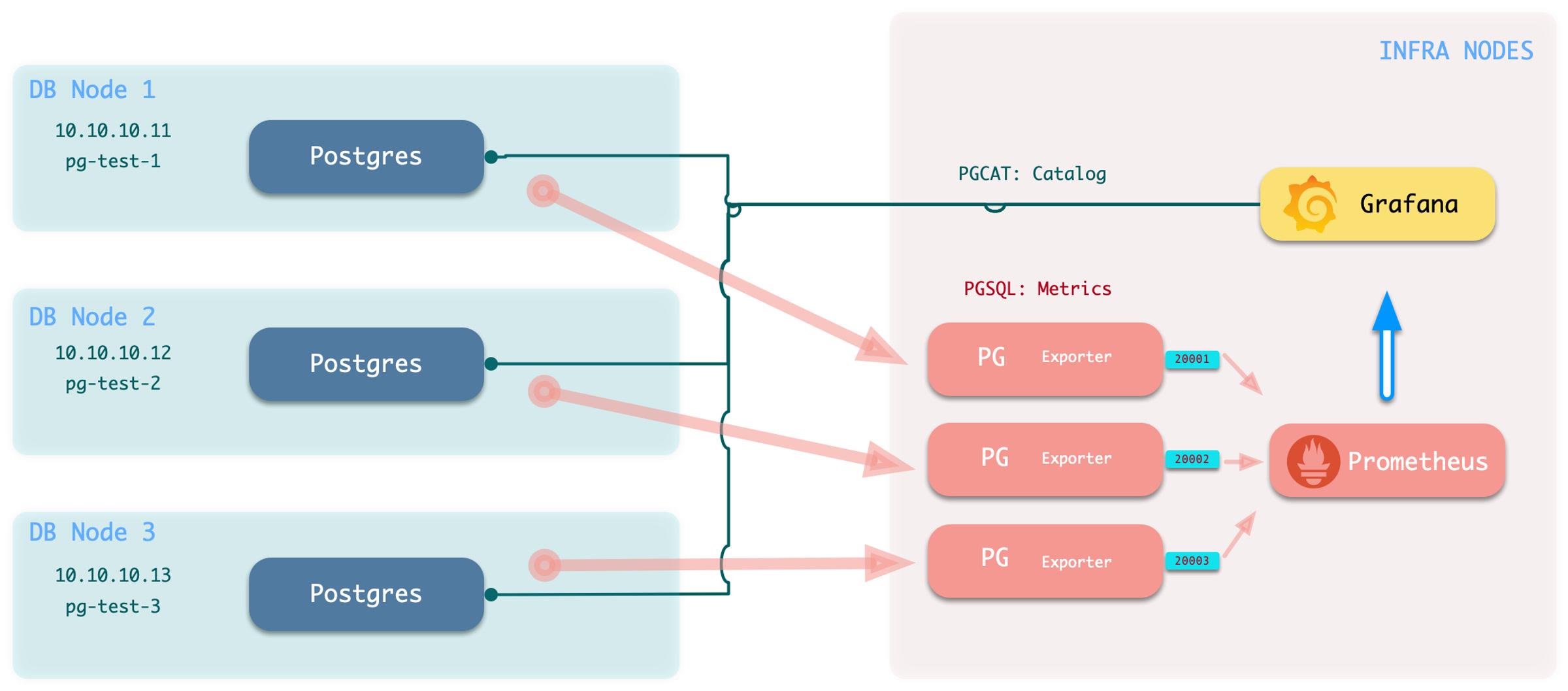
执行添加监控命令:bin/pgmon-add <clsname>
要删除远程集群的监控目标,可以使用 bin/pgmon-rm <clsname>
您可以使用更多的参数来覆盖默认 pg_exporter 的选项,下面是一个使用 Pigsty 监控阿里云 RDS 与 PolarDB 的配置样例:
当您想要监控现有实例时,不论是 RDS,还是自建的 PostgreSQL 实例,您都需要在目标数据库上进行一些配置,以便 Pigsty 可以访问它们。
为了将外部现存PostgreSQL实例纳入监控,您需要有一个可用于访问该实例/集群的连接串。任何可达连接串(业务用户,超级用户)均可使用,但我们建议使用一个专用监控用户以避免权限泄漏。
dbuser_monitor, 该用户属于 pg_monitor 角色组,或确保具有相关视图访问权限。monitor,用于安装额外的监控视图与扩展插件,非必选,但建议创建。pg_stat_statements。以Pigsty默认使用的监控用户dbuser_monitor为例,在目标数据库集群创建以下用户。
请注意,这里创建的监控用户与密码需要与 pg_monitor_username 与 pg_monitor_password 保持一致。
配置数据库 pg_hba.conf 文件,添加以下规则以允许监控用户从本地,以及管理机使用密码访问所有数据库。
如果您的 RDS 不支持定义 HBA,那么把安装 Pigsty 机器的内网 IP 地址开白即可。
监控模式可选项,即使没有,Pigsty监控系统的主体也可以正常工作,但我们强烈建议设置此模式。
监控扩展是可选项,但我们强烈建议启用 pg_stat_statements 扩展该扩展提供了关于查询性能的重要数据。
注意:该扩展必须列入数据库参数 shared_preload_libraries 中方可生效,而修改该参数需要重启数据库。
请注意,您应当在默认的管理数据库 postgres 中安装此扩展。有些时候,RDS不允许您在 postgres 数据库中创建监控模式,
在这种情况下,您可以将 pg_stat_statements 插件安装到默认的 public 下,只要确保监控用户的 search_path 按照上面的配置,能够找到 pg_stat_statements 视图即可。
监控视图提供了若干常用的预处理结果,并对某些需要高权限的监控指标进行权限封装(例如共享内存分配),便于查询与使用。强烈建议在所有需要监控的数据库中创建
Pigsty 为 PostgreSQL 提供了诸多开箱即用的 Grafana 监控仪表盘: Demo & Gallery。
在 Pigsty 中共有 26 个与 PostgreSQL 相关的监控面板,按照层次分为 总览,集群,实例,数据库四大类,按照数据来源又分为 PGSQL,PGCAT,PGLOG 三大类。
概览
集群
实例
数据库
PGSQL Overview:PGSQL模块的主仪表板
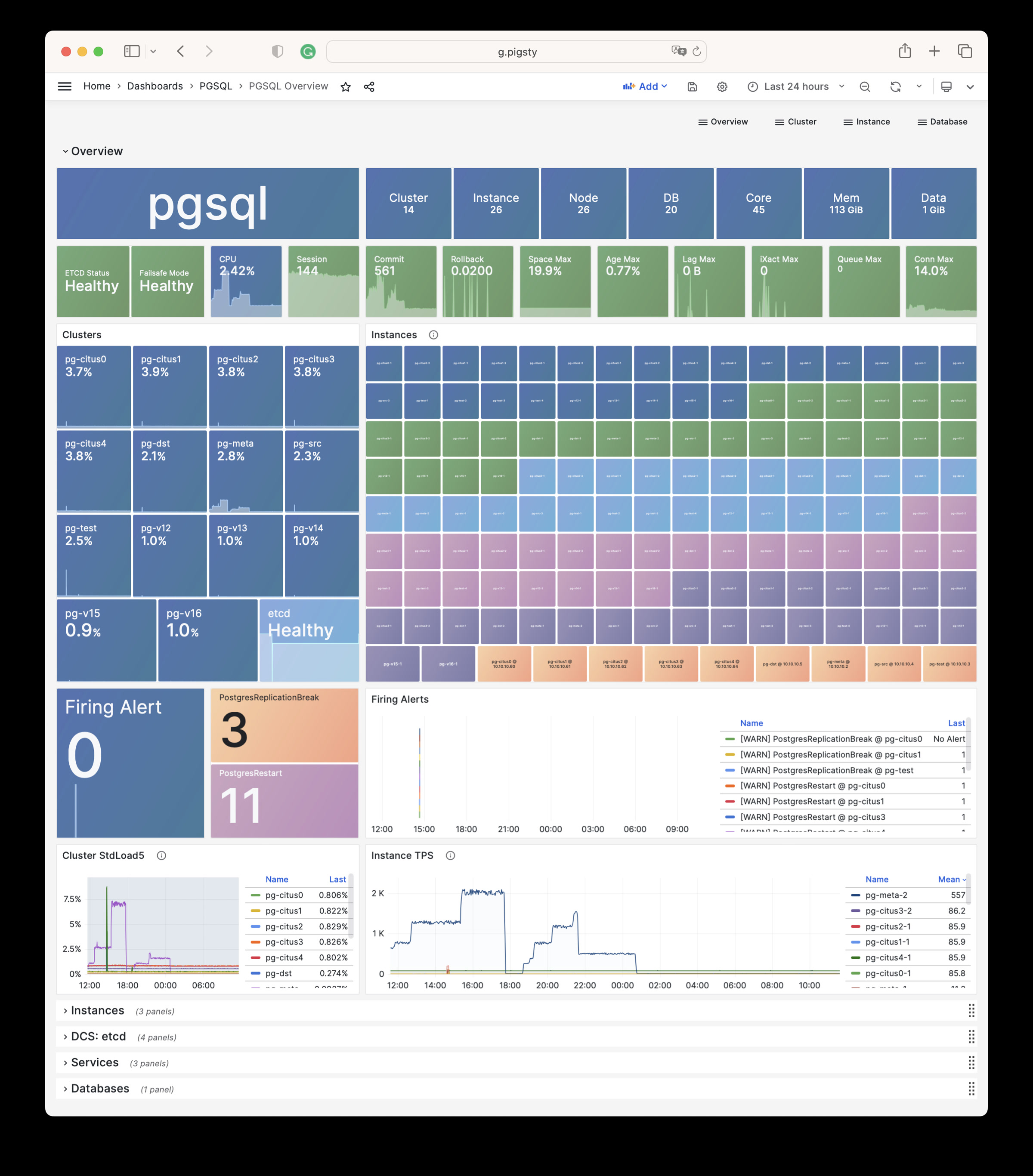
PGSQL Alert:PGSQL 全局核心指标总览与告警事件一览
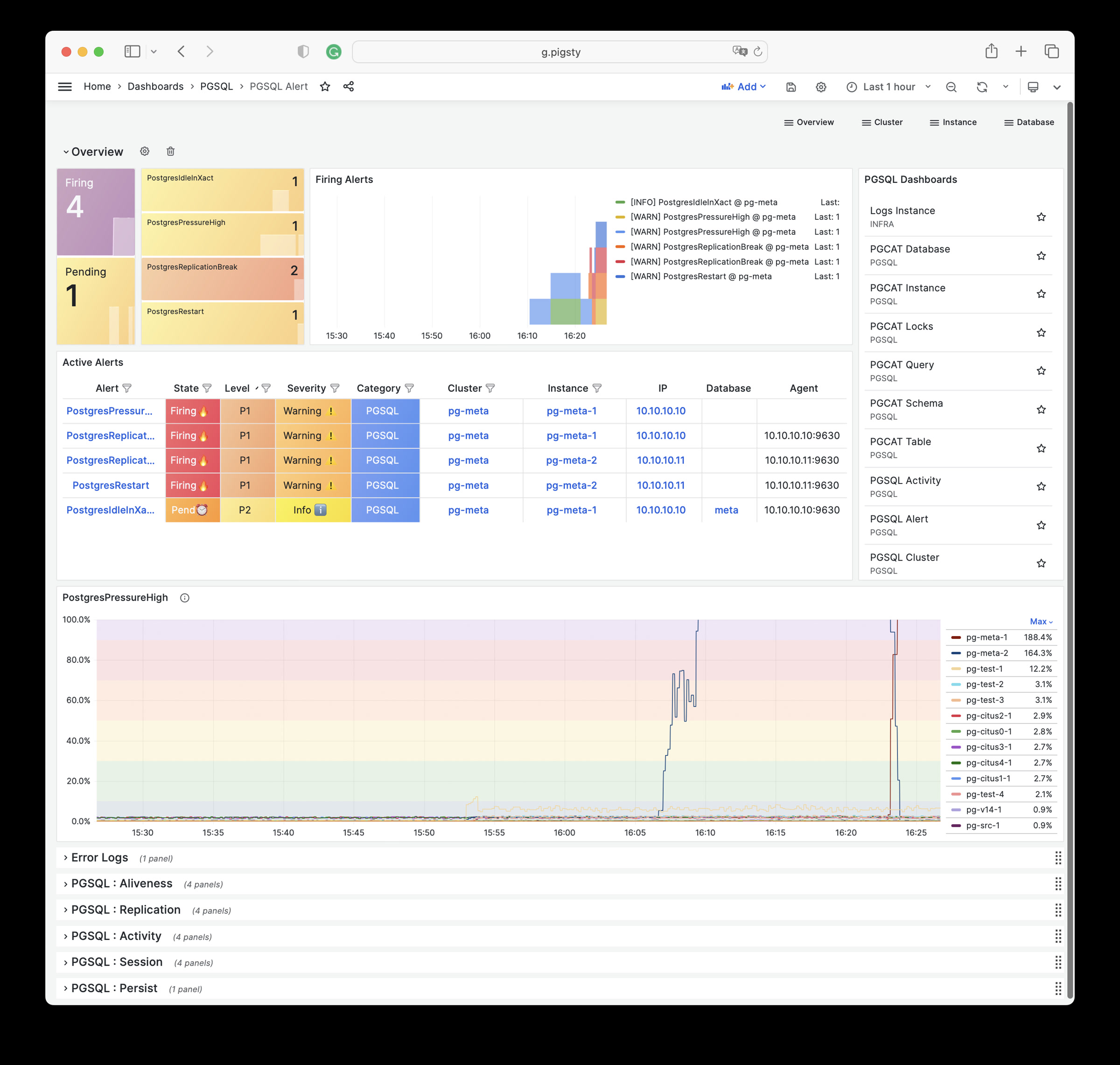
PGSQL Shard:展示一个PGSQL 水平分片集群内的横向指标对比:例如 CITUS / GPSQL 集群。
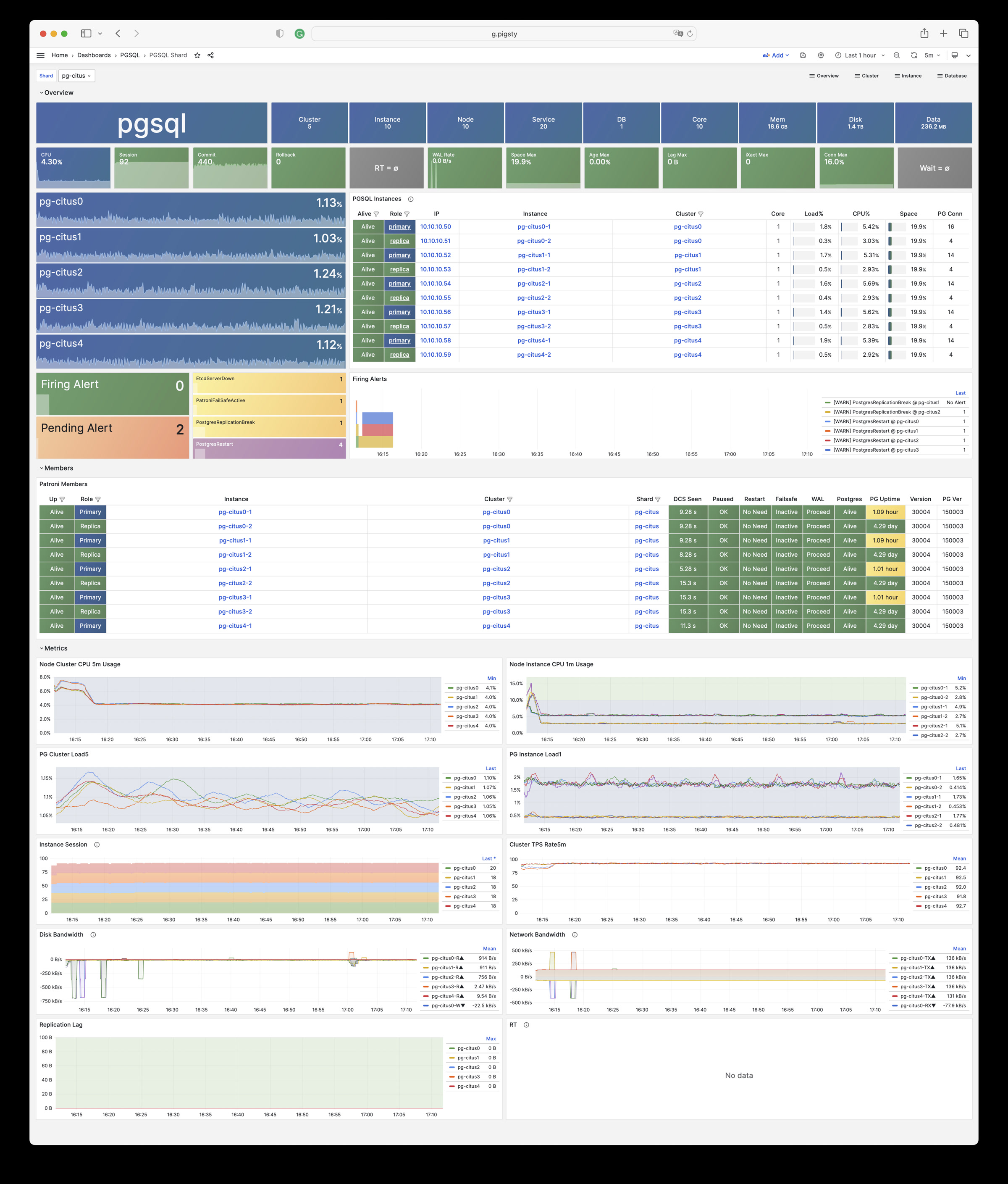
PGSQL Cluster:一个PGSQL集群的主仪表板
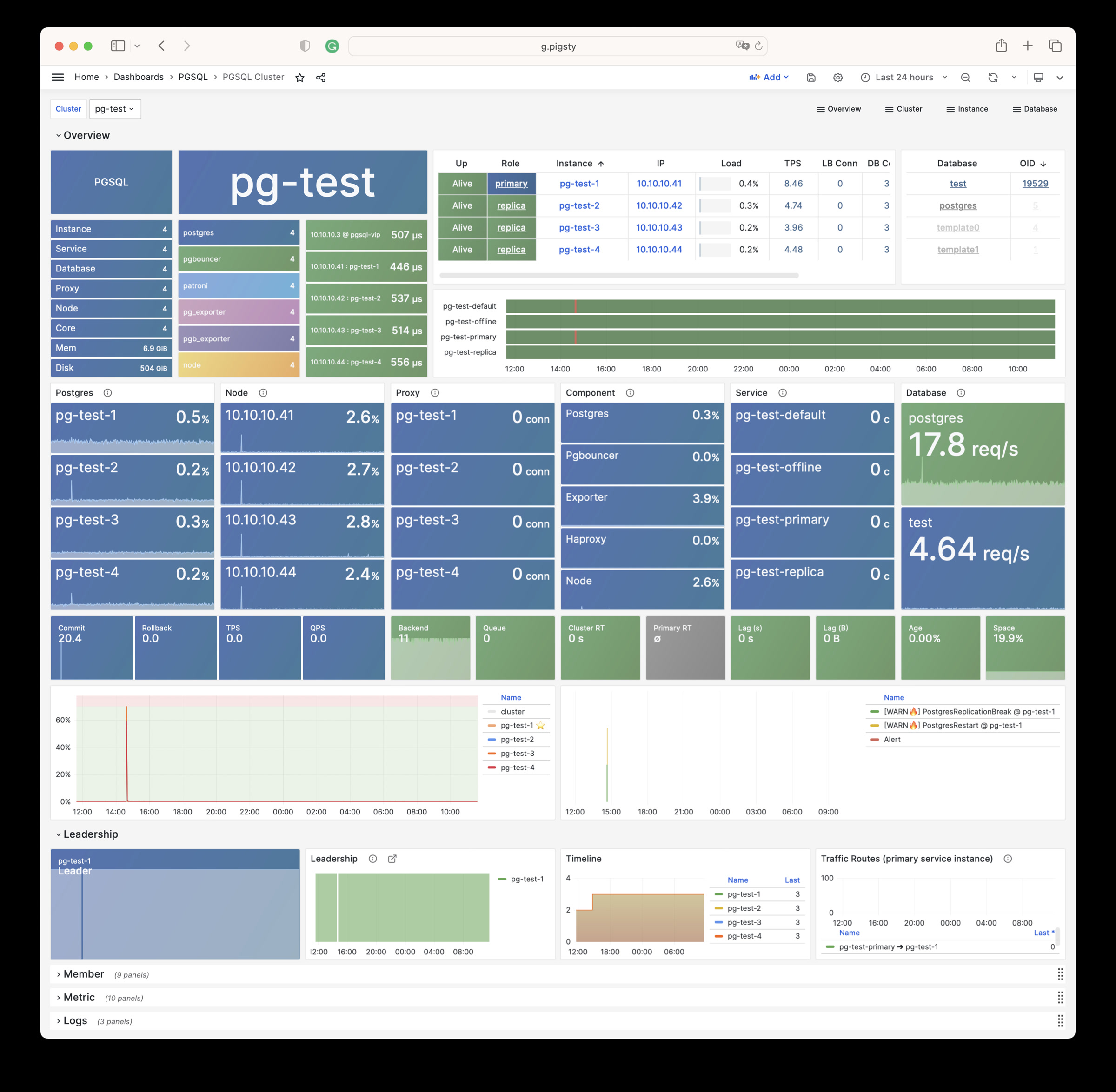
PGRDS Cluster:PGSQL Cluster 的RDS版本,专注于所有 PostgreSQL 本身的指标
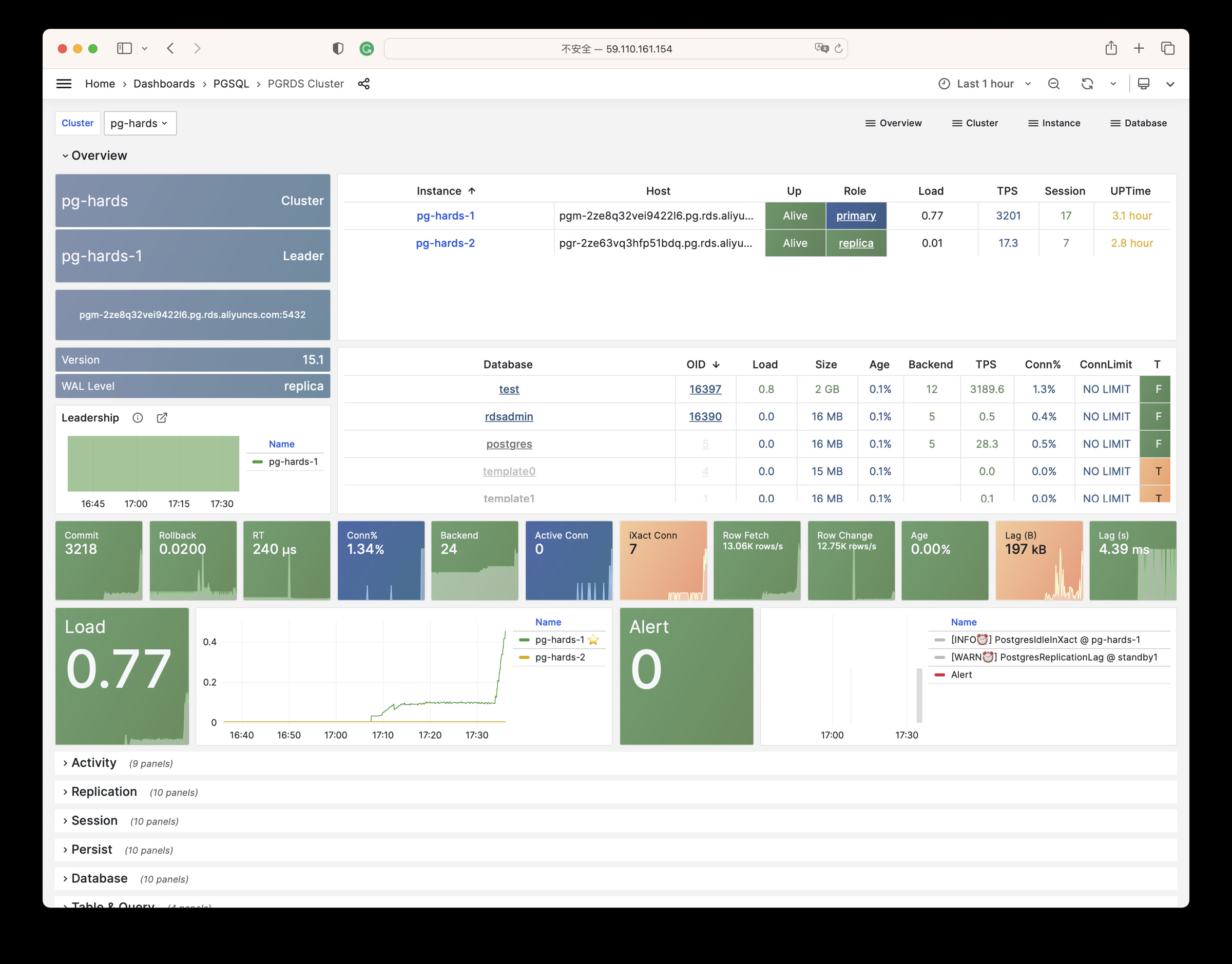
PGSQL Service:关注PGSQL集群服务、代理、路由和负载均衡。
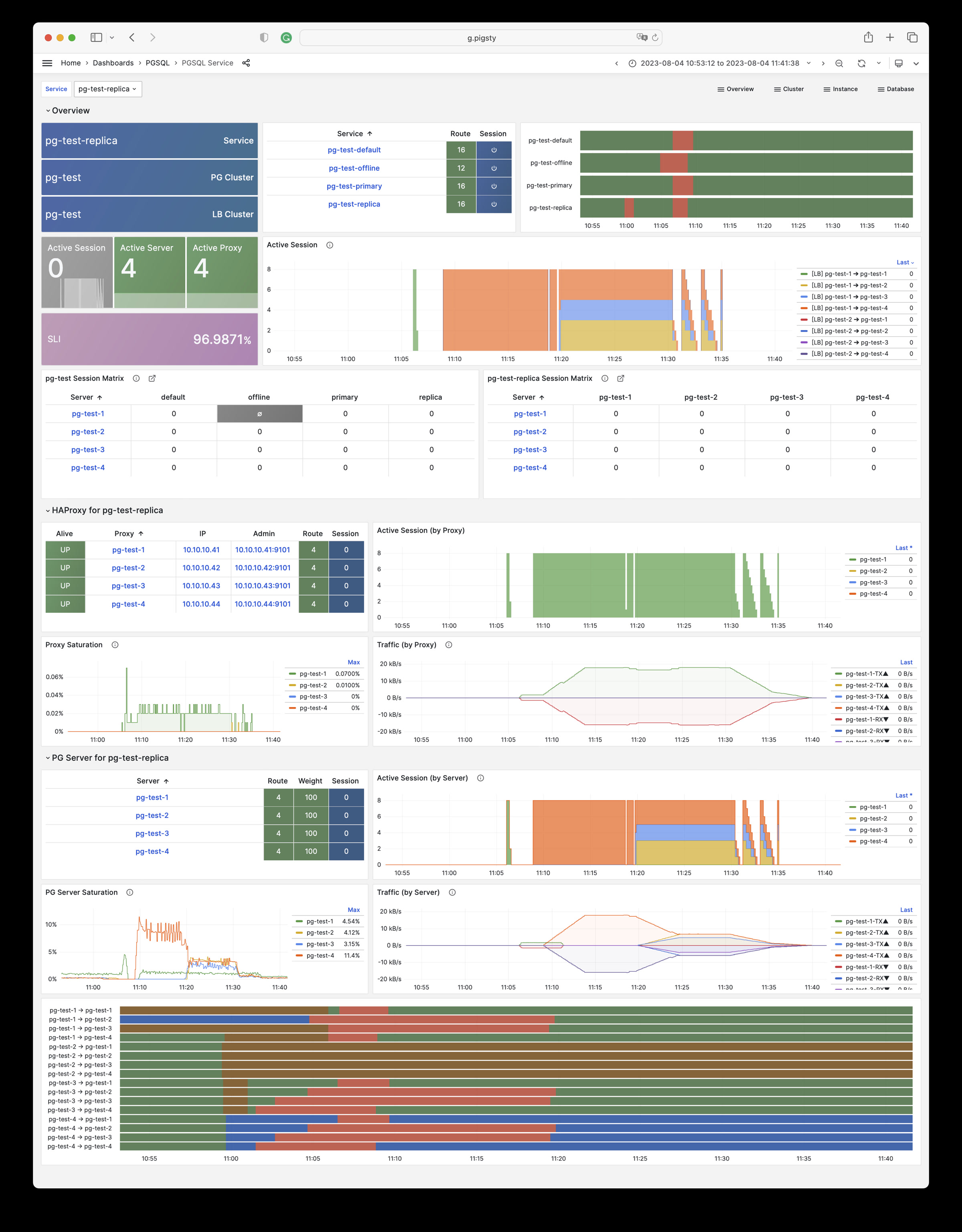
PGSQL Activity:关注PGSQL集群的会话/负载/QPS/TPS/锁定情况
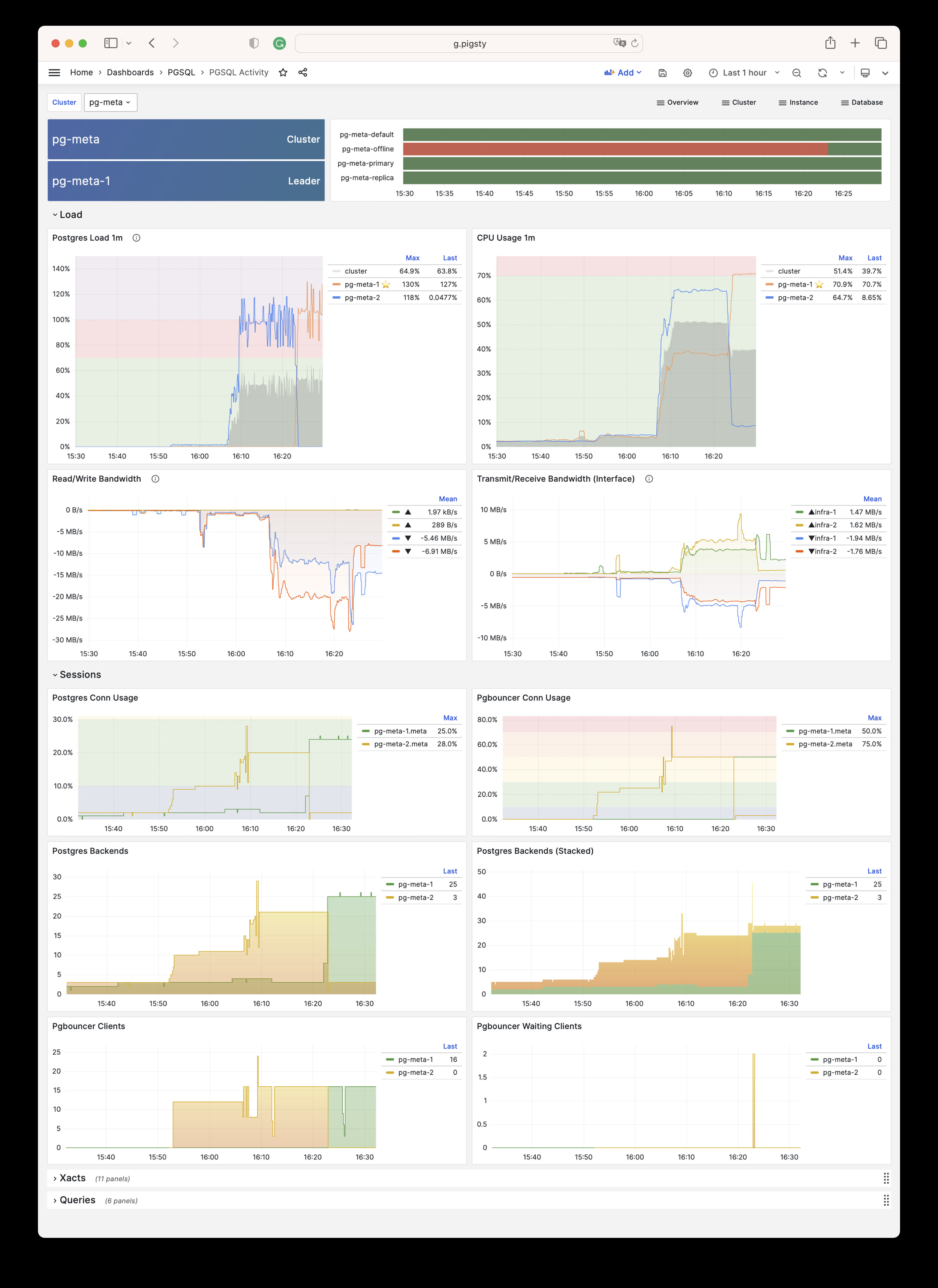
PGSQL Replication:关注PGSQL集群复制、插槽和发布/订阅。
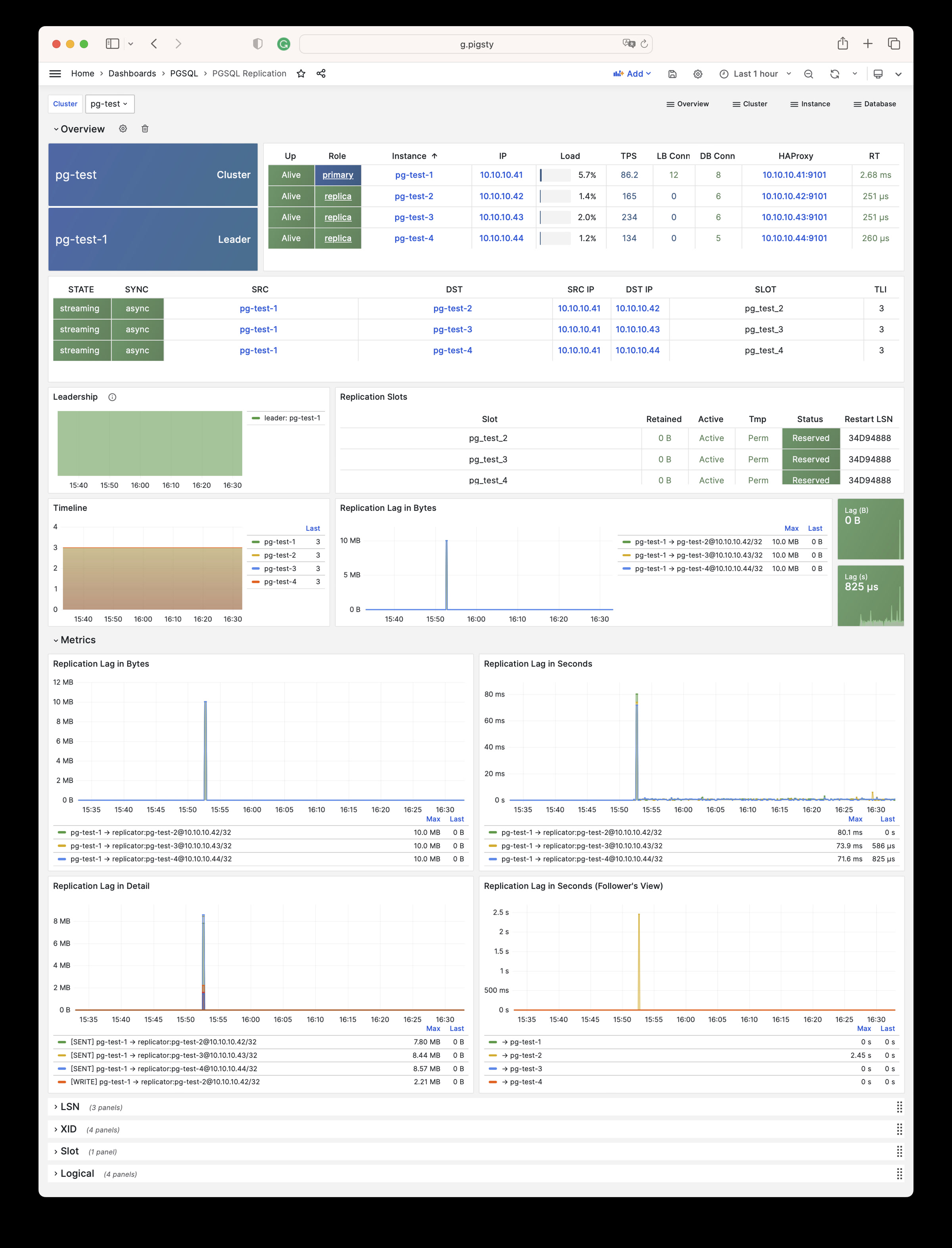
PGSQL Databases:关注所有实例的数据库CRUD、慢查询和表统计信息。
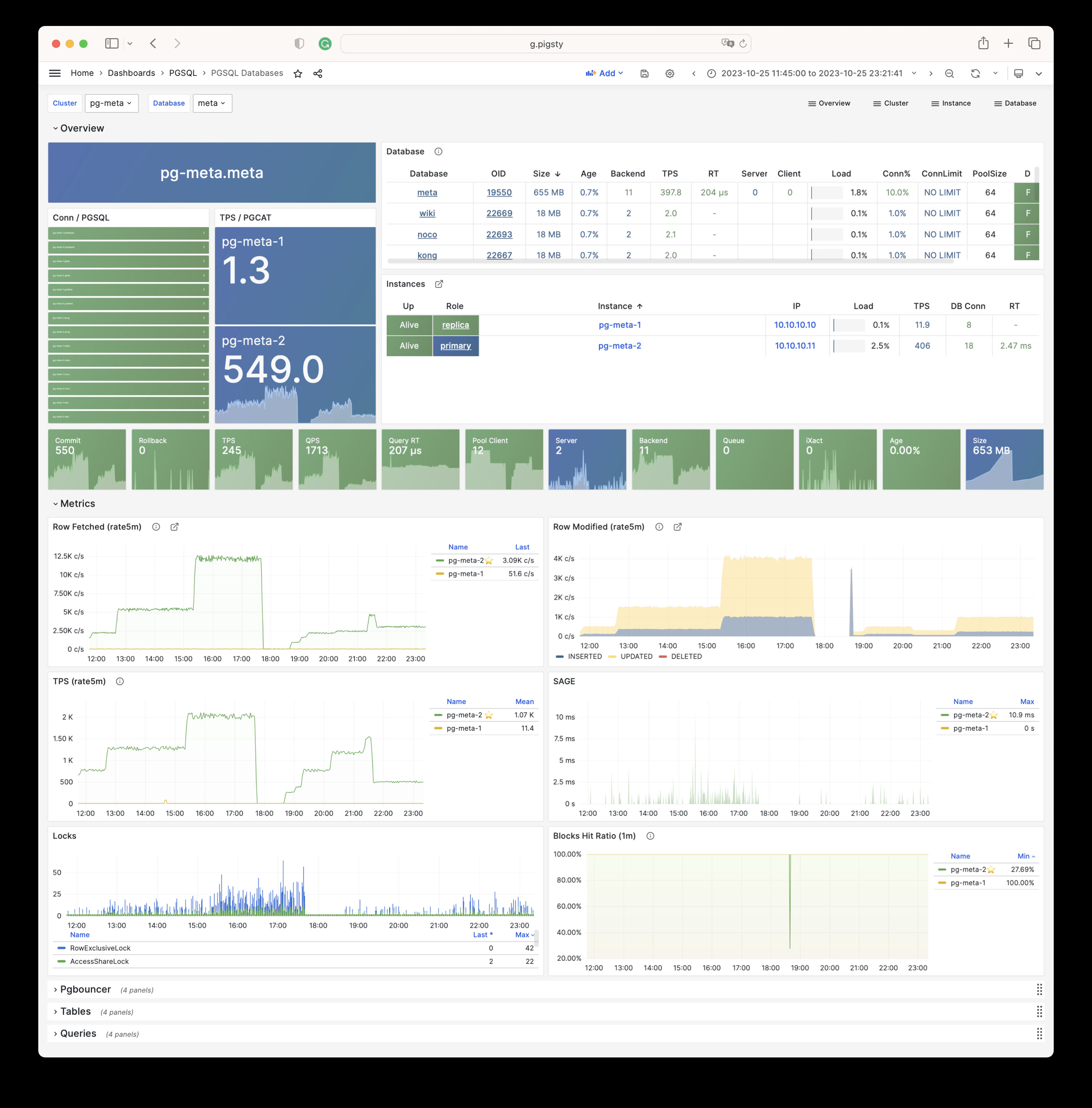
PGSQL Patroni:关注集群高可用状态,Patroni组件状态
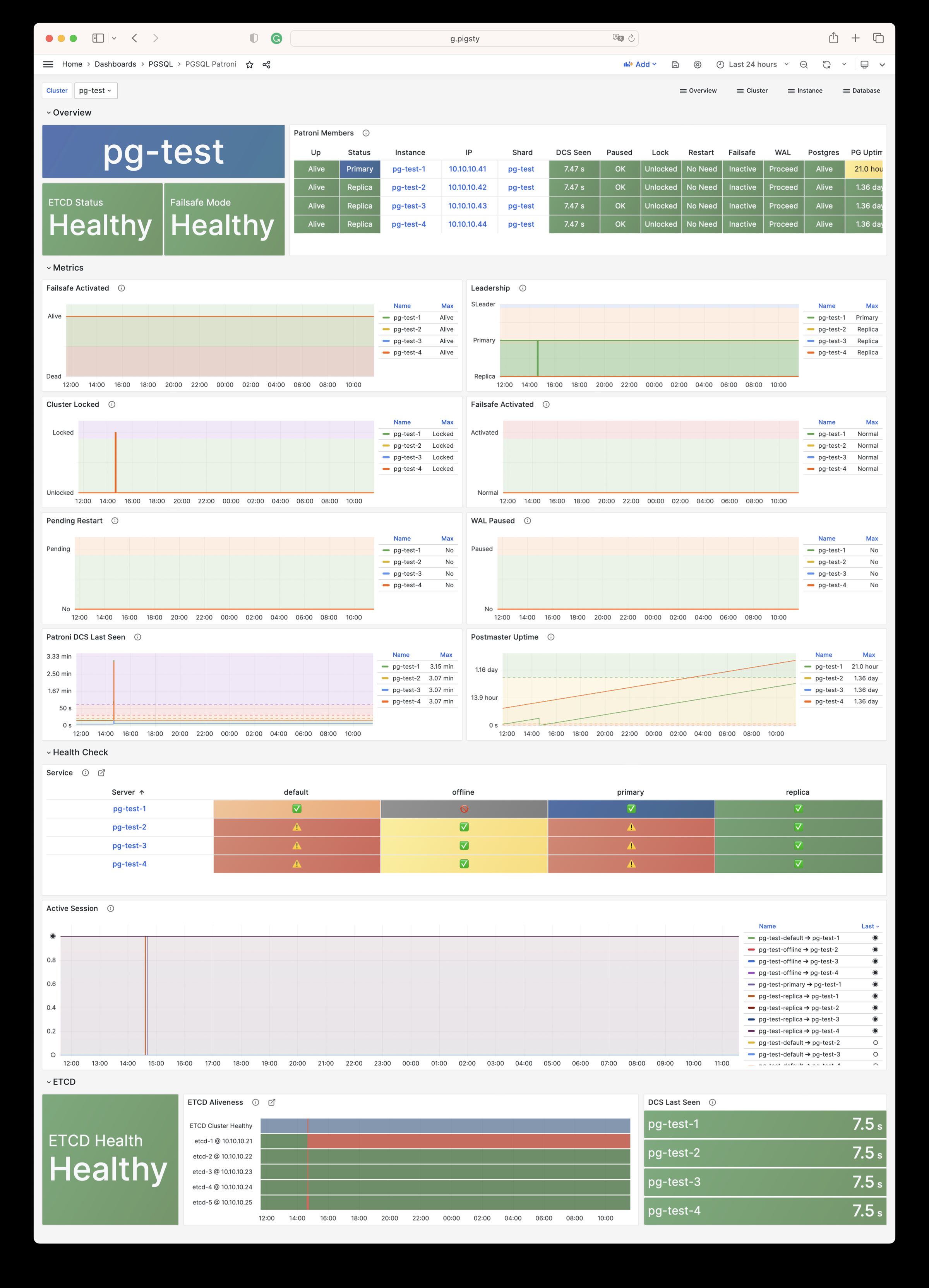
PGSQL PITR:关注集群 PITR 过程的上下文,用于辅助时间点恢复
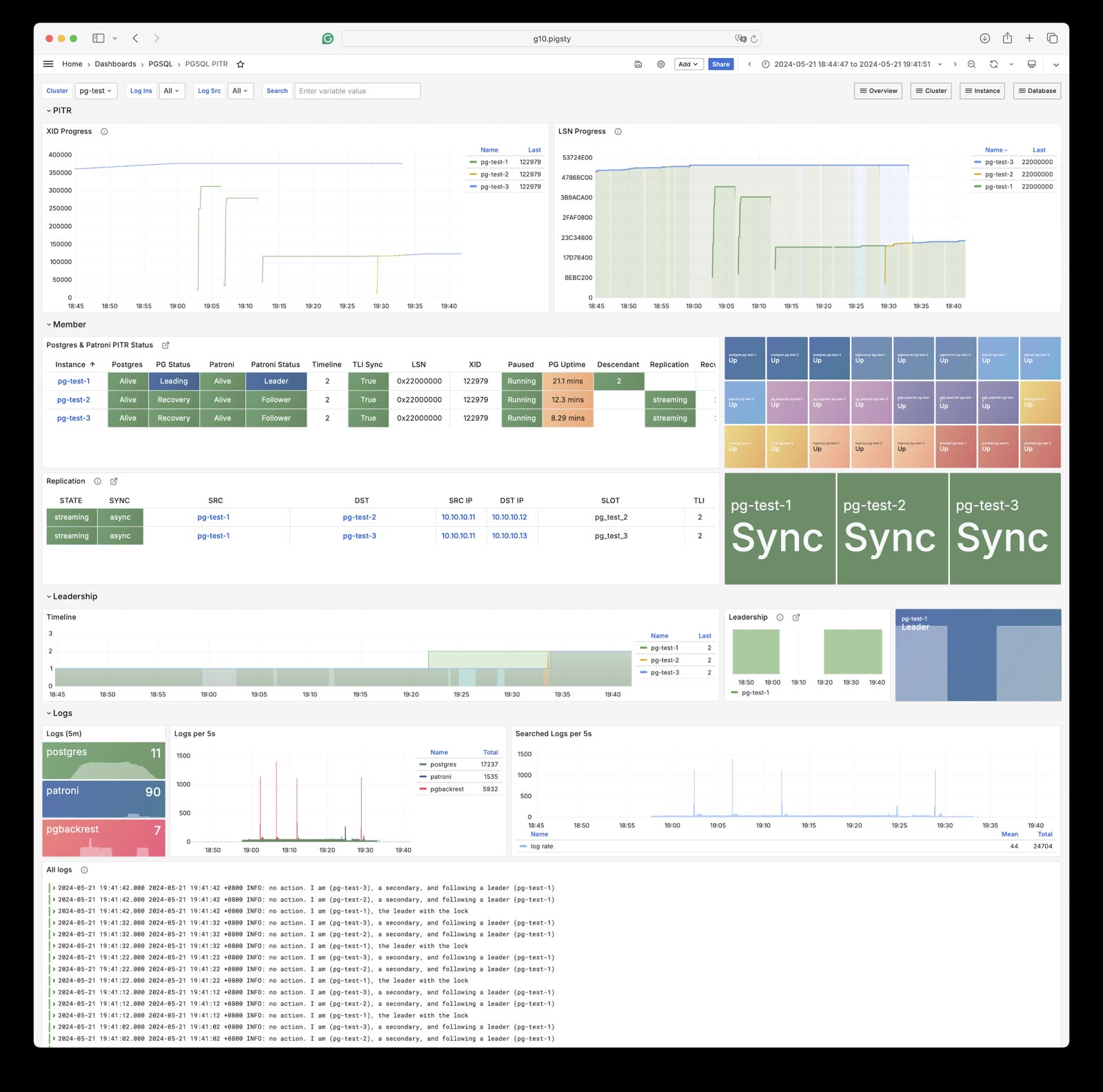
PGSQL Instance:单个PGSQL实例的主仪表板
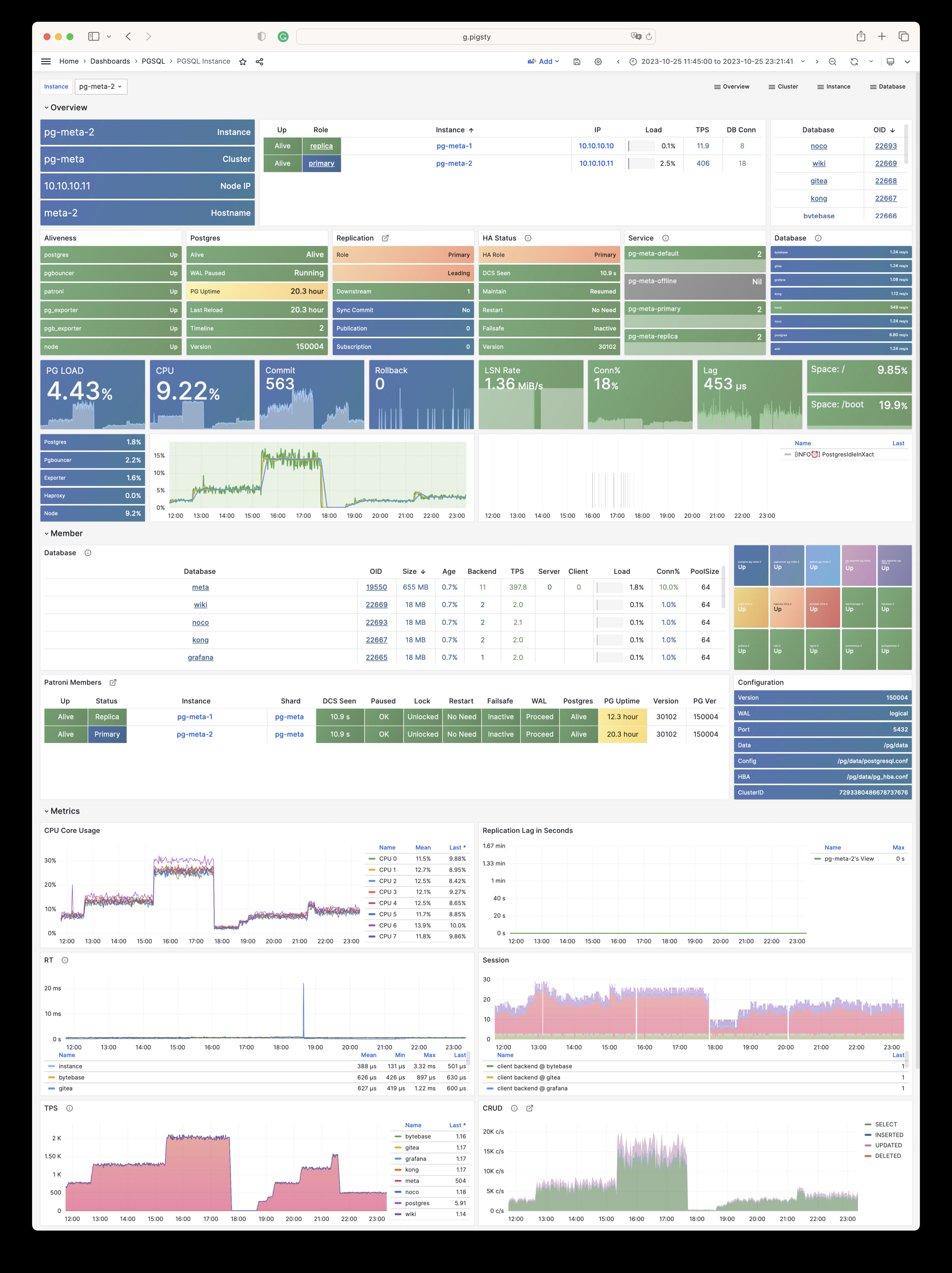
PGRDS Instance:PGSQL Instance 的RDS版本,专注于所有 PostgreSQL 本身的指标
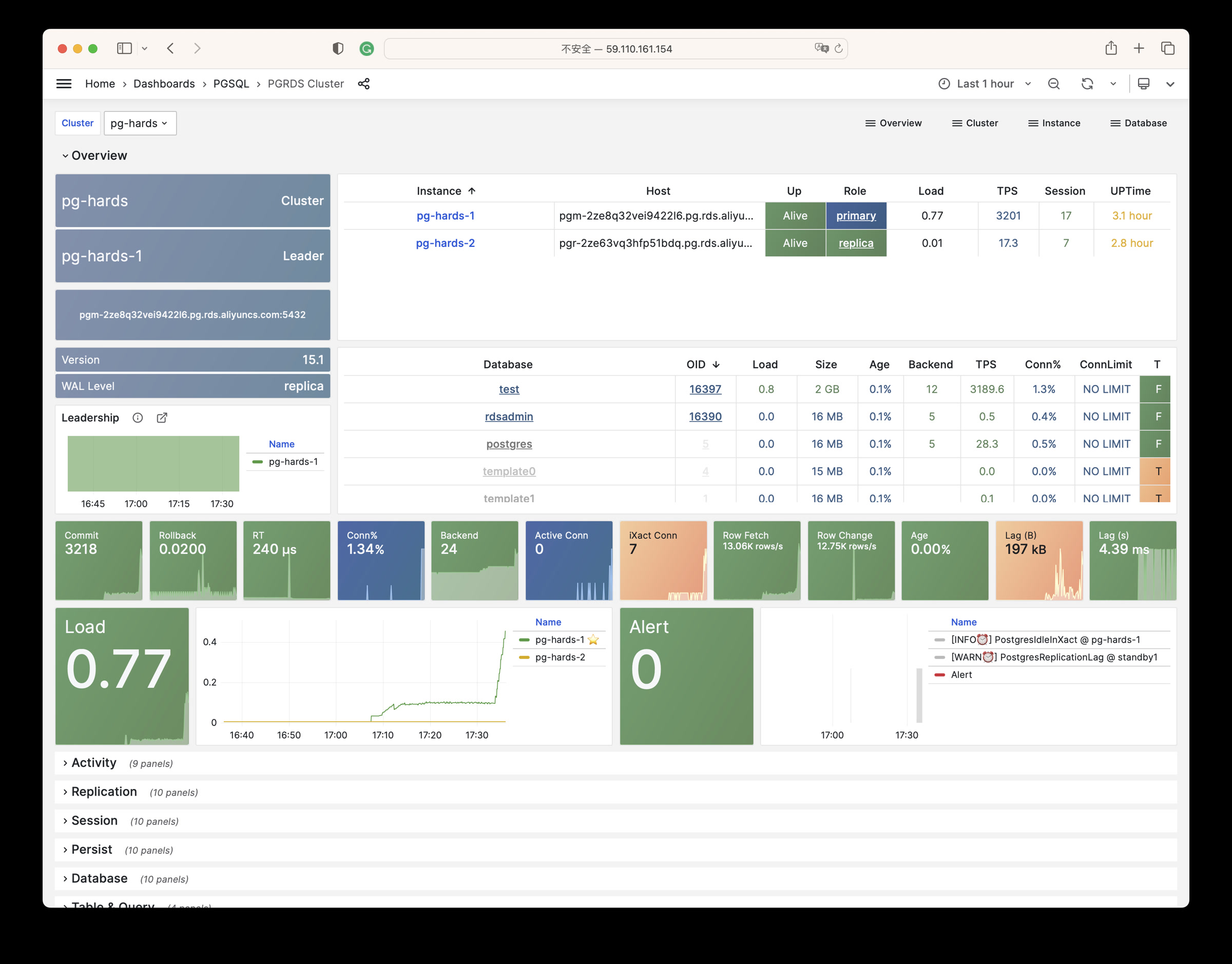
PGSQL Proxy:单个haproxy负载均衡器的详细指标
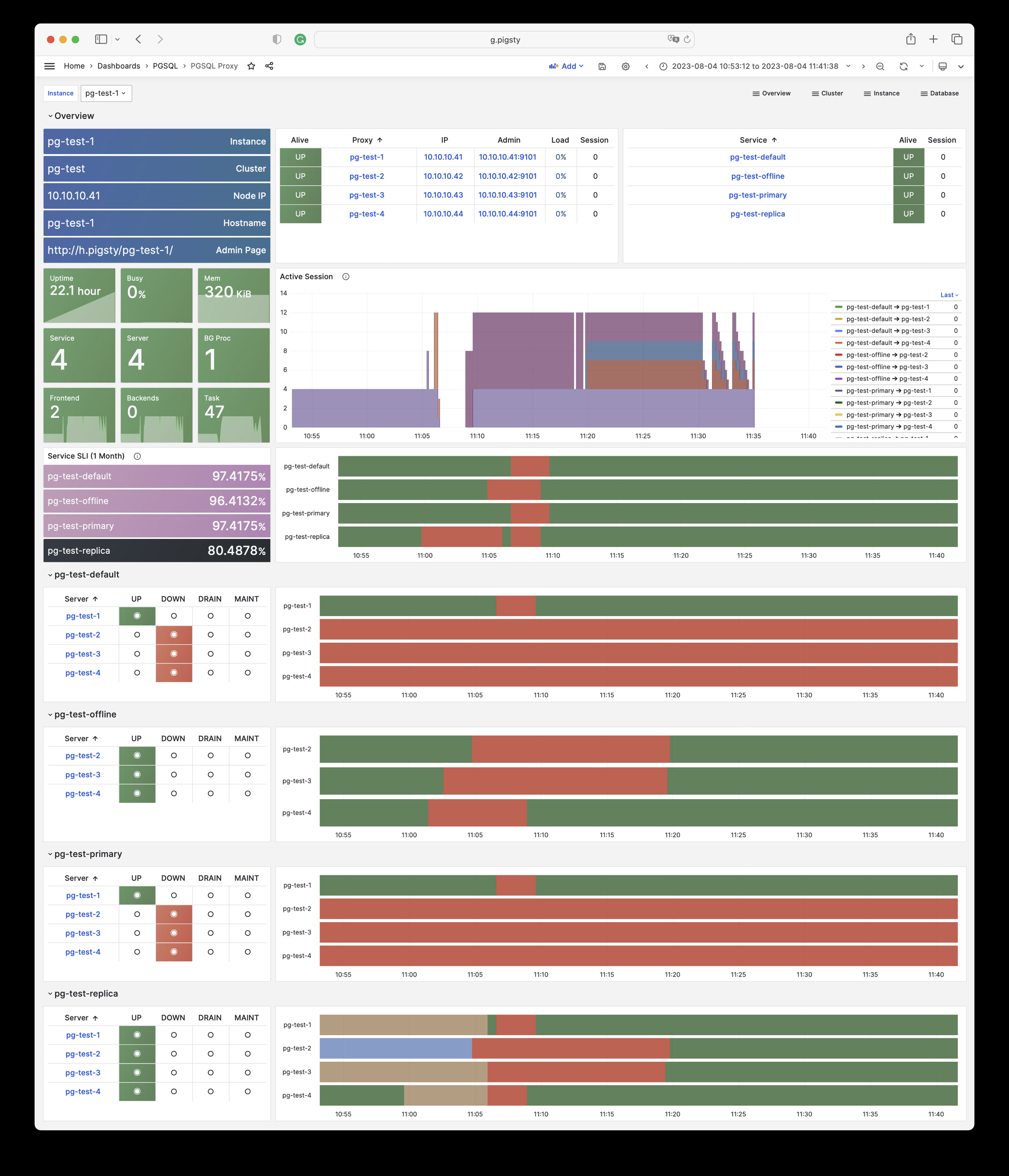
PGSQL Pgbouncer:单个Pgbouncer连接池实例中的指标总览
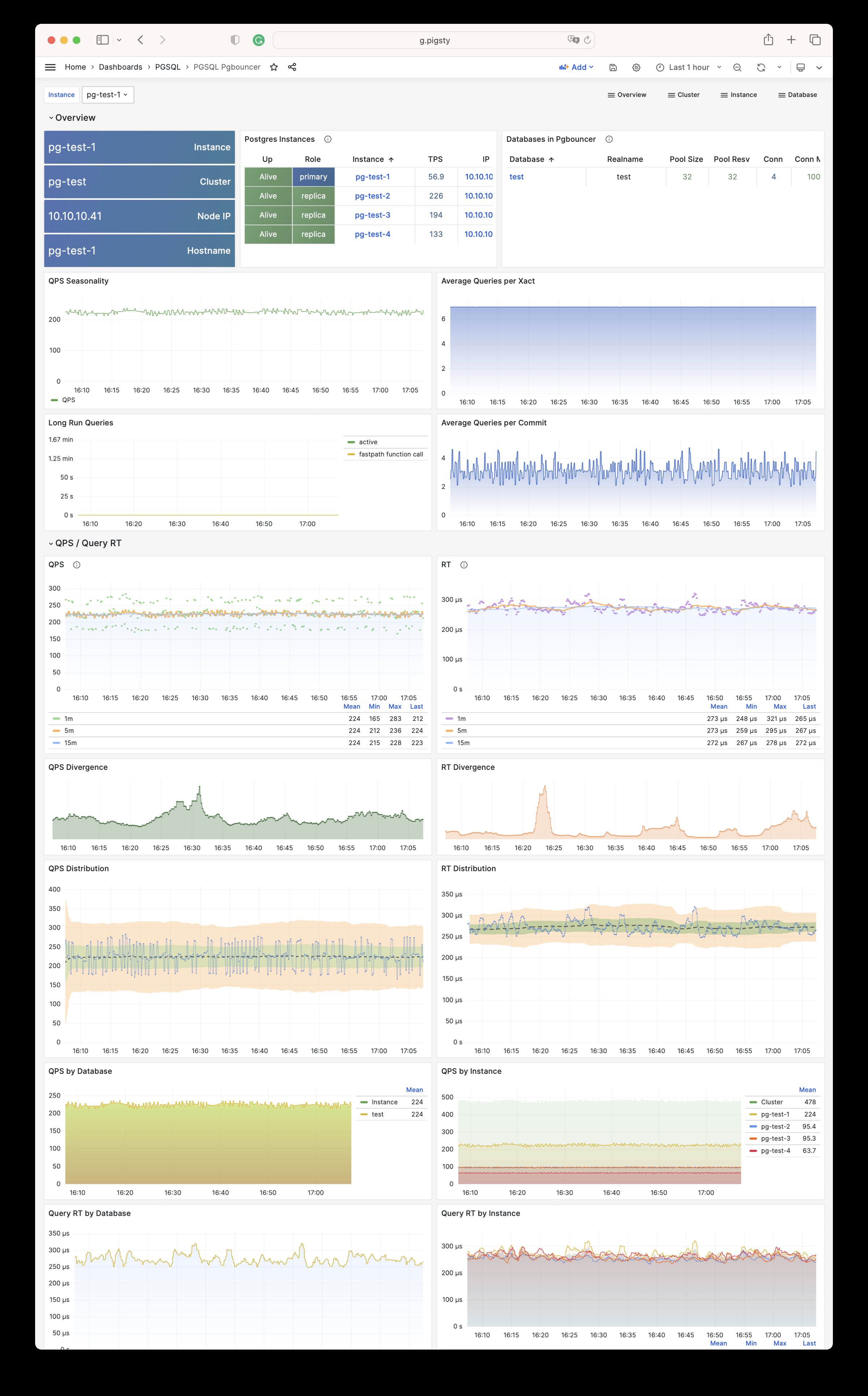
PGSQL Persist:持久性指标:WAL、XID、检查点、存档、IO
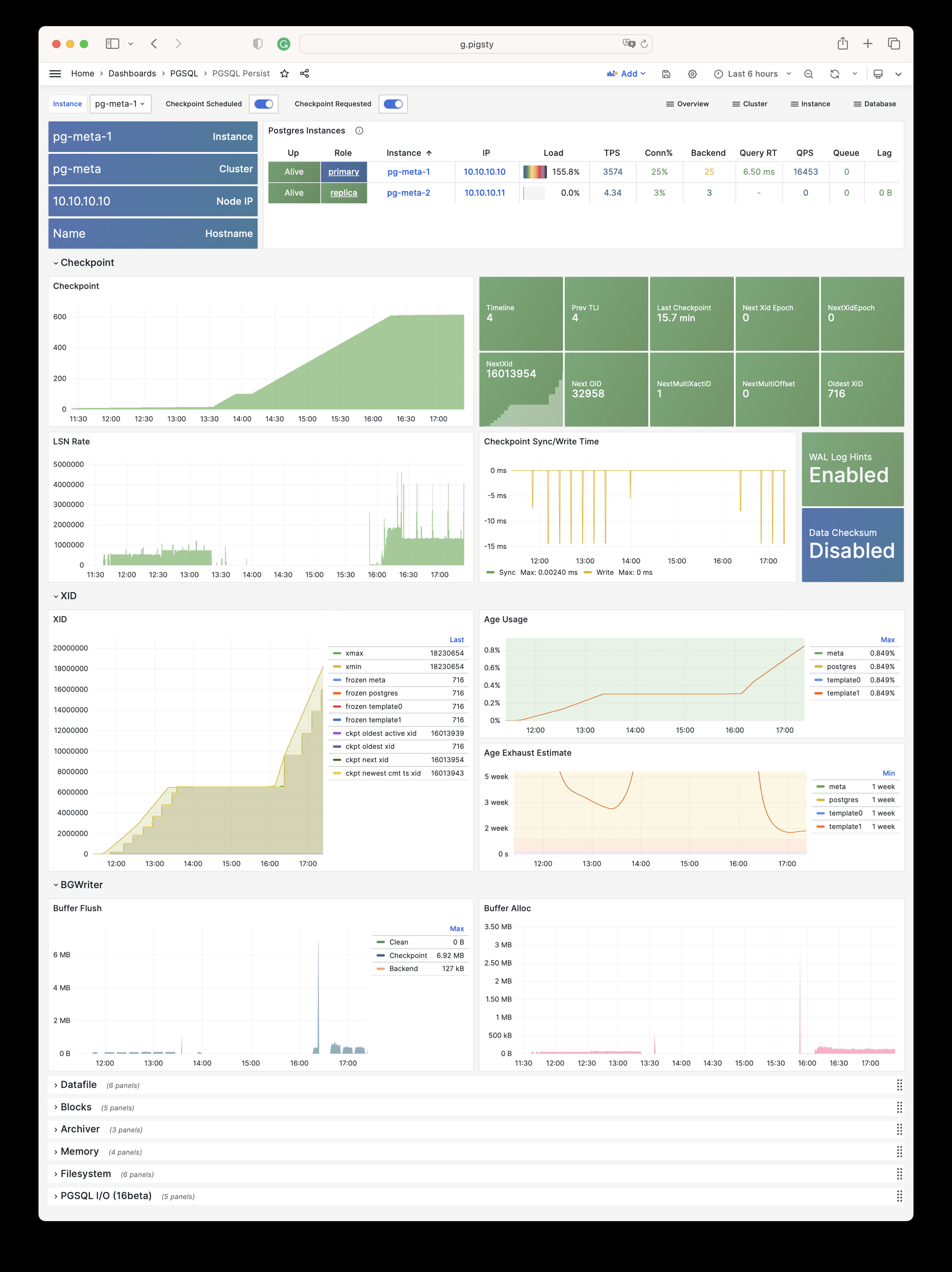
PGSQL Xacts:关于事务、锁、TPS/QPS相关的指标
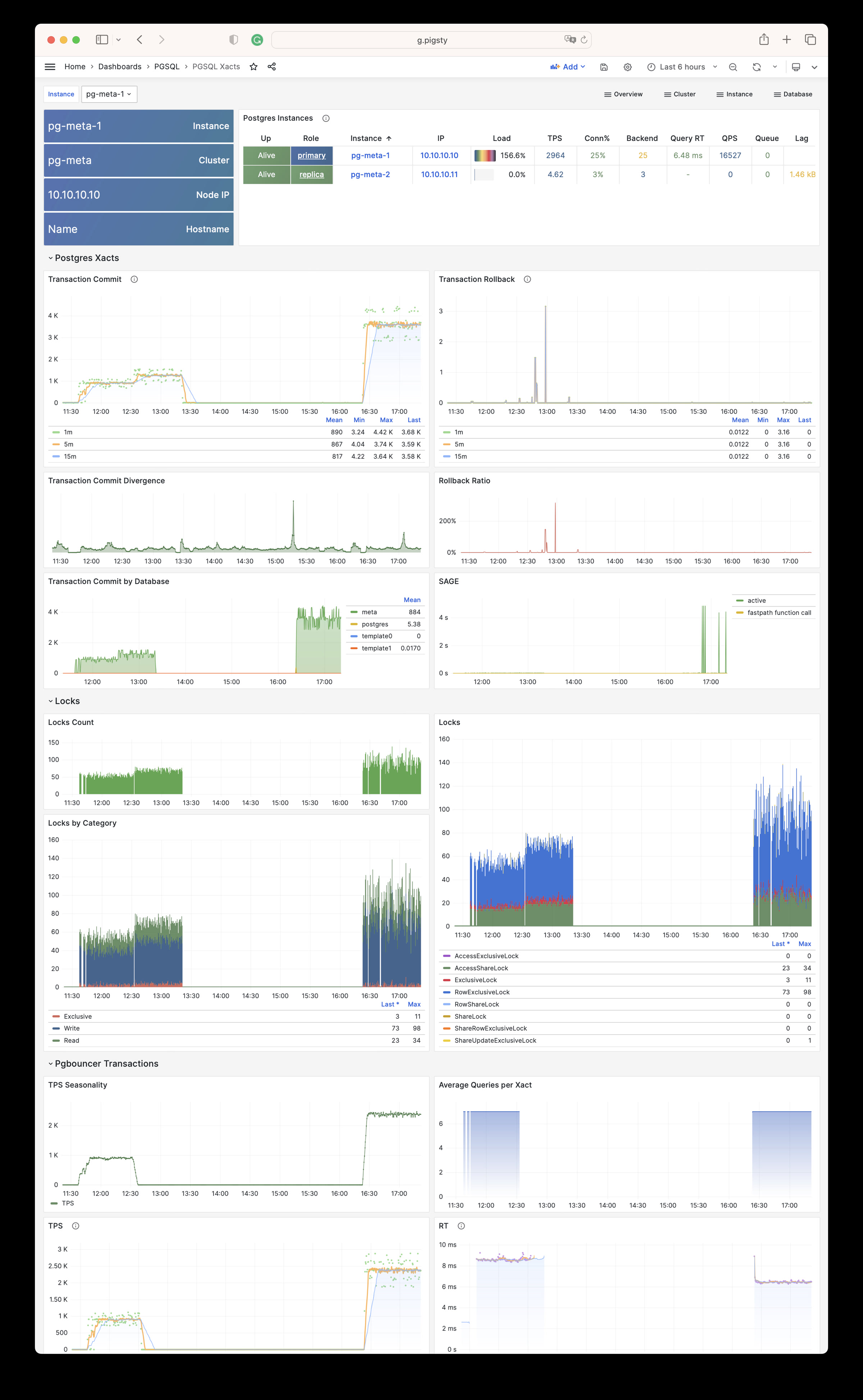
PGSQL Session:单个实例中的会话和活动/空闲时间的指标
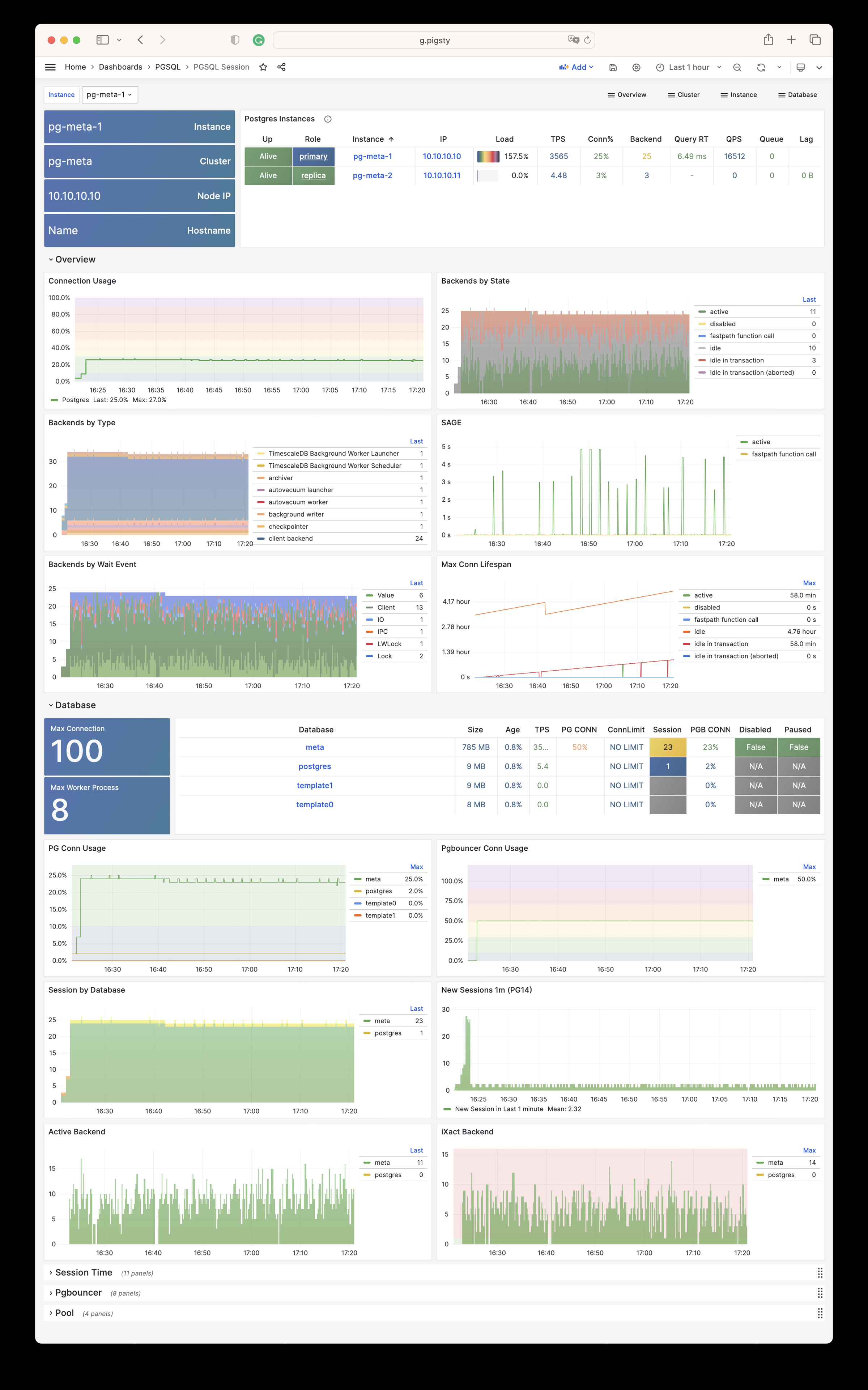
PGSQL Exporter:Postgres/Pgbouncer 监控组件自我监控指标
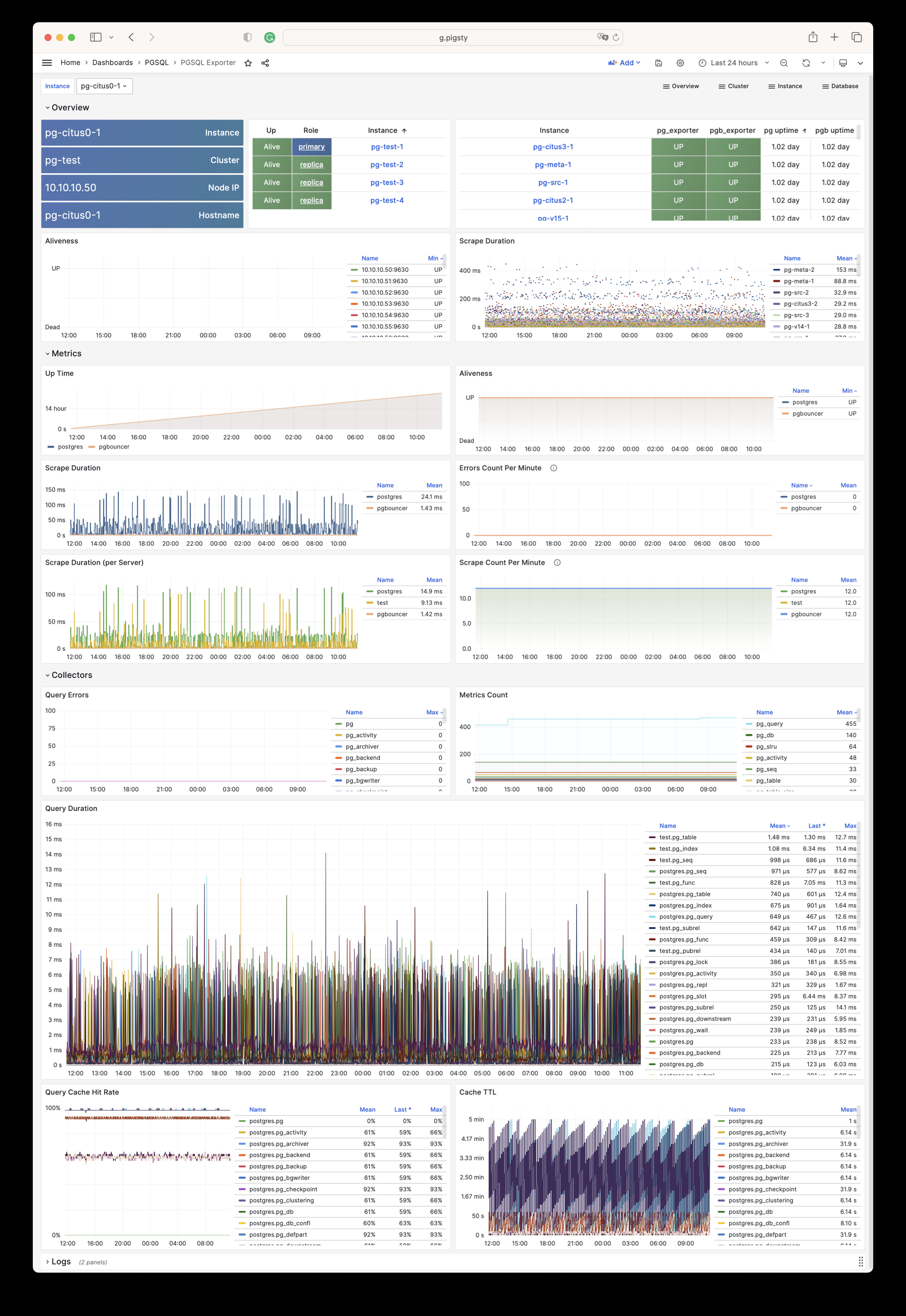
PGSQL Database:单个PGSQL数据库的主仪表板
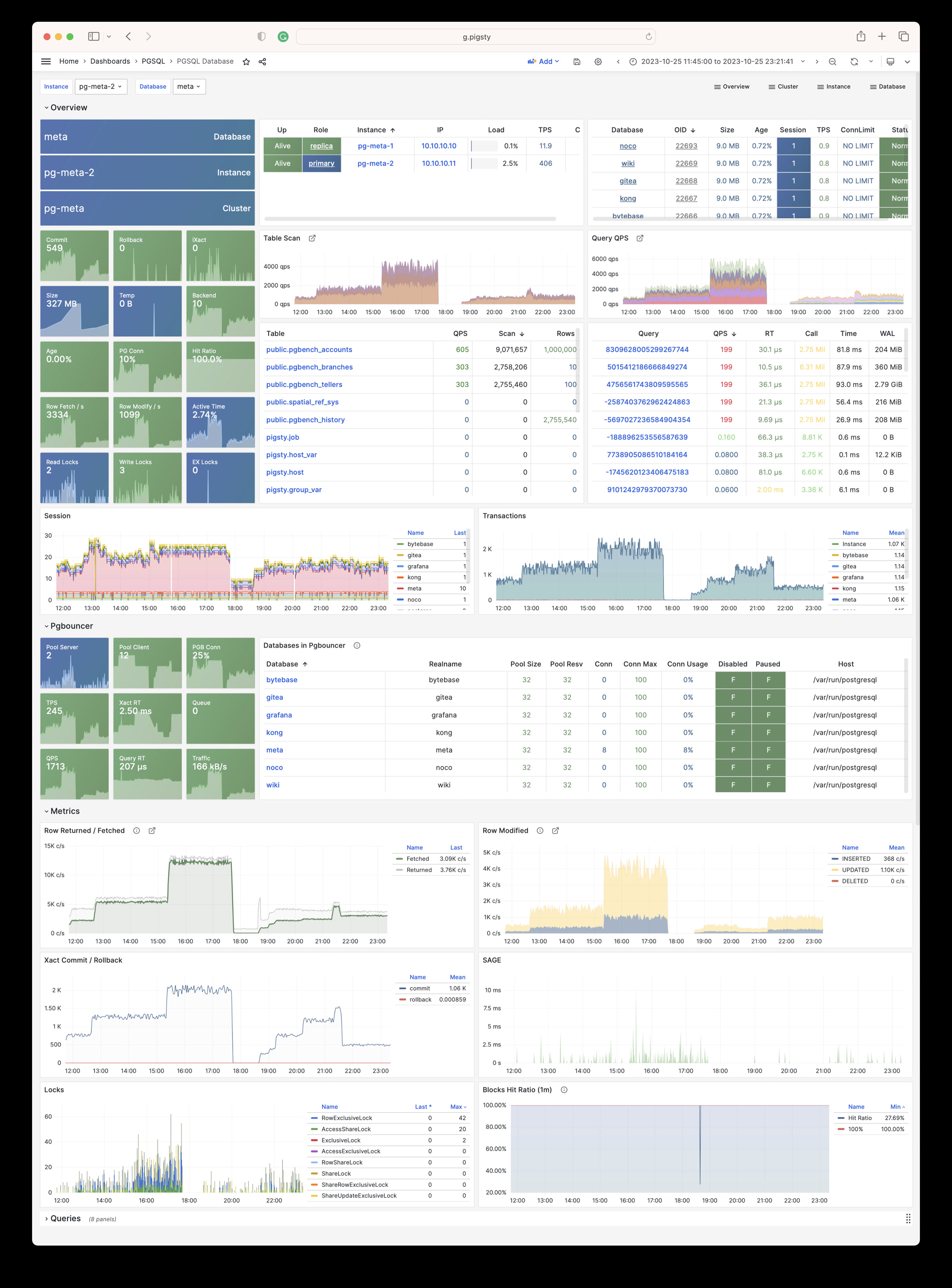
PGSQL Tables:单个数据库内的表/索引访问指标
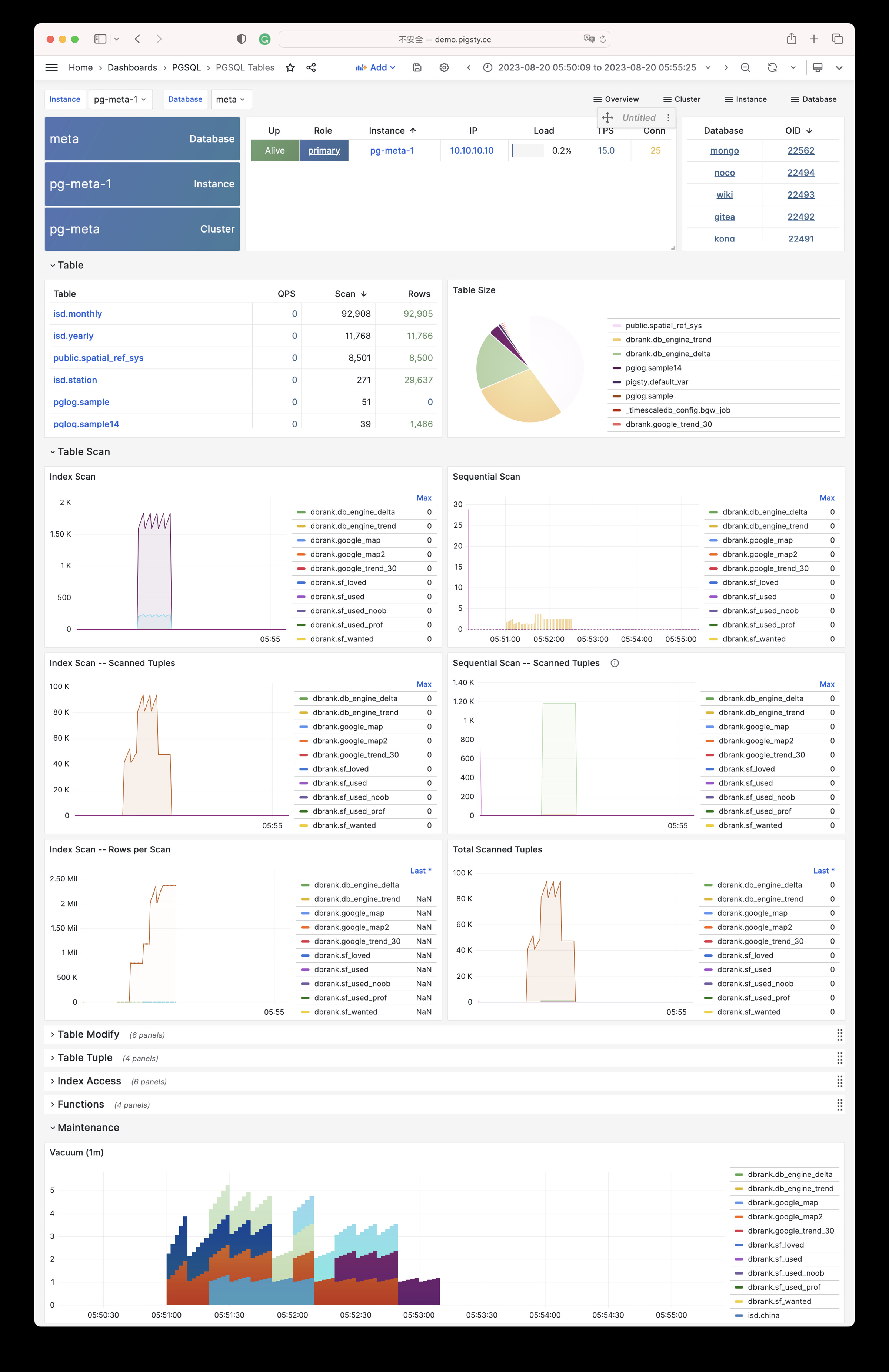
PGSQL Table:单个表的详细信息(QPS/RT/索引/序列…)
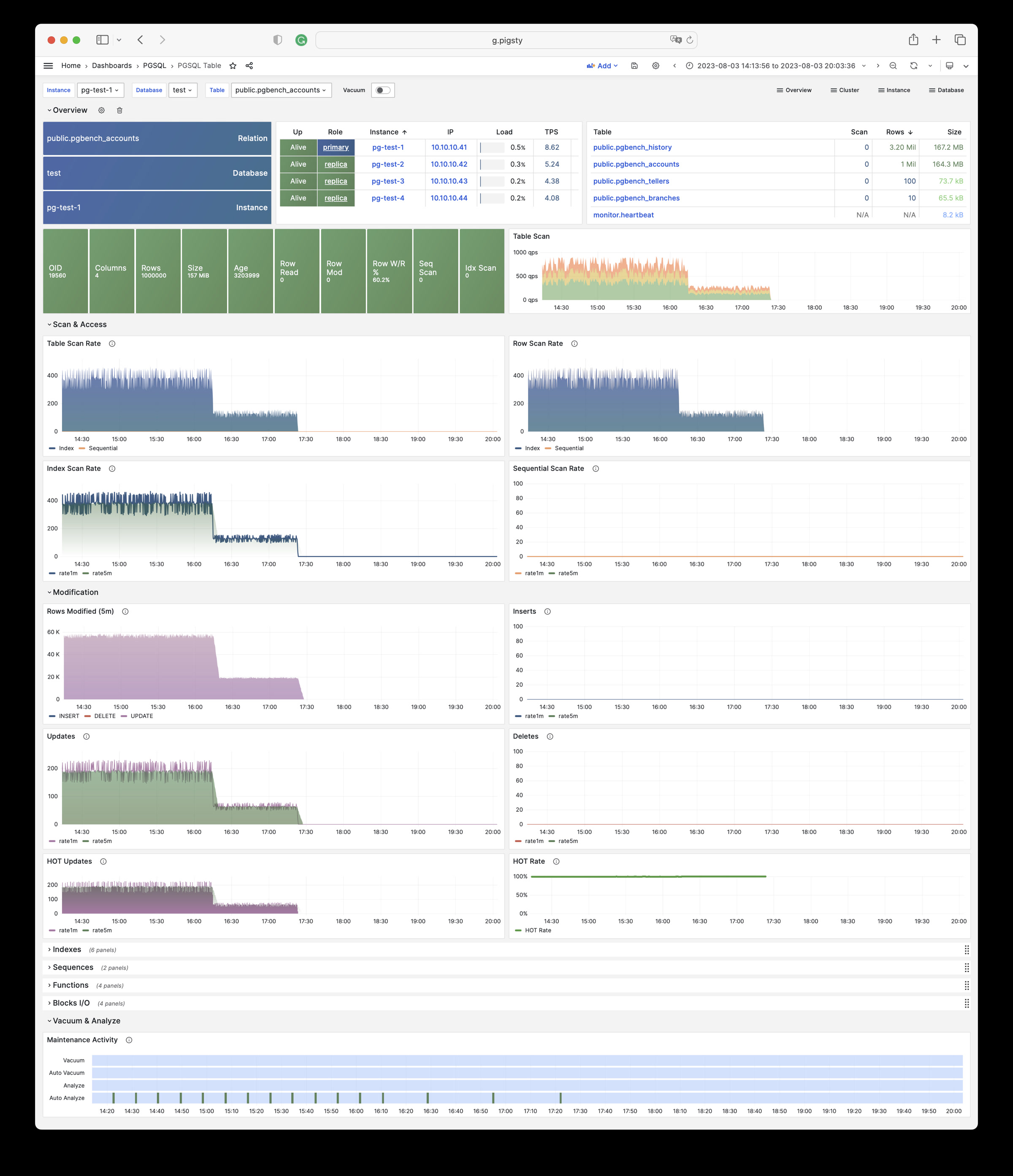
PGSQL Query:单类查询的详细信息(QPS/RT)
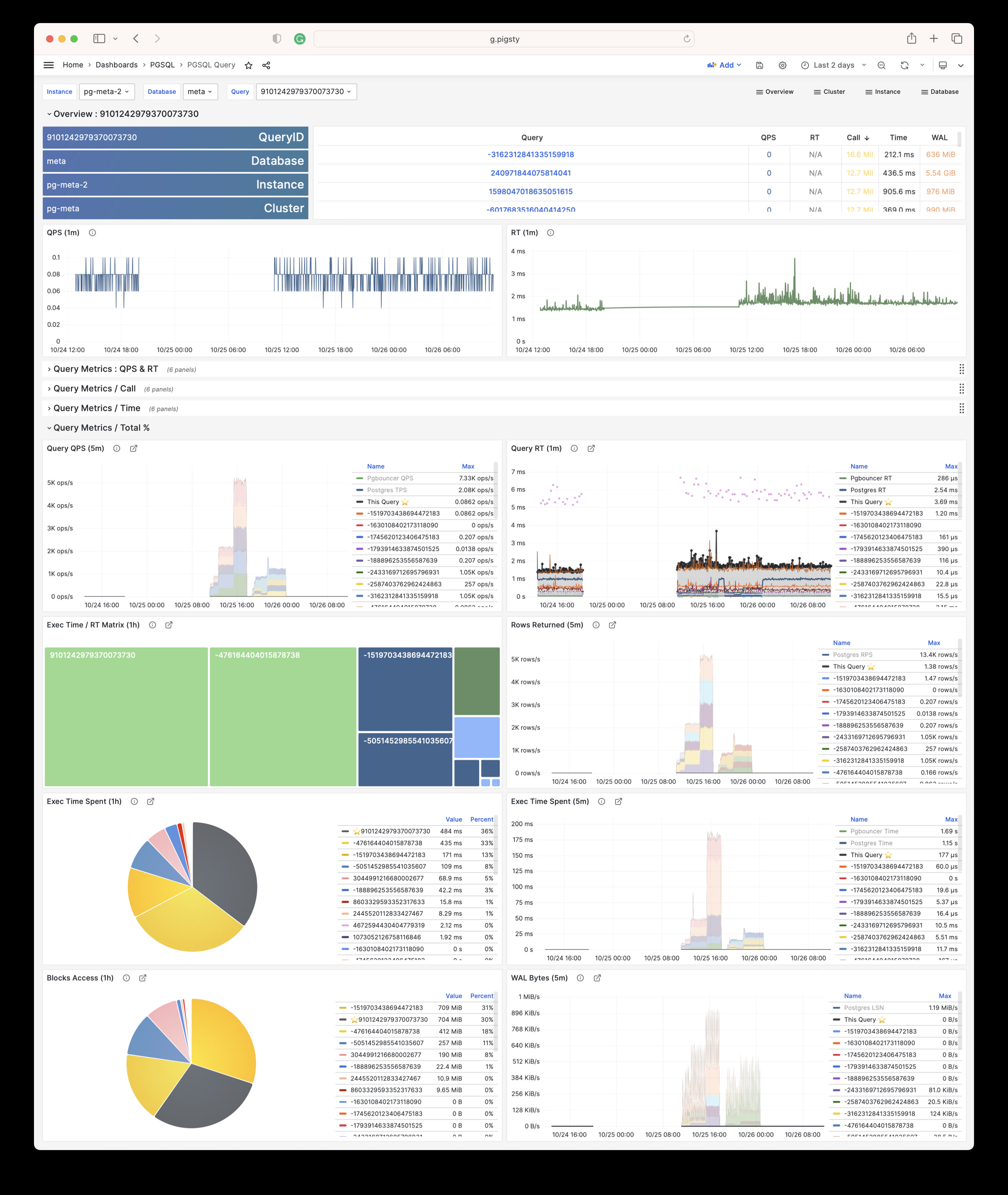
PGCAT Instance:直接从数据库目录获取的实例信息
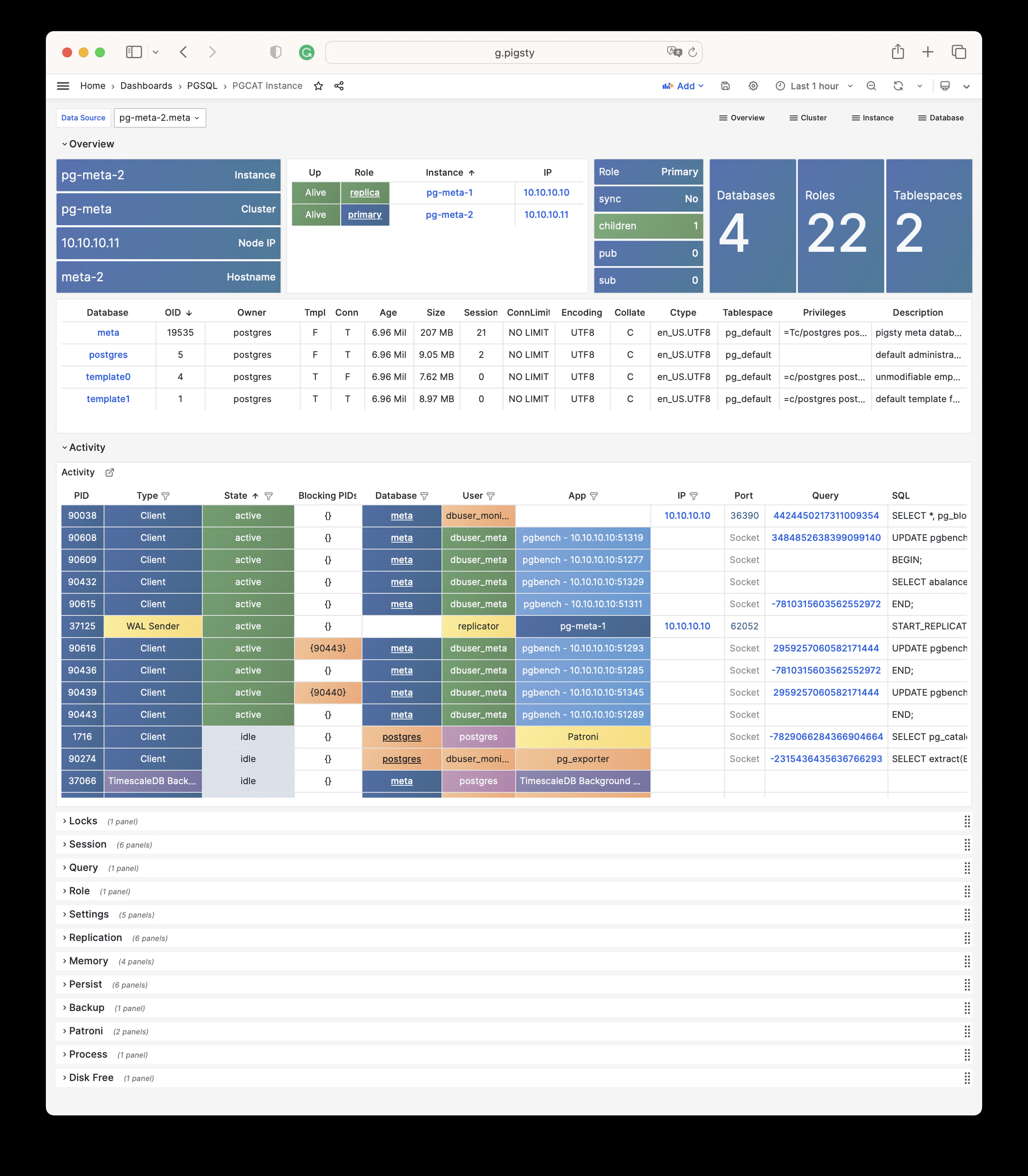
PGCAT Database:直接从数据库目录获取的数据库信息
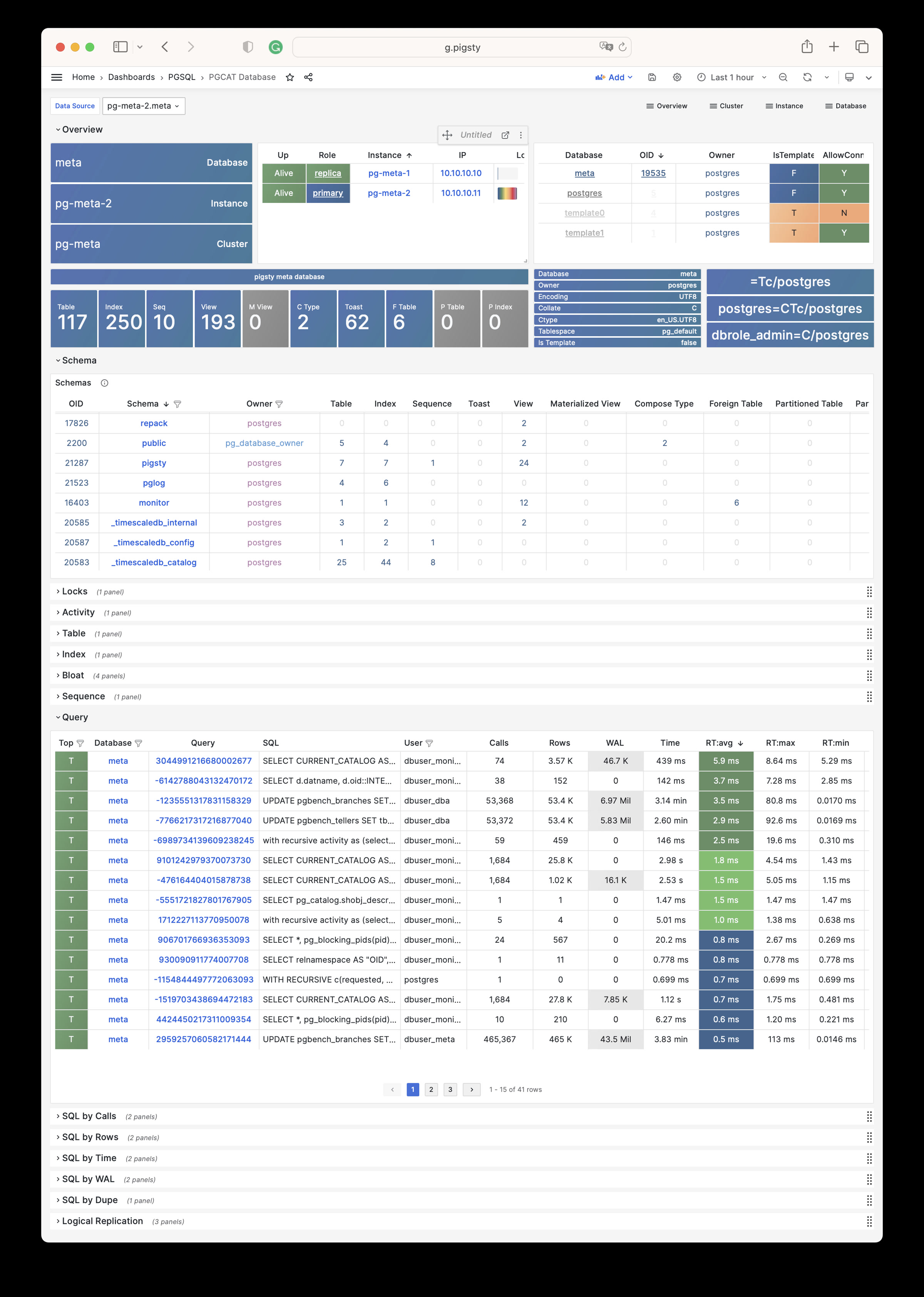
PGCAT Schema:直接从数据库目录获取关于模式的信息(表/索引/序列…)
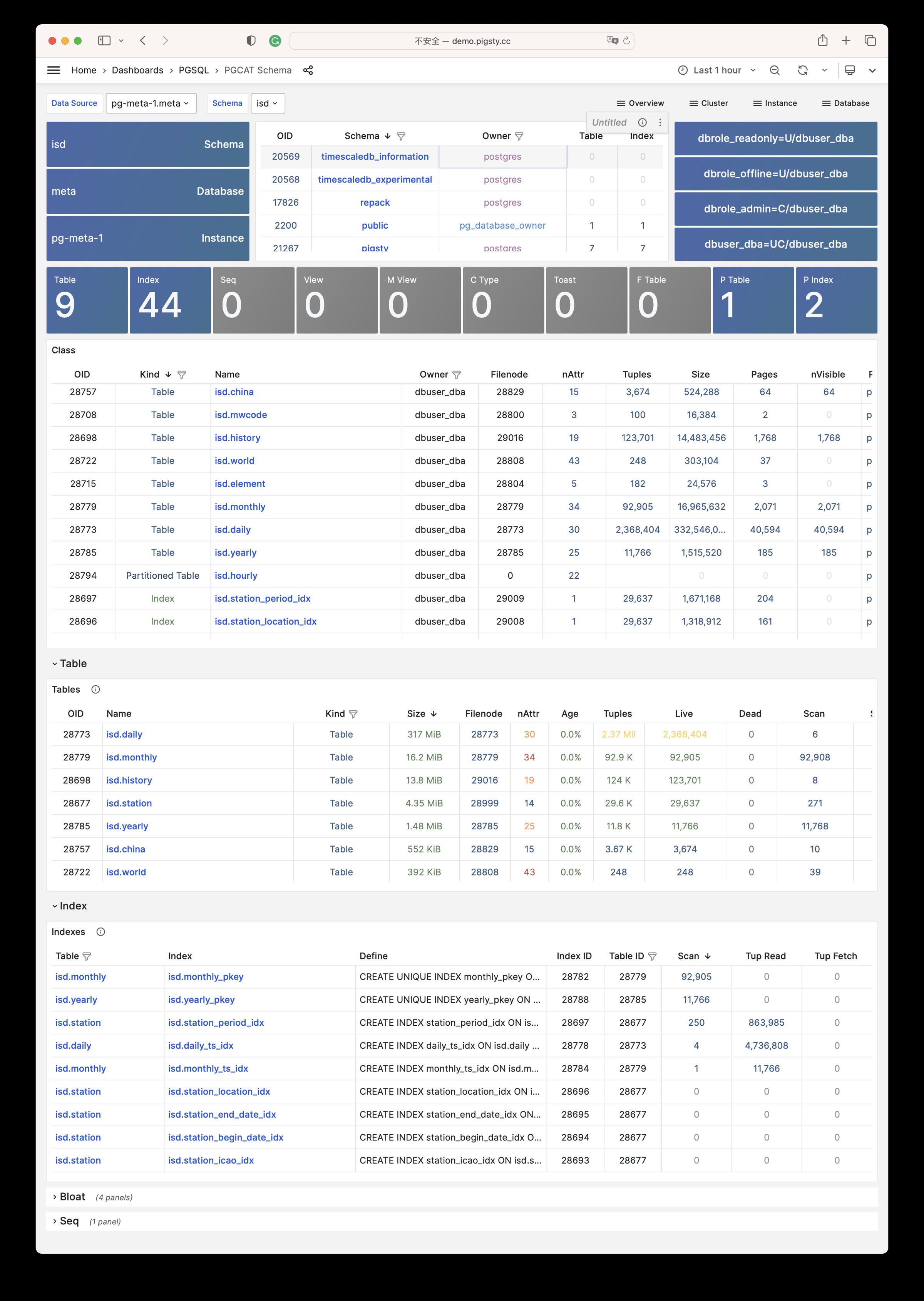
PGCAT Table:直接从数据库目录获取的单个表的详细信息(统计/膨胀…)
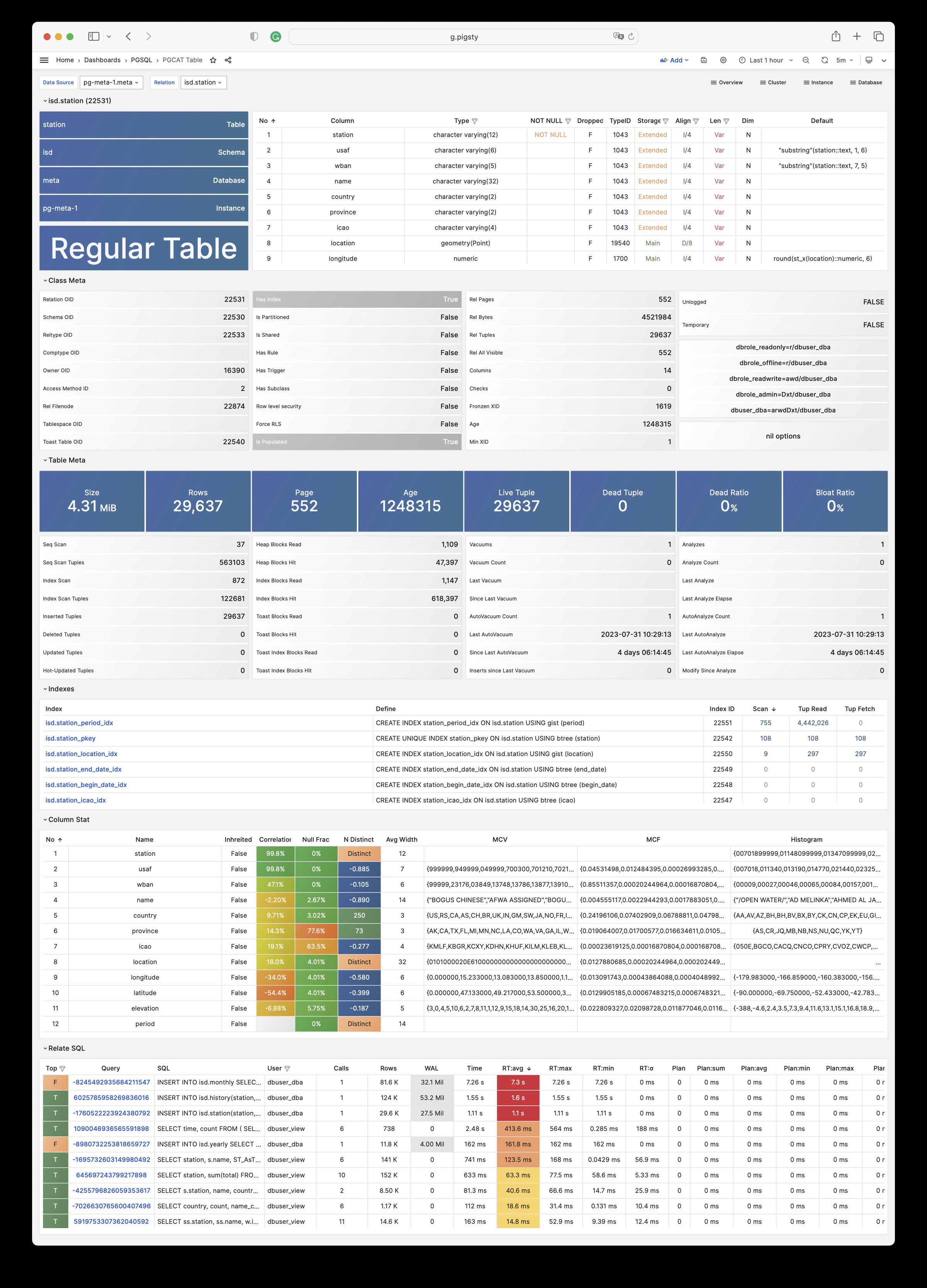
PGCAT Query:直接从数据库目录获取的单类查询的详细信息(SQL/统计)
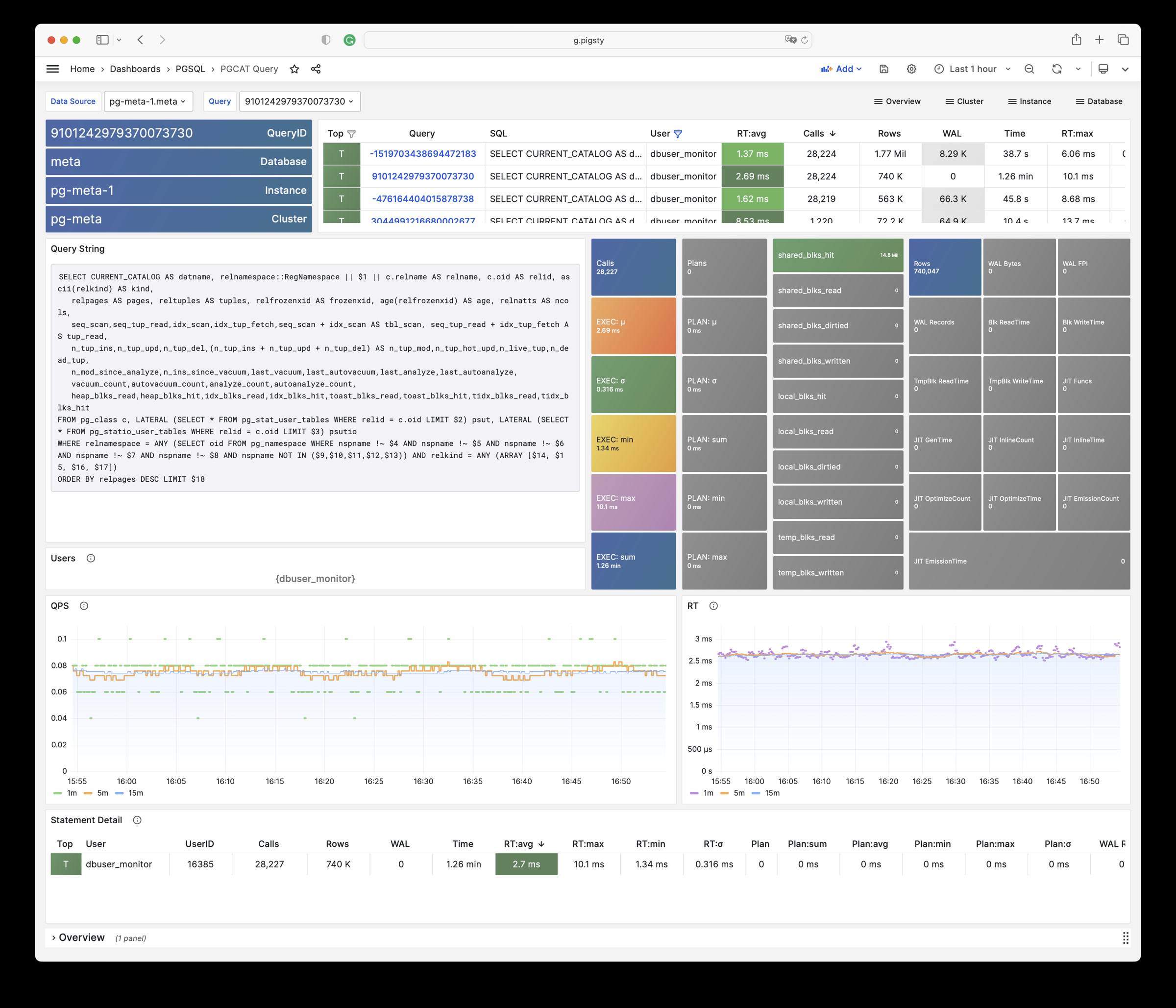
PGCAT Locks:直接从数据库目录获取的关于活动与锁等待的信息
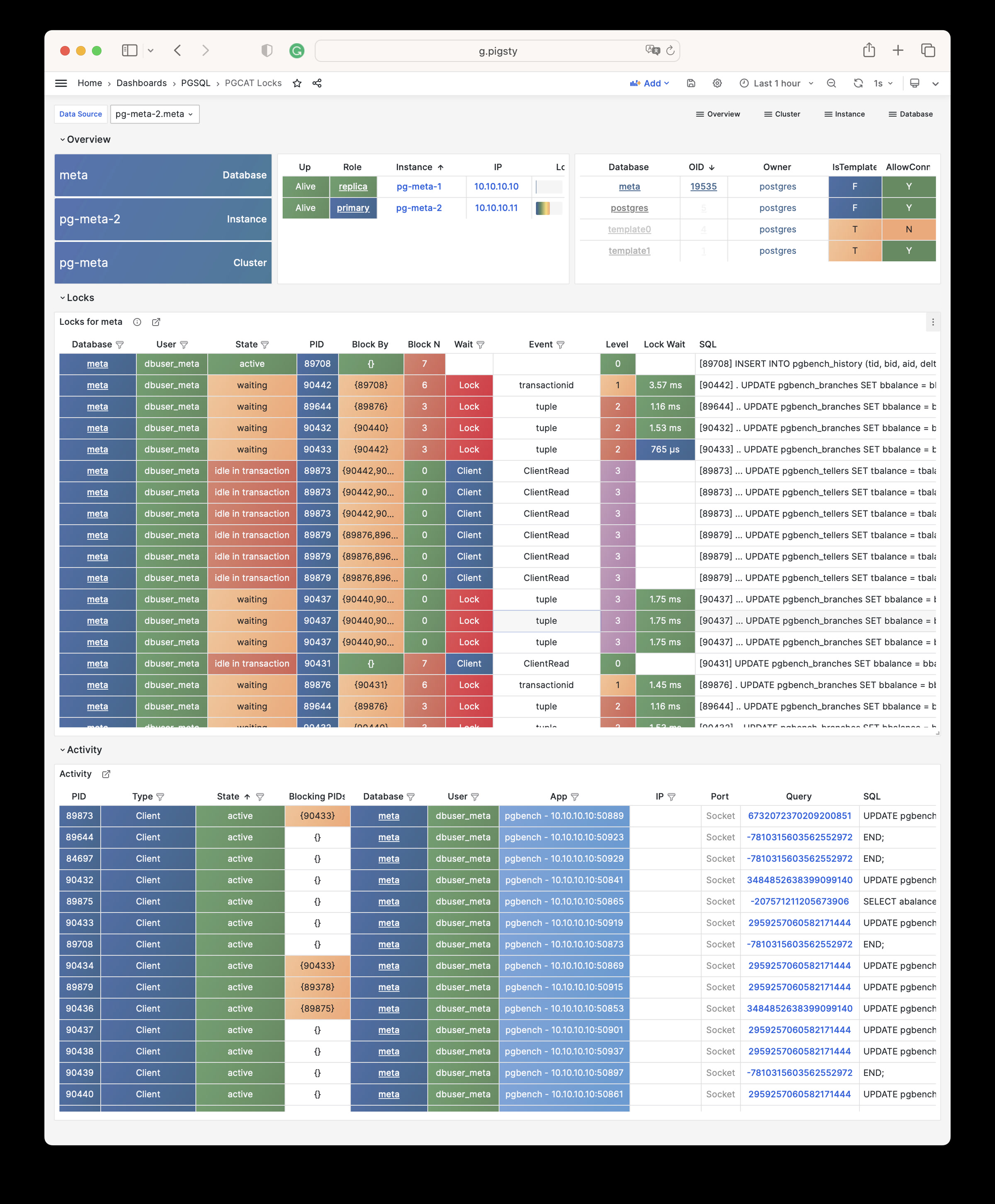
PGLOG Overview:总览 Pigsty CMDB 中的CSV日志样本
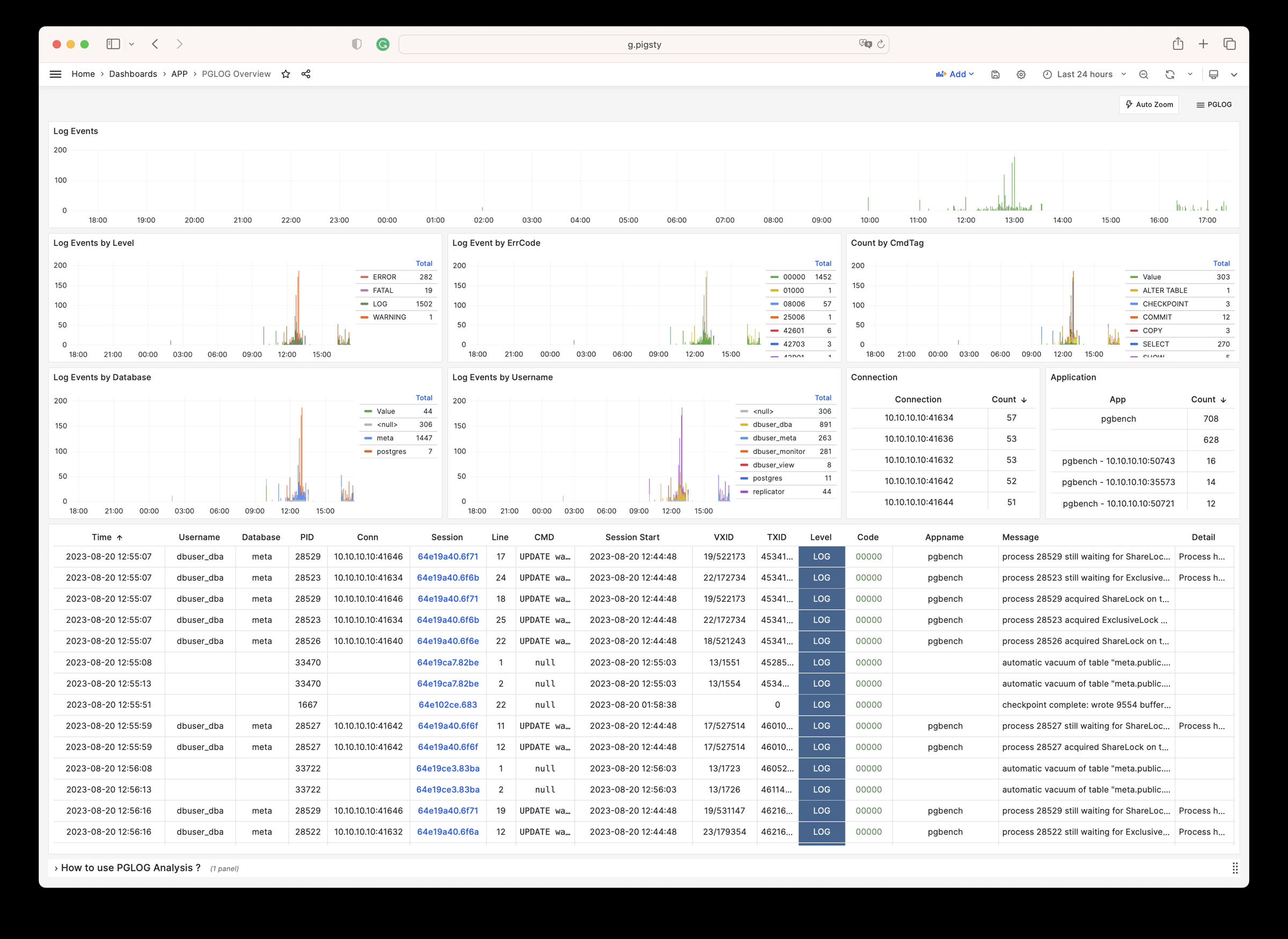
PGLOG Overview:Pigsty CMDB 中的CSV日志样本中某一条会话的日志详情
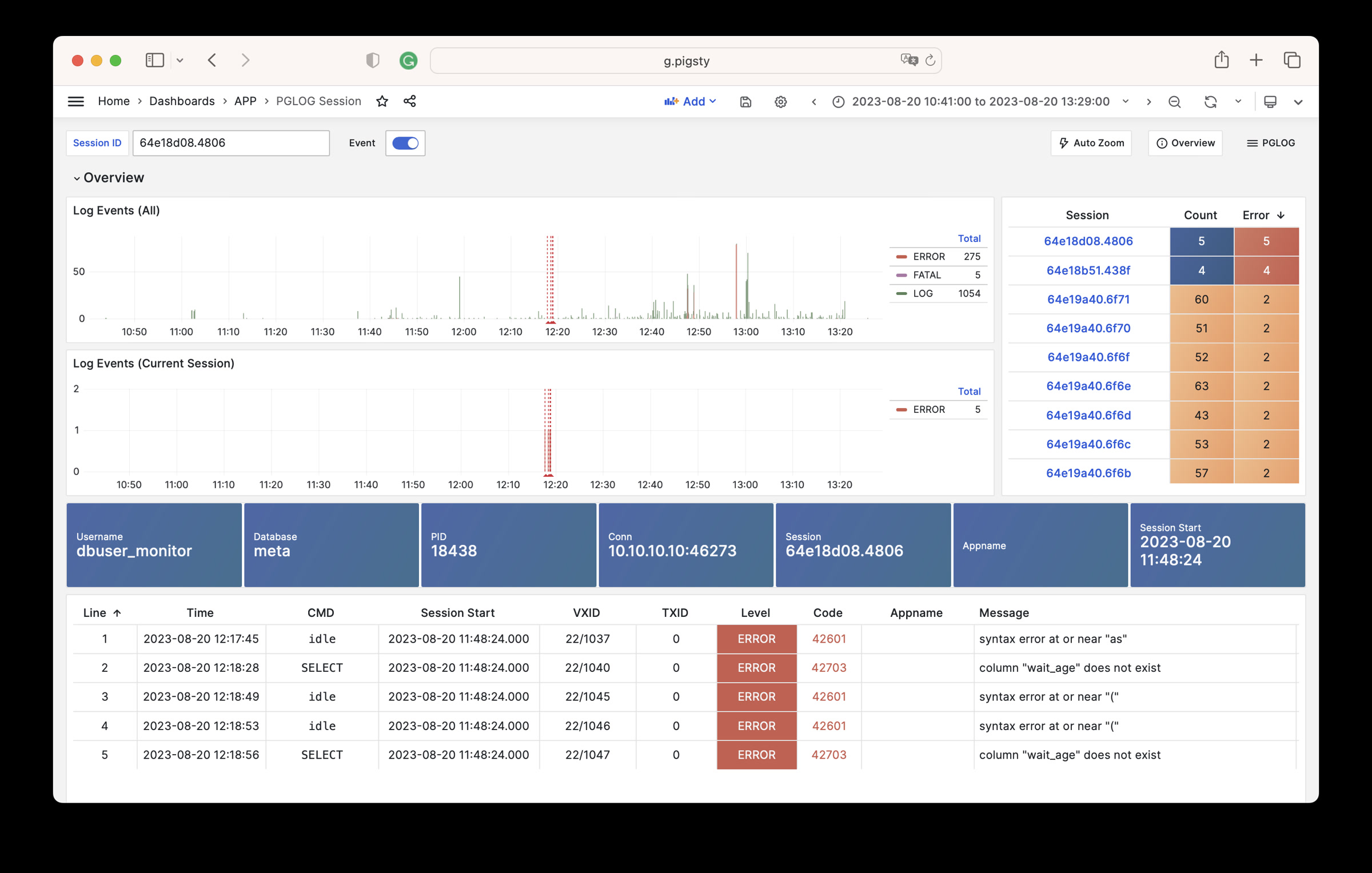
详情请参考 pigsty/wiki/gallery。
PGSQL 模块包含有 638 类可用监控指标。
| Metric Name | Type | Labels | Description |
|---|---|---|---|
| ALERTS | Unknown | category, job, level, ins, severity, ip, alertname, alertstate, instance, cls |
N/A |
| ALERTS_FOR_STATE | Unknown | category, job, level, ins, severity, ip, alertname, instance, cls |
N/A |
| cls:pressure1 | Unknown | job, cls |
N/A |
| cls:pressure15 | Unknown | job, cls |
N/A |
| cls:pressure5 | Unknown | job, cls |
N/A |
| go_gc_duration_seconds | summary | job, ins, ip, instance, quantile, cls |
A summary of the pause duration of garbage collection cycles. |
| go_gc_duration_seconds_count | Unknown | job, ins, ip, instance, cls |
N/A |
| go_gc_duration_seconds_sum | Unknown | job, ins, ip, instance, cls |
N/A |
| go_goroutines | gauge | job, ins, ip, instance, cls |
Number of goroutines that currently exist. |
| go_info | gauge | version, job, ins, ip, instance, cls |
Information about the Go environment. |
| go_memstats_alloc_bytes | gauge | job, ins, ip, instance, cls |
Number of bytes allocated and still in use. |
| go_memstats_alloc_bytes_total | counter | job, ins, ip, instance, cls |
Total number of bytes allocated, even if freed. |
| go_memstats_buck_hash_sys_bytes | gauge | job, ins, ip, instance, cls |
Number of bytes used by the profiling bucket hash table. |
| go_memstats_frees_total | counter | job, ins, ip, instance, cls |
Total number of frees. |
| go_memstats_gc_sys_bytes | gauge | job, ins, ip, instance, cls |
Number of bytes used for garbage collection system metadata. |
| go_memstats_heap_alloc_bytes | gauge | job, ins, ip, instance, cls |
Number of heap bytes allocated and still in use. |
| go_memstats_heap_idle_bytes | gauge | job, ins, ip, instance, cls |
Number of heap bytes waiting to be used. |
| go_memstats_heap_inuse_bytes | gauge | job, ins, ip, instance, cls |
Number of heap bytes that are in use. |
| go_memstats_heap_objects | gauge | job, ins, ip, instance, cls |
Number of allocated objects. |
| go_memstats_heap_released_bytes | gauge | job, ins, ip, instance, cls |
Number of heap bytes released to OS. |
| go_memstats_heap_sys_bytes | gauge | job, ins, ip, instance, cls |
Number of heap bytes obtained from system. |
| go_memstats_last_gc_time_seconds | gauge | job, ins, ip, instance, cls |
Number of seconds since 1970 of last garbage collection. |
| go_memstats_lookups_total | counter | job, ins, ip, instance, cls |
Total number of pointer lookups. |
| go_memstats_mallocs_total | counter | job, ins, ip, instance, cls |
Total number of mallocs. |
| go_memstats_mcache_inuse_bytes | gauge | job, ins, ip, instance, cls |
Number of bytes in use by mcache structures. |
| go_memstats_mcache_sys_bytes | gauge | job, ins, ip, instance, cls |
Number of bytes used for mcache structures obtained from system. |
| go_memstats_mspan_inuse_bytes | gauge | job, ins, ip, instance, cls |
Number of bytes in use by mspan structures. |
| go_memstats_mspan_sys_bytes | gauge | job, ins, ip, instance, cls |
Number of bytes used for mspan structures obtained from system. |
| go_memstats_next_gc_bytes | gauge | job, ins, ip, instance, cls |
Number of heap bytes when next garbage collection will take place. |
| go_memstats_other_sys_bytes | gauge | job, ins, ip, instance, cls |
Number of bytes used for other system allocations. |
| go_memstats_stack_inuse_bytes | gauge | job, ins, ip, instance, cls |
Number of bytes in use by the stack allocator. |
| go_memstats_stack_sys_bytes | gauge | job, ins, ip, instance, cls |
Number of bytes obtained from system for stack allocator. |
| go_memstats_sys_bytes | gauge | job, ins, ip, instance, cls |
Number of bytes obtained from system. |
| go_threads | gauge | job, ins, ip, instance, cls |
Number of OS threads created. |
| ins:pressure1 | Unknown | job, ins, ip, cls |
N/A |
| ins:pressure15 | Unknown | job, ins, ip, cls |
N/A |
| ins:pressure5 | Unknown | job, ins, ip, cls |
N/A |
| patroni_cluster_unlocked | gauge | job, ins, ip, instance, cls, scope |
Value is 1 if the cluster is unlocked, 0 if locked. |
| patroni_dcs_last_seen | gauge | job, ins, ip, instance, cls, scope |
Epoch timestamp when DCS was last contacted successfully by Patroni. |
| patroni_failsafe_mode_is_active | gauge | job, ins, ip, instance, cls, scope |
Value is 1 if failsafe mode is active, 0 if inactive. |
| patroni_is_paused | gauge | job, ins, ip, instance, cls, scope |
Value is 1 if auto failover is disabled, 0 otherwise. |
| patroni_master | gauge | job, ins, ip, instance, cls, scope |
Value is 1 if this node is the leader, 0 otherwise. |
| patroni_pending_restart | gauge | job, ins, ip, instance, cls, scope |
Value is 1 if the node needs a restart, 0 otherwise. |
| patroni_postgres_in_archive_recovery | gauge | job, ins, ip, instance, cls, scope |
Value is 1 if Postgres is replicating from archive, 0 otherwise. |
| patroni_postgres_running | gauge | job, ins, ip, instance, cls, scope |
Value is 1 if Postgres is running, 0 otherwise. |
| patroni_postgres_server_version | gauge | job, ins, ip, instance, cls, scope |
Version of Postgres (if running), 0 otherwise. |
| patroni_postgres_streaming | gauge | job, ins, ip, instance, cls, scope |
Value is 1 if Postgres is streaming, 0 otherwise. |
| patroni_postgres_timeline | counter | job, ins, ip, instance, cls, scope |
Postgres timeline of this node (if running), 0 otherwise. |
| patroni_postmaster_start_time | gauge | job, ins, ip, instance, cls, scope |
Epoch seconds since Postgres started. |
| patroni_primary | gauge | job, ins, ip, instance, cls, scope |
Value is 1 if this node is the leader, 0 otherwise. |
| patroni_replica | gauge | job, ins, ip, instance, cls, scope |
Value is 1 if this node is a replica, 0 otherwise. |
| patroni_standby_leader | gauge | job, ins, ip, instance, cls, scope |
Value is 1 if this node is the standby_leader, 0 otherwise. |
| patroni_sync_standby | gauge | job, ins, ip, instance, cls, scope |
Value is 1 if this node is a sync standby replica, 0 otherwise. |
| patroni_up | Unknown | job, ins, ip, instance, cls |
N/A |
| patroni_version | gauge | job, ins, ip, instance, cls, scope |
Patroni semver without periods. |
| patroni_xlog_location | counter | job, ins, ip, instance, cls, scope |
Current location of the Postgres transaction log, 0 if this node is not the leader. |
| patroni_xlog_paused | gauge | job, ins, ip, instance, cls, scope |
Value is 1 if the Postgres xlog is paused, 0 otherwise. |
| patroni_xlog_received_location | counter | job, ins, ip, instance, cls, scope |
Current location of the received Postgres transaction log, 0 if this node is not a replica. |
| patroni_xlog_replayed_location | counter | job, ins, ip, instance, cls, scope |
Current location of the replayed Postgres transaction log, 0 if this node is not a replica. |
| patroni_xlog_replayed_timestamp | gauge | job, ins, ip, instance, cls, scope |
Current timestamp of the replayed Postgres transaction log, 0 if null. |
| pg:cls:active_backends | Unknown | job, cls |
N/A |
| pg:cls:active_time_rate15m | Unknown | job, cls |
N/A |
| pg:cls:active_time_rate1m | Unknown | job, cls |
N/A |
| pg:cls:active_time_rate5m | Unknown | job, cls |
N/A |
| pg:cls:age | Unknown | job, cls |
N/A |
| pg:cls:buf_alloc_rate1m | Unknown | job, cls |
N/A |
| pg:cls:buf_clean_rate1m | Unknown | job, cls |
N/A |
| pg:cls:buf_flush_backend_rate1m | Unknown | job, cls |
N/A |
| pg:cls:buf_flush_checkpoint_rate1m | Unknown | job, cls |
N/A |
| pg:cls:cpu_count | Unknown | job, cls |
N/A |
| pg:cls:cpu_usage | Unknown | job, cls |
N/A |
| pg:cls:cpu_usage_15m | Unknown | job, cls |
N/A |
| pg:cls:cpu_usage_1m | Unknown | job, cls |
N/A |
| pg:cls:cpu_usage_5m | Unknown | job, cls |
N/A |
| pg:cls:db_size | Unknown | job, cls |
N/A |
| pg:cls:file_size | Unknown | job, cls |
N/A |
| pg:cls:ixact_backends | Unknown | job, cls |
N/A |
| pg:cls:ixact_time_rate1m | Unknown | job, cls |
N/A |
| pg:cls:lag_bytes | Unknown | job, cls |
N/A |
| pg:cls:lag_seconds | Unknown | job, cls |
N/A |
| pg:cls:leader | Unknown | job, ins, ip, instance, cls |
N/A |
| pg:cls:load1 | Unknown | job, cls |
N/A |
| pg:cls:load15 | Unknown | job, cls |
N/A |
| pg:cls:load5 | Unknown | job, cls |
N/A |
| pg:cls:lock_count | Unknown | job, cls |
N/A |
| pg:cls:locks | Unknown | job, cls, mode |
N/A |
| pg:cls:log_size | Unknown | job, cls |
N/A |
| pg:cls:lsn_rate1m | Unknown | job, cls |
N/A |
| pg:cls:members | Unknown | job, ins, ip, cls |
N/A |
| pg:cls:num_backends | Unknown | job, cls |
N/A |
| pg:cls:partition | Unknown | job, cls |
N/A |
| pg:cls:receiver | Unknown | state, slot_name, job, appname, ip, cls, sender_host, sender_port |
N/A |
| pg:cls:rlock_count | Unknown | job, cls |
N/A |
| pg:cls:saturation1 | Unknown | job, cls |
N/A |
| pg:cls:saturation15 | Unknown | job, cls |
N/A |
| pg:cls:saturation5 | Unknown | job, cls |
N/A |
| pg:cls:sender | Unknown | pid, usename, address, job, ins, appname, ip, cls |
N/A |
| pg:cls:session_time_rate1m | Unknown | job, cls |
N/A |
| pg:cls:size | Unknown | job, cls |
N/A |
| pg:cls:slot_count | Unknown | job, cls |
N/A |
| pg:cls:slot_retained_bytes | Unknown | job, cls |
N/A |
| pg:cls:standby_count | Unknown | job, cls |
N/A |
| pg:cls:sync_state | Unknown | job, cls |
N/A |
| pg:cls:timeline | Unknown | job, cls |
N/A |
| pg:cls:tup_deleted_rate1m | Unknown | job, cls |
N/A |
| pg:cls:tup_fetched_rate1m | Unknown | job, cls |
N/A |
| pg:cls:tup_inserted_rate1m | Unknown | job, cls |
N/A |
| pg:cls:tup_modified_rate1m | Unknown | job, cls |
N/A |
| pg:cls:tup_returned_rate1m | Unknown | job, cls |
N/A |
| pg:cls:wal_size | Unknown | job, cls |
N/A |
| pg:cls:xact_commit_rate15m | Unknown | job, cls |
N/A |
| pg:cls:xact_commit_rate1m | Unknown | job, cls |
N/A |
| pg:cls:xact_commit_rate5m | Unknown | job, cls |
N/A |
| pg:cls:xact_rollback_rate15m | Unknown | job, cls |
N/A |
| pg:cls:xact_rollback_rate1m | Unknown | job, cls |
N/A |
| pg:cls:xact_rollback_rate5m | Unknown | job, cls |
N/A |
| pg:cls:xact_total_rate15m | Unknown | job, cls |
N/A |
| pg:cls:xact_total_rate1m | Unknown | job, cls |
N/A |
| pg:cls:xact_total_sigma15m | Unknown | job, cls |
N/A |
| pg:cls:xlock_count | Unknown | job, cls |
N/A |
| pg:db:active_backends | Unknown | datname, job, ins, ip, instance, cls |
N/A |
| pg:db:active_time_rate15m | Unknown | datname, job, ins, ip, instance, cls |
N/A |
| pg:db:active_time_rate1m | Unknown | datname, job, ins, ip, instance, cls |
N/A |
| pg:db:active_time_rate5m | Unknown | datname, job, ins, ip, instance, cls |
N/A |
| pg:db:age | Unknown | datname, job, ins, ip, instance, cls |
N/A |
| pg:db:age_deriv1h | Unknown | datname, job, ins, ip, instance, cls |
N/A |
| pg:db:age_exhaust | Unknown | datname, job, ins, ip, instance, cls |
N/A |
| pg:db:blk_io_time_seconds_rate1m | Unknown | datname, job, ins, ip, instance, cls |
N/A |
| pg:db:blk_read_time_seconds_rate1m | Unknown | datname, job, ins, ip, instance, cls |
N/A |
| pg:db:blk_write_time_seconds_rate1m | Unknown | datname, job, ins, ip, instance, cls |
N/A |
| pg:db:blks_access_1m | Unknown | datname, job, ins, ip, instance, cls |
N/A |
| pg:db:blks_hit_1m | Unknown | datname, job, ins, ip, instance, cls |
N/A |
| pg:db:blks_hit_ratio1m | Unknown | datname, job, ins, ip, instance, cls |
N/A |
| pg:db:blks_read_1m | Unknown | datname, job, ins, ip, instance, cls |
N/A |
| pg:db:conn_limit | Unknown | datname, job, ins, ip, instance, cls |
N/A |
| pg:db:conn_usage | Unknown | datname, job, ins, ip, instance, cls |
N/A |
| pg:db:db_size | Unknown | datname, job, ins, ip, instance, cls |
N/A |
| pg:db:ixact_backends | Unknown | datname, job, ins, ip, instance, cls |
N/A |
| pg:db:ixact_time_rate1m | Unknown | datname, job, ins, ip, instance, cls |
N/A |
| pg:db:lock_count | Unknown | datname, job, ins, ip, instance, cls |
N/A |
| pg:db:num_backends | Unknown | datname, job, ins, ip, instance, cls |
N/A |
| pg:db:rlock_count | Unknown | datname, job, ins, ip, instance, cls |
N/A |
| pg:db:session_time_rate1m | Unknown | datname, job, ins, ip, instance, cls |
N/A |
| pg:db:temp_bytes_rate1m | Unknown | datname, job, ins, ip, instance, cls |
N/A |
| pg:db:temp_files_1m | Unknown | datname, job, ins, ip, instance, cls |
N/A |
| pg:db:tup_deleted_rate1m | Unknown | datname, job, ins, ip, instance, cls |
N/A |
| pg:db:tup_fetched_rate1m | Unknown | datname, job, ins, ip, instance, cls |
N/A |
| pg:db:tup_inserted_rate1m | Unknown | datname, job, ins, ip, instance, cls |
N/A |
| pg:db:tup_modified_rate1m | Unknown | datname, job, ins, ip, instance, cls |
N/A |
| pg:db:tup_returned_rate1m | Unknown | datname, job, ins, ip, instance, cls |
N/A |
| pg:db:wlock_count | Unknown | datname, job, ins, ip, instance, cls |
N/A |
| pg:db:xact_commit_rate15m | Unknown | datname, job, ins, ip, instance, cls |
N/A |
| pg:db:xact_commit_rate1m | Unknown | datname, job, ins, ip, instance, cls |
N/A |
| pg:db:xact_commit_rate5m | Unknown | datname, job, ins, ip, instance, cls |
N/A |
| pg:db:xact_rollback_rate15m | Unknown | datname, job, ins, ip, instance, cls |
N/A |
| pg:db:xact_rollback_rate1m | Unknown | datname, job, ins, ip, instance, cls |
N/A |
| pg:db:xact_rollback_rate5m | Unknown | datname, job, ins, ip, instance, cls |
N/A |
| pg:db:xact_total_rate15m | Unknown | datname, job, ins, ip, instance, cls |
N/A |
| pg:db:xact_total_rate1m | Unknown | datname, job, ins, ip, instance, cls |
N/A |
| pg:db:xact_total_rate5m | Unknown | datname, job, ins, ip, instance, cls |
N/A |
| pg:db:xact_total_sigma15m | Unknown | datname, job, ins, ip, instance, cls |
N/A |
| pg:db:xlock_count | Unknown | datname, job, ins, ip, instance, cls |
N/A |
| pg:env:active_backends | Unknown | job |
N/A |
| pg:env:active_time_rate15m | Unknown | job |
N/A |
| pg:env:active_time_rate1m | Unknown | job |
N/A |
| pg:env:active_time_rate5m | Unknown | job |
N/A |
| pg:env:age | Unknown | job |
N/A |
| pg:env:cpu_count | Unknown | job |
N/A |
| pg:env:cpu_usage | Unknown | job |
N/A |
| pg:env:cpu_usage_15m | Unknown | job |
N/A |
| pg:env:cpu_usage_1m | Unknown | job |
N/A |
| pg:env:cpu_usage_5m | Unknown | job |
N/A |
| pg:env:ixact_backends | Unknown | job |
N/A |
| pg:env:ixact_time_rate1m | Unknown | job |
N/A |
| pg:env:lag_bytes | Unknown | job |
N/A |
| pg:env:lag_seconds | Unknown | job |
N/A |
| pg:env:lsn_rate1m | Unknown | job |
N/A |
| pg:env:session_time_rate1m | Unknown | job |
N/A |
| pg:env:tup_deleted_rate1m | Unknown | job |
N/A |
| pg:env:tup_fetched_rate1m | Unknown | job |
N/A |
| pg:env:tup_inserted_rate1m | Unknown | job |
N/A |
| pg:env:tup_modified_rate1m | Unknown | job |
N/A |
| pg:env:tup_returned_rate1m | Unknown | job |
N/A |
| pg:env:xact_commit_rate15m | Unknown | job |
N/A |
| pg:env:xact_commit_rate1m | Unknown | job |
N/A |
| pg:env:xact_commit_rate5m | Unknown | job |
N/A |
| pg:env:xact_rollback_rate15m | Unknown | job |
N/A |
| pg:env:xact_rollback_rate1m | Unknown | job |
N/A |
| pg:env:xact_rollback_rate5m | Unknown | job |
N/A |
| pg:env:xact_total_rate15m | Unknown | job |
N/A |
| pg:env:xact_total_rate1m | Unknown | job |
N/A |
| pg:env:xact_total_sigma15m | Unknown | job |
N/A |
| pg:ins:active_backends | Unknown | job, ins, ip, instance, cls |
N/A |
| pg:ins:active_time_rate15m | Unknown | job, ins, ip, instance, cls |
N/A |
| pg:ins:active_time_rate1m | Unknown | job, ins, ip, instance, cls |
N/A |
| pg:ins:active_time_rate5m | Unknown | job, ins, ip, instance, cls |
N/A |
| pg:ins:age | Unknown | job, ins, ip, instance, cls |
N/A |
| pg:ins:blks_hit_ratio1m | Unknown | job, ins, ip, instance, cls |
N/A |
| pg:ins:buf_alloc_rate1m | Unknown | job, ins, ip, instance, cls |
N/A |
| pg:ins:buf_clean_rate1m | Unknown | job, ins, ip, instance, cls |
N/A |
| pg:ins:buf_flush_backend_rate1m | Unknown | job, ins, ip, instance, cls |
N/A |
| pg:ins:buf_flush_checkpoint_rate1m | Unknown | job, ins, ip, instance, cls |
N/A |
| pg:ins:ckpt_1h | Unknown | job, ins, ip, instance, cls |
N/A |
| pg:ins:ckpt_req_1m | Unknown | job, ins, ip, instance, cls |
N/A |
| pg:ins:ckpt_timed_1m | Unknown | job, ins, ip, instance, cls |
N/A |
| pg:ins:conn_limit | Unknown | job, ins, ip, instance, cls |
N/A |
| pg:ins:conn_usage | Unknown | job, ins, ip, instance, cls |
N/A |
| pg:ins:cpu_count | Unknown | job, ins, ip, instance, cls |
N/A |
| pg:ins:cpu_usage | Unknown | job, ins, ip, instance, cls |
N/A |
| pg:ins:cpu_usage_15m | Unknown | job, ins, ip, instance, cls |
N/A |
| pg:ins:cpu_usage_1m | Unknown | job, ins, ip, instance, cls |
N/A |
| pg:ins:cpu_usage_5m | Unknown | job, ins, ip, instance, cls |
N/A |
| pg:ins:db_size | Unknown | job, ins, ip, instance, cls |
N/A |
| pg:ins:file_size | Unknown | job, ins, ip, instance, cls |
N/A |
| pg:ins:fs_size | Unknown | job, ins, ip, instance, cls |
N/A |
| pg:ins:is_leader | Unknown | job, ins, ip, instance, cls |
N/A |
| pg:ins:ixact_backends | Unknown | job, ins, ip, instance, cls |
N/A |
| pg:ins:ixact_time_rate1m | Unknown | job, ins, ip, instance, cls |
N/A |
| pg:ins:lag_bytes | Unknown | job, ins, ip, instance, cls |
N/A |
| pg:ins:lag_seconds | Unknown | job, ins, ip, instance, cls |
N/A |
| pg:ins:load1 | Unknown | job, ins, ip, instance, cls |
N/A |
| pg:ins:load15 | Unknown | job, ins, ip, instance, cls |
N/A |
| pg:ins:load5 | Unknown | job, ins, ip, instance, cls |
N/A |
| pg:ins:lock_count | Unknown | job, ins, ip, instance, cls |
N/A |
| pg:ins:locks | Unknown | job, ins, ip, mode, instance, cls |
N/A |
| pg:ins:log_size | Unknown | job, ins, ip, instance, cls |
N/A |
| pg:ins:lsn_rate1m | Unknown | job, ins, ip, instance, cls |
N/A |
| pg:ins:mem_size | Unknown | job, ins, ip, instance, cls |
N/A |
| pg:ins:num_backends | Unknown | job, ins, ip, instance, cls |
N/A |
| pg:ins:rlock_count | Unknown | job, ins, ip, instance, cls |
N/A |
| pg:ins:saturation1 | Unknown | job, ins, ip, cls |
N/A |
| pg:ins:saturation15 | Unknown | job, ins, ip, cls |
N/A |
| pg:ins:saturation5 | Unknown | job, ins, ip, cls |
N/A |
| pg:ins:session_time_rate1m | Unknown | job, ins, ip, instance, cls |
N/A |
| pg:ins:slot_retained_bytes | Unknown | job, ins, ip, instance, cls |
N/A |
| pg:ins:space_usage | Unknown | job, ins, ip, instance, cls |
N/A |
| pg:ins:status | Unknown | job, ins, ip, instance, cls |
N/A |
| pg:ins:sync_state | Unknown | job, ins, instance, cls |
N/A |
| pg:ins:target_count | Unknown | job, cls, ins |
N/A |
| pg:ins:timeline | Unknown | job, ins, ip, instance, cls |
N/A |
| pg:ins:tup_deleted_rate1m | Unknown | job, ins, ip, instance, cls |
N/A |
| pg:ins:tup_fetched_rate1m | Unknown | job, ins, ip, instance, cls |
N/A |
| pg:ins:tup_inserted_rate1m | Unknown | job, ins, ip, instance, cls |
N/A |
| pg:ins:tup_modified_rate1m | Unknown | job, ins, ip, instance, cls |
N/A |
| pg:ins:tup_returned_rate1m | Unknown | job, ins, ip, instance, cls |
N/A |
| pg:ins:wal_size | Unknown | job, ins, ip, instance, cls |
N/A |
| pg:ins:wlock_count | Unknown | job, ins, ip, instance, cls |
N/A |
| pg:ins:xact_commit_rate15m | Unknown | job, ins, ip, instance, cls |
N/A |
| pg:ins:xact_commit_rate1m | Unknown | job, ins, ip, instance, cls |
N/A |
| pg:ins:xact_commit_rate5m | Unknown | job, ins, ip, instance, cls |
N/A |
| pg:ins:xact_rollback_rate15m | Unknown | job, ins, ip, instance, cls |
N/A |
| pg:ins:xact_rollback_rate1m | Unknown | job, ins, ip, instance, cls |
N/A |
| pg:ins:xact_rollback_rate5m | Unknown | job, ins, ip, instance, cls |
N/A |
| pg:ins:xact_total_rate15m | Unknown | job, ins, ip, instance, cls |
N/A |
| pg:ins:xact_total_rate1m | Unknown | job, ins, ip, instance, cls |
N/A |
| pg:ins:xact_total_rate5m | Unknown | job, ins, ip, instance, cls |
N/A |
| pg:ins:xact_total_sigma15m | Unknown | job, ins, ip, instance, cls |
N/A |
| pg:ins:xlock_count | Unknown | job, ins, ip, instance, cls |
N/A |
| pg:query:call_rate1m | Unknown | datname, query, job, ins, ip, instance, cls |
N/A |
| pg:query:rt_1m | Unknown | datname, query, job, ins, ip, instance, cls |
N/A |
| pg:table:scan_rate1m | Unknown | datname, relname, job, ins, ip, instance, cls |
N/A |
| pg_activity_count | gauge | datname, state, job, ins, ip, instance, cls |
Count of connection among (datname,state) |
| pg_activity_max_conn_duration | gauge | datname, state, job, ins, ip, instance, cls |
Max backend session duration since state change among (datname, state) |
| pg_activity_max_duration | gauge | datname, state, job, ins, ip, instance, cls |
Max duration since last state change among (datname, state) |
| pg_activity_max_tx_duration | gauge | datname, state, job, ins, ip, instance, cls |
Max transaction duration since state change among (datname, state) |
| pg_archiver_failed_count | counter | job, ins, ip, instance, cls |
Number of failed attempts for archiving WAL files |
| pg_archiver_finish_count | counter | job, ins, ip, instance, cls |
Number of WAL files that have been successfully archived |
| pg_archiver_last_failed_time | counter | job, ins, ip, instance, cls |
Time of the last failed archival operation |
| pg_archiver_last_finish_time | counter | job, ins, ip, instance, cls |
Time of the last successful archive operation |
| pg_archiver_reset_time | gauge | job, ins, ip, instance, cls |
Time at which archive statistics were last reset |
| pg_backend_count | gauge | type, job, ins, ip, instance, cls |
Database backend process count by backend_type |
| pg_bgwriter_buffers_alloc | counter | job, ins, ip, instance, cls |
Number of buffers allocated |
| pg_bgwriter_buffers_backend | counter | job, ins, ip, instance, cls |
Number of buffers written directly by a backend |
| pg_bgwriter_buffers_backend_fsync | counter | job, ins, ip, instance, cls |
Number of times a backend had to execute its own fsync call |
| pg_bgwriter_buffers_checkpoint | counter | job, ins, ip, instance, cls |
Number of buffers written during checkpoints |
| pg_bgwriter_buffers_clean | counter | job, ins, ip, instance, cls |
Number of buffers written by the background writer |
| pg_bgwriter_checkpoint_sync_time | counter | job, ins, ip, instance, cls |
Total amount of time that has been spent in the portion of checkpoint processing where files are synchronized to disk, in seconds |
| pg_bgwriter_checkpoint_write_time | counter | job, ins, ip, instance, cls |
Total amount of time that has been spent in the portion of checkpoint processing where files are written to disk, in seconds |
| pg_bgwriter_checkpoints_req | counter | job, ins, ip, instance, cls |
Number of requested checkpoints that have been performed |
| pg_bgwriter_checkpoints_timed | counter | job, ins, ip, instance, cls |
Number of scheduled checkpoints that have been performed |
| pg_bgwriter_maxwritten_clean | counter | job, ins, ip, instance, cls |
Number of times the background writer stopped a cleaning scan because it had written too many buffers |
| pg_bgwriter_reset_time | counter | job, ins, ip, instance, cls |
Time at which bgwriter statistics were last reset |
| pg_boot_time | gauge | job, ins, ip, instance, cls |
unix timestamp when postmaster boot |
| pg_checkpoint_checkpoint_lsn | counter | job, ins, ip, instance, cls |
Latest checkpoint location |
| pg_checkpoint_elapse | gauge | job, ins, ip, instance, cls |
Seconds elapsed since latest checkpoint in seconds |
| pg_checkpoint_full_page_writes | gauge | job, ins, ip, instance, cls |
Latest checkpoint’s full_page_writes enabled |
| pg_checkpoint_newest_commit_ts_xid | counter | job, ins, ip, instance, cls |
Latest checkpoint’s newestCommitTsXid |
| pg_checkpoint_next_multi_offset | counter | job, ins, ip, instance, cls |
Latest checkpoint’s NextMultiOffset |
| pg_checkpoint_next_multixact_id | counter | job, ins, ip, instance, cls |
Latest checkpoint’s NextMultiXactId |
| pg_checkpoint_next_oid | counter | job, ins, ip, instance, cls |
Latest checkpoint’s NextOID |
| pg_checkpoint_next_xid | counter | job, ins, ip, instance, cls |
Latest checkpoint’s NextXID xid |
| pg_checkpoint_next_xid_epoch | counter | job, ins, ip, instance, cls |
Latest checkpoint’s NextXID epoch |
| pg_checkpoint_oldest_active_xid | counter | job, ins, ip, instance, cls |
Latest checkpoint’s oldestActiveXID |
| pg_checkpoint_oldest_commit_ts_xid | counter | job, ins, ip, instance, cls |
Latest checkpoint’s oldestCommitTsXid |
| pg_checkpoint_oldest_multi_dbid | gauge | job, ins, ip, instance, cls |
Latest checkpoint’s oldestMulti’s DB OID |
| pg_checkpoint_oldest_multi_xid | counter | job, ins, ip, instance, cls |
Latest checkpoint’s oldestMultiXid |
| pg_checkpoint_oldest_xid | counter | job, ins, ip, instance, cls |
Latest checkpoint’s oldestXID |
| pg_checkpoint_oldest_xid_dbid | gauge | job, ins, ip, instance, cls |
Latest checkpoint’s oldestXID’s DB OID |
| pg_checkpoint_prev_tli | counter | job, ins, ip, instance, cls |
Latest checkpoint’s PrevTimeLineID |
| pg_checkpoint_redo_lsn | counter | job, ins, ip, instance, cls |
Latest checkpoint’s REDO location |
| pg_checkpoint_time | counter | job, ins, ip, instance, cls |
Time of latest checkpoint |
| pg_checkpoint_tli | counter | job, ins, ip, instance, cls |
Latest checkpoint’s TimeLineID |
| pg_conf_reload_time | gauge | job, ins, ip, instance, cls |
seconds since last configuration reload |
| pg_db_active_time | counter | datname, job, ins, ip, instance, cls |
Time spent executing SQL statements in this database, in seconds |
| pg_db_age | gauge | datname, job, ins, ip, instance, cls |
Age of database calculated from datfrozenxid |
| pg_db_allow_conn | gauge | datname, job, ins, ip, instance, cls |
If false(0) then no one can connect to this database. |
| pg_db_blk_read_time | counter | datname, job, ins, ip, instance, cls |
Time spent reading data file blocks by backends in this database, in seconds |
| pg_db_blk_write_time | counter | datname, job, ins, ip, instance, cls |
Time spent writing data file blocks by backends in this database, in seconds |
| pg_db_blks_access | counter | datname, job, ins, ip, instance, cls |
Number of times disk blocks that accessed read+hit |
| pg_db_blks_hit | counter | datname, job, ins, ip, instance, cls |
Number of times disk blocks were found already in the buffer cache |
| pg_db_blks_read | counter | datname, job, ins, ip, instance, cls |
Number of disk blocks read in this database |
| pg_db_cks_fail_time | gauge | datname, job, ins, ip, instance, cls |
Time at which the last data page checksum failure was detected in this database |
| pg_db_cks_fails | counter | datname, job, ins, ip, instance, cls |
Number of data page checksum failures detected in this database, -1 for not enabled |
| pg_db_confl_confl_bufferpin | counter | datname, job, ins, ip, instance, cls |
Number of queries in this database that have been canceled due to pinned buffers |
| pg_db_confl_confl_deadlock | counter | datname, job, ins, ip, instance, cls |
Number of queries in this database that have been canceled due to deadlocks |
| pg_db_confl_confl_lock | counter | datname, job, ins, ip, instance, cls |
Number of queries in this database that have been canceled due to lock timeouts |
| pg_db_confl_confl_snapshot | counter | datname, job, ins, ip, instance, cls |
Number of queries in this database that have been canceled due to old snapshots |
| pg_db_confl_confl_tablespace | counter | datname, job, ins, ip, instance, cls |
Number of queries in this database that have been canceled due to dropped tablespaces |
| pg_db_conflicts | counter | datname, job, ins, ip, instance, cls |
Number of queries canceled due to conflicts with recovery in this database |
| pg_db_conn_limit | gauge | datname, job, ins, ip, instance, cls |
Sets maximum number of concurrent connections that can be made to this database. -1 means no limit. |
| pg_db_datid | gauge | datname, job, ins, ip, instance, cls |
OID of the database |
| pg_db_deadlocks | counter | datname, job, ins, ip, instance, cls |
Number of deadlocks detected in this database |
| pg_db_frozen_xid | gauge | datname, job, ins, ip, instance, cls |
All transaction IDs before this one have been frozened |
| pg_db_is_template | gauge | datname, job, ins, ip, instance, cls |
If true(1), then this database can be cloned by any user with CREATEDB privileges |
| pg_db_ixact_time | counter | datname, job, ins, ip, instance, cls |
Time spent idling while in a transaction in this database, in seconds |
| pg_db_numbackends | gauge | datname, job, ins, ip, instance, cls |
Number of backends currently connected to this database |
| pg_db_reset_time | counter | datname, job, ins, ip, instance, cls |
Time at which database statistics were last reset |
| pg_db_session_time | counter | datname, job, ins, ip, instance, cls |
Time spent by database sessions in this database, in seconds |
| pg_db_sessions | counter | datname, job, ins, ip, instance, cls |
Total number of sessions established to this database |
| pg_db_sessions_abandoned | counter | datname, job, ins, ip, instance, cls |
Number of database sessions to this database that were terminated because connection to the client was lost |
| pg_db_sessions_fatal | counter | datname, job, ins, ip, instance, cls |
Number of database sessions to this database that were terminated by fatal errors |
| pg_db_sessions_killed | counter | datname, job, ins, ip, instance, cls |
Number of database sessions to this database that were terminated by operator intervention |
| pg_db_temp_bytes | counter | datname, job, ins, ip, instance, cls |
Total amount of data written to temporary files by queries in this database. |
| pg_db_temp_files | counter | datname, job, ins, ip, instance, cls |
Number of temporary files created by queries in this database |
| pg_db_tup_deleted | counter | datname, job, ins, ip, instance, cls |
Number of rows deleted by queries in this database |
| pg_db_tup_fetched | counter | datname, job, ins, ip, instance, cls |
Number of rows fetched by queries in this database |
| pg_db_tup_inserted | counter | datname, job, ins, ip, instance, cls |
Number of rows inserted by queries in this database |
| pg_db_tup_modified | counter | datname, job, ins, ip, instance, cls |
Number of rows modified by queries in this database |
| pg_db_tup_returned | counter | datname, job, ins, ip, instance, cls |
Number of rows returned by queries in this database |
| pg_db_tup_updated | counter | datname, job, ins, ip, instance, cls |
Number of rows updated by queries in this database |
| pg_db_xact_commit | counter | datname, job, ins, ip, instance, cls |
Number of transactions in this database that have been committed |
| pg_db_xact_rollback | counter | datname, job, ins, ip, instance, cls |
Number of transactions in this database that have been rolled back |
| pg_db_xact_total | counter | datname, job, ins, ip, instance, cls |
Number of transactions in this database |
| pg_downstream_count | gauge | state, job, ins, ip, instance, cls |
Count of corresponding state |
| pg_exporter_agent_up | Unknown | job, ins, ip, instance, cls |
N/A |
| pg_exporter_last_scrape_time | gauge | job, ins, ip, instance, cls |
seconds exporter spending on scrapping |
| pg_exporter_query_cache_ttl | gauge | datname, query, job, ins, ip, instance, cls |
times to live of query cache |
| pg_exporter_query_scrape_duration | gauge | datname, query, job, ins, ip, instance, cls |
seconds query spending on scrapping |
| pg_exporter_query_scrape_error_count | gauge | datname, query, job, ins, ip, instance, cls |
times the query failed |
| pg_exporter_query_scrape_hit_count | gauge | datname, query, job, ins, ip, instance, cls |
numbers been scrapped from this query |
| pg_exporter_query_scrape_metric_count | gauge | datname, query, job, ins, ip, instance, cls |
numbers of metrics been scrapped from this query |
| pg_exporter_query_scrape_total_count | gauge | datname, query, job, ins, ip, instance, cls |
times exporter server was scraped for metrics |
| pg_exporter_scrape_duration | gauge | job, ins, ip, instance, cls |
seconds exporter spending on scrapping |
| pg_exporter_scrape_error_count | counter | job, ins, ip, instance, cls |
times exporter was scraped for metrics and failed |
| pg_exporter_scrape_total_count | counter | job, ins, ip, instance, cls |
times exporter was scraped for metrics |
| pg_exporter_server_scrape_duration | gauge | datname, job, ins, ip, instance, cls |
seconds exporter server spending on scrapping |
| pg_exporter_server_scrape_error_count | Unknown | datname, job, ins, ip, instance, cls |
N/A |
| pg_exporter_server_scrape_total_count | gauge | datname, job, ins, ip, instance, cls |
times exporter server was scraped for metrics |
| pg_exporter_server_scrape_total_seconds | gauge | datname, job, ins, ip, instance, cls |
seconds exporter server spending on scrapping |
| pg_exporter_up | gauge | job, ins, ip, instance, cls |
always be 1 if your could retrieve metrics |
| pg_exporter_uptime | gauge | job, ins, ip, instance, cls |
seconds since exporter primary server inited |
| pg_flush_lsn | counter | job, ins, ip, instance, cls |
primary only, location of current wal syncing |
| pg_func_calls | counter | datname, funcname, job, ins, ip, instance, cls |
Number of times this function has been called |
| pg_func_self_time | counter | datname, funcname, job, ins, ip, instance, cls |
Total time spent in this function itself, not including other functions called by it, in ms |
| pg_func_total_time | counter | datname, funcname, job, ins, ip, instance, cls |
Total time spent in this function and all other functions called by it, in ms |
| pg_in_recovery | gauge | job, ins, ip, instance, cls |
server is in recovery mode? 1 for yes 0 for no |
| pg_index_idx_blks_hit | counter | datname, relname, job, ins, relid, ip, instance, cls, idxname |
Number of buffer hits in this index |
| pg_index_idx_blks_read | counter | datname, relname, job, ins, relid, ip, instance, cls, idxname |
Number of disk blocks read from this index |
| pg_index_idx_scan | counter | datname, relname, job, ins, relid, ip, instance, cls, idxname |
Number of index scans initiated on this index |
| pg_index_idx_tup_fetch | counter | datname, relname, job, ins, relid, ip, instance, cls, idxname |
Number of live table rows fetched by simple index scans using this index |
| pg_index_idx_tup_read | counter | datname, relname, job, ins, relid, ip, instance, cls, idxname |
Number of index entries returned by scans on this index |
| pg_index_relpages | gauge | datname, relname, job, ins, relid, ip, instance, cls, idxname |
Size of the on-disk representation of this index in pages |
| pg_index_reltuples | gauge | datname, relname, job, ins, relid, ip, instance, cls, idxname |
Estimate relation tuples |
| pg_insert_lsn | counter | job, ins, ip, instance, cls |
primary only, location of current wal inserting |
| pg_io_evictions | counter | type, job, ins, object, ip, context, instance, cls |
Number of times a block has been written out from a shared or local buffer |
| pg_io_extend_time | counter | type, job, ins, object, ip, context, instance, cls |
Time spent in extend operations in seconds |
| pg_io_extends | counter | type, job, ins, object, ip, context, instance, cls |
Number of relation extend operations, each of the size specified in op_bytes. |
| pg_io_fsync_time | counter | type, job, ins, object, ip, context, instance, cls |
Time spent in fsync operations in seconds |
| pg_io_fsyncs | counter | type, job, ins, object, ip, context, instance, cls |
Number of fsync calls. These are only tracked in context normal |
| pg_io_hits | counter | type, job, ins, object, ip, context, instance, cls |
The number of times a desired block was found in a shared buffer. |
| pg_io_op_bytes | gauge | type, job, ins, object, ip, context, instance, cls |
The number of bytes per unit of I/O read, written, or extended. 8192 by default |
| pg_io_read_time | counter | type, job, ins, object, ip, context, instance, cls |
Time spent in read operations in seconds |
| pg_io_reads | counter | type, job, ins, object, ip, context, instance, cls |
Number of read operations, each of the size specified in op_bytes. |
| pg_io_reset_time | gauge | type, job, ins, object, ip, context, instance, cls |
Timestamp at which these statistics were last reset |
| pg_io_reuses | counter | type, job, ins, object, ip, context, instance, cls |
The number of times an existing buffer in reused |
| pg_io_write_time | counter | type, job, ins, object, ip, context, instance, cls |
Time spent in write operations in seconds |
| pg_io_writeback_time | counter | type, job, ins, object, ip, context, instance, cls |
Time spent in writeback operations in seconds |
| pg_io_writebacks | counter | type, job, ins, object, ip, context, instance, cls |
Number of units of size op_bytes which the process requested the kernel write out to permanent storage. |
| pg_io_writes | counter | type, job, ins, object, ip, context, instance, cls |
Number of write operations, each of the size specified in op_bytes. |
| pg_is_in_recovery | gauge | job, ins, ip, instance, cls |
1 if in recovery mode |
| pg_is_wal_replay_paused | gauge | job, ins, ip, instance, cls |
1 if wal play paused |
| pg_lag | gauge | job, ins, ip, instance, cls |
replica only, replication lag in seconds |
| pg_last_replay_time | gauge | job, ins, ip, instance, cls |
time when last transaction been replayed |
| pg_lock_count | gauge | datname, job, ins, ip, mode, instance, cls |
Number of locks of corresponding mode and database |
| pg_lsn | counter | job, ins, ip, instance, cls |
log sequence number, current write location |
| pg_meta_info | gauge | cls, extensions, version, job, ins, primary_conninfo, conf_path, hba_path, ip, cluster_id, instance, listen_port, wal_level, ver_num, cluster_name, data_dir |
constant 1 |
| pg_query_calls | counter | datname, query, job, ins, ip, instance, cls |
Number of times the statement was executed |
| pg_query_exec_time | counter | datname, query, job, ins, ip, instance, cls |
Total time spent executing the statement, in seconds |
| pg_query_io_time | counter | datname, query, job, ins, ip, instance, cls |
Total time the statement spent reading and writing blocks, in seconds |
| pg_query_rows | counter | datname, query, job, ins, ip, instance, cls |
Total number of rows retrieved or affected by the statement |
| pg_query_sblk_dirtied | counter | datname, query, job, ins, ip, instance, cls |
Total number of shared blocks dirtied by the statement |
| pg_query_sblk_hit | counter | datname, query, job, ins, ip, instance, cls |
Total number of shared block cache hits by the statement |
| pg_query_sblk_read | counter | datname, query, job, ins, ip, instance, cls |
Total number of shared blocks read by the statement |
| pg_query_sblk_written | counter | datname, query, job, ins, ip, instance, cls |
Total number of shared blocks written by the statement |
| pg_query_wal_bytes | counter | datname, query, job, ins, ip, instance, cls |
Total amount of WAL bytes generated by the statement |
| pg_receive_lsn | counter | job, ins, ip, instance, cls |
replica only, location of wal synced to disk |
| pg_recovery_backup_end_lsn | counter | job, ins, ip, instance, cls |
Backup end location |
| pg_recovery_backup_start_lsn | counter | job, ins, ip, instance, cls |
Backup start location |
| pg_recovery_min_lsn | counter | job, ins, ip, instance, cls |
Minimum recovery ending location |
| pg_recovery_min_timeline | counter | job, ins, ip, instance, cls |
Min recovery ending loc’s timeline |
| pg_recovery_prefetch_block_distance | gauge | job, ins, ip, instance, cls |
How many blocks ahead the prefetcher is looking |
| pg_recovery_prefetch_hit | counter | job, ins, ip, instance, cls |
Number of blocks not prefetched because they were already in the buffer pool |
| pg_recovery_prefetch_io_depth | gauge | job, ins, ip, instance, cls |
How many prefetches have been initiated but are not yet known to have completed |
| pg_recovery_prefetch_prefetch | counter | job, ins, ip, instance, cls |
Number of blocks prefetched because they were not in the buffer pool |
| pg_recovery_prefetch_reset_time | counter | job, ins, ip, instance, cls |
Time at which these recovery prefetch statistics were last reset |
| pg_recovery_prefetch_skip_fpw | gauge | job, ins, ip, instance, cls |
Number of blocks not prefetched because a full page image was included in the WAL |
| pg_recovery_prefetch_skip_init | counter | job, ins, ip, instance, cls |
Number of blocks not prefetched because they would be zero-initialized |
| pg_recovery_prefetch_skip_new | counter | job, ins, ip, instance, cls |
Number of blocks not prefetched because they didn’t exist yet |
| pg_recovery_prefetch_skip_rep | counter | job, ins, ip, instance, cls |
Number of blocks not prefetched because they were already recently prefetched |
| pg_recovery_prefetch_wal_distance | gauge | job, ins, ip, instance, cls |
How many bytes ahead the prefetcher is looking |
| pg_recovery_require_record | gauge | job, ins, ip, instance, cls |
End-of-backup record required |
| pg_recv_flush_lsn | counter | state, slot_name, job, ins, ip, instance, cls, sender_host, sender_port |
Last write-ahead log location already received and flushed to disk |
| pg_recv_flush_tli | counter | state, slot_name, job, ins, ip, instance, cls, sender_host, sender_port |
Timeline number of last write-ahead log location received and flushed to disk |
| pg_recv_init_lsn | counter | state, slot_name, job, ins, ip, instance, cls, sender_host, sender_port |
First write-ahead log location used when WAL receiver is started |
| pg_recv_init_tli | counter | state, slot_name, job, ins, ip, instance, cls, sender_host, sender_port |
First timeline number used when WAL receiver is started |
| pg_recv_msg_recv_time | gauge | state, slot_name, job, ins, ip, instance, cls, sender_host, sender_port |
Receipt time of last message received from origin WAL sender |
| pg_recv_msg_send_time | gauge | state, slot_name, job, ins, ip, instance, cls, sender_host, sender_port |
Send time of last message received from origin WAL sender |
| pg_recv_pid | gauge | state, slot_name, job, ins, ip, instance, cls, sender_host, sender_port |
Process ID of the WAL receiver process |
| pg_recv_reported_lsn | counter | state, slot_name, job, ins, ip, instance, cls, sender_host, sender_port |
Last write-ahead log location reported to origin WAL sender |
| pg_recv_reported_time | gauge | state, slot_name, job, ins, ip, instance, cls, sender_host, sender_port |
Time of last write-ahead log location reported to origin WAL sender |
| pg_recv_time | gauge | state, slot_name, job, ins, ip, instance, cls, sender_host, sender_port |
Time of current snapshot |
| pg_recv_write_lsn | counter | state, slot_name, job, ins, ip, instance, cls, sender_host, sender_port |
Last write-ahead log location already received and written to disk, but not flushed. |
| pg_relkind_count | gauge | datname, job, ins, ip, instance, cls, relkind |
Number of relations of corresponding relkind |
| pg_repl_backend_xmin | counter | pid, usename, address, job, ins, appname, ip, instance, cls |
This standby’s xmin horizon reported by hot_standby_feedback. |
| pg_repl_client_port | gauge | pid, usename, address, job, ins, appname, ip, instance, cls |
TCP port number that the client is using for communication with this WAL sender, or -1 if a Unix socket is used |
| pg_repl_flush_diff | gauge | pid, usename, address, job, ins, appname, ip, instance, cls |
Last log position flushed to disk by this standby server diff with current lsn |
| pg_repl_flush_lag | gauge | pid, usename, address, job, ins, appname, ip, instance, cls |
Time elapsed between flushing recent WAL locally and receiving notification that this standby server has written and flushed it |
| pg_repl_flush_lsn | counter | pid, usename, address, job, ins, appname, ip, instance, cls |
Last write-ahead log location flushed to disk by this standby server |
| pg_repl_launch_time | counter | pid, usename, address, job, ins, appname, ip, instance, cls |
Time when this process was started, i.e., when the client connected to this WAL sender |
| pg_repl_lsn | counter | pid, usename, address, job, ins, appname, ip, instance, cls |
Current log position on this server |
| pg_repl_replay_diff | gauge | pid, usename, address, job, ins, appname, ip, instance, cls |
Last log position replayed into the database on this standby server diff with current lsn |
| pg_repl_replay_lag | gauge | pid, usename, address, job, ins, appname, ip, instance, cls |
Time elapsed between flushing recent WAL locally and receiving notification that this standby server has written, flushed and applied it |
| pg_repl_replay_lsn | counter | pid, usename, address, job, ins, appname, ip, instance, cls |
Last write-ahead log location replayed into the database on this standby server |
| pg_repl_reply_time | gauge | pid, usename, address, job, ins, appname, ip, instance, cls |
Send time of last reply message received from standby server |
| pg_repl_sent_diff | gauge | pid, usename, address, job, ins, appname, ip, instance, cls |
Last log position sent to this standby server diff with current lsn |
| pg_repl_sent_lsn | counter | pid, usename, address, job, ins, appname, ip, instance, cls |
Last write-ahead log location sent on this connection |
| pg_repl_state | gauge | pid, usename, address, job, ins, appname, ip, instance, cls |
Current WAL sender encoded state 0-4 for streaming startup catchup backup stopping |
| pg_repl_sync_priority | gauge | pid, usename, address, job, ins, appname, ip, instance, cls |
Priority of this standby server for being chosen as the synchronous standby |
| pg_repl_sync_state | gauge | pid, usename, address, job, ins, appname, ip, instance, cls |
Encoded synchronous state of this standby server, 0-3 for async potential sync quorum |
| pg_repl_time | counter | pid, usename, address, job, ins, appname, ip, instance, cls |
Current timestamp in unix epoch |
| pg_repl_write_diff | gauge | pid, usename, address, job, ins, appname, ip, instance, cls |
Last log position written to disk by this standby server diff with current lsn |
| pg_repl_write_lag | gauge | pid, usename, address, job, ins, appname, ip, instance, cls |
Time elapsed between flushing recent WAL locally and receiving notification that this standby server has written it |
| pg_repl_write_lsn | counter | pid, usename, address, job, ins, appname, ip, instance, cls |
Last write-ahead log location written to disk by this standby server |
| pg_replay_lsn | counter | job, ins, ip, instance, cls |
replica only, location of wal applied |
| pg_seq_blks_hit | counter | datname, job, ins, ip, instance, cls, seqname |
Number of buffer hits in this sequence |
| pg_seq_blks_read | counter | datname, job, ins, ip, instance, cls, seqname |
Number of disk blocks read from this sequence |
| pg_seq_last_value | counter | datname, job, ins, ip, instance, cls, seqname |
The last sequence value written to disk |
| pg_setting_block_size | gauge | job, ins, ip, instance, cls |
pg page block size, 8192 by default |
| pg_setting_data_checksums | gauge | job, ins, ip, instance, cls |
whether data checksum is enabled, 1 enabled 0 disabled |
| pg_setting_max_connections | gauge | job, ins, ip, instance, cls |
number of concurrent connections to the database server |
| pg_setting_max_locks_per_transaction | gauge | job, ins, ip, instance, cls |
no more than this many distinct objects can be locked at any one time |
| pg_setting_max_prepared_transactions | gauge | job, ins, ip, instance, cls |
maximum number of transactions that can be in the prepared state simultaneously |
| pg_setting_max_replication_slots | gauge | job, ins, ip, instance, cls |
maximum number of replication slots |
| pg_setting_max_wal_senders | gauge | job, ins, ip, instance, cls |
maximum number of concurrent connections from standby servers |
| pg_setting_max_worker_processes | gauge | job, ins, ip, instance, cls |
maximum number of background processes that the system can support |
| pg_setting_wal_log_hints | gauge | job, ins, ip, instance, cls |
whether wal_log_hints is enabled, 1 enabled 0 disabled |
| pg_size_bytes | gauge | datname, job, ins, ip, instance, cls |
File size in bytes |
| pg_slot_active | gauge | slot_name, job, ins, ip, instance, cls |
True(1) if this slot is currently actively being used |
| pg_slot_catalog_xmin | counter | slot_name, job, ins, ip, instance, cls |
The oldest transaction affecting the system catalogs that this slot needs the database to retain. |
| pg_slot_confirm_lsn | counter | slot_name, job, ins, ip, instance, cls |
The address (LSN) up to which the logical slot’s consumer has confirmed receiving data. |
| pg_slot_reset_time | counter | slot_name, job, ins, ip, instance, cls |
When statistics were last reset |
| pg_slot_restart_lsn | counter | slot_name, job, ins, ip, instance, cls |
The address (LSN) of oldest WAL which still might be required by the consumer of this slot |
| pg_slot_retained_bytes | gauge | slot_name, job, ins, ip, instance, cls |
Size of bytes that retained for this slot |
| pg_slot_safe_wal_size | gauge | slot_name, job, ins, ip, instance, cls |
bytes that can be written to WAL which will not make slot into lost |
| pg_slot_spill_bytes | counter | slot_name, job, ins, ip, instance, cls |
Bytes that spilled to disk due to logical decode mem exceeding |
| pg_slot_spill_count | counter | slot_name, job, ins, ip, instance, cls |
Xacts that spilled to disk due to logical decode mem exceeding (a xact can be spilled multiple times) |
| pg_slot_spill_txns | counter | slot_name, job, ins, ip, instance, cls |
Xacts that spilled to disk due to logical decode mem exceeding (subtrans included) |
| pg_slot_stream_bytes | counter | slot_name, job, ins, ip, instance, cls |
Bytes that streamed to decoding output plugin after mem exceed |
| pg_slot_stream_count | counter | slot_name, job, ins, ip, instance, cls |
Xacts that streamed to decoding output plugin after mem exceed (a xact can be streamed multiple times) |
| pg_slot_stream_txns | counter | slot_name, job, ins, ip, instance, cls |
Xacts that streamed to decoding output plugin after mem exceed |
| pg_slot_temporary | gauge | slot_name, job, ins, ip, instance, cls |
True(1) if this is a temporary replication slot. |
| pg_slot_total_bytes | counter | slot_name, job, ins, ip, instance, cls |
Number of decoded bytes sent to the decoding output plugin for this slot |
| pg_slot_total_txns | counter | slot_name, job, ins, ip, instance, cls |
Number of decoded xacts sent to the decoding output plugin for this slot |
| pg_slot_wal_status | gauge | slot_name, job, ins, ip, instance, cls |
WAL reserve status 0-3 means reserved,extended,unreserved,lost, -1 means other |
| pg_slot_xmin | counter | slot_name, job, ins, ip, instance, cls |
The oldest transaction that this slot needs the database to retain. |
| pg_slru_blks_exists | counter | job, ins, ip, instance, cls |
Number of blocks checked for existence for this SLRU |
| pg_slru_blks_hit | counter | job, ins, ip, instance, cls |
Number of times disk blocks were found already in the SLRU, so that a read was not necessary |
| pg_slru_blks_read | counter | job, ins, ip, instance, cls |
Number of disk blocks read for this SLRU |
| pg_slru_blks_written | counter | job, ins, ip, instance, cls |
Number of disk blocks written for this SLRU |
| pg_slru_blks_zeroed | counter | job, ins, ip, instance, cls |
Number of blocks zeroed during initializations |
| pg_slru_flushes | counter | job, ins, ip, instance, cls |
Number of flushes of dirty data for this SLRU |
| pg_slru_reset_time | counter | job, ins, ip, instance, cls |
Time at which these statistics were last reset |
| pg_slru_truncates | counter | job, ins, ip, instance, cls |
Number of truncates for this SLRU |
| pg_ssl_disabled | gauge | job, ins, ip, instance, cls |
Number of client connection that does not use ssl |
| pg_ssl_enabled | gauge | job, ins, ip, instance, cls |
Number of client connection that use ssl |
| pg_sync_standby_enabled | gauge | job, ins, ip, names, instance, cls |
Synchronous commit enabled, 1 if enabled, 0 if disabled |
| pg_table_age | gauge | datname, relname, job, ins, ip, instance, cls |
Age of this table in vacuum cycles |
| pg_table_analyze_count | counter | datname, relname, job, ins, ip, instance, cls |
Number of times this table has been manually analyzed |
| pg_table_autoanalyze_count | counter | datname, relname, job, ins, ip, instance, cls |
Number of times this table has been analyzed by the autovacuum daemon |
| pg_table_autovacuum_count | counter | datname, relname, job, ins, ip, instance, cls |
Number of times this table has been vacuumed by the autovacuum daemon |
| pg_table_frozenxid | counter | datname, relname, job, ins, ip, instance, cls |
All txid before this have been frozen on this table |
| pg_table_heap_blks_hit | counter | datname, relname, job, ins, ip, instance, cls |
Number of buffer hits in this table |
| pg_table_heap_blks_read | counter | datname, relname, job, ins, ip, instance, cls |
Number of disk blocks read from this table |
| pg_table_idx_blks_hit | counter | datname, relname, job, ins, ip, instance, cls |
Number of buffer hits in all indexes on this table |
| pg_table_idx_blks_read | counter | datname, relname, job, ins, ip, instance, cls |
Number of disk blocks read from all indexes on this table |
| pg_table_idx_scan | counter | datname, relname, job, ins, ip, instance, cls |
Number of index scans initiated on this table |
| pg_table_idx_tup_fetch | counter | datname, relname, job, ins, ip, instance, cls |
Number of live rows fetched by index scans |
| pg_table_kind | gauge | datname, relname, job, ins, ip, instance, cls |
Relation kind r/table/114 |
| pg_table_n_dead_tup | gauge | datname, relname, job, ins, ip, instance, cls |
Estimated number of dead rows |
| pg_table_n_ins_since_vacuum | gauge | datname, relname, job, ins, ip, instance, cls |
Estimated number of rows inserted since this table was last vacuumed |
| pg_table_n_live_tup | gauge | datname, relname, job, ins, ip, instance, cls |
Estimated number of live rows |
| pg_table_n_mod_since_analyze | gauge | datname, relname, job, ins, ip, instance, cls |
Estimated number of rows modified since this table was last analyzed |
| pg_table_n_tup_del | counter | datname, relname, job, ins, ip, instance, cls |
Number of rows deleted |
| pg_table_n_tup_hot_upd | counter | datname, relname, job, ins, ip, instance, cls |
Number of rows HOT updated (i.e with no separate index update required) |
| pg_table_n_tup_ins | counter | datname, relname, job, ins, ip, instance, cls |
Number of rows inserted |
| pg_table_n_tup_mod | counter | datname, relname, job, ins, ip, instance, cls |
Number of rows modified (insert + update + delete) |
| pg_table_n_tup_newpage_upd | counter | datname, relname, job, ins, ip, instance, cls |
Number of rows updated where the successor version goes onto a new heap page |
| pg_table_n_tup_upd | counter | datname, relname, job, ins, ip, instance, cls |
Number of rows updated (includes HOT updated rows) |
| pg_table_ncols | gauge | datname, relname, job, ins, ip, instance, cls |
Number of columns in the table |
| pg_table_pages | gauge | datname, relname, job, ins, ip, instance, cls |
Size of the on-disk representation of this table in pages |
| pg_table_relid | gauge | datname, relname, job, ins, ip, instance, cls |
Relation oid of this table |
| pg_table_seq_scan | counter | datname, relname, job, ins, ip, instance, cls |
Number of sequential scans initiated on this table |
| pg_table_seq_tup_read | counter | datname, relname, job, ins, ip, instance, cls |
Number of live rows fetched by sequential scans |
| pg_table_size_bytes | gauge | datname, relname, job, ins, ip, instance, cls |
Total bytes of this table (including toast, index, toast index) |
| pg_table_size_indexsize | gauge | datname, relname, job, ins, ip, instance, cls |
Bytes of all related indexes of this table |
| pg_table_size_relsize | gauge | datname, relname, job, ins, ip, instance, cls |
Bytes of this table itself (main, vm, fsm) |
| pg_table_size_toastsize | gauge | datname, relname, job, ins, ip, instance, cls |
Bytes of toast tables of this table |
| pg_table_tbl_scan | counter | datname, relname, job, ins, ip, instance, cls |
Number of scans initiated on this table |
| pg_table_tup_read | counter | datname, relname, job, ins, ip, instance, cls |
Number of live rows fetched by scans |
| pg_table_tuples | counter | datname, relname, job, ins, ip, instance, cls |
All txid before this have been frozen on this table |
| pg_table_vacuum_count | counter | datname, relname, job, ins, ip, instance, cls |
Number of times this table has been manually vacuumed (not counting VACUUM FULL) |
| pg_timestamp | gauge | job, ins, ip, instance, cls |
database current timestamp |
| pg_up | gauge | job, ins, ip, instance, cls |
last scrape was able to connect to the server: 1 for yes, 0 for no |
| pg_uptime | gauge | job, ins, ip, instance, cls |
seconds since postmaster start |
| pg_version | gauge | job, ins, ip, instance, cls |
server version number |
| pg_wait_count | gauge | datname, job, ins, event, ip, instance, cls |
Count of WaitEvent on target database |
| pg_wal_buffers_full | counter | job, ins, ip, instance, cls |
Number of times WAL data was written to disk because WAL buffers became full |
| pg_wal_bytes | counter | job, ins, ip, instance, cls |
Total amount of WAL generated in bytes |
| pg_wal_fpi | counter | job, ins, ip, instance, cls |
Total number of WAL full page images generated |
| pg_wal_records | counter | job, ins, ip, instance, cls |
Total number of WAL records generated |
| pg_wal_reset_time | counter | job, ins, ip, instance, cls |
When statistics were last reset |
| pg_wal_sync | counter | job, ins, ip, instance, cls |
Number of times WAL files were synced to disk via issue_xlog_fsync request |
| pg_wal_sync_time | counter | job, ins, ip, instance, cls |
Total amount of time spent syncing WAL files to disk via issue_xlog_fsync request, in seconds |
| pg_wal_write | counter | job, ins, ip, instance, cls |
Number of times WAL buffers were written out to disk via XLogWrite request. |
| pg_wal_write_time | counter | job, ins, ip, instance, cls |
Total amount of time spent writing WAL buffers to disk via XLogWrite request in seconds |
| pg_write_lsn | counter | job, ins, ip, instance, cls |
primary only, location of current wal writing |
| pg_xact_xmax | counter | job, ins, ip, instance, cls |
First as-yet-unassigned txid. txid >= this are invisible. |
| pg_xact_xmin | counter | job, ins, ip, instance, cls |
Earliest txid that is still active |
| pg_xact_xnum | gauge | job, ins, ip, instance, cls |
Current active transaction count |
| pgbouncer:cls:load1 | Unknown | job, cls |
N/A |
| pgbouncer:cls:load15 | Unknown | job, cls |
N/A |
| pgbouncer:cls:load5 | Unknown | job, cls |
N/A |
| pgbouncer:db:conn_usage | Unknown | datname, job, ins, ip, instance, host, cls, real_datname, port |
N/A |
| pgbouncer:db:conn_usage_reserve | Unknown | datname, job, ins, ip, instance, host, cls, real_datname, port |
N/A |
| pgbouncer:db:pool_current_conn | Unknown | datname, job, ins, ip, instance, host, cls, real_datname, port |
N/A |
| pgbouncer:db:pool_disabled | Unknown | datname, job, ins, ip, instance, host, cls, real_datname, port |
N/A |
| pgbouncer:db:pool_max_conn | Unknown | datname, job, ins, ip, instance, host, cls, real_datname, port |
N/A |
| pgbouncer:db:pool_paused | Unknown | datname, job, ins, ip, instance, host, cls, real_datname, port |
N/A |
| pgbouncer:db:pool_reserve_size | Unknown | datname, job, ins, ip, instance, host, cls, real_datname, port |
N/A |
| pgbouncer:db:pool_size | Unknown | datname, job, ins, ip, instance, host, cls, real_datname, port |
N/A |
| pgbouncer:ins:free_clients | Unknown | job, ins, ip, instance, cls |
N/A |
| pgbouncer:ins:free_servers | Unknown | job, ins, ip, instance, cls |
N/A |
| pgbouncer:ins:load1 | Unknown | job, ins, ip, instance, cls |
N/A |
| pgbouncer:ins:load15 | Unknown | job, ins, ip, instance, cls |
N/A |
| pgbouncer:ins:load5 | Unknown | job, ins, ip, instance, cls |
N/A |
| pgbouncer:ins:login_clients | Unknown | job, ins, ip, instance, cls |
N/A |
| pgbouncer:ins:pool_databases | Unknown | job, ins, ip, instance, cls |
N/A |
| pgbouncer:ins:pool_users | Unknown | job, ins, ip, instance, cls |
N/A |
| pgbouncer:ins:pools | Unknown | job, ins, ip, instance, cls |
N/A |
| pgbouncer:ins:used_clients | Unknown | job, ins, ip, instance, cls |
N/A |
| pgbouncer_database_current_connections | gauge | datname, job, ins, ip, instance, host, cls, real_datname, port |
Current number of connections for this database |
| pgbouncer_database_disabled | gauge | datname, job, ins, ip, instance, host, cls, real_datname, port |
True(1) if this database is currently disabled, else 0 |
| pgbouncer_database_max_connections | gauge | datname, job, ins, ip, instance, host, cls, real_datname, port |
Maximum number of allowed connections for this database |
| pgbouncer_database_min_pool_size | gauge | datname, job, ins, ip, instance, host, cls, real_datname, port |
Minimum number of server connections |
| pgbouncer_database_paused | gauge | datname, job, ins, ip, instance, host, cls, real_datname, port |
True(1) if this database is currently paused, else 0 |
| pgbouncer_database_pool_size | gauge | datname, job, ins, ip, instance, host, cls, real_datname, port |
Maximum number of server connections |
| pgbouncer_database_reserve_pool | gauge | datname, job, ins, ip, instance, host, cls, real_datname, port |
Maximum number of additional connections for this database |
| pgbouncer_exporter_agent_up | Unknown | job, ins, ip, instance, cls |
N/A |
| pgbouncer_exporter_last_scrape_time | gauge | job, ins, ip, instance, cls |
seconds exporter spending on scrapping |
| pgbouncer_exporter_query_cache_ttl | gauge | datname, query, job, ins, ip, instance, cls |
times to live of query cache |
| pgbouncer_exporter_query_scrape_duration | gauge | datname, query, job, ins, ip, instance, cls |
seconds query spending on scrapping |
| pgbouncer_exporter_query_scrape_error_count | gauge | datname, query, job, ins, ip, instance, cls |
times the query failed |
| pgbouncer_exporter_query_scrape_hit_count | gauge | datname, query, job, ins, ip, instance, cls |
numbers been scrapped from this query |
| pgbouncer_exporter_query_scrape_metric_count | gauge | datname, query, job, ins, ip, instance, cls |
numbers of metrics been scrapped from this query |
| pgbouncer_exporter_query_scrape_total_count | gauge | datname, query, job, ins, ip, instance, cls |
times exporter server was scraped for metrics |
| pgbouncer_exporter_scrape_duration | gauge | job, ins, ip, instance, cls |
seconds exporter spending on scrapping |
| pgbouncer_exporter_scrape_error_count | counter | job, ins, ip, instance, cls |
times exporter was scraped for metrics and failed |
| pgbouncer_exporter_scrape_total_count | counter | job, ins, ip, instance, cls |
times exporter was scraped for metrics |
| pgbouncer_exporter_server_scrape_duration | gauge | datname, job, ins, ip, instance, cls |
seconds exporter server spending on scrapping |
| pgbouncer_exporter_server_scrape_total_count | gauge | datname, job, ins, ip, instance, cls |
times exporter server was scraped for metrics |
| pgbouncer_exporter_server_scrape_total_seconds | gauge | datname, job, ins, ip, instance, cls |
seconds exporter server spending on scrapping |
| pgbouncer_exporter_up | gauge | job, ins, ip, instance, cls |
always be 1 if your could retrieve metrics |
| pgbouncer_exporter_uptime | gauge | job, ins, ip, instance, cls |
seconds since exporter primary server inited |
| pgbouncer_in_recovery | gauge | job, ins, ip, instance, cls |
server is in recovery mode? 1 for yes 0 for no |
| pgbouncer_list_items | gauge | job, ins, ip, instance, list, cls |
Number of corresponding pgbouncer object |
| pgbouncer_pool_active_cancel_clients | gauge | datname, job, ins, ip, instance, user, cls, pool_mode |
Client connections that have forwarded query cancellations to the server and are waiting for the server response. |
| pgbouncer_pool_active_cancel_servers | gauge | datname, job, ins, ip, instance, user, cls, pool_mode |
Server connections that are currently forwarding a cancel request |
| pgbouncer_pool_active_clients | gauge | datname, job, ins, ip, instance, user, cls, pool_mode |
Client connections that are linked to server connection and can process queries |
| pgbouncer_pool_active_servers | gauge | datname, job, ins, ip, instance, user, cls, pool_mode |
Server connections that are linked to a client |
| pgbouncer_pool_cancel_clients | gauge | datname, job, ins, ip, instance, user, cls, pool_mode |
Client connections that have not forwarded query cancellations to the server yet. |
| pgbouncer_pool_cancel_servers | gauge | datname, job, ins, ip, instance, user, cls, pool_mode |
cancel requests have completed that were sent to cancel a query on this server |
| pgbouncer_pool_idle_servers | gauge | datname, job, ins, ip, instance, user, cls, pool_mode |
Server connections that are unused and immediately usable for client queries |
| pgbouncer_pool_login_servers | gauge | datname, job, ins, ip, instance, user, cls, pool_mode |
Server connections currently in the process of logging in |
| pgbouncer_pool_maxwait | gauge | datname, job, ins, ip, instance, user, cls, pool_mode |
How long the first(oldest) client in the queue has waited, in seconds, key metric |
| pgbouncer_pool_maxwait_us | gauge | datname, job, ins, ip, instance, user, cls, pool_mode |
Microsecond part of the maximum waiting time. |
| pgbouncer_pool_tested_servers | gauge | datname, job, ins, ip, instance, user, cls, pool_mode |
Server connections that are currently running reset or check query |
| pgbouncer_pool_used_servers | gauge | datname, job, ins, ip, instance, user, cls, pool_mode |
Server connections that have been idle for more than server_check_delay (means have to run check query) |
| pgbouncer_pool_waiting_clients | gauge | datname, job, ins, ip, instance, user, cls, pool_mode |
Client connections that have sent queries but have not yet got a server connection |
| pgbouncer_stat_avg_query_count | gauge | datname, job, ins, ip, instance, cls |
Average queries per second in last stat period |
| pgbouncer_stat_avg_query_time | gauge | datname, job, ins, ip, instance, cls |
Average query duration, in seconds |
| pgbouncer_stat_avg_recv | gauge | datname, job, ins, ip, instance, cls |
Average received (from clients) bytes per second |
| pgbouncer_stat_avg_sent | gauge | datname, job, ins, ip, instance, cls |
Average sent (to clients) bytes per second |
| pgbouncer_stat_avg_wait_time | gauge | datname, job, ins, ip, instance, cls |
Time spent by clients waiting for a server, in seconds (average per second). |
| pgbouncer_stat_avg_xact_count | gauge | datname, job, ins, ip, instance, cls |
Average transactions per second in last stat period |
| pgbouncer_stat_avg_xact_time | gauge | datname, job, ins, ip, instance, cls |
Average transaction duration, in seconds |
| pgbouncer_stat_total_query_count | gauge | datname, job, ins, ip, instance, cls |
Total number of SQL queries pooled by pgbouncer |
| pgbouncer_stat_total_query_time | counter | datname, job, ins, ip, instance, cls |
Total number of seconds spent when executing queries |
| pgbouncer_stat_total_received | counter | datname, job, ins, ip, instance, cls |
Total volume in bytes of network traffic received by pgbouncer |
| pgbouncer_stat_total_sent | counter | datname, job, ins, ip, instance, cls |
Total volume in bytes of network traffic sent by pgbouncer |
| pgbouncer_stat_total_wait_time | counter | datname, job, ins, ip, instance, cls |
Time spent by clients waiting for a server, in seconds |
| pgbouncer_stat_total_xact_count | gauge | datname, job, ins, ip, instance, cls |
Total number of SQL transactions pooled by pgbouncer |
| pgbouncer_stat_total_xact_time | counter | datname, job, ins, ip, instance, cls |
Total number of seconds spent when in a transaction |
| pgbouncer_up | gauge | job, ins, ip, instance, cls |
last scrape was able to connect to the server: 1 for yes, 0 for no |
| pgbouncer_version | gauge | job, ins, ip, instance, cls |
server version number |
| process_cpu_seconds_total | counter | job, ins, ip, instance, cls |
Total user and system CPU time spent in seconds. |
| process_max_fds | gauge | job, ins, ip, instance, cls |
Maximum number of open file descriptors. |
| process_open_fds | gauge | job, ins, ip, instance, cls |
Number of open file descriptors. |
| process_resident_memory_bytes | gauge | job, ins, ip, instance, cls |
Resident memory size in bytes. |
| process_start_time_seconds | gauge | job, ins, ip, instance, cls |
Start time of the process since unix epoch in seconds. |
| process_virtual_memory_bytes | gauge | job, ins, ip, instance, cls |
Virtual memory size in bytes. |
| process_virtual_memory_max_bytes | gauge | job, ins, ip, instance, cls |
Maximum amount of virtual memory available in bytes. |
| promhttp_metric_handler_requests_in_flight | gauge | job, ins, ip, instance, cls |
Current number of scrapes being served. |
| promhttp_metric_handler_requests_total | counter | code, job, ins, ip, instance, cls |
Total number of scrapes by HTTP status code. |
| scrape_duration_seconds | Unknown | job, ins, ip, instance, cls |
N/A |
| scrape_samples_post_metric_relabeling | Unknown | job, ins, ip, instance, cls |
N/A |
| scrape_samples_scraped | Unknown | job, ins, ip, instance, cls |
N/A |
| scrape_series_added | Unknown | job, ins, ip, instance, cls |
N/A |
| up | Unknown | job, ins, ip, instance, cls |
N/A |
这意味着正在初始化的 PostgreSQL 实例已经存在了, 将 pg_clean 设置为 true,并将 pg_safeguard 设置为 false,就可以在执行 pgsql.yml 期间强制清理现存实例。
如果 pg_clean 为 true (并且 pg_safeguard 也为 false),pgsql.yml 剧本将会移除现有的 pgsql 数据并重新初始化为新的,这使得这个剧本真正幂等。
你可以通过使用一个特殊的任务标签 pg_purge 来强制清除现有的 PostgreSQL 数据,这个标签任务会忽略 pg_clean 和 pg_safeguard 的设置,所以非常危险。
这意味着正准备清理的 PostgreSQL 实例打开了防误删保险, 禁用 pg_safeguard 以移除 Postgres 实例。
如果防误删保险 pg_safeguard 打开,那么你就不能使用 bin/pgsql-rm 和 pgsql-rm.yml 剧本移除正在运行的 PGSQL 实例了。
要禁用 pg_safeguard,你可以在配置清单中将 pg_safeguard 设置为 false,或者在执行剧本时使用命令参数 -e pg_safeguard=false。
———————–`
这种错误信息存在多种可能,需要你 检查 Ansible,Systemd / Patroni / PostgreSQL 日志,找出真正的原因。
etcdctl del --prefix /pg/<cls> 来手工删除残留数据(请小心)存在几种可能的原因:
立即失败:通常是由于配置错误、网络问题、损坏的DCS元数据等原因。你必须检查 /pg/log 找出实际原因。
过了一会儿失败:这可能是由于源实例数据损坏。查看 PGSQL FAQ:如何在数据损坏时创建副本?
过了很长时间再超时:如果 wait for postgres replica 任务耗时 30 分钟或更长时间并由于超时而失败,这对于大型集群(例如,1TB+,可能需要几小时创建一个副本)是很常见的。
在这种情况下,底层创建副本的过程仍在进行。你可以使用 pg list <cls> 检查集群状态并等待副本赶上主节点。然后使用以下命令继续以下任务,完成完整的从库初始化:
要安装 PostgreSQL 12 - 15,你必须在配置清单中设置 pg_version 为 12、13、14 或 15,通常在集群级别配置这个参数。
在 prod.yml 42节点生产环境仿真模板中提供了安装 12 - 16 大版本集群的示例。
详情请参考 PGSQL配置:切换大版本
使用
node_hugepage_count和node_hugepage_ratio或/pg/bin/pg-tune-hugepage
如果你计划启用大页(HugePage),请考虑使用 node_hugepage_count 和 node_hugepage_ratio,并配合 ./node.yml -t node_tune 进行应用。
大页对于数据库来说有利有弊,利是内存是专门管理的,不用担心被挪用,降低数据库 OOM 风险。缺点是某些场景下可能对性能由负面影响。
在 PostgreSQL 启动前,您需要分配 足够多的 大页,浪费的部分可以使用 pg-tune-hugepage 脚本对其进行回收,不过此脚本仅 PostgreSQL 15+ 可用。
如果你的 PostgreSQL 已经在运行,你可以使用下面的办法启动大页(仅 PG15+ 可用):
使用
crit.yml参数模板,设置pg_rpo为0,或配置集群为同步提交模式。
考虑使用 同步备库 和 法定多数提交 来确保故障转移过程中的零数据丢失。
更多细节,可以参考 安全考量 - 可用性 的相关介绍。
如果磁盘写满了,连 Shell 命令都无法执行,rm -rf /pg/dummy 可以释放一些救命空间。
默认情况下,pg_dummy_filesize 设置为 64MB。在生产环境中,建议将其增加到 8GB 或更大。
它将被放置在 PGSQL 主数据磁盘上的 /pg/dummy 路径下。你可以删除该文件以释放一些紧急空间:至少可以让你在该节点上运行一些 shell 脚本来进一步回收其他空间。
Pigsty 在所有实例的 patroni 配置中设置了 cloneform: true 标签,标记该实例可用于创建副本。
如果某个实例有损坏的数据文件,导致创建新副本的时候出错中断,那么你可以设置 clonefrom: false 来避免从损坏的实例中拉取数据。具体操作如下
一个常规 PostgreSQL 实例抓取耗时大约 200ms。抓取间隔默认为 10 秒,对于一个生产多核数据库实例来说几乎微不足道。
请注意,Pigsty 默认开启了库内对象监控,所以如果您的数据库内有数以十万计的表/索引对象,抓取可能耗时会增加到几秒。
您可以修改 Prometheus 的抓取频率,请确保一点:抓取周期应当显著高于一次抓取的时长。
在 PGSQL Monitor 中提供了详细的监控配置说明。
每一套 Pigsty 部署都会提供一套基础架构组件,为纳管的节点与数据库集群提供服务,组件包括:
| 组件 | 端口 | 域名 | 描述 |
|---|---|---|---|
| Nginx | 80 | h.pigsty |
Web服务门户(也用作yum/atp仓库) |
| AlertManager | 9093 | a.pigsty |
告警聚合分发 |
| Prometheus | 9090 | p.pigsty |
时间序列数据库(收存监控指标) |
| Grafana | 3000 | g.pigsty |
可视化平台 |
| Loki | 3100 | - | 日志收集服务器 |
| PushGateway | 9091 | - | 接受一次性的任务指标 |
| BlackboxExporter | 9115 | - | 黑盒监控探测 |
| DNSMASQ | 53 | - | DNS 服务器 |
| Chronyd | 123 | - | NTP 时间服务器 |
| PostgreSQL | 5432 | - | Pigsty CMDB 和默认数据库 |
| Ansible | - | - | 运行剧本 |
在 Pigsty 中,PGSQL 模块会使用到INFRA节点上的一些服务,具体来说包括:
Nginx是Pigsty所有WebUI类服务的访问入口,默认使用管理节点80端口。
有许多带有WebUI的基础设施组件通过Nginx对外暴露服务,例如Grafana,Prometheus,AlertManager,以及HAProxy流量管理页等,此外 yum/apt 仓库等静态文件资源也通过Nginx对外提供服务。
Nginx会根据 infra_portal 的内容,通过域名进行区分,将访问请求转发至对应的上游组件处理。如果您使用了其他的域名,或者公网域名,可以在这里进行相应修改:
Pigsty强烈建议使用域名访问Pigsty UI系统,而不是直接通过IP+端口的方式访问,基于以下几个理由:
如果您没有可用的互联网域名或本地DNS解析,您可以在 /etc/hosts (MacOS/Linux)或C:\Windows\System32\drivers\etc\hosts (Windows)中添加本地静态解析记录。
Nginx相关配置参数位于:配置:INFRA - NGINX
Pigsty会在安装时首先建立一个本地软件源,以加速后续软件安装。
该软件源由Nginx提供服务,默认位于为 /www/pigsty,可以访问 http://h.pigsty/pigsty 使用。
Pigsty的离线软件包即是将已经建立好的软件源目录(yum/apt)整个打成压缩包,当Pigsty尝试构建本地源时,如果发现本地源目录 /www/pigsty 已经存在,且带有 /www/pigsty/repo_complete 标记文件,则会认为本地源已经构建完成,从而跳过从原始上游下载软件的步骤,消除了对互联网访问的依赖。
Repo定义文件位于 /www/pigsty.repo,默认可以通过 http://${admin_ip}/pigsty.repo 获取
您也可以在没有Nginx的情况下直接使用文件本地源:
本地软件仓库相关配置参数位于:配置:INFRA - REPO
Prometheus是监控时序数据库,默认监听9090端口,可以直接通过IP:9090或域名http://p.pigsty访问。
Prometheus是监控用时序数据库,提供以下功能:
AlertManager是与Prometheus配套的告警平台,默认监听9093端口,可以直接通过IP:9093或域名 http://a.pigsty 访问。
Prometheus的告警事件会发送至AlertManager,但如果需要进一步处理,用户需要进一步对其进行配置,例如提供SMTP服务配置以发送告警邮件。
Prometheus、AlertManager,PushGateway,BlackboxExporter 的相关配置参数位于:配置:INFRA - PROMETHEUS
Grafana是开源的可视化/监控平台,是Pigsty WebUI的核心,默认监听3000端口,可以直接通过IP:3000或域名http://g.pigsty访问。
Pigsty的监控系统基于Dashboard构建,通过URL进行连接与跳转。您可以快速地在监控中下钻上卷,快速定位故障与问题。
此外,Grafana还可以用作通用的低代码前后端平台,制作交互式可视化数据应用。因此,Pigsty使用的Grafana带有一些额外的可视化插件,例如ECharts面板。
Loki是用于日志收集的日志数据库,默认监听3100端口,节点上的Promtail向元节点上的Loki推送日志。
Grafana与Loki相关配置参数位于:配置:INFRA - GRAFANA,配置:INFRA - Loki
Pigsty默认会在元节点上安装Ansible,Ansible是一个流行的运维工具,采用声明式的配置风格与幂等的剧本设计,可以极大降低系统维护的复杂度。
DNSMASQ 提供环境内的DNS解析服务,其他模块的域名将会注册到 INFRA节点上的 DNSMASQ 服务中。
DNS记录默认放置于所有INFRA节点的 /etc/hosts.d/ 目录中。
DNSMASQ相关配置参数位于:配置:INFRA - DNS
NTP服务用于同步环境内所有节点的时间(可选)
NTP相关配置参数位于:配置:NODES - NTP
要在节点上安装 INFRA 模块,首先需要在配置清单中的 infra 分组中将其加入,并分配实例号 infra_seq
然后,使用 infra.yml 剧本在节点上初始化 INFRA 模块即可。
下面是与 INFRA 模块相关的一些管理任务:
您可以使用以下剧本子任务,管理 Infra节点 上的本地yun源:
其中最常用的命令为:
您可以使用以下剧本子任务,管理 Infra节点 上的各个基础设施组件
其他常用的任务包括:
Pigsty 提供了三个与 INFRA 模块相关的剧本:
infra.yml :在 infra 节点上初始化 pigsty 基础设施infra-rm.yml:从 infra 节点移除基础设施组件install.yml:在当前节点上一次性完整安装 Pigstyinfra.yml
INFRA模块剧本 infra.yml 用于在 Infra节点 上初始化 pigsty 基础设施
执行该剧本将完成以下任务
该剧本默认在 INFRA节点 上执行
10.10.10.10。本剧本的一些注意事项
/www/pigsty/repo_complete 存在时,本剧本会跳过从互联网下载软件的任务。完整执行该剧本耗时约5-8分钟,视机器配置而异。
infra-rm.yml
INFRA模块剧本 infra-rm.yml 用于从 Infra节点 上移除 pigsty 基础设施
常用子任务包括:
install.yml
INFRA模块剧本 install.yml用于在所有节点上一次性完整安装 Pigsty
该剧本在 剧本:一次性安装 中有更详细的介绍。
Pigsty Home : Pigsty 监控系统主页
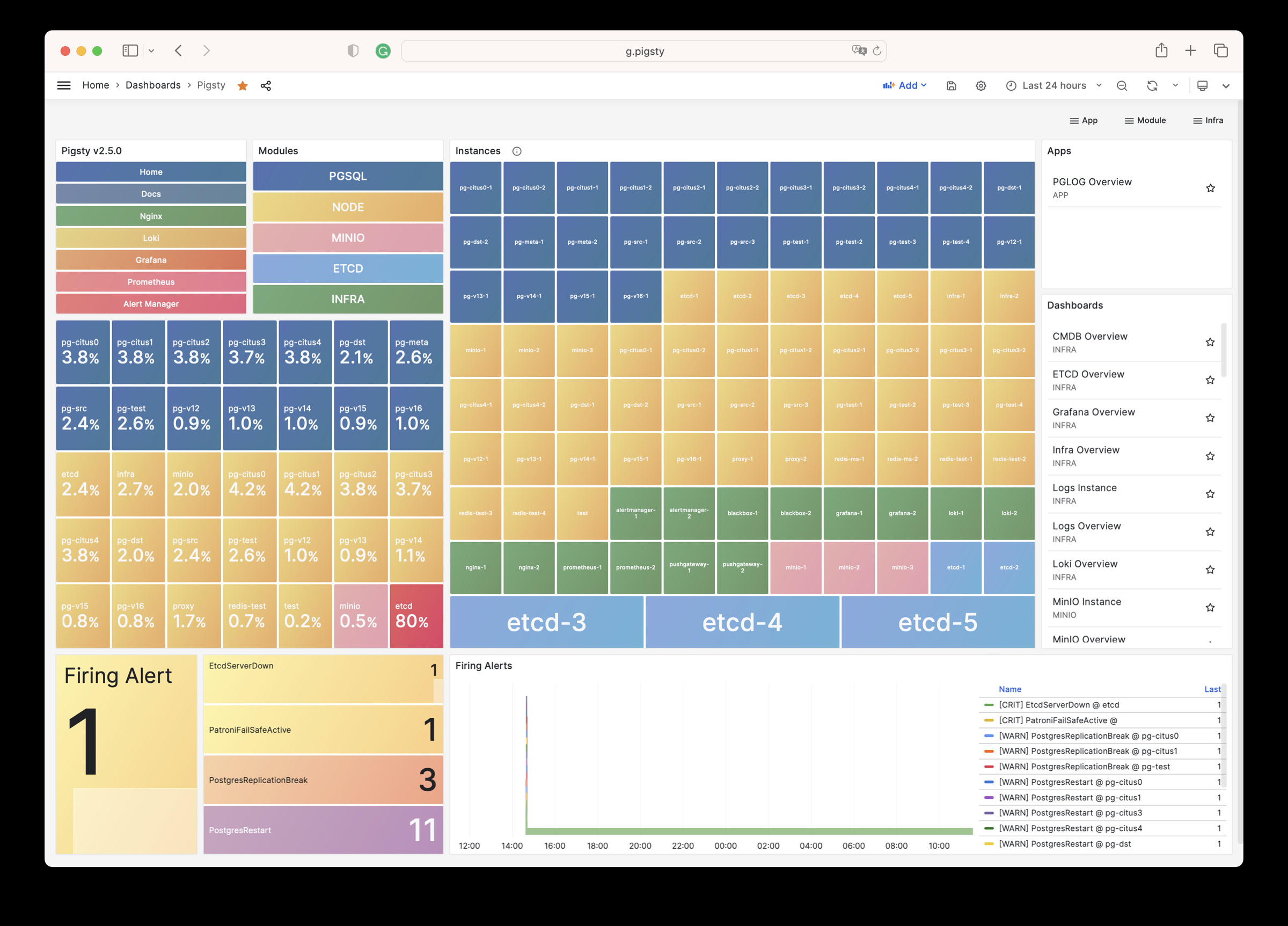
INFRA Overview : Pigsty 基础设施自监控概览
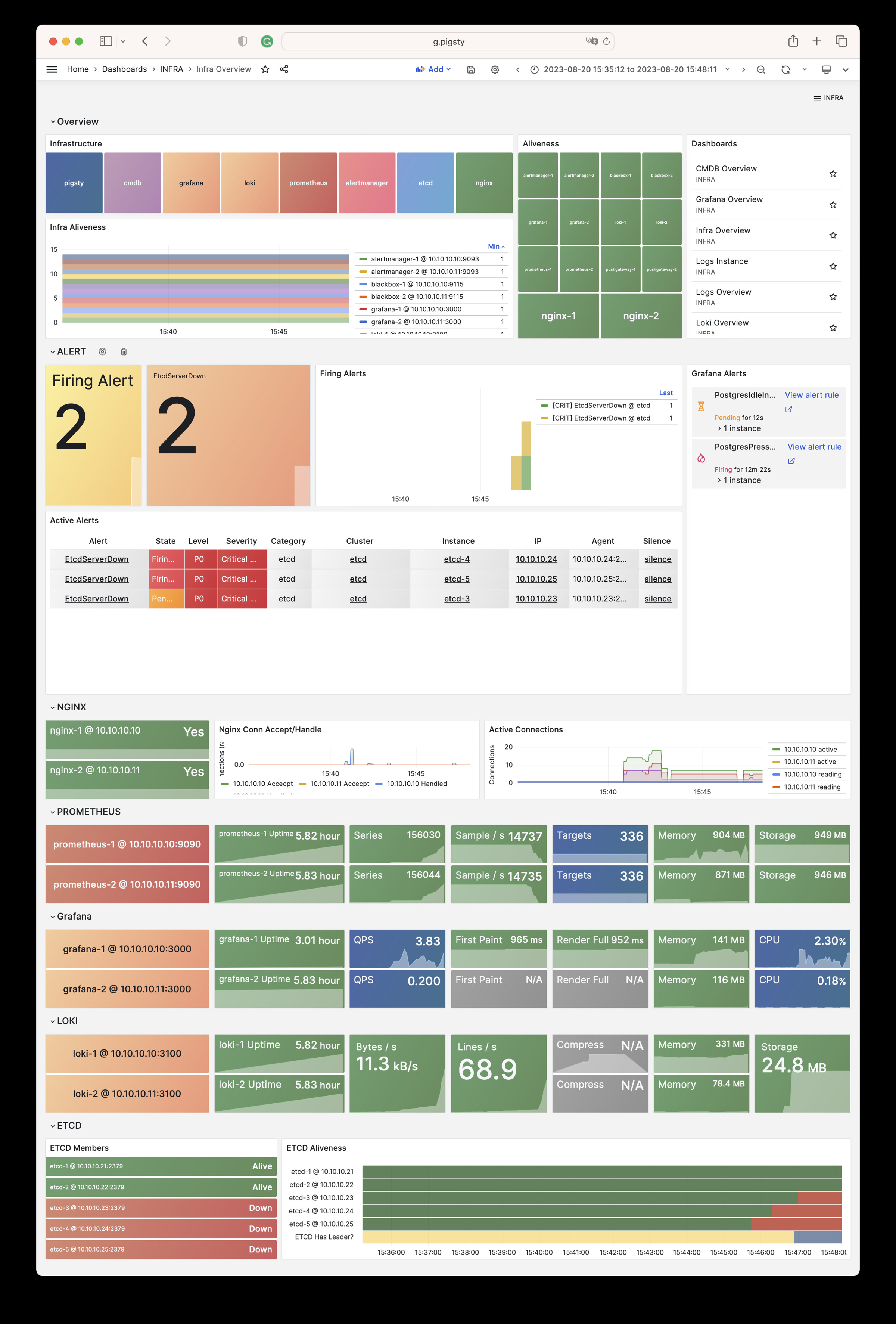
Nginx Overview : Nginx 监控指标与日志
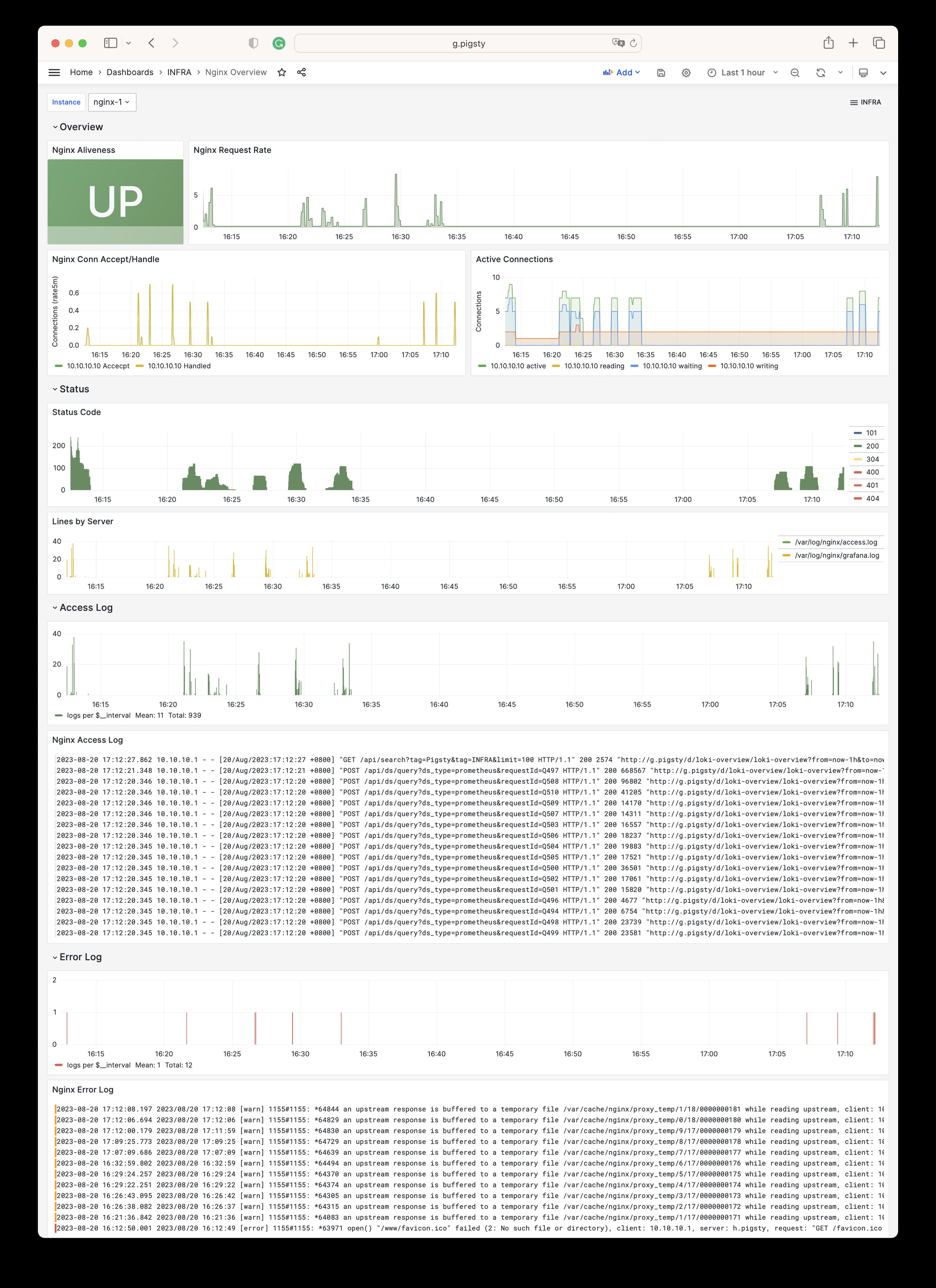
Grafana Overview: Grafana 监控指标与日志
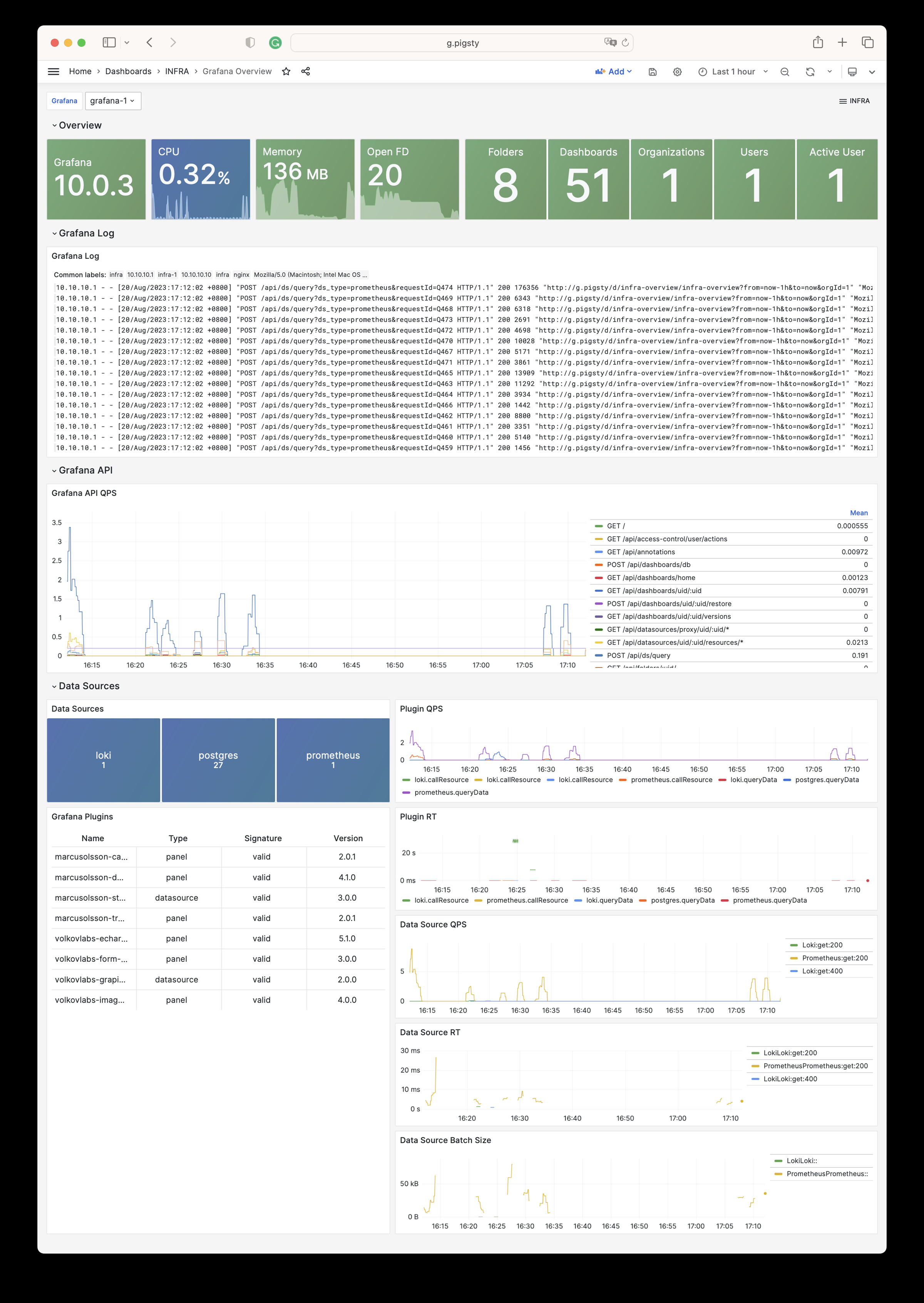
Prometheus Overview: Prometheus 监控指标与日志
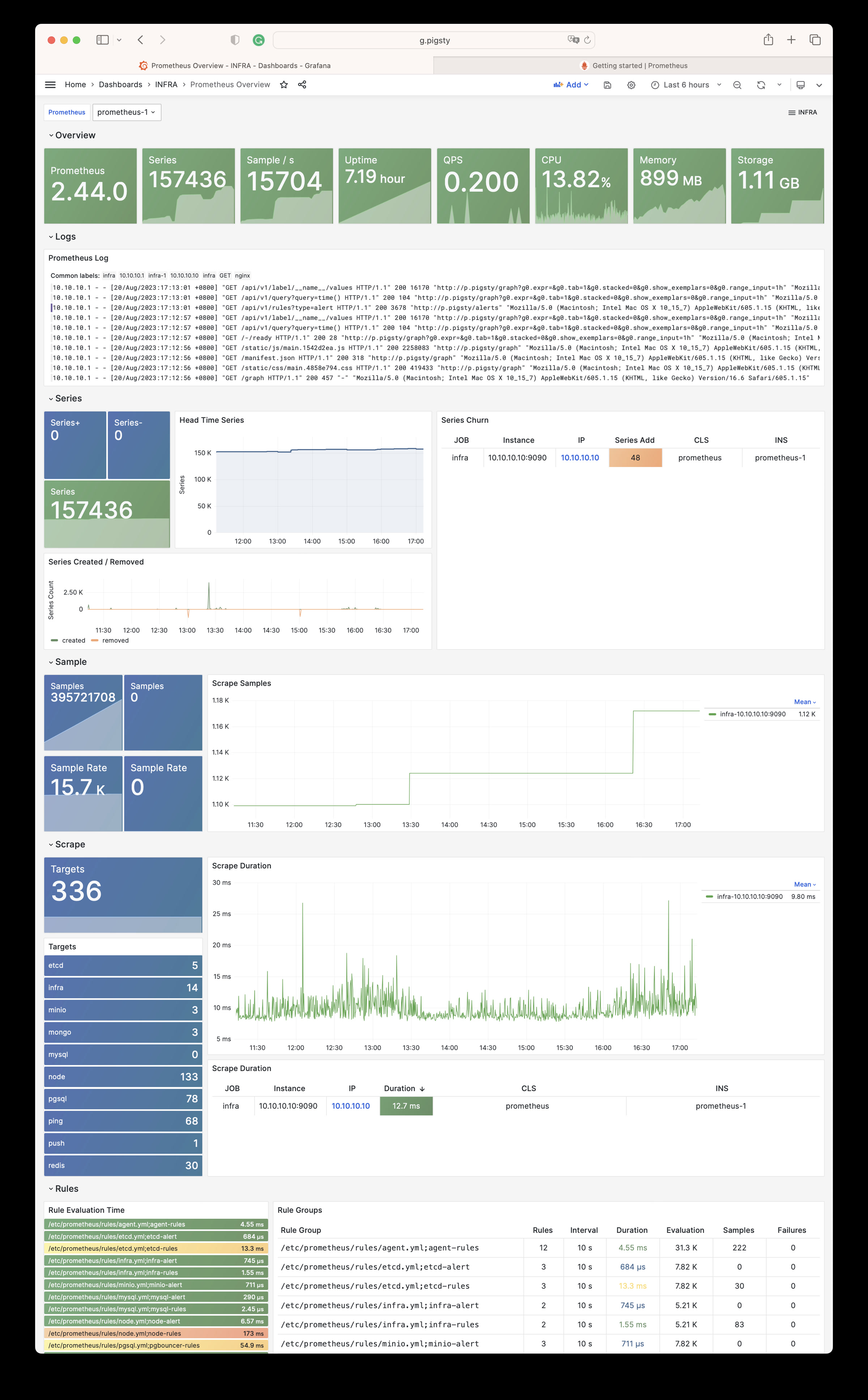
Loki Overview: Loki 监控指标与日志
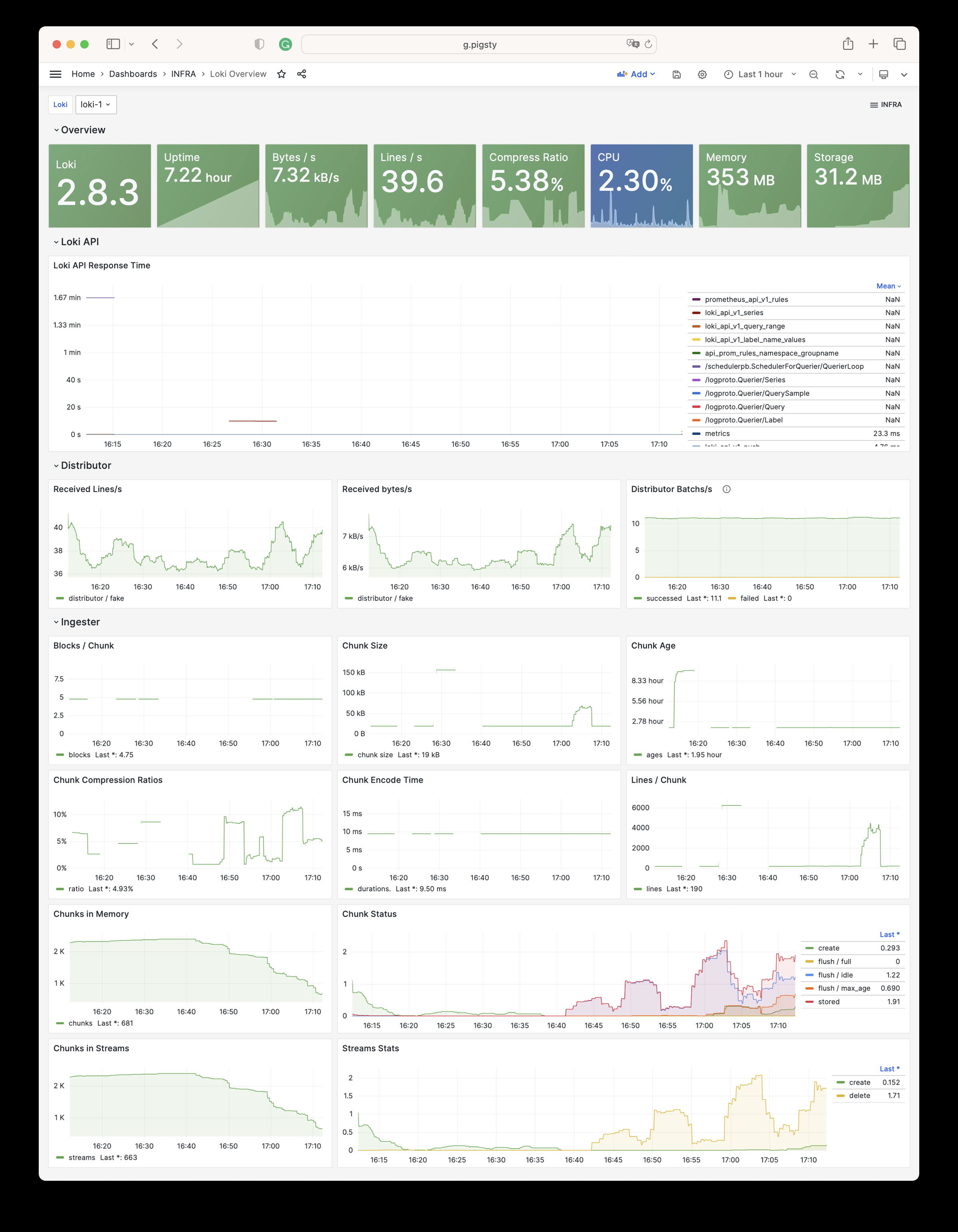
Logs Instance: 查阅单个节点上的日志信息
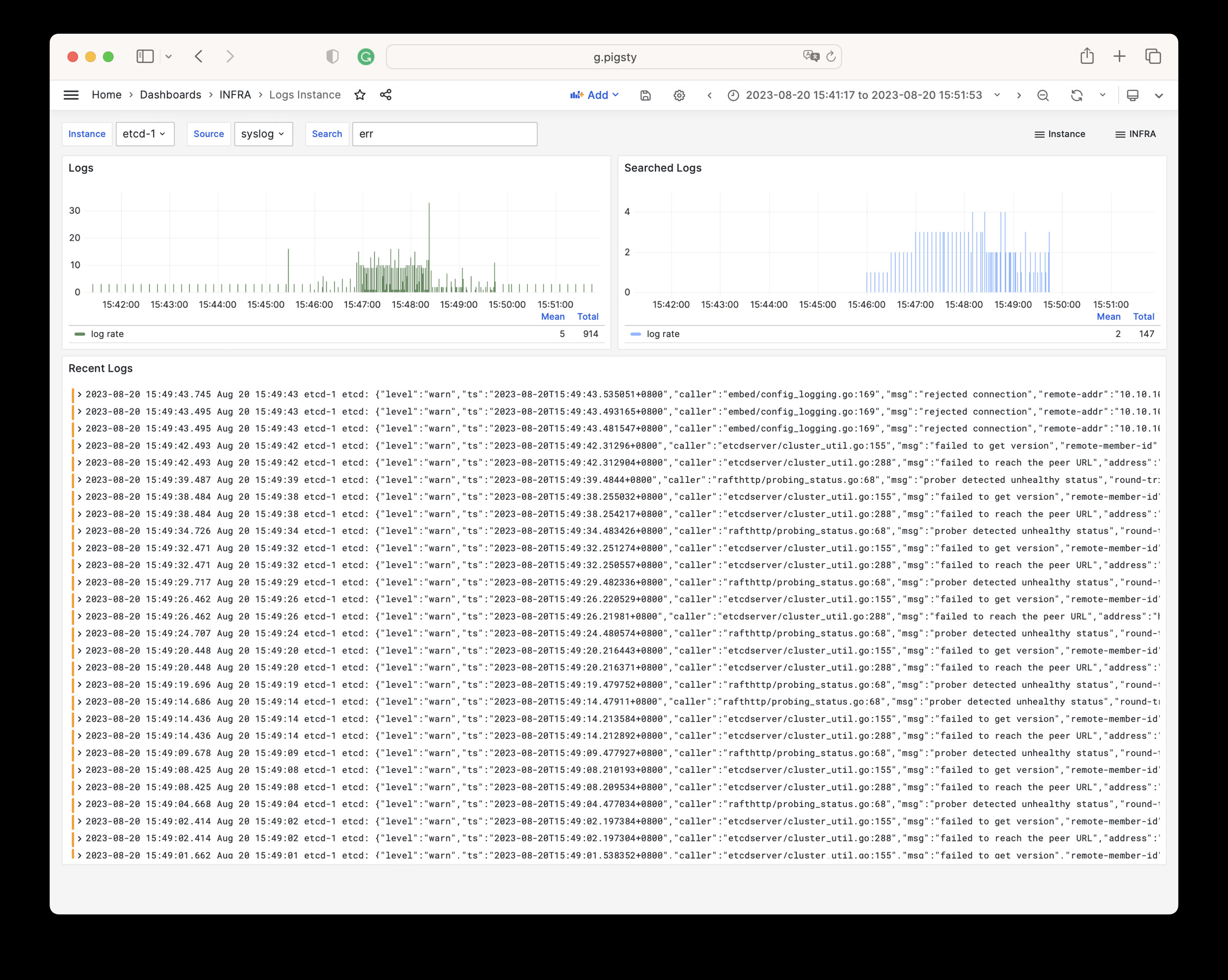
Logs Overview: 查阅全局日志信息
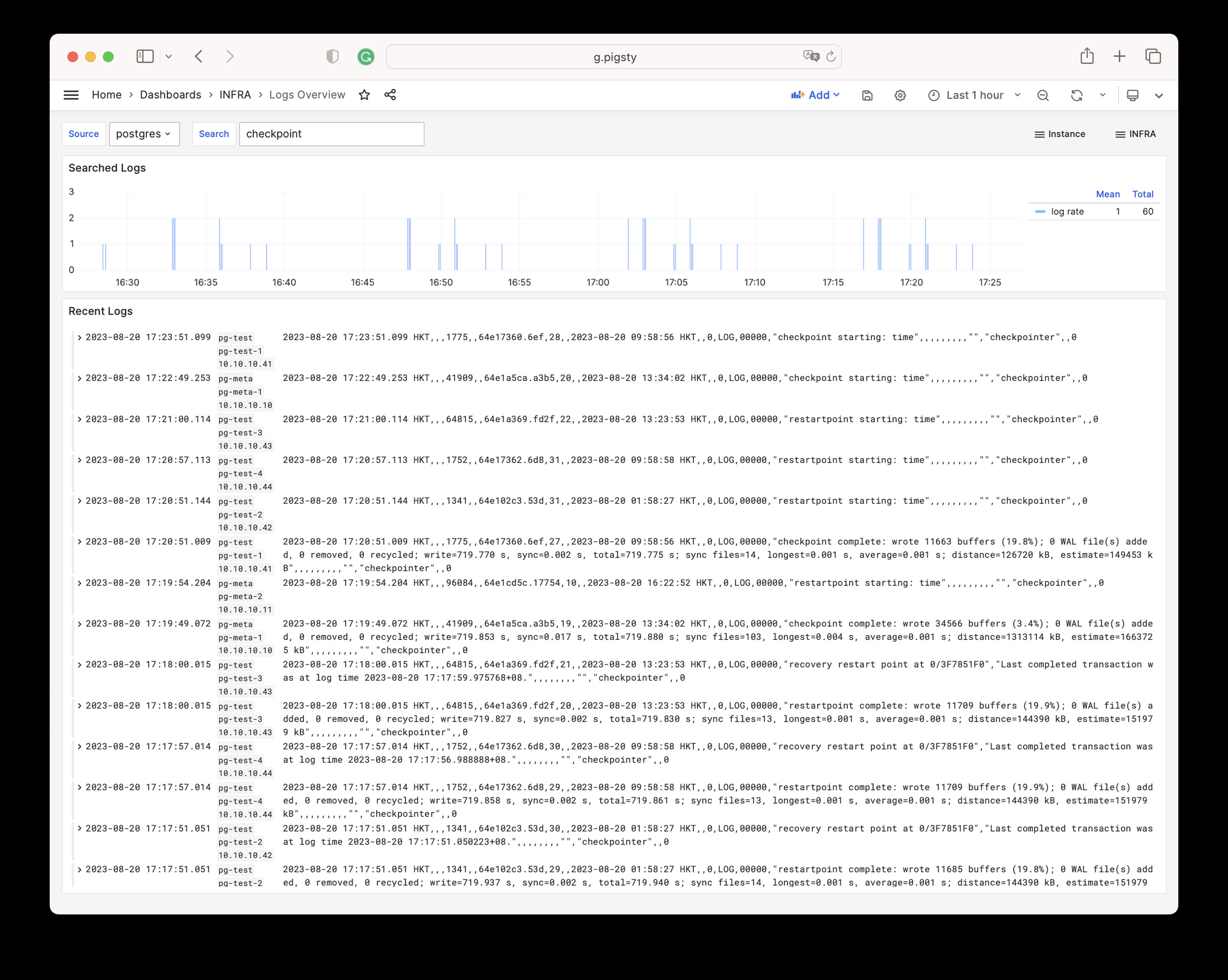
CMDB Overview: CMDB 可视化
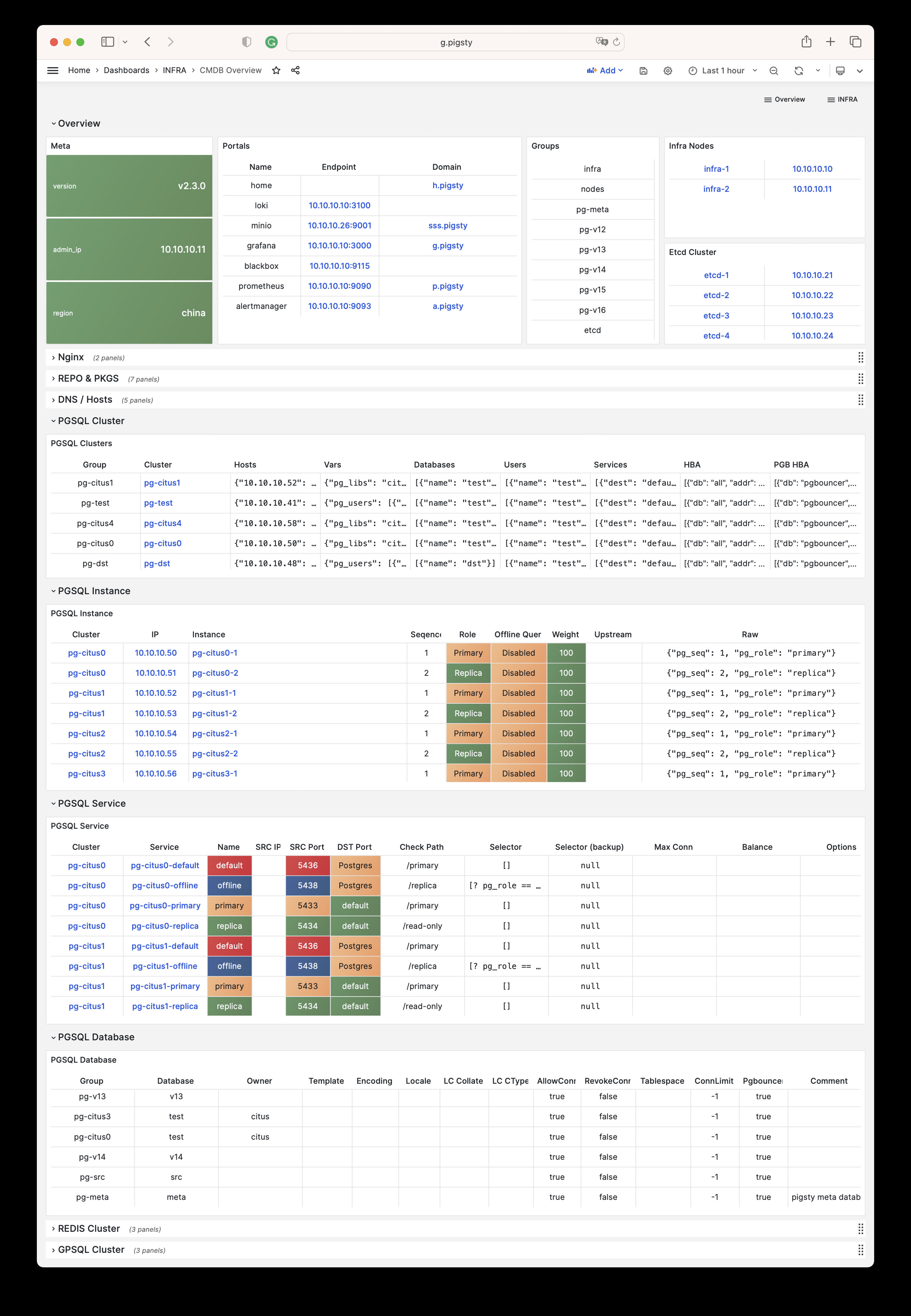
ETCD Overview: etcd 监控指标与日志
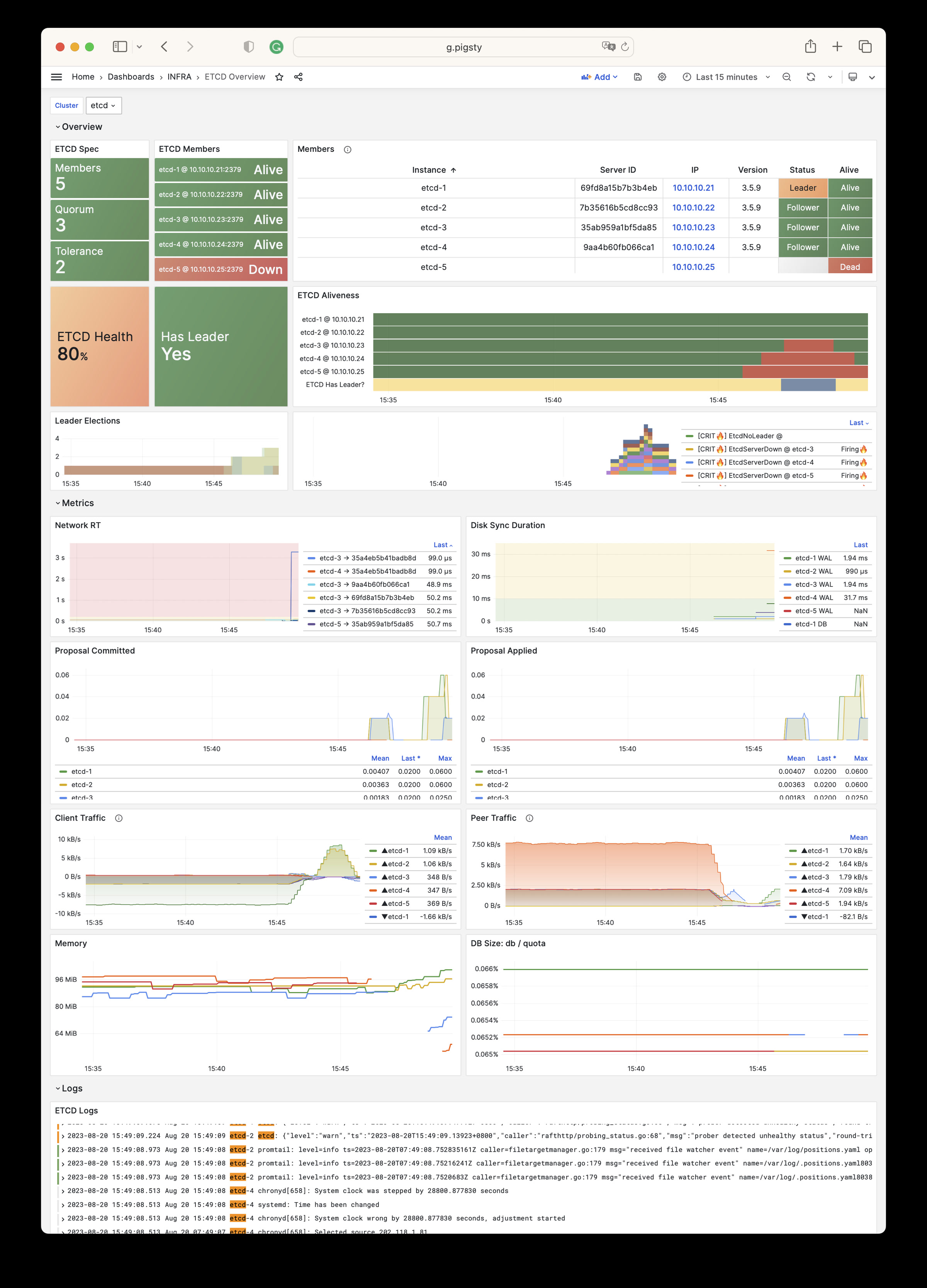
INFRA 模块有下列10个参数组。
META:Pigsty元数据CA:自签名公私钥基础设施/CAINFRA_ID:基础设施门户,Nginx域名REPO:本地软件源INFRA_PACKAGE:基础设施软件包NGINX:Nginx 网络服务器DNS:DNSMASQ 域名服务器PROMETHEUS:Prometheus 时序数据库全家桶GRAFANA:Grafana 可观测性全家桶LOKI:Loki 日志服务| 参数 | 参数组 | 类型 | 级别 | 说明 |
|---|---|---|---|---|
version |
META |
string | G | pigsty 版本字符串 |
admin_ip |
META |
ip | G | 管理节点 IP 地址 |
region |
META |
enum | G | 上游镜像区域:default,china,europe |
proxy_env |
META |
dict | G | 下载包时使用的全局代理环境变量 |
ca_method |
CA |
enum | G | CA处理方式:create,recreate,copy,默认为没有则创建 |
ca_cn |
CA |
string | G | CA CN名称,固定为 pigsty-ca |
cert_validity |
CA |
interval | G | 证书有效期,默认为 20 年 |
infra_seq |
INFRA_ID |
int | I | 基础设施节号,必选身份参数 |
infra_portal |
INFRA_ID |
dict | G | 通过Nginx门户暴露的基础设施服务列表 |
repo_enabled |
REPO |
bool | G/I | 在此基础设施节点上创建本地软件源? |
repo_home |
REPO |
path | G | 软件仓库主目录,默认为`/www`` |
repo_name |
REPO |
string | G | 软件仓库名称,默认为 pigsty |
repo_endpoint |
REPO |
url | G | 仓库的访问点:域名或 ip:port 格式 |
repo_remove |
REPO |
bool | G/A | 构建本地仓库时是否移除现有上游仓库源定义文件? |
repo_modules |
REPO |
string | G/A | 启用的上游仓库模块列表,用逗号分隔 |
repo_upstream |
REPO |
upstream[] | G | 上游仓库源定义:从哪里下载上游包? |
repo_packages |
REPO |
string[] | G | 从上游仓库下载哪些软件包? |
repo_url_packages |
REPO |
string[] | G | 使用URL下载的额外软件包列表 |
infra_packages |
INFRA_PACKAGE |
string[] | G | 在基础设施节点上要安装的软件包 |
infra_packages_pip |
INFRA_PACKAGE |
string | G | 在基础设施节点上使用 pip 安装的包 |
nginx_enabled |
NGINX |
bool | G/I | 在此基础设施节点上启用 nginx? |
nginx_exporter_enabled |
NGINX |
bool | G/I | 在此基础设施节点上启用 nginx_exporter? |
nginx_sslmode |
NGINX |
enum | G | nginx SSL模式?disable,enable,enforce |
nginx_home |
NGINX |
path | G | nginx 内容目录,默认为 /www,通常和仓库目录一致 |
nginx_port |
NGINX |
port | G | nginx 监听端口,默认为 80 |
nginx_ssl_port |
NGINX |
port | G | nginx SSL监听端口,默认为 443 |
nginx_navbar |
NGINX |
index[] | G | nginx 首页导航链接列表 |
dns_enabled |
DNS |
bool | G/I | 在此基础设施节点上设置dnsmasq? |
dns_port |
DNS |
port | G | DNS 服务器监听端口,默认为 53 |
dns_records |
DNS |
string[] | G | 由 dnsmasq 解析的动态 DNS 记录 |
prometheus_enabled |
PROMETHEUS |
bool | G/I | 在此基础设施节点上启用 prometheus? |
prometheus_clean |
PROMETHEUS |
bool | G/A | 初始化Prometheus的时候清除现有数据? |
prometheus_data |
PROMETHEUS |
path | G | Prometheus 数据目录,默认为 `/data/prometheus`` |
prometheus_sd_dir |
PROMETHEUS |
path | G | Prometheus 服务发现目标文件目录 |
prometheus_sd_interval |
PROMETHEUS |
interval | G | Prometheus 目标刷新间隔,默认为 5s |
prometheus_scrape_interval |
PROMETHEUS |
interval | G | Prometheus 抓取 & 评估间隔,默认为 10s |
prometheus_scrape_timeout |
PROMETHEUS |
interval | G | Prometheus 全局抓取超时,默认为 8s |
prometheus_options |
PROMETHEUS |
arg | G | Prometheus 额外的命令行参数选项 |
pushgateway_enabled |
PROMETHEUS |
bool | G/I | 在此基础设施节点上设置 pushgateway? |
pushgateway_options |
PROMETHEUS |
arg | G | pushgateway 额外的命令行参数选项 |
blackbox_enabled |
PROMETHEUS |
bool | G/I | 在此基础设施节点上设置 blackbox_exporter? |
blackbox_options |
PROMETHEUS |
arg | G | blackbox_exporter 额外的命令行参数选项 |
alertmanager_enabled |
PROMETHEUS |
bool | G/I | 在此基础设施节点上设置 alertmanager? |
alertmanager_options |
PROMETHEUS |
arg | G | alertmanager 额外的命令行参数选项 |
exporter_metrics_path |
PROMETHEUS |
path | G | exporter 指标路径,默认为 /metrics |
exporter_install |
PROMETHEUS |
enum | G | 如何安装 exporter?none,yum,binary |
exporter_repo_url |
PROMETHEUS |
url | G | 通过 yum 安装exporter时使用的yum仓库文件地址 |
grafana_enabled |
GRAFANA |
bool | G/I | 在此基础设施节点上启用 Grafana? |
grafana_clean |
GRAFANA |
bool | G/A | 初始化Grafana期间清除数据? |
grafana_admin_username |
GRAFANA |
username | G | Grafana 管理员用户名,默认为 `admin`` |
grafana_admin_password |
GRAFANA |
password | G | Grafana 管理员密码,默认为 `pigsty`` |
grafana_plugin_cache |
GRAFANA |
path | G | Grafana 插件缓存 tarball 的路径 |
grafana_plugin_list |
GRAFANA |
string[] | G | 使用 grafana-cli 下载的 Grafana 插件 |
loki_enabled |
LOKI |
bool | G/I | 在此基础设施节点上启用 loki? |
loki_clean |
LOKI |
bool | G/A | 是否删除现有的 loki 数据? |
loki_data |
LOKI |
path | G | loki 数据目录,默认为 `/data/loki`` |
loki_retention |
LOKI |
interval | G | loki 日志保留期,默认为 15d |
INFRA 模块包含有 964 类可用监控指标。
| Metric Name | Type | Labels | Description |
|---|---|---|---|
| alertmanager_alerts | gauge | ins, instance, ip, job, cls, state |
How many alerts by state. |
| alertmanager_alerts_invalid_total | counter | version, ins, instance, ip, job, cls |
The total number of received alerts that were invalid. |
| alertmanager_alerts_received_total | counter | version, ins, instance, ip, status, job, cls |
The total number of received alerts. |
| alertmanager_build_info | gauge | revision, version, ins, instance, ip, tags, goarch, goversion, job, cls, branch, goos |
A metric with a constant ‘1’ value labeled by version, revision, branch, goversion from which alertmanager was built, and the goos and goarch for the build. |
| alertmanager_cluster_alive_messages_total | counter | ins, instance, ip, peer, job, cls |
Total number of received alive messages. |
| alertmanager_cluster_enabled | gauge | ins, instance, ip, job, cls |
Indicates whether the clustering is enabled or not. |
| alertmanager_cluster_failed_peers | gauge | ins, instance, ip, job, cls |
Number indicating the current number of failed peers in the cluster. |
| alertmanager_cluster_health_score | gauge | ins, instance, ip, job, cls |
Health score of the cluster. Lower values are better and zero means ’totally healthy’. |
| alertmanager_cluster_members | gauge | ins, instance, ip, job, cls |
Number indicating current number of members in cluster. |
| alertmanager_cluster_messages_pruned_total | counter | ins, instance, ip, job, cls |
Total number of cluster messages pruned. |
| alertmanager_cluster_messages_queued | gauge | ins, instance, ip, job, cls |
Number of cluster messages which are queued. |
| alertmanager_cluster_messages_received_size_total | counter | ins, instance, ip, msg_type, job, cls |
Total size of cluster messages received. |
| alertmanager_cluster_messages_received_total | counter | ins, instance, ip, msg_type, job, cls |
Total number of cluster messages received. |
| alertmanager_cluster_messages_sent_size_total | counter | ins, instance, ip, msg_type, job, cls |
Total size of cluster messages sent. |
| alertmanager_cluster_messages_sent_total | counter | ins, instance, ip, msg_type, job, cls |
Total number of cluster messages sent. |
| alertmanager_cluster_peer_info | gauge | ins, instance, ip, peer, job, cls |
A metric with a constant ‘1’ value labeled by peer name. |
| alertmanager_cluster_peers_joined_total | counter | ins, instance, ip, job, cls |
A counter of the number of peers that have joined. |
| alertmanager_cluster_peers_left_total | counter | ins, instance, ip, job, cls |
A counter of the number of peers that have left. |
| alertmanager_cluster_peers_update_total | counter | ins, instance, ip, job, cls |
A counter of the number of peers that have updated metadata. |
| alertmanager_cluster_reconnections_failed_total | counter | ins, instance, ip, job, cls |
A counter of the number of failed cluster peer reconnection attempts. |
| alertmanager_cluster_reconnections_total | counter | ins, instance, ip, job, cls |
A counter of the number of cluster peer reconnections. |
| alertmanager_cluster_refresh_join_failed_total | counter | ins, instance, ip, job, cls |
A counter of the number of failed cluster peer joined attempts via refresh. |
| alertmanager_cluster_refresh_join_total | counter | ins, instance, ip, job, cls |
A counter of the number of cluster peer joined via refresh. |
| alertmanager_config_hash | gauge | ins, instance, ip, job, cls |
Hash of the currently loaded alertmanager configuration. |
| alertmanager_config_last_reload_success_timestamp_seconds | gauge | ins, instance, ip, job, cls |
Timestamp of the last successful configuration reload. |
| alertmanager_config_last_reload_successful | gauge | ins, instance, ip, job, cls |
Whether the last configuration reload attempt was successful. |
| alertmanager_dispatcher_aggregation_groups | gauge | ins, instance, ip, job, cls |
Number of active aggregation groups |
| alertmanager_dispatcher_alert_processing_duration_seconds_count | Unknown | ins, instance, ip, job, cls |
N/A |
| alertmanager_dispatcher_alert_processing_duration_seconds_sum | Unknown | ins, instance, ip, job, cls |
N/A |
| alertmanager_http_concurrency_limit_exceeded_total | counter | ins, instance, method, ip, job, cls |
Total number of times an HTTP request failed because the concurrency limit was reached. |
| alertmanager_http_request_duration_seconds_bucket | Unknown | ins, instance, method, ip, le, job, cls, handler |
N/A |
| alertmanager_http_request_duration_seconds_count | Unknown | ins, instance, method, ip, job, cls, handler |
N/A |
| alertmanager_http_request_duration_seconds_sum | Unknown | ins, instance, method, ip, job, cls, handler |
N/A |
| alertmanager_http_requests_in_flight | gauge | ins, instance, method, ip, job, cls |
Current number of HTTP requests being processed. |
| alertmanager_http_response_size_bytes_bucket | Unknown | ins, instance, method, ip, le, job, cls, handler |
N/A |
| alertmanager_http_response_size_bytes_count | Unknown | ins, instance, method, ip, job, cls, handler |
N/A |
| alertmanager_http_response_size_bytes_sum | Unknown | ins, instance, method, ip, job, cls, handler |
N/A |
| alertmanager_integrations | gauge | ins, instance, ip, job, cls |
Number of configured integrations. |
| alertmanager_marked_alerts | gauge | ins, instance, ip, job, cls, state |
How many alerts by state are currently marked in the Alertmanager regardless of their expiry. |
| alertmanager_nflog_gc_duration_seconds_count | Unknown | ins, instance, ip, job, cls |
N/A |
| alertmanager_nflog_gc_duration_seconds_sum | Unknown | ins, instance, ip, job, cls |
N/A |
| alertmanager_nflog_gossip_messages_propagated_total | counter | ins, instance, ip, job, cls |
Number of received gossip messages that have been further gossiped. |
| alertmanager_nflog_maintenance_errors_total | counter | ins, instance, ip, job, cls |
How many maintenances were executed for the notification log that failed. |
| alertmanager_nflog_maintenance_total | counter | ins, instance, ip, job, cls |
How many maintenances were executed for the notification log. |
| alertmanager_nflog_queries_total | counter | ins, instance, ip, job, cls |
Number of notification log queries were received. |
| alertmanager_nflog_query_duration_seconds_bucket | Unknown | ins, instance, ip, le, job, cls |
N/A |
| alertmanager_nflog_query_duration_seconds_count | Unknown | ins, instance, ip, job, cls |
N/A |
| alertmanager_nflog_query_duration_seconds_sum | Unknown | ins, instance, ip, job, cls |
N/A |
| alertmanager_nflog_query_errors_total | counter | ins, instance, ip, job, cls |
Number notification log received queries that failed. |
| alertmanager_nflog_snapshot_duration_seconds_count | Unknown | ins, instance, ip, job, cls |
N/A |
| alertmanager_nflog_snapshot_duration_seconds_sum | Unknown | ins, instance, ip, job, cls |
N/A |
| alertmanager_nflog_snapshot_size_bytes | gauge | ins, instance, ip, job, cls |
Size of the last notification log snapshot in bytes. |
| alertmanager_notification_latency_seconds_bucket | Unknown | integration, ins, instance, ip, le, job, cls |
N/A |
| alertmanager_notification_latency_seconds_count | Unknown | integration, ins, instance, ip, job, cls |
N/A |
| alertmanager_notification_latency_seconds_sum | Unknown | integration, ins, instance, ip, job, cls |
N/A |
| alertmanager_notification_requests_failed_total | counter | integration, ins, instance, ip, job, cls |
The total number of failed notification requests. |
| alertmanager_notification_requests_total | counter | integration, ins, instance, ip, job, cls |
The total number of attempted notification requests. |
| alertmanager_notifications_failed_total | counter | integration, ins, instance, ip, reason, job, cls |
The total number of failed notifications. |
| alertmanager_notifications_total | counter | integration, ins, instance, ip, job, cls |
The total number of attempted notifications. |
| alertmanager_oversize_gossip_message_duration_seconds_bucket | Unknown | ins, instance, ip, le, key, job, cls |
N/A |
| alertmanager_oversize_gossip_message_duration_seconds_count | Unknown | ins, instance, ip, key, job, cls |
N/A |
| alertmanager_oversize_gossip_message_duration_seconds_sum | Unknown | ins, instance, ip, key, job, cls |
N/A |
| alertmanager_oversized_gossip_message_dropped_total | counter | ins, instance, ip, key, job, cls |
Number of oversized gossip messages that were dropped due to a full message queue. |
| alertmanager_oversized_gossip_message_failure_total | counter | ins, instance, ip, key, job, cls |
Number of oversized gossip message sends that failed. |
| alertmanager_oversized_gossip_message_sent_total | counter | ins, instance, ip, key, job, cls |
Number of oversized gossip message sent. |
| alertmanager_peer_position | gauge | ins, instance, ip, job, cls |
Position the Alertmanager instance believes it’s in. The position determines a peer’s behavior in the cluster. |
| alertmanager_receivers | gauge | ins, instance, ip, job, cls |
Number of configured receivers. |
| alertmanager_silences | gauge | ins, instance, ip, job, cls, state |
How many silences by state. |
| alertmanager_silences_gc_duration_seconds_count | Unknown | ins, instance, ip, job, cls |
N/A |
| alertmanager_silences_gc_duration_seconds_sum | Unknown | ins, instance, ip, job, cls |
N/A |
| alertmanager_silences_gossip_messages_propagated_total | counter | ins, instance, ip, job, cls |
Number of received gossip messages that have been further gossiped. |
| alertmanager_silences_maintenance_errors_total | counter | ins, instance, ip, job, cls |
How many maintenances were executed for silences that failed. |
| alertmanager_silences_maintenance_total | counter | ins, instance, ip, job, cls |
How many maintenances were executed for silences. |
| alertmanager_silences_queries_total | counter | ins, instance, ip, job, cls |
How many silence queries were received. |
| alertmanager_silences_query_duration_seconds_bucket | Unknown | ins, instance, ip, le, job, cls |
N/A |
| alertmanager_silences_query_duration_seconds_count | Unknown | ins, instance, ip, job, cls |
N/A |
| alertmanager_silences_query_duration_seconds_sum | Unknown | ins, instance, ip, job, cls |
N/A |
| alertmanager_silences_query_errors_total | counter | ins, instance, ip, job, cls |
How many silence received queries did not succeed. |
| alertmanager_silences_snapshot_duration_seconds_count | Unknown | ins, instance, ip, job, cls |
N/A |
| alertmanager_silences_snapshot_duration_seconds_sum | Unknown | ins, instance, ip, job, cls |
N/A |
| alertmanager_silences_snapshot_size_bytes | gauge | ins, instance, ip, job, cls |
Size of the last silence snapshot in bytes. |
| blackbox_exporter_build_info | gauge | revision, version, ins, instance, ip, tags, goarch, goversion, job, cls, branch, goos |
A metric with a constant ‘1’ value labeled by version, revision, branch, goversion from which blackbox_exporter was built, and the goos and goarch for the build. |
| blackbox_exporter_config_last_reload_success_timestamp_seconds | gauge | ins, instance, ip, job, cls |
Timestamp of the last successful configuration reload. |
| blackbox_exporter_config_last_reload_successful | gauge | ins, instance, ip, job, cls |
Blackbox exporter config loaded successfully. |
| blackbox_module_unknown_total | counter | ins, instance, ip, job, cls |
Count of unknown modules requested by probes |
| cortex_distributor_ingester_clients | gauge | ins, instance, ip, job, cls |
The current number of ingester clients. |
| cortex_dns_failures_total | Unknown | ins, instance, ip, job, cls |
N/A |
| cortex_dns_lookups_total | Unknown | ins, instance, ip, job, cls |
N/A |
| cortex_frontend_query_range_duration_seconds_bucket | Unknown | ins, instance, method, ip, le, job, cls, status_code |
N/A |
| cortex_frontend_query_range_duration_seconds_count | Unknown | ins, instance, method, ip, job, cls, status_code |
N/A |
| cortex_frontend_query_range_duration_seconds_sum | Unknown | ins, instance, method, ip, job, cls, status_code |
N/A |
| cortex_ingester_flush_queue_length | gauge | ins, instance, ip, job, cls |
The total number of series pending in the flush queue. |
| cortex_kv_request_duration_seconds_bucket | Unknown | ins, instance, role, ip, le, kv_name, type, operation, job, cls, status_code |
N/A |
| cortex_kv_request_duration_seconds_count | Unknown | ins, instance, role, ip, kv_name, type, operation, job, cls, status_code |
N/A |
| cortex_kv_request_duration_seconds_sum | Unknown | ins, instance, role, ip, kv_name, type, operation, job, cls, status_code |
N/A |
| cortex_member_consul_heartbeats_total | Unknown | ins, instance, ip, job, cls |
N/A |
| cortex_prometheus_notifications_alertmanagers_discovered | gauge | ins, instance, ip, user, job, cls |
The number of alertmanagers discovered and active. |
| cortex_prometheus_notifications_dropped_total | Unknown | ins, instance, ip, user, job, cls |
N/A |
| cortex_prometheus_notifications_queue_capacity | gauge | ins, instance, ip, user, job, cls |
The capacity of the alert notifications queue. |
| cortex_prometheus_notifications_queue_length | gauge | ins, instance, ip, user, job, cls |
The number of alert notifications in the queue. |
| cortex_prometheus_rule_evaluation_duration_seconds | summary | ins, instance, ip, user, job, cls, quantile |
The duration for a rule to execute. |
| cortex_prometheus_rule_evaluation_duration_seconds_count | Unknown | ins, instance, ip, user, job, cls |
N/A |
| cortex_prometheus_rule_evaluation_duration_seconds_sum | Unknown | ins, instance, ip, user, job, cls |
N/A |
| cortex_prometheus_rule_group_duration_seconds | summary | ins, instance, ip, user, job, cls, quantile |
The duration of rule group evaluations. |
| cortex_prometheus_rule_group_duration_seconds_count | Unknown | ins, instance, ip, user, job, cls |
N/A |
| cortex_prometheus_rule_group_duration_seconds_sum | Unknown | ins, instance, ip, user, job, cls |
N/A |
| cortex_query_frontend_connected_schedulers | gauge | ins, instance, ip, job, cls |
Number of schedulers this frontend is connected to. |
| cortex_query_frontend_queries_in_progress | gauge | ins, instance, ip, job, cls |
Number of queries in progress handled by this frontend. |
| cortex_query_frontend_retries_bucket | Unknown | ins, instance, ip, le, job, cls |
N/A |
| cortex_query_frontend_retries_count | Unknown | ins, instance, ip, job, cls |
N/A |
| cortex_query_frontend_retries_sum | Unknown | ins, instance, ip, job, cls |
N/A |
| cortex_query_scheduler_connected_frontend_clients | gauge | ins, instance, ip, job, cls |
Number of query-frontend worker clients currently connected to the query-scheduler. |
| cortex_query_scheduler_connected_querier_clients | gauge | ins, instance, ip, job, cls |
Number of querier worker clients currently connected to the query-scheduler. |
| cortex_query_scheduler_inflight_requests | summary | ins, instance, ip, job, cls, quantile |
Number of inflight requests (either queued or processing) sampled at a regular interval. Quantile buckets keep track of inflight requests over the last 60s. |
| cortex_query_scheduler_inflight_requests_count | Unknown | ins, instance, ip, job, cls |
N/A |
| cortex_query_scheduler_inflight_requests_sum | Unknown | ins, instance, ip, job, cls |
N/A |
| cortex_query_scheduler_queue_duration_seconds_bucket | Unknown | ins, instance, ip, le, job, cls |
N/A |
| cortex_query_scheduler_queue_duration_seconds_count | Unknown | ins, instance, ip, job, cls |
N/A |
| cortex_query_scheduler_queue_duration_seconds_sum | Unknown | ins, instance, ip, job, cls |
N/A |
| cortex_query_scheduler_queue_length | Unknown | ins, instance, ip, user, job, cls |
N/A |
| cortex_query_scheduler_running | gauge | ins, instance, ip, job, cls |
Value will be 1 if the scheduler is in the ReplicationSet and actively receiving/processing requests |
| cortex_ring_member_heartbeats_total | Unknown | ins, instance, ip, job, cls |
N/A |
| cortex_ring_member_tokens_owned | gauge | ins, instance, ip, job, cls |
The number of tokens owned in the ring. |
| cortex_ring_member_tokens_to_own | gauge | ins, instance, ip, job, cls |
The number of tokens to own in the ring. |
| cortex_ring_members | gauge | ins, instance, ip, job, cls, state |
Number of members in the ring |
| cortex_ring_oldest_member_timestamp | gauge | ins, instance, ip, job, cls, state |
Timestamp of the oldest member in the ring. |
| cortex_ring_tokens_total | gauge | ins, instance, ip, job, cls |
Number of tokens in the ring |
| cortex_ruler_clients | gauge | ins, instance, ip, job, cls |
The current number of ruler clients in the pool. |
| cortex_ruler_config_last_reload_successful | gauge | ins, instance, ip, user, job, cls |
Boolean set to 1 whenever the last configuration reload attempt was successful. |
| cortex_ruler_config_last_reload_successful_seconds | gauge | ins, instance, ip, user, job, cls |
Timestamp of the last successful configuration reload. |
| cortex_ruler_config_updates_total | Unknown | ins, instance, ip, user, job, cls |
N/A |
| cortex_ruler_managers_total | gauge | ins, instance, ip, job, cls |
Total number of managers registered and running in the ruler |
| cortex_ruler_ring_check_errors_total | Unknown | ins, instance, ip, job, cls |
N/A |
| cortex_ruler_sync_rules_total | Unknown | ins, instance, ip, reason, job, cls |
N/A |
| deprecated_flags_inuse_total | Unknown | ins, instance, ip, job, cls |
N/A |
| go_cgo_go_to_c_calls_calls_total | Unknown | ins, instance, ip, job, cls |
N/A |
| go_cpu_classes_gc_mark_assist_cpu_seconds_total | Unknown | ins, instance, ip, job, cls |
N/A |
| go_cpu_classes_gc_mark_dedicated_cpu_seconds_total | Unknown | ins, instance, ip, job, cls |
N/A |
| go_cpu_classes_gc_mark_idle_cpu_seconds_total | Unknown | ins, instance, ip, job, cls |
N/A |
| go_cpu_classes_gc_pause_cpu_seconds_total | Unknown | ins, instance, ip, job, cls |
N/A |
| go_cpu_classes_gc_total_cpu_seconds_total | Unknown | ins, instance, ip, job, cls |
N/A |
| go_cpu_classes_idle_cpu_seconds_total | Unknown | ins, instance, ip, job, cls |
N/A |
| go_cpu_classes_scavenge_assist_cpu_seconds_total | Unknown | ins, instance, ip, job, cls |
N/A |
| go_cpu_classes_scavenge_background_cpu_seconds_total | Unknown | ins, instance, ip, job, cls |
N/A |
| go_cpu_classes_scavenge_total_cpu_seconds_total | Unknown | ins, instance, ip, job, cls |
N/A |
| go_cpu_classes_total_cpu_seconds_total | Unknown | ins, instance, ip, job, cls |
N/A |
| go_cpu_classes_user_cpu_seconds_total | Unknown | ins, instance, ip, job, cls |
N/A |
| go_gc_cycles_automatic_gc_cycles_total | Unknown | ins, instance, ip, job, cls |
N/A |
| go_gc_cycles_forced_gc_cycles_total | Unknown | ins, instance, ip, job, cls |
N/A |
| go_gc_cycles_total_gc_cycles_total | Unknown | ins, instance, ip, job, cls |
N/A |
| go_gc_duration_seconds | summary | ins, instance, ip, job, cls, quantile |
A summary of the pause duration of garbage collection cycles. |
| go_gc_duration_seconds_count | Unknown | ins, instance, ip, job, cls |
N/A |
| go_gc_duration_seconds_sum | Unknown | ins, instance, ip, job, cls |
N/A |
| go_gc_gogc_percent | gauge | ins, instance, ip, job, cls |
Heap size target percentage configured by the user, otherwise 100. This value is set by the GOGC environment variable, and the runtime/debug.SetGCPercent function. |
| go_gc_gomemlimit_bytes | gauge | ins, instance, ip, job, cls |
Go runtime memory limit configured by the user, otherwise math.MaxInt64. This value is set by the GOMEMLIMIT environment variable, and the runtime/debug.SetMemoryLimit function. |
| go_gc_heap_allocs_by_size_bytes_bucket | Unknown | ins, instance, ip, le, job, cls |
N/A |
| go_gc_heap_allocs_by_size_bytes_count | Unknown | ins, instance, ip, job, cls |
N/A |
| go_gc_heap_allocs_by_size_bytes_sum | Unknown | ins, instance, ip, job, cls |
N/A |
| go_gc_heap_allocs_bytes_total | Unknown | ins, instance, ip, job, cls |
N/A |
| go_gc_heap_allocs_objects_total | Unknown | ins, instance, ip, job, cls |
N/A |
| go_gc_heap_frees_by_size_bytes_bucket | Unknown | ins, instance, ip, le, job, cls |
N/A |
| go_gc_heap_frees_by_size_bytes_count | Unknown | ins, instance, ip, job, cls |
N/A |
| go_gc_heap_frees_by_size_bytes_sum | Unknown | ins, instance, ip, job, cls |
N/A |
| go_gc_heap_frees_bytes_total | Unknown | ins, instance, ip, job, cls |
N/A |
| go_gc_heap_frees_objects_total | Unknown | ins, instance, ip, job, cls |
N/A |
| go_gc_heap_goal_bytes | gauge | ins, instance, ip, job, cls |
Heap size target for the end of the GC cycle. |
| go_gc_heap_live_bytes | gauge | ins, instance, ip, job, cls |
Heap memory occupied by live objects that were marked by the previous GC. |
| go_gc_heap_objects_objects | gauge | ins, instance, ip, job, cls |
Number of objects, live or unswept, occupying heap memory. |
| go_gc_heap_tiny_allocs_objects_total | Unknown | ins, instance, ip, job, cls |
N/A |
| go_gc_limiter_last_enabled_gc_cycle | gauge | ins, instance, ip, job, cls |
GC cycle the last time the GC CPU limiter was enabled. This metric is useful for diagnosing the root cause of an out-of-memory error, because the limiter trades memory for CPU time when the GC’s CPU time gets too high. This is most likely to occur with use of SetMemoryLimit. The first GC cycle is cycle 1, so a value of 0 indicates that it was never enabled. |
| go_gc_pauses_seconds_bucket | Unknown | ins, instance, ip, le, job, cls |
N/A |
| go_gc_pauses_seconds_count | Unknown | ins, instance, ip, job, cls |
N/A |
| go_gc_pauses_seconds_sum | Unknown | ins, instance, ip, job, cls |
N/A |
| go_gc_scan_globals_bytes | gauge | ins, instance, ip, job, cls |
The total amount of global variable space that is scannable. |
| go_gc_scan_heap_bytes | gauge | ins, instance, ip, job, cls |
The total amount of heap space that is scannable. |
| go_gc_scan_stack_bytes | gauge | ins, instance, ip, job, cls |
The number of bytes of stack that were scanned last GC cycle. |
| go_gc_scan_total_bytes | gauge | ins, instance, ip, job, cls |
The total amount space that is scannable. Sum of all metrics in /gc/scan. |
| go_gc_stack_starting_size_bytes | gauge | ins, instance, ip, job, cls |
The stack size of new goroutines. |
| go_godebug_non_default_behavior_execerrdot_events_total | Unknown | ins, instance, ip, job, cls |
N/A |
| go_godebug_non_default_behavior_gocachehash_events_total | Unknown | ins, instance, ip, job, cls |
N/A |
| go_godebug_non_default_behavior_gocachetest_events_total | Unknown | ins, instance, ip, job, cls |
N/A |
| go_godebug_non_default_behavior_gocacheverify_events_total | Unknown | ins, instance, ip, job, cls |
N/A |
| go_godebug_non_default_behavior_http2client_events_total | Unknown | ins, instance, ip, job, cls |
N/A |
| go_godebug_non_default_behavior_http2server_events_total | Unknown | ins, instance, ip, job, cls |
N/A |
| go_godebug_non_default_behavior_installgoroot_events_total | Unknown | ins, instance, ip, job, cls |
N/A |
| go_godebug_non_default_behavior_jstmpllitinterp_events_total | Unknown | ins, instance, ip, job, cls |
N/A |
| go_godebug_non_default_behavior_multipartmaxheaders_events_total | Unknown | ins, instance, ip, job, cls |
N/A |
| go_godebug_non_default_behavior_multipartmaxparts_events_total | Unknown | ins, instance, ip, job, cls |
N/A |
| go_godebug_non_default_behavior_multipathtcp_events_total | Unknown | ins, instance, ip, job, cls |
N/A |
| go_godebug_non_default_behavior_panicnil_events_total | Unknown | ins, instance, ip, job, cls |
N/A |
| go_godebug_non_default_behavior_randautoseed_events_total | Unknown | ins, instance, ip, job, cls |
N/A |
| go_godebug_non_default_behavior_tarinsecurepath_events_total | Unknown | ins, instance, ip, job, cls |
N/A |
| go_godebug_non_default_behavior_tlsmaxrsasize_events_total | Unknown | ins, instance, ip, job, cls |
N/A |
| go_godebug_non_default_behavior_x509sha1_events_total | Unknown | ins, instance, ip, job, cls |
N/A |
| go_godebug_non_default_behavior_x509usefallbackroots_events_total | Unknown | ins, instance, ip, job, cls |
N/A |
| go_godebug_non_default_behavior_zipinsecurepath_events_total | Unknown | ins, instance, ip, job, cls |
N/A |
| go_goroutines | gauge | ins, instance, ip, job, cls |
Number of goroutines that currently exist. |
| go_info | gauge | version, ins, instance, ip, job, cls |
Information about the Go environment. |
| go_memory_classes_heap_free_bytes | gauge | ins, instance, ip, job, cls |
Memory that is completely free and eligible to be returned to the underlying system, but has not been. This metric is the runtime’s estimate of free address space that is backed by physical memory. |
| go_memory_classes_heap_objects_bytes | gauge | ins, instance, ip, job, cls |
Memory occupied by live objects and dead objects that have not yet been marked free by the garbage collector. |
| go_memory_classes_heap_released_bytes | gauge | ins, instance, ip, job, cls |
Memory that is completely free and has been returned to the underlying system. This metric is the runtime’s estimate of free address space that is still mapped into the process, but is not backed by physical memory. |
| go_memory_classes_heap_stacks_bytes | gauge | ins, instance, ip, job, cls |
Memory allocated from the heap that is reserved for stack space, whether or not it is currently in-use. Currently, this represents all stack memory for goroutines. It also includes all OS thread stacks in non-cgo programs. Note that stacks may be allocated differently in the future, and this may change. |
| go_memory_classes_heap_unused_bytes | gauge | ins, instance, ip, job, cls |
Memory that is reserved for heap objects but is not currently used to hold heap objects. |
| go_memory_classes_metadata_mcache_free_bytes | gauge | ins, instance, ip, job, cls |
Memory that is reserved for runtime mcache structures, but not in-use. |
| go_memory_classes_metadata_mcache_inuse_bytes | gauge | ins, instance, ip, job, cls |
Memory that is occupied by runtime mcache structures that are currently being used. |
| go_memory_classes_metadata_mspan_free_bytes | gauge | ins, instance, ip, job, cls |
Memory that is reserved for runtime mspan structures, but not in-use. |
| go_memory_classes_metadata_mspan_inuse_bytes | gauge | ins, instance, ip, job, cls |
Memory that is occupied by runtime mspan structures that are currently being used. |
| go_memory_classes_metadata_other_bytes | gauge | ins, instance, ip, job, cls |
Memory that is reserved for or used to hold runtime metadata. |
| go_memory_classes_os_stacks_bytes | gauge | ins, instance, ip, job, cls |
Stack memory allocated by the underlying operating system. In non-cgo programs this metric is currently zero. This may change in the future.In cgo programs this metric includes OS thread stacks allocated directly from the OS. Currently, this only accounts for one stack in c-shared and c-archive build modes, and other sources of stacks from the OS are not measured. This too may change in the future. |
| go_memory_classes_other_bytes | gauge | ins, instance, ip, job, cls |
Memory used by execution trace buffers, structures for debugging the runtime, finalizer and profiler specials, and more. |
| go_memory_classes_profiling_buckets_bytes | gauge | ins, instance, ip, job, cls |
Memory that is used by the stack trace hash map used for profiling. |
| go_memory_classes_total_bytes | gauge | ins, instance, ip, job, cls |
All memory mapped by the Go runtime into the current process as read-write. Note that this does not include memory mapped by code called via cgo or via the syscall package. Sum of all metrics in /memory/classes. |
| go_memstats_alloc_bytes | counter | ins, instance, ip, job, cls |
Total number of bytes allocated, even if freed. |
| go_memstats_alloc_bytes_total | counter | ins, instance, ip, job, cls |
Total number of bytes allocated, even if freed. |
| go_memstats_buck_hash_sys_bytes | gauge | ins, instance, ip, job, cls |
Number of bytes used by the profiling bucket hash table. |
| go_memstats_frees_total | counter | ins, instance, ip, job, cls |
Total number of frees. |
| go_memstats_gc_sys_bytes | gauge | ins, instance, ip, job, cls |
Number of bytes used for garbage collection system metadata. |
| go_memstats_heap_alloc_bytes | gauge | ins, instance, ip, job, cls |
Number of heap bytes allocated and still in use. |
| go_memstats_heap_idle_bytes | gauge | ins, instance, ip, job, cls |
Number of heap bytes waiting to be used. |
| go_memstats_heap_inuse_bytes | gauge | ins, instance, ip, job, cls |
Number of heap bytes that are in use. |
| go_memstats_heap_objects | gauge | ins, instance, ip, job, cls |
Number of allocated objects. |
| go_memstats_heap_released_bytes | gauge | ins, instance, ip, job, cls |
Number of heap bytes released to OS. |
| go_memstats_heap_sys_bytes | gauge | ins, instance, ip, job, cls |
Number of heap bytes obtained from system. |
| go_memstats_last_gc_time_seconds | gauge | ins, instance, ip, job, cls |
Number of seconds since 1970 of last garbage collection. |
| go_memstats_lookups_total | counter | ins, instance, ip, job, cls |
Total number of pointer lookups. |
| go_memstats_mallocs_total | counter | ins, instance, ip, job, cls |
Total number of mallocs. |
| go_memstats_mcache_inuse_bytes | gauge | ins, instance, ip, job, cls |
Number of bytes in use by mcache structures. |
| go_memstats_mcache_sys_bytes | gauge | ins, instance, ip, job, cls |
Number of bytes used for mcache structures obtained from system. |
| go_memstats_mspan_inuse_bytes | gauge | ins, instance, ip, job, cls |
Number of bytes in use by mspan structures. |
| go_memstats_mspan_sys_bytes | gauge | ins, instance, ip, job, cls |
Number of bytes used for mspan structures obtained from system. |
| go_memstats_next_gc_bytes | gauge | ins, instance, ip, job, cls |
Number of heap bytes when next garbage collection will take place. |
| go_memstats_other_sys_bytes | gauge | ins, instance, ip, job, cls |
Number of bytes used for other system allocations. |
| go_memstats_stack_inuse_bytes | gauge | ins, instance, ip, job, cls |
Number of bytes in use by the stack allocator. |
| go_memstats_stack_sys_bytes | gauge | ins, instance, ip, job, cls |
Number of bytes obtained from system for stack allocator. |
| go_memstats_sys_bytes | gauge | ins, instance, ip, job, cls |
Number of bytes obtained from system. |
| go_sched_gomaxprocs_threads | gauge | ins, instance, ip, job, cls |
The current runtime.GOMAXPROCS setting, or the number of operating system threads that can execute user-level Go code simultaneously. |
| go_sched_goroutines_goroutines | gauge | ins, instance, ip, job, cls |
Count of live goroutines. |
| go_sched_latencies_seconds_bucket | Unknown | ins, instance, ip, le, job, cls |
N/A |
| go_sched_latencies_seconds_count | Unknown | ins, instance, ip, job, cls |
N/A |
| go_sched_latencies_seconds_sum | Unknown | ins, instance, ip, job, cls |
N/A |
| go_sql_stats_connections_blocked_seconds | unknown | ins, instance, db_name, ip, job, cls |
The total time blocked waiting for a new connection. |
| go_sql_stats_connections_closed_max_idle | unknown | ins, instance, db_name, ip, job, cls |
The total number of connections closed due to SetMaxIdleConns. |
| go_sql_stats_connections_closed_max_idle_time | unknown | ins, instance, db_name, ip, job, cls |
The total number of connections closed due to SetConnMaxIdleTime. |
| go_sql_stats_connections_closed_max_lifetime | unknown | ins, instance, db_name, ip, job, cls |
The total number of connections closed due to SetConnMaxLifetime. |
| go_sql_stats_connections_idle | gauge | ins, instance, db_name, ip, job, cls |
The number of idle connections. |
| go_sql_stats_connections_in_use | gauge | ins, instance, db_name, ip, job, cls |
The number of connections currently in use. |
| go_sql_stats_connections_max_open | gauge | ins, instance, db_name, ip, job, cls |
Maximum number of open connections to the database. |
| go_sql_stats_connections_open | gauge | ins, instance, db_name, ip, job, cls |
The number of established connections both in use and idle. |
| go_sql_stats_connections_waited_for | unknown | ins, instance, db_name, ip, job, cls |
The total number of connections waited for. |
| go_sync_mutex_wait_total_seconds_total | Unknown | ins, instance, ip, job, cls |
N/A |
| go_threads | gauge | ins, instance, ip, job, cls |
Number of OS threads created. |
| grafana_access_evaluation_count | unknown | ins, instance, ip, job, cls |
number of evaluation calls |
| grafana_access_evaluation_duration_bucket | Unknown | ins, instance, ip, le, job, cls |
N/A |
| grafana_access_evaluation_duration_count | Unknown | ins, instance, ip, job, cls |
N/A |
| grafana_access_evaluation_duration_sum | Unknown | ins, instance, ip, job, cls |
N/A |
| grafana_access_permissions_duration_bucket | Unknown | ins, instance, ip, le, job, cls |
N/A |
| grafana_access_permissions_duration_count | Unknown | ins, instance, ip, job, cls |
N/A |
| grafana_access_permissions_duration_sum | Unknown | ins, instance, ip, job, cls |
N/A |
| grafana_aggregator_discovery_aggregation_count_total | Unknown | ins, instance, ip, job, cls |
N/A |
| grafana_alerting_active_alerts | gauge | ins, instance, ip, job, cls |
amount of active alerts |
| grafana_alerting_active_configurations | gauge | ins, instance, ip, job, cls |
The number of active Alertmanager configurations. |
| grafana_alerting_alertmanager_config_match | gauge | ins, instance, ip, job, cls |
The total number of match |
| grafana_alerting_alertmanager_config_match_re | gauge | ins, instance, ip, job, cls |
The total number of matchRE |
| grafana_alerting_alertmanager_config_matchers | gauge | ins, instance, ip, job, cls |
The total number of matchers |
| grafana_alerting_alertmanager_config_object_matchers | gauge | ins, instance, ip, job, cls |
The total number of object_matchers |
| grafana_alerting_discovered_configurations | gauge | ins, instance, ip, job, cls |
The number of organizations we’ve discovered that require an Alertmanager configuration. |
| grafana_alerting_dispatcher_aggregation_groups | gauge | ins, instance, ip, job, cls |
Number of active aggregation groups |
| grafana_alerting_dispatcher_alert_processing_duration_seconds_count | Unknown | ins, instance, ip, job, cls |
N/A |
| grafana_alerting_dispatcher_alert_processing_duration_seconds_sum | Unknown | ins, instance, ip, job, cls |
N/A |
| grafana_alerting_execution_time_milliseconds | summary | ins, instance, ip, job, cls, quantile |
summary of alert execution duration |
| grafana_alerting_execution_time_milliseconds_count | Unknown | ins, instance, ip, job, cls |
N/A |
| grafana_alerting_execution_time_milliseconds_sum | Unknown | ins, instance, ip, job, cls |
N/A |
| grafana_alerting_nflog_gc_duration_seconds_count | Unknown | ins, instance, ip, job, cls |
N/A |
| grafana_alerting_nflog_gc_duration_seconds_sum | Unknown | ins, instance, ip, job, cls |
N/A |
| grafana_alerting_nflog_gossip_messages_propagated_total | Unknown | ins, instance, ip, job, cls |
N/A |
| grafana_alerting_nflog_queries_total | Unknown | ins, instance, ip, job, cls |
N/A |
| grafana_alerting_nflog_query_duration_seconds_bucket | Unknown | ins, instance, ip, le, job, cls |
N/A |
| grafana_alerting_nflog_query_duration_seconds_count | Unknown | ins, instance, ip, job, cls |
N/A |
| grafana_alerting_nflog_query_duration_seconds_sum | Unknown | ins, instance, ip, job, cls |
N/A |
| grafana_alerting_nflog_query_errors_total | Unknown | ins, instance, ip, job, cls |
N/A |
| grafana_alerting_nflog_snapshot_duration_seconds_count | Unknown | ins, instance, ip, job, cls |
N/A |
| grafana_alerting_nflog_snapshot_duration_seconds_sum | Unknown | ins, instance, ip, job, cls |
N/A |
| grafana_alerting_nflog_snapshot_size_bytes | gauge | ins, instance, ip, job, cls |
Size of the last notification log snapshot in bytes. |
| grafana_alerting_notification_latency_seconds_bucket | Unknown | ins, instance, ip, le, job, cls |
N/A |
| grafana_alerting_notification_latency_seconds_count | Unknown | ins, instance, ip, job, cls |
N/A |
| grafana_alerting_notification_latency_seconds_sum | Unknown | ins, instance, ip, job, cls |
N/A |
| grafana_alerting_schedule_alert_rules | gauge | ins, instance, ip, job, cls |
The number of alert rules that could be considered for evaluation at the next tick. |
| grafana_alerting_schedule_alert_rules_hash | gauge | ins, instance, ip, job, cls |
A hash of the alert rules that could be considered for evaluation at the next tick. |
| grafana_alerting_schedule_periodic_duration_seconds_bucket | Unknown | ins, instance, ip, le, job, cls |
N/A |
| grafana_alerting_schedule_periodic_duration_seconds_count | Unknown | ins, instance, ip, job, cls |
N/A |
| grafana_alerting_schedule_periodic_duration_seconds_sum | Unknown | ins, instance, ip, job, cls |
N/A |
| grafana_alerting_schedule_query_alert_rules_duration_seconds_bucket | Unknown | ins, instance, ip, le, job, cls |
N/A |
| grafana_alerting_schedule_query_alert_rules_duration_seconds_count | Unknown | ins, instance, ip, job, cls |
N/A |
| grafana_alerting_schedule_query_alert_rules_duration_seconds_sum | Unknown | ins, instance, ip, job, cls |
N/A |
| grafana_alerting_scheduler_behind_seconds | gauge | ins, instance, ip, job, cls |
The total number of seconds the scheduler is behind. |
| grafana_alerting_silences_gc_duration_seconds_count | Unknown | ins, instance, ip, job, cls |
N/A |
| grafana_alerting_silences_gc_duration_seconds_sum | Unknown | ins, instance, ip, job, cls |
N/A |
| grafana_alerting_silences_gossip_messages_propagated_total | Unknown | ins, instance, ip, job, cls |
N/A |
| grafana_alerting_silences_queries_total | Unknown | ins, instance, ip, job, cls |
N/A |
| grafana_alerting_silences_query_duration_seconds_bucket | Unknown | ins, instance, ip, le, job, cls |
N/A |
| grafana_alerting_silences_query_duration_seconds_count | Unknown | ins, instance, ip, job, cls |
N/A |
| grafana_alerting_silences_query_duration_seconds_sum | Unknown | ins, instance, ip, job, cls |
N/A |
| grafana_alerting_silences_query_errors_total | Unknown | ins, instance, ip, job, cls |
N/A |
| grafana_alerting_silences_snapshot_duration_seconds_count | Unknown | ins, instance, ip, job, cls |
N/A |
| grafana_alerting_silences_snapshot_duration_seconds_sum | Unknown | ins, instance, ip, job, cls |
N/A |
| grafana_alerting_silences_snapshot_size_bytes | gauge | ins, instance, ip, job, cls |
Size of the last silence snapshot in bytes. |
| grafana_alerting_state_calculation_duration_seconds_bucket | Unknown | ins, instance, ip, le, job, cls |
N/A |
| grafana_alerting_state_calculation_duration_seconds_count | Unknown | ins, instance, ip, job, cls |
N/A |
| grafana_alerting_state_calculation_duration_seconds_sum | Unknown | ins, instance, ip, job, cls |
N/A |
| grafana_alerting_state_history_writes_bytes_total | Unknown | ins, instance, ip, job, cls |
N/A |
| grafana_alerting_ticker_interval_seconds | gauge | ins, instance, ip, job, cls |
Interval at which the ticker is meant to tick. |
| grafana_alerting_ticker_last_consumed_tick_timestamp_seconds | gauge | ins, instance, ip, job, cls |
Timestamp of the last consumed tick in seconds. |
| grafana_alerting_ticker_next_tick_timestamp_seconds | gauge | ins, instance, ip, job, cls |
Timestamp of the next tick in seconds before it is consumed. |
| grafana_api_admin_user_created_total | Unknown | ins, instance, ip, job, cls |
N/A |
| grafana_api_dashboard_get_milliseconds | summary | ins, instance, ip, job, cls, quantile |
summary for dashboard get duration |
| grafana_api_dashboard_get_milliseconds_count | Unknown | ins, instance, ip, job, cls |
N/A |
| grafana_api_dashboard_get_milliseconds_sum | Unknown | ins, instance, ip, job, cls |
N/A |
| grafana_api_dashboard_save_milliseconds | summary | ins, instance, ip, job, cls, quantile |
summary for dashboard save duration |
| grafana_api_dashboard_save_milliseconds_count | Unknown | ins, instance, ip, job, cls |
N/A |
| grafana_api_dashboard_save_milliseconds_sum | Unknown | ins, instance, ip, job, cls |
N/A |
| grafana_api_dashboard_search_milliseconds | summary | ins, instance, ip, job, cls, quantile |
summary for dashboard search duration |
| grafana_api_dashboard_search_milliseconds_count | Unknown | ins, instance, ip, job, cls |
N/A |
| grafana_api_dashboard_search_milliseconds_sum | Unknown | ins, instance, ip, job, cls |
N/A |
| grafana_api_dashboard_snapshot_create_total | Unknown | ins, instance, ip, job, cls |
N/A |
| grafana_api_dashboard_snapshot_external_total | Unknown | ins, instance, ip, job, cls |
N/A |
| grafana_api_dashboard_snapshot_get_total | Unknown | ins, instance, ip, job, cls |
N/A |
| grafana_api_dataproxy_request_all_milliseconds | summary | ins, instance, ip, job, cls, quantile |
summary for dataproxy request duration |
| grafana_api_dataproxy_request_all_milliseconds_count | Unknown | ins, instance, ip, job, cls |
N/A |
| grafana_api_dataproxy_request_all_milliseconds_sum | Unknown | ins, instance, ip, job, cls |
N/A |
| grafana_api_login_oauth_total | Unknown | ins, instance, ip, job, cls |
N/A |
| grafana_api_login_post_total | Unknown | ins, instance, ip, job, cls |
N/A |
| grafana_api_login_saml_total | Unknown | ins, instance, ip, job, cls |
N/A |
| grafana_api_models_dashboard_insert_total | Unknown | ins, instance, ip, job, cls |
N/A |
| grafana_api_org_create_total | Unknown | ins, instance, ip, job, cls |
N/A |
| grafana_api_response_status_total | Unknown | ins, instance, ip, job, cls, code |
N/A |
| grafana_api_user_signup_completed_total | Unknown | ins, instance, ip, job, cls |
N/A |
| grafana_api_user_signup_invite_total | Unknown | ins, instance, ip, job, cls |
N/A |
| grafana_api_user_signup_started_total | Unknown | ins, instance, ip, job, cls |
N/A |
| grafana_apiserver_audit_event_total | Unknown | ins, instance, ip, job, cls |
N/A |
| grafana_apiserver_audit_requests_rejected_total | Unknown | ins, instance, ip, job, cls |
N/A |
| grafana_apiserver_client_certificate_expiration_seconds_bucket | Unknown | ins, instance, ip, le, job, cls |
N/A |
| grafana_apiserver_client_certificate_expiration_seconds_count | Unknown | ins, instance, ip, job, cls |
N/A |
| grafana_apiserver_client_certificate_expiration_seconds_sum | Unknown | ins, instance, ip, job, cls |
N/A |
| grafana_apiserver_envelope_encryption_dek_cache_fill_percent | gauge | ins, instance, ip, job, cls |
[ALPHA] Percent of the cache slots currently occupied by cached DEKs. |
| grafana_apiserver_flowcontrol_seat_fair_frac | gauge | ins, instance, ip, job, cls |
[ALPHA] Fair fraction of server’s concurrency to allocate to each priority level that can use it |
| grafana_apiserver_storage_data_key_generation_duration_seconds_bucket | Unknown | ins, instance, ip, le, job, cls |
N/A |
| grafana_apiserver_storage_data_key_generation_duration_seconds_count | Unknown | ins, instance, ip, job, cls |
N/A |
| grafana_apiserver_storage_data_key_generation_duration_seconds_sum | Unknown | ins, instance, ip, job, cls |
N/A |
| grafana_apiserver_storage_data_key_generation_failures_total | Unknown | ins, instance, ip, job, cls |
N/A |
| grafana_apiserver_storage_envelope_transformation_cache_misses_total | Unknown | ins, instance, ip, job, cls |
N/A |
| grafana_apiserver_tls_handshake_errors_total | Unknown | ins, instance, ip, job, cls |
N/A |
| grafana_apiserver_webhooks_x509_insecure_sha1_total | Unknown | ins, instance, ip, job, cls |
N/A |
| grafana_apiserver_webhooks_x509_missing_san_total | Unknown | ins, instance, ip, job, cls |
N/A |
| grafana_authn_authn_failed_authentication_total | Unknown | ins, instance, ip, job, cls |
N/A |
| grafana_authn_authn_successful_authentication_total | Unknown | ins, instance, ip, client, job, cls |
N/A |
| grafana_authn_authn_successful_login_total | Unknown | ins, instance, ip, client, job, cls |
N/A |
| grafana_aws_cloudwatch_get_metric_data_total | Unknown | ins, instance, ip, job, cls |
N/A |
| grafana_aws_cloudwatch_get_metric_statistics_total | Unknown | ins, instance, ip, job, cls |
N/A |
| grafana_aws_cloudwatch_list_metrics_total | Unknown | ins, instance, ip, job, cls |
N/A |
| grafana_build_info | gauge | revision, version, ins, instance, edition, ip, goversion, job, cls, branch |
A metric with a constant ‘1’ value labeled by version, revision, branch, and goversion from which Grafana was built |
| grafana_build_timestamp | gauge | revision, version, ins, instance, edition, ip, goversion, job, cls, branch |
A metric exposing when the binary was built in epoch |
| grafana_cardinality_enforcement_unexpected_categorizations_total | Unknown | ins, instance, ip, job, cls |
N/A |
| grafana_database_conn_idle | gauge | ins, instance, ip, job, cls |
The number of idle connections |
| grafana_database_conn_in_use | gauge | ins, instance, ip, job, cls |
The number of connections currently in use |
| grafana_database_conn_max_idle_closed_seconds | unknown | ins, instance, ip, job, cls |
The total number of connections closed due to SetConnMaxIdleTime |
| grafana_database_conn_max_idle_closed_total | Unknown | ins, instance, ip, job, cls |
N/A |
| grafana_database_conn_max_lifetime_closed_total | Unknown | ins, instance, ip, job, cls |
N/A |
| grafana_database_conn_max_open | gauge | ins, instance, ip, job, cls |
Maximum number of open connections to the database |
| grafana_database_conn_open | gauge | ins, instance, ip, job, cls |
The number of established connections both in use and idle |
| grafana_database_conn_wait_count_total | Unknown | ins, instance, ip, job, cls |
N/A |
| grafana_database_conn_wait_duration_seconds | unknown | ins, instance, ip, job, cls |
The total time blocked waiting for a new connection |
| grafana_datasource_request_duration_seconds_bucket | Unknown | datasource, ins, instance, method, ip, le, datasource_type, job, cls, code |
N/A |
| grafana_datasource_request_duration_seconds_count | Unknown | datasource, ins, instance, method, ip, datasource_type, job, cls, code |
N/A |
| grafana_datasource_request_duration_seconds_sum | Unknown | datasource, ins, instance, method, ip, datasource_type, job, cls, code |
N/A |
| grafana_datasource_request_in_flight | gauge | datasource, ins, instance, ip, datasource_type, job, cls |
A gauge of outgoing data source requests currently being sent by Grafana |
| grafana_datasource_request_total | Unknown | datasource, ins, instance, method, ip, datasource_type, job, cls, code |
N/A |
| grafana_datasource_response_size_bytes_bucket | Unknown | datasource, ins, instance, ip, le, datasource_type, job, cls |
N/A |
| grafana_datasource_response_size_bytes_count | Unknown | datasource, ins, instance, ip, datasource_type, job, cls |
N/A |
| grafana_datasource_response_size_bytes_sum | Unknown | datasource, ins, instance, ip, datasource_type, job, cls |
N/A |
| grafana_db_datasource_query_by_id_total | Unknown | ins, instance, ip, job, cls |
N/A |
| grafana_disabled_metrics_total | Unknown | ins, instance, ip, job, cls |
N/A |
| grafana_emails_sent_failed | unknown | ins, instance, ip, job, cls |
Number of emails Grafana failed to send |
| grafana_emails_sent_total | Unknown | ins, instance, ip, job, cls |
N/A |
| grafana_encryption_cache_reads_total | Unknown | ins, instance, method, ip, hit, job, cls |
N/A |
| grafana_encryption_ops_total | Unknown | ins, instance, ip, success, operation, job, cls |
N/A |
| grafana_environment_info | gauge | version, ins, instance, ip, job, cls, commit |
A metric with a constant ‘1’ value labeled by environment information about the running instance. |
| grafana_feature_toggles_info | gauge | ins, instance, ip, job, cls |
info metric that exposes what feature toggles are enabled or not |
| grafana_frontend_boot_css_time_seconds_bucket | Unknown | ins, instance, ip, le, job, cls |
N/A |
| grafana_frontend_boot_css_time_seconds_count | Unknown | ins, instance, ip, job, cls |
N/A |
| grafana_frontend_boot_css_time_seconds_sum | Unknown | ins, instance, ip, job, cls |
N/A |
| grafana_frontend_boot_first_contentful_paint_time_seconds_bucket | Unknown | ins, instance, ip, le, job, cls |
N/A |
| grafana_frontend_boot_first_contentful_paint_time_seconds_count | Unknown | ins, instance, ip, job, cls |
N/A |
| grafana_frontend_boot_first_contentful_paint_time_seconds_sum | Unknown | ins, instance, ip, job, cls |
N/A |
| grafana_frontend_boot_first_paint_time_seconds_bucket | Unknown | ins, instance, ip, le, job, cls |
N/A |
| grafana_frontend_boot_first_paint_time_seconds_count | Unknown | ins, instance, ip, job, cls |
N/A |
| grafana_frontend_boot_first_paint_time_seconds_sum | Unknown | ins, instance, ip, job, cls |
N/A |
| grafana_frontend_boot_js_done_time_seconds_bucket | Unknown | ins, instance, ip, le, job, cls |
N/A |
| grafana_frontend_boot_js_done_time_seconds_count | Unknown | ins, instance, ip, job, cls |
N/A |
| grafana_frontend_boot_js_done_time_seconds_sum | Unknown | ins, instance, ip, job, cls |
N/A |
| grafana_frontend_boot_load_time_seconds_bucket | Unknown | ins, instance, ip, le, job, cls |
N/A |
| grafana_frontend_boot_load_time_seconds_count | Unknown | ins, instance, ip, job, cls |
N/A |
| grafana_frontend_boot_load_time_seconds_sum | Unknown | ins, instance, ip, job, cls |
N/A |
| grafana_frontend_plugins_preload_ms_bucket | Unknown | ins, instance, ip, le, job, cls |
N/A |
| grafana_frontend_plugins_preload_ms_count | Unknown | ins, instance, ip, job, cls |
N/A |
| grafana_frontend_plugins_preload_ms_sum | Unknown | ins, instance, ip, job, cls |
N/A |
| grafana_hidden_metrics_total | Unknown | ins, instance, ip, job, cls |
N/A |
| grafana_http_request_duration_seconds_bucket | Unknown | ins, instance, method, ip, le, job, cls, status_code, handler |
N/A |
| grafana_http_request_duration_seconds_count | Unknown | ins, instance, method, ip, job, cls, status_code, handler |
N/A |
| grafana_http_request_duration_seconds_sum | Unknown | ins, instance, method, ip, job, cls, status_code, handler |
N/A |
| grafana_http_request_in_flight | gauge | ins, instance, ip, job, cls |
A gauge of requests currently being served by Grafana. |
| grafana_idforwarding_idforwarding_failed_token_signing_total | Unknown | ins, instance, ip, job, cls |
N/A |
| grafana_idforwarding_idforwarding_token_signing_duration_seconds_bucket | Unknown | ins, instance, ip, le, job, cls |
N/A |
| grafana_idforwarding_idforwarding_token_signing_duration_seconds_count | Unknown | ins, instance, ip, job, cls |
N/A |
| grafana_idforwarding_idforwarding_token_signing_duration_seconds_sum | Unknown | ins, instance, ip, job, cls |
N/A |
| grafana_idforwarding_idforwarding_token_signing_from_cache_total | Unknown | ins, instance, ip, job, cls |
N/A |
| grafana_idforwarding_idforwarding_token_signing_total | Unknown | ins, instance, ip, job, cls |
N/A |
| grafana_instance_start_total | Unknown | ins, instance, ip, job, cls |
N/A |
| grafana_ldap_users_sync_execution_time | summary | ins, instance, ip, job, cls, quantile |
summary for LDAP users sync execution duration |
| grafana_ldap_users_sync_execution_time_count | Unknown | ins, instance, ip, job, cls |
N/A |
| grafana_ldap_users_sync_execution_time_sum | Unknown | ins, instance, ip, job, cls |
N/A |
| grafana_live_client_command_duration_seconds | summary | ins, instance, method, ip, job, cls, quantile |
Client command duration summary. |
| grafana_live_client_command_duration_seconds_count | Unknown | ins, instance, method, ip, job, cls |
N/A |
| grafana_live_client_command_duration_seconds_sum | Unknown | ins, instance, method, ip, job, cls |
N/A |
| grafana_live_client_num_reply_errors | unknown | ins, instance, method, ip, job, cls, code |
Number of errors in replies sent to clients. |
| grafana_live_client_num_server_disconnects | unknown | ins, instance, ip, job, cls, code |
Number of server initiated disconnects. |
| grafana_live_client_recover | unknown | ins, instance, ip, recovered, job, cls |
Count of recover operations. |
| grafana_live_node_action_count | unknown | action, ins, instance, ip, job, cls |
Number of node actions called. |
| grafana_live_node_build | gauge | version, ins, instance, ip, job, cls |
Node build info. |
| grafana_live_node_messages_received_count | unknown | ins, instance, ip, type, job, cls |
Number of messages received. |
| grafana_live_node_messages_sent_count | unknown | ins, instance, ip, type, job, cls |
Number of messages sent. |
| grafana_live_node_num_channels | gauge | ins, instance, ip, job, cls |
Number of channels with one or more subscribers. |
| grafana_live_node_num_clients | gauge | ins, instance, ip, job, cls |
Number of clients connected. |
| grafana_live_node_num_nodes | gauge | ins, instance, ip, job, cls |
Number of nodes in cluster. |
| grafana_live_node_num_subscriptions | gauge | ins, instance, ip, job, cls |
Number of subscriptions. |
| grafana_live_node_num_users | gauge | ins, instance, ip, job, cls |
Number of unique users connected. |
| grafana_live_transport_connect_count | unknown | ins, instance, ip, transport, job, cls |
Number of connections to specific transport. |
| grafana_live_transport_messages_sent | unknown | ins, instance, ip, transport, job, cls |
Number of messages sent over specific transport. |
| grafana_loki_plugin_parse_response_duration_seconds_bucket | Unknown | endpoint, ins, instance, ip, le, status, job, cls |
N/A |
| grafana_loki_plugin_parse_response_duration_seconds_count | Unknown | endpoint, ins, instance, ip, status, job, cls |
N/A |
| grafana_loki_plugin_parse_response_duration_seconds_sum | Unknown | endpoint, ins, instance, ip, status, job, cls |
N/A |
| grafana_page_response_status_total | Unknown | ins, instance, ip, job, cls, code |
N/A |
| grafana_plugin_build_info | gauge | version, signature_status, ins, instance, plugin_type, ip, plugin_id, job, cls |
A metric with a constant ‘1’ value labeled by pluginId, pluginType and version from which Grafana plugin was built |
| grafana_plugin_request_duration_milliseconds_bucket | Unknown | endpoint, ins, instance, target, ip, le, plugin_id, job, cls |
N/A |
| grafana_plugin_request_duration_milliseconds_count | Unknown | endpoint, ins, instance, target, ip, plugin_id, job, cls |
N/A |
| grafana_plugin_request_duration_milliseconds_sum | Unknown | endpoint, ins, instance, target, ip, plugin_id, job, cls |
N/A |
| grafana_plugin_request_duration_seconds_bucket | Unknown | endpoint, ins, instance, target, ip, le, status, plugin_id, source, job, cls |
N/A |
| grafana_plugin_request_duration_seconds_count | Unknown | endpoint, ins, instance, target, ip, status, plugin_id, source, job, cls |
N/A |
| grafana_plugin_request_duration_seconds_sum | Unknown | endpoint, ins, instance, target, ip, status, plugin_id, source, job, cls |
N/A |
| grafana_plugin_request_size_bytes_bucket | Unknown | endpoint, ins, instance, target, ip, le, plugin_id, source, job, cls |
N/A |
| grafana_plugin_request_size_bytes_count | Unknown | endpoint, ins, instance, target, ip, plugin_id, source, job, cls |
N/A |
| grafana_plugin_request_size_bytes_sum | Unknown | endpoint, ins, instance, target, ip, plugin_id, source, job, cls |
N/A |
| grafana_plugin_request_total | Unknown | endpoint, ins, instance, target, ip, status, plugin_id, job, cls |
N/A |
| grafana_process_cpu_seconds_total | Unknown | ins, instance, ip, job, cls |
N/A |
| grafana_process_max_fds | gauge | ins, instance, ip, job, cls |
Maximum number of open file descriptors. |
| grafana_process_open_fds | gauge | ins, instance, ip, job, cls |
Number of open file descriptors. |
| grafana_process_resident_memory_bytes | gauge | ins, instance, ip, job, cls |
Resident memory size in bytes. |
| grafana_process_start_time_seconds | gauge | ins, instance, ip, job, cls |
Start time of the process since unix epoch in seconds. |
| grafana_process_virtual_memory_bytes | gauge | ins, instance, ip, job, cls |
Virtual memory size in bytes. |
| grafana_process_virtual_memory_max_bytes | gauge | ins, instance, ip, job, cls |
Maximum amount of virtual memory available in bytes. |
| grafana_prometheus_plugin_backend_request_count | unknown | endpoint, ins, instance, ip, status, errorSource, job, cls |
The total amount of prometheus backend plugin requests |
| grafana_proxy_response_status_total | Unknown | ins, instance, ip, job, cls, code |
N/A |
| grafana_public_dashboard_request_count | unknown | ins, instance, ip, job, cls |
counter for public dashboards requests |
| grafana_registered_metrics_total | Unknown | ins, instance, ip, stability_level, deprecated_version, job, cls |
N/A |
| grafana_rendering_queue_size | gauge | ins, instance, ip, job, cls |
size of rendering queue |
| grafana_search_dashboard_search_failures_duration_seconds_bucket | Unknown | ins, instance, ip, le, job, cls |
N/A |
| grafana_search_dashboard_search_failures_duration_seconds_count | Unknown | ins, instance, ip, job, cls |
N/A |
| grafana_search_dashboard_search_failures_duration_seconds_sum | Unknown | ins, instance, ip, job, cls |
N/A |
| grafana_search_dashboard_search_successes_duration_seconds_bucket | Unknown | ins, instance, ip, le, job, cls |
N/A |
| grafana_search_dashboard_search_successes_duration_seconds_count | Unknown | ins, instance, ip, job, cls |
N/A |
| grafana_search_dashboard_search_successes_duration_seconds_sum | Unknown | ins, instance, ip, job, cls |
N/A |
| grafana_stat_active_users | gauge | ins, instance, ip, job, cls |
number of active users |
| grafana_stat_total_orgs | gauge | ins, instance, ip, job, cls |
total amount of orgs |
| grafana_stat_total_playlists | gauge | ins, instance, ip, job, cls |
total amount of playlists |
| grafana_stat_total_service_account_tokens | gauge | ins, instance, ip, job, cls |
total amount of service account tokens |
| grafana_stat_total_service_accounts | gauge | ins, instance, ip, job, cls |
total amount of service accounts |
| grafana_stat_total_service_accounts_role_none | gauge | ins, instance, ip, job, cls |
total amount of service accounts with no role |
| grafana_stat_total_teams | gauge | ins, instance, ip, job, cls |
total amount of teams |
| grafana_stat_total_users | gauge | ins, instance, ip, job, cls |
total amount of users |
| grafana_stat_totals_active_admins | gauge | ins, instance, ip, job, cls |
total amount of active admins |
| grafana_stat_totals_active_editors | gauge | ins, instance, ip, job, cls |
total amount of active editors |
| grafana_stat_totals_active_viewers | gauge | ins, instance, ip, job, cls |
total amount of active viewers |
| grafana_stat_totals_admins | gauge | ins, instance, ip, job, cls |
total amount of admins |
| grafana_stat_totals_alert_rules | gauge | ins, instance, ip, job, cls |
total amount of alert rules in the database |
| grafana_stat_totals_annotations | gauge | ins, instance, ip, job, cls |
total amount of annotations in the database |
| grafana_stat_totals_correlations | gauge | ins, instance, ip, job, cls |
total amount of correlations |
| grafana_stat_totals_dashboard | gauge | ins, instance, ip, job, cls |
total amount of dashboards |
| grafana_stat_totals_dashboard_versions | gauge | ins, instance, ip, job, cls |
total amount of dashboard versions in the database |
| grafana_stat_totals_data_keys | gauge | ins, instance, ip, job, cls, active |
total amount of data keys in the database |
| grafana_stat_totals_datasource | gauge | ins, instance, ip, plugin_id, job, cls |
total number of defined datasources, labeled by pluginId |
| grafana_stat_totals_editors | gauge | ins, instance, ip, job, cls |
total amount of editors |
| grafana_stat_totals_folder | gauge | ins, instance, ip, job, cls |
total amount of folders |
| grafana_stat_totals_library_panels | gauge | ins, instance, ip, job, cls |
total amount of library panels in the database |
| grafana_stat_totals_library_variables | gauge | ins, instance, ip, job, cls |
total amount of library variables in the database |
| grafana_stat_totals_public_dashboard | gauge | ins, instance, ip, job, cls |
total amount of public dashboards |
| grafana_stat_totals_rule_groups | gauge | ins, instance, ip, job, cls |
total amount of alert rule groups in the database |
| grafana_stat_totals_viewers | gauge | ins, instance, ip, job, cls |
total amount of viewers |
| infra_up | Unknown | ins, instance, ip, job, cls |
N/A |
| jaeger_tracer_baggage_restrictions_updates_total | Unknown | result, ins, instance, ip, job, cls |
N/A |
| jaeger_tracer_baggage_truncations_total | Unknown | ins, instance, ip, job, cls |
N/A |
| jaeger_tracer_baggage_updates_total | Unknown | result, ins, instance, ip, job, cls |
N/A |
| jaeger_tracer_finished_spans_total | Unknown | ins, instance, ip, sampled, job, cls |
N/A |
| jaeger_tracer_reporter_queue_length | gauge | ins, instance, ip, job, cls |
Current number of spans in the reporter queue |
| jaeger_tracer_reporter_spans_total | Unknown | result, ins, instance, ip, job, cls |
N/A |
| jaeger_tracer_sampler_queries_total | Unknown | result, ins, instance, ip, job, cls |
N/A |
| jaeger_tracer_sampler_updates_total | Unknown | result, ins, instance, ip, job, cls |
N/A |
| jaeger_tracer_span_context_decoding_errors_total | Unknown | ins, instance, ip, job, cls |
N/A |
| jaeger_tracer_started_spans_total | Unknown | ins, instance, ip, sampled, job, cls |
N/A |
| jaeger_tracer_throttled_debug_spans_total | Unknown | ins, instance, ip, job, cls |
N/A |
| jaeger_tracer_throttler_updates_total | Unknown | result, ins, instance, ip, job, cls |
N/A |
| jaeger_tracer_traces_total | Unknown | ins, instance, ip, sampled, job, cls, state |
N/A |
| kv_request_duration_seconds_bucket | Unknown | ins, instance, role, ip, le, kv_name, type, operation, job, cls, status_code |
N/A |
| kv_request_duration_seconds_count | Unknown | ins, instance, role, ip, kv_name, type, operation, job, cls, status_code |
N/A |
| kv_request_duration_seconds_sum | Unknown | ins, instance, role, ip, kv_name, type, operation, job, cls, status_code |
N/A |
| legacy_grafana_alerting_ticker_interval_seconds | gauge | ins, instance, ip, job, cls |
Interval at which the ticker is meant to tick. |
| legacy_grafana_alerting_ticker_last_consumed_tick_timestamp_seconds | gauge | ins, instance, ip, job, cls |
Timestamp of the last consumed tick in seconds. |
| legacy_grafana_alerting_ticker_next_tick_timestamp_seconds | gauge | ins, instance, ip, job, cls |
Timestamp of the next tick in seconds before it is consumed. |
| logql_query_duration_seconds_bucket | Unknown | ins, instance, query_type, ip, le, job, cls |
N/A |
| logql_query_duration_seconds_count | Unknown | ins, instance, query_type, ip, job, cls |
N/A |
| logql_query_duration_seconds_sum | Unknown | ins, instance, query_type, ip, job, cls |
N/A |
| loki_azure_blob_egress_bytes_total | Unknown | ins, instance, ip, job, cls |
N/A |
| loki_boltdb_shipper_apply_retention_last_successful_run_timestamp_seconds | gauge | ins, instance, ip, job, cls |
Unix timestamp of the last successful retention run |
| loki_boltdb_shipper_compact_tables_operation_duration_seconds | gauge | ins, instance, ip, job, cls |
Time (in seconds) spent in compacting all the tables |
| loki_boltdb_shipper_compact_tables_operation_last_successful_run_timestamp_seconds | gauge | ins, instance, ip, job, cls |
Unix timestamp of the last successful compaction run |
| loki_boltdb_shipper_compact_tables_operation_total | Unknown | ins, instance, ip, status, job, cls |
N/A |
| loki_boltdb_shipper_compactor_running | gauge | ins, instance, ip, job, cls |
Value will be 1 if compactor is currently running on this instance |
| loki_boltdb_shipper_open_existing_file_failures_total | Unknown | ins, instance, ip, component, job, cls |
N/A |
| loki_boltdb_shipper_query_time_table_download_duration_seconds | unknown | ins, instance, ip, component, job, cls, table |
Time (in seconds) spent in downloading of files per table at query time |
| loki_boltdb_shipper_request_duration_seconds_bucket | Unknown | ins, instance, ip, le, component, operation, job, cls, status_code |
N/A |
| loki_boltdb_shipper_request_duration_seconds_count | Unknown | ins, instance, ip, component, operation, job, cls, status_code |
N/A |
| loki_boltdb_shipper_request_duration_seconds_sum | Unknown | ins, instance, ip, component, operation, job, cls, status_code |
N/A |
| loki_boltdb_shipper_tables_download_operation_duration_seconds | gauge | ins, instance, ip, component, job, cls |
Time (in seconds) spent in downloading updated files for all the tables |
| loki_boltdb_shipper_tables_sync_operation_total | Unknown | ins, instance, ip, status, component, job, cls |
N/A |
| loki_boltdb_shipper_tables_upload_operation_total | Unknown | ins, instance, ip, status, component, job, cls |
N/A |
| loki_build_info | gauge | revision, version, ins, instance, ip, tags, goarch, goversion, job, cls, branch, goos |
A metric with a constant ‘1’ value labeled by version, revision, branch, goversion from which loki was built, and the goos and goarch for the build. |
| loki_bytes_per_line_bucket | Unknown | ins, instance, ip, le, job, cls |
N/A |
| loki_bytes_per_line_count | Unknown | ins, instance, ip, job, cls |
N/A |
| loki_bytes_per_line_sum | Unknown | ins, instance, ip, job, cls |
N/A |
| loki_cache_corrupt_chunks_total | Unknown | ins, instance, ip, job, cls |
N/A |
| loki_cache_fetched_keys | unknown | ins, instance, ip, job, cls |
Total count of keys requested from cache. |
| loki_cache_hits | unknown | ins, instance, ip, job, cls |
Total count of keys found in cache. |
| loki_cache_request_duration_seconds_bucket | Unknown | ins, instance, method, ip, le, job, cls, status_code |
N/A |
| loki_cache_request_duration_seconds_count | Unknown | ins, instance, method, ip, job, cls, status_code |
N/A |
| loki_cache_request_duration_seconds_sum | Unknown | ins, instance, method, ip, job, cls, status_code |
N/A |
| loki_cache_value_size_bytes_bucket | Unknown | ins, instance, method, ip, le, job, cls |
N/A |
| loki_cache_value_size_bytes_count | Unknown | ins, instance, method, ip, job, cls |
N/A |
| loki_cache_value_size_bytes_sum | Unknown | ins, instance, method, ip, job, cls |
N/A |
| loki_chunk_fetcher_cache_dequeued_total | Unknown | ins, instance, ip, job, cls |
N/A |
| loki_chunk_fetcher_cache_enqueued_total | Unknown | ins, instance, ip, job, cls |
N/A |
| loki_chunk_fetcher_cache_skipped_buffer_full_total | Unknown | ins, instance, ip, job, cls |
N/A |
| loki_chunk_fetcher_fetched_size_bytes_bucket | Unknown | ins, instance, ip, le, source, job, cls |
N/A |
| loki_chunk_fetcher_fetched_size_bytes_count | Unknown | ins, instance, ip, source, job, cls |
N/A |
| loki_chunk_fetcher_fetched_size_bytes_sum | Unknown | ins, instance, ip, source, job, cls |
N/A |
| loki_chunk_store_chunks_per_query_bucket | Unknown | ins, instance, ip, le, job, cls |
N/A |
| loki_chunk_store_chunks_per_query_count | Unknown | ins, instance, ip, job, cls |
N/A |
| loki_chunk_store_chunks_per_query_sum | Unknown | ins, instance, ip, job, cls |
N/A |
| loki_chunk_store_deduped_bytes_total | Unknown | ins, instance, ip, job, cls |
N/A |
| loki_chunk_store_deduped_chunks_total | Unknown | ins, instance, ip, job, cls |
N/A |
| loki_chunk_store_fetched_chunk_bytes_total | Unknown | ins, instance, ip, user, job, cls |
N/A |
| loki_chunk_store_fetched_chunks_total | Unknown | ins, instance, ip, user, job, cls |
N/A |
| loki_chunk_store_index_entries_per_chunk_bucket | Unknown | ins, instance, ip, le, job, cls |
N/A |
| loki_chunk_store_index_entries_per_chunk_count | Unknown | ins, instance, ip, job, cls |
N/A |
| loki_chunk_store_index_entries_per_chunk_sum | Unknown | ins, instance, ip, job, cls |
N/A |
| loki_chunk_store_index_lookups_per_query_bucket | Unknown | ins, instance, ip, le, job, cls |
N/A |
| loki_chunk_store_index_lookups_per_query_count | Unknown | ins, instance, ip, job, cls |
N/A |
| loki_chunk_store_index_lookups_per_query_sum | Unknown | ins, instance, ip, job, cls |
N/A |
| loki_chunk_store_series_post_intersection_per_query_bucket | Unknown | ins, instance, ip, le, job, cls |
N/A |
| loki_chunk_store_series_post_intersection_per_query_count | Unknown | ins, instance, ip, job, cls |
N/A |
| loki_chunk_store_series_post_intersection_per_query_sum | Unknown | ins, instance, ip, job, cls |
N/A |
| loki_chunk_store_series_pre_intersection_per_query_bucket | Unknown | ins, instance, ip, le, job, cls |
N/A |
| loki_chunk_store_series_pre_intersection_per_query_count | Unknown | ins, instance, ip, job, cls |
N/A |
| loki_chunk_store_series_pre_intersection_per_query_sum | Unknown | ins, instance, ip, job, cls |
N/A |
| loki_chunk_store_stored_chunk_bytes_total | Unknown | ins, instance, ip, user, job, cls |
N/A |
| loki_chunk_store_stored_chunks_total | Unknown | ins, instance, ip, user, job, cls |
N/A |
| loki_consul_request_duration_seconds_bucket | Unknown | ins, instance, ip, le, kv_name, operation, job, cls, status_code |
N/A |
| loki_consul_request_duration_seconds_count | Unknown | ins, instance, ip, kv_name, operation, job, cls, status_code |
N/A |
| loki_consul_request_duration_seconds_sum | Unknown | ins, instance, ip, kv_name, operation, job, cls, status_code |
N/A |
| loki_delete_request_lookups_failed_total | Unknown | ins, instance, ip, job, cls |
N/A |
| loki_delete_request_lookups_total | Unknown | ins, instance, ip, job, cls |
N/A |
| loki_discarded_bytes_total | Unknown | ins, instance, ip, reason, job, cls, tenant |
N/A |
| loki_discarded_samples_total | Unknown | ins, instance, ip, reason, job, cls, tenant |
N/A |
| loki_distributor_bytes_received_total | Unknown | ins, instance, retention_hours, ip, job, cls, tenant |
N/A |
| loki_distributor_ingester_appends_total | Unknown | ins, instance, ip, ingester, job, cls |
N/A |
| loki_distributor_lines_received_total | Unknown | ins, instance, ip, job, cls, tenant |
N/A |
| loki_distributor_replication_factor | gauge | ins, instance, ip, job, cls |
The configured replication factor. |
| loki_distributor_structured_metadata_bytes_received_total | Unknown | ins, instance, retention_hours, ip, job, cls, tenant |
N/A |
| loki_experimental_features_in_use_total | Unknown | ins, instance, ip, job, cls |
N/A |
| loki_index_chunk_refs_total | Unknown | ins, instance, ip, status, job, cls |
N/A |
| loki_index_request_duration_seconds_bucket | Unknown | ins, instance, ip, le, component, operation, job, cls, status_code |
N/A |
| loki_index_request_duration_seconds_count | Unknown | ins, instance, ip, component, operation, job, cls, status_code |
N/A |
| loki_index_request_duration_seconds_sum | Unknown | ins, instance, ip, component, operation, job, cls, status_code |
N/A |
| loki_inflight_requests | gauge | ins, instance, method, ip, route, job, cls |
Current number of inflight requests. |
| loki_ingester_autoforget_unhealthy_ingesters_total | Unknown | ins, instance, ip, job, cls |
N/A |
| loki_ingester_blocks_per_chunk_bucket | Unknown | ins, instance, ip, le, job, cls |
N/A |
| loki_ingester_blocks_per_chunk_count | Unknown | ins, instance, ip, job, cls |
N/A |
| loki_ingester_blocks_per_chunk_sum | Unknown | ins, instance, ip, job, cls |
N/A |
| loki_ingester_checkpoint_creations_failed_total | Unknown | ins, instance, ip, job, cls |
N/A |
| loki_ingester_checkpoint_creations_total | Unknown | ins, instance, ip, job, cls |
N/A |
| loki_ingester_checkpoint_deletions_failed_total | Unknown | ins, instance, ip, job, cls |
N/A |
| loki_ingester_checkpoint_deletions_total | Unknown | ins, instance, ip, job, cls |
N/A |
| loki_ingester_checkpoint_duration_seconds | summary | ins, instance, ip, job, cls, quantile |
Time taken to create a checkpoint. |
| loki_ingester_checkpoint_duration_seconds_count | Unknown | ins, instance, ip, job, cls |
N/A |
| loki_ingester_checkpoint_duration_seconds_sum | Unknown | ins, instance, ip, job, cls |
N/A |
| loki_ingester_checkpoint_logged_bytes_total | Unknown | ins, instance, ip, job, cls |
N/A |
| loki_ingester_chunk_age_seconds_bucket | Unknown | ins, instance, ip, le, job, cls |
N/A |
| loki_ingester_chunk_age_seconds_count | Unknown | ins, instance, ip, job, cls |
N/A |
| loki_ingester_chunk_age_seconds_sum | Unknown | ins, instance, ip, job, cls |
N/A |
| loki_ingester_chunk_bounds_hours_bucket | Unknown | ins, instance, ip, le, job, cls |
N/A |
| loki_ingester_chunk_bounds_hours_count | Unknown | ins, instance, ip, job, cls |
N/A |
| loki_ingester_chunk_bounds_hours_sum | Unknown | ins, instance, ip, job, cls |
N/A |
| loki_ingester_chunk_compression_ratio_bucket | Unknown | ins, instance, ip, le, job, cls |
N/A |
| loki_ingester_chunk_compression_ratio_count | Unknown | ins, instance, ip, job, cls |
N/A |
| loki_ingester_chunk_compression_ratio_sum | Unknown | ins, instance, ip, job, cls |
N/A |
| loki_ingester_chunk_encode_time_seconds_bucket | Unknown | ins, instance, ip, le, job, cls |
N/A |
| loki_ingester_chunk_encode_time_seconds_count | Unknown | ins, instance, ip, job, cls |
N/A |
| loki_ingester_chunk_encode_time_seconds_sum | Unknown | ins, instance, ip, job, cls |
N/A |
| loki_ingester_chunk_entries_bucket | Unknown | ins, instance, ip, le, job, cls |
N/A |
| loki_ingester_chunk_entries_count | Unknown | ins, instance, ip, job, cls |
N/A |
| loki_ingester_chunk_entries_sum | Unknown | ins, instance, ip, job, cls |
N/A |
| loki_ingester_chunk_size_bytes_bucket | Unknown | ins, instance, ip, le, job, cls |
N/A |
| loki_ingester_chunk_size_bytes_count | Unknown | ins, instance, ip, job, cls |
N/A |
| loki_ingester_chunk_size_bytes_sum | Unknown | ins, instance, ip, job, cls |
N/A |
| loki_ingester_chunk_stored_bytes_total | Unknown | ins, instance, ip, job, cls, tenant |
N/A |
| loki_ingester_chunk_utilization_bucket | Unknown | ins, instance, ip, le, job, cls |
N/A |
| loki_ingester_chunk_utilization_count | Unknown | ins, instance, ip, job, cls |
N/A |
| loki_ingester_chunk_utilization_sum | Unknown | ins, instance, ip, job, cls |
N/A |
| loki_ingester_chunks_created_total | Unknown | ins, instance, ip, job, cls |
N/A |
| loki_ingester_chunks_flushed_total | Unknown | ins, instance, ip, reason, job, cls |
N/A |
| loki_ingester_chunks_stored_total | Unknown | ins, instance, ip, job, cls, tenant |
N/A |
| loki_ingester_client_request_duration_seconds_bucket | Unknown | ins, instance, ip, le, operation, job, cls, status_code |
N/A |
| loki_ingester_client_request_duration_seconds_count | Unknown | ins, instance, ip, operation, job, cls, status_code |
N/A |
| loki_ingester_client_request_duration_seconds_sum | Unknown | ins, instance, ip, operation, job, cls, status_code |
N/A |
| loki_ingester_limiter_enabled | gauge | ins, instance, ip, job, cls |
Whether the ingester’s limiter is enabled |
| loki_ingester_memory_chunks | gauge | ins, instance, ip, job, cls |
The total number of chunks in memory. |
| loki_ingester_memory_streams | gauge | ins, instance, ip, job, cls, tenant |
The total number of streams in memory per tenant. |
| loki_ingester_memory_streams_labels_bytes | gauge | ins, instance, ip, job, cls |
Total bytes of labels of the streams in memory. |
| loki_ingester_received_chunks | unknown | ins, instance, ip, job, cls |
The total number of chunks received by this ingester whilst joining. |
| loki_ingester_samples_per_chunk_bucket | Unknown | ins, instance, ip, le, job, cls |
N/A |
| loki_ingester_samples_per_chunk_count | Unknown | ins, instance, ip, job, cls |
N/A |
| loki_ingester_samples_per_chunk_sum | Unknown | ins, instance, ip, job, cls |
N/A |
| loki_ingester_sent_chunks | unknown | ins, instance, ip, job, cls |
The total number of chunks sent by this ingester whilst leaving. |
| loki_ingester_shutdown_marker | gauge | ins, instance, ip, job, cls |
1 if prepare shutdown has been called, 0 otherwise |
| loki_ingester_streams_created_total | Unknown | ins, instance, ip, job, cls, tenant |
N/A |
| loki_ingester_streams_removed_total | Unknown | ins, instance, ip, job, cls, tenant |
N/A |
| loki_ingester_wal_bytes_in_use | gauge | ins, instance, ip, job, cls |
Total number of bytes in use by the WAL recovery process. |
| loki_ingester_wal_disk_full_failures_total | Unknown | ins, instance, ip, job, cls |
N/A |
| loki_ingester_wal_duplicate_entries_total | Unknown | ins, instance, ip, job, cls |
N/A |
| loki_ingester_wal_logged_bytes_total | Unknown | ins, instance, ip, job, cls |
N/A |
| loki_ingester_wal_records_logged_total | Unknown | ins, instance, ip, job, cls |
N/A |
| loki_ingester_wal_recovered_bytes_total | Unknown | ins, instance, ip, job, cls |
N/A |
| loki_ingester_wal_recovered_chunks_total | Unknown | ins, instance, ip, job, cls |
N/A |
| loki_ingester_wal_recovered_entries_total | Unknown | ins, instance, ip, job, cls |
N/A |
| loki_ingester_wal_recovered_streams_total | Unknown | ins, instance, ip, job, cls |
N/A |
| loki_ingester_wal_replay_active | gauge | ins, instance, ip, job, cls |
Whether the WAL is replaying |
| loki_ingester_wal_replay_duration_seconds | gauge | ins, instance, ip, job, cls |
Time taken to replay the checkpoint and the WAL. |
| loki_ingester_wal_replay_flushing | gauge | ins, instance, ip, job, cls |
Whether the wal replay is in a flushing phase due to backpressure |
| loki_internal_log_messages_total | Unknown | ins, instance, ip, level, job, cls |
N/A |
| loki_kv_request_duration_seconds_bucket | Unknown | ins, instance, role, ip, le, kv_name, type, operation, job, cls, status_code |
N/A |
| loki_kv_request_duration_seconds_count | Unknown | ins, instance, role, ip, kv_name, type, operation, job, cls, status_code |
N/A |
| loki_kv_request_duration_seconds_sum | Unknown | ins, instance, role, ip, kv_name, type, operation, job, cls, status_code |
N/A |
| loki_log_flushes_bucket | Unknown | ins, instance, ip, le, job, cls |
N/A |
| loki_log_flushes_count | Unknown | ins, instance, ip, job, cls |
N/A |
| loki_log_flushes_sum | Unknown | ins, instance, ip, job, cls |
N/A |
| loki_log_messages_total | Unknown | ins, instance, ip, level, job, cls |
N/A |
| loki_logql_querystats_bytes_processed_per_seconds_bucket | Unknown | ins, instance, range, ip, le, sharded, type, job, cls, status_code, latency_type |
N/A |
| loki_logql_querystats_bytes_processed_per_seconds_count | Unknown | ins, instance, range, ip, sharded, type, job, cls, status_code, latency_type |
N/A |
| loki_logql_querystats_bytes_processed_per_seconds_sum | Unknown | ins, instance, range, ip, sharded, type, job, cls, status_code, latency_type |
N/A |
| loki_logql_querystats_chunk_download_latency_seconds_bucket | Unknown | ins, instance, range, ip, le, type, job, cls, status_code |
N/A |
| loki_logql_querystats_chunk_download_latency_seconds_count | Unknown | ins, instance, range, ip, type, job, cls, status_code |
N/A |
| loki_logql_querystats_chunk_download_latency_seconds_sum | Unknown | ins, instance, range, ip, type, job, cls, status_code |
N/A |
| loki_logql_querystats_downloaded_chunk_total | Unknown | ins, instance, range, ip, type, job, cls, status_code |
N/A |
| loki_logql_querystats_duplicates_total | Unknown | ins, instance, ip, job, cls |
N/A |
| loki_logql_querystats_ingester_sent_lines_total | Unknown | ins, instance, ip, job, cls |
N/A |
| loki_logql_querystats_latency_seconds_bucket | Unknown | ins, instance, range, ip, le, type, job, cls, status_code |
N/A |
| loki_logql_querystats_latency_seconds_count | Unknown | ins, instance, range, ip, type, job, cls, status_code |
N/A |
| loki_logql_querystats_latency_seconds_sum | Unknown | ins, instance, range, ip, type, job, cls, status_code |
N/A |
| loki_panic_total | Unknown | ins, instance, ip, job, cls |
N/A |
| loki_querier_index_cache_corruptions_total | Unknown | ins, instance, ip, job, cls |
N/A |
| loki_querier_index_cache_encode_errors_total | Unknown | ins, instance, ip, job, cls |
N/A |
| loki_querier_index_cache_gets_total | Unknown | ins, instance, ip, job, cls |
N/A |
| loki_querier_index_cache_hits_total | Unknown | ins, instance, ip, job, cls |
N/A |
| loki_querier_index_cache_puts_total | Unknown | ins, instance, ip, job, cls |
N/A |
| loki_querier_query_frontend_clients | gauge | ins, instance, ip, job, cls |
The current number of clients connected to query-frontend. |
| loki_querier_query_frontend_request_duration_seconds_bucket | Unknown | ins, instance, ip, le, operation, job, cls, status_code |
N/A |
| loki_querier_query_frontend_request_duration_seconds_count | Unknown | ins, instance, ip, operation, job, cls, status_code |
N/A |
| loki_querier_query_frontend_request_duration_seconds_sum | Unknown | ins, instance, ip, operation, job, cls, status_code |
N/A |
| loki_querier_tail_active | gauge | ins, instance, ip, job, cls |
Number of active tailers |
| loki_querier_tail_active_streams | gauge | ins, instance, ip, job, cls |
Number of active streams being tailed |
| loki_querier_tail_bytes_total | Unknown | ins, instance, ip, job, cls |
N/A |
| loki_querier_worker_concurrency | gauge | ins, instance, ip, job, cls |
Number of concurrent querier workers |
| loki_querier_worker_inflight_queries | gauge | ins, instance, ip, job, cls |
Number of queries being processed by the querier workers |
| loki_query_frontend_log_result_cache_hit_total | Unknown | ins, instance, ip, job, cls |
N/A |
| loki_query_frontend_log_result_cache_miss_total | Unknown | ins, instance, ip, job, cls |
N/A |
| loki_query_frontend_partitions_bucket | Unknown | ins, instance, ip, le, job, cls |
N/A |
| loki_query_frontend_partitions_count | Unknown | ins, instance, ip, job, cls |
N/A |
| loki_query_frontend_partitions_sum | Unknown | ins, instance, ip, job, cls |
N/A |
| loki_query_frontend_shard_factor_bucket | Unknown | ins, instance, ip, le, mapper, job, cls |
N/A |
| loki_query_frontend_shard_factor_count | Unknown | ins, instance, ip, mapper, job, cls |
N/A |
| loki_query_frontend_shard_factor_sum | Unknown | ins, instance, ip, mapper, job, cls |
N/A |
| loki_query_scheduler_enqueue_count | Unknown | ins, instance, ip, level, user, job, cls |
N/A |
| loki_rate_store_expired_streams_total | Unknown | ins, instance, ip, job, cls |
N/A |
| loki_rate_store_max_stream_rate_bytes | gauge | ins, instance, ip, job, cls |
The maximum stream rate for any stream reported by ingesters during a sync operation. Sharded Streams are combined. |
| loki_rate_store_max_stream_shards | gauge | ins, instance, ip, job, cls |
The number of shards for a single stream reported by ingesters during a sync operation. |
| loki_rate_store_max_unique_stream_rate_bytes | gauge | ins, instance, ip, job, cls |
The maximum stream rate for any stream reported by ingesters during a sync operation. Sharded Streams are considered separate. |
| loki_rate_store_stream_rate_bytes_bucket | Unknown | ins, instance, ip, le, job, cls |
N/A |
| loki_rate_store_stream_rate_bytes_count | Unknown | ins, instance, ip, job, cls |
N/A |
| loki_rate_store_stream_rate_bytes_sum | Unknown | ins, instance, ip, job, cls |
N/A |
| loki_rate_store_stream_shards_bucket | Unknown | ins, instance, ip, le, job, cls |
N/A |
| loki_rate_store_stream_shards_count | Unknown | ins, instance, ip, job, cls |
N/A |
| loki_rate_store_stream_shards_sum | Unknown | ins, instance, ip, job, cls |
N/A |
| loki_rate_store_streams | gauge | ins, instance, ip, job, cls |
The number of unique streams reported by all ingesters. Sharded streams are combined |
| loki_request_duration_seconds_bucket | Unknown | ins, instance, method, ip, le, ws, route, job, cls, status_code |
N/A |
| loki_request_duration_seconds_count | Unknown | ins, instance, method, ip, ws, route, job, cls, status_code |
N/A |
| loki_request_duration_seconds_sum | Unknown | ins, instance, method, ip, ws, route, job, cls, status_code |
N/A |
| loki_request_message_bytes_bucket | Unknown | ins, instance, method, ip, le, route, job, cls |
N/A |
| loki_request_message_bytes_count | Unknown | ins, instance, method, ip, route, job, cls |
N/A |
| loki_request_message_bytes_sum | Unknown | ins, instance, method, ip, route, job, cls |
N/A |
| loki_response_message_bytes_bucket | Unknown | ins, instance, method, ip, le, route, job, cls |
N/A |
| loki_response_message_bytes_count | Unknown | ins, instance, method, ip, route, job, cls |
N/A |
| loki_response_message_bytes_sum | Unknown | ins, instance, method, ip, route, job, cls |
N/A |
| loki_results_cache_version_comparisons_total | Unknown | ins, instance, ip, job, cls |
N/A |
| loki_store_chunks_downloaded_total | Unknown | ins, instance, ip, status, job, cls |
N/A |
| loki_store_chunks_per_batch_bucket | Unknown | ins, instance, ip, le, status, job, cls |
N/A |
| loki_store_chunks_per_batch_count | Unknown | ins, instance, ip, status, job, cls |
N/A |
| loki_store_chunks_per_batch_sum | Unknown | ins, instance, ip, status, job, cls |
N/A |
| loki_store_series_total | Unknown | ins, instance, ip, status, job, cls |
N/A |
| loki_stream_sharding_count | unknown | ins, instance, ip, job, cls |
Total number of times the distributor has sharded streams |
| loki_tcp_connections | gauge | ins, instance, ip, protocol, job, cls |
Current number of accepted TCP connections. |
| loki_tcp_connections_limit | gauge | ins, instance, ip, protocol, job, cls |
The max number of TCP connections that can be accepted (0 means no limit). |
| net_conntrack_dialer_conn_attempted_total | counter | ins, instance, ip, dialer_name, job, cls |
Total number of connections attempted by the given dialer a given name. |
| net_conntrack_dialer_conn_closed_total | counter | ins, instance, ip, dialer_name, job, cls |
Total number of connections closed which originated from the dialer of a given name. |
| net_conntrack_dialer_conn_established_total | counter | ins, instance, ip, dialer_name, job, cls |
Total number of connections successfully established by the given dialer a given name. |
| net_conntrack_dialer_conn_failed_total | counter | ins, instance, ip, dialer_name, reason, job, cls |
Total number of connections failed to dial by the dialer a given name. |
| net_conntrack_listener_conn_accepted_total | counter | ins, instance, ip, listener_name, job, cls |
Total number of connections opened to the listener of a given name. |
| net_conntrack_listener_conn_closed_total | counter | ins, instance, ip, listener_name, job, cls |
Total number of connections closed that were made to the listener of a given name. |
| nginx_connections_accepted | counter | ins, instance, ip, job, cls |
Accepted client connections |
| nginx_connections_active | gauge | ins, instance, ip, job, cls |
Active client connections |
| nginx_connections_handled | counter | ins, instance, ip, job, cls |
Handled client connections |
| nginx_connections_reading | gauge | ins, instance, ip, job, cls |
Connections where NGINX is reading the request header |
| nginx_connections_waiting | gauge | ins, instance, ip, job, cls |
Idle client connections |
| nginx_connections_writing | gauge | ins, instance, ip, job, cls |
Connections where NGINX is writing the response back to the client |
| nginx_exporter_build_info | gauge | revision, version, ins, instance, ip, tags, goarch, goversion, job, cls, branch, goos |
A metric with a constant ‘1’ value labeled by version, revision, branch, goversion from which nginx_exporter was built, and the goos and goarch for the build. |
| nginx_http_requests_total | counter | ins, instance, ip, job, cls |
Total http requests |
| nginx_up | gauge | ins, instance, ip, job, cls |
Status of the last metric scrape |
| plugins_active_instances | gauge | ins, instance, ip, job, cls |
The number of active plugin instances |
| plugins_datasource_instances_total | Unknown | ins, instance, ip, job, cls |
N/A |
| process_cpu_seconds_total | counter | ins, instance, ip, job, cls |
Total user and system CPU time spent in seconds. |
| process_max_fds | gauge | ins, instance, ip, job, cls |
Maximum number of open file descriptors. |
| process_open_fds | gauge | ins, instance, ip, job, cls |
Number of open file descriptors. |
| process_resident_memory_bytes | gauge | ins, instance, ip, job, cls |
Resident memory size in bytes. |
| process_start_time_seconds | gauge | ins, instance, ip, job, cls |
Start time of the process since unix epoch in seconds. |
| process_virtual_memory_bytes | gauge | ins, instance, ip, job, cls |
Virtual memory size in bytes. |
| process_virtual_memory_max_bytes | gauge | ins, instance, ip, job, cls |
Maximum amount of virtual memory available in bytes. |
| prometheus_api_remote_read_queries | gauge | ins, instance, ip, job, cls |
The current number of remote read queries being executed or waiting. |
| prometheus_build_info | gauge | revision, version, ins, instance, ip, tags, goarch, goversion, job, cls, branch, goos |
A metric with a constant ‘1’ value labeled by version, revision, branch, goversion from which prometheus was built, and the goos and goarch for the build. |
| prometheus_config_last_reload_success_timestamp_seconds | gauge | ins, instance, ip, job, cls |
Timestamp of the last successful configuration reload. |
| prometheus_config_last_reload_successful | gauge | ins, instance, ip, job, cls |
Whether the last configuration reload attempt was successful. |
| prometheus_engine_queries | gauge | ins, instance, ip, job, cls |
The current number of queries being executed or waiting. |
| prometheus_engine_queries_concurrent_max | gauge | ins, instance, ip, job, cls |
The max number of concurrent queries. |
| prometheus_engine_query_duration_seconds | summary | ins, instance, ip, job, cls, quantile, slice |
Query timings |
| prometheus_engine_query_duration_seconds_count | Unknown | ins, instance, ip, job, cls, slice |
N/A |
| prometheus_engine_query_duration_seconds_sum | Unknown | ins, instance, ip, job, cls, slice |
N/A |
| prometheus_engine_query_log_enabled | gauge | ins, instance, ip, job, cls |
State of the query log. |
| prometheus_engine_query_log_failures_total | counter | ins, instance, ip, job, cls |
The number of query log failures. |
| prometheus_engine_query_samples_total | counter | ins, instance, ip, job, cls |
The total number of samples loaded by all queries. |
| prometheus_http_request_duration_seconds_bucket | Unknown | ins, instance, ip, le, job, cls, handler |
N/A |
| prometheus_http_request_duration_seconds_count | Unknown | ins, instance, ip, job, cls, handler |
N/A |
| prometheus_http_request_duration_seconds_sum | Unknown | ins, instance, ip, job, cls, handler |
N/A |
| prometheus_http_requests_total | counter | ins, instance, ip, job, cls, code, handler |
Counter of HTTP requests. |
| prometheus_http_response_size_bytes_bucket | Unknown | ins, instance, ip, le, job, cls, handler |
N/A |
| prometheus_http_response_size_bytes_count | Unknown | ins, instance, ip, job, cls, handler |
N/A |
| prometheus_http_response_size_bytes_sum | Unknown | ins, instance, ip, job, cls, handler |
N/A |
| prometheus_notifications_alertmanagers_discovered | gauge | ins, instance, ip, job, cls |
The number of alertmanagers discovered and active. |
| prometheus_notifications_dropped_total | counter | ins, instance, ip, job, cls |
Total number of alerts dropped due to errors when sending to Alertmanager. |
| prometheus_notifications_errors_total | counter | ins, instance, ip, alertmanager, job, cls |
Total number of errors sending alert notifications. |
| prometheus_notifications_latency_seconds | summary | ins, instance, ip, alertmanager, job, cls, quantile |
Latency quantiles for sending alert notifications. |
| prometheus_notifications_latency_seconds_count | Unknown | ins, instance, ip, alertmanager, job, cls |
N/A |
| prometheus_notifications_latency_seconds_sum | Unknown | ins, instance, ip, alertmanager, job, cls |
N/A |
| prometheus_notifications_queue_capacity | gauge | ins, instance, ip, job, cls |
The capacity of the alert notifications queue. |
| prometheus_notifications_queue_length | gauge | ins, instance, ip, job, cls |
The number of alert notifications in the queue. |
| prometheus_notifications_sent_total | counter | ins, instance, ip, alertmanager, job, cls |
Total number of alerts sent. |
| prometheus_ready | gauge | ins, instance, ip, job, cls |
Whether Prometheus startup was fully completed and the server is ready for normal operation. |
| prometheus_remote_storage_exemplars_in_total | counter | ins, instance, ip, job, cls |
Exemplars in to remote storage, compare to exemplars out for queue managers. |
| prometheus_remote_storage_highest_timestamp_in_seconds | gauge | ins, instance, ip, job, cls |
Highest timestamp that has come into the remote storage via the Appender interface, in seconds since epoch. |
| prometheus_remote_storage_histograms_in_total | counter | ins, instance, ip, job, cls |
HistogramSamples in to remote storage, compare to histograms out for queue managers. |
| prometheus_remote_storage_samples_in_total | counter | ins, instance, ip, job, cls |
Samples in to remote storage, compare to samples out for queue managers. |
| prometheus_remote_storage_string_interner_zero_reference_releases_total | counter | ins, instance, ip, job, cls |
The number of times release has been called for strings that are not interned. |
| prometheus_rule_evaluation_duration_seconds | summary | ins, instance, ip, job, cls, quantile |
The duration for a rule to execute. |
| prometheus_rule_evaluation_duration_seconds_count | Unknown | ins, instance, ip, job, cls |
N/A |
| prometheus_rule_evaluation_duration_seconds_sum | Unknown | ins, instance, ip, job, cls |
N/A |
| prometheus_rule_evaluation_failures_total | counter | ins, instance, ip, job, cls, rule_group |
The total number of rule evaluation failures. |
| prometheus_rule_evaluations_total | counter | ins, instance, ip, job, cls, rule_group |
The total number of rule evaluations. |
| prometheus_rule_group_duration_seconds | summary | ins, instance, ip, job, cls, quantile |
The duration of rule group evaluations. |
| prometheus_rule_group_duration_seconds_count | Unknown | ins, instance, ip, job, cls |
N/A |
| prometheus_rule_group_duration_seconds_sum | Unknown | ins, instance, ip, job, cls |
N/A |
| prometheus_rule_group_interval_seconds | gauge | ins, instance, ip, job, cls, rule_group |
The interval of a rule group. |
| prometheus_rule_group_iterations_missed_total | counter | ins, instance, ip, job, cls, rule_group |
The total number of rule group evaluations missed due to slow rule group evaluation. |
| prometheus_rule_group_iterations_total | counter | ins, instance, ip, job, cls, rule_group |
The total number of scheduled rule group evaluations, whether executed or missed. |
| prometheus_rule_group_last_duration_seconds | gauge | ins, instance, ip, job, cls, rule_group |
The duration of the last rule group evaluation. |
| prometheus_rule_group_last_evaluation_samples | gauge | ins, instance, ip, job, cls, rule_group |
The number of samples returned during the last rule group evaluation. |
| prometheus_rule_group_last_evaluation_timestamp_seconds | gauge | ins, instance, ip, job, cls, rule_group |
The timestamp of the last rule group evaluation in seconds. |
| prometheus_rule_group_rules | gauge | ins, instance, ip, job, cls, rule_group |
The number of rules. |
| prometheus_sd_azure_cache_hit_total | counter | ins, instance, ip, job, cls |
Number of cache hit during refresh. |
| prometheus_sd_azure_failures_total | counter | ins, instance, ip, job, cls |
Number of Azure service discovery refresh failures. |
| prometheus_sd_consul_rpc_duration_seconds | summary | endpoint, ins, instance, ip, job, cls, call, quantile |
The duration of a Consul RPC call in seconds. |
| prometheus_sd_consul_rpc_duration_seconds_count | Unknown | endpoint, ins, instance, ip, job, cls, call |
N/A |
| prometheus_sd_consul_rpc_duration_seconds_sum | Unknown | endpoint, ins, instance, ip, job, cls, call |
N/A |
| prometheus_sd_consul_rpc_failures_total | counter | ins, instance, ip, job, cls |
The number of Consul RPC call failures. |
| prometheus_sd_discovered_targets | gauge | ins, instance, ip, config, job, cls |
Current number of discovered targets. |
| prometheus_sd_dns_lookup_failures_total | counter | ins, instance, ip, job, cls |
The number of DNS-SD lookup failures. |
| prometheus_sd_dns_lookups_total | counter | ins, instance, ip, job, cls |
The number of DNS-SD lookups. |
| prometheus_sd_failed_configs | gauge | ins, instance, ip, job, cls |
Current number of service discovery configurations that failed to load. |
| prometheus_sd_file_mtime_seconds | gauge | ins, instance, ip, filename, job, cls |
Timestamp (mtime) of files read by FileSD. Timestamp is set at read time. |
| prometheus_sd_file_read_errors_total | counter | ins, instance, ip, job, cls |
The number of File-SD read errors. |
| prometheus_sd_file_scan_duration_seconds | summary | ins, instance, ip, job, cls, quantile |
The duration of the File-SD scan in seconds. |
| prometheus_sd_file_scan_duration_seconds_count | Unknown | ins, instance, ip, job, cls |
N/A |
| prometheus_sd_file_scan_duration_seconds_sum | Unknown | ins, instance, ip, job, cls |
N/A |
| prometheus_sd_file_watcher_errors_total | counter | ins, instance, ip, job, cls |
The number of File-SD errors caused by filesystem watch failures. |
| prometheus_sd_http_failures_total | counter | ins, instance, ip, job, cls |
Number of HTTP service discovery refresh failures. |
| prometheus_sd_kubernetes_events_total | counter | event, ins, instance, role, ip, job, cls |
The number of Kubernetes events handled. |
| prometheus_sd_kuma_fetch_duration_seconds | summary | ins, instance, ip, job, cls, quantile |
The duration of a Kuma MADS fetch call. |
| prometheus_sd_kuma_fetch_duration_seconds_count | Unknown | ins, instance, ip, job, cls |
N/A |
| prometheus_sd_kuma_fetch_duration_seconds_sum | Unknown | ins, instance, ip, job, cls |
N/A |
| prometheus_sd_kuma_fetch_failures_total | counter | ins, instance, ip, job, cls |
The number of Kuma MADS fetch call failures. |
| prometheus_sd_kuma_fetch_skipped_updates_total | counter | ins, instance, ip, job, cls |
The number of Kuma MADS fetch calls that result in no updates to the targets. |
| prometheus_sd_linode_failures_total | counter | ins, instance, ip, job, cls |
Number of Linode service discovery refresh failures. |
| prometheus_sd_nomad_failures_total | counter | ins, instance, ip, job, cls |
Number of nomad service discovery refresh failures. |
| prometheus_sd_received_updates_total | counter | ins, instance, ip, job, cls |
Total number of update events received from the SD providers. |
| prometheus_sd_updates_total | counter | ins, instance, ip, job, cls |
Total number of update events sent to the SD consumers. |
| prometheus_target_interval_length_seconds | summary | ins, instance, interval, ip, job, cls, quantile |
Actual intervals between scrapes. |
| prometheus_target_interval_length_seconds_count | Unknown | ins, instance, interval, ip, job, cls |
N/A |
| prometheus_target_interval_length_seconds_sum | Unknown | ins, instance, interval, ip, job, cls |
N/A |
| prometheus_target_metadata_cache_bytes | gauge | ins, instance, ip, scrape_job, job, cls |
The number of bytes that are currently used for storing metric metadata in the cache |
| prometheus_target_metadata_cache_entries | gauge | ins, instance, ip, scrape_job, job, cls |
Total number of metric metadata entries in the cache |
| prometheus_target_scrape_pool_exceeded_label_limits_total | counter | ins, instance, ip, job, cls |
Total number of times scrape pools hit the label limits, during sync or config reload. |
| prometheus_target_scrape_pool_exceeded_target_limit_total | counter | ins, instance, ip, job, cls |
Total number of times scrape pools hit the target limit, during sync or config reload. |
| prometheus_target_scrape_pool_reloads_failed_total | counter | ins, instance, ip, job, cls |
Total number of failed scrape pool reloads. |
| prometheus_target_scrape_pool_reloads_total | counter | ins, instance, ip, job, cls |
Total number of scrape pool reloads. |
| prometheus_target_scrape_pool_sync_total | counter | ins, instance, ip, scrape_job, job, cls |
Total number of syncs that were executed on a scrape pool. |
| prometheus_target_scrape_pool_target_limit | gauge | ins, instance, ip, scrape_job, job, cls |
Maximum number of targets allowed in this scrape pool. |
| prometheus_target_scrape_pool_targets | gauge | ins, instance, ip, scrape_job, job, cls |
Current number of targets in this scrape pool. |
| prometheus_target_scrape_pools_failed_total | counter | ins, instance, ip, job, cls |
Total number of scrape pool creations that failed. |
| prometheus_target_scrape_pools_total | counter | ins, instance, ip, job, cls |
Total number of scrape pool creation attempts. |
| prometheus_target_scrapes_cache_flush_forced_total | counter | ins, instance, ip, job, cls |
How many times a scrape cache was flushed due to getting big while scrapes are failing. |
| prometheus_target_scrapes_exceeded_body_size_limit_total | counter | ins, instance, ip, job, cls |
Total number of scrapes that hit the body size limit |
| prometheus_target_scrapes_exceeded_native_histogram_bucket_limit_total | counter | ins, instance, ip, job, cls |
Total number of scrapes that hit the native histogram bucket limit and were rejected. |
| prometheus_target_scrapes_exceeded_sample_limit_total | counter | ins, instance, ip, job, cls |
Total number of scrapes that hit the sample limit and were rejected. |
| prometheus_target_scrapes_exemplar_out_of_order_total | counter | ins, instance, ip, job, cls |
Total number of exemplar rejected due to not being out of the expected order. |
| prometheus_target_scrapes_sample_duplicate_timestamp_total | counter | ins, instance, ip, job, cls |
Total number of samples rejected due to duplicate timestamps but different values. |
| prometheus_target_scrapes_sample_out_of_bounds_total | counter | ins, instance, ip, job, cls |
Total number of samples rejected due to timestamp falling outside of the time bounds. |
| prometheus_target_scrapes_sample_out_of_order_total | counter | ins, instance, ip, job, cls |
Total number of samples rejected due to not being out of the expected order. |
| prometheus_target_sync_failed_total | counter | ins, instance, ip, scrape_job, job, cls |
Total number of target sync failures. |
| prometheus_target_sync_length_seconds | summary | ins, instance, ip, scrape_job, job, cls, quantile |
Actual interval to sync the scrape pool. |
| prometheus_target_sync_length_seconds_count | Unknown | ins, instance, ip, scrape_job, job, cls |
N/A |
| prometheus_target_sync_length_seconds_sum | Unknown | ins, instance, ip, scrape_job, job, cls |
N/A |
| prometheus_template_text_expansion_failures_total | counter | ins, instance, ip, job, cls |
The total number of template text expansion failures. |
| prometheus_template_text_expansions_total | counter | ins, instance, ip, job, cls |
The total number of template text expansions. |
| prometheus_treecache_watcher_goroutines | gauge | ins, instance, ip, job, cls |
The current number of watcher goroutines. |
| prometheus_treecache_zookeeper_failures_total | counter | ins, instance, ip, job, cls |
The total number of ZooKeeper failures. |
| prometheus_tsdb_blocks_loaded | gauge | ins, instance, ip, job, cls |
Number of currently loaded data blocks |
| prometheus_tsdb_checkpoint_creations_failed_total | counter | ins, instance, ip, job, cls |
Total number of checkpoint creations that failed. |
| prometheus_tsdb_checkpoint_creations_total | counter | ins, instance, ip, job, cls |
Total number of checkpoint creations attempted. |
| prometheus_tsdb_checkpoint_deletions_failed_total | counter | ins, instance, ip, job, cls |
Total number of checkpoint deletions that failed. |
| prometheus_tsdb_checkpoint_deletions_total | counter | ins, instance, ip, job, cls |
Total number of checkpoint deletions attempted. |
| prometheus_tsdb_clean_start | gauge | ins, instance, ip, job, cls |
-1: lockfile is disabled. 0: a lockfile from a previous execution was replaced. 1: lockfile creation was clean |
| prometheus_tsdb_compaction_chunk_range_seconds_bucket | Unknown | ins, instance, ip, le, job, cls |
N/A |
| prometheus_tsdb_compaction_chunk_range_seconds_count | Unknown | ins, instance, ip, job, cls |
N/A |
| prometheus_tsdb_compaction_chunk_range_seconds_sum | Unknown | ins, instance, ip, job, cls |
N/A |
| prometheus_tsdb_compaction_chunk_samples_bucket | Unknown | ins, instance, ip, le, job, cls |
N/A |
| prometheus_tsdb_compaction_chunk_samples_count | Unknown | ins, instance, ip, job, cls |
N/A |
| prometheus_tsdb_compaction_chunk_samples_sum | Unknown | ins, instance, ip, job, cls |
N/A |
| prometheus_tsdb_compaction_chunk_size_bytes_bucket | Unknown | ins, instance, ip, le, job, cls |
N/A |
| prometheus_tsdb_compaction_chunk_size_bytes_count | Unknown | ins, instance, ip, job, cls |
N/A |
| prometheus_tsdb_compaction_chunk_size_bytes_sum | Unknown | ins, instance, ip, job, cls |
N/A |
| prometheus_tsdb_compaction_duration_seconds_bucket | Unknown | ins, instance, ip, le, job, cls |
N/A |
| prometheus_tsdb_compaction_duration_seconds_count | Unknown | ins, instance, ip, job, cls |
N/A |
| prometheus_tsdb_compaction_duration_seconds_sum | Unknown | ins, instance, ip, job, cls |
N/A |
| prometheus_tsdb_compaction_populating_block | gauge | ins, instance, ip, job, cls |
Set to 1 when a block is currently being written to the disk. |
| prometheus_tsdb_compactions_failed_total | counter | ins, instance, ip, job, cls |
Total number of compactions that failed for the partition. |
| prometheus_tsdb_compactions_skipped_total | counter | ins, instance, ip, job, cls |
Total number of skipped compactions due to disabled auto compaction. |
| prometheus_tsdb_compactions_total | counter | ins, instance, ip, job, cls |
Total number of compactions that were executed for the partition. |
| prometheus_tsdb_compactions_triggered_total | counter | ins, instance, ip, job, cls |
Total number of triggered compactions for the partition. |
| prometheus_tsdb_data_replay_duration_seconds | gauge | ins, instance, ip, job, cls |
Time taken to replay the data on disk. |
| prometheus_tsdb_exemplar_exemplars_appended_total | counter | ins, instance, ip, job, cls |
Total number of appended exemplars. |
| prometheus_tsdb_exemplar_exemplars_in_storage | gauge | ins, instance, ip, job, cls |
Number of exemplars currently in circular storage. |
| prometheus_tsdb_exemplar_last_exemplars_timestamp_seconds | gauge | ins, instance, ip, job, cls |
The timestamp of the oldest exemplar stored in circular storage. Useful to check for what timerange the current exemplar buffer limit allows. This usually means the last timestampfor all exemplars for a typical setup. This is not true though if one of the series timestamp is in future compared to rest series. |
| prometheus_tsdb_exemplar_max_exemplars | gauge | ins, instance, ip, job, cls |
Total number of exemplars the exemplar storage can store, resizeable. |
| prometheus_tsdb_exemplar_out_of_order_exemplars_total | counter | ins, instance, ip, job, cls |
Total number of out of order exemplar ingestion failed attempts. |
| prometheus_tsdb_exemplar_series_with_exemplars_in_storage | gauge | ins, instance, ip, job, cls |
Number of series with exemplars currently in circular storage. |
| prometheus_tsdb_head_active_appenders | gauge | ins, instance, ip, job, cls |
Number of currently active appender transactions |
| prometheus_tsdb_head_chunks | gauge | ins, instance, ip, job, cls |
Total number of chunks in the head block. |
| prometheus_tsdb_head_chunks_created_total | counter | ins, instance, ip, job, cls |
Total number of chunks created in the head |
| prometheus_tsdb_head_chunks_removed_total | counter | ins, instance, ip, job, cls |
Total number of chunks removed in the head |
| prometheus_tsdb_head_chunks_storage_size_bytes | gauge | ins, instance, ip, job, cls |
Size of the chunks_head directory. |
| prometheus_tsdb_head_gc_duration_seconds_count | Unknown | ins, instance, ip, job, cls |
N/A |
| prometheus_tsdb_head_gc_duration_seconds_sum | Unknown | ins, instance, ip, job, cls |
N/A |
| prometheus_tsdb_head_max_time | gauge | ins, instance, ip, job, cls |
Maximum timestamp of the head block. The unit is decided by the library consumer. |
| prometheus_tsdb_head_max_time_seconds | gauge | ins, instance, ip, job, cls |
Maximum timestamp of the head block. |
| prometheus_tsdb_head_min_time | gauge | ins, instance, ip, job, cls |
Minimum time bound of the head block. The unit is decided by the library consumer. |
| prometheus_tsdb_head_min_time_seconds | gauge | ins, instance, ip, job, cls |
Minimum time bound of the head block. |
| prometheus_tsdb_head_out_of_order_samples_appended_total | counter | ins, instance, ip, job, cls |
Total number of appended out of order samples. |
| prometheus_tsdb_head_samples_appended_total | counter | ins, instance, ip, type, job, cls |
Total number of appended samples. |
| prometheus_tsdb_head_series | gauge | ins, instance, ip, job, cls |
Total number of series in the head block. |
| prometheus_tsdb_head_series_created_total | counter | ins, instance, ip, job, cls |
Total number of series created in the head |
| prometheus_tsdb_head_series_not_found_total | counter | ins, instance, ip, job, cls |
Total number of requests for series that were not found. |
| prometheus_tsdb_head_series_removed_total | counter | ins, instance, ip, job, cls |
Total number of series removed in the head |
| prometheus_tsdb_head_truncations_failed_total | counter | ins, instance, ip, job, cls |
Total number of head truncations that failed. |
| prometheus_tsdb_head_truncations_total | counter | ins, instance, ip, job, cls |
Total number of head truncations attempted. |
| prometheus_tsdb_isolation_high_watermark | gauge | ins, instance, ip, job, cls |
The highest TSDB append ID that has been given out. |
| prometheus_tsdb_isolation_low_watermark | gauge | ins, instance, ip, job, cls |
The lowest TSDB append ID that is still referenced. |
| prometheus_tsdb_lowest_timestamp | gauge | ins, instance, ip, job, cls |
Lowest timestamp value stored in the database. The unit is decided by the library consumer. |
| prometheus_tsdb_lowest_timestamp_seconds | gauge | ins, instance, ip, job, cls |
Lowest timestamp value stored in the database. |
| prometheus_tsdb_mmap_chunk_corruptions_total | counter | ins, instance, ip, job, cls |
Total number of memory-mapped chunk corruptions. |
| prometheus_tsdb_mmap_chunks_total | counter | ins, instance, ip, job, cls |
Total number of chunks that were memory-mapped. |
| prometheus_tsdb_out_of_bound_samples_total | counter | ins, instance, ip, type, job, cls |
Total number of out of bound samples ingestion failed attempts with out of order support disabled. |
| prometheus_tsdb_out_of_order_samples_total | counter | ins, instance, ip, type, job, cls |
Total number of out of order samples ingestion failed attempts due to out of order being disabled. |
| prometheus_tsdb_reloads_failures_total | counter | ins, instance, ip, job, cls |
Number of times the database failed to reloadBlocks block data from disk. |
| prometheus_tsdb_reloads_total | counter | ins, instance, ip, job, cls |
Number of times the database reloaded block data from disk. |
| prometheus_tsdb_retention_limit_bytes | gauge | ins, instance, ip, job, cls |
Max number of bytes to be retained in the tsdb blocks, configured 0 means disabled |
| prometheus_tsdb_retention_limit_seconds | gauge | ins, instance, ip, job, cls |
How long to retain samples in storage. |
| prometheus_tsdb_size_retentions_total | counter | ins, instance, ip, job, cls |
The number of times that blocks were deleted because the maximum number of bytes was exceeded. |
| prometheus_tsdb_snapshot_replay_error_total | counter | ins, instance, ip, job, cls |
Total number snapshot replays that failed. |
| prometheus_tsdb_storage_blocks_bytes | gauge | ins, instance, ip, job, cls |
The number of bytes that are currently used for local storage by all blocks. |
| prometheus_tsdb_symbol_table_size_bytes | gauge | ins, instance, ip, job, cls |
Size of symbol table in memory for loaded blocks |
| prometheus_tsdb_time_retentions_total | counter | ins, instance, ip, job, cls |
The number of times that blocks were deleted because the maximum time limit was exceeded. |
| prometheus_tsdb_tombstone_cleanup_seconds_bucket | Unknown | ins, instance, ip, le, job, cls |
N/A |
| prometheus_tsdb_tombstone_cleanup_seconds_count | Unknown | ins, instance, ip, job, cls |
N/A |
| prometheus_tsdb_tombstone_cleanup_seconds_sum | Unknown | ins, instance, ip, job, cls |
N/A |
| prometheus_tsdb_too_old_samples_total | counter | ins, instance, ip, type, job, cls |
Total number of out of order samples ingestion failed attempts with out of support enabled, but sample outside of time window. |
| prometheus_tsdb_vertical_compactions_total | counter | ins, instance, ip, job, cls |
Total number of compactions done on overlapping blocks. |
| prometheus_tsdb_wal_completed_pages_total | counter | ins, instance, ip, job, cls |
Total number of completed pages. |
| prometheus_tsdb_wal_corruptions_total | counter | ins, instance, ip, job, cls |
Total number of WAL corruptions. |
| prometheus_tsdb_wal_fsync_duration_seconds | summary | ins, instance, ip, job, cls, quantile |
Duration of write log fsync. |
| prometheus_tsdb_wal_fsync_duration_seconds_count | Unknown | ins, instance, ip, job, cls |
N/A |
| prometheus_tsdb_wal_fsync_duration_seconds_sum | Unknown | ins, instance, ip, job, cls |
N/A |
| prometheus_tsdb_wal_page_flushes_total | counter | ins, instance, ip, job, cls |
Total number of page flushes. |
| prometheus_tsdb_wal_segment_current | gauge | ins, instance, ip, job, cls |
Write log segment index that TSDB is currently writing to. |
| prometheus_tsdb_wal_storage_size_bytes | gauge | ins, instance, ip, job, cls |
Size of the write log directory. |
| prometheus_tsdb_wal_truncate_duration_seconds_count | Unknown | ins, instance, ip, job, cls |
N/A |
| prometheus_tsdb_wal_truncate_duration_seconds_sum | Unknown | ins, instance, ip, job, cls |
N/A |
| prometheus_tsdb_wal_truncations_failed_total | counter | ins, instance, ip, job, cls |
Total number of write log truncations that failed. |
| prometheus_tsdb_wal_truncations_total | counter | ins, instance, ip, job, cls |
Total number of write log truncations attempted. |
| prometheus_tsdb_wal_writes_failed_total | counter | ins, instance, ip, job, cls |
Total number of write log writes that failed. |
| prometheus_web_federation_errors_total | counter | ins, instance, ip, job, cls |
Total number of errors that occurred while sending federation responses. |
| prometheus_web_federation_warnings_total | counter | ins, instance, ip, job, cls |
Total number of warnings that occurred while sending federation responses. |
| promhttp_metric_handler_requests_in_flight | gauge | ins, instance, ip, job, cls |
Current number of scrapes being served. |
| promhttp_metric_handler_requests_total | counter | ins, instance, ip, job, cls, code |
Total number of scrapes by HTTP status code. |
| pushgateway_build_info | gauge | revision, version, ins, instance, ip, tags, goarch, goversion, job, cls, branch, goos |
A metric with a constant ‘1’ value labeled by version, revision, branch, goversion from which pushgateway was built, and the goos and goarch for the build. |
| pushgateway_http_requests_total | counter | ins, instance, method, ip, job, cls, code, handler |
Total HTTP requests processed by the Pushgateway, excluding scrapes. |
| querier_cache_added_new_total | Unknown | ins, instance, ip, job, cache, cls |
N/A |
| querier_cache_added_total | Unknown | ins, instance, ip, job, cache, cls |
N/A |
| querier_cache_entries | gauge | ins, instance, ip, job, cache, cls |
The total number of entries |
| querier_cache_evicted_total | Unknown | ins, instance, ip, job, reason, cache, cls |
N/A |
| querier_cache_gets_total | Unknown | ins, instance, ip, job, cache, cls |
N/A |
| querier_cache_memory_bytes | gauge | ins, instance, ip, job, cache, cls |
The current cache size in bytes |
| querier_cache_misses_total | Unknown | ins, instance, ip, job, cache, cls |
N/A |
| querier_cache_stale_gets_total | Unknown | ins, instance, ip, job, cache, cls |
N/A |
| ring_member_heartbeats_total | Unknown | ins, instance, ip, job, cls |
N/A |
| ring_member_tokens_owned | gauge | ins, instance, ip, job, cls |
The number of tokens owned in the ring. |
| ring_member_tokens_to_own | gauge | ins, instance, ip, job, cls |
The number of tokens to own in the ring. |
| scrape_duration_seconds | Unknown | ins, instance, ip, job, cls |
N/A |
| scrape_samples_post_metric_relabeling | Unknown | ins, instance, ip, job, cls |
N/A |
| scrape_samples_scraped | Unknown | ins, instance, ip, job, cls |
N/A |
| scrape_series_added | Unknown | ins, instance, ip, job, cls |
N/A |
| up | Unknown | ins, instance, ip, job, cls |
N/A |
PING 任务包含有 54 类可用监控指标,由 blackbox_epxorter 提供。
| Metric Name | Type | Labels | Description |
|---|---|---|---|
| agent_up | Unknown | ins, ip, job, instance, cls |
N/A |
| probe_dns_lookup_time_seconds | gauge | ins, ip, job, instance, cls |
Returns the time taken for probe dns lookup in seconds |
| probe_duration_seconds | gauge | ins, ip, job, instance, cls |
Returns how long the probe took to complete in seconds |
| probe_icmp_duration_seconds | gauge | ins, ip, job, phase, instance, cls |
Duration of icmp request by phase |
| probe_icmp_reply_hop_limit | gauge | ins, ip, job, instance, cls |
Replied packet hop limit (TTL for ipv4) |
| probe_ip_addr_hash | gauge | ins, ip, job, instance, cls |
Specifies the hash of IP address. It’s useful to detect if the IP address changes. |
| probe_ip_protocol | gauge | ins, ip, job, instance, cls |
Specifies whether probe ip protocol is IP4 or IP6 |
| probe_success | gauge | ins, ip, job, instance, cls |
Displays whether or not the probe was a success |
| scrape_duration_seconds | Unknown | ins, ip, job, instance, cls |
N/A |
| scrape_samples_post_metric_relabeling | Unknown | ins, ip, job, instance, cls |
N/A |
| scrape_samples_scraped | Unknown | ins, ip, job, instance, cls |
N/A |
| scrape_series_added | Unknown | ins, ip, job, instance, cls |
N/A |
| up | Unknown | ins, ip, job, instance, cls |
N/A |
PushGateway 提供 44 类监控指标。
| Metric Name | Type | Labels | Description |
|---|---|---|---|
| agent_up | Unknown | job, cls, instance, ins, ip |
N/A |
| go_gc_duration_seconds | summary | job, cls, instance, ins, quantile, ip |
A summary of the pause duration of garbage collection cycles. |
| go_gc_duration_seconds_count | Unknown | job, cls, instance, ins, ip |
N/A |
| go_gc_duration_seconds_sum | Unknown | job, cls, instance, ins, ip |
N/A |
| go_goroutines | gauge | job, cls, instance, ins, ip |
Number of goroutines that currently exist. |
| go_info | gauge | job, cls, instance, ins, ip, version |
Information about the Go environment. |
| go_memstats_alloc_bytes | counter | job, cls, instance, ins, ip |
Total number of bytes allocated, even if freed. |
| go_memstats_alloc_bytes_total | counter | job, cls, instance, ins, ip |
Total number of bytes allocated, even if freed. |
| go_memstats_buck_hash_sys_bytes | gauge | job, cls, instance, ins, ip |
Number of bytes used by the profiling bucket hash table. |
| go_memstats_frees_total | counter | job, cls, instance, ins, ip |
Total number of frees. |
| go_memstats_gc_sys_bytes | gauge | job, cls, instance, ins, ip |
Number of bytes used for garbage collection system metadata. |
| go_memstats_heap_alloc_bytes | gauge | job, cls, instance, ins, ip |
Number of heap bytes allocated and still in use. |
| go_memstats_heap_idle_bytes | gauge | job, cls, instance, ins, ip |
Number of heap bytes waiting to be used. |
| go_memstats_heap_inuse_bytes | gauge | job, cls, instance, ins, ip |
Number of heap bytes that are in use. |
| go_memstats_heap_objects | gauge | job, cls, instance, ins, ip |
Number of allocated objects. |
| go_memstats_heap_released_bytes | gauge | job, cls, instance, ins, ip |
Number of heap bytes released to OS. |
| go_memstats_heap_sys_bytes | gauge | job, cls, instance, ins, ip |
Number of heap bytes obtained from system. |
| go_memstats_last_gc_time_seconds | gauge | job, cls, instance, ins, ip |
Number of seconds since 1970 of last garbage collection. |
| go_memstats_lookups_total | counter | job, cls, instance, ins, ip |
Total number of pointer lookups. |
| go_memstats_mallocs_total | counter | job, cls, instance, ins, ip |
Total number of mallocs. |
| go_memstats_mcache_inuse_bytes | gauge | job, cls, instance, ins, ip |
Number of bytes in use by mcache structures. |
| go_memstats_mcache_sys_bytes | gauge | job, cls, instance, ins, ip |
Number of bytes used for mcache structures obtained from system. |
| go_memstats_mspan_inuse_bytes | gauge | job, cls, instance, ins, ip |
Number of bytes in use by mspan structures. |
| go_memstats_mspan_sys_bytes | gauge | job, cls, instance, ins, ip |
Number of bytes used for mspan structures obtained from system. |
| go_memstats_next_gc_bytes | gauge | job, cls, instance, ins, ip |
Number of heap bytes when next garbage collection will take place. |
| go_memstats_other_sys_bytes | gauge | job, cls, instance, ins, ip |
Number of bytes used for other system allocations. |
| go_memstats_stack_inuse_bytes | gauge | job, cls, instance, ins, ip |
Number of bytes in use by the stack allocator. |
| go_memstats_stack_sys_bytes | gauge | job, cls, instance, ins, ip |
Number of bytes obtained from system for stack allocator. |
| go_memstats_sys_bytes | gauge | job, cls, instance, ins, ip |
Number of bytes obtained from system. |
| go_threads | gauge | job, cls, instance, ins, ip |
Number of OS threads created. |
| process_cpu_seconds_total | counter | job, cls, instance, ins, ip |
Total user and system CPU time spent in seconds. |
| process_max_fds | gauge | job, cls, instance, ins, ip |
Maximum number of open file descriptors. |
| process_open_fds | gauge | job, cls, instance, ins, ip |
Number of open file descriptors. |
| process_resident_memory_bytes | gauge | job, cls, instance, ins, ip |
Resident memory size in bytes. |
| process_start_time_seconds | gauge | job, cls, instance, ins, ip |
Start time of the process since unix epoch in seconds. |
| process_virtual_memory_bytes | gauge | job, cls, instance, ins, ip |
Virtual memory size in bytes. |
| process_virtual_memory_max_bytes | gauge | job, cls, instance, ins, ip |
Maximum amount of virtual memory available in bytes. |
| pushgateway_build_info | gauge | job, goversion, cls, branch, instance, tags, revision, goarch, ins, ip, version, goos |
A metric with a constant ‘1’ value labeled by version, revision, branch, goversion from which pushgateway was built, and the goos and goarch for the build. |
| pushgateway_http_requests_total | counter | job, cls, method, code, handler, instance, ins, ip |
Total HTTP requests processed by the Pushgateway, excluding scrapes. |
| scrape_duration_seconds | Unknown | job, cls, instance, ins, ip |
N/A |
| scrape_samples_post_metric_relabeling | Unknown | job, cls, instance, ins, ip |
N/A |
| scrape_samples_scraped | Unknown | job, cls, instance, ins, ip |
N/A |
| scrape_series_added | Unknown | job, cls, instance, ins, ip |
N/A |
| up | Unknown | job, cls, instance, ins, ip |
N/A |
如果你不小心删除了基础设施节点上 Prometheus 的目标目录(/etc/prometheus/target),你可以使用以下命令再次向 Prometheus 注册监控目标:
在 pg_databases 中定义的 PGSQL 数据库默认会被注册为 Grafana 数据源(以供 PGCAT 应用使用)。
如果你不小心删除了在 Grafana 中注册的 postgres 数据源,你可以使用以下命令再次注册它们:
如果你不小心删除了 /etc/nginx/conf.d/haproxy 中的已注册 haproxy 代理设置,你可以使用以下命令再次恢复它们:
PGSQL 集群/实例域名默认注册到 infra 节点的 /etc/hosts.d/<name>。你可以使用以下命令再次恢复它们:
尽管您可以直接通过 IP:Port 的方式访问服务,但我们依然建议收敛访问入口,使用域名并统一从 Nginx 代理访问各类带有 Web 界面的服务。 这样有利于统一收口访问,减少暴露的端口,便于进行访问控制与审计。
如果你希望通过 Nginx 门户公开新的 WebUI 服务,你可以将服务定义添加到 infra_portal 参数中。
例如,下面是 Pigsty 官方 Demo 使用的 Infra 门户配置,对外暴露了几种额外的服务:
完成 Nginx 上游服务定义后,使用以下配置与命令,向 Nginx 注册新的服务。
如果你希望通过 HTTPS 访问,你必须删除 files/pki/csr/pigsty.csr 和 files/pki/nginx/pigsty.{key,crt} 以强制重新生成 Nginx SSL/TLS 证书以包括新上游的域名。
如果您希望使用权威机构签发的 SSL 证书,而不是 Pigsty 自签名 CA 颁发的证书,可以将其放置于 /etc/nginx/conf.d/cert/ 目录中并修改相应配置:/etc/nginx/conf.d/<name>.conf。
Pigsty 有一个内置的包装脚本 bin/repo-add,它将调用 ansible 剧本 node.yml 来将 repo 文件添加到相应的节点。
节点是硬件资源的抽象,它可以是裸机、虚拟机、容器或者是 k8s pods:只要装着操作系统,可以使用 CPU/内存/磁盘/网络 资源就行。
在 Pigsty 中存在不同类型的节点,它们的区别主要在于安装了不同的模块
INFRA 模块的节点PGSQL 模块的节点在单机安装时,当前节点会被同时视作为管理节点、基础设施节点、PGSQL 节点,当然,它也是一个普通的节点。
你可以使用 Pigsty 管理节点,并在其上安装模块。node.yml 剧本将调整节点至所需状态。以下服务默认会被添加到所有节点:
| 组件 | 端口 | 描述 | 状态 |
|---|---|---|---|
| Node Exporter | 9100 | 节点监控指标导出器 | 默认启用 |
| HAProxy Admin | 9101 | HAProxy 管理页面 | 默认启用 |
| Promtail | 9080 | 日志收集代理 | 默认启用 |
| Docker Daemon | 9323 | 启用容器支持 | 按需启用 |
| Keepalived | - | 负责管理主机集群 L2 VIP | 按需启用 |
| Keepalived Exporter | 9650 | 负责监控 Keepalived 状态 | 按需启用 |
此外,您可以为节点选装 Docker 与 Keepalived(及其监控 keepalived exporter),这两个组件默认不启用。
在一套 Pigsty 部署中会有且只有一个管理节点,由 admin_ip 指定。在单机安装的配置过程中,它会被被设置为该机器的首要IP地址。
该节点将具有对所有其他节点的 ssh/sudo 访问权限:管理节点的安全至关重要,请确保它的访问受到严格控制。
通常管理节点与基础设施节点(infra节点)重合。如果有多个基础设施节点,管理节点通常是所有 infra 节点中的第一个,其他的作为管理节点的备份。
一套 Pigsty 部署可能有一个或多个 基础设施节点(INFRA节点),在大型生产环境中可能会有 2 ~ 3 个。
配置清单中的 infra 分组列出并指定了哪些节点是INFRA节点,这些节点会安装 INFRA 模块(DNS、Nginx、Prometheus、Grafana 等…)。
管理节点通常是是INFRA节点分组中的第一台,其他INFRA节点可以被用作"备用"的管理节点。
| 组件 | 端口 | 域名 | 描述 |
|---|---|---|---|
| Nginx | 80 | h.pigsty |
Web服务门户(也用作yum/atp仓库) |
| AlertManager | 9093 | a.pigsty |
告警聚合分发 |
| Prometheus | 9090 | p.pigsty |
时间序列数据库(收存监控指标) |
| Grafana | 3000 | g.pigsty |
可视化平台 |
| Loki | 3100 | - | 日志收集服务器 |
| PushGateway | 9091 | - | 接受一次性的任务指标 |
| BlackboxExporter | 9115 | - | 黑盒监控探测 |
| DNSMASQ | 53 | - | DNS 服务器 |
| Chronyd | 123 | - | NTP 时间服务器 |
| PostgreSQL | 5432 | - | Pigsty CMDB 和默认数据库 |
| Ansible | - | - | 运行剧本 |
安装了 PGSQL 模块的节点被称为 PGSQL 节点。节点和 PostgreSQL 实例是1:1部署的。
在这种情况下,PGSQL节点可以从相应的 PostgreSQL 实例上借用身份:node_id_from_pg 参数会控制这一点。
| 组件 | 端口 | 描述 | 状态 |
|---|---|---|---|
| Postgres | 5432 | Pigsty CMDB | 默认启用 |
| Pgbouncer | 6432 | Pgbouncer 连接池服务 | 默认启用 |
| Patroni | 8008 | Patroni 高可用组件 | 默认启用 |
| Haproxy Primary | 5433 | 主连接池:读/写服务 | 默认启用 |
| Haproxy Replica | 5434 | 副本连接池:只读服务 | 默认启用 |
| Haproxy Default | 5436 | 主直连服务 | 默认启用 |
| Haproxy Offline | 5438 | 离线直连:离线读服务 | 默认启用 |
Haproxy service |
543x | PostgreSQL 定制服务 | 按需定制 |
| Haproxy Admin | 9101 | 监控指标和流量管理 | 默认启用 |
| PG Exporter | 9630 | PG 监控指标导出器 | 默认启用 |
| PGBouncer Exporter | 9631 | PGBouncer 监控指标导出器 | 默认启用 |
| Node Exporter | 9100 | 节点监控指标导出器 | 默认启用 |
| Promtail | 9080 | 收集数据库组件与主机日志 | 默认启用 |
| vip-manager | - | 将 VIP 绑定到主节点 | 按需启用 |
| Docker Daemon | 9323 | Docker 守护进程 | 按需启用 |
| keepalived | - | 为整个集群绑定 L2 VIP | 按需启用 |
| Keepalived Exporter | 9650 | Keepalived 指标导出器 | 按需启用 |
Pigsty使用IP地址作为节点的唯一身份标识,该IP地址应当是数据库实例监听并对外提供服务的内网IP地址。
该IP地址必须是数据库实例监听并对外提供服务的IP地址,但不宜使用公网IP地址。尽管如此,用户并不一定非要通过该IP地址连接至该数据库。
例如,通过SSH隧道或跳板机中转的方式间接操作管理目标节点也是可行的。
但在标识数据库节点时,首要IPv4地址依然是节点的核心标识符。这一点非常重要,用户应当在配置时保证这一点。
IP地址即配置清单中主机的inventory_hostname ,体现为<cluster>.hosts对象中的key。除此之外,每个节点还有两个额外的 身份参数:
| 名称 | 类型 | 层级 | 必要性 | 说明 |
|---|---|---|---|---|
inventory_hostname |
ip |
- | 必选 | 节点IP地址 |
nodename |
string |
I | 可选 | 节点名称 |
node_cluster |
string |
C | 可选 | 节点集群名称 |
nodename 与 node_cluster 两个参数是可选的,如果不提供,会使用节点现有的主机名,和固定值 nodes 作为默认值。
在 Pigsty 的监控系统中,这两者将会被用作节点的 集群标识 (cls) 与 实例标识(ins) 。
对于 PGSQL节点 来说,因为Pigsty默认采用PG:节点独占1:1部署,因此可以通过 node_id_from_pg 参数,
将 PostgreSQL 实例的身份参数( pg_cluster 与 pg_seq) 借用至节点的ins与cls标签上,从而让数据库与节点的监控指标拥有相同的标签,便于交叉分析。
您还可以为主机集群配置丰富的功能参数,例如,使用节点集群上的 HAProxy 对外提供负载均衡,暴露服务,或者为集群绑定一个 L2 VIP。
下面是 Node 模块中常用的管理操作:
更多问题请参考 FAQ:NODE
要将节点添加到 Pigsty,您需要对该节点具有无密码的 ssh/sudo 访问权限。
您也可以选择一次性添加一个集群,或使用通配符匹配配置清单中要加入 Pigsty 的节点。
要从 Pigsty 中移除一个节点,您可以使用以下命令:
您也可以选择一次性移除一个集群,或使用通配符匹配配置清单中要从 Pigsty 移除的节点。
如果当前用户没有对节点的无密码 ssh/sudo 访问权限,您可以使用另一个管理员用户来初始化该节点:
您可以在节点集群上绑定一个可选的 L2 VIP,使用 vip_enabled 参数。
Pigsty 提供了两个与 NODE 模块相关的剧本,分别用于纳管与移除节点。
node.yml:纳管节点,并调整节点到期望的状态node-rm.yml:从 pigsty 中移除纳管节点此外, Pigsty 还提供了两个包装命令工具:node-add 与 node-rm,用于快速调用剧本。
node.yml
向 Pigsty 添加节点的 node.yml 包含以下子任务:

node-rm.yml
从 Pigsty 中移除节点的剧本 node-rm.yml 包含了以下子任务:
Pigsty 中的 NODE 模块提供了 6 个内容丰富的监控面板。
NODE Overview:当前环境中所有主机节点的大盘总览

NODE Cluster:某一个主机集群的详细监控信息

Node Instance:某一个主机节点的详细监控信息
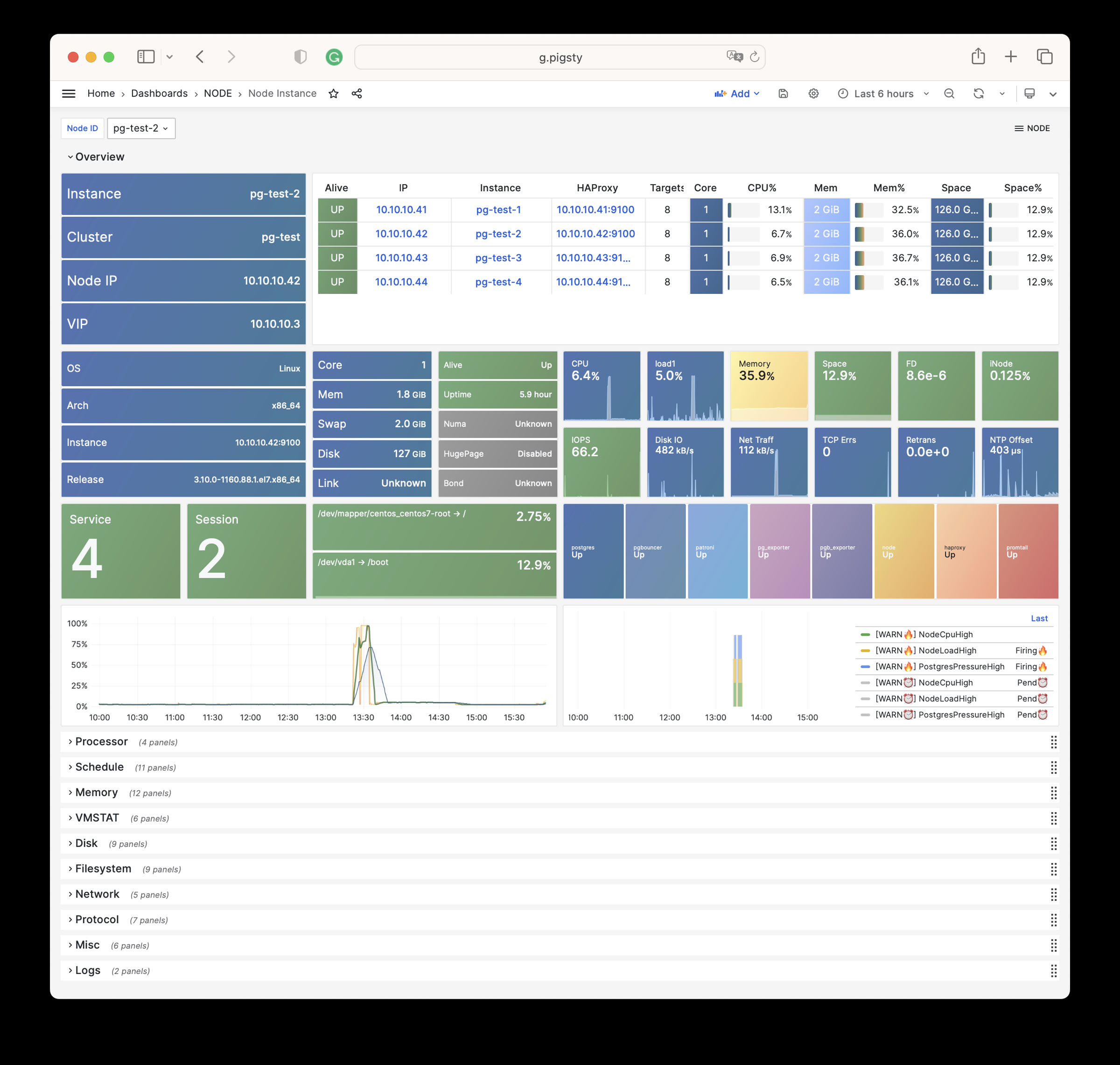
NODE Alert:当前环境中所有主机节点的告警信息

NODE VIP:某一个主机L2 VIP的详细监控信息
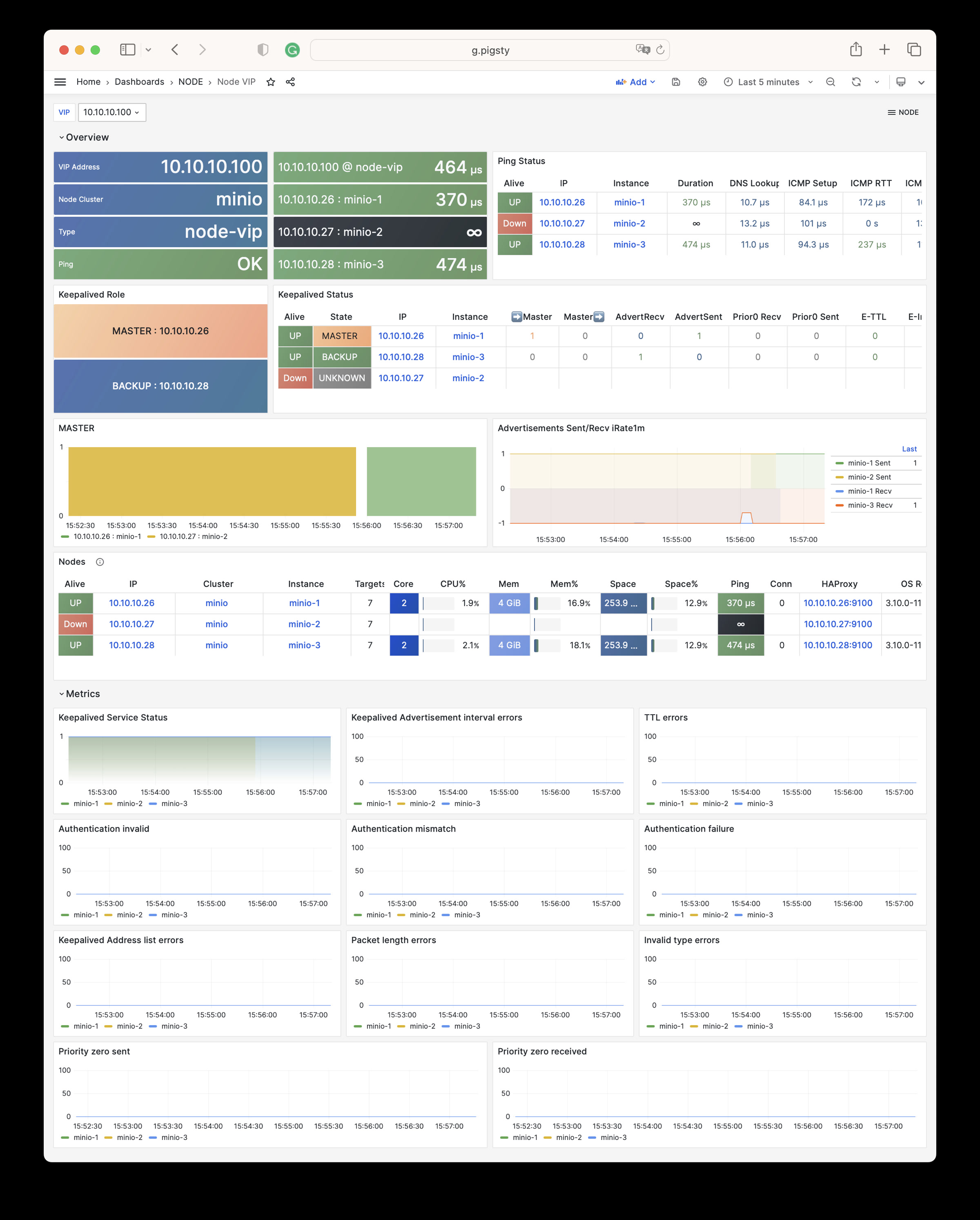
Node Haproxy:某一个 HAProxy 负载均衡器的详细监控
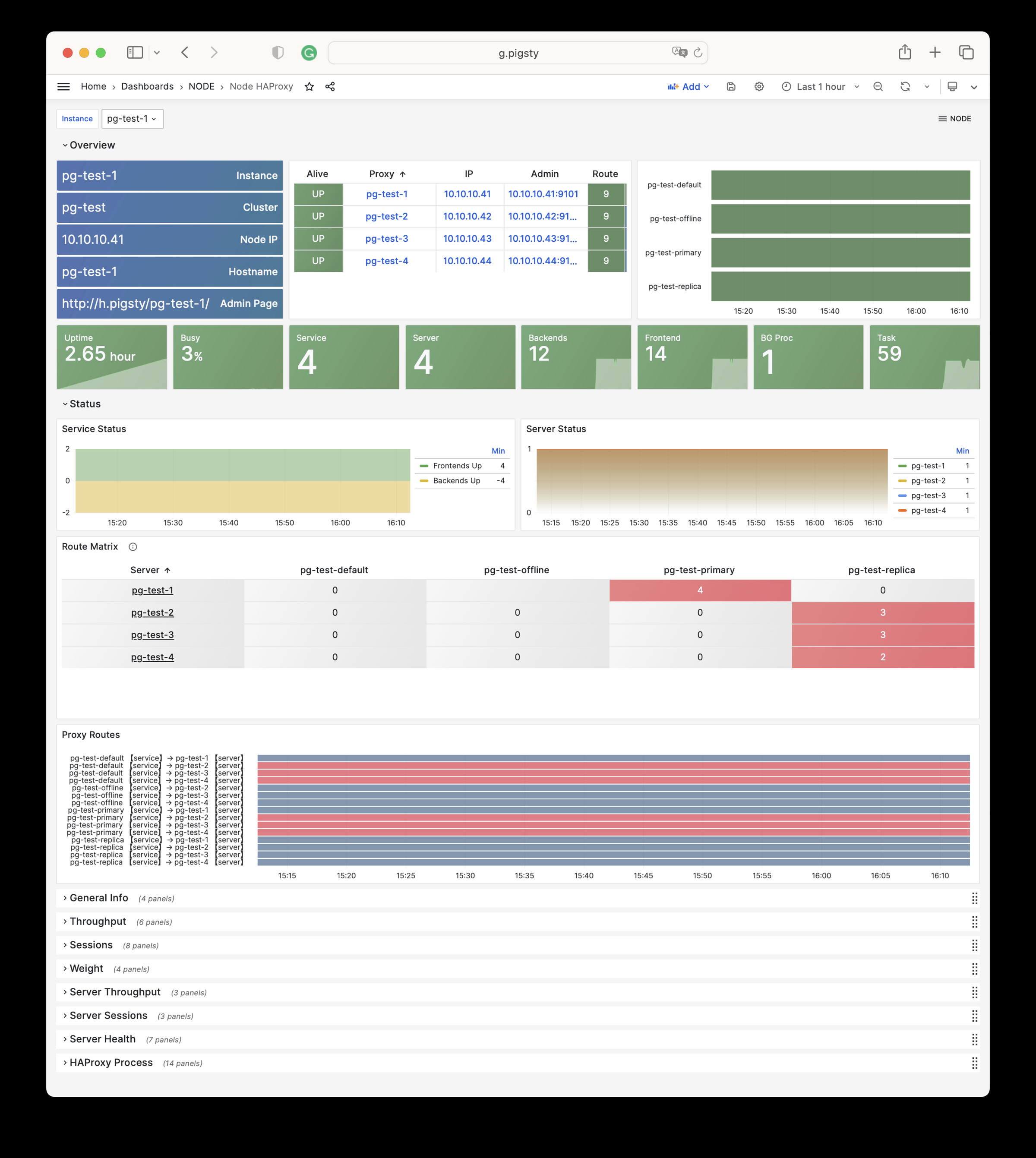
NODE 模块有11个参数组(Docker/VIP为可选项),共计 66 个相关参数:
NODE_ID : 节点身份参数NODE_DNS : 节点域名 & DNS解析NODE_PACKAGE : 节点仓库源 & 安装软件包NODE_TUNE : 节点调优与内核特性开关NODE_ADMIN : 管理员用户与SSH凭证管理NODE_TIME : 时区,NTP服务与定时任务NODE_VIP : 可选的主机节点集群L2 VIPHAPROXY : 使用HAProxy对外暴露服务NODE_EXPORTER : 主机节点监控与注册PROMTAIL : Promtail日志收集组件DOCKER : Docker容器服务(可选)| 参数 | 参数组 | 类型 | 级别 | 说明 |
|---|---|---|---|---|
nodename |
NODE_ID |
string | I | node 实例标识,如缺失则使用主机名,可选 |
node_cluster |
NODE_ID |
string | C | node 集群标识,如缺失则使用默认值’nodes’,可选 |
nodename_overwrite |
NODE_ID |
bool | C | 用 nodename 覆盖节点的主机名吗? |
nodename_exchange |
NODE_ID |
bool | C | 在剧本主机之间交换 nodename 吗? |
node_id_from_pg |
NODE_ID |
bool | C | 如果可行,是否借用 postgres 身份作为节点身份? |
node_write_etc_hosts |
NODE_DNS |
bool | G/C/I | 是否修改目标节点上的 /etc/hosts? |
node_default_etc_hosts |
NODE_DNS |
string[] | G | /etc/hosts 中的静态 DNS 记录 |
node_etc_hosts |
NODE_DNS |
string[] | C | /etc/hosts 中的额外静态 DNS 记录 |
node_dns_method |
NODE_DNS |
enum | C | 如何处理现有DNS服务器:add,none,overwrite |
node_dns_servers |
NODE_DNS |
string[] | C | /etc/resolv.conf 中的动态域名服务器列表 |
node_dns_options |
NODE_DNS |
string[] | C | /etc/resolv.conf 中的DNS解析选项 |
node_repo_modules |
NODE_PACKAGE |
enum | C/A | 需要在节点上添加的的软件源模块列表,默认为 local |
node_repo_remove |
NODE_PACKAGE |
bool | C/A | 配置节点软件仓库时,删除节点上现有的仓库吗? |
node_packages |
NODE_PACKAGE |
string[] | C | 要在当前节点上安装的软件包列表 |
node_default_packages |
NODE_PACKAGE |
string[] | G | 默认在所有节点上安装的软件包列表 |
node_disable_firewall |
NODE_TUNE |
bool | C | 禁用节点防火墙?默认为 true |
node_disable_selinux |
NODE_TUNE |
bool | C | 禁用节点 selinux?默认为 true |
node_disable_numa |
NODE_TUNE |
bool | C | 禁用节点 numa,禁用需要重启 |
node_disable_swap |
NODE_TUNE |
bool | C | 禁用节点 Swap,谨慎使用 |
node_static_network |
NODE_TUNE |
bool | C | 重启后保留 DNS 解析器设置,即静态网络,默认启用 |
node_disk_prefetch |
NODE_TUNE |
bool | C | 在 HDD 上配置磁盘预取以提高性能 |
node_kernel_modules |
NODE_TUNE |
string[] | C | 在此节点上启用的内核模块列表 |
node_hugepage_count |
NODE_TUNE |
int | C | 主机节点分配的 2MB 大页数量,优先级比比例更高 |
node_hugepage_ratio |
NODE_TUNE |
float | C | 主机节点分配的内存大页占总内存比例,0 默认禁用 |
node_overcommit_ratio |
NODE_TUNE |
int | C | 节点内存允许的 OverCommit 超额比率 (50-100),0 默认禁用 |
node_tune |
NODE_TUNE |
enum | C | 节点调优配置文件:无,oltp,olap,crit,tiny |
node_sysctl_params |
NODE_TUNE |
dict | C | 额外的 sysctl 配置参数,k:v 格式 |
node_data |
NODE_ADMIN |
path | C | 节点主数据目录,默认为 `/data`` |
node_admin_enabled |
NODE_ADMIN |
bool | C | 在目标节点上创建管理员用户吗? |
node_admin_uid |
NODE_ADMIN |
int | C | 节点管理员用户的 uid 和 gid |
node_admin_username |
NODE_ADMIN |
username | C | 节点管理员用户的名称,默认为 `dba`` |
node_admin_ssh_exchange |
NODE_ADMIN |
bool | C | 是否在节点集群之间交换管理员 ssh 密钥 |
node_admin_pk_current |
NODE_ADMIN |
bool | C | 将当前用户的 ssh 公钥添加到管理员的 authorized_keys 中吗? |
node_admin_pk_list |
NODE_ADMIN |
string[] | C | 要添加到管理员用户的 ssh 公钥 |
node_timezone |
NODE_TIME |
string | C | 设置主机节点时区,空字符串跳过 |
node_ntp_enabled |
NODE_TIME |
bool | C | 启用 chronyd 时间同步服务吗? |
node_ntp_servers |
NODE_TIME |
string[] | C | /etc/chrony.conf 中的 ntp 服务器列表 |
node_crontab_overwrite |
NODE_TIME |
bool | C | 写入 /etc/crontab 时,追加写入还是全部覆盖? |
node_crontab |
NODE_TIME |
string[] | C | 在 /etc/crontab 中的 crontab 条目 |
vip_enabled |
NODE_VIP |
bool | C | 在此节点集群上启用 L2 vip 吗? |
vip_address |
NODE_VIP |
ip | C | 节点 vip 地址的 ipv4 格式,启用 vip 时为必要参数 |
vip_vrid |
NODE_VIP |
int | C | 所需的整数,1-254,在同一 VLAN 中应唯一 |
vip_role |
NODE_VIP |
enum | I | 可选,master/backup,默认为 backup,用作初始角色 |
vip_preempt |
NODE_VIP |
bool | C/I | 可选,true/false,默认为 false,启用 vip 抢占 |
vip_interface |
NODE_VIP |
string | C/I | 节点 vip 网络接口监听,默认为 eth0 |
vip_dns_suffix |
NODE_VIP |
string | C | 节点 vip DNS 名称后缀,默认为空字符串 |
vip_exporter_port |
NODE_VIP |
port | C | keepalived exporter 监听端口,默认为 9650 |
haproxy_enabled |
HAPROXY |
bool | C | 在此节点上启用 haproxy 吗? |
haproxy_clean |
HAPROXY |
bool | G/C/A | 清除所有现有的 haproxy 配置吗? |
haproxy_reload |
HAPROXY |
bool | A | 配置后重新加载 haproxy 吗? |
haproxy_auth_enabled |
HAPROXY |
bool | G | 启用 haproxy 管理页面的身份验证? |
haproxy_admin_username |
HAPROXY |
username | G | haproxy 管理用户名,默认为 `admin`` |
haproxy_admin_password |
HAPROXY |
password | G | haproxy 管理密码,默认为 `pigsty`` |
haproxy_exporter_port |
HAPROXY |
port | C | haproxy exporter 的端口,默认为 9101 |
haproxy_client_timeout |
HAPROXY |
interval | C | haproxy 客户端连接超时,默认为 24h |
haproxy_server_timeout |
HAPROXY |
interval | C | haproxy 服务器端连接超时,默认为 24h |
haproxy_services |
HAPROXY |
service[] | C | 要在节点上对外暴露的 haproxy 服务列表 |
node_exporter_enabled |
NODE_EXPORTER |
bool | C | 在此节点上配置 node_exporter 吗? |
node_exporter_port |
NODE_EXPORTER |
port | C | node exporter 监听端口,默认为 9100 |
node_exporter_options |
NODE_EXPORTER |
arg | C | node_exporter 的额外服务器选项 |
promtail_enabled |
PROMTAIL |
bool | C | 启用 promtail 日志收集器吗? |
promtail_clean |
PROMTAIL |
bool | G/A | 初始化期间清除现有的 promtail 状态文件吗? |
promtail_port |
PROMTAIL |
port | C | promtail 监听端口,默认为 9080 |
promtail_positions |
PROMTAIL |
path | C | promtail 位置状态文件路径 |
NODE 模块包含有 747 类可用监控指标。
| Metric Name | Type | Labels | Description |
|---|---|---|---|
| ALERTS | Unknown | alertname, ip, level, severity, ins, job, alertstate, category, instance, cls |
N/A |
| ALERTS_FOR_STATE | Unknown | alertname, ip, level, severity, ins, job, category, instance, cls |
N/A |
| deprecated_flags_inuse_total | Unknown | instance, ins, job, ip, cls |
N/A |
| go_gc_duration_seconds | summary | quantile, instance, ins, job, ip, cls |
A summary of the pause duration of garbage collection cycles. |
| go_gc_duration_seconds_count | Unknown | instance, ins, job, ip, cls |
N/A |
| go_gc_duration_seconds_sum | Unknown | instance, ins, job, ip, cls |
N/A |
| go_goroutines | gauge | instance, ins, job, ip, cls |
Number of goroutines that currently exist. |
| go_info | gauge | version, instance, ins, job, ip, cls |
Information about the Go environment. |
| go_memstats_alloc_bytes | gauge | instance, ins, job, ip, cls |
Number of bytes allocated and still in use. |
| go_memstats_alloc_bytes_total | counter | instance, ins, job, ip, cls |
Total number of bytes allocated, even if freed. |
| go_memstats_buck_hash_sys_bytes | gauge | instance, ins, job, ip, cls |
Number of bytes used by the profiling bucket hash table. |
| go_memstats_frees_total | counter | instance, ins, job, ip, cls |
Total number of frees. |
| go_memstats_gc_sys_bytes | gauge | instance, ins, job, ip, cls |
Number of bytes used for garbage collection system metadata. |
| go_memstats_heap_alloc_bytes | gauge | instance, ins, job, ip, cls |
Number of heap bytes allocated and still in use. |
| go_memstats_heap_idle_bytes | gauge | instance, ins, job, ip, cls |
Number of heap bytes waiting to be used. |
| go_memstats_heap_inuse_bytes | gauge | instance, ins, job, ip, cls |
Number of heap bytes that are in use. |
| go_memstats_heap_objects | gauge | instance, ins, job, ip, cls |
Number of allocated objects. |
| go_memstats_heap_released_bytes | gauge | instance, ins, job, ip, cls |
Number of heap bytes released to OS. |
| go_memstats_heap_sys_bytes | gauge | instance, ins, job, ip, cls |
Number of heap bytes obtained from system. |
| go_memstats_last_gc_time_seconds | gauge | instance, ins, job, ip, cls |
Number of seconds since 1970 of last garbage collection. |
| go_memstats_lookups_total | counter | instance, ins, job, ip, cls |
Total number of pointer lookups. |
| go_memstats_mallocs_total | counter | instance, ins, job, ip, cls |
Total number of mallocs. |
| go_memstats_mcache_inuse_bytes | gauge | instance, ins, job, ip, cls |
Number of bytes in use by mcache structures. |
| go_memstats_mcache_sys_bytes | gauge | instance, ins, job, ip, cls |
Number of bytes used for mcache structures obtained from system. |
| go_memstats_mspan_inuse_bytes | gauge | instance, ins, job, ip, cls |
Number of bytes in use by mspan structures. |
| go_memstats_mspan_sys_bytes | gauge | instance, ins, job, ip, cls |
Number of bytes used for mspan structures obtained from system. |
| go_memstats_next_gc_bytes | gauge | instance, ins, job, ip, cls |
Number of heap bytes when next garbage collection will take place. |
| go_memstats_other_sys_bytes | gauge | instance, ins, job, ip, cls |
Number of bytes used for other system allocations. |
| go_memstats_stack_inuse_bytes | gauge | instance, ins, job, ip, cls |
Number of bytes in use by the stack allocator. |
| go_memstats_stack_sys_bytes | gauge | instance, ins, job, ip, cls |
Number of bytes obtained from system for stack allocator. |
| go_memstats_sys_bytes | gauge | instance, ins, job, ip, cls |
Number of bytes obtained from system. |
| go_threads | gauge | instance, ins, job, ip, cls |
Number of OS threads created. |
| haproxy:cls:usage | Unknown | job, cls |
N/A |
| haproxy:ins:uptime | Unknown | instance, ins, job, ip, cls |
N/A |
| haproxy:ins:usage | Unknown | instance, ins, job, ip, cls |
N/A |
| haproxy_backend_active_servers | gauge | proxy, instance, ins, job, ip, cls |
Total number of active UP servers with a non-zero weight |
| haproxy_backend_agg_check_status | gauge | state, proxy, instance, ins, job, ip, cls |
Backend’s aggregated gauge of servers’ state check status |
| haproxy_backend_agg_server_check_status | gauge | state, proxy, instance, ins, job, ip, cls |
[DEPRECATED] Backend’s aggregated gauge of servers’ status |
| haproxy_backend_agg_server_status | gauge | state, proxy, instance, ins, job, ip, cls |
Backend’s aggregated gauge of servers’ status |
| haproxy_backend_backup_servers | gauge | proxy, instance, ins, job, ip, cls |
Total number of backup UP servers with a non-zero weight |
| haproxy_backend_bytes_in_total | counter | proxy, instance, ins, job, ip, cls |
Total number of request bytes since process started |
| haproxy_backend_bytes_out_total | counter | proxy, instance, ins, job, ip, cls |
Total number of response bytes since process started |
| haproxy_backend_check_last_change_seconds | gauge | proxy, instance, ins, job, ip, cls |
How long ago the last server state changed, in seconds |
| haproxy_backend_check_up_down_total | counter | proxy, instance, ins, job, ip, cls |
Total number of failed checks causing UP to DOWN server transitions, per server/backend, since the worker process started |
| haproxy_backend_client_aborts_total | counter | proxy, instance, ins, job, ip, cls |
Total number of requests or connections aborted by the client since the worker process started |
| haproxy_backend_connect_time_average_seconds | gauge | proxy, instance, ins, job, ip, cls |
Avg. connect time for last 1024 successful connections. |
| haproxy_backend_connection_attempts_total | counter | proxy, instance, ins, job, ip, cls |
Total number of outgoing connection attempts on this backend/server since the worker process started |
| haproxy_backend_connection_errors_total | counter | proxy, instance, ins, job, ip, cls |
Total number of failed connections to server since the worker process started |
| haproxy_backend_connection_reuses_total | counter | proxy, instance, ins, job, ip, cls |
Total number of reused connection on this backend/server since the worker process started |
| haproxy_backend_current_queue | gauge | proxy, instance, ins, job, ip, cls |
Number of current queued connections |
| haproxy_backend_current_sessions | gauge | proxy, instance, ins, job, ip, cls |
Number of current sessions on the frontend, backend or server |
| haproxy_backend_downtime_seconds_total | counter | proxy, instance, ins, job, ip, cls |
Total time spent in DOWN state, for server or backend |
| haproxy_backend_failed_header_rewriting_total | counter | proxy, instance, ins, job, ip, cls |
Total number of failed HTTP header rewrites since the worker process started |
| haproxy_backend_http_cache_hits_total | counter | proxy, instance, ins, job, ip, cls |
Total number of HTTP requests not found in the cache on this frontend/backend since the worker process started |
| haproxy_backend_http_cache_lookups_total | counter | proxy, instance, ins, job, ip, cls |
Total number of HTTP requests looked up in the cache on this frontend/backend since the worker process started |
| haproxy_backend_http_comp_bytes_bypassed_total | counter | proxy, instance, ins, job, ip, cls |
Total number of bytes that bypassed HTTP compression for this object since the worker process started (CPU/memory/bandwidth limitation) |
| haproxy_backend_http_comp_bytes_in_total | counter | proxy, instance, ins, job, ip, cls |
Total number of bytes submitted to the HTTP compressor for this object since the worker process started |
| haproxy_backend_http_comp_bytes_out_total | counter | proxy, instance, ins, job, ip, cls |
Total number of bytes emitted by the HTTP compressor for this object since the worker process started |
| haproxy_backend_http_comp_responses_total | counter | proxy, instance, ins, job, ip, cls |
Total number of HTTP responses that were compressed for this object since the worker process started |
| haproxy_backend_http_requests_total | counter | proxy, instance, ins, job, ip, cls |
Total number of HTTP requests processed by this object since the worker process started |
| haproxy_backend_http_responses_total | counter | ip, proxy, ins, code, job, instance, cls |
Total number of HTTP responses with status 100-199 returned by this object since the worker process started |
| haproxy_backend_internal_errors_total | counter | proxy, instance, ins, job, ip, cls |
Total number of internal errors since process started |
| haproxy_backend_last_session_seconds | gauge | proxy, instance, ins, job, ip, cls |
How long ago some traffic was seen on this object on this worker process, in seconds |
| haproxy_backend_limit_sessions | gauge | proxy, instance, ins, job, ip, cls |
Frontend/listener/server’s maxconn, backend’s fullconn |
| haproxy_backend_loadbalanced_total | counter | proxy, instance, ins, job, ip, cls |
Total number of requests routed by load balancing since the worker process started (ignores queue pop and stickiness) |
| haproxy_backend_max_connect_time_seconds | gauge | proxy, instance, ins, job, ip, cls |
Maximum observed time spent waiting for a connection to complete |
| haproxy_backend_max_queue | gauge | proxy, instance, ins, job, ip, cls |
Highest value of queued connections encountered since process started |
| haproxy_backend_max_queue_time_seconds | gauge | proxy, instance, ins, job, ip, cls |
Maximum observed time spent in the queue |
| haproxy_backend_max_response_time_seconds | gauge | proxy, instance, ins, job, ip, cls |
Maximum observed time spent waiting for a server response |
| haproxy_backend_max_session_rate | gauge | proxy, instance, ins, job, ip, cls |
Highest value of sessions per second observed since the worker process started |
| haproxy_backend_max_sessions | gauge | proxy, instance, ins, job, ip, cls |
Highest value of current sessions encountered since process started |
| haproxy_backend_max_total_time_seconds | gauge | proxy, instance, ins, job, ip, cls |
Maximum observed total request+response time (request+queue+connect+response+processing) |
| haproxy_backend_queue_time_average_seconds | gauge | proxy, instance, ins, job, ip, cls |
Avg. queue time for last 1024 successful connections. |
| haproxy_backend_redispatch_warnings_total | counter | proxy, instance, ins, job, ip, cls |
Total number of server redispatches due to connection failures since the worker process started |
| haproxy_backend_requests_denied_total | counter | proxy, instance, ins, job, ip, cls |
Total number of denied requests since process started |
| haproxy_backend_response_errors_total | counter | proxy, instance, ins, job, ip, cls |
Total number of invalid responses since the worker process started |
| haproxy_backend_response_time_average_seconds | gauge | proxy, instance, ins, job, ip, cls |
Avg. response time for last 1024 successful connections. |
| haproxy_backend_responses_denied_total | counter | proxy, instance, ins, job, ip, cls |
Total number of denied responses since process started |
| haproxy_backend_retry_warnings_total | counter | proxy, instance, ins, job, ip, cls |
Total number of server connection retries since the worker process started |
| haproxy_backend_server_aborts_total | counter | proxy, instance, ins, job, ip, cls |
Total number of requests or connections aborted by the server since the worker process started |
| haproxy_backend_sessions_total | counter | proxy, instance, ins, job, ip, cls |
Total number of sessions since process started |
| haproxy_backend_status | gauge | state, proxy, instance, ins, job, ip, cls |
Current status of the service, per state label value. |
| haproxy_backend_total_time_average_seconds | gauge | proxy, instance, ins, job, ip, cls |
Avg. total time for last 1024 successful connections. |
| haproxy_backend_uweight | gauge | proxy, instance, ins, job, ip, cls |
Server’s user weight, or sum of active servers’ user weights for a backend |
| haproxy_backend_weight | gauge | proxy, instance, ins, job, ip, cls |
Server’s effective weight, or sum of active servers’ effective weights for a backend |
| haproxy_frontend_bytes_in_total | counter | proxy, instance, ins, job, ip, cls |
Total number of request bytes since process started |
| haproxy_frontend_bytes_out_total | counter | proxy, instance, ins, job, ip, cls |
Total number of response bytes since process started |
| haproxy_frontend_connections_rate_max | gauge | proxy, instance, ins, job, ip, cls |
Highest value of connections per second observed since the worker process started |
| haproxy_frontend_connections_total | counter | proxy, instance, ins, job, ip, cls |
Total number of new connections accepted on this frontend since the worker process started |
| haproxy_frontend_current_sessions | gauge | proxy, instance, ins, job, ip, cls |
Number of current sessions on the frontend, backend or server |
| haproxy_frontend_denied_connections_total | counter | proxy, instance, ins, job, ip, cls |
Total number of incoming connections blocked on a listener/frontend by a tcp-request connection rule since the worker process started |
| haproxy_frontend_denied_sessions_total | counter | proxy, instance, ins, job, ip, cls |
Total number of incoming sessions blocked on a listener/frontend by a tcp-request connection rule since the worker process started |
| haproxy_frontend_failed_header_rewriting_total | counter | proxy, instance, ins, job, ip, cls |
Total number of failed HTTP header rewrites since the worker process started |
| haproxy_frontend_http_cache_hits_total | counter | proxy, instance, ins, job, ip, cls |
Total number of HTTP requests not found in the cache on this frontend/backend since the worker process started |
| haproxy_frontend_http_cache_lookups_total | counter | proxy, instance, ins, job, ip, cls |
Total number of HTTP requests looked up in the cache on this frontend/backend since the worker process started |
| haproxy_frontend_http_comp_bytes_bypassed_total | counter | proxy, instance, ins, job, ip, cls |
Total number of bytes that bypassed HTTP compression for this object since the worker process started (CPU/memory/bandwidth limitation) |
| haproxy_frontend_http_comp_bytes_in_total | counter | proxy, instance, ins, job, ip, cls |
Total number of bytes submitted to the HTTP compressor for this object since the worker process started |
| haproxy_frontend_http_comp_bytes_out_total | counter | proxy, instance, ins, job, ip, cls |
Total number of bytes emitted by the HTTP compressor for this object since the worker process started |
| haproxy_frontend_http_comp_responses_total | counter | proxy, instance, ins, job, ip, cls |
Total number of HTTP responses that were compressed for this object since the worker process started |
| haproxy_frontend_http_requests_rate_max | gauge | proxy, instance, ins, job, ip, cls |
Highest value of http requests observed since the worker process started |
| haproxy_frontend_http_requests_total | counter | proxy, instance, ins, job, ip, cls |
Total number of HTTP requests processed by this object since the worker process started |
| haproxy_frontend_http_responses_total | counter | ip, proxy, ins, code, job, instance, cls |
Total number of HTTP responses with status 100-199 returned by this object since the worker process started |
| haproxy_frontend_intercepted_requests_total | counter | proxy, instance, ins, job, ip, cls |
Total number of HTTP requests intercepted on the frontend (redirects/stats/services) since the worker process started |
| haproxy_frontend_internal_errors_total | counter | proxy, instance, ins, job, ip, cls |
Total number of internal errors since process started |
| haproxy_frontend_limit_session_rate | gauge | proxy, instance, ins, job, ip, cls |
Limit on the number of sessions accepted in a second (frontend only, ‘rate-limit sessions’ setting) |
| haproxy_frontend_limit_sessions | gauge | proxy, instance, ins, job, ip, cls |
Frontend/listener/server’s maxconn, backend’s fullconn |
| haproxy_frontend_max_session_rate | gauge | proxy, instance, ins, job, ip, cls |
Highest value of sessions per second observed since the worker process started |
| haproxy_frontend_max_sessions | gauge | proxy, instance, ins, job, ip, cls |
Highest value of current sessions encountered since process started |
| haproxy_frontend_request_errors_total | counter | proxy, instance, ins, job, ip, cls |
Total number of invalid requests since process started |
| haproxy_frontend_requests_denied_total | counter | proxy, instance, ins, job, ip, cls |
Total number of denied requests since process started |
| haproxy_frontend_responses_denied_total | counter | proxy, instance, ins, job, ip, cls |
Total number of denied responses since process started |
| haproxy_frontend_sessions_total | counter | proxy, instance, ins, job, ip, cls |
Total number of sessions since process started |
| haproxy_frontend_status | gauge | state, proxy, instance, ins, job, ip, cls |
Current status of the service, per state label value. |
| haproxy_process_active_peers | gauge | instance, ins, job, ip, cls |
Current number of verified active peers connections on the current worker process |
| haproxy_process_build_info | gauge | version, instance, ins, job, ip, cls |
Build info |
| haproxy_process_busy_polling_enabled | gauge | instance, ins, job, ip, cls |
1 if busy-polling is currently in use on the worker process, otherwise zero (config.busy-polling) |
| haproxy_process_bytes_out_rate | gauge | instance, ins, job, ip, cls |
Number of bytes emitted by current worker process over the last second |
| haproxy_process_bytes_out_total | counter | instance, ins, job, ip, cls |
Total number of bytes emitted by current worker process since started |
| haproxy_process_connected_peers | gauge | instance, ins, job, ip, cls |
Current number of peers having passed the connection step on the current worker process |
| haproxy_process_connections_total | counter | instance, ins, job, ip, cls |
Total number of connections on this worker process since started |
| haproxy_process_current_backend_ssl_key_rate | gauge | instance, ins, job, ip, cls |
Number of SSL keys created on backends in this worker process over the last second |
| haproxy_process_current_connection_rate | gauge | instance, ins, job, ip, cls |
Number of front connections created on this worker process over the last second |
| haproxy_process_current_connections | gauge | instance, ins, job, ip, cls |
Current number of connections on this worker process |
| haproxy_process_current_frontend_ssl_key_rate | gauge | instance, ins, job, ip, cls |
Number of SSL keys created on frontends in this worker process over the last second |
| haproxy_process_current_run_queue | gauge | instance, ins, job, ip, cls |
Total number of active tasks+tasklets in the current worker process |
| haproxy_process_current_session_rate | gauge | instance, ins, job, ip, cls |
Number of sessions created on this worker process over the last second |
| haproxy_process_current_ssl_connections | gauge | instance, ins, job, ip, cls |
Current number of SSL endpoints on this worker process (front+back) |
| haproxy_process_current_ssl_rate | gauge | instance, ins, job, ip, cls |
Number of SSL connections created on this worker process over the last second |
| haproxy_process_current_tasks | gauge | instance, ins, job, ip, cls |
Total number of tasks in the current worker process (active + sleeping) |
| haproxy_process_current_zlib_memory | gauge | instance, ins, job, ip, cls |
Amount of memory currently used by HTTP compression on the current worker process (in bytes) |
| haproxy_process_dropped_logs_total | counter | instance, ins, job, ip, cls |
Total number of dropped logs for current worker process since started |
| haproxy_process_failed_resolutions | counter | instance, ins, job, ip, cls |
Total number of failed DNS resolutions in current worker process since started |
| haproxy_process_frontend_ssl_reuse | gauge | instance, ins, job, ip, cls |
Percent of frontend SSL connections which did not require a new key |
| haproxy_process_hard_max_connections | gauge | instance, ins, job, ip, cls |
Hard limit on the number of per-process connections (imposed by Memmax_MB or Ulimit-n) |
| haproxy_process_http_comp_bytes_in_total | counter | instance, ins, job, ip, cls |
Number of bytes submitted to the HTTP compressor in this worker process over the last second |
| haproxy_process_http_comp_bytes_out_total | counter | instance, ins, job, ip, cls |
Number of bytes emitted by the HTTP compressor in this worker process over the last second |
| haproxy_process_idle_time_percent | gauge | instance, ins, job, ip, cls |
Percentage of last second spent waiting in the current worker thread |
| haproxy_process_jobs | gauge | instance, ins, job, ip, cls |
Current number of active jobs on the current worker process (frontend connections, master connections, listeners) |
| haproxy_process_limit_connection_rate | gauge | instance, ins, job, ip, cls |
Hard limit for ConnRate (global.maxconnrate) |
| haproxy_process_limit_http_comp | gauge | instance, ins, job, ip, cls |
Limit of CompressBpsOut beyond which HTTP compression is automatically disabled |
| haproxy_process_limit_session_rate | gauge | instance, ins, job, ip, cls |
Hard limit for SessRate (global.maxsessrate) |
| haproxy_process_limit_ssl_rate | gauge | instance, ins, job, ip, cls |
Hard limit for SslRate (global.maxsslrate) |
| haproxy_process_listeners | gauge | instance, ins, job, ip, cls |
Current number of active listeners on the current worker process |
| haproxy_process_max_backend_ssl_key_rate | gauge | instance, ins, job, ip, cls |
Highest SslBackendKeyRate reached on this worker process since started (in SSL keys per second) |
| haproxy_process_max_connection_rate | gauge | instance, ins, job, ip, cls |
Highest ConnRate reached on this worker process since started (in connections per second) |
| haproxy_process_max_connections | gauge | instance, ins, job, ip, cls |
Hard limit on the number of per-process connections (configured or imposed by Ulimit-n) |
| haproxy_process_max_fds | gauge | instance, ins, job, ip, cls |
Hard limit on the number of per-process file descriptors |
| haproxy_process_max_frontend_ssl_key_rate | gauge | instance, ins, job, ip, cls |
Highest SslFrontendKeyRate reached on this worker process since started (in SSL keys per second) |
| haproxy_process_max_memory_bytes | gauge | instance, ins, job, ip, cls |
Worker process’s hard limit on memory usage in byes (-m on command line) |
| haproxy_process_max_pipes | gauge | instance, ins, job, ip, cls |
Hard limit on the number of pipes for splicing, 0=unlimited |
| haproxy_process_max_session_rate | gauge | instance, ins, job, ip, cls |
Highest SessRate reached on this worker process since started (in sessions per second) |
| haproxy_process_max_sockets | gauge | instance, ins, job, ip, cls |
Hard limit on the number of per-process sockets |
| haproxy_process_max_ssl_connections | gauge | instance, ins, job, ip, cls |
Hard limit on the number of per-process SSL endpoints (front+back), 0=unlimited |
| haproxy_process_max_ssl_rate | gauge | instance, ins, job, ip, cls |
Highest SslRate reached on this worker process since started (in connections per second) |
| haproxy_process_max_zlib_memory | gauge | instance, ins, job, ip, cls |
Limit on the amount of memory used by HTTP compression above which it is automatically disabled (in bytes, see global.maxzlibmem) |
| haproxy_process_nbproc | gauge | instance, ins, job, ip, cls |
Number of started worker processes (historical, always 1) |
| haproxy_process_nbthread | gauge | instance, ins, job, ip, cls |
Number of started threads (global.nbthread) |
| haproxy_process_pipes_free_total | counter | instance, ins, job, ip, cls |
Current number of allocated and available pipes in this worker process |
| haproxy_process_pipes_used_total | counter | instance, ins, job, ip, cls |
Current number of pipes in use in this worker process |
| haproxy_process_pool_allocated_bytes | gauge | instance, ins, job, ip, cls |
Amount of memory allocated in pools (in bytes) |
| haproxy_process_pool_failures_total | counter | instance, ins, job, ip, cls |
Number of failed pool allocations since this worker was started |
| haproxy_process_pool_used_bytes | gauge | instance, ins, job, ip, cls |
Amount of pool memory currently used (in bytes) |
| haproxy_process_recv_logs_total | counter | instance, ins, job, ip, cls |
Total number of log messages received by log-forwarding listeners on this worker process since started |
| haproxy_process_relative_process_id | gauge | instance, ins, job, ip, cls |
Relative worker process number (1) |
| haproxy_process_requests_total | counter | instance, ins, job, ip, cls |
Total number of requests on this worker process since started |
| haproxy_process_spliced_bytes_out_total | counter | instance, ins, job, ip, cls |
Total number of bytes emitted by current worker process through a kernel pipe since started |
| haproxy_process_ssl_cache_lookups_total | counter | instance, ins, job, ip, cls |
Total number of SSL session ID lookups in the SSL session cache on this worker since started |
| haproxy_process_ssl_cache_misses_total | counter | instance, ins, job, ip, cls |
Total number of SSL session ID lookups that didn’t find a session in the SSL session cache on this worker since started |
| haproxy_process_ssl_connections_total | counter | instance, ins, job, ip, cls |
Total number of SSL endpoints on this worker process since started (front+back) |
| haproxy_process_start_time_seconds | gauge | instance, ins, job, ip, cls |
Start time in seconds |
| haproxy_process_stopping | gauge | instance, ins, job, ip, cls |
1 if the worker process is currently stopping, otherwise zero |
| haproxy_process_unstoppable_jobs | gauge | instance, ins, job, ip, cls |
Current number of unstoppable jobs on the current worker process (master connections) |
| haproxy_process_uptime_seconds | gauge | instance, ins, job, ip, cls |
How long ago this worker process was started (seconds) |
| haproxy_server_bytes_in_total | counter | proxy, instance, ins, job, server, ip, cls |
Total number of request bytes since process started |
| haproxy_server_bytes_out_total | counter | proxy, instance, ins, job, server, ip, cls |
Total number of response bytes since process started |
| haproxy_server_check_code | gauge | proxy, instance, ins, job, server, ip, cls |
layer5-7 code, if available of the last health check. |
| haproxy_server_check_duration_seconds | gauge | proxy, instance, ins, job, server, ip, cls |
Total duration of the latest server health check, in seconds. |
| haproxy_server_check_failures_total | counter | proxy, instance, ins, job, server, ip, cls |
Total number of failed individual health checks per server/backend, since the worker process started |
| haproxy_server_check_last_change_seconds | gauge | proxy, instance, ins, job, server, ip, cls |
How long ago the last server state changed, in seconds |
| haproxy_server_check_status | gauge | state, proxy, instance, ins, job, server, ip, cls |
Status of last health check, per state label value. |
| haproxy_server_check_up_down_total | counter | proxy, instance, ins, job, server, ip, cls |
Total number of failed checks causing UP to DOWN server transitions, per server/backend, since the worker process started |
| haproxy_server_client_aborts_total | counter | proxy, instance, ins, job, server, ip, cls |
Total number of requests or connections aborted by the client since the worker process started |
| haproxy_server_connect_time_average_seconds | gauge | proxy, instance, ins, job, server, ip, cls |
Avg. connect time for last 1024 successful connections. |
| haproxy_server_connection_attempts_total | counter | proxy, instance, ins, job, server, ip, cls |
Total number of outgoing connection attempts on this backend/server since the worker process started |
| haproxy_server_connection_errors_total | counter | proxy, instance, ins, job, server, ip, cls |
Total number of failed connections to server since the worker process started |
| haproxy_server_connection_reuses_total | counter | proxy, instance, ins, job, server, ip, cls |
Total number of reused connection on this backend/server since the worker process started |
| haproxy_server_current_queue | gauge | proxy, instance, ins, job, server, ip, cls |
Number of current queued connections |
| haproxy_server_current_sessions | gauge | proxy, instance, ins, job, server, ip, cls |
Number of current sessions on the frontend, backend or server |
| haproxy_server_current_throttle | gauge | proxy, instance, ins, job, server, ip, cls |
Throttling ratio applied to a server’s maxconn and weight during the slowstart period (0 to 100%) |
| haproxy_server_downtime_seconds_total | counter | proxy, instance, ins, job, server, ip, cls |
Total time spent in DOWN state, for server or backend |
| haproxy_server_failed_header_rewriting_total | counter | proxy, instance, ins, job, server, ip, cls |
Total number of failed HTTP header rewrites since the worker process started |
| haproxy_server_idle_connections_current | gauge | proxy, instance, ins, job, server, ip, cls |
Current number of idle connections available for reuse on this server |
| haproxy_server_idle_connections_limit | gauge | proxy, instance, ins, job, server, ip, cls |
Limit on the number of available idle connections on this server (server ‘pool_max_conn’ directive) |
| haproxy_server_internal_errors_total | counter | proxy, instance, ins, job, server, ip, cls |
Total number of internal errors since process started |
| haproxy_server_last_session_seconds | gauge | proxy, instance, ins, job, server, ip, cls |
How long ago some traffic was seen on this object on this worker process, in seconds |
| haproxy_server_limit_sessions | gauge | proxy, instance, ins, job, server, ip, cls |
Frontend/listener/server’s maxconn, backend’s fullconn |
| haproxy_server_loadbalanced_total | counter | proxy, instance, ins, job, server, ip, cls |
Total number of requests routed by load balancing since the worker process started (ignores queue pop and stickiness) |
| haproxy_server_max_connect_time_seconds | gauge | proxy, instance, ins, job, server, ip, cls |
Maximum observed time spent waiting for a connection to complete |
| haproxy_server_max_queue | gauge | proxy, instance, ins, job, server, ip, cls |
Highest value of queued connections encountered since process started |
| haproxy_server_max_queue_time_seconds | gauge | proxy, instance, ins, job, server, ip, cls |
Maximum observed time spent in the queue |
| haproxy_server_max_response_time_seconds | gauge | proxy, instance, ins, job, server, ip, cls |
Maximum observed time spent waiting for a server response |
| haproxy_server_max_session_rate | gauge | proxy, instance, ins, job, server, ip, cls |
Highest value of sessions per second observed since the worker process started |
| haproxy_server_max_sessions | gauge | proxy, instance, ins, job, server, ip, cls |
Highest value of current sessions encountered since process started |
| haproxy_server_max_total_time_seconds | gauge | proxy, instance, ins, job, server, ip, cls |
Maximum observed total request+response time (request+queue+connect+response+processing) |
| haproxy_server_need_connections_current | gauge | proxy, instance, ins, job, server, ip, cls |
Estimated needed number of connections |
| haproxy_server_queue_limit | gauge | proxy, instance, ins, job, server, ip, cls |
Limit on the number of connections in queue, for servers only (maxqueue argument) |
| haproxy_server_queue_time_average_seconds | gauge | proxy, instance, ins, job, server, ip, cls |
Avg. queue time for last 1024 successful connections. |
| haproxy_server_redispatch_warnings_total | counter | proxy, instance, ins, job, server, ip, cls |
Total number of server redispatches due to connection failures since the worker process started |
| haproxy_server_response_errors_total | counter | proxy, instance, ins, job, server, ip, cls |
Total number of invalid responses since the worker process started |
| haproxy_server_response_time_average_seconds | gauge | proxy, instance, ins, job, server, ip, cls |
Avg. response time for last 1024 successful connections. |
| haproxy_server_responses_denied_total | counter | proxy, instance, ins, job, server, ip, cls |
Total number of denied responses since process started |
| haproxy_server_retry_warnings_total | counter | proxy, instance, ins, job, server, ip, cls |
Total number of server connection retries since the worker process started |
| haproxy_server_safe_idle_connections_current | gauge | proxy, instance, ins, job, server, ip, cls |
Current number of safe idle connections |
| haproxy_server_server_aborts_total | counter | proxy, instance, ins, job, server, ip, cls |
Total number of requests or connections aborted by the server since the worker process started |
| haproxy_server_sessions_total | counter | proxy, instance, ins, job, server, ip, cls |
Total number of sessions since process started |
| haproxy_server_status | gauge | state, proxy, instance, ins, job, server, ip, cls |
Current status of the service, per state label value. |
| haproxy_server_total_time_average_seconds | gauge | proxy, instance, ins, job, server, ip, cls |
Avg. total time for last 1024 successful connections. |
| haproxy_server_unsafe_idle_connections_current | gauge | proxy, instance, ins, job, server, ip, cls |
Current number of unsafe idle connections |
| haproxy_server_used_connections_current | gauge | proxy, instance, ins, job, server, ip, cls |
Current number of connections in use |
| haproxy_server_uweight | gauge | proxy, instance, ins, job, server, ip, cls |
Server’s user weight, or sum of active servers’ user weights for a backend |
| haproxy_server_weight | gauge | proxy, instance, ins, job, server, ip, cls |
Server’s effective weight, or sum of active servers’ effective weights for a backend |
| haproxy_up | Unknown | instance, ins, job, ip, cls |
N/A |
| inflight_requests | gauge | instance, ins, job, route, ip, cls, method |
Current number of inflight requests. |
| jaeger_tracer_baggage_restrictions_updates_total | Unknown | instance, ins, job, result, ip, cls |
N/A |
| jaeger_tracer_baggage_truncations_total | Unknown | instance, ins, job, ip, cls |
N/A |
| jaeger_tracer_baggage_updates_total | Unknown | instance, ins, job, result, ip, cls |
N/A |
| jaeger_tracer_finished_spans_total | Unknown | instance, ins, job, sampled, ip, cls |
N/A |
| jaeger_tracer_reporter_queue_length | gauge | instance, ins, job, ip, cls |
Current number of spans in the reporter queue |
| jaeger_tracer_reporter_spans_total | Unknown | instance, ins, job, result, ip, cls |
N/A |
| jaeger_tracer_sampler_queries_total | Unknown | instance, ins, job, result, ip, cls |
N/A |
| jaeger_tracer_sampler_updates_total | Unknown | instance, ins, job, result, ip, cls |
N/A |
| jaeger_tracer_span_context_decoding_errors_total | Unknown | instance, ins, job, ip, cls |
N/A |
| jaeger_tracer_started_spans_total | Unknown | instance, ins, job, sampled, ip, cls |
N/A |
| jaeger_tracer_throttled_debug_spans_total | Unknown | instance, ins, job, ip, cls |
N/A |
| jaeger_tracer_throttler_updates_total | Unknown | instance, ins, job, result, ip, cls |
N/A |
| jaeger_tracer_traces_total | Unknown | state, instance, ins, job, sampled, ip, cls |
N/A |
| loki_experimental_features_in_use_total | Unknown | instance, ins, job, ip, cls |
N/A |
| loki_internal_log_messages_total | Unknown | level, instance, ins, job, ip, cls |
N/A |
| loki_log_flushes_bucket | Unknown | instance, ins, job, le, ip, cls |
N/A |
| loki_log_flushes_count | Unknown | instance, ins, job, ip, cls |
N/A |
| loki_log_flushes_sum | Unknown | instance, ins, job, ip, cls |
N/A |
| loki_log_messages_total | Unknown | level, instance, ins, job, ip, cls |
N/A |
| loki_logql_querystats_duplicates_total | Unknown | instance, ins, job, ip, cls |
N/A |
| loki_logql_querystats_ingester_sent_lines_total | Unknown | instance, ins, job, ip, cls |
N/A |
| loki_querier_index_cache_corruptions_total | Unknown | instance, ins, job, ip, cls |
N/A |
| loki_querier_index_cache_encode_errors_total | Unknown | instance, ins, job, ip, cls |
N/A |
| loki_querier_index_cache_gets_total | Unknown | instance, ins, job, ip, cls |
N/A |
| loki_querier_index_cache_hits_total | Unknown | instance, ins, job, ip, cls |
N/A |
| loki_querier_index_cache_puts_total | Unknown | instance, ins, job, ip, cls |
N/A |
| net_conntrack_dialer_conn_attempted_total | counter | ip, ins, job, instance, cls, dialer_name |
Total number of connections attempted by the given dialer a given name. |
| net_conntrack_dialer_conn_closed_total | counter | ip, ins, job, instance, cls, dialer_name |
Total number of connections closed which originated from the dialer of a given name. |
| net_conntrack_dialer_conn_established_total | counter | ip, ins, job, instance, cls, dialer_name |
Total number of connections successfully established by the given dialer a given name. |
| net_conntrack_dialer_conn_failed_total | counter | ip, ins, job, reason, instance, cls, dialer_name |
Total number of connections failed to dial by the dialer a given name. |
| node:cls:avail_bytes | Unknown | job, cls |
N/A |
| node:cls:cpu_count | Unknown | job, cls |
N/A |
| node:cls:cpu_usage | Unknown | job, cls |
N/A |
| node:cls:cpu_usage_15m | Unknown | job, cls |
N/A |
| node:cls:cpu_usage_1m | Unknown | job, cls |
N/A |
| node:cls:cpu_usage_5m | Unknown | job, cls |
N/A |
| node:cls:disk_io_bytes_rate1m | Unknown | job, cls |
N/A |
| node:cls:disk_iops_1m | Unknown | job, cls |
N/A |
| node:cls:disk_mreads_rate1m | Unknown | job, cls |
N/A |
| node:cls:disk_mreads_ratio1m | Unknown | job, cls |
N/A |
| node:cls:disk_mwrites_rate1m | Unknown | job, cls |
N/A |
| node:cls:disk_mwrites_ratio1m | Unknown | job, cls |
N/A |
| node:cls:disk_read_bytes_rate1m | Unknown | job, cls |
N/A |
| node:cls:disk_reads_rate1m | Unknown | job, cls |
N/A |
| node:cls:disk_write_bytes_rate1m | Unknown | job, cls |
N/A |
| node:cls:disk_writes_rate1m | Unknown | job, cls |
N/A |
| node:cls:free_bytes | Unknown | job, cls |
N/A |
| node:cls:mem_usage | Unknown | job, cls |
N/A |
| node:cls:network_io_bytes_rate1m | Unknown | job, cls |
N/A |
| node:cls:network_rx_bytes_rate1m | Unknown | job, cls |
N/A |
| node:cls:network_rx_pps1m | Unknown | job, cls |
N/A |
| node:cls:network_tx_bytes_rate1m | Unknown | job, cls |
N/A |
| node:cls:network_tx_pps1m | Unknown | job, cls |
N/A |
| node:cls:size_bytes | Unknown | job, cls |
N/A |
| node:cls:space_usage | Unknown | job, cls |
N/A |
| node:cls:space_usage_max | Unknown | job, cls |
N/A |
| node:cls:stdload1 | Unknown | job, cls |
N/A |
| node:cls:stdload15 | Unknown | job, cls |
N/A |
| node:cls:stdload5 | Unknown | job, cls |
N/A |
| node:cls:time_drift_max | Unknown | job, cls |
N/A |
| node:cpu:idle_time_irate1m | Unknown | ip, ins, job, cpu, instance, cls |
N/A |
| node:cpu:sched_timeslices_rate1m | Unknown | ip, ins, job, cpu, instance, cls |
N/A |
| node:cpu:sched_wait_rate1m | Unknown | ip, ins, job, cpu, instance, cls |
N/A |
| node:cpu:time_irate1m | Unknown | ip, mode, ins, job, cpu, instance, cls |
N/A |
| node:cpu:total_time_irate1m | Unknown | ip, ins, job, cpu, instance, cls |
N/A |
| node:cpu:usage | Unknown | ip, ins, job, cpu, instance, cls |
N/A |
| node:cpu:usage_avg15m | Unknown | ip, ins, job, cpu, instance, cls |
N/A |
| node:cpu:usage_avg1m | Unknown | ip, ins, job, cpu, instance, cls |
N/A |
| node:cpu:usage_avg5m | Unknown | ip, ins, job, cpu, instance, cls |
N/A |
| node:dev:disk_avg_queue_size | Unknown | ip, device, ins, job, instance, cls |
N/A |
| node:dev:disk_io_batch_1m | Unknown | ip, device, ins, job, instance, cls |
N/A |
| node:dev:disk_io_bytes_rate1m | Unknown | ip, device, ins, job, instance, cls |
N/A |
| node:dev:disk_io_rt_1m | Unknown | ip, device, ins, job, instance, cls |
N/A |
| node:dev:disk_io_time_rate1m | Unknown | ip, device, ins, job, instance, cls |
N/A |
| node:dev:disk_iops_1m | Unknown | ip, device, ins, job, instance, cls |
N/A |
| node:dev:disk_mreads_rate1m | Unknown | ip, device, ins, job, instance, cls |
N/A |
| node:dev:disk_mreads_ratio1m | Unknown | ip, device, ins, job, instance, cls |
N/A |
| node:dev:disk_mwrites_rate1m | Unknown | ip, device, ins, job, instance, cls |
N/A |
| node:dev:disk_mwrites_ratio1m | Unknown | ip, device, ins, job, instance, cls |
N/A |
| node:dev:disk_read_batch_1m | Unknown | ip, device, ins, job, instance, cls |
N/A |
| node:dev:disk_read_bytes_rate1m | Unknown | ip, device, ins, job, instance, cls |
N/A |
| node:dev:disk_read_rt_1m | Unknown | ip, device, ins, job, instance, cls |
N/A |
| node:dev:disk_read_time_rate1m | Unknown | ip, device, ins, job, instance, cls |
N/A |
| node:dev:disk_reads_rate1m | Unknown | ip, device, ins, job, instance, cls |
N/A |
| node:dev:disk_util_1m | Unknown | ip, device, ins, job, instance, cls |
N/A |
| node:dev:disk_write_batch_1m | Unknown | ip, device, ins, job, instance, cls |
N/A |
| node:dev:disk_write_bytes_rate1m | Unknown | ip, device, ins, job, instance, cls |
N/A |
| node:dev:disk_write_rt_1m | Unknown | ip, device, ins, job, instance, cls |
N/A |
| node:dev:disk_write_time_rate1m | Unknown | ip, device, ins, job, instance, cls |
N/A |
| node:dev:disk_writes_rate1m | Unknown | ip, device, ins, job, instance, cls |
N/A |
| node:dev:network_io_bytes_rate1m | Unknown | ip, device, ins, job, instance, cls |
N/A |
| node:dev:network_rx_bytes_rate1m | Unknown | ip, device, ins, job, instance, cls |
N/A |
| node:dev:network_rx_pps1m | Unknown | ip, device, ins, job, instance, cls |
N/A |
| node:dev:network_tx_bytes_rate1m | Unknown | ip, device, ins, job, instance, cls |
N/A |
| node:dev:network_tx_pps1m | Unknown | ip, device, ins, job, instance, cls |
N/A |
| node:env:avail_bytes | Unknown | job |
N/A |
| node:env:cpu_count | Unknown | job |
N/A |
| node:env:cpu_usage | Unknown | job |
N/A |
| node:env:cpu_usage_15m | Unknown | job |
N/A |
| node:env:cpu_usage_1m | Unknown | job |
N/A |
| node:env:cpu_usage_5m | Unknown | job |
N/A |
| node:env:device_space_usage_max | Unknown | device, mountpoint, job, fstype |
N/A |
| node:env:free_bytes | Unknown | job |
N/A |
| node:env:mem_avail | Unknown | job |
N/A |
| node:env:mem_total | Unknown | job |
N/A |
| node:env:mem_usage | Unknown | job |
N/A |
| node:env:size_bytes | Unknown | job |
N/A |
| node:env:space_usage | Unknown | job |
N/A |
| node:env:stdload1 | Unknown | job |
N/A |
| node:env:stdload15 | Unknown | job |
N/A |
| node:env:stdload5 | Unknown | job |
N/A |
| node:fs:avail_bytes | Unknown | ip, device, mountpoint, ins, cls, job, instance, fstype |
N/A |
| node:fs:free_bytes | Unknown | ip, device, mountpoint, ins, cls, job, instance, fstype |
N/A |
| node:fs:inode_free | Unknown | ip, device, mountpoint, ins, cls, job, instance, fstype |
N/A |
| node:fs:inode_total | Unknown | ip, device, mountpoint, ins, cls, job, instance, fstype |
N/A |
| node:fs:inode_usage | Unknown | ip, device, mountpoint, ins, cls, job, instance, fstype |
N/A |
| node:fs:inode_used | Unknown | ip, device, mountpoint, ins, cls, job, instance, fstype |
N/A |
| node:fs:size_bytes | Unknown | ip, device, mountpoint, ins, cls, job, instance, fstype |
N/A |
| node:fs:space_deriv1h | Unknown | ip, device, mountpoint, ins, cls, job, instance, fstype |
N/A |
| node:fs:space_exhaust | Unknown | ip, device, mountpoint, ins, cls, job, instance, fstype |
N/A |
| node:fs:space_predict_1d | Unknown | ip, device, mountpoint, ins, cls, job, instance, fstype |
N/A |
| node:fs:space_usage | Unknown | ip, device, mountpoint, ins, cls, job, instance, fstype |
N/A |
| node:ins | Unknown | id, ip, ins, job, nodename, instance, cls |
N/A |
| node:ins:avail_bytes | Unknown | instance, ins, job, ip, cls |
N/A |
| node:ins:cpu_count | Unknown | instance, ins, job, ip, cls |
N/A |
| node:ins:cpu_usage | Unknown | instance, ins, job, ip, cls |
N/A |
| node:ins:cpu_usage_15m | Unknown | instance, ins, job, ip, cls |
N/A |
| node:ins:cpu_usage_1m | Unknown | instance, ins, job, ip, cls |
N/A |
| node:ins:cpu_usage_5m | Unknown | instance, ins, job, ip, cls |
N/A |
| node:ins:ctx_switch_rate1m | Unknown | instance, ins, job, ip, cls |
N/A |
| node:ins:disk_io_bytes_rate1m | Unknown | instance, ins, job, ip, cls |
N/A |
| node:ins:disk_iops_1m | Unknown | instance, ins, job, ip, cls |
N/A |
| node:ins:disk_mreads_rate1m | Unknown | instance, ins, job, ip, cls |
N/A |
| node:ins:disk_mreads_ratio1m | Unknown | instance, ins, job, ip, cls |
N/A |
| node:ins:disk_mwrites_rate1m | Unknown | instance, ins, job, ip, cls |
N/A |
| node:ins:disk_mwrites_ratio1m | Unknown | instance, ins, job, ip, cls |
N/A |
| node:ins:disk_read_bytes_rate1m | Unknown | instance, ins, job, ip, cls |
N/A |
| node:ins:disk_reads_rate1m | Unknown | instance, ins, job, ip, cls |
N/A |
| node:ins:disk_write_bytes_rate1m | Unknown | instance, ins, job, ip, cls |
N/A |
| node:ins:disk_writes_rate1m | Unknown | instance, ins, job, ip, cls |
N/A |
| node:ins:fd_alloc_rate1m | Unknown | instance, ins, job, ip, cls |
N/A |
| node:ins:fd_usage | Unknown | instance, ins, job, ip, cls |
N/A |
| node:ins:forks_rate1m | Unknown | instance, ins, job, ip, cls |
N/A |
| node:ins:free_bytes | Unknown | instance, ins, job, ip, cls |
N/A |
| node:ins:inode_usage | Unknown | instance, ins, job, ip, cls |
N/A |
| node:ins:interrupt_rate1m | Unknown | instance, ins, job, ip, cls |
N/A |
| node:ins:mem_avail | Unknown | instance, ins, job, ip, cls |
N/A |
| node:ins:mem_commit_ratio | Unknown | instance, ins, job, ip, cls |
N/A |
| node:ins:mem_kernel | Unknown | instance, ins, job, ip, cls |
N/A |
| node:ins:mem_rss | Unknown | instance, ins, job, ip, cls |
N/A |
| node:ins:mem_usage | Unknown | instance, ins, job, ip, cls |
N/A |
| node:ins:network_io_bytes_rate1m | Unknown | instance, ins, job, ip, cls |
N/A |
| node:ins:network_rx_bytes_rate1m | Unknown | instance, ins, job, ip, cls |
N/A |
| node:ins:network_rx_pps1m | Unknown | instance, ins, job, ip, cls |
N/A |
| node:ins:network_tx_bytes_rate1m | Unknown | instance, ins, job, ip, cls |
N/A |
| node:ins:network_tx_pps1m | Unknown | instance, ins, job, ip, cls |
N/A |
| node:ins:pagefault_rate1m | Unknown | instance, ins, job, ip, cls |
N/A |
| node:ins:pagein_rate1m | Unknown | instance, ins, job, ip, cls |
N/A |
| node:ins:pageout_rate1m | Unknown | instance, ins, job, ip, cls |
N/A |
| node:ins:pgmajfault_rate1m | Unknown | instance, ins, job, ip, cls |
N/A |
| node:ins:sched_wait_rate1m | Unknown | instance, ins, job, ip, cls |
N/A |
| node:ins:size_bytes | Unknown | instance, ins, job, ip, cls |
N/A |
| node:ins:space_usage_max | Unknown | instance, ins, job, ip, cls |
N/A |
| node:ins:stdload1 | Unknown | instance, ins, job, ip, cls |
N/A |
| node:ins:stdload15 | Unknown | instance, ins, job, ip, cls |
N/A |
| node:ins:stdload5 | Unknown | instance, ins, job, ip, cls |
N/A |
| node:ins:swap_usage | Unknown | instance, ins, job, ip, cls |
N/A |
| node:ins:swapin_rate1m | Unknown | instance, ins, job, ip, cls |
N/A |
| node:ins:swapout_rate1m | Unknown | instance, ins, job, ip, cls |
N/A |
| node:ins:tcp_active_opens_rate1m | Unknown | instance, ins, job, ip, cls |
N/A |
| node:ins:tcp_dropped_rate1m | Unknown | instance, ins, job, ip, cls |
N/A |
| node:ins:tcp_error | Unknown | instance, ins, job, ip, cls |
N/A |
| node:ins:tcp_error_rate1m | Unknown | instance, ins, job, ip, cls |
N/A |
| node:ins:tcp_insegs_rate1m | Unknown | instance, ins, job, ip, cls |
N/A |
| node:ins:tcp_outsegs_rate1m | Unknown | instance, ins, job, ip, cls |
N/A |
| node:ins:tcp_overflow_rate1m | Unknown | instance, ins, job, ip, cls |
N/A |
| node:ins:tcp_passive_opens_rate1m | Unknown | instance, ins, job, ip, cls |
N/A |
| node:ins:tcp_retrans_ratio1m | Unknown | instance, ins, job, ip, cls |
N/A |
| node:ins:tcp_retranssegs_rate1m | Unknown | instance, ins, job, ip, cls |
N/A |
| node:ins:tcp_segs_rate1m | Unknown | instance, ins, job, ip, cls |
N/A |
| node:ins:time_drift | Unknown | instance, ins, job, ip, cls |
N/A |
| node:ins:udp_in_rate1m | Unknown | instance, ins, job, ip, cls |
N/A |
| node:ins:udp_out_rate1m | Unknown | instance, ins, job, ip, cls |
N/A |
| node:ins:uptime | Unknown | instance, ins, job, ip, cls |
N/A |
| node_arp_entries | gauge | ip, device, ins, job, instance, cls |
ARP entries by device |
| node_boot_time_seconds | gauge | instance, ins, job, ip, cls |
Node boot time, in unixtime. |
| node_context_switches_total | counter | instance, ins, job, ip, cls |
Total number of context switches. |
| node_cooling_device_cur_state | gauge | instance, ins, job, type, ip, cls |
Current throttle state of the cooling device |
| node_cooling_device_max_state | gauge | instance, ins, job, type, ip, cls |
Maximum throttle state of the cooling device |
| node_cpu_guest_seconds_total | counter | ip, mode, ins, job, cpu, instance, cls |
Seconds the CPUs spent in guests (VMs) for each mode. |
| node_cpu_seconds_total | counter | ip, mode, ins, job, cpu, instance, cls |
Seconds the CPUs spent in each mode. |
| node_disk_discard_time_seconds_total | counter | ip, device, ins, job, instance, cls |
This is the total number of seconds spent by all discards. |
| node_disk_discarded_sectors_total | counter | ip, device, ins, job, instance, cls |
The total number of sectors discarded successfully. |
| node_disk_discards_completed_total | counter | ip, device, ins, job, instance, cls |
The total number of discards completed successfully. |
| node_disk_discards_merged_total | counter | ip, device, ins, job, instance, cls |
The total number of discards merged. |
| node_disk_filesystem_info | gauge | ip, usage, version, device, uuid, ins, type, job, instance, cls |
Info about disk filesystem. |
| node_disk_info | gauge | minor, ip, major, revision, device, model, serial, path, ins, job, instance, cls |
Info of /sys/block/<block_device>. |
| node_disk_io_now | gauge | ip, device, ins, job, instance, cls |
The number of I/Os currently in progress. |
| node_disk_io_time_seconds_total | counter | ip, device, ins, job, instance, cls |
Total seconds spent doing I/Os. |
| node_disk_io_time_weighted_seconds_total | counter | ip, device, ins, job, instance, cls |
The weighted # of seconds spent doing I/Os. |
| node_disk_read_bytes_total | counter | ip, device, ins, job, instance, cls |
The total number of bytes read successfully. |
| node_disk_read_time_seconds_total | counter | ip, device, ins, job, instance, cls |
The total number of seconds spent by all reads. |
| node_disk_reads_completed_total | counter | ip, device, ins, job, instance, cls |
The total number of reads completed successfully. |
| node_disk_reads_merged_total | counter | ip, device, ins, job, instance, cls |
The total number of reads merged. |
| node_disk_write_time_seconds_total | counter | ip, device, ins, job, instance, cls |
This is the total number of seconds spent by all writes. |
| node_disk_writes_completed_total | counter | ip, device, ins, job, instance, cls |
The total number of writes completed successfully. |
| node_disk_writes_merged_total | counter | ip, device, ins, job, instance, cls |
The number of writes merged. |
| node_disk_written_bytes_total | counter | ip, device, ins, job, instance, cls |
The total number of bytes written successfully. |
| node_dmi_info | gauge | bios_vendor, ip, product_family, product_version, product_uuid, system_vendor, bios_version, ins, bios_date, cls, job, product_name, instance, chassis_version, chassis_vendor, product_serial |
A metric with a constant ‘1’ value labeled by bios_date, bios_release, bios_vendor, bios_version, board_asset_tag, board_name, board_serial, board_vendor, board_version, chassis_asset_tag, chassis_serial, chassis_vendor, chassis_version, product_family, product_name, product_serial, product_sku, product_uuid, product_version, system_vendor if provided by DMI. |
| node_entropy_available_bits | gauge | instance, ins, job, ip, cls |
Bits of available entropy. |
| node_entropy_pool_size_bits | gauge | instance, ins, job, ip, cls |
Bits of entropy pool. |
| node_exporter_build_info | gauge | ip, version, revision, goversion, branch, ins, goarch, job, tags, instance, cls, goos |
A metric with a constant ‘1’ value labeled by version, revision, branch, goversion from which node_exporter was built, and the goos and goarch for the build. |
| node_filefd_allocated | gauge | instance, ins, job, ip, cls |
File descriptor statistics: allocated. |
| node_filefd_maximum | gauge | instance, ins, job, ip, cls |
File descriptor statistics: maximum. |
| node_filesystem_avail_bytes | gauge | ip, device, mountpoint, ins, cls, job, instance, fstype |
Filesystem space available to non-root users in bytes. |
| node_filesystem_device_error | gauge | ip, device, mountpoint, ins, cls, job, instance, fstype |
Whether an error occurred while getting statistics for the given device. |
| node_filesystem_files | gauge | ip, device, mountpoint, ins, cls, job, instance, fstype |
Filesystem total file nodes. |
| node_filesystem_files_free | gauge | ip, device, mountpoint, ins, cls, job, instance, fstype |
Filesystem total free file nodes. |
| node_filesystem_free_bytes | gauge | ip, device, mountpoint, ins, cls, job, instance, fstype |
Filesystem free space in bytes. |
| node_filesystem_readonly | gauge | ip, device, mountpoint, ins, cls, job, instance, fstype |
Filesystem read-only status. |
| node_filesystem_size_bytes | gauge | ip, device, mountpoint, ins, cls, job, instance, fstype |
Filesystem size in bytes. |
| node_forks_total | counter | instance, ins, job, ip, cls |
Total number of forks. |
| node_hwmon_chip_names | gauge | chip_name, ip, ins, chip, job, instance, cls |
Annotation metric for human-readable chip names |
| node_hwmon_energy_joule_total | counter | sensor, ip, ins, chip, job, instance, cls |
Hardware monitor for joules used so far (input) |
| node_hwmon_sensor_label | gauge | sensor, ip, ins, chip, job, label, instance, cls |
Label for given chip and sensor |
| node_intr_total | counter | instance, ins, job, ip, cls |
Total number of interrupts serviced. |
| node_ipvs_connections_total | counter | instance, ins, job, ip, cls |
The total number of connections made. |
| node_ipvs_incoming_bytes_total | counter | instance, ins, job, ip, cls |
The total amount of incoming data. |
| node_ipvs_incoming_packets_total | counter | instance, ins, job, ip, cls |
The total number of incoming packets. |
| node_ipvs_outgoing_bytes_total | counter | instance, ins, job, ip, cls |
The total amount of outgoing data. |
| node_ipvs_outgoing_packets_total | counter | instance, ins, job, ip, cls |
The total number of outgoing packets. |
| node_load1 | gauge | instance, ins, job, ip, cls |
1m load average. |
| node_load15 | gauge | instance, ins, job, ip, cls |
15m load average. |
| node_load5 | gauge | instance, ins, job, ip, cls |
5m load average. |
| node_memory_Active_anon_bytes | gauge | instance, ins, job, ip, cls |
Memory information field Active_anon_bytes. |
| node_memory_Active_bytes | gauge | instance, ins, job, ip, cls |
Memory information field Active_bytes. |
| node_memory_Active_file_bytes | gauge | instance, ins, job, ip, cls |
Memory information field Active_file_bytes. |
| node_memory_AnonHugePages_bytes | gauge | instance, ins, job, ip, cls |
Memory information field AnonHugePages_bytes. |
| node_memory_AnonPages_bytes | gauge | instance, ins, job, ip, cls |
Memory information field AnonPages_bytes. |
| node_memory_Bounce_bytes | gauge | instance, ins, job, ip, cls |
Memory information field Bounce_bytes. |
| node_memory_Buffers_bytes | gauge | instance, ins, job, ip, cls |
Memory information field Buffers_bytes. |
| node_memory_Cached_bytes | gauge | instance, ins, job, ip, cls |
Memory information field Cached_bytes. |
| node_memory_CommitLimit_bytes | gauge | instance, ins, job, ip, cls |
Memory information field CommitLimit_bytes. |
| node_memory_Committed_AS_bytes | gauge | instance, ins, job, ip, cls |
Memory information field Committed_AS_bytes. |
| node_memory_DirectMap1G_bytes | gauge | instance, ins, job, ip, cls |
Memory information field DirectMap1G_bytes. |
| node_memory_DirectMap2M_bytes | gauge | instance, ins, job, ip, cls |
Memory information field DirectMap2M_bytes. |
| node_memory_DirectMap4k_bytes | gauge | instance, ins, job, ip, cls |
Memory information field DirectMap4k_bytes. |
| node_memory_Dirty_bytes | gauge | instance, ins, job, ip, cls |
Memory information field Dirty_bytes. |
| node_memory_FileHugePages_bytes | gauge | instance, ins, job, ip, cls |
Memory information field FileHugePages_bytes. |
| node_memory_FilePmdMapped_bytes | gauge | instance, ins, job, ip, cls |
Memory information field FilePmdMapped_bytes. |
| node_memory_HardwareCorrupted_bytes | gauge | instance, ins, job, ip, cls |
Memory information field HardwareCorrupted_bytes. |
| node_memory_HugePages_Free | gauge | instance, ins, job, ip, cls |
Memory information field HugePages_Free. |
| node_memory_HugePages_Rsvd | gauge | instance, ins, job, ip, cls |
Memory information field HugePages_Rsvd. |
| node_memory_HugePages_Surp | gauge | instance, ins, job, ip, cls |
Memory information field HugePages_Surp. |
| node_memory_HugePages_Total | gauge | instance, ins, job, ip, cls |
Memory information field HugePages_Total. |
| node_memory_Hugepagesize_bytes | gauge | instance, ins, job, ip, cls |
Memory information field Hugepagesize_bytes. |
| node_memory_Hugetlb_bytes | gauge | instance, ins, job, ip, cls |
Memory information field Hugetlb_bytes. |
| node_memory_Inactive_anon_bytes | gauge | instance, ins, job, ip, cls |
Memory information field Inactive_anon_bytes. |
| node_memory_Inactive_bytes | gauge | instance, ins, job, ip, cls |
Memory information field Inactive_bytes. |
| node_memory_Inactive_file_bytes | gauge | instance, ins, job, ip, cls |
Memory information field Inactive_file_bytes. |
| node_memory_KReclaimable_bytes | gauge | instance, ins, job, ip, cls |
Memory information field KReclaimable_bytes. |
| node_memory_KernelStack_bytes | gauge | instance, ins, job, ip, cls |
Memory information field KernelStack_bytes. |
| node_memory_Mapped_bytes | gauge | instance, ins, job, ip, cls |
Memory information field Mapped_bytes. |
| node_memory_MemAvailable_bytes | gauge | instance, ins, job, ip, cls |
Memory information field MemAvailable_bytes. |
| node_memory_MemFree_bytes | gauge | instance, ins, job, ip, cls |
Memory information field MemFree_bytes. |
| node_memory_MemTotal_bytes | gauge | instance, ins, job, ip, cls |
Memory information field MemTotal_bytes. |
| node_memory_Mlocked_bytes | gauge | instance, ins, job, ip, cls |
Memory information field Mlocked_bytes. |
| node_memory_NFS_Unstable_bytes | gauge | instance, ins, job, ip, cls |
Memory information field NFS_Unstable_bytes. |
| node_memory_PageTables_bytes | gauge | instance, ins, job, ip, cls |
Memory information field PageTables_bytes. |
| node_memory_Percpu_bytes | gauge | instance, ins, job, ip, cls |
Memory information field Percpu_bytes. |
| node_memory_SReclaimable_bytes | gauge | instance, ins, job, ip, cls |
Memory information field SReclaimable_bytes. |
| node_memory_SUnreclaim_bytes | gauge | instance, ins, job, ip, cls |
Memory information field SUnreclaim_bytes. |
| node_memory_ShmemHugePages_bytes | gauge | instance, ins, job, ip, cls |
Memory information field ShmemHugePages_bytes. |
| node_memory_ShmemPmdMapped_bytes | gauge | instance, ins, job, ip, cls |
Memory information field ShmemPmdMapped_bytes. |
| node_memory_Shmem_bytes | gauge | instance, ins, job, ip, cls |
Memory information field Shmem_bytes. |
| node_memory_Slab_bytes | gauge | instance, ins, job, ip, cls |
Memory information field Slab_bytes. |
| node_memory_SwapCached_bytes | gauge | instance, ins, job, ip, cls |
Memory information field SwapCached_bytes. |
| node_memory_SwapFree_bytes | gauge | instance, ins, job, ip, cls |
Memory information field SwapFree_bytes. |
| node_memory_SwapTotal_bytes | gauge | instance, ins, job, ip, cls |
Memory information field SwapTotal_bytes. |
| node_memory_Unevictable_bytes | gauge | instance, ins, job, ip, cls |
Memory information field Unevictable_bytes. |
| node_memory_VmallocChunk_bytes | gauge | instance, ins, job, ip, cls |
Memory information field VmallocChunk_bytes. |
| node_memory_VmallocTotal_bytes | gauge | instance, ins, job, ip, cls |
Memory information field VmallocTotal_bytes. |
| node_memory_VmallocUsed_bytes | gauge | instance, ins, job, ip, cls |
Memory information field VmallocUsed_bytes. |
| node_memory_WritebackTmp_bytes | gauge | instance, ins, job, ip, cls |
Memory information field WritebackTmp_bytes. |
| node_memory_Writeback_bytes | gauge | instance, ins, job, ip, cls |
Memory information field Writeback_bytes. |
| node_netstat_Icmp6_InErrors | unknown | instance, ins, job, ip, cls |
Statistic Icmp6InErrors. |
| node_netstat_Icmp6_InMsgs | unknown | instance, ins, job, ip, cls |
Statistic Icmp6InMsgs. |
| node_netstat_Icmp6_OutMsgs | unknown | instance, ins, job, ip, cls |
Statistic Icmp6OutMsgs. |
| node_netstat_Icmp_InErrors | unknown | instance, ins, job, ip, cls |
Statistic IcmpInErrors. |
| node_netstat_Icmp_InMsgs | unknown | instance, ins, job, ip, cls |
Statistic IcmpInMsgs. |
| node_netstat_Icmp_OutMsgs | unknown | instance, ins, job, ip, cls |
Statistic IcmpOutMsgs. |
| node_netstat_Ip6_InOctets | unknown | instance, ins, job, ip, cls |
Statistic Ip6InOctets. |
| node_netstat_Ip6_OutOctets | unknown | instance, ins, job, ip, cls |
Statistic Ip6OutOctets. |
| node_netstat_IpExt_InOctets | unknown | instance, ins, job, ip, cls |
Statistic IpExtInOctets. |
| node_netstat_IpExt_OutOctets | unknown | instance, ins, job, ip, cls |
Statistic IpExtOutOctets. |
| node_netstat_Ip_Forwarding | unknown | instance, ins, job, ip, cls |
Statistic IpForwarding. |
| node_netstat_TcpExt_ListenDrops | unknown | instance, ins, job, ip, cls |
Statistic TcpExtListenDrops. |
| node_netstat_TcpExt_ListenOverflows | unknown | instance, ins, job, ip, cls |
Statistic TcpExtListenOverflows. |
| node_netstat_TcpExt_SyncookiesFailed | unknown | instance, ins, job, ip, cls |
Statistic TcpExtSyncookiesFailed. |
| node_netstat_TcpExt_SyncookiesRecv | unknown | instance, ins, job, ip, cls |
Statistic TcpExtSyncookiesRecv. |
| node_netstat_TcpExt_SyncookiesSent | unknown | instance, ins, job, ip, cls |
Statistic TcpExtSyncookiesSent. |
| node_netstat_TcpExt_TCPSynRetrans | unknown | instance, ins, job, ip, cls |
Statistic TcpExtTCPSynRetrans. |
| node_netstat_TcpExt_TCPTimeouts | unknown | instance, ins, job, ip, cls |
Statistic TcpExtTCPTimeouts. |
| node_netstat_Tcp_ActiveOpens | unknown | instance, ins, job, ip, cls |
Statistic TcpActiveOpens. |
| node_netstat_Tcp_CurrEstab | unknown | instance, ins, job, ip, cls |
Statistic TcpCurrEstab. |
| node_netstat_Tcp_InErrs | unknown | instance, ins, job, ip, cls |
Statistic TcpInErrs. |
| node_netstat_Tcp_InSegs | unknown | instance, ins, job, ip, cls |
Statistic TcpInSegs. |
| node_netstat_Tcp_OutRsts | unknown | instance, ins, job, ip, cls |
Statistic TcpOutRsts. |
| node_netstat_Tcp_OutSegs | unknown | instance, ins, job, ip, cls |
Statistic TcpOutSegs. |
| node_netstat_Tcp_PassiveOpens | unknown | instance, ins, job, ip, cls |
Statistic TcpPassiveOpens. |
| node_netstat_Tcp_RetransSegs | unknown | instance, ins, job, ip, cls |
Statistic TcpRetransSegs. |
| node_netstat_Udp6_InDatagrams | unknown | instance, ins, job, ip, cls |
Statistic Udp6InDatagrams. |
| node_netstat_Udp6_InErrors | unknown | instance, ins, job, ip, cls |
Statistic Udp6InErrors. |
| node_netstat_Udp6_NoPorts | unknown | instance, ins, job, ip, cls |
Statistic Udp6NoPorts. |
| node_netstat_Udp6_OutDatagrams | unknown | instance, ins, job, ip, cls |
Statistic Udp6OutDatagrams. |
| node_netstat_Udp6_RcvbufErrors | unknown | instance, ins, job, ip, cls |
Statistic Udp6RcvbufErrors. |
| node_netstat_Udp6_SndbufErrors | unknown | instance, ins, job, ip, cls |
Statistic Udp6SndbufErrors. |
| node_netstat_UdpLite6_InErrors | unknown | instance, ins, job, ip, cls |
Statistic UdpLite6InErrors. |
| node_netstat_UdpLite_InErrors | unknown | instance, ins, job, ip, cls |
Statistic UdpLiteInErrors. |
| node_netstat_Udp_InDatagrams | unknown | instance, ins, job, ip, cls |
Statistic UdpInDatagrams. |
| node_netstat_Udp_InErrors | unknown | instance, ins, job, ip, cls |
Statistic UdpInErrors. |
| node_netstat_Udp_NoPorts | unknown | instance, ins, job, ip, cls |
Statistic UdpNoPorts. |
| node_netstat_Udp_OutDatagrams | unknown | instance, ins, job, ip, cls |
Statistic UdpOutDatagrams. |
| node_netstat_Udp_RcvbufErrors | unknown | instance, ins, job, ip, cls |
Statistic UdpRcvbufErrors. |
| node_netstat_Udp_SndbufErrors | unknown | instance, ins, job, ip, cls |
Statistic UdpSndbufErrors. |
| node_network_address_assign_type | gauge | ip, device, ins, job, instance, cls |
Network device property: address_assign_type |
| node_network_carrier | gauge | ip, device, ins, job, instance, cls |
Network device property: carrier |
| node_network_carrier_changes_total | counter | ip, device, ins, job, instance, cls |
Network device property: carrier_changes_total |
| node_network_carrier_down_changes_total | counter | ip, device, ins, job, instance, cls |
Network device property: carrier_down_changes_total |
| node_network_carrier_up_changes_total | counter | ip, device, ins, job, instance, cls |
Network device property: carrier_up_changes_total |
| node_network_device_id | gauge | ip, device, ins, job, instance, cls |
Network device property: device_id |
| node_network_dormant | gauge | ip, device, ins, job, instance, cls |
Network device property: dormant |
| node_network_flags | gauge | ip, device, ins, job, instance, cls |
Network device property: flags |
| node_network_iface_id | gauge | ip, device, ins, job, instance, cls |
Network device property: iface_id |
| node_network_iface_link | gauge | ip, device, ins, job, instance, cls |
Network device property: iface_link |
| node_network_iface_link_mode | gauge | ip, device, ins, job, instance, cls |
Network device property: iface_link_mode |
| node_network_info | gauge | broadcast, ip, device, operstate, ins, job, adminstate, duplex, address, instance, cls |
Non-numeric data from /sys/class/net/ |
| node_network_mtu_bytes | gauge | ip, device, ins, job, instance, cls |
Network device property: mtu_bytes |
| node_network_name_assign_type | gauge | ip, device, ins, job, instance, cls |
Network device property: name_assign_type |
| node_network_net_dev_group | gauge | ip, device, ins, job, instance, cls |
Network device property: net_dev_group |
| node_network_protocol_type | gauge | ip, device, ins, job, instance, cls |
Network device property: protocol_type |
| node_network_receive_bytes_total | counter | ip, device, ins, job, instance, cls |
Network device statistic receive_bytes. |
| node_network_receive_compressed_total | counter | ip, device, ins, job, instance, cls |
Network device statistic receive_compressed. |
| node_network_receive_drop_total | counter | ip, device, ins, job, instance, cls |
Network device statistic receive_drop. |
| node_network_receive_errs_total | counter | ip, device, ins, job, instance, cls |
Network device statistic receive_errs. |
| node_network_receive_fifo_total | counter | ip, device, ins, job, instance, cls |
Network device statistic receive_fifo. |
| node_network_receive_frame_total | counter | ip, device, ins, job, instance, cls |
Network device statistic receive_frame. |
| node_network_receive_multicast_total | counter | ip, device, ins, job, instance, cls |
Network device statistic receive_multicast. |
| node_network_receive_nohandler_total | counter | ip, device, ins, job, instance, cls |
Network device statistic receive_nohandler. |
| node_network_receive_packets_total | counter | ip, device, ins, job, instance, cls |
Network device statistic receive_packets. |
| node_network_speed_bytes | gauge | ip, device, ins, job, instance, cls |
Network device property: speed_bytes |
| node_network_transmit_bytes_total | counter | ip, device, ins, job, instance, cls |
Network device statistic transmit_bytes. |
| node_network_transmit_carrier_total | counter | ip, device, ins, job, instance, cls |
Network device statistic transmit_carrier. |
| node_network_transmit_colls_total | counter | ip, device, ins, job, instance, cls |
Network device statistic transmit_colls. |
| node_network_transmit_compressed_total | counter | ip, device, ins, job, instance, cls |
Network device statistic transmit_compressed. |
| node_network_transmit_drop_total | counter | ip, device, ins, job, instance, cls |
Network device statistic transmit_drop. |
| node_network_transmit_errs_total | counter | ip, device, ins, job, instance, cls |
Network device statistic transmit_errs. |
| node_network_transmit_fifo_total | counter | ip, device, ins, job, instance, cls |
Network device statistic transmit_fifo. |
| node_network_transmit_packets_total | counter | ip, device, ins, job, instance, cls |
Network device statistic transmit_packets. |
| node_network_transmit_queue_length | gauge | ip, device, ins, job, instance, cls |
Network device property: transmit_queue_length |
| node_network_up | gauge | ip, device, ins, job, instance, cls |
Value is 1 if operstate is ‘up’, 0 otherwise. |
| node_nf_conntrack_entries | gauge | instance, ins, job, ip, cls |
Number of currently allocated flow entries for connection tracking. |
| node_nf_conntrack_entries_limit | gauge | instance, ins, job, ip, cls |
Maximum size of connection tracking table. |
| node_nf_conntrack_stat_drop | gauge | instance, ins, job, ip, cls |
Number of packets dropped due to conntrack failure. |
| node_nf_conntrack_stat_early_drop | gauge | instance, ins, job, ip, cls |
Number of dropped conntrack entries to make room for new ones, if maximum table size was reached. |
| node_nf_conntrack_stat_found | gauge | instance, ins, job, ip, cls |
Number of searched entries which were successful. |
| node_nf_conntrack_stat_ignore | gauge | instance, ins, job, ip, cls |
Number of packets seen which are already connected to a conntrack entry. |
| node_nf_conntrack_stat_insert | gauge | instance, ins, job, ip, cls |
Number of entries inserted into the list. |
| node_nf_conntrack_stat_insert_failed | gauge | instance, ins, job, ip, cls |
Number of entries for which list insertion was attempted but failed. |
| node_nf_conntrack_stat_invalid | gauge | instance, ins, job, ip, cls |
Number of packets seen which can not be tracked. |
| node_nf_conntrack_stat_search_restart | gauge | instance, ins, job, ip, cls |
Number of conntrack table lookups which had to be restarted due to hashtable resizes. |
| node_os_info | gauge | id, ip, version, version_id, ins, instance, job, pretty_name, id_like, cls |
A metric with a constant ‘1’ value labeled by build_id, id, id_like, image_id, image_version, name, pretty_name, variant, variant_id, version, version_codename, version_id. |
| node_os_version | gauge | id, ip, ins, instance, job, id_like, cls |
Metric containing the major.minor part of the OS version. |
| node_processes_max_processes | gauge | instance, ins, job, ip, cls |
Number of max PIDs limit |
| node_processes_max_threads | gauge | instance, ins, job, ip, cls |
Limit of threads in the system |
| node_processes_pids | gauge | instance, ins, job, ip, cls |
Number of PIDs |
| node_processes_state | gauge | state, instance, ins, job, ip, cls |
Number of processes in each state. |
| node_processes_threads | gauge | instance, ins, job, ip, cls |
Allocated threads in system |
| node_processes_threads_state | gauge | instance, ins, job, thread_state, ip, cls |
Number of threads in each state. |
| node_procs_blocked | gauge | instance, ins, job, ip, cls |
Number of processes blocked waiting for I/O to complete. |
| node_procs_running | gauge | instance, ins, job, ip, cls |
Number of processes in runnable state. |
| node_schedstat_running_seconds_total | counter | ip, ins, job, cpu, instance, cls |
Number of seconds CPU spent running a process. |
| node_schedstat_timeslices_total | counter | ip, ins, job, cpu, instance, cls |
Number of timeslices executed by CPU. |
| node_schedstat_waiting_seconds_total | counter | ip, ins, job, cpu, instance, cls |
Number of seconds spent by processing waiting for this CPU. |
| node_scrape_collector_duration_seconds | gauge | ip, collector, ins, job, instance, cls |
node_exporter: Duration of a collector scrape. |
| node_scrape_collector_success | gauge | ip, collector, ins, job, instance, cls |
node_exporter: Whether a collector succeeded. |
| node_selinux_enabled | gauge | instance, ins, job, ip, cls |
SELinux is enabled, 1 is true, 0 is false |
| node_sockstat_FRAG6_inuse | gauge | instance, ins, job, ip, cls |
Number of FRAG6 sockets in state inuse. |
| node_sockstat_FRAG6_memory | gauge | instance, ins, job, ip, cls |
Number of FRAG6 sockets in state memory. |
| node_sockstat_FRAG_inuse | gauge | instance, ins, job, ip, cls |
Number of FRAG sockets in state inuse. |
| node_sockstat_FRAG_memory | gauge | instance, ins, job, ip, cls |
Number of FRAG sockets in state memory. |
| node_sockstat_RAW6_inuse | gauge | instance, ins, job, ip, cls |
Number of RAW6 sockets in state inuse. |
| node_sockstat_RAW_inuse | gauge | instance, ins, job, ip, cls |
Number of RAW sockets in state inuse. |
| node_sockstat_TCP6_inuse | gauge | instance, ins, job, ip, cls |
Number of TCP6 sockets in state inuse. |
| node_sockstat_TCP_alloc | gauge | instance, ins, job, ip, cls |
Number of TCP sockets in state alloc. |
| node_sockstat_TCP_inuse | gauge | instance, ins, job, ip, cls |
Number of TCP sockets in state inuse. |
| node_sockstat_TCP_mem | gauge | instance, ins, job, ip, cls |
Number of TCP sockets in state mem. |
| node_sockstat_TCP_mem_bytes | gauge | instance, ins, job, ip, cls |
Number of TCP sockets in state mem_bytes. |
| node_sockstat_TCP_orphan | gauge | instance, ins, job, ip, cls |
Number of TCP sockets in state orphan. |
| node_sockstat_TCP_tw | gauge | instance, ins, job, ip, cls |
Number of TCP sockets in state tw. |
| node_sockstat_UDP6_inuse | gauge | instance, ins, job, ip, cls |
Number of UDP6 sockets in state inuse. |
| node_sockstat_UDPLITE6_inuse | gauge | instance, ins, job, ip, cls |
Number of UDPLITE6 sockets in state inuse. |
| node_sockstat_UDPLITE_inuse | gauge | instance, ins, job, ip, cls |
Number of UDPLITE sockets in state inuse. |
| node_sockstat_UDP_inuse | gauge | instance, ins, job, ip, cls |
Number of UDP sockets in state inuse. |
| node_sockstat_UDP_mem | gauge | instance, ins, job, ip, cls |
Number of UDP sockets in state mem. |
| node_sockstat_UDP_mem_bytes | gauge | instance, ins, job, ip, cls |
Number of UDP sockets in state mem_bytes. |
| node_sockstat_sockets_used | gauge | instance, ins, job, ip, cls |
Number of IPv4 sockets in use. |
| node_tcp_connection_states | gauge | state, instance, ins, job, ip, cls |
Number of connection states. |
| node_textfile_scrape_error | gauge | instance, ins, job, ip, cls |
1 if there was an error opening or reading a file, 0 otherwise |
| node_time_clocksource_available_info | gauge | ip, device, ins, clocksource, job, instance, cls |
Available clocksources read from ‘/sys/devices/system/clocksource’. |
| node_time_clocksource_current_info | gauge | ip, device, ins, clocksource, job, instance, cls |
Current clocksource read from ‘/sys/devices/system/clocksource’. |
| node_time_seconds | gauge | instance, ins, job, ip, cls |
System time in seconds since epoch (1970). |
| node_time_zone_offset_seconds | gauge | instance, ins, job, time_zone, ip, cls |
System time zone offset in seconds. |
| node_timex_estimated_error_seconds | gauge | instance, ins, job, ip, cls |
Estimated error in seconds. |
| node_timex_frequency_adjustment_ratio | gauge | instance, ins, job, ip, cls |
Local clock frequency adjustment. |
| node_timex_loop_time_constant | gauge | instance, ins, job, ip, cls |
Phase-locked loop time constant. |
| node_timex_maxerror_seconds | gauge | instance, ins, job, ip, cls |
Maximum error in seconds. |
| node_timex_offset_seconds | gauge | instance, ins, job, ip, cls |
Time offset in between local system and reference clock. |
| node_timex_pps_calibration_total | counter | instance, ins, job, ip, cls |
Pulse per second count of calibration intervals. |
| node_timex_pps_error_total | counter | instance, ins, job, ip, cls |
Pulse per second count of calibration errors. |
| node_timex_pps_frequency_hertz | gauge | instance, ins, job, ip, cls |
Pulse per second frequency. |
| node_timex_pps_jitter_seconds | gauge | instance, ins, job, ip, cls |
Pulse per second jitter. |
| node_timex_pps_jitter_total | counter | instance, ins, job, ip, cls |
Pulse per second count of jitter limit exceeded events. |
| node_timex_pps_shift_seconds | gauge | instance, ins, job, ip, cls |
Pulse per second interval duration. |
| node_timex_pps_stability_exceeded_total | counter | instance, ins, job, ip, cls |
Pulse per second count of stability limit exceeded events. |
| node_timex_pps_stability_hertz | gauge | instance, ins, job, ip, cls |
Pulse per second stability, average of recent frequency changes. |
| node_timex_status | gauge | instance, ins, job, ip, cls |
Value of the status array bits. |
| node_timex_sync_status | gauge | instance, ins, job, ip, cls |
Is clock synchronized to a reliable server (1 = yes, 0 = no). |
| node_timex_tai_offset_seconds | gauge | instance, ins, job, ip, cls |
International Atomic Time (TAI) offset. |
| node_timex_tick_seconds | gauge | instance, ins, job, ip, cls |
Seconds between clock ticks. |
| node_udp_queues | gauge | ip, queue, ins, job, exported_ip, instance, cls |
Number of allocated memory in the kernel for UDP datagrams in bytes. |
| node_uname_info | gauge | ip, sysname, version, domainname, release, ins, job, nodename, instance, cls, machine |
Labeled system information as provided by the uname system call. |
| node_up | Unknown | instance, ins, job, ip, cls |
N/A |
| node_vmstat_oom_kill | unknown | instance, ins, job, ip, cls |
/proc/vmstat information field oom_kill. |
| node_vmstat_pgfault | unknown | instance, ins, job, ip, cls |
/proc/vmstat information field pgfault. |
| node_vmstat_pgmajfault | unknown | instance, ins, job, ip, cls |
/proc/vmstat information field pgmajfault. |
| node_vmstat_pgpgin | unknown | instance, ins, job, ip, cls |
/proc/vmstat information field pgpgin. |
| node_vmstat_pgpgout | unknown | instance, ins, job, ip, cls |
/proc/vmstat information field pgpgout. |
| node_vmstat_pswpin | unknown | instance, ins, job, ip, cls |
/proc/vmstat information field pswpin. |
| node_vmstat_pswpout | unknown | instance, ins, job, ip, cls |
/proc/vmstat information field pswpout. |
| process_cpu_seconds_total | counter | instance, ins, job, ip, cls |
Total user and system CPU time spent in seconds. |
| process_max_fds | gauge | instance, ins, job, ip, cls |
Maximum number of open file descriptors. |
| process_open_fds | gauge | instance, ins, job, ip, cls |
Number of open file descriptors. |
| process_resident_memory_bytes | gauge | instance, ins, job, ip, cls |
Resident memory size in bytes. |
| process_start_time_seconds | gauge | instance, ins, job, ip, cls |
Start time of the process since unix epoch in seconds. |
| process_virtual_memory_bytes | gauge | instance, ins, job, ip, cls |
Virtual memory size in bytes. |
| process_virtual_memory_max_bytes | gauge | instance, ins, job, ip, cls |
Maximum amount of virtual memory available in bytes. |
| prometheus_remote_storage_exemplars_in_total | counter | instance, ins, job, ip, cls |
Exemplars in to remote storage, compare to exemplars out for queue managers. |
| prometheus_remote_storage_histograms_in_total | counter | instance, ins, job, ip, cls |
HistogramSamples in to remote storage, compare to histograms out for queue managers. |
| prometheus_remote_storage_samples_in_total | counter | instance, ins, job, ip, cls |
Samples in to remote storage, compare to samples out for queue managers. |
| prometheus_remote_storage_string_interner_zero_reference_releases_total | counter | instance, ins, job, ip, cls |
The number of times release has been called for strings that are not interned. |
| prometheus_sd_azure_failures_total | counter | instance, ins, job, ip, cls |
Number of Azure service discovery refresh failures. |
| prometheus_sd_consul_rpc_duration_seconds | summary | ip, call, quantile, ins, job, instance, cls, endpoint |
The duration of a Consul RPC call in seconds. |
| prometheus_sd_consul_rpc_duration_seconds_count | Unknown | ip, call, ins, job, instance, cls, endpoint |
N/A |
| prometheus_sd_consul_rpc_duration_seconds_sum | Unknown | ip, call, ins, job, instance, cls, endpoint |
N/A |
| prometheus_sd_consul_rpc_failures_total | counter | instance, ins, job, ip, cls |
The number of Consul RPC call failures. |
| prometheus_sd_consulagent_rpc_duration_seconds | summary | ip, call, quantile, ins, job, instance, cls, endpoint |
The duration of a Consul Agent RPC call in seconds. |
| prometheus_sd_consulagent_rpc_duration_seconds_count | Unknown | ip, call, ins, job, instance, cls, endpoint |
N/A |
| prometheus_sd_consulagent_rpc_duration_seconds_sum | Unknown | ip, call, ins, job, instance, cls, endpoint |
N/A |
| prometheus_sd_consulagent_rpc_failures_total | Unknown | instance, ins, job, ip, cls |
N/A |
| prometheus_sd_dns_lookup_failures_total | counter | instance, ins, job, ip, cls |
The number of DNS-SD lookup failures. |
| prometheus_sd_dns_lookups_total | counter | instance, ins, job, ip, cls |
The number of DNS-SD lookups. |
| prometheus_sd_file_read_errors_total | counter | instance, ins, job, ip, cls |
The number of File-SD read errors. |
| prometheus_sd_file_scan_duration_seconds | summary | quantile, instance, ins, job, ip, cls |
The duration of the File-SD scan in seconds. |
| prometheus_sd_file_scan_duration_seconds_count | Unknown | instance, ins, job, ip, cls |
N/A |
| prometheus_sd_file_scan_duration_seconds_sum | Unknown | instance, ins, job, ip, cls |
N/A |
| prometheus_sd_file_watcher_errors_total | counter | instance, ins, job, ip, cls |
The number of File-SD errors caused by filesystem watch failures. |
| prometheus_sd_kubernetes_events_total | counter | ip, event, ins, job, role, instance, cls |
The number of Kubernetes events handled. |
| prometheus_target_scrape_pool_exceeded_label_limits_total | counter | instance, ins, job, ip, cls |
Total number of times scrape pools hit the label limits, during sync or config reload. |
| prometheus_target_scrape_pool_exceeded_target_limit_total | counter | instance, ins, job, ip, cls |
Total number of times scrape pools hit the target limit, during sync or config reload. |
| prometheus_target_scrape_pool_reloads_failed_total | counter | instance, ins, job, ip, cls |
Total number of failed scrape pool reloads. |
| prometheus_target_scrape_pool_reloads_total | counter | instance, ins, job, ip, cls |
Total number of scrape pool reloads. |
| prometheus_target_scrape_pools_failed_total | counter | instance, ins, job, ip, cls |
Total number of scrape pool creations that failed. |
| prometheus_target_scrape_pools_total | counter | instance, ins, job, ip, cls |
Total number of scrape pool creation attempts. |
| prometheus_target_scrapes_cache_flush_forced_total | counter | instance, ins, job, ip, cls |
How many times a scrape cache was flushed due to getting big while scrapes are failing. |
| prometheus_target_scrapes_exceeded_body_size_limit_total | counter | instance, ins, job, ip, cls |
Total number of scrapes that hit the body size limit |
| prometheus_target_scrapes_exceeded_sample_limit_total | counter | instance, ins, job, ip, cls |
Total number of scrapes that hit the sample limit and were rejected. |
| prometheus_target_scrapes_exemplar_out_of_order_total | counter | instance, ins, job, ip, cls |
Total number of exemplar rejected due to not being out of the expected order. |
| prometheus_target_scrapes_sample_duplicate_timestamp_total | counter | instance, ins, job, ip, cls |
Total number of samples rejected due to duplicate timestamps but different values. |
| prometheus_target_scrapes_sample_out_of_bounds_total | counter | instance, ins, job, ip, cls |
Total number of samples rejected due to timestamp falling outside of the time bounds. |
| prometheus_target_scrapes_sample_out_of_order_total | counter | instance, ins, job, ip, cls |
Total number of samples rejected due to not being out of the expected order. |
| prometheus_template_text_expansion_failures_total | counter | instance, ins, job, ip, cls |
The total number of template text expansion failures. |
| prometheus_template_text_expansions_total | counter | instance, ins, job, ip, cls |
The total number of template text expansions. |
| prometheus_treecache_watcher_goroutines | gauge | instance, ins, job, ip, cls |
The current number of watcher goroutines. |
| prometheus_treecache_zookeeper_failures_total | counter | instance, ins, job, ip, cls |
The total number of ZooKeeper failures. |
| promhttp_metric_handler_errors_total | counter | ip, cause, ins, job, instance, cls |
Total number of internal errors encountered by the promhttp metric handler. |
| promhttp_metric_handler_requests_in_flight | gauge | instance, ins, job, ip, cls |
Current number of scrapes being served. |
| promhttp_metric_handler_requests_total | counter | ip, ins, code, job, instance, cls |
Total number of scrapes by HTTP status code. |
| promtail_batch_retries_total | Unknown | host, ip, ins, job, instance, cls |
N/A |
| promtail_build_info | gauge | ip, version, revision, goversion, branch, ins, goarch, job, tags, instance, cls, goos |
A metric with a constant ‘1’ value labeled by version, revision, branch, goversion from which promtail was built, and the goos and goarch for the build. |
| promtail_config_reload_fail_total | Unknown | instance, ins, job, ip, cls |
N/A |
| promtail_config_reload_success_total | Unknown | instance, ins, job, ip, cls |
N/A |
| promtail_dropped_bytes_total | Unknown | host, ip, ins, job, reason, instance, cls |
N/A |
| promtail_dropped_entries_total | Unknown | host, ip, ins, job, reason, instance, cls |
N/A |
| promtail_encoded_bytes_total | Unknown | host, ip, ins, job, instance, cls |
N/A |
| promtail_file_bytes_total | gauge | path, instance, ins, job, ip, cls |
Number of bytes total. |
| promtail_files_active_total | gauge | instance, ins, job, ip, cls |
Number of active files. |
| promtail_mutated_bytes_total | Unknown | host, ip, ins, job, reason, instance, cls |
N/A |
| promtail_mutated_entries_total | Unknown | host, ip, ins, job, reason, instance, cls |
N/A |
| promtail_read_bytes_total | gauge | path, instance, ins, job, ip, cls |
Number of bytes read. |
| promtail_read_lines_total | Unknown | path, instance, ins, job, ip, cls |
N/A |
| promtail_request_duration_seconds_bucket | Unknown | host, ip, ins, job, status_code, le, instance, cls |
N/A |
| promtail_request_duration_seconds_count | Unknown | host, ip, ins, job, status_code, instance, cls |
N/A |
| promtail_request_duration_seconds_sum | Unknown | host, ip, ins, job, status_code, instance, cls |
N/A |
| promtail_sent_bytes_total | Unknown | host, ip, ins, job, instance, cls |
N/A |
| promtail_sent_entries_total | Unknown | host, ip, ins, job, instance, cls |
N/A |
| promtail_targets_active_total | gauge | instance, ins, job, ip, cls |
Number of active total. |
| promtail_up | Unknown | instance, ins, job, ip, cls |
N/A |
| request_duration_seconds_bucket | Unknown | instance, ins, job, status_code, route, ws, le, ip, cls, method |
N/A |
| request_duration_seconds_count | Unknown | instance, ins, job, status_code, route, ws, ip, cls, method |
N/A |
| request_duration_seconds_sum | Unknown | instance, ins, job, status_code, route, ws, ip, cls, method |
N/A |
| request_message_bytes_bucket | Unknown | instance, ins, job, route, le, ip, cls, method |
N/A |
| request_message_bytes_count | Unknown | instance, ins, job, route, ip, cls, method |
N/A |
| request_message_bytes_sum | Unknown | instance, ins, job, route, ip, cls, method |
N/A |
| response_message_bytes_bucket | Unknown | instance, ins, job, route, le, ip, cls, method |
N/A |
| response_message_bytes_count | Unknown | instance, ins, job, route, ip, cls, method |
N/A |
| response_message_bytes_sum | Unknown | instance, ins, job, route, ip, cls, method |
N/A |
| scrape_duration_seconds | Unknown | instance, ins, job, ip, cls |
N/A |
| scrape_samples_post_metric_relabeling | Unknown | instance, ins, job, ip, cls |
N/A |
| scrape_samples_scraped | Unknown | instance, ins, job, ip, cls |
N/A |
| scrape_series_added | Unknown | instance, ins, job, ip, cls |
N/A |
| tcp_connections | gauge | instance, ins, job, protocol, ip, cls |
Current number of accepted TCP connections. |
| tcp_connections_limit | gauge | instance, ins, job, protocol, ip, cls |
The max number of TCP connections that can be accepted (0 means no limit). |
| up | Unknown | instance, ins, job, ip, cls |
N/A |
NTP对于生产环境各项服务非常重要,如果没有配置 NTP,您可以使用公共 NTP 服务,或管理节点上的 Chronyd 作为标准时间。
如果您的节点已经配置了 NTP,可以通过设置 node_ntp_enabled 为 false 来保留现有配置,不进行任何变更。
否则,如果您有互联网访问权限,可以使用公共 NTP 服务,例如 pool.ntp.org。
如果您没有互联网访问权限,可以使用以下方式,确保所有环境内的节点与管理节点时间是同步的,或者使用其他内网环境的 NTP 授时服务。
为了使用 chronyc 来同步时间。您首先需要配置 NTP 服务。
您可以用任何组或主机 IP 地址替换 all,以限制执行范围。
如果目标机器隐藏在SSH跳板机后面, 或者进行了一些无法直接使用ssh ip访问的自定义操作, 可以使用诸如 ansible_port
或 ansible_host 这一类Ansible连接参数来指定各种 SSH 连接信息,如下所示:
执行部署和更改时,使用的管理员用户必须对所有节点拥有ssh和sudo权限。无需密码免密登录。
您可以在执行剧本时通过-k|-K
参数传入ssh和sudo密码,甚至可以通过-eansible_host=<another_user>使用另一个用户来运行剧本。
但是,Pigsty强烈建议为管理员用户配置SSH无密码登录以及无密码的sudo。
使用以下命令,使用该节点上现有的管理员用户,创建由node_admin_username
定义的新的标准的管理员用户。
您可以在配置中中使用haproxy_services
来暴露服务,并使用 node.yml -t haproxy_config,haproxy_reload 来更新配置。
以下是使用它暴露MinIO服务的示例:暴露MinIO服务
/etc/yum.repos.d/* 全没了?
Pigsty会在infra节点上构建的本地软件仓库源中包含所有依赖项。而所有普通节点会根据 node_repo_modules 的默认配置 local 来引用并使用 Infra 节点上的本地软件源。
这一设计从而避免了互联网访问,增强了安装过程的稳定性与可靠性。所有原有的源定义文件会被移动到 /etc/yum.repos.d/backup 目录中,您只要按需复制回来即可。
如果您想在普通节点安装过程中保留原有的源定义文件,将 node_repo_remove 设置为false即可。
如果您想在 Infra 节点构建本地源的过程中保留原有的源定义文件,将 repo_remove 设置为false即可。
Pigsty 使用的 Shell 命令行提示符是由环境变量 PS1 指定,定义在 /etc/profile.d/node.sh 文件中。
如果您不喜欢,想要修改或恢复原样,可以将这个文件移除,重新登陆即可。
在两种情况下,Pigsty 会修改您的节点主机名:
nodename 的值(默认为空)PGSQL 模块,且启用了 node_id_from_pg 参数如果您不希望修改主机名,可以在全局/集群/实例层面修改 nodename_overwrite 参数为 false (默认值为 true)。
详情请参考 NODE_ID 一节。
OpenCloudOS 上的 softdog 内核模块不可用,需要从 node_kernel_modules 中移除。在配置文件全局变量中添加以下配置项以覆盖:
ETCD 是一个分布式的、可靠的键-值存储,用于存放系统中最为关键的数据。 配置 | 管理 | 剧本 | 监控 | 参数
Pigsty 使用 etcd 作为 DCS:分布式配置存储(或称为分布式共识服务)。这对于 PostgreSQL 的高可用性与自动故障转移至关重要。
在安装任何 PGSQL 模块之前,你必须先安装 ETCD 模块,因为 patroni 和 vip-manager 会依赖 etcd 模块,除非你决定使用外部的现有 etcd 集群。
在安装 ETCD 模块前,你无需安装 NODE 模块,但应当确保本地 CA 是可用的(INFRA.CA):因为 etcd 需要可信任的 CA 才能签发证书。
在执行实际部署之前,你必须先定义一个 etcd 集群。关于 etcd 的一些参数。
建议在正式的生产环境使用至少三节点,这样可以容忍一个实例失效
在配置清单中定义一个 etcd 组,它将创建一个单例 etcd 实例。
对于开发、测试和演示,一个实例足够了,但在正式的生产环境中最好不要这样做。
你可以在多个节点上部署 etcd 集群,避免单点失效。
五节点或更多实例的配置依此类推,请使用奇数个实例数量,避免出现裁决失效的情况。
以下是一些 etcd 管理的常见任务说明,更多问题请参考 FAQ:ETCD。
要创建一个集群,在配置清单中定义好后,执行 etcd.yml 剧本即可。
注意,Pigsty 的 etcd 模块提供了防误删保护机制。在默认配置下, etcd_clean 配置打开,且 etcd_safeguard 配置关闭,
那么执行此剧本的过程中即使遇到存活的etcd实例,也会强制移除,在这种情况下 etcd.yml 剧本是真正幂等的。这种配置对于开发,测试,以及生产环境紧急强制重建 etcd 集群来说是有用的。
对于生产环境已经初始化好的 etcd 集群,可以打开防误删保护,避免误删现有的 etcd 实例。此时当剧本检测到存活 etcd 实例时会主动中止,避免误删现有 etcd 实例,您可以使用命令行参数来覆盖这一行为。
要销毁一个 etcd 集群,只需使用 etcd.yml 剧本的 etcd_clean 子任务即可。执行此命令前请务必三思!
使用 etcd_clean 子任务会尊重 etcd_safeguard 防误删保险的配置,使用 etcd_purge 子任务则会无视一切清理现有 etcd 集群。
Pigsty 默认使用 etcd v3 API,以下是etcd客户端配置环境变量的示例。
配置好客户端环境变量后,你可以使用以下命令进行 etcd CRUD 操作:
如果 etcd 集群的成员发生变化,我们需要刷新对 etcd 服务端点的引用,目前 Pigsty 中有四处 etcd 引用:
要在现有etcd成员上刷新 etcd 配置文件 /etc/etcd/etcd.conf:
刷新 etcdctl 客户端环境变量:
在 patroni 上更新 etcd 端点引用:
在 vip-manager 上更新 etcd 端点引用(如果你正在使用 PGSQL L2 VIP 才需要执行此操作):
ETCD 参考: 添加成员
向现有的 etcd 集群添加新成员通常需要五个步骤:
简短版本
etcdctl member add 命令,通知现有集群即将有新成员加入(使用学习者模式)etcd 组中。etcd_init=existing 的方式初始化新的 etcd 实例,使其加入现有集群而不是创建一个新集群(非常重要)下面是具体操作的详细细节,让我们从一个单实例 etcd 集群开始:
使用 etcd member add 向现有 etcd 集群宣告新的学习者实例 etcd-2 即将到来:
使用 etcdctl member list(或 em list)检查成员列表,我们可以看到一个 unstarted 新成员:
接下来使用 etcd.yml 剧本初始化新的 etcd 实例 etcd-2,完成后,我们可以看到新成员已经启动:
新成员初始化完成并稳定运行后,可以将新成员从学习者提升为追随者:
新成员添加完成,请不要忘记 重载配置 ,让所有客户端也知道新成员的存在。
重复以上步骤,可以添加更多成员。记住,生产环境中至少要使用 3 个成员。
要从 etcd 集群中删除一个成员实例,通常需要以下三个步骤:
etcdctl member remove <server_id> 命令将它从集群中踢除让我们以一个 3 节点的 etcd 集群为例,从中移除 3 号实例。
为了刷新配置,您需要 注释 要待删除的成员,然后 重载配置,让所有客户端都不要再使用此实例。
然后,您需要使用 etcdctl member remove 命令,将它从集群中踢出去:
最后,您要将该成员临时添加回配置清单中以便运行下线任务,将实例彻底关停移除。
执行完毕后,您可以将其从配置清单中永久删除,移除成员至此完成。
重复以上步骤,可以移除更多成员,与添加成员配合使用,可以对 etcd 集群进行滚动升级搬迁。
ETCD 模块提供了一个内置的 playbook: etcd.yml,用于安装 etcd 集群。但首先你需要定义它。
etcd.yml
在 etcd.yml 中,提供了以下是可用的任务子集:
etcd_assert :生成 etcd 身份etcd_install :安装 etcd rpm 包etcd_clean :清理现有的 etcd 实例
etcd_check :检查 etcd 实例是否在运行etcd_purge :删除正在运行的 etcd 实例和数据etcd_dir :创建 etcd 数据和配置目录etcd_config :生成 etcd 配置
etcd_conf :生成 etcd 主配置etcd_cert :生成 etcd ssl 证书etcd_launch :启动 etcd 服务etcd_register : 将 etcd 注册到 prometheus
ETCD 模块提供了一个监控面板:Etcd Overview。
ETCD Overview:ETCD 集群概览
这个监控面板提供了 ETCD 状态的关键信息:最值得关注的是 ETCD Aliveness,它显示了 ETCD 集群整体的服务状态。
红色的条带标识着实例不可用的时间段,而底下蓝灰色的条带标识着整个集群处于不可用的时间段。
ETCD 模块有 10 个相关参数:
| 参数 | 类型 | 级别 | 注释 |
|---|---|---|---|
etcd_seq |
int | I | etcd 实例标识符,必填 |
etcd_cluster |
string | C | etcd 集群名,默认固定为 etcd |
etcd_safeguard |
bool | G/C/A | etcd 防误删保险,阻止清除正在运行的 etcd 实例? |
etcd_clean |
bool | G/C/A | etcd 清除指令:在初始化时清除现有的 etcd 实例? |
etcd_data |
path | C | etcd 数据目录,默认为 /data/etcd |
etcd_port |
port | C | etcd 客户端端口,默认为 2379 |
etcd_peer_port |
port | C | etcd 同伴端口,默认为 2380 |
etcd_init |
enum | C | etcd 初始集群状态,新建或已存在 |
etcd_election_timeout |
int | C | etcd 选举超时,默认为 1000ms |
etcd_heartbeat_interval |
int | C | etcd 心跳间隔,默认为 100ms |
ETCD 模块包含有 177 类可用监控指标。
| Metric Name | Type | Labels | Description |
|---|---|---|---|
| etcd:ins:backend_commit_rt_p99_5m | Unknown | cls, ins, instance, job, ip |
N/A |
| etcd:ins:disk_fsync_rt_p99_5m | Unknown | cls, ins, instance, job, ip |
N/A |
| etcd:ins:network_peer_rt_p99_1m | Unknown | cls, To, ins, instance, job, ip |
N/A |
| etcd_cluster_version | gauge | cls, cluster_version, ins, instance, job, ip |
Which version is running. 1 for ‘cluster_version’ label with current cluster version |
| etcd_debugging_auth_revision | gauge | cls, ins, instance, job, ip |
The current revision of auth store. |
| etcd_debugging_disk_backend_commit_rebalance_duration_seconds_bucket | Unknown | cls, ins, instance, job, le, ip |
N/A |
| etcd_debugging_disk_backend_commit_rebalance_duration_seconds_count | Unknown | cls, ins, instance, job, ip |
N/A |
| etcd_debugging_disk_backend_commit_rebalance_duration_seconds_sum | Unknown | cls, ins, instance, job, ip |
N/A |
| etcd_debugging_disk_backend_commit_spill_duration_seconds_bucket | Unknown | cls, ins, instance, job, le, ip |
N/A |
| etcd_debugging_disk_backend_commit_spill_duration_seconds_count | Unknown | cls, ins, instance, job, ip |
N/A |
| etcd_debugging_disk_backend_commit_spill_duration_seconds_sum | Unknown | cls, ins, instance, job, ip |
N/A |
| etcd_debugging_disk_backend_commit_write_duration_seconds_bucket | Unknown | cls, ins, instance, job, le, ip |
N/A |
| etcd_debugging_disk_backend_commit_write_duration_seconds_count | Unknown | cls, ins, instance, job, ip |
N/A |
| etcd_debugging_disk_backend_commit_write_duration_seconds_sum | Unknown | cls, ins, instance, job, ip |
N/A |
| etcd_debugging_lease_granted_total | counter | cls, ins, instance, job, ip |
The total number of granted leases. |
| etcd_debugging_lease_renewed_total | counter | cls, ins, instance, job, ip |
The number of renewed leases seen by the leader. |
| etcd_debugging_lease_revoked_total | counter | cls, ins, instance, job, ip |
The total number of revoked leases. |
| etcd_debugging_lease_ttl_total_bucket | Unknown | cls, ins, instance, job, le, ip |
N/A |
| etcd_debugging_lease_ttl_total_count | Unknown | cls, ins, instance, job, ip |
N/A |
| etcd_debugging_lease_ttl_total_sum | Unknown | cls, ins, instance, job, ip |
N/A |
| etcd_debugging_mvcc_compact_revision | gauge | cls, ins, instance, job, ip |
The revision of the last compaction in store. |
| etcd_debugging_mvcc_current_revision | gauge | cls, ins, instance, job, ip |
The current revision of store. |
| etcd_debugging_mvcc_db_compaction_keys_total | counter | cls, ins, instance, job, ip |
Total number of db keys compacted. |
| etcd_debugging_mvcc_db_compaction_last | gauge | cls, ins, instance, job, ip |
The unix time of the last db compaction. Resets to 0 on start. |
| etcd_debugging_mvcc_db_compaction_pause_duration_milliseconds_bucket | Unknown | cls, ins, instance, job, le, ip |
N/A |
| etcd_debugging_mvcc_db_compaction_pause_duration_milliseconds_count | Unknown | cls, ins, instance, job, ip |
N/A |
| etcd_debugging_mvcc_db_compaction_pause_duration_milliseconds_sum | Unknown | cls, ins, instance, job, ip |
N/A |
| etcd_debugging_mvcc_db_compaction_total_duration_milliseconds_bucket | Unknown | cls, ins, instance, job, le, ip |
N/A |
| etcd_debugging_mvcc_db_compaction_total_duration_milliseconds_count | Unknown | cls, ins, instance, job, ip |
N/A |
| etcd_debugging_mvcc_db_compaction_total_duration_milliseconds_sum | Unknown | cls, ins, instance, job, ip |
N/A |
| etcd_debugging_mvcc_events_total | counter | cls, ins, instance, job, ip |
Total number of events sent by this member. |
| etcd_debugging_mvcc_index_compaction_pause_duration_milliseconds_bucket | Unknown | cls, ins, instance, job, le, ip |
N/A |
| etcd_debugging_mvcc_index_compaction_pause_duration_milliseconds_count | Unknown | cls, ins, instance, job, ip |
N/A |
| etcd_debugging_mvcc_index_compaction_pause_duration_milliseconds_sum | Unknown | cls, ins, instance, job, ip |
N/A |
| etcd_debugging_mvcc_keys_total | gauge | cls, ins, instance, job, ip |
Total number of keys. |
| etcd_debugging_mvcc_pending_events_total | gauge | cls, ins, instance, job, ip |
Total number of pending events to be sent. |
| etcd_debugging_mvcc_range_total | counter | cls, ins, instance, job, ip |
Total number of ranges seen by this member. |
| etcd_debugging_mvcc_slow_watcher_total | gauge | cls, ins, instance, job, ip |
Total number of unsynced slow watchers. |
| etcd_debugging_mvcc_total_put_size_in_bytes | gauge | cls, ins, instance, job, ip |
The total size of put kv pairs seen by this member. |
| etcd_debugging_mvcc_watch_stream_total | gauge | cls, ins, instance, job, ip |
Total number of watch streams. |
| etcd_debugging_mvcc_watcher_total | gauge | cls, ins, instance, job, ip |
Total number of watchers. |
| etcd_debugging_server_lease_expired_total | counter | cls, ins, instance, job, ip |
The total number of expired leases. |
| etcd_debugging_snap_save_marshalling_duration_seconds_bucket | Unknown | cls, ins, instance, job, le, ip |
N/A |
| etcd_debugging_snap_save_marshalling_duration_seconds_count | Unknown | cls, ins, instance, job, ip |
N/A |
| etcd_debugging_snap_save_marshalling_duration_seconds_sum | Unknown | cls, ins, instance, job, ip |
N/A |
| etcd_debugging_snap_save_total_duration_seconds_bucket | Unknown | cls, ins, instance, job, le, ip |
N/A |
| etcd_debugging_snap_save_total_duration_seconds_count | Unknown | cls, ins, instance, job, ip |
N/A |
| etcd_debugging_snap_save_total_duration_seconds_sum | Unknown | cls, ins, instance, job, ip |
N/A |
| etcd_debugging_store_expires_total | counter | cls, ins, instance, job, ip |
Total number of expired keys. |
| etcd_debugging_store_reads_total | counter | cls, action, ins, instance, job, ip |
Total number of reads action by (get/getRecursive), local to this member. |
| etcd_debugging_store_watch_requests_total | counter | cls, ins, instance, job, ip |
Total number of incoming watch requests (new or reestablished). |
| etcd_debugging_store_watchers | gauge | cls, ins, instance, job, ip |
Count of currently active watchers. |
| etcd_debugging_store_writes_total | counter | cls, action, ins, instance, job, ip |
Total number of writes (e.g. set/compareAndDelete) seen by this member. |
| etcd_disk_backend_commit_duration_seconds_bucket | Unknown | cls, ins, instance, job, le, ip |
N/A |
| etcd_disk_backend_commit_duration_seconds_count | Unknown | cls, ins, instance, job, ip |
N/A |
| etcd_disk_backend_commit_duration_seconds_sum | Unknown | cls, ins, instance, job, ip |
N/A |
| etcd_disk_backend_defrag_duration_seconds_bucket | Unknown | cls, ins, instance, job, le, ip |
N/A |
| etcd_disk_backend_defrag_duration_seconds_count | Unknown | cls, ins, instance, job, ip |
N/A |
| etcd_disk_backend_defrag_duration_seconds_sum | Unknown | cls, ins, instance, job, ip |
N/A |
| etcd_disk_backend_snapshot_duration_seconds_bucket | Unknown | cls, ins, instance, job, le, ip |
N/A |
| etcd_disk_backend_snapshot_duration_seconds_count | Unknown | cls, ins, instance, job, ip |
N/A |
| etcd_disk_backend_snapshot_duration_seconds_sum | Unknown | cls, ins, instance, job, ip |
N/A |
| etcd_disk_defrag_inflight | gauge | cls, ins, instance, job, ip |
Whether or not defrag is active on the member. 1 means active, 0 means not. |
| etcd_disk_wal_fsync_duration_seconds_bucket | Unknown | cls, ins, instance, job, le, ip |
N/A |
| etcd_disk_wal_fsync_duration_seconds_count | Unknown | cls, ins, instance, job, ip |
N/A |
| etcd_disk_wal_fsync_duration_seconds_sum | Unknown | cls, ins, instance, job, ip |
N/A |
| etcd_disk_wal_write_bytes_total | gauge | cls, ins, instance, job, ip |
Total number of bytes written in WAL. |
| etcd_grpc_proxy_cache_hits_total | gauge | cls, ins, instance, job, ip |
Total number of cache hits |
| etcd_grpc_proxy_cache_keys_total | gauge | cls, ins, instance, job, ip |
Total number of keys/ranges cached |
| etcd_grpc_proxy_cache_misses_total | gauge | cls, ins, instance, job, ip |
Total number of cache misses |
| etcd_grpc_proxy_events_coalescing_total | counter | cls, ins, instance, job, ip |
Total number of events coalescing |
| etcd_grpc_proxy_watchers_coalescing_total | gauge | cls, ins, instance, job, ip |
Total number of current watchers coalescing |
| etcd_mvcc_db_open_read_transactions | gauge | cls, ins, instance, job, ip |
The number of currently open read transactions |
| etcd_mvcc_db_total_size_in_bytes | gauge | cls, ins, instance, job, ip |
Total size of the underlying database physically allocated in bytes. |
| etcd_mvcc_db_total_size_in_use_in_bytes | gauge | cls, ins, instance, job, ip |
Total size of the underlying database logically in use in bytes. |
| etcd_mvcc_delete_total | counter | cls, ins, instance, job, ip |
Total number of deletes seen by this member. |
| etcd_mvcc_hash_duration_seconds_bucket | Unknown | cls, ins, instance, job, le, ip |
N/A |
| etcd_mvcc_hash_duration_seconds_count | Unknown | cls, ins, instance, job, ip |
N/A |
| etcd_mvcc_hash_duration_seconds_sum | Unknown | cls, ins, instance, job, ip |
N/A |
| etcd_mvcc_hash_rev_duration_seconds_bucket | Unknown | cls, ins, instance, job, le, ip |
N/A |
| etcd_mvcc_hash_rev_duration_seconds_count | Unknown | cls, ins, instance, job, ip |
N/A |
| etcd_mvcc_hash_rev_duration_seconds_sum | Unknown | cls, ins, instance, job, ip |
N/A |
| etcd_mvcc_put_total | counter | cls, ins, instance, job, ip |
Total number of puts seen by this member. |
| etcd_mvcc_range_total | counter | cls, ins, instance, job, ip |
Total number of ranges seen by this member. |
| etcd_mvcc_txn_total | counter | cls, ins, instance, job, ip |
Total number of txns seen by this member. |
| etcd_network_active_peers | gauge | cls, ins, Local, instance, job, ip, Remote |
The current number of active peer connections. |
| etcd_network_client_grpc_received_bytes_total | counter | cls, ins, instance, job, ip |
The total number of bytes received from grpc clients. |
| etcd_network_client_grpc_sent_bytes_total | counter | cls, ins, instance, job, ip |
The total number of bytes sent to grpc clients. |
| etcd_network_peer_received_bytes_total | counter | cls, ins, instance, job, ip, From |
The total number of bytes received from peers. |
| etcd_network_peer_round_trip_time_seconds_bucket | Unknown | cls, To, ins, instance, job, le, ip |
N/A |
| etcd_network_peer_round_trip_time_seconds_count | Unknown | cls, To, ins, instance, job, ip |
N/A |
| etcd_network_peer_round_trip_time_seconds_sum | Unknown | cls, To, ins, instance, job, ip |
N/A |
| etcd_network_peer_sent_bytes_total | counter | cls, To, ins, instance, job, ip |
The total number of bytes sent to peers. |
| etcd_server_apply_duration_seconds_bucket | Unknown | cls, version, ins, instance, job, le, success, ip, op |
N/A |
| etcd_server_apply_duration_seconds_count | Unknown | cls, version, ins, instance, job, success, ip, op |
N/A |
| etcd_server_apply_duration_seconds_sum | Unknown | cls, version, ins, instance, job, success, ip, op |
N/A |
| etcd_server_client_requests_total | counter | client_api_version, cls, ins, instance, type, job, ip |
The total number of client requests per client version. |
| etcd_server_go_version | gauge | cls, ins, instance, job, server_go_version, ip |
Which Go version server is running with. 1 for ‘server_go_version’ label with current version. |
| etcd_server_has_leader | gauge | cls, ins, instance, job, ip |
Whether or not a leader exists. 1 is existence, 0 is not. |
| etcd_server_health_failures | counter | cls, ins, instance, job, ip |
The total number of failed health checks |
| etcd_server_health_success | counter | cls, ins, instance, job, ip |
The total number of successful health checks |
| etcd_server_heartbeat_send_failures_total | counter | cls, ins, instance, job, ip |
The total number of leader heartbeat send failures (likely overloaded from slow disk). |
| etcd_server_id | gauge | cls, ins, instance, job, server_id, ip |
Server or member ID in hexadecimal format. 1 for ‘server_id’ label with current ID. |
| etcd_server_is_leader | gauge | cls, ins, instance, job, ip |
Whether or not this member is a leader. 1 if is, 0 otherwise. |
| etcd_server_is_learner | gauge | cls, ins, instance, job, ip |
Whether or not this member is a learner. 1 if is, 0 otherwise. |
| etcd_server_leader_changes_seen_total | counter | cls, ins, instance, job, ip |
The number of leader changes seen. |
| etcd_server_learner_promote_successes | counter | cls, ins, instance, job, ip |
The total number of successful learner promotions while this member is leader. |
| etcd_server_proposals_applied_total | gauge | cls, ins, instance, job, ip |
The total number of consensus proposals applied. |
| etcd_server_proposals_committed_total | gauge | cls, ins, instance, job, ip |
The total number of consensus proposals committed. |
| etcd_server_proposals_failed_total | counter | cls, ins, instance, job, ip |
The total number of failed proposals seen. |
| etcd_server_proposals_pending | gauge | cls, ins, instance, job, ip |
The current number of pending proposals to commit. |
| etcd_server_quota_backend_bytes | gauge | cls, ins, instance, job, ip |
Current backend storage quota size in bytes. |
| etcd_server_read_indexes_failed_total | counter | cls, ins, instance, job, ip |
The total number of failed read indexes seen. |
| etcd_server_slow_apply_total | counter | cls, ins, instance, job, ip |
The total number of slow apply requests (likely overloaded from slow disk). |
| etcd_server_slow_read_indexes_total | counter | cls, ins, instance, job, ip |
The total number of pending read indexes not in sync with leader’s or timed out read index requests. |
| etcd_server_snapshot_apply_in_progress_total | gauge | cls, ins, instance, job, ip |
1 if the server is applying the incoming snapshot. 0 if none. |
| etcd_server_version | gauge | cls, server_version, ins, instance, job, ip |
Which version is running. 1 for ‘server_version’ label with current version. |
| etcd_snap_db_fsync_duration_seconds_bucket | Unknown | cls, ins, instance, job, le, ip |
N/A |
| etcd_snap_db_fsync_duration_seconds_count | Unknown | cls, ins, instance, job, ip |
N/A |
| etcd_snap_db_fsync_duration_seconds_sum | Unknown | cls, ins, instance, job, ip |
N/A |
| etcd_snap_db_save_total_duration_seconds_bucket | Unknown | cls, ins, instance, job, le, ip |
N/A |
| etcd_snap_db_save_total_duration_seconds_count | Unknown | cls, ins, instance, job, ip |
N/A |
| etcd_snap_db_save_total_duration_seconds_sum | Unknown | cls, ins, instance, job, ip |
N/A |
| etcd_snap_fsync_duration_seconds_bucket | Unknown | cls, ins, instance, job, le, ip |
N/A |
| etcd_snap_fsync_duration_seconds_count | Unknown | cls, ins, instance, job, ip |
N/A |
| etcd_snap_fsync_duration_seconds_sum | Unknown | cls, ins, instance, job, ip |
N/A |
| etcd_up | Unknown | cls, ins, instance, job, ip |
N/A |
| go_gc_duration_seconds | summary | cls, ins, instance, quantile, job, ip |
A summary of the pause duration of garbage collection cycles. |
| go_gc_duration_seconds_count | Unknown | cls, ins, instance, job, ip |
N/A |
| go_gc_duration_seconds_sum | Unknown | cls, ins, instance, job, ip |
N/A |
| go_goroutines | gauge | cls, ins, instance, job, ip |
Number of goroutines that currently exist. |
| go_info | gauge | cls, version, ins, instance, job, ip |
Information about the Go environment. |
| go_memstats_alloc_bytes | gauge | cls, ins, instance, job, ip |
Number of bytes allocated and still in use. |
| go_memstats_alloc_bytes_total | counter | cls, ins, instance, job, ip |
Total number of bytes allocated, even if freed. |
| go_memstats_buck_hash_sys_bytes | gauge | cls, ins, instance, job, ip |
Number of bytes used by the profiling bucket hash table. |
| go_memstats_frees_total | counter | cls, ins, instance, job, ip |
Total number of frees. |
| go_memstats_gc_cpu_fraction | gauge | cls, ins, instance, job, ip |
The fraction of this program’s available CPU time used by the GC since the program started. |
| go_memstats_gc_sys_bytes | gauge | cls, ins, instance, job, ip |
Number of bytes used for garbage collection system metadata. |
| go_memstats_heap_alloc_bytes | gauge | cls, ins, instance, job, ip |
Number of heap bytes allocated and still in use. |
| go_memstats_heap_idle_bytes | gauge | cls, ins, instance, job, ip |
Number of heap bytes waiting to be used. |
| go_memstats_heap_inuse_bytes | gauge | cls, ins, instance, job, ip |
Number of heap bytes that are in use. |
| go_memstats_heap_objects | gauge | cls, ins, instance, job, ip |
Number of allocated objects. |
| go_memstats_heap_released_bytes | gauge | cls, ins, instance, job, ip |
Number of heap bytes released to OS. |
| go_memstats_heap_sys_bytes | gauge | cls, ins, instance, job, ip |
Number of heap bytes obtained from system. |
| go_memstats_last_gc_time_seconds | gauge | cls, ins, instance, job, ip |
Number of seconds since 1970 of last garbage collection. |
| go_memstats_lookups_total | counter | cls, ins, instance, job, ip |
Total number of pointer lookups. |
| go_memstats_mallocs_total | counter | cls, ins, instance, job, ip |
Total number of mallocs. |
| go_memstats_mcache_inuse_bytes | gauge | cls, ins, instance, job, ip |
Number of bytes in use by mcache structures. |
| go_memstats_mcache_sys_bytes | gauge | cls, ins, instance, job, ip |
Number of bytes used for mcache structures obtained from system. |
| go_memstats_mspan_inuse_bytes | gauge | cls, ins, instance, job, ip |
Number of bytes in use by mspan structures. |
| go_memstats_mspan_sys_bytes | gauge | cls, ins, instance, job, ip |
Number of bytes used for mspan structures obtained from system. |
| go_memstats_next_gc_bytes | gauge | cls, ins, instance, job, ip |
Number of heap bytes when next garbage collection will take place. |
| go_memstats_other_sys_bytes | gauge | cls, ins, instance, job, ip |
Number of bytes used for other system allocations. |
| go_memstats_stack_inuse_bytes | gauge | cls, ins, instance, job, ip |
Number of bytes in use by the stack allocator. |
| go_memstats_stack_sys_bytes | gauge | cls, ins, instance, job, ip |
Number of bytes obtained from system for stack allocator. |
| go_memstats_sys_bytes | gauge | cls, ins, instance, job, ip |
Number of bytes obtained from system. |
| go_threads | gauge | cls, ins, instance, job, ip |
Number of OS threads created. |
| grpc_server_handled_total | counter | cls, ins, instance, grpc_code, job, grpc_method, grpc_type, ip, grpc_service |
Total number of RPCs completed on the server, regardless of success or failure. |
| grpc_server_msg_received_total | counter | cls, ins, instance, job, grpc_type, grpc_method, ip, grpc_service |
Total number of RPC stream messages received on the server. |
| grpc_server_msg_sent_total | counter | cls, ins, instance, job, grpc_type, grpc_method, ip, grpc_service |
Total number of gRPC stream messages sent by the server. |
| grpc_server_started_total | counter | cls, ins, instance, job, grpc_type, grpc_method, ip, grpc_service |
Total number of RPCs started on the server. |
| os_fd_limit | gauge | cls, ins, instance, job, ip |
The file descriptor limit. |
| os_fd_used | gauge | cls, ins, instance, job, ip |
The number of used file descriptors. |
| process_cpu_seconds_total | counter | cls, ins, instance, job, ip |
Total user and system CPU time spent in seconds. |
| process_max_fds | gauge | cls, ins, instance, job, ip |
Maximum number of open file descriptors. |
| process_open_fds | gauge | cls, ins, instance, job, ip |
Number of open file descriptors. |
| process_resident_memory_bytes | gauge | cls, ins, instance, job, ip |
Resident memory size in bytes. |
| process_start_time_seconds | gauge | cls, ins, instance, job, ip |
Start time of the process since unix epoch in seconds. |
| process_virtual_memory_bytes | gauge | cls, ins, instance, job, ip |
Virtual memory size in bytes. |
| process_virtual_memory_max_bytes | gauge | cls, ins, instance, job, ip |
Maximum amount of virtual memory available in bytes. |
| promhttp_metric_handler_requests_in_flight | gauge | cls, ins, instance, job, ip |
Current number of scrapes being served. |
| promhttp_metric_handler_requests_total | counter | cls, ins, instance, job, ip, code |
Total number of scrapes by HTTP status code. |
| scrape_duration_seconds | Unknown | cls, ins, instance, job, ip |
N/A |
| scrape_samples_post_metric_relabeling | Unknown | cls, ins, instance, job, ip |
N/A |
| scrape_samples_scraped | Unknown | cls, ins, instance, job, ip |
N/A |
| scrape_series_added | Unknown | cls, ins, instance, job, ip |
N/A |
| up | Unknown | cls, ins, instance, job, ip |
N/A |
ETCD 对于 PGSQL 集群的高可用至关重要,而 etcd 本身的可用性是通过使用多个节点来保证的。使用3节点的 etcd 集群允许最多一个节点宕机,而其他两个节点仍然可以正常工作; 使用五节点的 ETCD 集群则可以容忍两个节点失效。如果超过一半的 ETCD 节点宕机,ETCD 集群及其服务将不可用。在 Patroni 3.0 之前,这可能导致 PGSQL 全局故障;所有的主节点将被降级并拒绝写请求。
自从 pigsty 2.0 起,默认启用了 patroni 3.0 的 DCS 容错模式, 当 etcd 集群不可用时,如果 PostgreSQL 集群主库可以感知到所有成员,就会 锁定 PGSQL 集群状态。
在这种情况下,PGSQL 集群仍然可以正常工作,但您必须尽快恢复 ETCD 集群。(毕竟如果etcd宕机,您就无法通过 patroni 配置PostgreSQL集群了)
配置清单中硬编码了所使用 etcd 的分组名为 etcd,这个分组里的成员将被用作 PGSQL 的 DCS 服务器。您可以使用 etcd.yml 对它们进行初始化,或直接假设它是一个已存在的外部 etcd 集群。
要使用现有的外部 etcd 集群,只要像往常一样定义它们即可,您可以跳过 etcd.yml 剧本的执行,因为集群已经存在,不需要部署。
但您必须确保一点:现有 etcd 集群证书是由同一 CA 签名颁发的。否则客户端是无法使用 Pigsty 自签名的 CA 颁发的证书来访问这套 ETCD 的。
详细过程,请参考向 etcd 集群添加成员
详细过程,请参考从 etcd 集群中移除成员
MinIO 是一个与 S3 兼容的对象存储服务,可以用来存储文档、图片、视频和备份。它支持原生的多节点多磁盘的高可用部署,可扩展、安全且易于使用。
Pigsty 中的 PGSQL 模块默认会使用本地 posix 文件系统存储备份,但您也可以选择使用 MinIO,或者外部的 S3 服务作为集中式的备份存储。 如果使用 MinIO 作为备份存储库,那么在部署 PGSQL 集群前应当首先初始化 MinIO 集群。请注意,单机部署的 MinIO 不应当用于生产环境。
MinIO 模块需要安装在 Pigsty 纳管的节点上(也就是安装了 NODE 模块的节点),因为生产环境中的 MinIO 必须要使用 SSL 证书,所以会用到节点上的 CA。
请注意:MinIO 服务必须通过域名与 HTTPS 访问,所以请务必确保: MinIO 服务域名(默认为 sss.pigsty) 正确指向 MinIO 服务器节点
dns_records 中添加记录node_etc_hosts 中添加静态解析记录参考实例:
prod.yml配置文件
在部署之前,你需要定义一个 MinIO 集群。MinIO 有一些参数可以配置。
参考:MinIO 单机单盘部署
定义一个单例 MinIO 实例非常简单:
单机模式下,唯一必要的参数是 minio_seq 和 minio_cluster,它们会唯一标识每一个 MinIO 实例。
单节点单磁盘模式仅用于开发目的,因此您可以使用一个普通的目录作为数据目录,该目录默认为 /data/minio。
请注意,在多盘或多节点模式下,如果使用普通目录作为数据目录,而不是真实磁盘挂载点,MinIO 将拒绝启动。
参考:MinIO 单机多盘部署
要在单节点上使用多块磁盘,你需要以 {{ prefix }}{x...y} 的格式指定 minio_data,该格式定义了一系列磁盘挂载点。
本例定义了一个带有4块磁盘的单节点 MinIO 集群:/data1、/data2、/data3 和 /data4。启动 MinIO 之前,你需要正确地挂载它们:
参考:MinIO 多机多盘部署
MinIO 多节点部署需要使用一个额外的 minio_node 参数:
在 minio_node 中的身份参数占位符 ${minio_cluster} 和 ${minio_seq} 将分别被替换为 minio_cluster 和 minio_seq 的值,并用作 MinIO 节点名称。
MinIO 默认使用 9000 端口提供服务。多节点 MinIO 集群可以通过任意一个节点来访问其服务。
多节点 MinIO 集群的高可用接入可以使用 L2 VIP 或 HAProxy 实现。例如,您可以选择使用 keepalived 在 MinIO 集群上绑定一个 L2 VIP,
或者使用由 NODE 模块的提供的 haproxy 组件,通过负载均衡器对外暴露 MinIO 服务。
下面是使用 HAProxy 对外暴露服务的一个例子:
如果您想要访问上面通过 HAProxy 暴露的 MinIO,以 PGSQL 备份配置为例,可以修改 pgbackrest_repo 中的配置,添加新的备份仓库定义:
MinIO 默认通过 9001 端口提供Web管控界面。
将后台管理界面暴露给外部可能存在安全隐患。如果你希望这样做,请将 MinIO 添加到 infra_portal 并刷新 Nginx 配置。
查看 MinIO 示例配置 与专用的样例 Vagrantfile 来获取更多信息。
下面是 MinIO 模块中常用的管理命令,更多问题请参考 FAQ:MINIO。
要使用 mcli 客户端访问 minio 服务器集群,首先要配置服务器的别名(alias):
使用 mcli 可以管理 MinIO 中的业务用户,例如这里我们可以使用命令行创建两个业务用户:
MinIO mcli 的完整功能参考,请查阅文档: MinIO 客户端。
您可以对MinIO中的存储桶进行增删改查
您也可以对存储桶内的对象进行增删改查
MinIO 模块提供了一个默认的剧本 minio.yml ,用于安装 MinIO 集群。但首先你需要定义它。
minio.yml
剧本 minio.yml 用于在节点上安装 MinIO 模块。
minio-id : 生成/校验 minio 身份参数minio_os_user : 创建操作系统用户 miniominio_install : 安装 minio/mcli 软件包minio_clean : 移除 minio 数据目录 (默认不移除)minio_dir : 创建 minio 目录minio_config : 生成 minio 配置
minio_conf : minio 主配置文件minio_cert : minio SSL证书签发minio_dns : minio DNS记录插入minio_launch : minio 服务启动minio_register : minio 纳入监控minio_provision : 创建 minio 别名/存储桶/业务用户
minio_alias : 创建 minio 客户端别名(管理节点上)minio_bucket : 创建 minio 存储桶minio_user : 创建 minio 业务用户
Pigsty 提供了两个与 MINIO 模块有关的监控面板:
MinIO Overview 展示了 MinIO 集群的整体监控指标。
MinIO Instance 展示了单个 MinIO 实例的监控指标详情
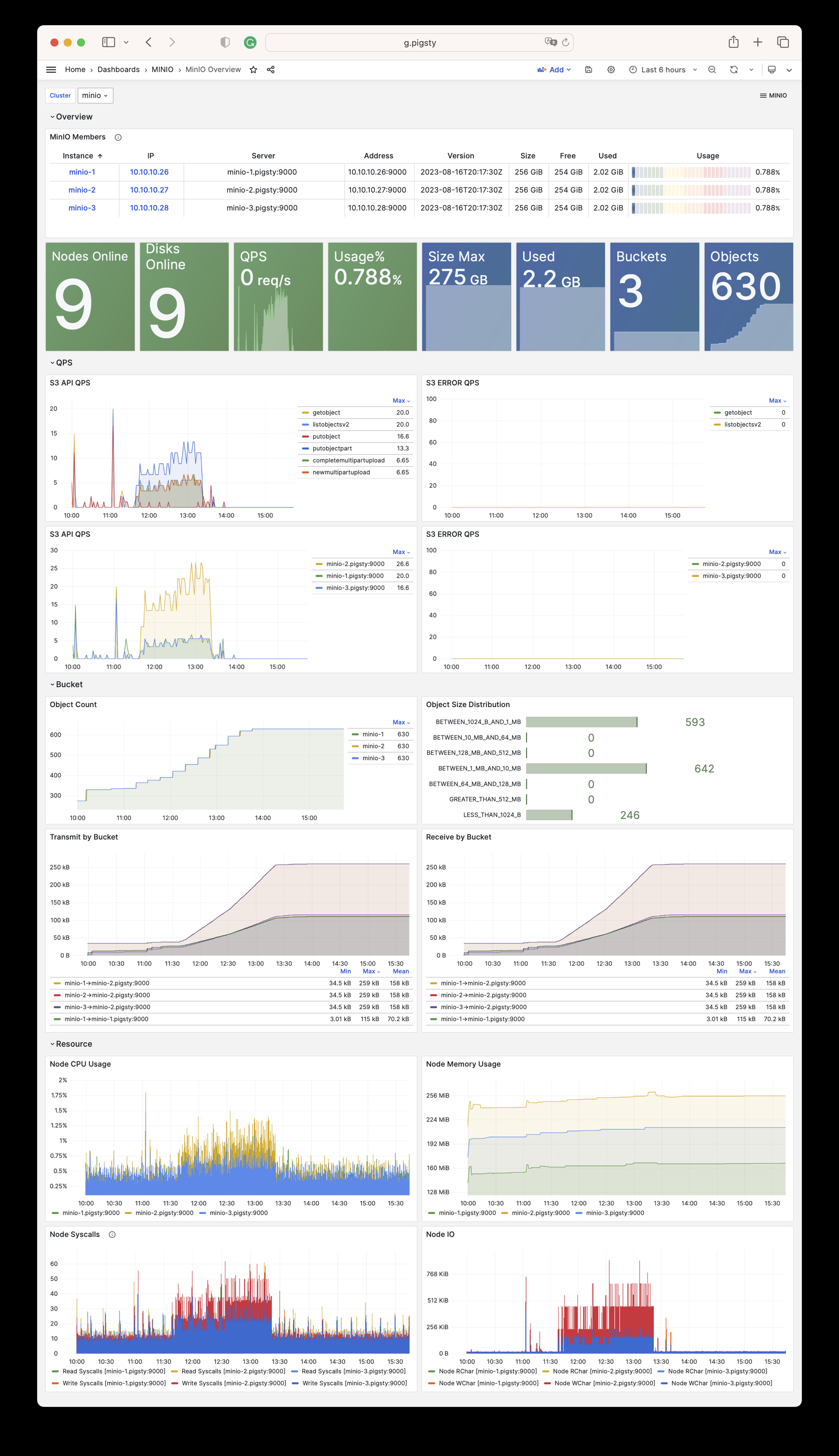
MINIO 模块有 15 个相关参数:
| 参数 | 类型 | 级别 | 注释 |
|---|---|---|---|
minio_seq |
int | I | minio 实例标识符,必填 |
minio_cluster |
string | C | minio 集群名称,默认为 minio |
minio_clean |
bool | G/C/A | 初始化时清除 minio?默认为 false |
minio_user |
username | C | minio 操作系统用户,默认为 minio |
minio_node |
string | C | minio 节点名模式 |
minio_data |
path | C | minio 数据目录,使用 {x...y} 指定多个磁盘 |
minio_domain |
string | G | minio 外部域名,默认为 sss.pigsty |
minio_port |
port | C | minio 服务端口,默认为 9000 |
minio_admin_port |
port | C | minio 控制台端口,默认为 9001 |
minio_access_key |
username | C | 根访问密钥,默认为 minioadmin |
minio_secret_key |
password | C | 根密钥,默认为 minioadmin |
minio_extra_vars |
string | C | minio 服务器的额外环境变量 |
minio_alias |
string | G | minio 部署的客户端别名 |
minio_buckets |
bucket[] | C | 待创建的 minio 存储桶列表 |
minio_users |
user[] | C | 待创建的 minio 用户列表 |
MINIO 模块包含有 79 类可用监控指标。
| Metric Name | Type | Labels | Description |
|---|---|---|---|
| minio_audit_failed_messages | counter | ip, job, target_id, cls, instance, server, ins |
Total number of messages that failed to send since start |
| minio_audit_target_queue_length | gauge | ip, job, target_id, cls, instance, server, ins |
Number of unsent messages in queue for target |
| minio_audit_total_messages | counter | ip, job, target_id, cls, instance, server, ins |
Total number of messages sent since start |
| minio_cluster_bucket_total | gauge | ip, job, cls, instance, server, ins |
Total number of buckets in the cluster |
| minio_cluster_capacity_raw_free_bytes | gauge | ip, job, cls, instance, server, ins |
Total free capacity online in the cluster |
| minio_cluster_capacity_raw_total_bytes | gauge | ip, job, cls, instance, server, ins |
Total capacity online in the cluster |
| minio_cluster_capacity_usable_free_bytes | gauge | ip, job, cls, instance, server, ins |
Total free usable capacity online in the cluster |
| minio_cluster_capacity_usable_total_bytes | gauge | ip, job, cls, instance, server, ins |
Total usable capacity online in the cluster |
| minio_cluster_drive_offline_total | gauge | ip, job, cls, instance, server, ins |
Total drives offline in this cluster |
| minio_cluster_drive_online_total | gauge | ip, job, cls, instance, server, ins |
Total drives online in this cluster |
| minio_cluster_drive_total | gauge | ip, job, cls, instance, server, ins |
Total drives in this cluster |
| minio_cluster_health_erasure_set_healing_drives | gauge | pool, ip, job, cls, set, instance, server, ins |
Get the count of healing drives of this erasure set |
| minio_cluster_health_erasure_set_online_drives | gauge | pool, ip, job, cls, set, instance, server, ins |
Get the count of the online drives in this erasure set |
| minio_cluster_health_erasure_set_read_quorum | gauge | pool, ip, job, cls, set, instance, server, ins |
Get the read quorum for this erasure set |
| minio_cluster_health_erasure_set_status | gauge | pool, ip, job, cls, set, instance, server, ins |
Get current health status for this erasure set |
| minio_cluster_health_erasure_set_write_quorum | gauge | pool, ip, job, cls, set, instance, server, ins |
Get the write quorum for this erasure set |
| minio_cluster_health_status | gauge | ip, job, cls, instance, server, ins |
Get current cluster health status |
| minio_cluster_nodes_offline_total | gauge | ip, job, cls, instance, server, ins |
Total number of MinIO nodes offline |
| minio_cluster_nodes_online_total | gauge | ip, job, cls, instance, server, ins |
Total number of MinIO nodes online |
| minio_cluster_objects_size_distribution | gauge | ip, range, job, cls, instance, server, ins |
Distribution of object sizes across a cluster |
| minio_cluster_objects_version_distribution | gauge | ip, range, job, cls, instance, server, ins |
Distribution of object versions across a cluster |
| minio_cluster_usage_deletemarker_total | gauge | ip, job, cls, instance, server, ins |
Total number of delete markers in a cluster |
| minio_cluster_usage_object_total | gauge | ip, job, cls, instance, server, ins |
Total number of objects in a cluster |
| minio_cluster_usage_total_bytes | gauge | ip, job, cls, instance, server, ins |
Total cluster usage in bytes |
| minio_cluster_usage_version_total | gauge | ip, job, cls, instance, server, ins |
Total number of versions (includes delete marker) in a cluster |
| minio_cluster_webhook_failed_messages | counter | ip, job, cls, instance, server, ins |
Number of messages that failed to send |
| minio_cluster_webhook_online | gauge | ip, job, cls, instance, server, ins |
Is the webhook online? |
| minio_cluster_webhook_queue_length | counter | ip, job, cls, instance, server, ins |
Webhook queue length |
| minio_cluster_webhook_total_messages | counter | ip, job, cls, instance, server, ins |
Total number of messages sent to this target |
| minio_cluster_write_quorum | gauge | ip, job, cls, instance, server, ins |
Maximum write quorum across all pools and sets |
| minio_node_file_descriptor_limit_total | gauge | ip, job, cls, instance, server, ins |
Limit on total number of open file descriptors for the MinIO Server process |
| minio_node_file_descriptor_open_total | gauge | ip, job, cls, instance, server, ins |
Total number of open file descriptors by the MinIO Server process |
| minio_node_go_routine_total | gauge | ip, job, cls, instance, server, ins |
Total number of go routines running |
| minio_node_ilm_expiry_pending_tasks | gauge | ip, job, cls, instance, server, ins |
Number of pending ILM expiry tasks in the queue |
| minio_node_ilm_transition_active_tasks | gauge | ip, job, cls, instance, server, ins |
Number of active ILM transition tasks |
| minio_node_ilm_transition_missed_immediate_tasks | gauge | ip, job, cls, instance, server, ins |
Number of missed immediate ILM transition tasks |
| minio_node_ilm_transition_pending_tasks | gauge | ip, job, cls, instance, server, ins |
Number of pending ILM transition tasks in the queue |
| minio_node_ilm_versions_scanned | counter | ip, job, cls, instance, server, ins |
Total number of object versions checked for ilm actions since server start |
| minio_node_io_rchar_bytes | counter | ip, job, cls, instance, server, ins |
Total bytes read by the process from the underlying storage system including cache, /proc/[pid]/io rchar |
| minio_node_io_read_bytes | counter | ip, job, cls, instance, server, ins |
Total bytes read by the process from the underlying storage system, /proc/[pid]/io read_bytes |
| minio_node_io_wchar_bytes | counter | ip, job, cls, instance, server, ins |
Total bytes written by the process to the underlying storage system including page cache, /proc/[pid]/io wchar |
| minio_node_io_write_bytes | counter | ip, job, cls, instance, server, ins |
Total bytes written by the process to the underlying storage system, /proc/[pid]/io write_bytes |
| minio_node_process_cpu_total_seconds | counter | ip, job, cls, instance, server, ins |
Total user and system CPU time spent in seconds |
| minio_node_process_resident_memory_bytes | gauge | ip, job, cls, instance, server, ins |
Resident memory size in bytes |
| minio_node_process_starttime_seconds | gauge | ip, job, cls, instance, server, ins |
Start time for MinIO process per node, time in seconds since Unix epoc |
| minio_node_process_uptime_seconds | gauge | ip, job, cls, instance, server, ins |
Uptime for MinIO process per node in seconds |
| minio_node_scanner_bucket_scans_finished | counter | ip, job, cls, instance, server, ins |
Total number of bucket scans finished since server start |
| minio_node_scanner_bucket_scans_started | counter | ip, job, cls, instance, server, ins |
Total number of bucket scans started since server start |
| minio_node_scanner_directories_scanned | counter | ip, job, cls, instance, server, ins |
Total number of directories scanned since server start |
| minio_node_scanner_objects_scanned | counter | ip, job, cls, instance, server, ins |
Total number of unique objects scanned since server start |
| minio_node_scanner_versions_scanned | counter | ip, job, cls, instance, server, ins |
Total number of object versions scanned since server start |
| minio_node_syscall_read_total | counter | ip, job, cls, instance, server, ins |
Total read SysCalls to the kernel. /proc/[pid]/io syscr |
| minio_node_syscall_write_total | counter | ip, job, cls, instance, server, ins |
Total write SysCalls to the kernel. /proc/[pid]/io syscw |
| minio_notify_current_send_in_progress | gauge | ip, job, cls, instance, server, ins |
Number of concurrent async Send calls active to all targets (deprecated, please use ‘minio_notify_target_current_send_in_progress’ instead) |
| minio_notify_events_errors_total | counter | ip, job, cls, instance, server, ins |
Events that were failed to be sent to the targets (deprecated, please use ‘minio_notify_target_failed_events’ instead) |
| minio_notify_events_sent_total | counter | ip, job, cls, instance, server, ins |
Total number of events sent to the targets (deprecated, please use ‘minio_notify_target_total_events’ instead) |
| minio_notify_events_skipped_total | counter | ip, job, cls, instance, server, ins |
Events that were skipped to be sent to the targets due to the in-memory queue being full |
| minio_s3_requests_4xx_errors_total | counter | ip, job, cls, instance, server, ins, api |
Total number of S3 requests with (4xx) errors |
| minio_s3_requests_errors_total | counter | ip, job, cls, instance, server, ins, api |
Total number of S3 requests with (4xx and 5xx) errors |
| minio_s3_requests_incoming_total | gauge | ip, job, cls, instance, server, ins |
Total number of incoming S3 requests |
| minio_s3_requests_inflight_total | gauge | ip, job, cls, instance, server, ins, api |
Total number of S3 requests currently in flight |
| minio_s3_requests_rejected_auth_total | counter | ip, job, cls, instance, server, ins |
Total number of S3 requests rejected for auth failure |
| minio_s3_requests_rejected_header_total | counter | ip, job, cls, instance, server, ins |
Total number of S3 requests rejected for invalid header |
| minio_s3_requests_rejected_invalid_total | counter | ip, job, cls, instance, server, ins |
Total number of invalid S3 requests |
| minio_s3_requests_rejected_timestamp_total | counter | ip, job, cls, instance, server, ins |
Total number of S3 requests rejected for invalid timestamp |
| minio_s3_requests_total | counter | ip, job, cls, instance, server, ins, api |
Total number of S3 requests |
| minio_s3_requests_ttfb_seconds_distribution | gauge | ip, job, cls, le, instance, server, ins, api |
Distribution of time to first byte across API calls |
| minio_s3_requests_waiting_total | gauge | ip, job, cls, instance, server, ins |
Total number of S3 requests in the waiting queue |
| minio_s3_traffic_received_bytes | counter | ip, job, cls, instance, server, ins |
Total number of s3 bytes received |
| minio_s3_traffic_sent_bytes | counter | ip, job, cls, instance, server, ins |
Total number of s3 bytes sent |
| minio_software_commit_info | gauge | ip, job, cls, instance, commit, server, ins |
Git commit hash for the MinIO release |
| minio_software_version_info | gauge | ip, job, cls, instance, version, server, ins |
MinIO Release tag for the server |
| minio_up | Unknown | ip, job, cls, instance, ins |
N/A |
| minio_usage_last_activity_nano_seconds | gauge | ip, job, cls, instance, server, ins |
Time elapsed (in nano seconds) since last scan activity. |
| scrape_duration_seconds | Unknown | ip, job, cls, instance, ins |
N/A |
| scrape_samples_post_metric_relabeling | Unknown | ip, job, cls, instance, ins |
N/A |
| scrape_samples_scraped | Unknown | ip, job, cls, instance, ins |
N/A |
| scrape_series_added | Unknown | ip, job, cls, instance, ins |
N/A |
| up | Unknown | ip, job, cls, instance, ins |
N/A |
在单机多盘或多机多盘模式下,如果数据目录不是有效的磁盘挂载点,MinIO会拒绝启动。
请使用已挂载的磁盘作为MinIO的数据目录,而不是普通目录。您只能在单机单盘模式下使用普通目录作为 MinIO 的数据目录,作为开发测试之用。
在部署之前,您最好规划MinIO集群容量,因为新增成员需要全局重启。
请参考这里:扩展MinIO部署
使用可选的负载均衡器和不同的端口访问HA MinIO集群。
这里有一个示例:访问MinIO服务
Redis是广受喜爱的开源高性能内存数据结构服务器,PostgreSQL的好伙伴。 配置 | 剧本 | 管理 | 监控 | 参数
Redis的实体概念模型与PostgreSQL几乎相同,同样包括 集群(Cluster) 与 实例(Instance) 的概念。注意这里的Cluster指的不是Redis原生集群方案中的集群。
REDIS模块与PGSQL模块核心的区别在于,Redis通常采用 单机多实例 部署,而不是 PostgreSQL 的 1:1 部署:一个物理/虚拟机节点上通常会部署 多个 Redis实例,以充分利用多核CPU。因此配置和管理Redis实例的方式与PGSQL稍有不同。
在Pigsty管理的Redis中,节点完全隶属于集群,即目前尚不允许在一个节点上部署两个不同集群的Redis实例,但这并不影响您在在一个节点上部署多个独立 Redis 主从实例。当然这样也会有一些局限性,例如在这种情况下您就无法为同一个节点上的不同实例指定不同的密码了。
身份参数
Redis 身份参数 是定义Redis集群时必须提供的信息,包括:
| 名称 | 属性 | 说明 | 例子 |
|---|---|---|---|
redis_cluster |
必选,集群级别 | 集群名 | redis-test |
redis_node |
必选,节点级别 | 节点号 | 1,2 |
redis_instances |
必选,节点级别 | 实例定义 | { 6001 : {} ,6002 : {}} |
redis_cluster:Redis集群名称,作为集群资源的顶层命名空间。redis_node:Redis节点标号,整数,在集群内唯一,用于区分不同节点。redis_instances:JSON对象,Key为实例端口号,Value为包含实例其他配置JSON对象。工作模式
Redis有三种不同的工作模式,由 redis_mode 参数指定:
standalone:默认的独立主从模式cluster:Redis原生分布式集群模式sentinel:哨兵模式,可以为主从模式的 Redis 提供高可用能力下面给出了三种Redis集群的定义样例:
redis-msredis-sentinelredis-cluster局限性
下面是 REDIS 模块常用的管理任务,更多问题请参考 FAQ:REDIS
您可以使用 redis.yml 剧本来初始化 Redis 集群、节点、或实例:
你也可以使用包装脚本命令行脚本来初始化:
您可以使用 redis-rm.yml 剧本来初始化 Redis 集群、节点、或实例:
你也可以使用包装脚本来下线 Redis 集群/节点/实例:
您可以部分执行 redis.yml 剧本来重新配置 Redis 集群、节点、或实例:
请注意,redis 无法在线重载配置,您只能使用 launch 任务进行重启来让配置生效。
使用 redis-cli 访问 Reids 实例:
Redis提供了redis-benchmark工具,可以用于Redis的性能评估,或生成一些负载用于测试。
https://redis.io/commands/replicaof/
Redis独立主从集群可以通过 Redis 哨兵集群配置自动高可用,详细用户请参考 Sentinel官方文档
以四节点沙箱环境为例,一套 Redis Sentinel 集群 redis-meta,可以用来管理很多套独立 Redis 主从集群。
以一主一从的Redis普通主从集群 redis-ms 为例,您需要在每个 Sentinel 实例上,使用 SENTINEL MONITOR 添加目标,并使用 SENTINEL SET 提供密码,高可用就配置完毕了。
如果您想移除某个由 Sentinel 管理的 Redis 主从集群,使用 SENTINEL REMOVE <name> 移除即可。
您可以使用定义在 Sentinel 集群上的 redis_sentinel_monitor 参数,来自动配置管理哨兵监控管理的主库列表。
使用以下命令刷新 Redis 哨兵集群上的纳管主库列表:
REDIS模块提供了两个剧本,用于拉起/销毁 传统主从Redis集群/节点/实例:
redis.yml:初始Redis集群/节点/实例。redis-rm.yml:移除Redis集群/节点/实例redis.yml
用于初始化 Redis 的 redis.yml 剧本包含以下子任务:

redis-rm.yml
用于卸载 Redis 的 redis-rm.yml 剧本包含以下子任务:
Pigsty 提供了三个与 REDIS 模块有关的监控仪表盘:
Redis Overview:关于所有Redis集群/实例的详细信息
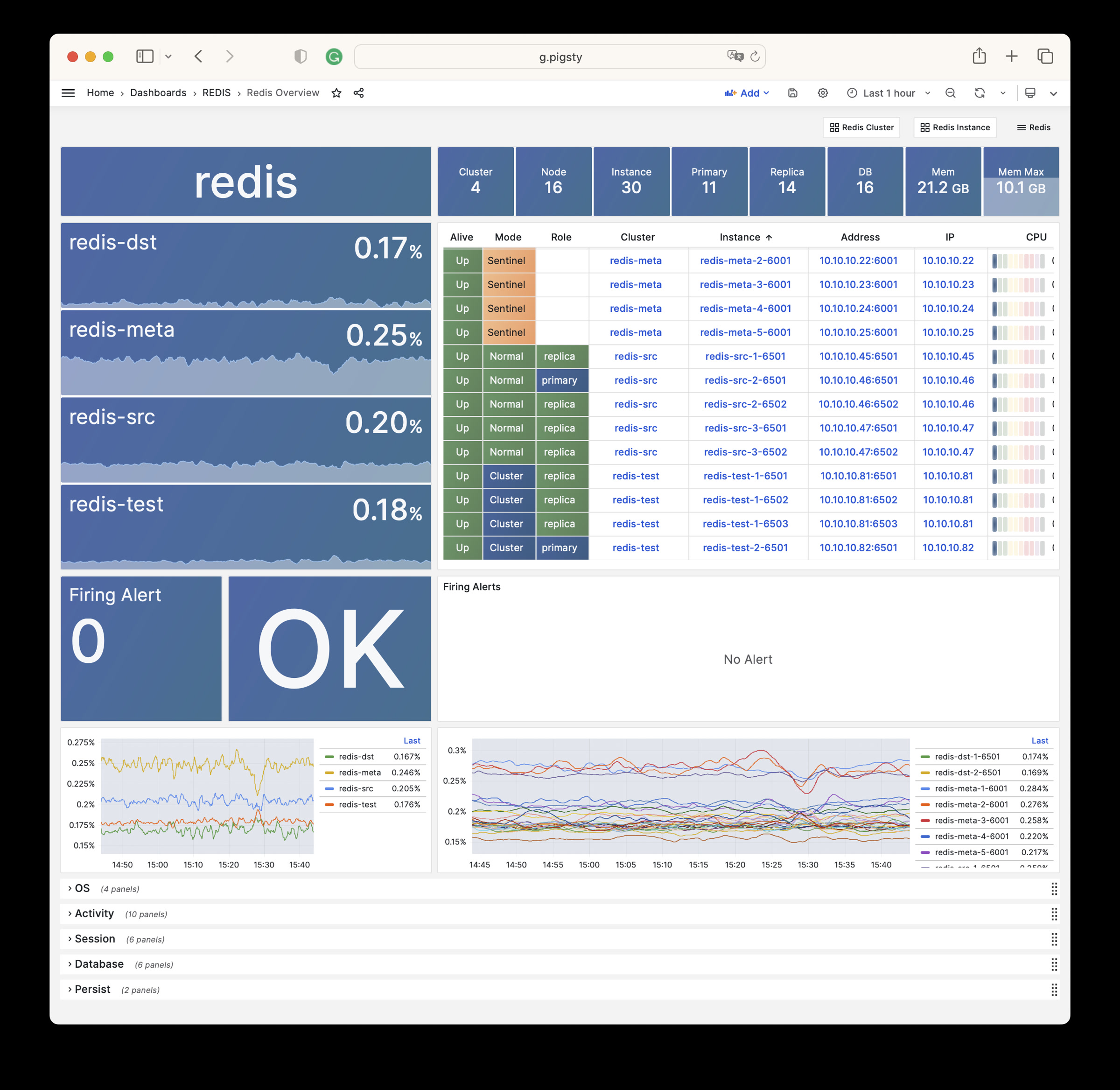
Redis Cluster:关于单个Redis集群的详细信息
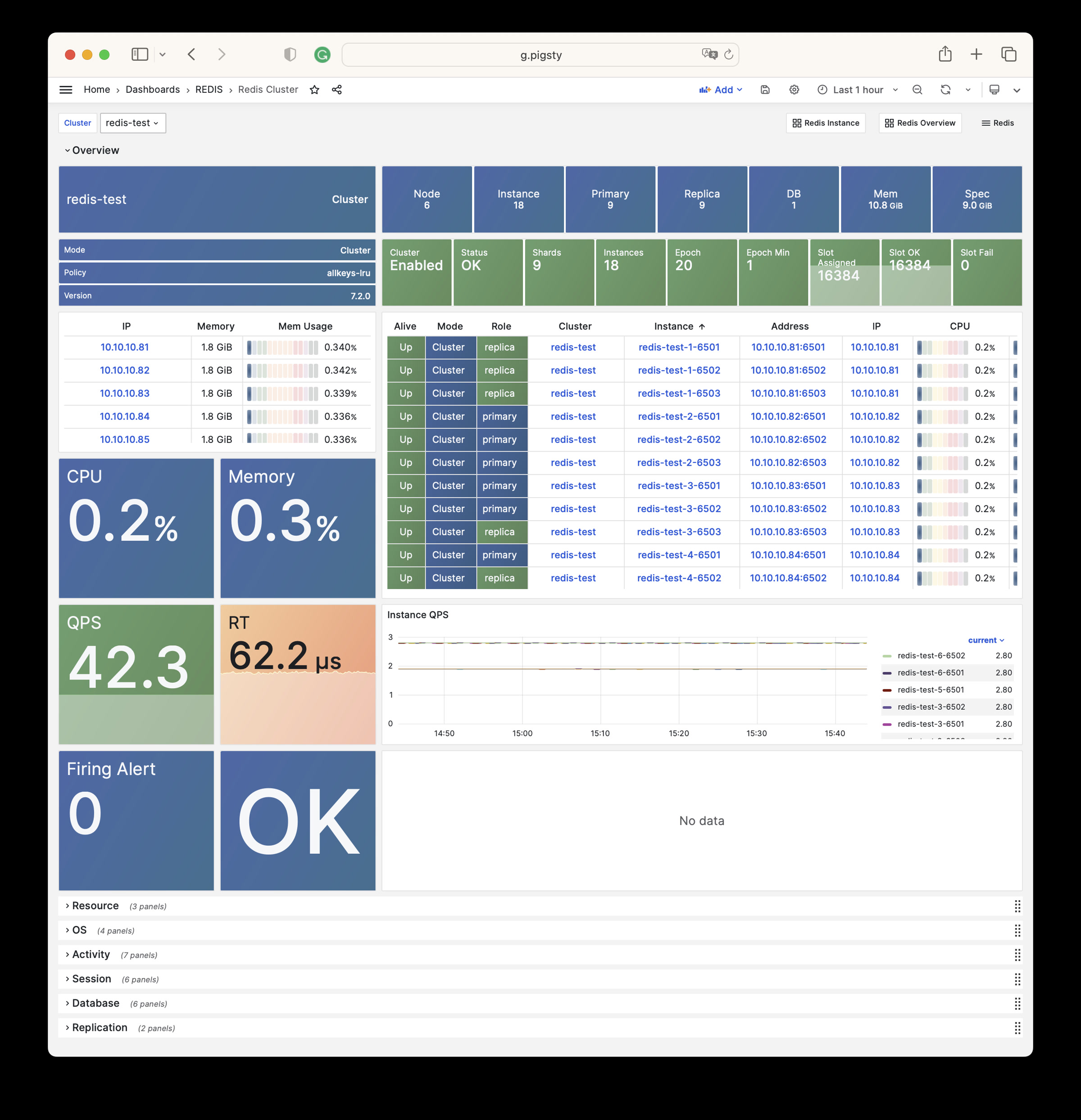
Redis Instance: 关于单个Redis实例的详细信息
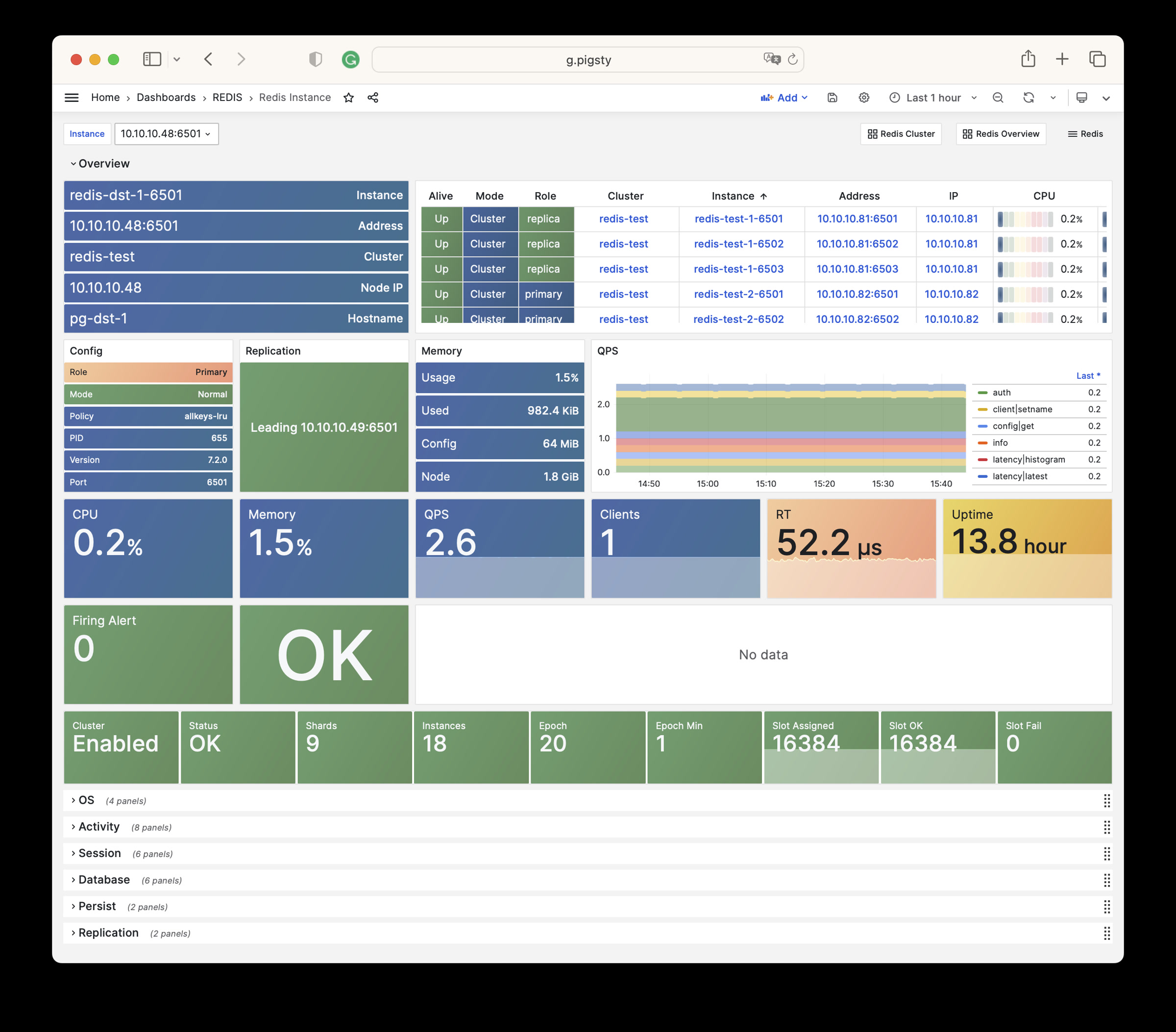
Pigsty中有21个关于Redis模块的配置参数:
| 参数 | 类型 | 级别 | 注释 |
|---|---|---|---|
redis_cluster |
string | C | Redis数据库集群名称,必选身份参数 |
redis_instances |
dict | I | Redis节点上的实例定义 |
redis_node |
int | I | Redis节点编号,正整数,集群内唯一,必选身份参数 |
redis_fs_main |
path | C | Redis主数据目录,默认为 /data |
redis_exporter_enabled |
bool | C | Redis Exporter 是否启用? |
redis_exporter_port |
port | C | Redis Exporter监听端口 |
redis_exporter_options |
string | C/I | Redis Exporter命令参数 |
redis_safeguard |
bool | G/C/A | 禁止抹除现存的Redis |
redis_clean |
bool | G/C/A | 初始化Redis是否抹除现存实例 |
redis_rmdata |
bool | G/C/A | 移除Redis实例时是否一并移除数据? |
redis_mode |
enum | C | Redis集群模式:sentinel,cluster,standalone |
redis_conf |
string | C | Redis配置文件模板,sentinel 除外 |
redis_bind_address |
ip | C | Redis监听地址,默认留空则会绑定主机IP |
redis_max_memory |
size | C/I | Redis可用的最大内存 |
redis_mem_policy |
enum | C | Redis内存逐出策略 |
redis_password |
password | C | Redis密码,默认留空则禁用密码 |
redis_rdb_save |
string[] | C | Redis RDB 保存指令,字符串列表,空数组则禁用RDB |
redis_aof_enabled |
bool | C | Redis AOF 是否启用? |
redis_rename_commands |
dict | C | Redis危险命令重命名列表 |
redis_cluster_replicas |
int | C | Redis原生集群中每个主库配几个从库? |
redis_sentinel_monitor |
master[] | C | Redis哨兵监控的主库列表,只在哨兵集群上使用? |
REDIS 模块包含有 275 类可用监控指标。
| Metric Name | Type | Labels | Description |
|---|---|---|---|
| ALERTS | Unknown | cls, ip, level, severity, instance, category, ins, alertname, job, alertstate |
N/A |
| ALERTS_FOR_STATE | Unknown | cls, ip, level, severity, instance, category, ins, alertname, job |
N/A |
| redis:cls:aof_rewrite_time | Unknown | cls, job |
N/A |
| redis:cls:blocked_clients | Unknown | cls, job |
N/A |
| redis:cls:clients | Unknown | cls, job |
N/A |
| redis:cls:cmd_qps | Unknown | cls, cmd, job |
N/A |
| redis:cls:cmd_rt | Unknown | cls, cmd, job |
N/A |
| redis:cls:cmd_time | Unknown | cls, cmd, job |
N/A |
| redis:cls:conn_rate | Unknown | cls, job |
N/A |
| redis:cls:conn_reject | Unknown | cls, job |
N/A |
| redis:cls:cpu_sys | Unknown | cls, job |
N/A |
| redis:cls:cpu_sys_child | Unknown | cls, job |
N/A |
| redis:cls:cpu_usage | Unknown | cls, job |
N/A |
| redis:cls:cpu_usage_child | Unknown | cls, job |
N/A |
| redis:cls:cpu_user | Unknown | cls, job |
N/A |
| redis:cls:cpu_user_child | Unknown | cls, job |
N/A |
| redis:cls:fork_time | Unknown | cls, job |
N/A |
| redis:cls:key_evict | Unknown | cls, job |
N/A |
| redis:cls:key_expire | Unknown | cls, job |
N/A |
| redis:cls:key_hit | Unknown | cls, job |
N/A |
| redis:cls:key_hit_rate | Unknown | cls, job |
N/A |
| redis:cls:key_miss | Unknown | cls, job |
N/A |
| redis:cls:mem_max | Unknown | cls, job |
N/A |
| redis:cls:mem_usage | Unknown | cls, job |
N/A |
| redis:cls:mem_usage_max | Unknown | cls, job |
N/A |
| redis:cls:mem_used | Unknown | cls, job |
N/A |
| redis:cls:net_traffic | Unknown | cls, job |
N/A |
| redis:cls:qps | Unknown | cls, job |
N/A |
| redis:cls:qps_mu | Unknown | cls, job |
N/A |
| redis:cls:qps_realtime | Unknown | cls, job |
N/A |
| redis:cls:qps_sigma | Unknown | cls, job |
N/A |
| redis:cls:rt | Unknown | cls, job |
N/A |
| redis:cls:rt_mu | Unknown | cls, job |
N/A |
| redis:cls:rt_sigma | Unknown | cls, job |
N/A |
| redis:cls:rx | Unknown | cls, job |
N/A |
| redis:cls:size | Unknown | cls, job |
N/A |
| redis:cls:tx | Unknown | cls, job |
N/A |
| redis:env:blocked_clients | Unknown | job |
N/A |
| redis:env:clients | Unknown | job |
N/A |
| redis:env:cmd_qps | Unknown | cmd, job |
N/A |
| redis:env:cmd_rt | Unknown | cmd, job |
N/A |
| redis:env:cmd_time | Unknown | cmd, job |
N/A |
| redis:env:conn_rate | Unknown | job |
N/A |
| redis:env:conn_reject | Unknown | job |
N/A |
| redis:env:cpu_usage | Unknown | job |
N/A |
| redis:env:cpu_usage_child | Unknown | job |
N/A |
| redis:env:key_evict | Unknown | job |
N/A |
| redis:env:key_expire | Unknown | job |
N/A |
| redis:env:key_hit | Unknown | job |
N/A |
| redis:env:key_hit_rate | Unknown | job |
N/A |
| redis:env:key_miss | Unknown | job |
N/A |
| redis:env:mem_usage | Unknown | job |
N/A |
| redis:env:net_traffic | Unknown | job |
N/A |
| redis:env:qps | Unknown | job |
N/A |
| redis:env:qps_mu | Unknown | job |
N/A |
| redis:env:qps_realtime | Unknown | job |
N/A |
| redis:env:qps_sigma | Unknown | job |
N/A |
| redis:env:rt | Unknown | job |
N/A |
| redis:env:rt_mu | Unknown | job |
N/A |
| redis:env:rt_sigma | Unknown | job |
N/A |
| redis:env:rx | Unknown | job |
N/A |
| redis:env:tx | Unknown | job |
N/A |
| redis:ins | Unknown | cls, id, instance, ins, job |
N/A |
| redis:ins:blocked_clients | Unknown | cls, ip, instance, ins, job |
N/A |
| redis:ins:clients | Unknown | cls, ip, instance, ins, job |
N/A |
| redis:ins:cmd_qps | Unknown | cls, cmd, ip, instance, ins, job |
N/A |
| redis:ins:cmd_rt | Unknown | cls, cmd, ip, instance, ins, job |
N/A |
| redis:ins:cmd_time | Unknown | cls, cmd, ip, instance, ins, job |
N/A |
| redis:ins:conn_rate | Unknown | cls, ip, instance, ins, job |
N/A |
| redis:ins:conn_reject | Unknown | cls, ip, instance, ins, job |
N/A |
| redis:ins:cpu_sys | Unknown | cls, ip, instance, ins, job |
N/A |
| redis:ins:cpu_sys_child | Unknown | cls, ip, instance, ins, job |
N/A |
| redis:ins:cpu_usage | Unknown | cls, ip, instance, ins, job |
N/A |
| redis:ins:cpu_usage_child | Unknown | cls, ip, instance, ins, job |
N/A |
| redis:ins:cpu_user | Unknown | cls, ip, instance, ins, job |
N/A |
| redis:ins:cpu_user_child | Unknown | cls, ip, instance, ins, job |
N/A |
| redis:ins:key_evict | Unknown | cls, ip, instance, ins, job |
N/A |
| redis:ins:key_expire | Unknown | cls, ip, instance, ins, job |
N/A |
| redis:ins:key_hit | Unknown | cls, ip, instance, ins, job |
N/A |
| redis:ins:key_hit_rate | Unknown | cls, ip, instance, ins, job |
N/A |
| redis:ins:key_miss | Unknown | cls, ip, instance, ins, job |
N/A |
| redis:ins:lsn_rate | Unknown | cls, ip, instance, ins, job |
N/A |
| redis:ins:mem_usage | Unknown | cls, ip, instance, ins, job |
N/A |
| redis:ins:net_traffic | Unknown | cls, ip, instance, ins, job |
N/A |
| redis:ins:qps | Unknown | cls, ip, instance, ins, job |
N/A |
| redis:ins:qps_mu | Unknown | cls, ip, instance, ins, job |
N/A |
| redis:ins:qps_realtime | Unknown | cls, ip, instance, ins, job |
N/A |
| redis:ins:qps_sigma | Unknown | cls, ip, instance, ins, job |
N/A |
| redis:ins:rt | Unknown | cls, ip, instance, ins, job |
N/A |
| redis:ins:rt_mu | Unknown | cls, ip, instance, ins, job |
N/A |
| redis:ins:rt_sigma | Unknown | cls, ip, instance, ins, job |
N/A |
| redis:ins:rx | Unknown | cls, ip, instance, ins, job |
N/A |
| redis:ins:tx | Unknown | cls, ip, instance, ins, job |
N/A |
| redis:node:ip | Unknown | cls, ip, instance, ins, job |
N/A |
| redis:node:mem_alloc | Unknown | cls, ip, job |
N/A |
| redis:node:mem_total | Unknown | cls, ip, job |
N/A |
| redis:node:mem_used | Unknown | cls, ip, job |
N/A |
| redis:node:qps | Unknown | cls, ip, job |
N/A |
| redis_active_defrag_running | gauge | cls, ip, instance, ins, job |
active_defrag_running metric |
| redis_allocator_active_bytes | gauge | cls, ip, instance, ins, job |
allocator_active_bytes metric |
| redis_allocator_allocated_bytes | gauge | cls, ip, instance, ins, job |
allocator_allocated_bytes metric |
| redis_allocator_frag_bytes | gauge | cls, ip, instance, ins, job |
allocator_frag_bytes metric |
| redis_allocator_frag_ratio | gauge | cls, ip, instance, ins, job |
allocator_frag_ratio metric |
| redis_allocator_resident_bytes | gauge | cls, ip, instance, ins, job |
allocator_resident_bytes metric |
| redis_allocator_rss_bytes | gauge | cls, ip, instance, ins, job |
allocator_rss_bytes metric |
| redis_allocator_rss_ratio | gauge | cls, ip, instance, ins, job |
allocator_rss_ratio metric |
| redis_aof_current_rewrite_duration_sec | gauge | cls, ip, instance, ins, job |
aof_current_rewrite_duration_sec metric |
| redis_aof_enabled | gauge | cls, ip, instance, ins, job |
aof_enabled metric |
| redis_aof_last_bgrewrite_status | gauge | cls, ip, instance, ins, job |
aof_last_bgrewrite_status metric |
| redis_aof_last_cow_size_bytes | gauge | cls, ip, instance, ins, job |
aof_last_cow_size_bytes metric |
| redis_aof_last_rewrite_duration_sec | gauge | cls, ip, instance, ins, job |
aof_last_rewrite_duration_sec metric |
| redis_aof_last_write_status | gauge | cls, ip, instance, ins, job |
aof_last_write_status metric |
| redis_aof_rewrite_in_progress | gauge | cls, ip, instance, ins, job |
aof_rewrite_in_progress metric |
| redis_aof_rewrite_scheduled | gauge | cls, ip, instance, ins, job |
aof_rewrite_scheduled metric |
| redis_blocked_clients | gauge | cls, ip, instance, ins, job |
blocked_clients metric |
| redis_client_recent_max_input_buffer_bytes | gauge | cls, ip, instance, ins, job |
client_recent_max_input_buffer_bytes metric |
| redis_client_recent_max_output_buffer_bytes | gauge | cls, ip, instance, ins, job |
client_recent_max_output_buffer_bytes metric |
| redis_clients_in_timeout_table | gauge | cls, ip, instance, ins, job |
clients_in_timeout_table metric |
| redis_cluster_connections | gauge | cls, ip, instance, ins, job |
cluster_connections metric |
| redis_cluster_current_epoch | gauge | cls, ip, instance, ins, job |
cluster_current_epoch metric |
| redis_cluster_enabled | gauge | cls, ip, instance, ins, job |
cluster_enabled metric |
| redis_cluster_known_nodes | gauge | cls, ip, instance, ins, job |
cluster_known_nodes metric |
| redis_cluster_messages_received_total | gauge | cls, ip, instance, ins, job |
cluster_messages_received_total metric |
| redis_cluster_messages_sent_total | gauge | cls, ip, instance, ins, job |
cluster_messages_sent_total metric |
| redis_cluster_my_epoch | gauge | cls, ip, instance, ins, job |
cluster_my_epoch metric |
| redis_cluster_size | gauge | cls, ip, instance, ins, job |
cluster_size metric |
| redis_cluster_slots_assigned | gauge | cls, ip, instance, ins, job |
cluster_slots_assigned metric |
| redis_cluster_slots_fail | gauge | cls, ip, instance, ins, job |
cluster_slots_fail metric |
| redis_cluster_slots_ok | gauge | cls, ip, instance, ins, job |
cluster_slots_ok metric |
| redis_cluster_slots_pfail | gauge | cls, ip, instance, ins, job |
cluster_slots_pfail metric |
| redis_cluster_state | gauge | cls, ip, instance, ins, job |
cluster_state metric |
| redis_cluster_stats_messages_meet_received | gauge | cls, ip, instance, ins, job |
cluster_stats_messages_meet_received metric |
| redis_cluster_stats_messages_meet_sent | gauge | cls, ip, instance, ins, job |
cluster_stats_messages_meet_sent metric |
| redis_cluster_stats_messages_ping_received | gauge | cls, ip, instance, ins, job |
cluster_stats_messages_ping_received metric |
| redis_cluster_stats_messages_ping_sent | gauge | cls, ip, instance, ins, job |
cluster_stats_messages_ping_sent metric |
| redis_cluster_stats_messages_pong_received | gauge | cls, ip, instance, ins, job |
cluster_stats_messages_pong_received metric |
| redis_cluster_stats_messages_pong_sent | gauge | cls, ip, instance, ins, job |
cluster_stats_messages_pong_sent metric |
| redis_commands_duration_seconds_total | counter | cls, cmd, ip, instance, ins, job |
Total amount of time in seconds spent per command |
| redis_commands_failed_calls_total | counter | cls, cmd, ip, instance, ins, job |
Total number of errors prior command execution per command |
| redis_commands_latencies_usec_bucket | Unknown | cls, cmd, ip, le, instance, ins, job |
N/A |
| redis_commands_latencies_usec_count | Unknown | cls, cmd, ip, instance, ins, job |
N/A |
| redis_commands_latencies_usec_sum | Unknown | cls, cmd, ip, instance, ins, job |
N/A |
| redis_commands_processed_total | counter | cls, ip, instance, ins, job |
commands_processed_total metric |
| redis_commands_rejected_calls_total | counter | cls, cmd, ip, instance, ins, job |
Total number of errors within command execution per command |
| redis_commands_total | counter | cls, cmd, ip, instance, ins, job |
Total number of calls per command |
| redis_config_io_threads | gauge | cls, ip, instance, ins, job |
config_io_threads metric |
| redis_config_maxclients | gauge | cls, ip, instance, ins, job |
config_maxclients metric |
| redis_config_maxmemory | gauge | cls, ip, instance, ins, job |
config_maxmemory metric |
| redis_connected_clients | gauge | cls, ip, instance, ins, job |
connected_clients metric |
| redis_connected_slave_lag_seconds | gauge | cls, ip, slave_ip, instance, slave_state, ins, slave_port, job |
Lag of connected slave |
| redis_connected_slave_offset_bytes | gauge | cls, ip, slave_ip, instance, slave_state, ins, slave_port, job |
Offset of connected slave |
| redis_connected_slaves | gauge | cls, ip, instance, ins, job |
connected_slaves metric |
| redis_connections_received_total | counter | cls, ip, instance, ins, job |
connections_received_total metric |
| redis_cpu_sys_children_seconds_total | counter | cls, ip, instance, ins, job |
cpu_sys_children_seconds_total metric |
| redis_cpu_sys_main_thread_seconds_total | counter | cls, ip, instance, ins, job |
cpu_sys_main_thread_seconds_total metric |
| redis_cpu_sys_seconds_total | counter | cls, ip, instance, ins, job |
cpu_sys_seconds_total metric |
| redis_cpu_user_children_seconds_total | counter | cls, ip, instance, ins, job |
cpu_user_children_seconds_total metric |
| redis_cpu_user_main_thread_seconds_total | counter | cls, ip, instance, ins, job |
cpu_user_main_thread_seconds_total metric |
| redis_cpu_user_seconds_total | counter | cls, ip, instance, ins, job |
cpu_user_seconds_total metric |
| redis_db_keys | gauge | cls, ip, instance, ins, db, job |
Total number of keys by DB |
| redis_db_keys_expiring | gauge | cls, ip, instance, ins, db, job |
Total number of expiring keys by DB |
| redis_defrag_hits | gauge | cls, ip, instance, ins, job |
defrag_hits metric |
| redis_defrag_key_hits | gauge | cls, ip, instance, ins, job |
defrag_key_hits metric |
| redis_defrag_key_misses | gauge | cls, ip, instance, ins, job |
defrag_key_misses metric |
| redis_defrag_misses | gauge | cls, ip, instance, ins, job |
defrag_misses metric |
| redis_dump_payload_sanitizations | counter | cls, ip, instance, ins, job |
dump_payload_sanitizations metric |
| redis_errors_total | counter | cls, ip, err, instance, ins, job |
Total number of errors per error type |
| redis_evicted_keys_total | counter | cls, ip, instance, ins, job |
evicted_keys_total metric |
| redis_expired_keys_total | counter | cls, ip, instance, ins, job |
expired_keys_total metric |
| redis_expired_stale_percentage | gauge | cls, ip, instance, ins, job |
expired_stale_percentage metric |
| redis_expired_time_cap_reached_total | gauge | cls, ip, instance, ins, job |
expired_time_cap_reached_total metric |
| redis_exporter_build_info | gauge | cls, golang_version, ip, commit_sha, instance, version, ins, job, build_date |
redis exporter build_info |
| redis_exporter_last_scrape_connect_time_seconds | gauge | cls, ip, instance, ins, job |
exporter_last_scrape_connect_time_seconds metric |
| redis_exporter_last_scrape_duration_seconds | gauge | cls, ip, instance, ins, job |
exporter_last_scrape_duration_seconds metric |
| redis_exporter_last_scrape_error | gauge | cls, ip, instance, ins, job |
The last scrape error status. |
| redis_exporter_scrape_duration_seconds_count | Unknown | cls, ip, instance, ins, job |
N/A |
| redis_exporter_scrape_duration_seconds_sum | Unknown | cls, ip, instance, ins, job |
N/A |
| redis_exporter_scrapes_total | counter | cls, ip, instance, ins, job |
Current total redis scrapes. |
| redis_instance_info | gauge | cls, ip, os, role, instance, run_id, redis_version, tcp_port, process_id, ins, redis_mode, maxmemory_policy, redis_build_id, job |
Information about the Redis instance |
| redis_io_threaded_reads_processed | counter | cls, ip, instance, ins, job |
io_threaded_reads_processed metric |
| redis_io_threaded_writes_processed | counter | cls, ip, instance, ins, job |
io_threaded_writes_processed metric |
| redis_io_threads_active | gauge | cls, ip, instance, ins, job |
io_threads_active metric |
| redis_keyspace_hits_total | counter | cls, ip, instance, ins, job |
keyspace_hits_total metric |
| redis_keyspace_misses_total | counter | cls, ip, instance, ins, job |
keyspace_misses_total metric |
| redis_last_key_groups_scrape_duration_milliseconds | gauge | cls, ip, instance, ins, job |
Duration of the last key group metrics scrape in milliseconds |
| redis_last_slow_execution_duration_seconds | gauge | cls, ip, instance, ins, job |
The amount of time needed for last slow execution, in seconds |
| redis_latency_percentiles_usec | summary | cls, cmd, ip, instance, quantile, ins, job |
A summary of latency percentile distribution per command |
| redis_latency_percentiles_usec_count | Unknown | cls, cmd, ip, instance, ins, job |
N/A |
| redis_latency_percentiles_usec_sum | Unknown | cls, cmd, ip, instance, ins, job |
N/A |
| redis_latest_fork_seconds | gauge | cls, ip, instance, ins, job |
latest_fork_seconds metric |
| redis_lazyfree_pending_objects | gauge | cls, ip, instance, ins, job |
lazyfree_pending_objects metric |
| redis_loading_dump_file | gauge | cls, ip, instance, ins, job |
loading_dump_file metric |
| redis_master_last_io_seconds_ago | gauge | cls, ip, master_host, instance, ins, job, master_port |
Master last io seconds ago |
| redis_master_link_up | gauge | cls, ip, master_host, instance, ins, job, master_port |
Master link status on Redis slave |
| redis_master_repl_offset | gauge | cls, ip, instance, ins, job |
master_repl_offset metric |
| redis_master_sync_in_progress | gauge | cls, ip, master_host, instance, ins, job, master_port |
Master sync in progress |
| redis_mem_clients_normal | gauge | cls, ip, instance, ins, job |
mem_clients_normal metric |
| redis_mem_clients_slaves | gauge | cls, ip, instance, ins, job |
mem_clients_slaves metric |
| redis_mem_fragmentation_bytes | gauge | cls, ip, instance, ins, job |
mem_fragmentation_bytes metric |
| redis_mem_fragmentation_ratio | gauge | cls, ip, instance, ins, job |
mem_fragmentation_ratio metric |
| redis_mem_not_counted_for_eviction_bytes | gauge | cls, ip, instance, ins, job |
mem_not_counted_for_eviction_bytes metric |
| redis_memory_max_bytes | gauge | cls, ip, instance, ins, job |
memory_max_bytes metric |
| redis_memory_used_bytes | gauge | cls, ip, instance, ins, job |
memory_used_bytes metric |
| redis_memory_used_dataset_bytes | gauge | cls, ip, instance, ins, job |
memory_used_dataset_bytes metric |
| redis_memory_used_lua_bytes | gauge | cls, ip, instance, ins, job |
memory_used_lua_bytes metric |
| redis_memory_used_overhead_bytes | gauge | cls, ip, instance, ins, job |
memory_used_overhead_bytes metric |
| redis_memory_used_peak_bytes | gauge | cls, ip, instance, ins, job |
memory_used_peak_bytes metric |
| redis_memory_used_rss_bytes | gauge | cls, ip, instance, ins, job |
memory_used_rss_bytes metric |
| redis_memory_used_scripts_bytes | gauge | cls, ip, instance, ins, job |
memory_used_scripts_bytes metric |
| redis_memory_used_startup_bytes | gauge | cls, ip, instance, ins, job |
memory_used_startup_bytes metric |
| redis_migrate_cached_sockets_total | gauge | cls, ip, instance, ins, job |
migrate_cached_sockets_total metric |
| redis_module_fork_in_progress | gauge | cls, ip, instance, ins, job |
module_fork_in_progress metric |
| redis_module_fork_last_cow_size | gauge | cls, ip, instance, ins, job |
module_fork_last_cow_size metric |
| redis_net_input_bytes_total | counter | cls, ip, instance, ins, job |
net_input_bytes_total metric |
| redis_net_output_bytes_total | counter | cls, ip, instance, ins, job |
net_output_bytes_total metric |
| redis_number_of_cached_scripts | gauge | cls, ip, instance, ins, job |
number_of_cached_scripts metric |
| redis_process_id | gauge | cls, ip, instance, ins, job |
process_id metric |
| redis_pubsub_channels | gauge | cls, ip, instance, ins, job |
pubsub_channels metric |
| redis_pubsub_patterns | gauge | cls, ip, instance, ins, job |
pubsub_patterns metric |
| redis_pubsubshard_channels | gauge | cls, ip, instance, ins, job |
pubsubshard_channels metric |
| redis_rdb_bgsave_in_progress | gauge | cls, ip, instance, ins, job |
rdb_bgsave_in_progress metric |
| redis_rdb_changes_since_last_save | gauge | cls, ip, instance, ins, job |
rdb_changes_since_last_save metric |
| redis_rdb_current_bgsave_duration_sec | gauge | cls, ip, instance, ins, job |
rdb_current_bgsave_duration_sec metric |
| redis_rdb_last_bgsave_duration_sec | gauge | cls, ip, instance, ins, job |
rdb_last_bgsave_duration_sec metric |
| redis_rdb_last_bgsave_status | gauge | cls, ip, instance, ins, job |
rdb_last_bgsave_status metric |
| redis_rdb_last_cow_size_bytes | gauge | cls, ip, instance, ins, job |
rdb_last_cow_size_bytes metric |
| redis_rdb_last_save_timestamp_seconds | gauge | cls, ip, instance, ins, job |
rdb_last_save_timestamp_seconds metric |
| redis_rejected_connections_total | counter | cls, ip, instance, ins, job |
rejected_connections_total metric |
| redis_repl_backlog_first_byte_offset | gauge | cls, ip, instance, ins, job |
repl_backlog_first_byte_offset metric |
| redis_repl_backlog_history_bytes | gauge | cls, ip, instance, ins, job |
repl_backlog_history_bytes metric |
| redis_repl_backlog_is_active | gauge | cls, ip, instance, ins, job |
repl_backlog_is_active metric |
| redis_replica_partial_resync_accepted | gauge | cls, ip, instance, ins, job |
replica_partial_resync_accepted metric |
| redis_replica_partial_resync_denied | gauge | cls, ip, instance, ins, job |
replica_partial_resync_denied metric |
| redis_replica_resyncs_full | gauge | cls, ip, instance, ins, job |
replica_resyncs_full metric |
| redis_replication_backlog_bytes | gauge | cls, ip, instance, ins, job |
replication_backlog_bytes metric |
| redis_second_repl_offset | gauge | cls, ip, instance, ins, job |
second_repl_offset metric |
| redis_sentinel_master_ckquorum_status | gauge | cls, ip, message, instance, ins, master_name, job |
Master ckquorum status |
| redis_sentinel_master_ok_sentinels | gauge | cls, ip, instance, ins, master_address, master_name, job |
The number of okay sentinels monitoring this master |
| redis_sentinel_master_ok_slaves | gauge | cls, ip, instance, ins, master_address, master_name, job |
The number of okay slaves of the master |
| redis_sentinel_master_sentinels | gauge | cls, ip, instance, ins, master_address, master_name, job |
The number of sentinels monitoring this master |
| redis_sentinel_master_setting_ckquorum | gauge | cls, ip, instance, ins, master_address, master_name, job |
Show the current ckquorum config for each master |
| redis_sentinel_master_setting_down_after_milliseconds | gauge | cls, ip, instance, ins, master_address, master_name, job |
Show the current down-after-milliseconds config for each master |
| redis_sentinel_master_setting_failover_timeout | gauge | cls, ip, instance, ins, master_address, master_name, job |
Show the current failover-timeout config for each master |
| redis_sentinel_master_setting_parallel_syncs | gauge | cls, ip, instance, ins, master_address, master_name, job |
Show the current parallel-syncs config for each master |
| redis_sentinel_master_slaves | gauge | cls, ip, instance, ins, master_address, master_name, job |
The number of slaves of the master |
| redis_sentinel_master_status | gauge | cls, ip, master_status, instance, ins, master_address, master_name, job |
Master status on Sentinel |
| redis_sentinel_masters | gauge | cls, ip, instance, ins, job |
The number of masters this sentinel is watching |
| redis_sentinel_running_scripts | gauge | cls, ip, instance, ins, job |
Number of scripts in execution right now |
| redis_sentinel_scripts_queue_length | gauge | cls, ip, instance, ins, job |
Queue of user scripts to execute |
| redis_sentinel_simulate_failure_flags | gauge | cls, ip, instance, ins, job |
Failures simulations |
| redis_sentinel_tilt | gauge | cls, ip, instance, ins, job |
Sentinel is in TILT mode |
| redis_slave_expires_tracked_keys | gauge | cls, ip, instance, ins, job |
slave_expires_tracked_keys metric |
| redis_slave_info | gauge | cls, ip, master_host, instance, read_only, ins, job, master_port |
Information about the Redis slave |
| redis_slave_priority | gauge | cls, ip, instance, ins, job |
slave_priority metric |
| redis_slave_repl_offset | gauge | cls, ip, master_host, instance, ins, job, master_port |
Slave replication offset |
| redis_slowlog_last_id | gauge | cls, ip, instance, ins, job |
Last id of slowlog |
| redis_slowlog_length | gauge | cls, ip, instance, ins, job |
Total slowlog |
| redis_start_time_seconds | gauge | cls, ip, instance, ins, job |
Start time of the Redis instance since unix epoch in seconds. |
| redis_target_scrape_request_errors_total | counter | cls, ip, instance, ins, job |
Errors in requests to the exporter |
| redis_total_error_replies | counter | cls, ip, instance, ins, job |
total_error_replies metric |
| redis_total_reads_processed | counter | cls, ip, instance, ins, job |
total_reads_processed metric |
| redis_total_system_memory_bytes | gauge | cls, ip, instance, ins, job |
total_system_memory_bytes metric |
| redis_total_writes_processed | counter | cls, ip, instance, ins, job |
total_writes_processed metric |
| redis_tracking_clients | gauge | cls, ip, instance, ins, job |
tracking_clients metric |
| redis_tracking_total_items | gauge | cls, ip, instance, ins, job |
tracking_total_items metric |
| redis_tracking_total_keys | gauge | cls, ip, instance, ins, job |
tracking_total_keys metric |
| redis_tracking_total_prefixes | gauge | cls, ip, instance, ins, job |
tracking_total_prefixes metric |
| redis_unexpected_error_replies | counter | cls, ip, instance, ins, job |
unexpected_error_replies metric |
| redis_up | gauge | cls, ip, instance, ins, job |
Information about the Redis instance |
| redis_uptime_in_seconds | gauge | cls, ip, instance, ins, job |
uptime_in_seconds metric |
| scrape_duration_seconds | Unknown | cls, ip, instance, ins, job |
N/A |
| scrape_samples_post_metric_relabeling | Unknown | cls, ip, instance, ins, job |
N/A |
| scrape_samples_scraped | Unknown | cls, ip, instance, ins, job |
N/A |
| scrape_series_added | Unknown | cls, ip, instance, ins, job |
N/A |
| up | Unknown | cls, ip, instance, ins, job |
N/A |
这意味着正在初始化的 Redis 实例已经存在了,使用 redis_clean = true 和 redis_safeguard = false 来强制清除redis数据
当您运行redis.yml来初始化一个已经在运行的redis实例,并且redis_clean设置为false时,就会出现这种情况。
如果redis_clean设置为true(并且 redis_safeguard 也设置为false),redis.yml剧本将删除现有的redis实例并将其重新初始化为一个新的实例,这使得redis.yml剧本完全具有幂等性。
这意味着正准备清理的 Redis 实例打开了防误删保险:当 redis_safeguard 设置为 true 时,尝试移除一个redis实例时就会出现这种情况。
您可以关闭 redis_safeguard 来移除Redis实例。这就是 redis_safeguard 的作用。
使用 bin/redis-add <ip> <port> 在节点上部署一个新的redis实例。
使用 bin/redis-rm <ip> <port> 从节点上移除一个单独的redis实例。
使用 FerretDB 为 PostgreSQL 添加 MongoDB 兼容的协议支持! 配置 | 管理 | 剧本 | 监控 | 参数
MongoDB 曾经是一项令人惊叹的技术,让开发者能够抛开关系型数据库的“模式束缚”,快速构建应用程序。然而随着时间推移,MongoDB 放弃了它的开源本质,将许可证更改为 SSPL,这使得许多开源项目和早期商业项目无法使用它。大多数 MongoDB 用户其实并不需要 MongoDB 提供的高级功能,但他们确实需要一个易于使用的开源文档数据库解决方案。为了填补这个空白,FerretDB 应运而生。
PostgreSQL 的 JSON 功能支持已经足够完善了:二进制存储 JSONB,GIN 任意字段索引 ,各种 JSON 处理函数,JSON PATH 和 JSON Schema,它早已是一个功能完备,性能强大的文档数据库了。但是提供替代的功能,和直接仿真还是不一样的。FerretDB 可以为使用 MongoDB 驱动的应用程序提供一个丝滑迁移到 PostgreSQL 的过渡方案。
Pigsty 在 1.x 中就提供了基于 Docker 的 FerretDB 模板,在 v2.3 中更是提供了原生部署支持。它作为一个选装项,对丰富 PostgreSQL 生态大有裨益。Pigsty 社区已经与 FerretDB 社区成为了合作伙伴,后续将进行深度的合作与适配支持。
在部署 Mongo (FerretDB) 集群前,你需要先在配置清单中使用相关参数定义好它。
下面的例子将默认的单节点 pg-meta 集群的 meta 数据库作为 FerretDB 的底层存储:
这里 mongo_cluster 与 mongo_seq 属于不可或缺的身份参数,对于 FerretDB 来说,还有一个必须提供的参数是 mongo_pgurl,指定了底层 PG 的位置。
您可以使用 服务 来接入高可用的 PostgreSQL 集群,并部署多个 FerretDB 实例副本并绑定 L2 VIP 以实现 FerretDB 层本身的高可用。
在配置清单中定义好MONGO集群后,您可以使用以下命令完成安装。
因为 FerretDB 使用了 PostgreSQL 作为底层存储,所以重复运行此剧本通常并无大碍。
要移除 Mongo/FerretDB 集群,运行 mongo.yml 剧本的子任务:mongo_purge,并使用 mongo_purge 命令行参数即可:
你可以使用 MongoDB 连接串,用任何语言的 MongoDB 驱动访问 FerretDB,这里以上面安装的 mongosh 命令行工具为例:
Pigsty 管理的 PostgreSQL 集群默认使用 scram-sha-256 作为默认的认证方式,因此,您必须使用 PLAIN 认证方式连接至 FerretDB。 参阅 FerretDB:认证 获取详细信息。
你也可以使用其他 PostgreSQL 用户来访问 FerretDB,只要在连接串中指定即可:
你可以连接到 FerretDB 并假装它是一个 MongoDB 集群。
MongoDB 的命令会被翻译为SQL命令,在底下的 PostgreSQL 中执行:
如果你不是很熟悉 MongoDB,这里有一个快速上手教程,同样适用于 FerretDB: Perform CRUD Operations with MongoDB Shell
如果你希望生成一些样例负载,可以使用 mongosh 执行以下的简易测试剧本:
你可以查阅 FerretDB 支持的 MongoDB命令,同时还有一些已知的区别,对于基本的使用来说,通常不是什么大问题。
Pigsty 提供了一个内置的剧本: mongo.yml,用于在节点上安装 FerretDB 集群。
mongo.yml
该剧本由以下子任务组成:
mongo_check :检查 mongo 身份参数mongo_dbsu :创建操作系统用户 mongodmongo_install :安装 mongo/ferretdb RPM包mongo_purge :清理现有 mongo/ferretdb 集群(默认不执行)mongo_config :配置 mongo/ferretdb
mongo_cert :签发 mongo/ferretdb SSL证书mongo_launch :启动 mongo/ferretdb 服务mongo_register:将 mongo/ferretdb 注册到 Prometheus 监控中MONGO 模块提供了一个简单的监控面板:Mongo Overview
Mongo Overview: Mongo/FerretDB 集群概览
这个监控面板提供了关于 FerretDB 的基本监控指标,因为 FerretDB 底层使用了 PostgreSQL,所以更多的监控指标,还请参考 PostgreSQL 监控。
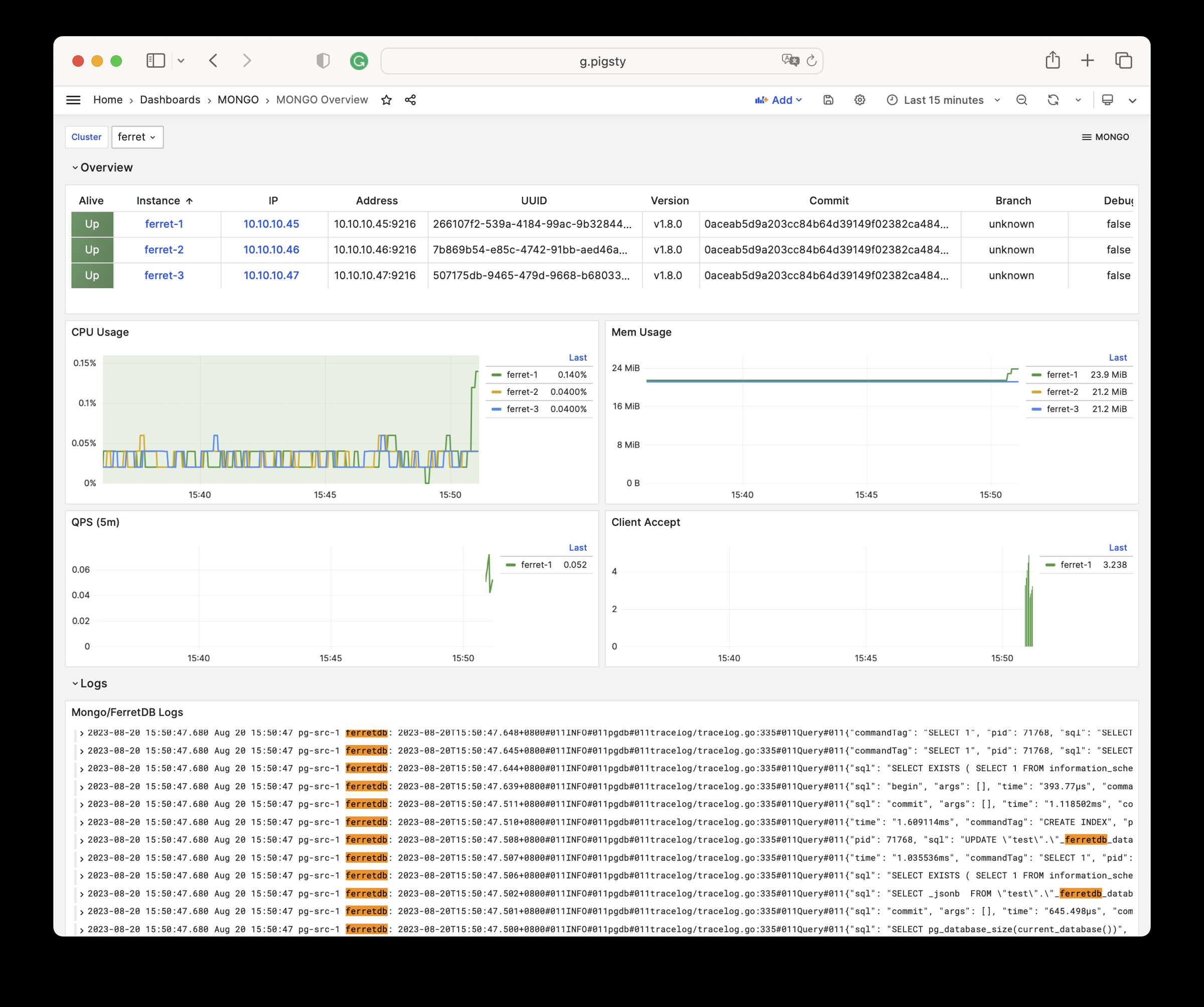
MONGO 模块中提供了9个相关的配置参数,如下表所示:
| 参数 | 类型 | 级别 | 注释 |
|---|---|---|---|
mongo_seq |
int | I | mongo 实例号,必选身份参数 |
mongo_cluster |
string | C | mongo 集群名,必选身份参数 |
mongo_pgurl |
pgurl | C/I | mongo/ferretdb 底层使用的 PGURL 连接串,必选 |
mongo_ssl_enabled |
bool | C | mongo/ferretdb 是否启用SSL?默认为 false |
mongo_listen |
ip | C | mongo 监听地址,默认留控则监听所有地址 |
mongo_port |
port | C | mongo 服务端口,默认使用 27017 |
mongo_ssl_port |
port | C | mongo TLS 监听端口,默认使用 27018 |
mongo_exporter_port |
port | C | mongo exporter 端口,默认使用 9216 |
mongo_extra_vars |
string | C | MONGO 服务器额外环境变量,默认为空白字符串 |
MONGO 模块包含有 54 类可用监控指标。
| Metric Name | Type | Labels | Description |
|---|---|---|---|
| ferretdb_client_accepts_total | Unknown | error, cls, ip, ins, instance, job |
N/A |
| ferretdb_client_duration_seconds_bucket | Unknown | error, le, cls, ip, ins, instance, job |
N/A |
| ferretdb_client_duration_seconds_count | Unknown | error, cls, ip, ins, instance, job |
N/A |
| ferretdb_client_duration_seconds_sum | Unknown | error, cls, ip, ins, instance, job |
N/A |
| ferretdb_client_requests_total | Unknown | cls, ip, ins, opcode, instance, command, job |
N/A |
| ferretdb_client_responses_total | Unknown | result, argument, cls, ip, ins, opcode, instance, command, job |
N/A |
| ferretdb_postgresql_metadata_databases | gauge | cls, ip, ins, instance, job |
The current number of database in the registry. |
| ferretdb_postgresql_pool_size | gauge | cls, ip, ins, instance, job |
The current number of pools. |
| ferretdb_up | gauge | cls, version, commit, ip, ins, dirty, telemetry, package, update_available, uuid, instance, job, branch, debug |
FerretDB instance state. |
| go_gc_duration_seconds | summary | cls, ip, ins, instance, quantile, job |
A summary of the pause duration of garbage collection cycles. |
| go_gc_duration_seconds_count | Unknown | cls, ip, ins, instance, job |
N/A |
| go_gc_duration_seconds_sum | Unknown | cls, ip, ins, instance, job |
N/A |
| go_goroutines | gauge | cls, ip, ins, instance, job |
Number of goroutines that currently exist. |
| go_info | gauge | cls, version, ip, ins, instance, job |
Information about the Go environment. |
| go_memstats_alloc_bytes | gauge | cls, ip, ins, instance, job |
Number of bytes allocated and still in use. |
| go_memstats_alloc_bytes_total | counter | cls, ip, ins, instance, job |
Total number of bytes allocated, even if freed. |
| go_memstats_buck_hash_sys_bytes | gauge | cls, ip, ins, instance, job |
Number of bytes used by the profiling bucket hash table. |
| go_memstats_frees_total | counter | cls, ip, ins, instance, job |
Total number of frees. |
| go_memstats_gc_sys_bytes | gauge | cls, ip, ins, instance, job |
Number of bytes used for garbage collection system metadata. |
| go_memstats_heap_alloc_bytes | gauge | cls, ip, ins, instance, job |
Number of heap bytes allocated and still in use. |
| go_memstats_heap_idle_bytes | gauge | cls, ip, ins, instance, job |
Number of heap bytes waiting to be used. |
| go_memstats_heap_inuse_bytes | gauge | cls, ip, ins, instance, job |
Number of heap bytes that are in use. |
| go_memstats_heap_objects | gauge | cls, ip, ins, instance, job |
Number of allocated objects. |
| go_memstats_heap_released_bytes | gauge | cls, ip, ins, instance, job |
Number of heap bytes released to OS. |
| go_memstats_heap_sys_bytes | gauge | cls, ip, ins, instance, job |
Number of heap bytes obtained from system. |
| go_memstats_last_gc_time_seconds | gauge | cls, ip, ins, instance, job |
Number of seconds since 1970 of last garbage collection. |
| go_memstats_lookups_total | counter | cls, ip, ins, instance, job |
Total number of pointer lookups. |
| go_memstats_mallocs_total | counter | cls, ip, ins, instance, job |
Total number of mallocs. |
| go_memstats_mcache_inuse_bytes | gauge | cls, ip, ins, instance, job |
Number of bytes in use by mcache structures. |
| go_memstats_mcache_sys_bytes | gauge | cls, ip, ins, instance, job |
Number of bytes used for mcache structures obtained from system. |
| go_memstats_mspan_inuse_bytes | gauge | cls, ip, ins, instance, job |
Number of bytes in use by mspan structures. |
| go_memstats_mspan_sys_bytes | gauge | cls, ip, ins, instance, job |
Number of bytes used for mspan structures obtained from system. |
| go_memstats_next_gc_bytes | gauge | cls, ip, ins, instance, job |
Number of heap bytes when next garbage collection will take place. |
| go_memstats_other_sys_bytes | gauge | cls, ip, ins, instance, job |
Number of bytes used for other system allocations. |
| go_memstats_stack_inuse_bytes | gauge | cls, ip, ins, instance, job |
Number of bytes in use by the stack allocator. |
| go_memstats_stack_sys_bytes | gauge | cls, ip, ins, instance, job |
Number of bytes obtained from system for stack allocator. |
| go_memstats_sys_bytes | gauge | cls, ip, ins, instance, job |
Number of bytes obtained from system. |
| go_threads | gauge | cls, ip, ins, instance, job |
Number of OS threads created. |
| mongo_up | Unknown | cls, ip, ins, instance, job |
N/A |
| process_cpu_seconds_total | counter | cls, ip, ins, instance, job |
Total user and system CPU time spent in seconds. |
| process_max_fds | gauge | cls, ip, ins, instance, job |
Maximum number of open file descriptors. |
| process_open_fds | gauge | cls, ip, ins, instance, job |
Number of open file descriptors. |
| process_resident_memory_bytes | gauge | cls, ip, ins, instance, job |
Resident memory size in bytes. |
| process_start_time_seconds | gauge | cls, ip, ins, instance, job |
Start time of the process since unix epoch in seconds. |
| process_virtual_memory_bytes | gauge | cls, ip, ins, instance, job |
Virtual memory size in bytes. |
| process_virtual_memory_max_bytes | gauge | cls, ip, ins, instance, job |
Maximum amount of virtual memory available in bytes. |
| promhttp_metric_handler_errors_total | counter | job, cls, ip, ins, instance, cause |
Total number of internal errors encountered by the promhttp metric handler. |
| promhttp_metric_handler_requests_in_flight | gauge | cls, ip, ins, instance, job |
Current number of scrapes being served. |
| promhttp_metric_handler_requests_total | counter | job, cls, ip, ins, instance, code |
Total number of scrapes by HTTP status code. |
| scrape_duration_seconds | Unknown | cls, ip, ins, instance, job |
N/A |
| scrape_samples_post_metric_relabeling | Unknown | cls, ip, ins, instance, job |
N/A |
| scrape_samples_scraped | Unknown | cls, ip, ins, instance, job |
N/A |
| scrape_series_added | Unknown | cls, ip, ins, instance, job |
N/A |
| up | Unknown | cls, ip, ins, instance, job |
N/A |
您可以使用 MongoSH 作为客户端工具访问 FerretDB 集群
当然,您也可以直接安装 mongosh 的 RPM 包:
Docker 是流行的容器平台,提供了标准化的软件交付能力。
尽管我们不赞成将 Docker 用于有状态的重要数据库上,但它对于无状态的应用软件而言是一个相当优雅的解决方案
Docker 模块不同于其他模块,不需要事先配置,您只需要针对 Pigsty 配置文件中任意被纳管的现有节点执行 docker.yml 剧本,即可完成 Docker 的安装。
您可以在全局/集群/节点层面声明 [docker_enabled],则主机节点在被纳入监控时,Docker Daemon 的监控指标也一并会被抓取。
如果您在中国大陆受到功夫网影响,可以考虑使用墙内可用的 Docker 镜像站点,例如 quay.io:
如果您希望将 Docker 纳入现有监控体系中,首先应当在节点上声明参数 docker_enabled 为 true。
然后针对节点单独执行监控目标注册任务 register_prometheus 即可:
Pigsty 提供了一系列使用 Docker Compose 拉起的软件工具模板,可以开箱即用。
Pigsty 提供了一个用于安装 Docker 模块的剧本
docker.yml:在指定节点上安装 Docker。docker.yml
在节点上安装 Docker 的任务 docker.yml 包含了以下子任务:
DOCKER 模块有 4 个参数:
| 参数 | 参数组 | 类型 | 层次 | 中文说明 | |
|---|---|---|---|---|---|
docker_enabled |
DOCKER |
bool | C | 在当前节点上启用 Docker?默认不启用 | |
docker_cgroups_driver |
DOCKER |
enum | C | Docker CGroup 文件系统驱动:cgroupfs,systemd | |
docker_registry_mirrors |
DOCKER |
string[] | C | Docker 仓库镜像列表 | |
docker_image_cache |
DOCKER |
path | C | Docker 镜像缓存目录:默认为/tmp/docker |
DOCKER 模块包含有 123 类可用监控指标。
| Metric Name | Type | Labels | Description |
|---|---|---|---|
| builder_builds_failed_total | counter | ip, cls, reason, ins, job, instance |
Number of failed image builds |
| builder_builds_triggered_total | counter | ip, cls, ins, job, instance |
Number of triggered image builds |
| docker_up | Unknown | ip, cls, ins, job, instance |
N/A |
| engine_daemon_container_actions_seconds_bucket | Unknown | ip, cls, ins, job, instance, le, action |
N/A |
| engine_daemon_container_actions_seconds_count | Unknown | ip, cls, ins, job, instance, action |
N/A |
| engine_daemon_container_actions_seconds_sum | Unknown | ip, cls, ins, job, instance, action |
N/A |
| engine_daemon_container_states_containers | gauge | ip, cls, ins, job, instance, state |
The count of containers in various states |
| engine_daemon_engine_cpus_cpus | gauge | ip, cls, ins, job, instance |
The number of cpus that the host system of the engine has |
| engine_daemon_engine_info | gauge | ip, cls, architecture, ins, job, instance, os_version, kernel, version, graphdriver, os, daemon_id, commit, os_type |
The information related to the engine and the OS it is running on |
| engine_daemon_engine_memory_bytes | gauge | ip, cls, ins, job, instance |
The number of bytes of memory that the host system of the engine has |
| engine_daemon_events_subscribers_total | gauge | ip, cls, ins, job, instance |
The number of current subscribers to events |
| engine_daemon_events_total | counter | ip, cls, ins, job, instance |
The number of events logged |
| engine_daemon_health_checks_failed_total | counter | ip, cls, ins, job, instance |
The total number of failed health checks |
| engine_daemon_health_check_start_duration_seconds_bucket | Unknown | ip, cls, ins, job, instance, le |
N/A |
| engine_daemon_health_check_start_duration_seconds_count | Unknown | ip, cls, ins, job, instance |
N/A |
| engine_daemon_health_check_start_duration_seconds_sum | Unknown | ip, cls, ins, job, instance |
N/A |
| engine_daemon_health_checks_total | counter | ip, cls, ins, job, instance |
The total number of health checks |
| engine_daemon_host_info_functions_seconds_bucket | Unknown | ip, cls, ins, job, instance, le, function |
N/A |
| engine_daemon_host_info_functions_seconds_count | Unknown | ip, cls, ins, job, instance, function |
N/A |
| engine_daemon_host_info_functions_seconds_sum | Unknown | ip, cls, ins, job, instance, function |
N/A |
| engine_daemon_image_actions_seconds_bucket | Unknown | ip, cls, ins, job, instance, le, action |
N/A |
| engine_daemon_image_actions_seconds_count | Unknown | ip, cls, ins, job, instance, action |
N/A |
| engine_daemon_image_actions_seconds_sum | Unknown | ip, cls, ins, job, instance, action |
N/A |
| engine_daemon_network_actions_seconds_bucket | Unknown | ip, cls, ins, job, instance, le, action |
N/A |
| engine_daemon_network_actions_seconds_count | Unknown | ip, cls, ins, job, instance, action |
N/A |
| engine_daemon_network_actions_seconds_sum | Unknown | ip, cls, ins, job, instance, action |
N/A |
| etcd_debugging_snap_save_marshalling_duration_seconds_bucket | Unknown | ip, cls, ins, job, instance, le |
N/A |
| etcd_debugging_snap_save_marshalling_duration_seconds_count | Unknown | ip, cls, ins, job, instance |
N/A |
| etcd_debugging_snap_save_marshalling_duration_seconds_sum | Unknown | ip, cls, ins, job, instance |
N/A |
| etcd_debugging_snap_save_total_duration_seconds_bucket | Unknown | ip, cls, ins, job, instance, le |
N/A |
| etcd_debugging_snap_save_total_duration_seconds_count | Unknown | ip, cls, ins, job, instance |
N/A |
| etcd_debugging_snap_save_total_duration_seconds_sum | Unknown | ip, cls, ins, job, instance |
N/A |
| etcd_disk_wal_fsync_duration_seconds_bucket | Unknown | ip, cls, ins, job, instance, le |
N/A |
| etcd_disk_wal_fsync_duration_seconds_count | Unknown | ip, cls, ins, job, instance |
N/A |
| etcd_disk_wal_fsync_duration_seconds_sum | Unknown | ip, cls, ins, job, instance |
N/A |
| etcd_disk_wal_write_bytes_total | gauge | ip, cls, ins, job, instance |
Total number of bytes written in WAL. |
| etcd_snap_db_fsync_duration_seconds_bucket | Unknown | ip, cls, ins, job, instance, le |
N/A |
| etcd_snap_db_fsync_duration_seconds_count | Unknown | ip, cls, ins, job, instance |
N/A |
| etcd_snap_db_fsync_duration_seconds_sum | Unknown | ip, cls, ins, job, instance |
N/A |
| etcd_snap_db_save_total_duration_seconds_bucket | Unknown | ip, cls, ins, job, instance, le |
N/A |
| etcd_snap_db_save_total_duration_seconds_count | Unknown | ip, cls, ins, job, instance |
N/A |
| etcd_snap_db_save_total_duration_seconds_sum | Unknown | ip, cls, ins, job, instance |
N/A |
| etcd_snap_fsync_duration_seconds_bucket | Unknown | ip, cls, ins, job, instance, le |
N/A |
| etcd_snap_fsync_duration_seconds_count | Unknown | ip, cls, ins, job, instance |
N/A |
| etcd_snap_fsync_duration_seconds_sum | Unknown | ip, cls, ins, job, instance |
N/A |
| go_gc_duration_seconds | summary | ip, cls, ins, job, instance, quantile |
A summary of the pause duration of garbage collection cycles. |
| go_gc_duration_seconds_count | Unknown | ip, cls, ins, job, instance |
N/A |
| go_gc_duration_seconds_sum | Unknown | ip, cls, ins, job, instance |
N/A |
| go_goroutines | gauge | ip, cls, ins, job, instance |
Number of goroutines that currently exist. |
| go_info | gauge | ip, cls, ins, job, version, instance |
Information about the Go environment. |
| go_memstats_alloc_bytes | counter | ip, cls, ins, job, instance |
Total number of bytes allocated, even if freed. |
| go_memstats_alloc_bytes_total | counter | ip, cls, ins, job, instance |
Total number of bytes allocated, even if freed. |
| go_memstats_buck_hash_sys_bytes | gauge | ip, cls, ins, job, instance |
Number of bytes used by the profiling bucket hash table. |
| go_memstats_frees_total | counter | ip, cls, ins, job, instance |
Total number of frees. |
| go_memstats_gc_sys_bytes | gauge | ip, cls, ins, job, instance |
Number of bytes used for garbage collection system metadata. |
| go_memstats_heap_alloc_bytes | gauge | ip, cls, ins, job, instance |
Number of heap bytes allocated and still in use. |
| go_memstats_heap_idle_bytes | gauge | ip, cls, ins, job, instance |
Number of heap bytes waiting to be used. |
| go_memstats_heap_inuse_bytes | gauge | ip, cls, ins, job, instance |
Number of heap bytes that are in use. |
| go_memstats_heap_objects | gauge | ip, cls, ins, job, instance |
Number of allocated objects. |
| go_memstats_heap_released_bytes | gauge | ip, cls, ins, job, instance |
Number of heap bytes released to OS. |
| go_memstats_heap_sys_bytes | gauge | ip, cls, ins, job, instance |
Number of heap bytes obtained from system. |
| go_memstats_last_gc_time_seconds | gauge | ip, cls, ins, job, instance |
Number of seconds since 1970 of last garbage collection. |
| go_memstats_lookups_total | counter | ip, cls, ins, job, instance |
Total number of pointer lookups. |
| go_memstats_mallocs_total | counter | ip, cls, ins, job, instance |
Total number of mallocs. |
| go_memstats_mcache_inuse_bytes | gauge | ip, cls, ins, job, instance |
Number of bytes in use by mcache structures. |
| go_memstats_mcache_sys_bytes | gauge | ip, cls, ins, job, instance |
Number of bytes used for mcache structures obtained from system. |
| go_memstats_mspan_inuse_bytes | gauge | ip, cls, ins, job, instance |
Number of bytes in use by mspan structures. |
| go_memstats_mspan_sys_bytes | gauge | ip, cls, ins, job, instance |
Number of bytes used for mspan structures obtained from system. |
| go_memstats_next_gc_bytes | gauge | ip, cls, ins, job, instance |
Number of heap bytes when next garbage collection will take place. |
| go_memstats_other_sys_bytes | gauge | ip, cls, ins, job, instance |
Number of bytes used for other system allocations. |
| go_memstats_stack_inuse_bytes | gauge | ip, cls, ins, job, instance |
Number of bytes in use by the stack allocator. |
| go_memstats_stack_sys_bytes | gauge | ip, cls, ins, job, instance |
Number of bytes obtained from system for stack allocator. |
| go_memstats_sys_bytes | gauge | ip, cls, ins, job, instance |
Number of bytes obtained from system. |
| go_threads | gauge | ip, cls, ins, job, instance |
Number of OS threads created. |
| logger_log_entries_size_greater_than_buffer_total | counter | ip, cls, ins, job, instance |
Number of log entries which are larger than the log buffer |
| logger_log_read_operations_failed_total | counter | ip, cls, ins, job, instance |
Number of log reads from container stdio that failed |
| logger_log_write_operations_failed_total | counter | ip, cls, ins, job, instance |
Number of log write operations that failed |
| process_cpu_seconds_total | counter | ip, cls, ins, job, instance |
Total user and system CPU time spent in seconds. |
| process_max_fds | gauge | ip, cls, ins, job, instance |
Maximum number of open file descriptors. |
| process_open_fds | gauge | ip, cls, ins, job, instance |
Number of open file descriptors. |
| process_resident_memory_bytes | gauge | ip, cls, ins, job, instance |
Resident memory size in bytes. |
| process_start_time_seconds | gauge | ip, cls, ins, job, instance |
Start time of the process since unix epoch in seconds. |
| process_virtual_memory_bytes | gauge | ip, cls, ins, job, instance |
Virtual memory size in bytes. |
| process_virtual_memory_max_bytes | gauge | ip, cls, ins, job, instance |
Maximum amount of virtual memory available in bytes. |
| promhttp_metric_handler_requests_in_flight | gauge | ip, cls, ins, job, instance |
Current number of scrapes being served. |
| promhttp_metric_handler_requests_total | counter | ip, cls, ins, job, instance, code |
Total number of scrapes by HTTP status code. |
| scrape_duration_seconds | Unknown | ip, cls, ins, job, instance |
N/A |
| scrape_samples_post_metric_relabeling | Unknown | ip, cls, ins, job, instance |
N/A |
| scrape_samples_scraped | Unknown | ip, cls, ins, job, instance |
N/A |
| scrape_series_added | Unknown | ip, cls, ins, job, instance |
N/A |
| swarm_dispatcher_scheduling_delay_seconds_bucket | Unknown | ip, cls, ins, job, instance, le |
N/A |
| swarm_dispatcher_scheduling_delay_seconds_count | Unknown | ip, cls, ins, job, instance |
N/A |
| swarm_dispatcher_scheduling_delay_seconds_sum | Unknown | ip, cls, ins, job, instance |
N/A |
| swarm_manager_configs_total | gauge | ip, cls, ins, job, instance |
The number of configs in the cluster object store |
| swarm_manager_leader | gauge | ip, cls, ins, job, instance |
Indicates if this manager node is a leader |
| swarm_manager_networks_total | gauge | ip, cls, ins, job, instance |
The number of networks in the cluster object store |
| swarm_manager_nodes | gauge | ip, cls, ins, job, instance, state |
The number of nodes |
| swarm_manager_secrets_total | gauge | ip, cls, ins, job, instance |
The number of secrets in the cluster object store |
| swarm_manager_services_total | gauge | ip, cls, ins, job, instance |
The number of services in the cluster object store |
| swarm_manager_tasks_total | gauge | ip, cls, ins, job, instance, state |
The number of tasks in the cluster object store |
| swarm_node_manager | gauge | ip, cls, ins, job, instance |
Whether this node is a manager or not |
| swarm_raft_snapshot_latency_seconds_bucket | Unknown | ip, cls, ins, job, instance, le |
N/A |
| swarm_raft_snapshot_latency_seconds_count | Unknown | ip, cls, ins, job, instance |
N/A |
| swarm_raft_snapshot_latency_seconds_sum | Unknown | ip, cls, ins, job, instance |
N/A |
| swarm_raft_transaction_latency_seconds_bucket | Unknown | ip, cls, ins, job, instance, le |
N/A |
| swarm_raft_transaction_latency_seconds_count | Unknown | ip, cls, ins, job, instance |
N/A |
| swarm_raft_transaction_latency_seconds_sum | Unknown | ip, cls, ins, job, instance |
N/A |
| swarm_store_batch_latency_seconds_bucket | Unknown | ip, cls, ins, job, instance, le |
N/A |
| swarm_store_batch_latency_seconds_count | Unknown | ip, cls, ins, job, instance |
N/A |
| swarm_store_batch_latency_seconds_sum | Unknown | ip, cls, ins, job, instance |
N/A |
| swarm_store_lookup_latency_seconds_bucket | Unknown | ip, cls, ins, job, instance, le |
N/A |
| swarm_store_lookup_latency_seconds_count | Unknown | ip, cls, ins, job, instance |
N/A |
| swarm_store_lookup_latency_seconds_sum | Unknown | ip, cls, ins, job, instance |
N/A |
| swarm_store_memory_store_lock_duration_seconds_bucket | Unknown | ip, cls, ins, job, instance, le |
N/A |
| swarm_store_memory_store_lock_duration_seconds_count | Unknown | ip, cls, ins, job, instance |
N/A |
| swarm_store_memory_store_lock_duration_seconds_sum | Unknown | ip, cls, ins, job, instance |
N/A |
| swarm_store_read_tx_latency_seconds_bucket | Unknown | ip, cls, ins, job, instance, le |
N/A |
| swarm_store_read_tx_latency_seconds_count | Unknown | ip, cls, ins, job, instance |
N/A |
| swarm_store_read_tx_latency_seconds_sum | Unknown | ip, cls, ins, job, instance |
N/A |
| swarm_store_write_tx_latency_seconds_bucket | Unknown | ip, cls, ins, job, instance, le |
N/A |
| swarm_store_write_tx_latency_seconds_count | Unknown | ip, cls, ins, job, instance |
N/A |
| swarm_store_write_tx_latency_seconds_sum | Unknown | ip, cls, ins, job, instance |
N/A |
| up | Unknown | ip, cls, ins, job, instance |
N/A |
使用 docker.yml 剧本,在你想安装的节点上执行,即可完成 Docker 的安装
Pigsty 在 INFRA节点上默认会安装 Nginx 作为 Web 服务代理。(单机安装时,本机默认也是一个 INFRA节点 )
Nginx 是 Pigsty 所有 WebUI 类服务的访问入口,默认使用管理节点 80/443 端口。
Pigsty 提供了一个全局配置变量 infra_portal,用于配置 Nginx 的代理规则,以及对应的上游服务。
如果您直接通过端口访问 Nginx,默认访问的是 h.pigsty,即 Pigsty 文件系统首页。(/www/ 目录)。
因为 Nginx 通过同一个端口对外提供多个服务,因此必须通过域名进行区分(浏览器的 HOST 首部),所以在默认情况下,Nginx 只会对外暴露 带有 domain` 参数的
默认情况下,Nginx 除了 home (文件系统,软件源)之外,还对外暴露 grafana,prometheus,alertmanager 三项可观测性服务:
Pigsty 自带的配置模板 demo.yml 配置文件,作为一个参考,额外对外部暴露了一些 Web 服务:
这里不难看出,每一条记录都有一个独一无二的 name 作为 key,一个配置字典作为 value。在配置字典中,目前有以下四个可用配置项:
endpoint:必填,指定上游服务的地址,可以是 IP:PORT 或者 DOMAIN:PORT。
${admin_ip} 占位符,Pigsty会填入 admin_ip 的值。domain:可选,指定代理的域名,如果不填写,则 Nginx 不会对外暴露此服务。
domain。scheme:可选,指定转发时的协议(http/https),留空则默认使用 http
scheme: https。websocket:可选,指定是否开启 WebSocket,留空则默认关闭。
true 方能正常工作。因此,如果您需要新增一个通过 Nginx 暴露的 Web 服务,首先需要在 infra_portal 中添加相应地记录,然后执行剧本生效:
如果您始终通过 Pigsty 管理 Nginx 配置,也可以直接使用以下任务重新初始化 Nginx 配置:
Nginx相关配置参数位于:配置:INFRA - NGINX
Nginx 通过浏览器设置的 HOST 首部中的域名,来区分不同的服务,所以默认除了软件仓库之外服务,都的您需要通过域名访问。
您可以通过 IP地址 + 端口的方式直接访问这些服务。但我们更推荐您使用域名通过 Nginx 80/443 端口代理访问所有组件。
使用域名访问 Pigsty WebUI 时,您需要配置 DNS 解析,或者修改本地的 /etc/hosts 静态解析文件,有几种典型的方式
如果您的服务需要直接暴露在公网上,那么应当通过 DNS 服务商(Cloudflare,Aliyun DNS 等)解析互联网域名。注意,在这种情况下,通常您还需要修改 Pigsty 的 infra_portal 参数,因为默认的 *.pigsty 并不是一个适合公网使用的域名。
如果您的服务需要在办公网共享访问,那么应当通过内网 DNS 服务商(公司内部 DNS 服务器)解析内网域名,并将其指向 Nginx 服务器所在的 IP。您可以要求网络管理员在公司内部 DNS 服务器中添加相应的解析记录,也可以要求系统的用户手工配置静态的 DNS 解析记录。
如果您的服务仅供自己,或少数用户使用(例如 DBA),那么您可以要求这些用户使用静态域名解析记录。在 Linux / MacOS 系统上,修改 /etc/hosts 文件(需要 sudo 权限)或 C:\Windows\System32\drivers\etc\hosts(Windows)文件。
我们建议普通单机用户使用第三种方式,在 使用浏览器访问 Web 系统的机器上 ,添加以下解析记录:
这里的 IP 地址是安装 Pigsty 服务的 对外IP地址,然后您就可以在浏览器中通过: http://g.pigsty 这样的域名网址,访问 Pigsty 的子系统了。
其他的 Web 服务与自定义域名,也可以通过同样的方式添加。例如以下是 Pigsty 沙箱 Demo 可能用到的域名解析记录:
Pigsty默认使用自动生成的自签名的 CA 证书为 Nginx 启用 SSL,如果您希望使用 HTTPS 访问这些页面,而不弹窗提示"不安全",通常有三个选择:
files/pki/ca/ca.crtthisisunsafe 跳过提示Pigsty 提供了 DOCKER 模块,但默认并不安装。您可以使用 docker.yml 剧本在指定节点上安装并启用 Docker。
本文不会介绍如何“翻墙”,而是假设你已经有了一个可用的 HTTP(s) 代理服务器,应该如何配置,让 Docker 可以通过代理服务器,访问 docker hub 或 quay.io 等镜像站点:
你的代理服务器软件应该会提供一个形如:
http://<ip|domain>:<port> 或者 https://[user]:[pass]@<ip|domain>:<port> 的代理地址例如,假设您使用的代理服务器配置为:
您可以使用 curl 命令,检验代理服务器是否可以正常工作,例如成功可以访问 Google,通常说明代理服务器工作正常。
如果您希望 Docker 在 Pull 镜像时使用代理服务器,那么应当在 pigsty.yml 配置文件的全局变量中,指定 proxy_env 参数:
那么当 Docker 剧本执行,时,这些配置会被渲染为 /etc/docker/daemon.json 中的代理配置:
请注意,Docker Daemon 不使用
all_proxy参数
如果您希望手工指定代理服务器,可以选则直接修改 /etc/docker/daemon.json 中的 proxies 配置;
或者也可以修改 /lib/systemd/system/docker.service (Debian/Ubuntu) 与 /usr/lib/systemd/system/docker.service 的服务定义,在 [Service] 一节中添加环境变量声明,并重启生效:
重启后生效:
您可以在 docker_registry_mirrors 参数中指定其他镜像站点,例如阿里云、腾讯云、清华大学等镜像站点:
不过目前来看,所有位于中国大陆的 DockerHub 公有镜像站都已经被封禁了,建议使用代理服务器直接访问 Docker Hub
如果您需要使用其他镜像站,例如 quay.io,可以首先执行:
Pigsty v2.7 默认从 pigsty.yml 读取 Ansible 配置清单。该版本同时提供了
三个脚本,可以将清单载入 meta 数据库的 pigsty 模式,并让 Ansible
改用动态生成的清单。
本文严格对应 v2.7.0 标签中的
bin/inventory_load、
bin/inventory_cmdb
与 bin/inventory_conf。
默认 pg-meta 集群会通过
files/cmdb.sql
创建 CMDB 模式。请先完成 infra.yml 与 pg-meta 数据库初始化,并确认
meta 服务可访问。
默认的 ansible.cfg
包含:
bin/inventory_load 会读取 YAML 清单,并替换 pigsty.group、
pigsty.host、pigsty.group_var、pigsty.host_var 与
pigsty.global_var 中的记录。载入新清单前,应先检查或备份目标 CMDB。
脚本使用 -p|--path 指定 YAML 文件,使用 -d|--data 指定 PostgreSQL
连接串;默认值来自 PIGSTY_HOME 与 METADB_URL。
将 Ansible 切换到 CMDB 驱动的 inventory.sh:
bin/inventory_cmdb 会写入可执行的 inventory.sh,并修改
ansible.cfg 中的 inventory。生成的脚本通过 PostgreSQL meta 服务
查询 pigsty.inventory。
切回静态 pigsty.yml 清单:
这三个脚本只负责载入与切换配置源,并不会在 YAML 与 CMDB 之间提供自动 双向同步。后续修改仍应明确选择权威配置源并重新校验。
您可以在节点集群上绑定一个可选的 L2 VIP —— 前提条件是:集群中的所有节点都在一个二层网络中。
在节点集群(任何一个 Ansible Group,包括数据库集群定义都可以视作一个节点集群)上,启用 vip_enabled 参数,即可在节点集群上启用 Keepalived ,绑定一个2层 VIP。
使用以下命令,刷新节点的 Keepalived 配置,并生效:
您可以在 PostgreSQL 集群上绑定一个可选的 L2 VIP —— 前提条件是:集群中的所有节点都在一个二层网络中。
这个 L2 VIP 强制使用 Master - Backup 模式,Master 始终指向在数据库集群主库实例所在的节点。
这个 VIP 由 VIP-Manager 组件管理,它会从 DCS (etcd) 中直接读取由 Patroni 写入的 Leader Key,从而判断自己是否是 Master。
在 PostgreSQL 集群上定义 pg_vip_enabled 参数为 true,即可在集群上启用 VIP 组件。当然您也可以在全局配置中启用此配置项。
请注意,pg_vip_address 必须是一个合法的 IP 地址,带有网段,且在当前二层网络中可用。
请注意,pg_vip_interface 必须是一个合法的网络接口名,并且应当是与 inventory 中使用 IPv4 地址一致的网卡。
如果集群成员的网卡名不一样,用户应当为每个实例显式指定 pg_vip_interface 参数,例如:
使用以下命令,刷新 PG 的 vip-manager 配置并重启生效:
Grafana 默认使用 SQLite 存储元数据。Pigsty v2.7 可以为 Grafana 置备 PostgreSQL 用户与数据库,随后再手工将 Grafana 指向该数据库。
grafana_database 与 grafana_pgurl 参数在 v2.7.0 中已经废弃。该版本的
grafana.ini.j2
不会管理 PostgreSQL 后端连接串,因此重新执行 grafana_config 任务可能
覆盖手工修改;请将此变更纳入您自己的配置管理。
在 PGSQL 集群定义中加入用户与数据库:
对于现有 pg-meta 集群,使用 v2.7 自带脚本创建:
如果要新建专用集群,请在清单中定义同样的对象,然后执行:
这些命令分别对应
pgsql-user.yml、
pgsql-db.yml 与
pgsql.yml。
切换后端前应先备份原有 Grafana 元数据。随后修改
/etc/grafana/grafana.ini 的 [database] 段:
确认连接可用后重启 Grafana:
Grafana 启动时会自行执行元数据迁移。指向一个新的空数据库并不会自动 复制原 SQLite 数据库中的面板与数据源。
Pigsty v2.7 将面板定义与加载脚本放在
files/grafana:
如果没有使用默认 Grafana 凭据,可通过 GRAFANA_ENDPOINT、
GRAFANA_USERNAME 与 GRAFANA_PASSWORD 环境变量传入。
使用 v2.7 任务,将 pg_databases 中声明的数据库注册为 Grafana
PostgreSQL 数据源:
该命令调用
roles/pgsql/tasks/register_grafana.yml,
默认使用监控用户;只有数据库将 register_datasource 显式设为 false
时才会跳过注册。
虽然这并不是推荐的行为,但这是了解Pigsty部署系统使用方式的好机会。
注意,使用 Promscale 存储 Prometheus 指标占用的存储空间大约是 Prometheus 的 4 倍,但是可以使用 SQL 来查询分析 Prometheus 监控指标。
创建 Prometheus 业务数据库与业务用户。
检查数据库可用性并创建扩展
在元节点上执行以下命令安装 promscale
如果默认软件包中没有,可以直接下载:
编辑 promscale 的配置文件 /etc/sysconfig/promscale.conf
最后启动promscale,它会访问安装有 timescaledb 的数据库实例,并创建所需的schema
Prometheus可以使用Remote Write/ Remote Read的方式,通过Promscale,使用Postgres作为远程存储。
编辑Prometheus配置文件:
添加以下记录:
重启Prometheus后,监控数据即可放入Postgres中。
PostgreSQL 是世界上最流行的数据库,有无数的软件构建于 PostgreSQL 之上,围绕 PostgreSQL 生态,或服务于 PostgreSQL 本身,例如
Pigsty 提供了一系列 Docker Compose 模板,帮助用户一键拉起这些软件应用,开箱即用:
| 名称 | 官方网站 | 类型 | 状态 | 端口 | 默认域名 | 说明 |
|---|---|---|---|---|---|---|
| Supabase | Supabase | 数据库 | GA | 8000 | supa.pigsty | 基于PG的开源 Firebase 替代,后端平台 |
| PolarDB | PolarDB | 数据库 | GA | 5532 | 开源的 RAC 版 PostgreSQL,国产信创稻草人 | |
| FerretDB | FerretDB | 数据库 | GA | 27017 | 基于PG的 开源 MongoDB 替代 | |
| MinIO | MinIO | 数据库 | GA | 9000 | sss.pigsty | 开源S3对象存储替代 |
| EdgeDB | EdgeDB | 数据库 | 规划中 | 基于PostgreSQL的图数据库 | ||
| NocoDB | NocoDB | 应用软件 | GA | 8080 | noco.pigsty | 开源的 Airtable 替代 |
| Odoo | Odoo | 应用软件 | GA | 8069 | odoo.pigsty | 开源的企业级ERP系统 |
| Jupyter | Jupyter | 应用软件 | GA | 8888 | lab.pigsty | Python开发与数据分析笔记本 |
| Gitea | Gitea | 应用软件 | GA | 8889 | git.pigsty | 私有,可靠高效的 DevOps 代码托管平台 |
| Wiki | Wiki.js | 应用软件 | GA | 9002 | wiki.pigsty | 开源且可扩展的 Wiki 软件 |
| GitLab | GitLab | 应用软件 | 规划中 | 开源 GitHub,企业级代码托管平台 | ||
| Mastodon | Mastodon | 应用软件 | 规划中 | 开源去中心化社交网站 | ||
| Keycloak | Keycloak | 应用软件 | 规划中 | 开源的身份认证与访问控制组件 | ||
| Harbour | Harbour | 应用软件 | 规划中 | 企业级 Docker/K8S 镜像仓库 | ||
| Confluence | Confluence | 应用软件 | 规划中 | 企业级知识管理库 | ||
| Jira | Jira | 应用软件 | 规划中 | 企业级项目管理工具 | ||
| Zabbix | Zabbix 7 | 应用软件 | 规划中 | 企业级全家桶监控平台 | ||
| Grafana | Grafana | 应用软件 | 规划中 | 企业级数据可视化与面板平台 | ||
| Metabase | Metabase | 应用软件 | GA | 9004 | mtbs.pigsty | 快速对多种数据源内的数据进行分析 |
| ByteBase | ByteBase | 应用软件 | GA | 8887 | ddl.pigsty | 数据库模式变更工具 |
| Kong | Kong | 开发套件 | GA | 8000 | api.pigsty | 基于Nginx/OpenResty的API网关 |
| PostgREST | PostgREST | 开发套件 | GA | 8884 | api.pigsty | 自动从PG模式中生成RestAPI |
| pgAdmin4 | pgAdmin4 | PG工具 | GA | 8885 | adm.pigsty | PostgreSQL GUI 管理工具 |
| pgWeb | pgWeb | PG工具 | GA | 8886 | cli.pigsty | PostgreSQL 网页客户端工具 |
| SchemaSpy | SchemaSpy | PG工具 | 规划中 | 生成PostgreSQL模式图的工具 | ||
| pgBadger | pgBadger | PG工具 | 规划中 | 分析PostgreSQL | ||
| pg_exporter | pg_exporter | PG工具 | GA | 9630 | 暴露PostgreSQL与Pgbouncer的监控指标 |
Odoo 是一个开源的企业级 ERP 系统,提供了从 CRM、销售、采购、库存、生产、财务等全方位的企业管理功能。Odoo 也是一个典型的 Web 应用,底层使用 PostgreSQL 数据库作为存储。
All your business on one platform, Simple, efficient, yet affordable
Check public demo: http://odoo.pigsty.cc, username: [email protected], password: pigsty
If you want to access odoo through SSL, you have to trust files/pki/ca/ca.crt on your browser (or use the dirty hack thisisunsafe in chrome)
Check .env file for configurable environment variables:
Then launch odoo with:
Visit http://odoo.pigsty or http://10.10.10.10:8069
You can use external PostgreSQL for Odoo. Odoo will create its own database during setup, so you don’t need to do that
And create business user & database with:
Check connectivity:
There are lots of Odoo modules available in the community, you can install them by downloading and placing them in the addons folder.
You can mount the ./addons dir to the /mnt/extra-addons in the container, then download and unzip to the addons folder,
To enable addon module, first entering the Developer mode
Settings -> Generic Settings -> Developer Tools -> Activate the developer Mode
Then goes to the > Apps -> Update Apps List, then you can find the extra addons and install from the panel.
Frequently used free addons: Accounting Kit
Supabase —— Build in a weekend, Scale to millions
Supabase 口号是:“花个周末写写,随便扩容至百万”
Supabase 是一个开源的 Firebase 替代,基于 PostgreSQL 提供了认证,开箱即用的 API,边缘函数,实时订阅,存储,向量嵌入能力。
Supabase 已经于 2024.04.15 正式宣布进入 GA 状态,Pigsty 也于第一时间跟进并提供了自托管的支持。
To run supabase with existing postgres instance, prepare the database with supabase.yml
then launch the stateless part with the docker-compose.yml file:
Then you can access the supabase studio dashboard via http://<admin_ip>:8000 by default, the default dashboard username is supabase and password is pigsty.
You can also configure the infra_portal to expose the WebUI to the public through Nginx and SSL.
Supabase 需要特定的 PostgreSQL 扩展插件,以及一系列角色与权限才可以正常工作。请注意,这些扩展插件目前仅在 EL系 操作系统(EL8 / EL9)下齐全,因此自建 Supabase 仅在 EL 发行版中可行。
Pigsty 可以通过声明式配置,替用户置备好所需的 PostgreSQL 集群:supabase.yml。
例如,下面的集群 pg-meta 就配置了 Supabase 所需的用户,数据库,扩展插件,权限等信息:
请注意在 supa 数据库定义中的 baseline: supa.sql,它会在集群初始化的时候执行 files/supa.sql,完成一部分数据库迁移任务,这些模式定义是来自 Supabase的初始化脚本,基本是固定的,会自动执行。
你还需要在集群初始化后,运行另一部分初始化脚本: migration.sql,这一部分的模式定义是可能会变化的,是从 supabase/postgres/migrations/db/migrations 目录中按照执行顺序合并而来,并根据 Pigsty 的实际情况进行调整得到的模式变更脚本。
当前的最新版本:同步至 20231013070755
为了运行这个模式迁移 SQL,你可以使用 psql 命令行工具,连接到 pg-meta 集群,并执行:
成功执行后,这个 PostgreSQL 数据库集群就可以用于 Supabase 了!
已知的问题:“ERROR: unrecognized configuration parameter “pgsodium.enable_event_trigger”: https://github.com/Vonng/pigsty/issues/350
为了避免出现这个问题,你需要修改 PostgreSQL 的 配置,并重启生效:
pg_cron 是一个可选的扩展插件,用于在 PostgreSQL 中执行定时任务,但不幸地是,你只能选择一个数据库安装此扩展。如果你想要在 supa 数据库中启用可选的 pg_cron 支持,你可以使用以下命令:
Supabase stateless part is managed by docker-compose, the docker-compose.yml file we use here is a simplified version of github.com/supabase/docker/docker-compose.yml.
Everything you need to care about is in the .env file, which contains important settings for supabase. It is already configured to use the pg-meta.supa database by default, You have to change that according to your actual deployment.
Usually you’ll have to change these parameters accordingly. Here we’ll use fixed username, password and IP:Port database connstr for simplicity.
The postgres username is fixed as supabase_admin and the password is DBUser.Supa, change that according to your supabase.yml
And the supabase studio WebUI credential is managed by DASHBOARD_USERNAME and DASHBOARD_PASSWORD, which is supabase and pigsty by default.
The official tutorial: Self-Hosting with Docker just have all the details you need.
Hint
You can use the Primary Service of that cluster through DNS/VIP and other service ports, or whatever access method you like.
You can also configure
supabase.storageservice to use the MinIO service managed by pigsty, too
Once configured, you can launch the stateless part with docker-compose or make up shortcut:
Supabase Studio 提供了一个 Web 管理界面,默认监听 8000 端口,你可以将其加入 infra_portal,来对外 暴露服务。
To expose the service, you can run the infra.yml playbook with the nginx tag:
Make suare supa.pigsty or your own domain is resolvable to the infra_portal server, and you can access the supabase studio dashboard via https://supa.pigsty.
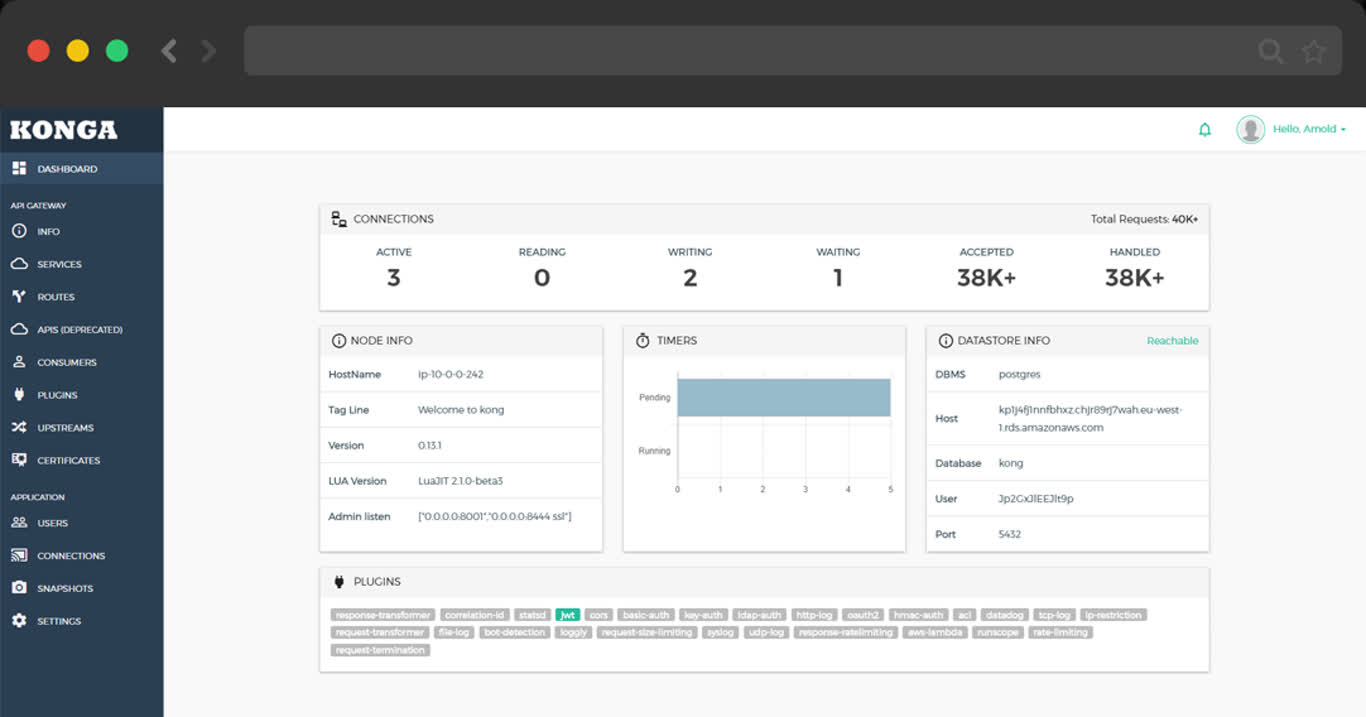
postgres://dbuser_kong:[email protected]:5432/kongPigsty v2.7 在 app/jupyter 中提供 Jupyter Docker Compose 模板。修改
app/jupyter/.env
中的镜像、端口与令牌后,创建数据目录并启动容器:
默认配置使用 jupyter/minimal-notebook:latest,监听 8888 端口,令牌为
pigsty。可访问 http://lab.pigsty 或
http://10.10.10.10:8888。
模板将 /data/jupyter 挂载到容器内的 /home/jovyan/work,并要求目录
属主为 1000:100:
该行为对应 v2.7.0 标签中的
app/jupyter/docker-compose.yml
与 app/jupyter/Makefile。
可在 Jupyter 终端中安装 PostgreSQL Python 驱动:
然后从 Notebook 建立连接:
v2.7.0 已不再包含旧版 infra-jupyter.yml 剧本与
jupyter_username、jupyter_password、jupyter_domain 参数;这些属于
早期版本,不能用于本分支。
公开Demo地址:http://git.pigsty.cc
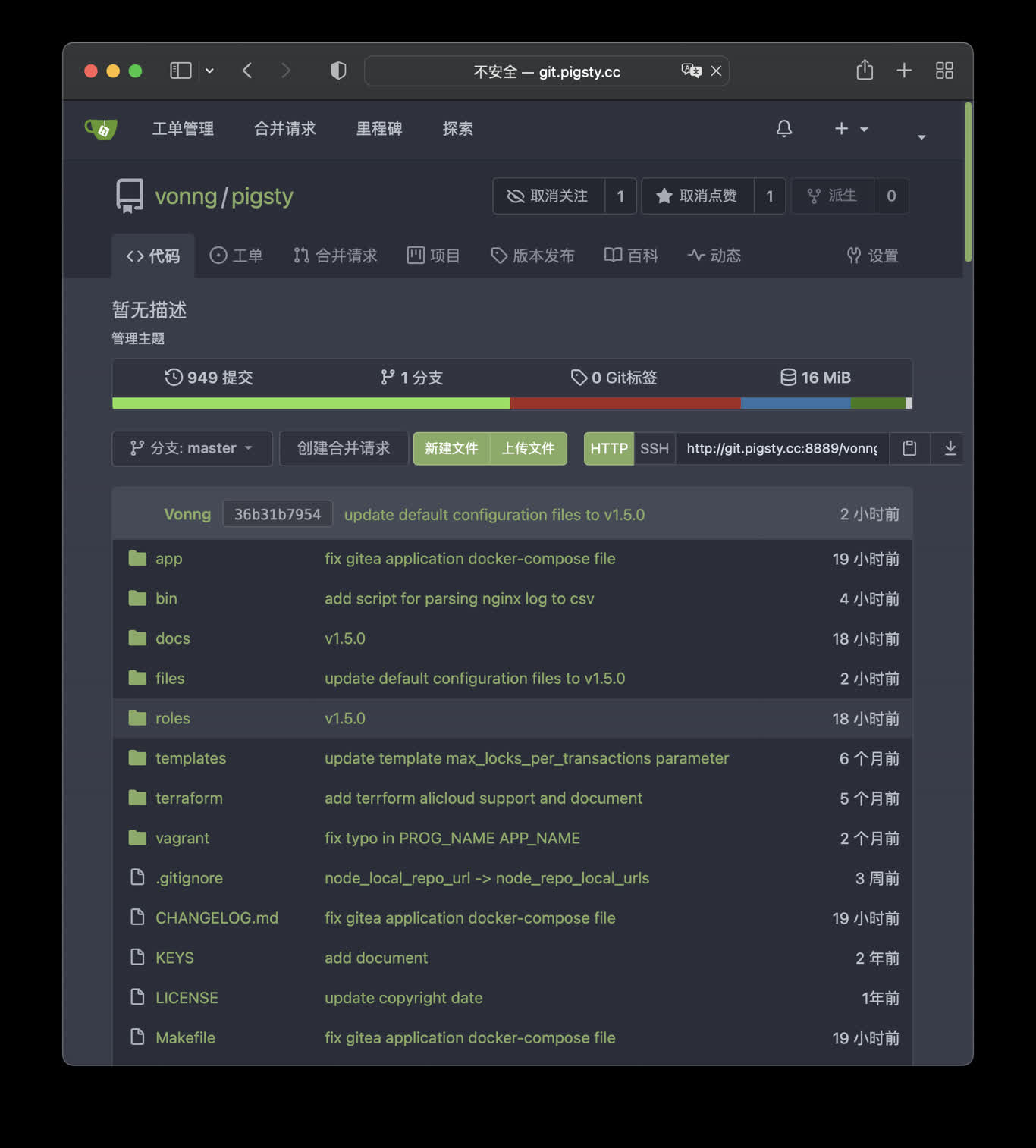
在本例中,Gitea 默认使用 8889 端口,您可以访问以下位置:
http://git.pigsty 或 http://10.10.10.10:8889
Pigsty默认使用容器内的 Sqlite 作为元数据存储,您可以让 Gitea 通过连接串环境变量使用外部的PostgreSQL
公开Demo地址:http://wiki.pigsty.cc
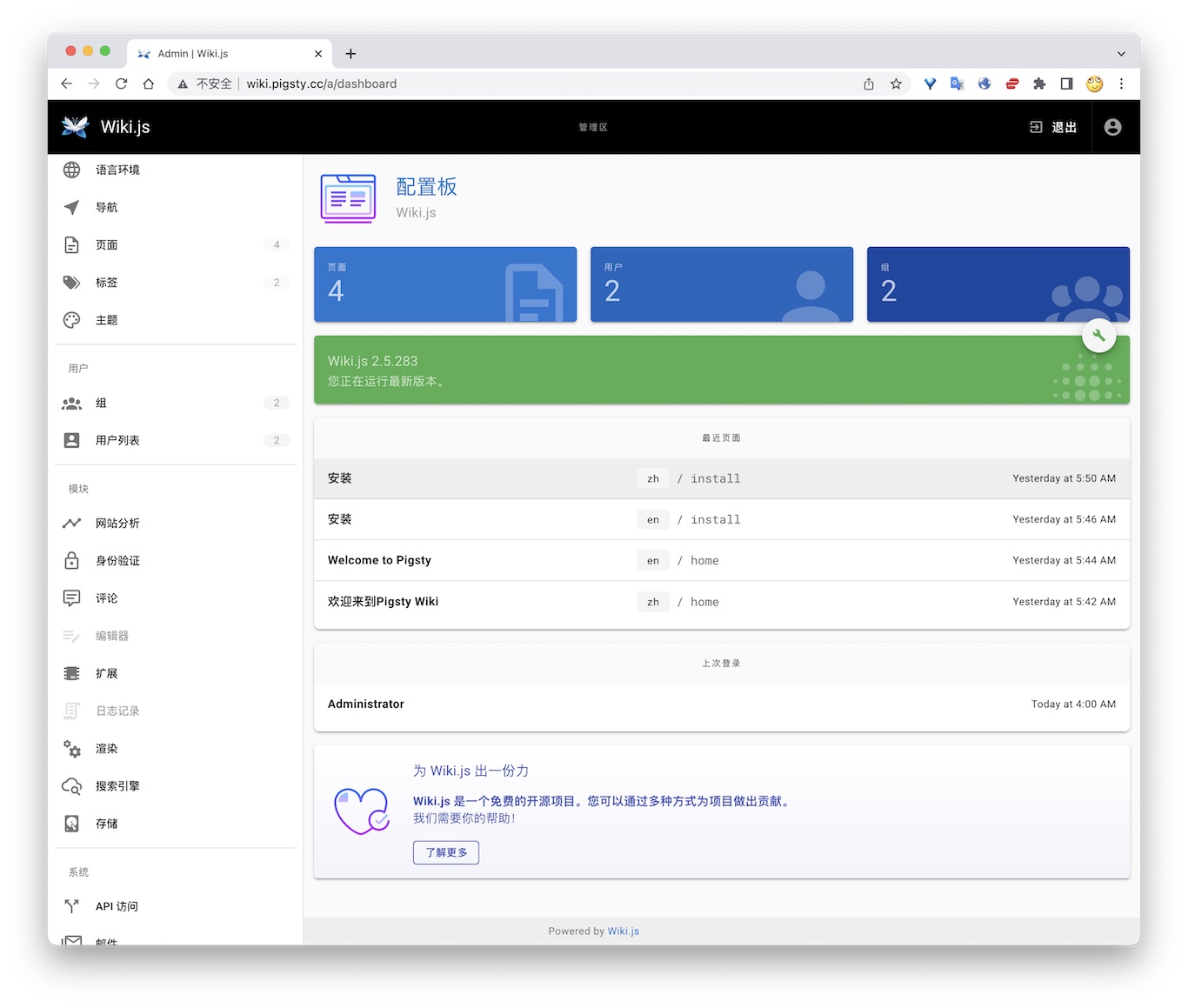
公开 Demo:http://sss.pigsty.cc。v2.7 Compose 模板凭据为 minioadmin / minioadmin;下方独立容器命令使用 admin / pigsty.minio。
默认用户名: admin / pigsty.minio
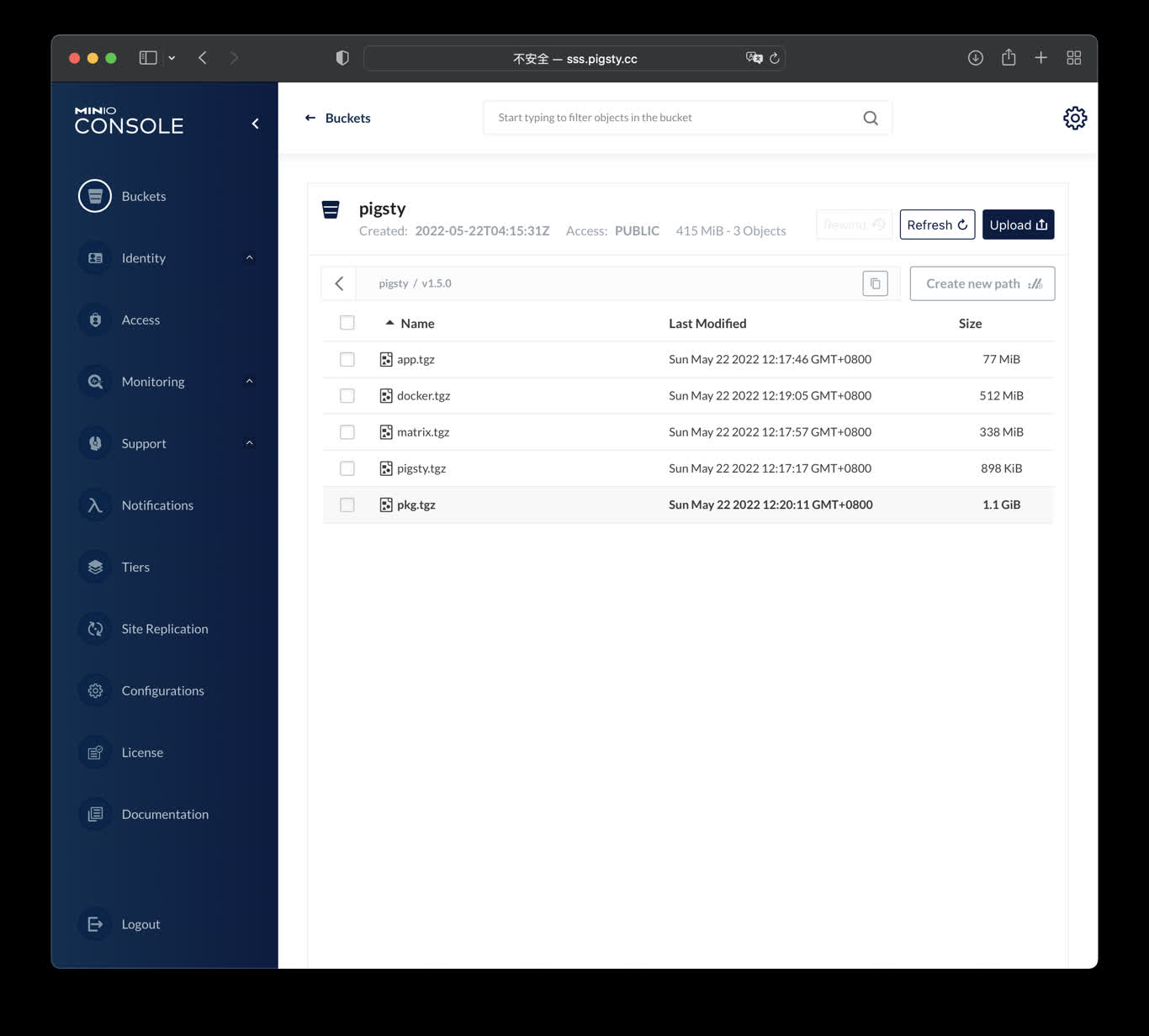
Launch minio (s3) service on 9000 & 9001
The standalone docker run example is available at http://10.10.10.10:9000 with user admin and password pigsty.minio.
ByteBase是一个进行数据库模式变更的工具,以下命令将在元节点 8887 端口启动一个ByteBase。
访问 http://10.10.10.10:8887/ 或 http://ddl.pigsty 即可使用 ByteBase,您需要依次创建项目、环境、实例、数据库,即可开始进行模式变更。 公开Demo地址: http://ddl.pigsty.cc
公开Demo地址:http://ddl.pigsty.cc
默认用户名与密码: admin / pigsty
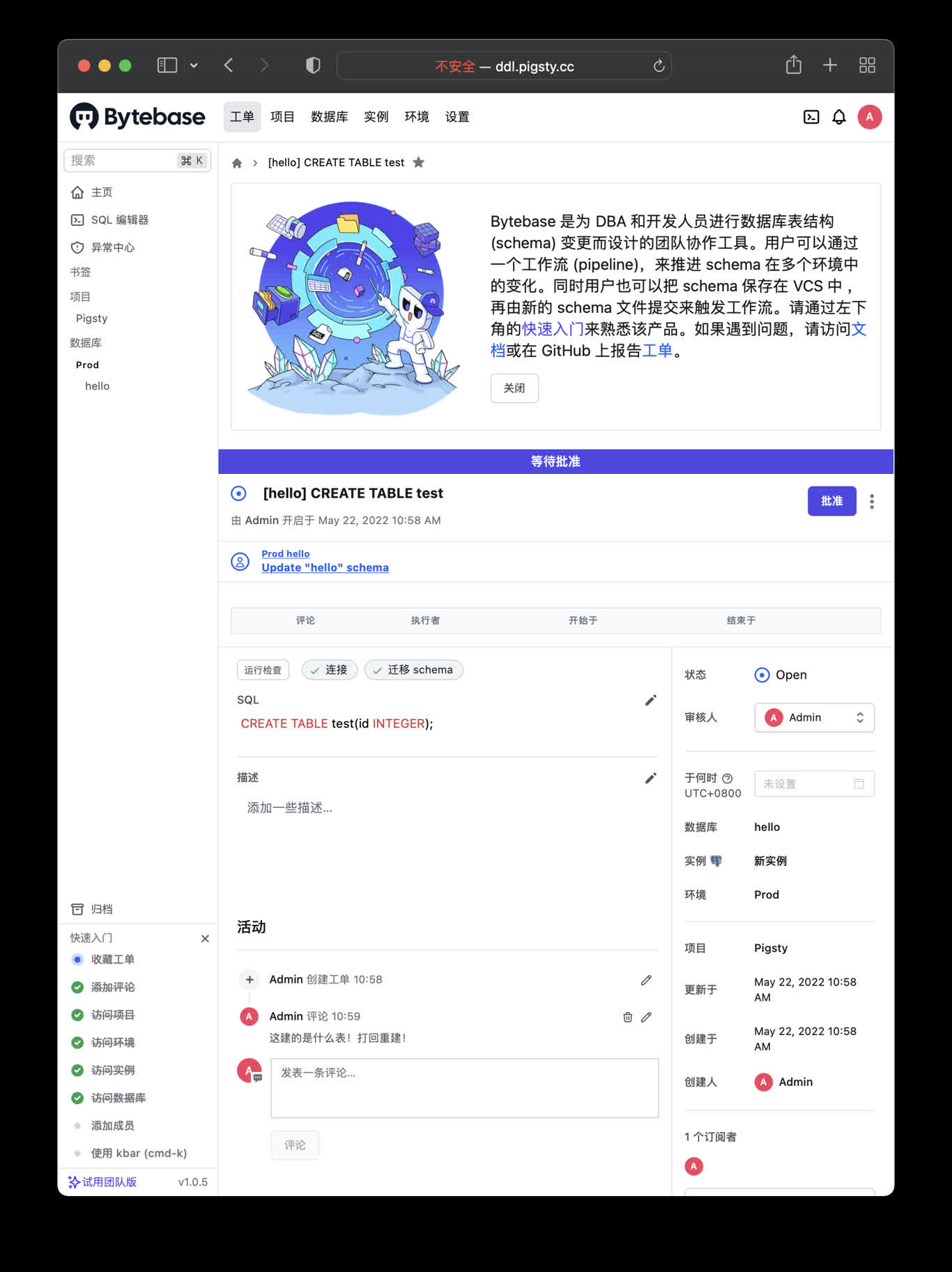
Schema Migrator for PostgreSQL
Visit http://ddl.pigsty or http://10.10.10.10:8887
Bytebase use its internal PostgreSQL database by default, You can use external PostgreSQL for higher durability.
if you wish to user an external PostgreSQL, drop monitor extensions and views & pg_repack
After bytebase initialized, you can create them back with /pg/tmp/pg-init-template.sql
PgAdmin4 是一个实用的PostgreSQL管理工具,执行以下命令可在管理节点拉起 pgadmin服务:
默认分配 8885 端口,使用域名: http://adm.pigsty 访问, Demo:http://adm.pigsty.cc。
默认用户名:[email protected],密码:pigsty。
公开Demo地址:http://adm.pigsty.cc
默认用户名与密码: [email protected] / pigsty
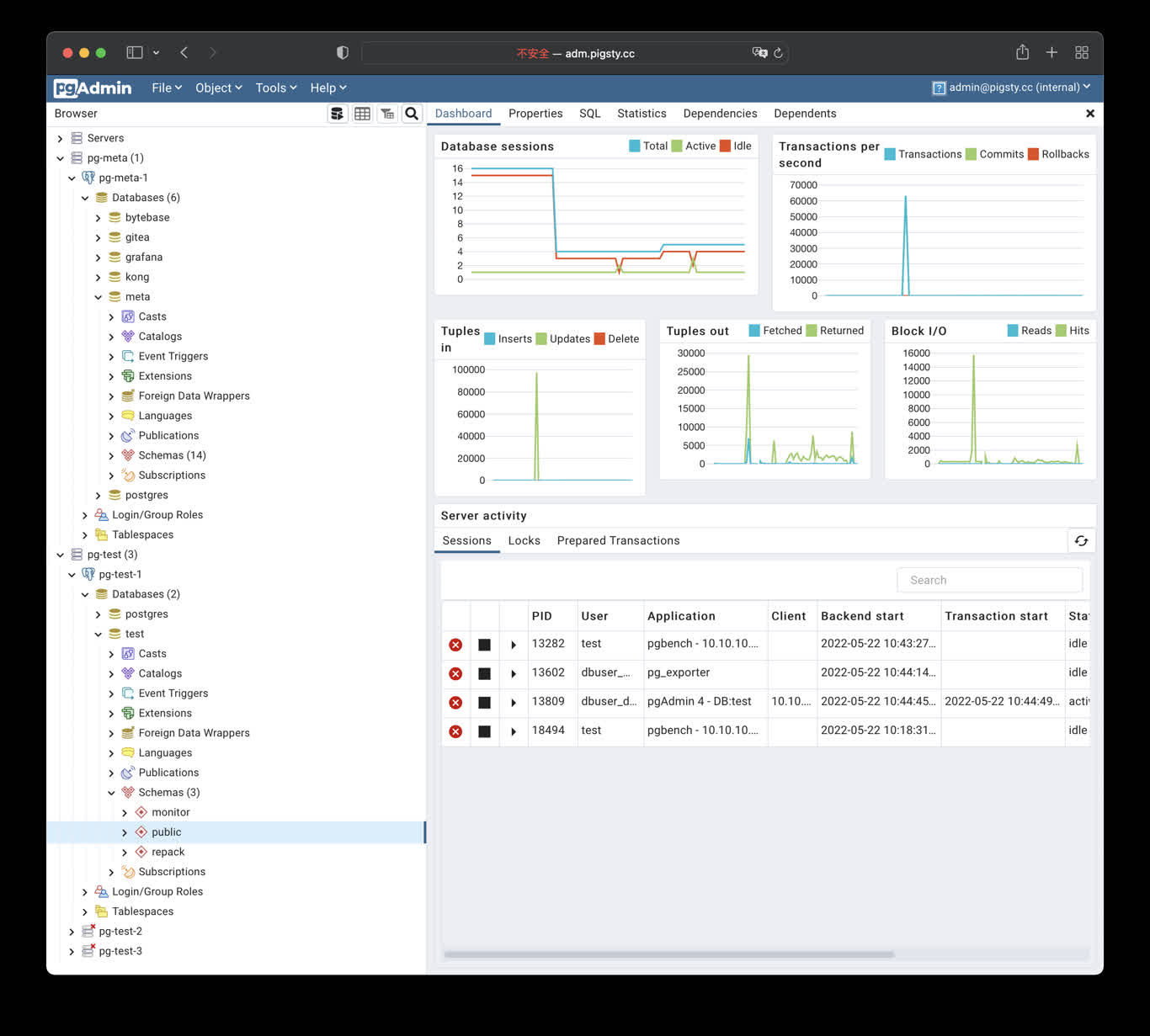
Pigsty的Pgadmin应用模板默认使用8885端口,您可以通过以下地址访问:
http://adm.pigsty 或 http://10.10.10.10:8885
默认用户名与密码: [email protected] / pigsty
PostgREST是一个自动根据 PostgreSQL 数据库模式生成 REST API的二进制组件。
例如,以下命令将使用docker拉起 postgrest (本地 8884 端口,使用默认管理员用户,暴露Pigsty CMDB模式)
访问 http://10.10.10.10:8884 会展示所有自动生成API的定义,并自动使用 Swagger Editor 暴露API文档。
如果您想要进行增删改查,设计更精细的权限控制,请参考 Tutorial 1 - The Golden Key,生成一个签名JWT。
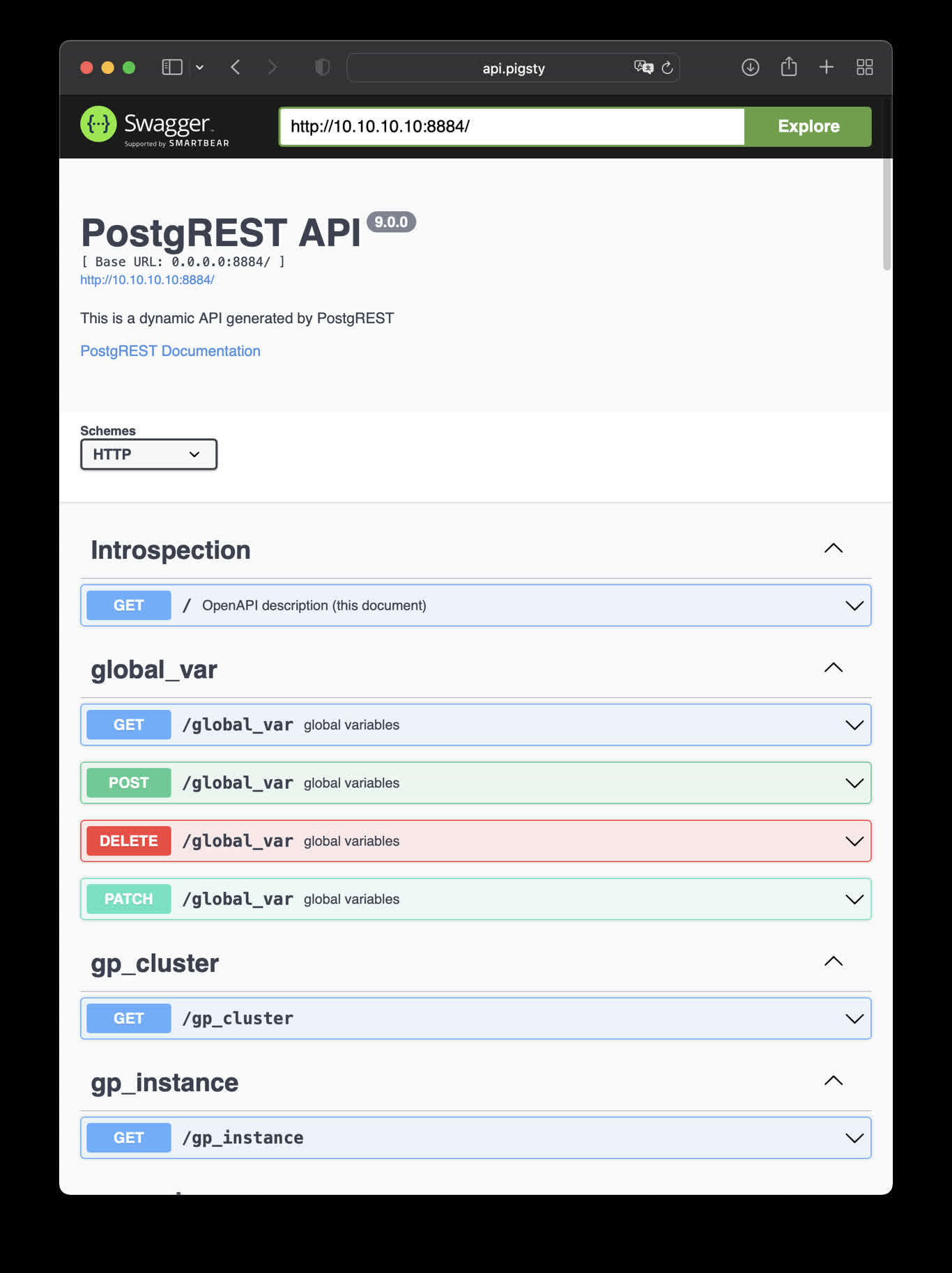
This is an example of creating pigsty cmdb API with PostgREST
http://10.10.10.10:8884 is the default endpoint for PostgREST
http://10.10.10.10:8883 is the default api docs for PostgREST
Launch a swagger OpenAPI UI and visualize PostgREST API on 8883 with:
Check http://10.10.10.10:8883/
使用以下docker生成数据库模式报表,以CMDB为例:
然后访问 http://h.pigsty/schema/pg-meta/meta/pigsty 即可访问Schema报表
PGWeb是一款基于浏览器的PG客户端工具,使用以下命令,在元节点上拉起PGWEB服务,默认为主机8886端口。可使用域名: http://cli.pigsty 访问,公开Demo:http://cli.pigsty.cc。
用户需要自行填写数据库连接串,例如默认CMDB的连接串:
postgres://dbuser_dba:[email protected]:5432/meta?sslmode=disable
公开Demo地址:http://cli.pigsty.cc
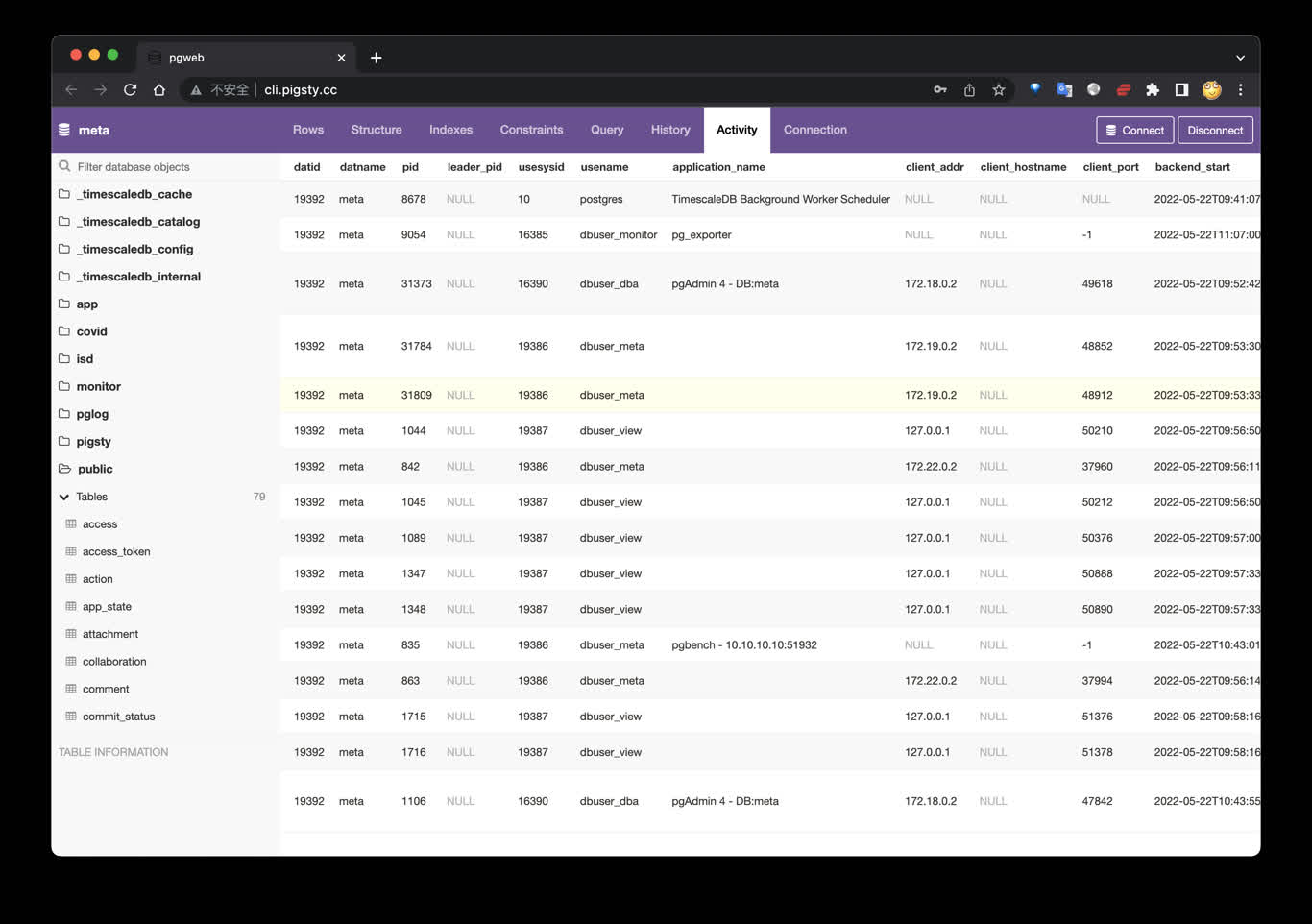
使用Docker Compose拉起PGWEB容器:
接下来,访问您本机的 8886 端口,即可看到 PGWEB 的UI界面: http://10.10.10.10:8886
您可以尝试使用下面的URL连接串,通过 PGWEB 连接至数据库实例并进行探索。
搭建开源论坛Discourse,需要调整配置 app.yml ,重点是SMTP部分的配置
然后,执行以下命令,拉起Discourse即可。
请参考Gitlab Docker部署文档 完成Docker部署。
Applet,是一种自包含的,运行于Pigsty基础设施中的数据小应用。
一个Pigsty应用通常包括以下内容中的至少一样或全部:
ui目录sql 目录data目录bin目录Pigsty默认提供了几个样例应用:
pglog, 分析PostgreSQL CSV日志样本。covid, 可视化WHO COVID-19数据,查阅各国疫情数据。pglog, NOAA ISD,可以查询全球30000个地表气象站从1901年来的气象观测记录。一个Pigsty应用会在应用根目录提供一个安装脚本:install或相关快捷方式。您需要使用管理用户在 管理节点 执行安装。安装脚本会检测当前的环境(获取 METADB_URL, PIGSTY_HOME,GRAFANA_ENDPOINT等信息以执行安装)
通常,带有APP标签的面板会被列入Pigsty Grafana首页导航中App下拉菜单中,带有APP和Overview标签的面板则会列入首页面板导航中。
您可以从 https://github.com/Vonng/pigsty/releases/download/v1.5.1/app.tgz 下载带有基础数据的应用进行安装。
PGLOG是Pigsty自带的一个样例应用,固定使用MetaDB中pglog.sample表作为数据来源。您只需要将日志灌入该表,然后访问相关Dashboard即可。
Pigsty提供了一些趁手的命令,用于拉取csv日志,并灌入样本表中。在元节点上,默认提供下列快捷命令:
接下来,您可以访问以下的连接,查看样例日志分析界面。
catlog命令从特定节点拉取特定日期的CSV数据库日志,写入stdout
默认情况下,catlog会拉取当前节点当日的日志,您可以通过参数指定节点与日期。
组合使用pglog与catlog,即可快速拉取数据库CSV日志进行分析。
如果您拥有数据库后不知道干点什么,不妨参试试这个开源项目:Vonng/isd
您可以直接复用监控系统Grafana,以交互式的方式查阅近30000个地面气象站过去120年间的亚小时级气象数据。
这是一个功能完成的数据应用,可以查询全球30000个地表气象站从1901年来的气象观测记录。
项目地址:https://github.com/Vonng/isd
在线Demo地址:https://demo.pigsty.cc/d/isd-overview
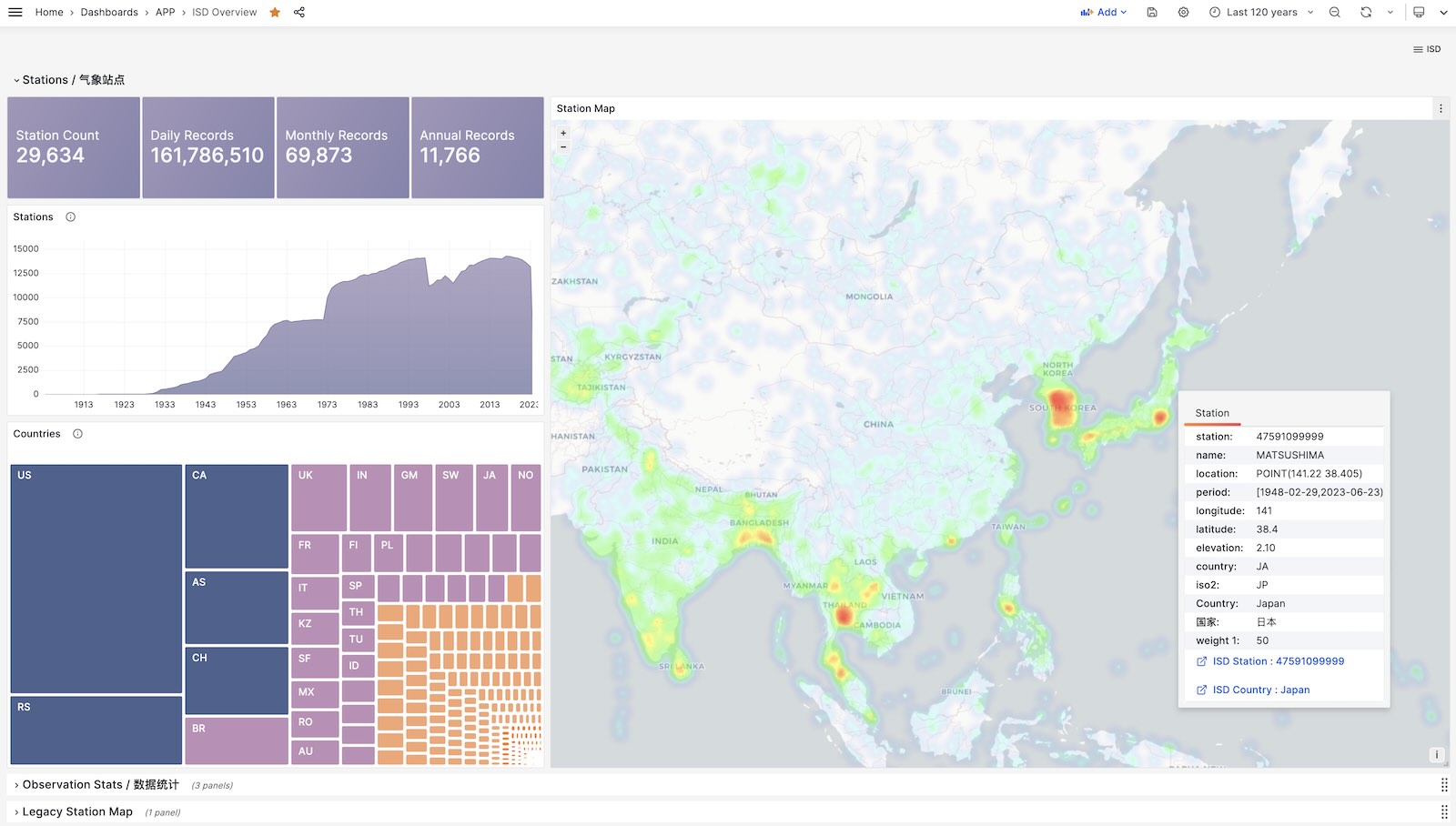
克隆本仓库
准备一个 PostgreSQL 实例
该 PostgreSQL 实例应当启用了 PostGIS 扩展。使用 PGURL 环境变量传递数据库连接信息:
获取并导入ISD气象站元数据
这是一份每日更新的气象站元数据,包含了气象站的经纬度、海拔、名称、国家、省份等信息,使用以下命令下载并导入。
获取并导入最新的 isd.daily 数据
isd.daily 是一个每日更新的数据集,包含了全球各气象站的日观测数据摘要,使用以下命令下载并导入。
请注意,直接从 NOAA 网站下载的原始数据需要经过解析方可入库,所以你需要下载或构建一个 ISD 数据 Parser。
加载解析好的 CSV 数据集
ISD Daily 数据集有一些脏数据与重复数据,如果你不想手工解析处理清洗,这里也提供了一份解析好的稳定CSV数据集。
该数据集包含了截止到 2023-06-24 的 isd.daily 数据,你可以直接下载并导入 PostgreSQL 中,不需要 Parser,
ISD数据集有两个部分是每日更新的,气象站元数据,以及最新年份的 isd.daily (如 2023 年的 Tarball)。
你可以使用以下命令下载并刷新这两个部分。如果数据集没有更新,那么这些命令不会重新下载同样的数据包
你也可以使用以下命令下载并加载特定年份的 isd.daily 数据:
除了每日摘要 isd.daily, ISD 还提供了一份更详细的亚小时级原始观测记录 isd.hourly,下载与加载的方式与前者类似:
ISD提供了四个数据集:亚小时级原始观测数据,每日统计摘要数据,月度统计摘要,年度统计摘要
| 数据集 | 备注 |
|---|---|
| ISD Hourly | 亚小时级观测记录 |
| ISD Daily | 每日统计摘要 |
| ISD Monthly | 没有用到,因为可以从 isd.daily 计算生成 |
| ISD Yearly | 没有用到,因为可以从 isd.daily 计算生成 |
每日摘要数据集
亚小时级观测数据级
气象站元数据表
每日摘要表
亚小时级原始观测数据表
NOAA ISD 提供的原始数据是高度压缩的专有格式,需要通过解析器加工,才能转换为数据库表的格式。
针对 Daily 与 Hourly 两份数据集,这里提供了两个 Parser: isdd and isdh。
这两个解析器都以年度数据压缩包作为输入,产生 CSV 结果作为输出,以管道的方式工作,如下所示:
这里提供了几个使用 Grafana 制作的 Dashboard,可以用于探索 ISD 数据集,查询气象站与历史气象数据。
ISD Overview
全局概览,总体指标与气象站导航。
ISD Country
展示单个国家/地区内所有的气象站。
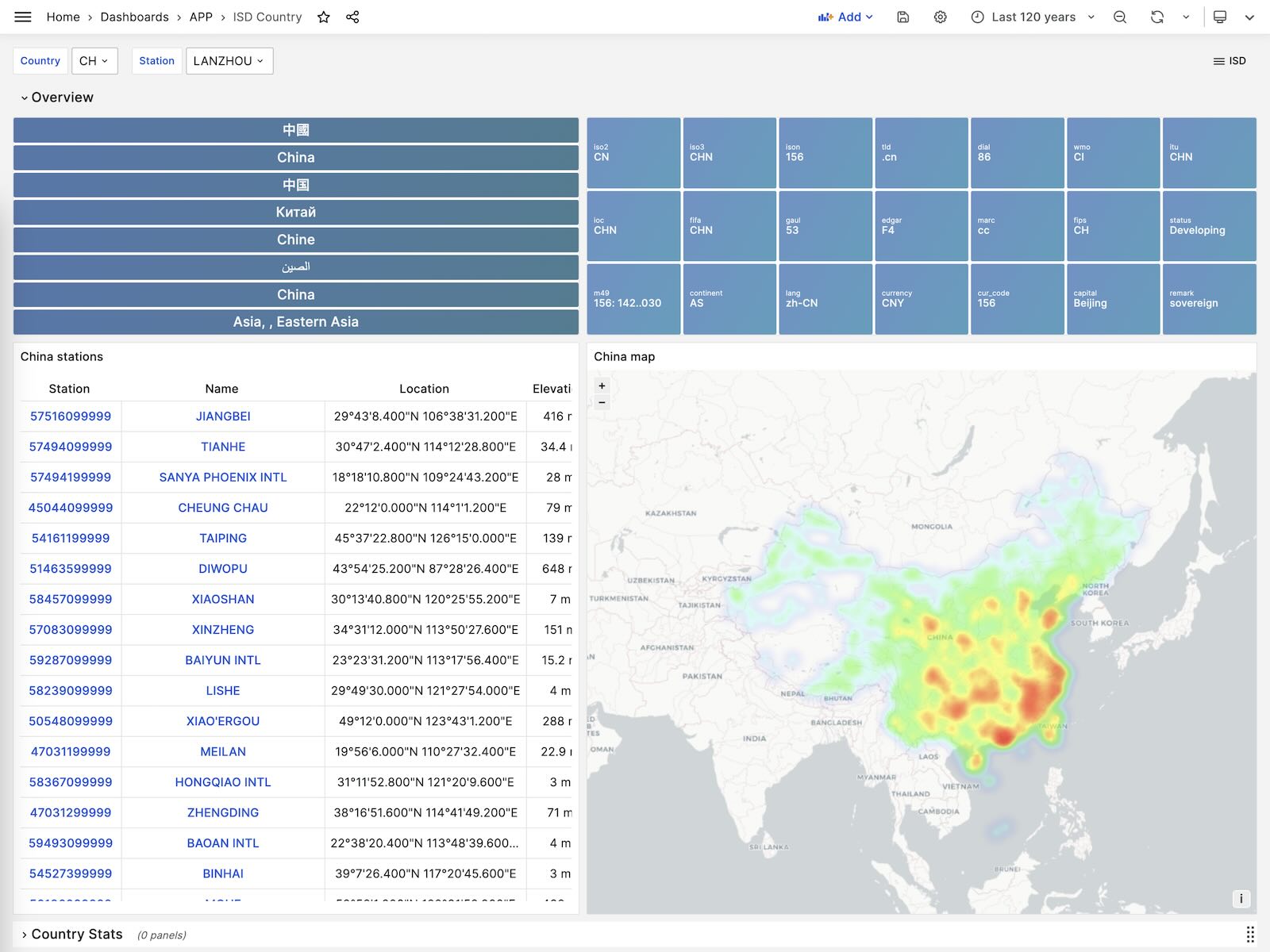
ISD Station
展示单个气象站的详细信息,元数据,天/月/年度汇总指标。
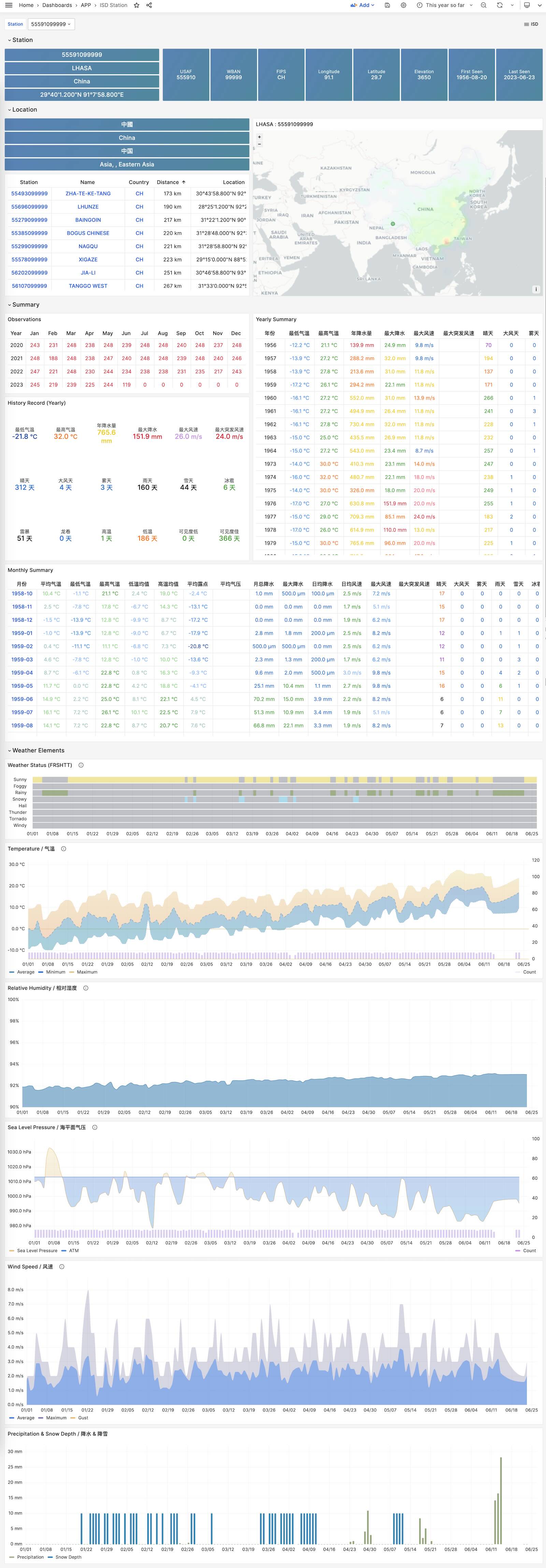
ISD Detail
展示一个气象站原始亚小时级观测指标数据,需要 isd.hourly 数据集。
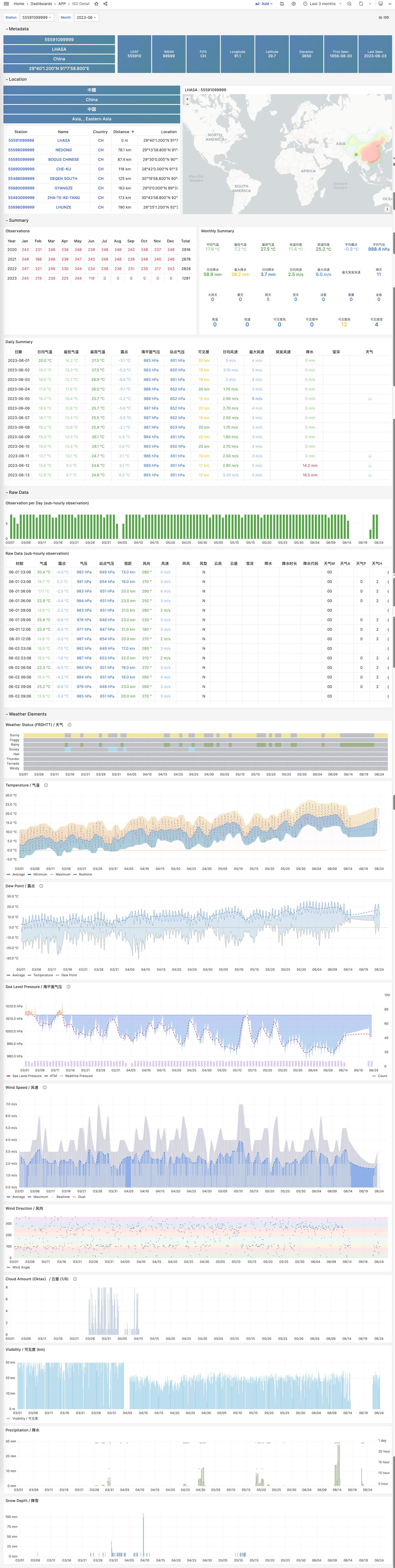
Covid 是 Pigsty 自带的,用于展示世界卫生组织官方疫情数据大盘的一个样例 Applet。
您可以查阅每个国家与地区 COVID-19 的感染与死亡案例,以及全球的疫情趋势。
GitHub 仓库地址:https://github.com/Vonng/pigsty-app/tree/11fbbc03031b0a060cf4da0f87f3f12a4ec2f126/covid
在线Demo地址:https://demo.pigsty.cc/d/covid
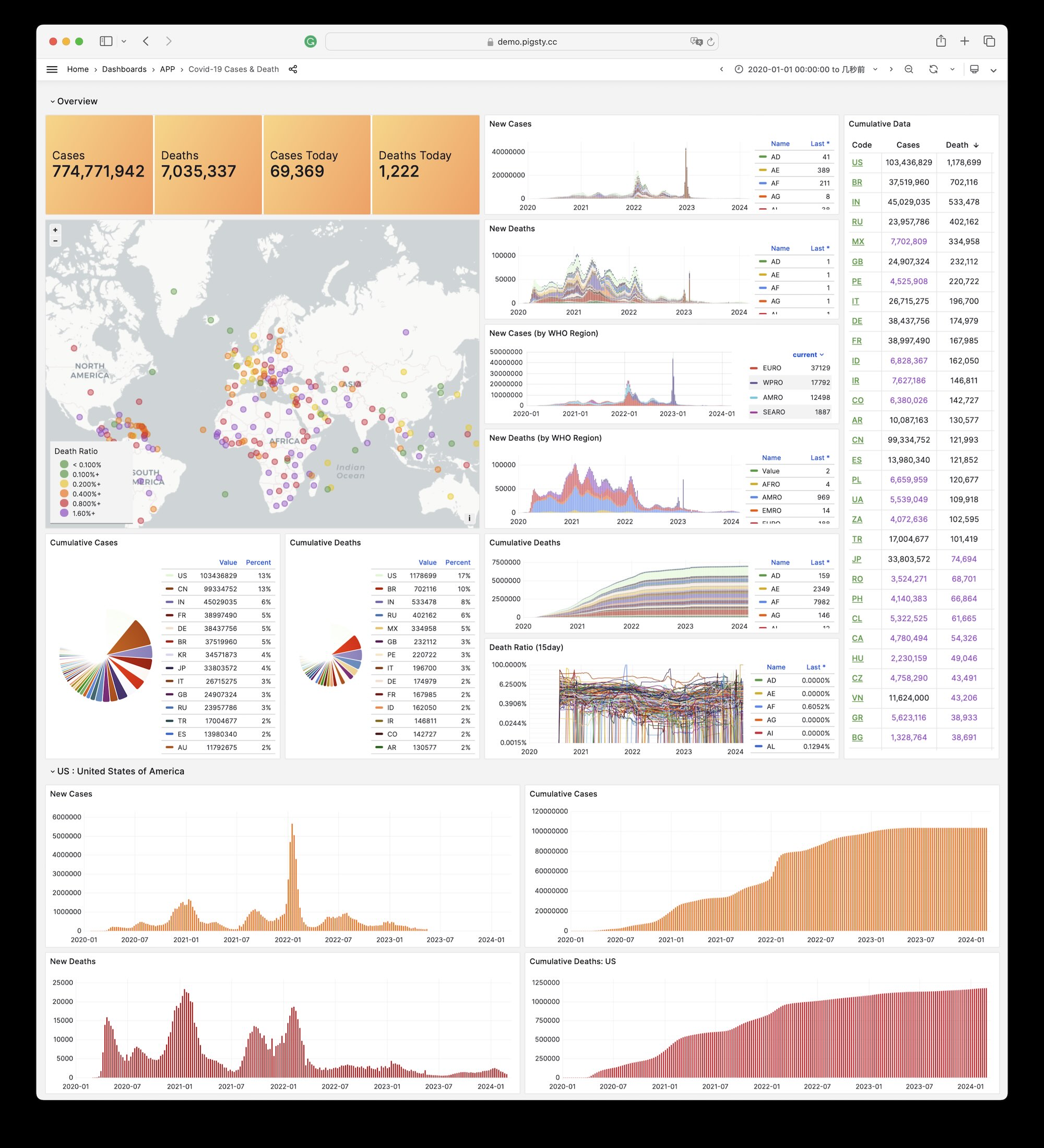
在管理节点上进入应用目录,执行make以完成安装。
其他一些子任务:
历史来源说明:原页面所列的 pigsty-app/cloud 目录在 v2.7.0 之前最后一个不可变应用仓库快照中并不存在;下方 SQL 与找回的图片来自冻结文档仓库。
在线Demo地址:https://demo.pigsty.cc/d/ecs
文章地址:《剖析算力成本:阿里云真降价了吗?》
Aliyun ECS 价格可以在 价格计算器 - 定价详情 - 价格下载 中获取 CSV 原始数据。
下载 阿里云 价格明细并导入分析
AWS EC2 同理,可以从 Vantage 下载价格清单:
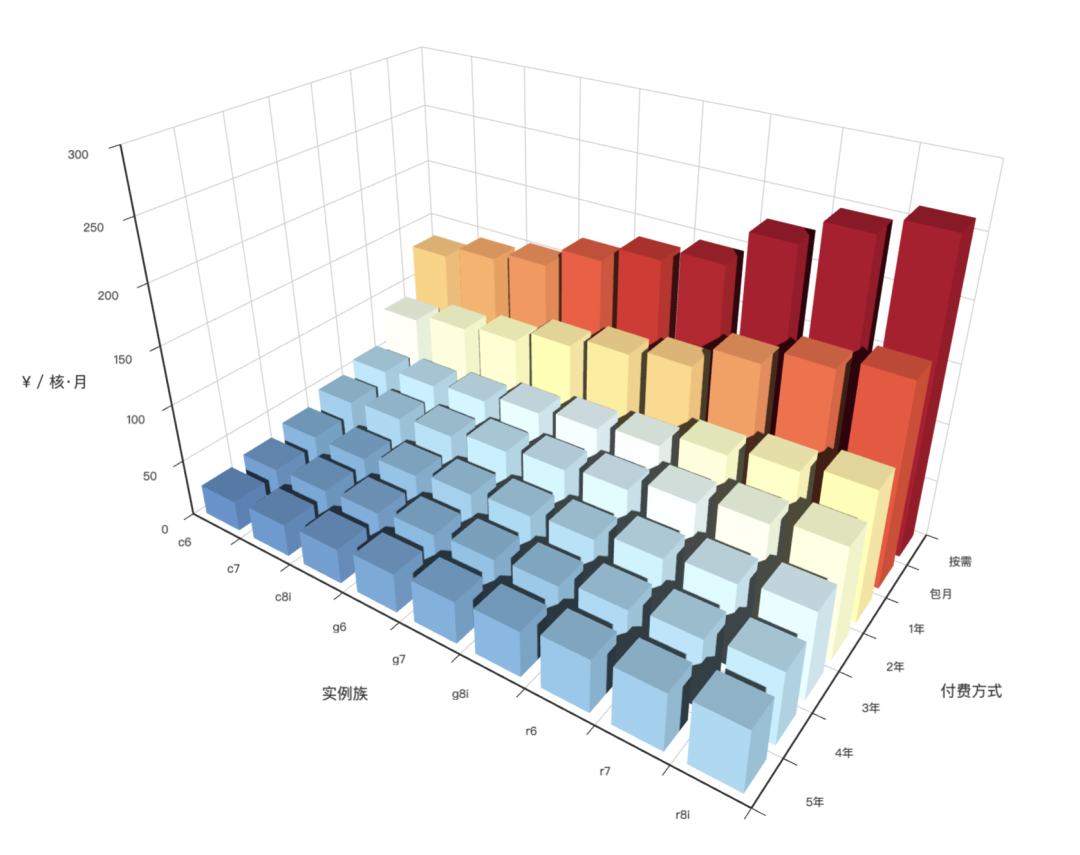
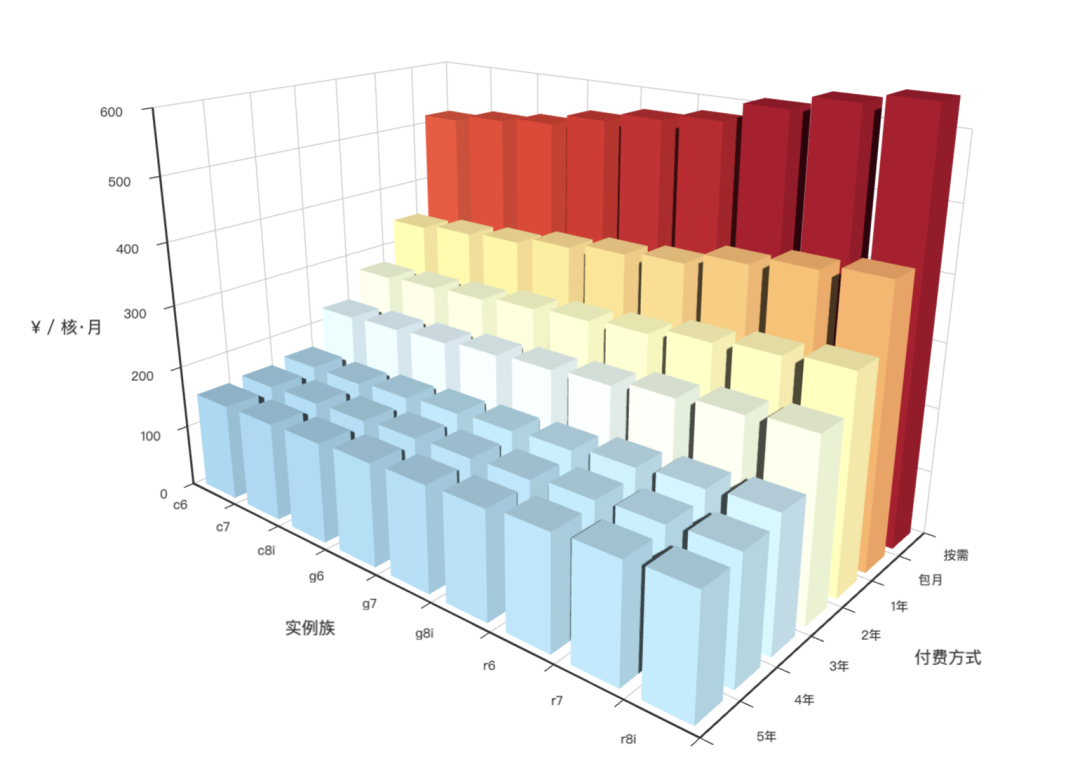
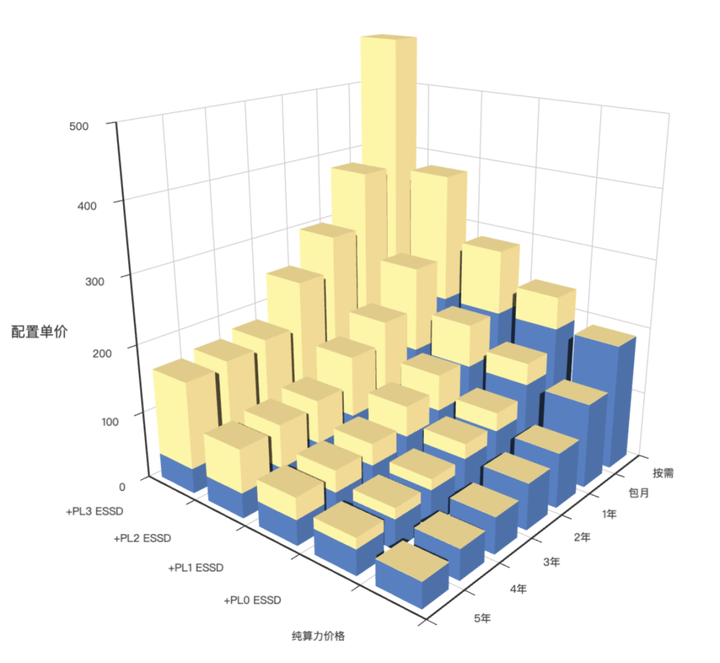
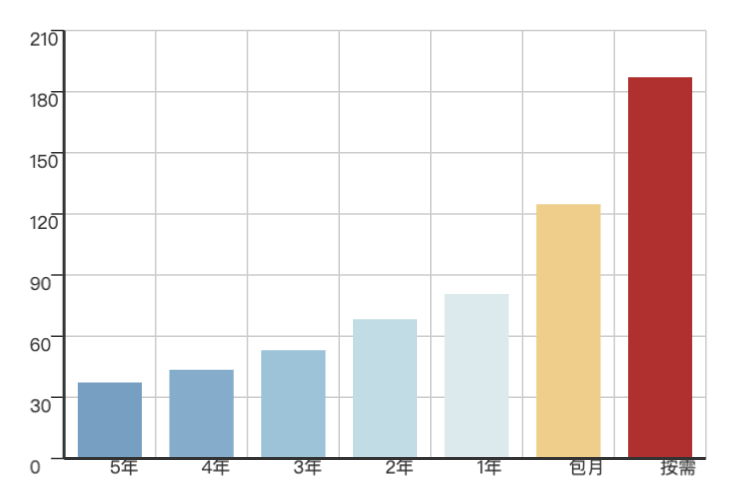
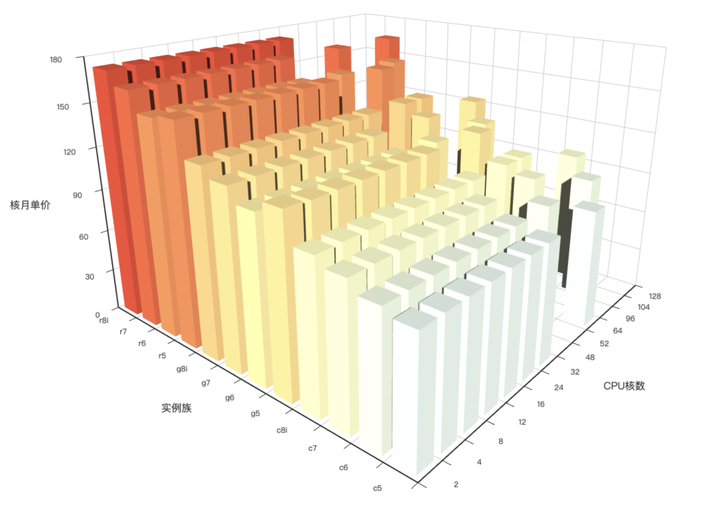
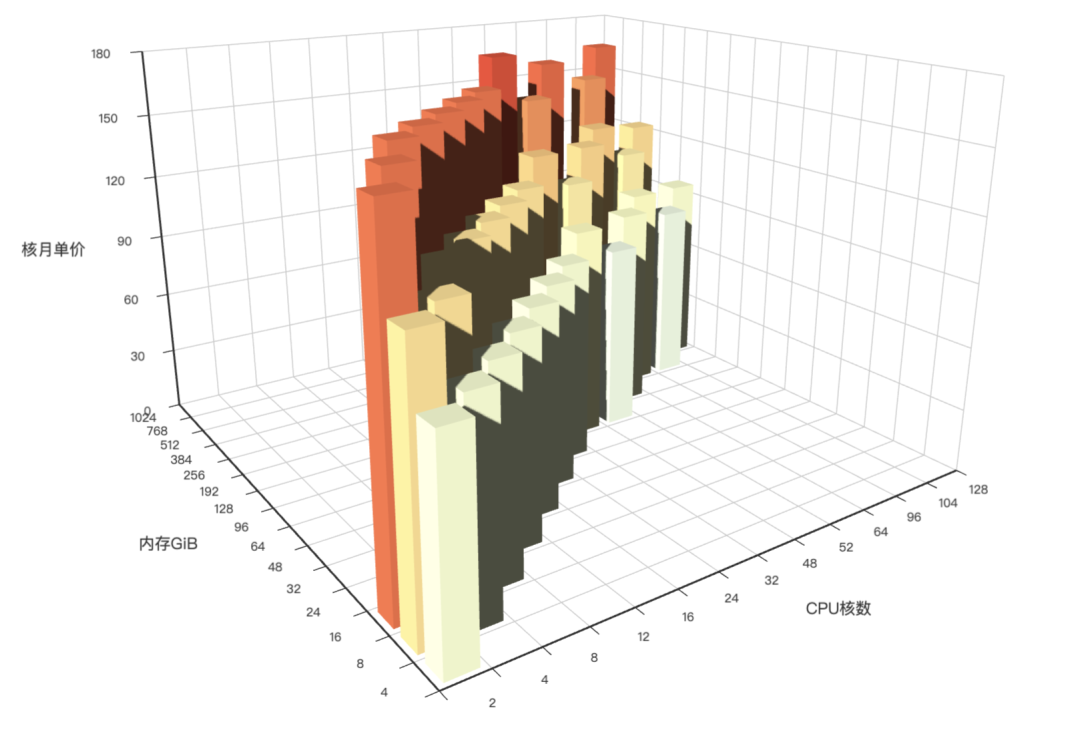
题目如下: 《数据库编程大赛:一条SQL计算扑克牌24点》
有一张表 cards,id 是自增字段的数字主键,另外有4个字段 c1,c2,c3,c4 ,每个字段随机从 1~10 之间选择一个整数 要求选手使用一条 SQL 给出 24 点的计算公式,返回的内容示例如右图:
其中 result 字段是计算的表达式,只需返回1个解,如果没有解,result 返回null
24 点的计算规则:只能使用加减乘除四则运算,不能使用阶乘、指数等运算符,每个数字最少使用一次,且只能使用一次,可以使用小括号改变优先级
只能使用一条 SQL ,可以使用数据库内置函数,但是不能使用存储过程/自定义函数和代码块。
SQL 正确性大家在 NineData 平台 demo 数据库自己验证,或在自己的数据库上验证,组委会评测服务器是 4 核 CPU ,32 GB 内存
选手个人诚信参赛,不允许提交别人的比赛代码,如果发现有类似代码,工作组以第一个提交的为有效参赛
每个选手最多提交 3 次比赛代码
提交的 SQL 不能超过 10 KB大小
作为 MySQL 老司机,NineData 搞的这个比赛暗吹 MySQL 的水平比姜高到不知道哪里去了 —— 为什么这么说呢?
因为 10KB 的大小限制非常猥琐 —— 最快的解法都是质数查表,而这种方式所有解的文本拼接大小大约是 10018 个字符。要想压缩这个表到 10KB 以内,必须要用到一些压缩技巧。
MySQL 是带有 COMPRESS 和 UNCOMPRESS 函数的,而 PostgreSQL 原生是没带的,需要用到 pgsql-gzip 扩展,而这个扩展在 NineData 比赛的平台上是不提供的。
下面是使用 PostgreSQL 的解法:
基本思想是是使用质数编码,将所有可能的结果分配唯一主键编号,快速计算 24 点:
当然,这里的字符串长度超过了 10000: 10896 个。我们可以用一些手段来压缩,比如把这个巨长的 CASE 弄成一个 inline 函数,然后再把主键从十进制数字字面值换成十六进制,其实长度就在 10KB 以内了。 不过规则禁止我们使用存储过程,这就要想其他办法了。主要就是如何压缩中间那个长字符串。
当然,这里的字符串长度超过了 10000: 10896 个。所以需要用到额外的压缩功能,来满足题目要求。 Pigsty 原生提供了 pgsql-gzip 扩展:
然后我们把上面的结果表压缩一下,10018个字符压缩到 7796 个,总长度 8796,满足题目要求
在本地 M1 Macbook Pro 上单核执行时间大约是 0.58 秒,比第一名 0.67s 稍微快一点。
当然,因为 NineData 上面那个 PostgreSQL 没有 gzip 扩展,所以我也没用他们的平台(4c 32G)去提交成绩。
以上就是使用 PostgreSQL 一条SQL计算扑克牌24点的解法。
其实,如果在用上并行优化也许还能再快点,然后 PostgreSQL 还有一种其他数据库做不到的解法。那就是直接把这个查表动作封装成一个扩展,然后用C语言直接暴露存储过程给 SQL 调用。这样就能把这个计算过程优化到极致了。当然,这种我们也懒得折腾了。
GitHub 仓库地址:https://github.com/Vonng/pigsty-app/tree/11fbbc03031b0a060cf4da0f87f3f12a4ec2f126/db
在线Demo地址:https://demo.pigsty.cc/d/db-engine
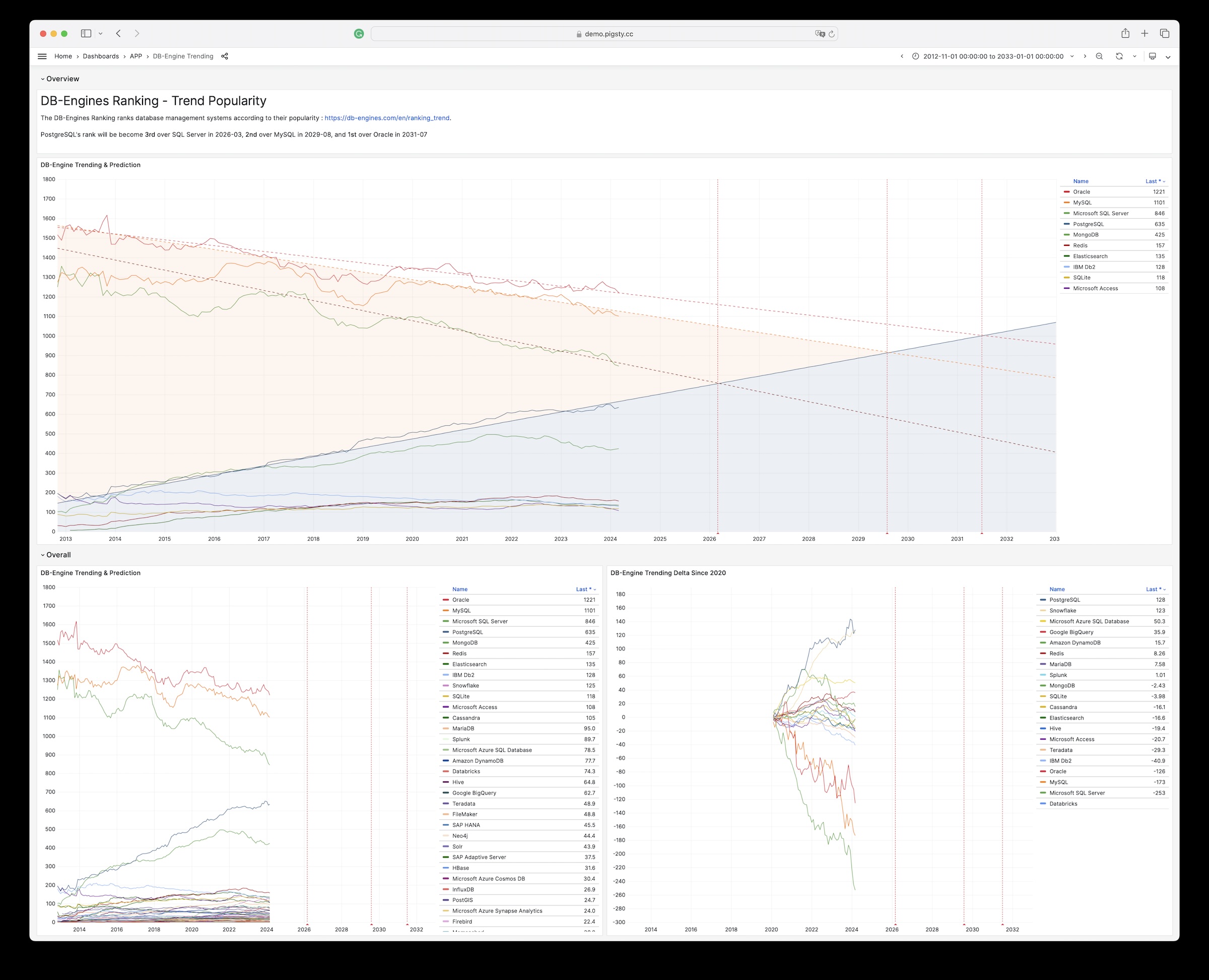
GitHub 仓库地址:https://github.com/Vonng/pigsty-app/tree/11fbbc03031b0a060cf4da0f87f3f12a4ec2f126/db
在线Demo地址:https://demo.pigsty.cc/d/sf-survey
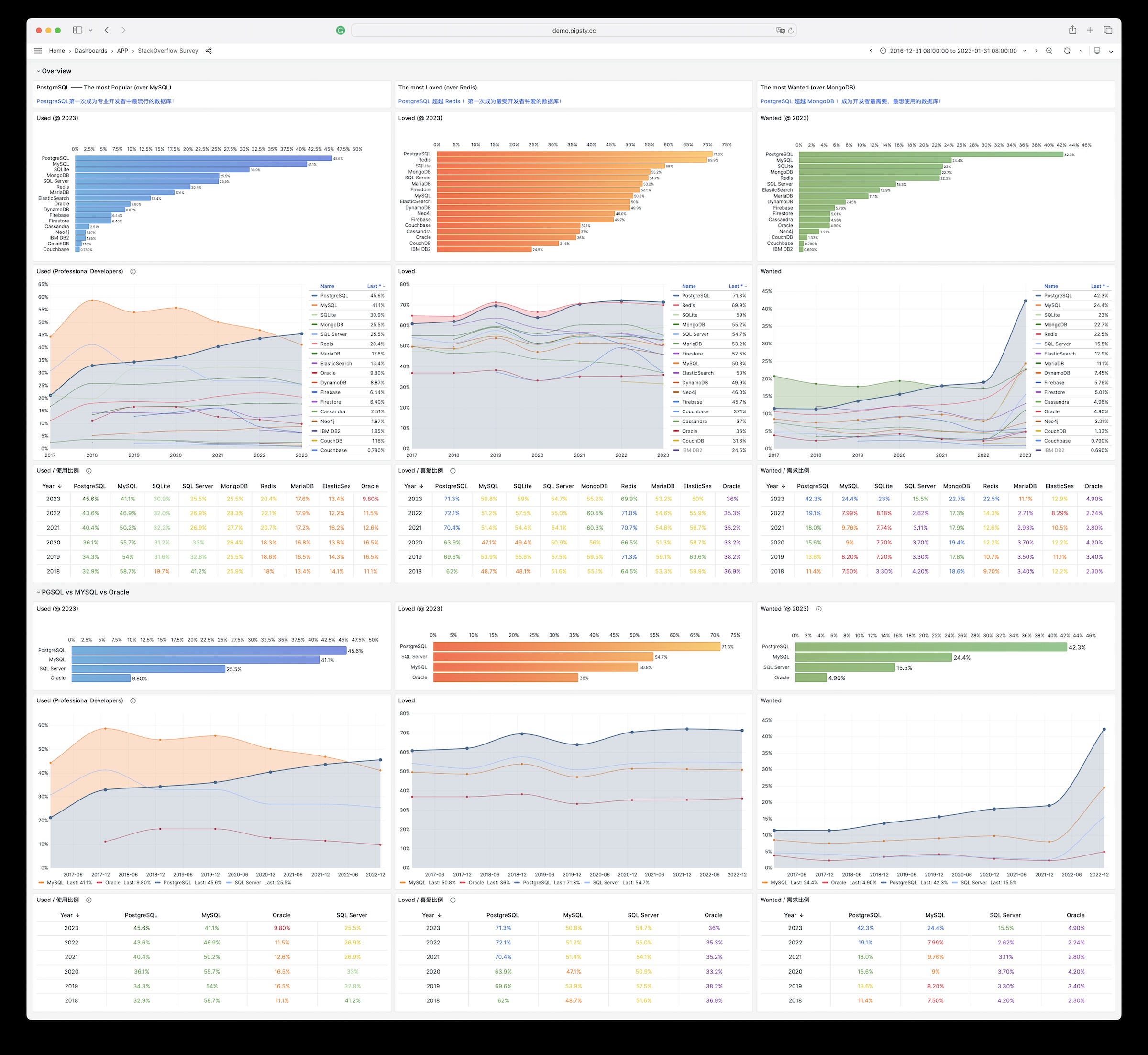
| 版本 | 发布时间 | 摘要 | 地址 |
|---|---|---|---|
| v2.7.0 | 2024-05-20 | 扩展大爆炸,新增20强力扩展插件,与多款Docker应用 | v2.7.0 |
| v2.6.0 | 2024-02-28 | PG 16 作为默认大版本,引入 ParadeDB 与 DuckDB 等扩展 | v2.6.0 |
| v2.5.1 | 2023-12-01 | 例行小版本更新,PG16重要扩展支持 | v2.5.1 |
| v2.5.0 | 2023-09-24 | Ubuntu/Debian支持:bullseye, bookworm, jammy, focal | v2.5.0 |
| v2.4.1 | 2023-09-24 | Supabase/PostgresML支持与各种新扩展:graphql, jwt, pg_net, vault | v2.4.1 |
| v2.4.0 | 2023-09-14 | PG16,监控RDS,服务咨询支持,新扩展:中文分词全文检索/图/HTTP/嵌入等 | v2.4.0 |
| v2.3.1 | 2023-09-01 | 带HNSW的PGVector,PG 16 RC1, 文档翻新,中文文档,例行问题修复 | v2.3.1 |
| v2.3.0 | 2023-08-20 | 主机VIP, ferretdb, nocodb, MySQL存根, CVE修复 | v2.3.0 |
| v2.2.0 | 2023-08-04 | 仪表盘 & 置备重做,UOS 兼容性 | v2.2.0 |
| v2.1.0 | 2023-06-10 | 支持 PostgreSQL 12 ~ 16beta | v2.1.0 |
| v2.0.2 | 2023-03-31 | 新增 pgvector 支持,修复 MinIO CVE | v2.0.2 |
| v2.0.1 | 2023-03-21 | v2 错误修复,安全增强,升级 Grafana 版本 | v2.0.1 |
| v2.0.0 | 2023-02-28 | 架构大升级,兼容性、安全性、可维护性显著增强 | v2.0.0 |
| v1.5.1 | 2022-06-18 | Grafana 安全性修复 | v1.5.1 |
| v1.5.0 | 2022-05-31 | Docker 应用程序支持 | v1.5.0 |
| v1.4.1 | 2022-04-20 | 错误修复 & 英文文档完整翻译 | v1.4.1 |
| v1.4.0 | 2022-03-31 | MatrixDB 支持,分离 INFRA/NODES/PGSQL/REDIS模块 | v1.4.0 |
| v1.3.0 | 2021-11-30 | PGCAT 重整 & PGSQL 增强 & Redis Beta支持 | v1.3.0 |
| v1.2.0 | 2021-11-03 | 默认 PGSQL 版本升级至 14 | v1.2.0 |
| v1.1.0 | 2021-10-12 | 主页, JupyterLab, PGWEB, Pev2 & pgbadger | v1.1.0 |
| v1.0.0 | 2021-07-26 | v1 正式版, 监控系统重整 | v1.0.0 |
| v0.9.0 | 2021-04-04 | Pigsty 图形界面, 命令行界面, 日志集成 | v0.9.0 |
| v0.8.0 | 2021-03-28 | 服务置备,定制对外暴露的数据库服务 | v0.8.0 |
| v0.7.0 | 2021-03-01 | 仅监控部署,监控现有 PostgreSQL 实例 | v0.7.0 |
| v0.6.0 | 2021-02-19 | 架构增强,将PG与Consul解耦 | v0.6.0 |
| v0.5.0 | 2021-01-07 | 支持在配置中定义业务数据库/用户 | v0.5.0 |
| v0.4.0 | 2020-12-14 | 支持 PostgreSQL 13,添加官方文档 | v0.4.0 |
| v0.3.0 | 2020-10-22 | 虚拟机置备方案正式定稿 | v0.3.0 |
| v0.2.0 | 2020-07-10 | PG监控系统第六版正式发布 | v0.2.0 |
| v0.1.0 | 2020-06-20 | 在生产仿真测试环境中验证通过 | v0.1.0 |
| v0.0.5 | 2020-08-19 | 离线安装模式:无需互联网访问即可交付 | v0.0.5 |
| v0.0.4 | 2020-07-27 | 将 Ansible 剧本重构为 Role Refactor playbooks into ansible roles | v0.0.4 |
| v0.0.3 | 2020-06-22 | 接口设计改进 | v0.0.3 |
| v0.0.2 | 2020-04-30 | 首次提交 | v0.0.2 |
| v0.0.1 | 2019-05-15 | 概念原型 | v0.0.1 |
亮点特性
新增了大量强力扩展插件,特别是一些使用 rust 与 pgrx 进行开发的强力扩展:
当然,也有一些使用原生 C 和 C++ 开发的强力扩展:
pg_roaringbitmap, pgfaceting, mobilitydb, pgsql-http, pg_hint_plan, pg_statviz, pg_rrulepg_profile, pg_show_plans, 使用 PGDG 的 pgsql_http, pgsql_gzip, pg_net, pg_bigm 替代 Pigsty 维护的 RPM。新特性
软件版本升级
Docker应用模板
latest 标签替代特定版本号。缺陷修复
minio_cluster 变量没有在全局配置中注释掉的问题postgis34 插件名称问题,应该使用 postgis33python3.11-cryptography 依赖名的问题,上游现在变更为 python3-cryptography。/pg/bin/pg-role 无法在非交互式 Shell 模式下获取操作系统用户名的问题/pg/bin/pg-pitr 无法正确提示 -X -P 选项的问题API变更
node_write_etc_hosts,用于控制是否向目标节点的 /etc/hosts 文件写入静态 DNS 解析记录prometheus_sd_dir 参数,用于指定 Prometheus 静态服务发现的目标文件目录-x|--proxy 参数,用于将当前环境的代理信息写入配置文件 by @waitingsong in https://github.com/Vonng/pigsty/pull/405/pg/cert/ca.crt 代替 /etc/pki/ca.crt,降低对节点根证书的依赖。新的贡献者
完整的变更日志: https://github.com/Vonng/pigsty/compar
离线软件包校验和
亮点特性
pg_analytics, pg_bm25, and pg_sparseduckdb_fdw 插件支持软件配置变更
node_repo_modules 替换 node_repo_method 参数,并移除 node_repo_local_urls 参数。node_repo_modules 参数,用于指定在节点上添加的上游仓库源。node_local_repo_urls,其功能由 node_repo_modules & repo_upstream 替代。node_repo_method 参数,其功能由 node_repo_modules 替代。repo_upstream 添加新的 local 源,并通过 node_repo_modules 使用,替代 node_local_repo_urls 的功能node_default_packages,infra_packages,pg_packages,pg_extensions 参数默认值。repo_upstream 中替换 repo_upstream.baseurl 时,如果 EL8/9 PGDG小版本特定的仓库可用,使用 major.minor 而不是 major 替换 $releasever,提高小版本兼容性。软件版本升级
PostgreSQL扩展插件
跟进 PostgreSQL v16.1, v15.5, 14.10, 13.13, 12.17, 11.22 小版本例行更新。
现在 PostgreSQL 16 的所有重要扩展已经就位(新增 pg_repack 与 timescaledb 支持)
monitor 模式前缀(允许用户将 pg_stat_statements 扩展装到别的地方)wool.yml,为阿里云免费99 ECS 单机针对设计。python3-jmespath 软件包,解决 Ansible 依赖更新后 bootstrap 缺少 jmespath 的问题亮点特性
使用CDN repo.pigsty.cc 软件源,提供 rpm/deb 软件包下载。
Anolis 操作系统支持( 兼容 EL 8.8 )。
使用 PostgreSQL 16 替代 PostgreSQL 14 作为备选主要支持版本
新增了 PGSQL Exporter / PGSQL Patroni 监控面板,重做 PGSQL Query 面板
扩展更新:
pg_embedding,因为开发者不再对其进行维护,建议使用 pgvector 替换。pointcloud 支持,Ubuntu原生带有此扩展。imgsmlr, pg_similarity,pg_bigm 用于搜索。pg_filedump 为 PG 大版本无关的软件包。。hydra 列存储扩展,不再默认安装 citus 扩展。软件更新:
20231013070755Ubuntu 支持说明
Pigsty 支持了 Ubuntu 22.04 (jammy) 与 20.04 (focal) 两个 LTS 版本,并提供相应的离线软件安装包。
相比 EL 系操作系统,一些参数的默认值需要显式指定调整,详情请参考 ubuntu.yml
repo_upstream:按照 Ubuntu/Debian 的包名进行了调整repo_packages:按照 Ubuntu/Debian 的包名进行了调整node_repo_local_urls:默认值为 ['deb [trusted=yes] http://${admin_ip}/pigsty ./']node_default_packages :
zlib -> zlib1g, readline -> libreadline-devvim-minimal -> vim-tiny, bind-utils -> dnsutils, perf -> linux-tools-generic,acl,确保 Ansible 权限设置正常工作infra_packages:所有含 _ 的包要替换为 - 版本,此外 postgresql-client-16 用于替换 postgresql16pg_packages:Ubuntu 下惯用 - 替代 _,不需要手工安装 patroni-etcd 包。pg_extensions:扩展名称与EL系不太一样,Ubuntu下缺少 passwordcheck_cracklib 扩展。pg_dbsu_uid: Ubuntu 下 Deb 包不显式指定uid,需要手动指定,Pigsty 默认分配为 543API变更
默认值变化:
repo_modules 现在的默认值为 infra,node,pgsql,redis,minio,启用所有上游源
repo_upstream 发生变化,现在添加了 Pigsty Infra/MinIO/Redis/PGSQL 模块化软件源
repo_packages 发生变化,移除未使用的 karma,mtail,dellhw_exporter,移除了 PG14 主要扩展,新增了 PG16 主要扩展,添加了 virtualenv 包。
node_default_packages 发生变化,默认安装 python3-pip 组件。
pg_libs: timescaledb 从 shared_preload_libraries 中移除,现在默认不自动启用。
pg_extensions 发生变化,不再默认安装 Citus 扩展,默认安装 passwordcheck_cracklib 扩展,EL8,9 PostGIS 默认版本升级至 3.4
Patroni 所有模板默认移除 wal_keep_size 参数,避免触发 Patroni 3.1.1 的错误,其功能由 min_wal_size 覆盖。
pg_graphql:从现有模式中反射出 GraphQL 模式,提供库内 GraphQL 查询能力。pgjwt 允许您使用 SQL 验证签发 JWT (JSON Web Tokens)。vault 可以在提供一个安全存储加密密钥的保险柜。pg_filedump:可用于快速从PostgreSQL二进制文件中恢复数据age,为 PostgreSQL 添加 OpenCypher 查询支持,类似 Neo4Jzhparser,为中文全文检索提供分词能力,类似 ElasticSearch。pg_roaringbitmap,在 PostgreSQL 中提供 roaring bitmap 的支持,高效计数聚合统计。pg_embedding,提供了不同于 pgvector 的另一种 HNSW 替代实现。pg_tle,由 AWS 出品的,允许您打包分发管理由可信存储过程语言编写的函数。pgsql-http:使用 SQL 接口,curl API,发起 HTTP 请求,与各类系统交互。pg_net 允许您使用 SQL 发起非阻塞的 HTTP/HTTPS 请求。hydra 针对分析场景打造的向量化列存储引擎,原地替代 Citus 列存插件。亮点特性
pg_graphql:从现有模式中反射出 GraphQL 模式,提供库内 GraphQL 查询能力。pg_net 允许您使用 SQL 发起非阻塞的 HTTP/HTTPS 请求pgjwt 允许您使用 SQL 验证签发 JWT (JSON Web Tokens)vault 可以在保险柜里存储加密密钥pg_filedump:可用于快速从PostgreSQL二进制文件中恢复数据proj-data*使用 bash -c "$(curl -fsSL https://get.pigsty.cc/latest)" 快速上手。
最新特性
API变化
REDIS.redis_sentinel_monitor,用于指定 Sentinel 集群监控的主库列表问题修复
uid 的问题使用 bash -c "$(curl -fsSL https://get.pigsty.cc/latest)" 快速开始。
最新特性
pgvector 更新至 0.5,添加 hnsw 算法支持。问题修复
infra.repo.repo_pkg 任务:当 repo_packages 中包名包含 * 时,下载可能会受到 /www/pigsty 现有内容的影响。vip_dns_suffix 的默认值由 .vip 调整为空字符串,即集群本身的名称将默认作为节点集群的 L2 VIPmodprobe watchdog and chown watchdog if patroni_watchdog_mode is requiredpg_dbsu_sudo = limit and patroni_watchdog_mode = required 时,授予数据库 dbsu 以下命令的 sudo 执行权限
/usr/bin/sudo /sbin/modprobe softdog:在启动 Patroni 服务时确保 softdog 内核模块启用/usr/bin/sudo /bin/chown {{ pg_dbsu }} /dev/watchdog: 在启动 Patroni 服务时,确保 watchdog 属主正确文档更新
软件更新
相关文章:《Pigsty v2.3 发布:应用生态丰富》
发布注记:https://github.com/Vonng/pigsty/releases/tag/v2.3.0
使用 bash -c "$(curl -fsSL https://get.pigsty.cc/latest)" 快速开始。
亮点特性
keepalived 为一个节点集群绑定 L2 VIPget.pigsty.cc 与 demo.pigsty.ccapp/bytebase 版本至 v2.6.0, app/ferretdb 版本至 v1.8;添加新的应用模板:nocodb,开源的 Airtable。API变化
新增一个新的参数组 NODE.NODE_VIP:包含 8 个新参数
NODE.VIP.vip_enabled:在此节点集群上启用 vip 吗?NODE.VIP.vip_address:ipv4 格式的节点 vip 地址,如果启用了 vip,则必需NODE.VIP.vip_vrid:必需,整数,1-255 在相同 VLAN 中应该是唯一的NODE.VIP.vip_role:master/backup,默认为备份,用作初始角色NODE.VIP.vip_preempt:可选,true/false,默认为 false,启用 vip 抢占NODE.VIP.vip_interface:节点 vip 网络接口监听,eth0 默认NODE.VIP.vip_dns_suffix:节点 vip dns 名称后缀,默认为空字符串NODE.VIP.vip_exporter_port:keepalived 导出器监听端口,默认为 9650相关文章:《Pigsty v2.2 发布 —— 监控系统大升级》
发布注记:https://github.com/Vonng/pigsty/releases/tag/v2.2.0
快速开始: bash -c "$(curl -fsSL https://get.pigsty.cc/latest)"
亮点特性
软件升级
Bug修复
infra 操作系统用户组作为额外的组,而不是首要用户组。bootstrap & configure 的检查,特别是当 /etc/redhat-release 不存在的时候。pglog 模式中添加了 PG 14 - 16 的 command tags 与 错误代码。API变化
新增1个变量
INFRA.NGINX.nginx_exporter_enabled: 现在用户可以通过设置这个参数来禁用 nginx_exporter 。默认值变化:
repo_modules: node,pgsql,infra : redis 现在由 pigsty-el 仓库提供,不再需要 redis 模块。repo_upstream:
pigsty-el: 与具体EL版本无关的RPM: 例如 grafana, minio, pg_exporter, 等等……pigsty-misc: 与具体EL版本有关的RPM: 例如 redis, prometheus 全家桶,等等……citus: 现在 PGDG 中有完整的 EL7 - EL9 citus 12 支持remi: redis 现在由 pigsty-el 仓库提供,不再需要 redis 模块。repo_packages:
repo_url_packages:
node_default_packages:
infra_packages
PGSERVICE in .pigsty 被移除了,取而代之的是 PGDATABASE=postgres,这用户只需 IP 地址就可以从管理节点访问特定实例。目录结构变化:
bin/dns and bin/ssh 现在被移动到 vagrant/ 目录中。相关文章:Pigsty v2.1 发布:向量扩展 / PG12-16 支持
发布注记:https://github.com/Vonng/pigsty/releases/tag/v2.1.0
Highlight
bin/profile 脚本用于执行远程 Profiling ,生成火焰图。bin/validate 用于校验 pigsty.yml 配置文件合法性。bin/repo-add 用于快速向节点添加软件源定义。pg_stat_io 支持与相关监控面板软件升级
改进增强
id*.pub 都会被添加到远程机器上(例如椭圆曲线算法生成的密钥文件)https://github.com/Vonng/pigsty/releases/tag/v2.0.2
亮点
使用开箱即用的 pgvector 存储 AI Embedding、索引、检索向量。
pgvector变更
pgvector 用于存储 AI 嵌入,并执行向量相似度搜索。https://github.com/Vonng/pigsty/releases/tag/v2.0.1
安全性改进,与对 v2.0.0 的 BUG 修复。
改进
copy 代替 rsync 来复制 grafana 仪表板,更加可靠。dual.yml,用于双节点部署。crit.yml 模板中启用 log_connections 和 log_disconnections。crit.yml 模板中的 pg_libs 中启用 $lib/passwordcheck。pg_monitor 角色监视视图权限。dbuser_monitor 中移除默认的 dbrole_readonly 以限制监控用户的权限{{ inventory_hostname }} 而不是 0.0.0.0pg_listen 控制 postgres/pgbouncer 监听的地址pg_listen 中使用 ${ip}, ${lo}, ${vip} 占位符BUG修复
bin/pgsql-user 创建数据库用户时,pg_mode 变量缺失问题。redis.yml 中为 Redis 集群加入任务添加 -a password 选项。infra-rm.yml.remove infra data 任务中补充缺失的默认值。prometheus 用户。注意事项
EL8 pgdg 上游官方源处于依赖破损状态,请小心使用。涉及到的软件包: postgis33_15, pgloader, postgresql_anonymizer_15*, postgresql_faker_15
如何升级?
Checksums
特别感谢 @cocoonkid 提供的反馈。
相关文章:
Pigsty v2.0.0 正式发布!
从v2.0.0开始,PIGSTY 现在是 “PostgreSQL In Great STYle"的首字母缩写,即"全盛状态的PostgreSQL”。
亮点
ETCD,可独立部署,简易扩缩容,自带监控高可用,彻底取代 Consul 作为高可用 PG 的 DCS。MINIO,可独立部署,支持多盘多节点部署,用作S3本地替代,亦用于集中式 PostgreSQL 备份仓库。兼容性
PGSQL: PostgreSQL 15.2, PostGIS 3.3, Citus 11.2, TimescaleDB 2.10 现可同时使用,协同工作。PGSQL: Patroni 升级至 3.0 版本,作为 PGSQL 的高可用组件。
PGSQL: 引入 pgBackrest v2.44 提供开箱即用的 PostgreSQL 时间点恢复 PITR 功能
ETCD 现在作为一个独立部署的模块,带有完整的扩容/缩容方案与监控。MINIO 现在成为一个独立部署的模块,支持多盘多节点部署,用作S3本地替代,亦可用作集中式备份仓库。NODE 模块现在包含 haproxy, docker, node_exporter, promtail 功能组件
chronyd 现在取代 ntpd 成为所有节点默认的 NTP 服务。NODE 的一部分,而不再是 PGSQL 专属,可以 NodePort 的方式对外暴露服务。PGSQL 模块可以使用专用的集中式 HAPROXY 集群统一对外提供服务。INFRA 模块现在包含 dnsmasq, nginx, prometheus, grafana, loki 等组件
blackbox_exporter 用于主机 PING 探测,pushgateway 用于批处理任务指标。loki 与 promtail 现在使用 Grafana 默认的软件包,使用官方的 Grafana Echarts 面板插件安全性
pigsty-ca,用于签发内网组件所使用的证书。pigsty-ca,或使用Chrome thisisunsafe)md5 改为 scram-sha-256。AES-256-CBC 加密备份数据。可维护性
/pg/log/<type>/10.10.10.10 被替换为一个专用变量:${admin_ip},可在多处引用,便于切换备用管理节点。region 来使用不同地区的上游镜像源,以加快软件包的下载速度。meta, full, el7/8/9, minio, build, cituspgsql-monitor.yml 用于监控现有的 Postgres 实例或 RDS。pgsql-migration.yml ,使用逻辑复制无缝迁移现有实例至 Pigsty管理的集群。API变更
Pigsty v2.0 进行了大量变更,新增64个参数,移除13个参数,重命名17个参数。
新增的参数
INFRA.META.admin_ip : 主元节点 IP 地址INFRA.META.region : 上游镜像区域:default|china|europeINFRA.META.os_version : 企业版 Linux 发行版本:7,8,9INFRA.CA.ca_cn : CA 通用名称,默认为 pigsty-caINFRA.CA.cert_validity : 证书有效期,默认为 20 年INFRA.REPO.repo_enabled : 在 infra 节点上构建本地 yum 仓库吗?INFRA.REPO.repo_upstream : 上游 yum 仓库定义列表INFRA.REPO.repo_home : 本地 yum 仓库的主目录,通常与 nginx_home ‘/www’ 相同INFRA.NGINX.nginx_ssl_port : https 监听端口INFRA.NGINX.nginx_ssl_enabled : 启用 nginx https 吗?INFRA.PROMTETHEUS.alertmanager_endpoint : altermanager 端点(ip|domain):端口格式NODE.NODE_TUNE.node_hugepage_ratio : 内存 hugepage 比率,默认禁用,值为 0NODE.HAPROXY.haproxy_service : 要公开的 haproxy 服务列表PGSQL.PG_ID.pg_mode : pgsql 集群模式:pgsql,citus,gpsqlPGSQL.PG_BUSINESS.pg_dbsu_password : dbsu 密码,默认为空字符串表示没有 dbsu 密码PGSQL.PG_INSTALL.pg_log_dir : postgres 日志目录,默认为 /pg/data/logPGSQL.PG_BOOTSTRAP.pg_storage_type : SSD|HDD,默认为 SSDPGSQL.PG_BOOTSTRAP.patroni_log_dir : patroni 日志目录,默认为 /pg/logPGSQL.PG_BOOTSTRAP.patroni_ssl_enabled : 使用 SSL 保护 patroni RestAPI 通信?PGSQL.PG_BOOTSTRAP.patroni_username : patroni rest api 用户名PGSQL.PG_BOOTSTRAP.patroni_password : patroni rest api 密码(重要:请更改此密码)PGSQL.PG_BOOTSTRAP.patroni_citus_db : 由 patroni 管理的 citus 数据库,默认为 postgresPGSQL.PG_BOOTSTRAP.pg_max_conn : postgres 最大连接数,auto 将使用推荐值PGSQL.PG_BOOTSTRAP.pg_shmem_ratio : postgres 共享内存比率,默认为 0.25,范围 0.1~0.4PGSQL.PG_BOOTSTRAP.pg_rto : 恢复时间目标,故障转移的 ttl,默认为 30sPGSQL.PG_BOOTSTRAP.pg_rpo : 恢复点目标,默认最多丢失 1MB 数据PGSQL.PG_BOOTSTRAP.pg_pwd_enc : 密码加密算法:md5|scram-sha-256PGSQL.PG_BOOTSTRAP.pgbouncer_log_dir : pgbouncer 日志目录,默认为 /var/log/pgbouncerPGSQL.PG_BOOTSTRAP.pgbouncer_auth_query : 如果启用,查询 pg_authid 表以检索 biz 用户,而不是填充用户列表PGSQL.PG_BOOTSTRAP.pgbouncer_sslmode : pgbouncer 客户端的 SSL:disable|allow|prefer|require|verify-ca|verify-fullPGSQL.PG_BOOTSTRAP.pg_service_provider : 专用的 haproxy 节点组名称,或者默认为本地节点的空字符串PGSQL.PG_BOOTSTRAP.pg_default_service_dest : 如果 svc.dest=‘default’,则为默认服务目标PGSQL.PG_BACKUP.pgbackrest_enabled : 启用 pgbackrest 吗?PGSQL.PG_BACKUP.pgbackrest_clean : 初始化期间删除 pgbackrest 数据吗?PGSQL.PG_BACKUP.pgbackrest_log_dir : pgbackrest 日志目录,默认为 /pg/logPGSQL.PG_BACKUP.pgbackrest_method : pgbackrest 备份仓库方法,local 或 minioPGSQL.PG_BACKUP.pgbackrest_repo : pgbackrest 备份仓库配置PGSQL.PG_DNS.pg_dns_suffix : pgsql dns 后缀,默认为空字符串PGSQL.PG_DNS.pg_dns_target : auto, primary, vip, none 或 ad hoc ipETCD.etcd_seq : etcd 实例标识符,必需ETCD.etcd_cluster : etcd 集群和组名称,默认为 etcdETCD.etcd_safeguard : 防止清除正在运行的 etcd 实例吗?ETCD.etcd_clean : 在初始化期间清除现有的 etcd 吗?ETCD.etcd_data : etcd 数据目录,默认为 /data/etcdETCD.etcd_port : etcd 客户端端口,默认为 2379ETCD.etcd_peer_port : etcd 对等端口,默认为 2380ETCD.etcd_init : etcd 初始集群状态,新建或已存在ETCD.etcd_election_timeout : etcd 选举超时,默认为 1000msETCD.etcd_heartbeat_interval : etcd 心跳间隔,默认为 100msMINIO.minio_seq : minio 实例标识符,必须参数MINIO.minio_cluster : minio 集群名称,默认为 minioMINIO.minio_clean : 初始化时清理 minio 吗?默认为 falseMINIO.minio_user : minio 操作系统用户,默认为 minioMINIO.minio_node : minio 节点名模式MINIO.minio_data : minio 数据目录,使用 {x…y} 来指定多个驱动器MINIO.minio_domain : minio 外部域名,默认为 sss.pigstyMINIO.minio_port : minio 服务端口,默认为 9000MINIO.minio_admin_port : minio 控制台端口,默认为 9001MINIO.minio_access_key : 根访问密钥,默认为 minioadminMINIO.minio_secret_key : 根秘密密钥,默认为 minioadminMINIO.minio_extra_vars : minio 服务器的额外环境变量MINIO.minio_alias : 本地 minio 部署的别名MINIO.minio_buckets : 待创建的 minio 存储桶列表MINIO.minio_users : 待创建的 minio 用户列表移除的参数
INFRA.CA.ca_homedir : CA 主目录,现在固定为 /etc/pki/INFRA.CA.ca_cert : CA 证书文件名,现在固定为 ca.keyINFRA.CA.ca_key : CA 密钥文件名,现在固定为 ca.keyINFRA.REPO.repo_upstreams : 已被 repo_upstream 替代PGSQL.PG_INSTALL.pgdg_repo : 现在由节点 playbooks 负责PGSQL.PG_INSTALL.pg_add_repo : 现在由节点 playbooks 负责PGSQL.PG_IDENTITY.pg_backup : 未使用且与部分名称冲突PGSQL.PG_IDENTITY.pg_preflight_skip : 不再使用,由 pg_id 替代DCS.dcs_name : 由于使用 etcd 而被移除DCS.dcs_servers : 被 ad hoc 组 etcd 替代DCS.dcs_registry : 由于使用 etcd 而被移除DCS.dcs_safeguard : 被 etcd_safeguard 替代DCS.dcs_clean : 被 etcd_clean 替代重命名的参数
nginx_upstream -> infra_portalrepo_address -> repo_endpointpg_hostname -> node_id_from_pgpg_sindex -> pg_grouppg_services -> pg_default_servicespg_services_extra -> pg_servicespg_hba_rules_extra -> pg_hba_rulespg_hba_rules -> pg_default_hba_rulespgbouncer_hba_rules_extra -> pgb_hba_rulespgbouncer_hba_rules -> pgb_default_hba_rulesvip_mode -> pg_vip_enabledvip_address -> pg_vip_addressvip_interface -> pg_vip_interfacenode_packages_default -> node_default_packagesnode_packages_meta -> infra_packagesnode_packages_meta_pip -> infra_packages_pipnode_data_dir -> node_dataChecksums
特别感谢意大利用户 @alemacci 在 SSL加密,备份,多操作系统发行版适配与自适应参数模版上的贡献!
亮点
重要:修复了PG14.0-14.3中 CREATE INDEX|REINDEX CONCURRENTLY 可能导致索引数据损坏的问题。
Pigsty v1.5.1 升级默认PostgreSQL版本至 14.4 强烈建议尽快更新。
软件升级
问题修复
pgsql-migration.yml中的TYPOAPI变更
grafana_database 与 grafana_pgurl 被标记为过时API,将从后续版本移除New Apps
亮点概述
pg_probackup备份工具,一键创建延时从库。详细变更列表
监控面板
监控架构
infra_register角色注册至Prometheus与Consul中。scale 与 default,允许为指标指定一个倍乘因子,以及指定默认值。pg_bgwriter, pg_wal, pg_query, pg_db, pgbouncer_stat 关于时间的指标,单位由默认的毫秒或微秒统一缩放至秒。pg_table 中的相关计数器指标,现在配置有默认值 0,替代原有的NaN。pg_class指标收集器默认移除,相关指标添加至 pg_table 与 pg_index 收集器中。pg_table_size 指标收集器现在默认启用,默认设置有300秒的缓存时间。部署方案
docker.tgz,带有常用应用镜像:Pgadmin, Pgweb, Postgrest, ByteBase, Kong, Minio等。pg_dcs_type 指定PG高可用使用的DCS服务,Consul(默认),ETCD(备选)node_crontab 参数,为节点配置定时任务,例如数据库备份、VACUUM,统计收集等。pg_checksum 选项,启用时,数据库集群将启用数据校验和(此前只有crit模板默认启用)pg_delay选项,当实例为Standby Cluster Leader时,此参数可以用于配置一个延迟从库pg_probackup,默认角色replicator现在默认赋予了备份相关函数所需的权限。redis_port参数可以精确控制一个具体实例。frpm 制作的 RPM软件包进行安装。pg-meta集群,与一个单节点的延迟从库。软件升级
问题修复
API变化
新参数
node_data_dir : 主要的数据挂载路径,如果不存在会被创建。node_crontab_overwrite : 覆盖 /etc/crontab 而非追加内容。node_crontab: 要被追加或覆盖的 node crontab 内容。nameserver_enabled: 在这个基础设施节节点上启用 nameserver 吗?prometheus_enabled: 在这个基础设施节节点上启用 prometheus 吗?grafana_enabled: 在这个基础设施节节点上启用 grafana 吗?loki_enabled: 在这个基础设施节节点上启用 loki 吗?docker_enable: 在这个基础设施节点上启用 docker 吗?consul_enable: 启用 consul 服务器/代理吗?etcd_enable: 启用 etcd 服务器/客户端吗?pg_checksum: 启用 pg 集群数据校验和吗?pg_delay: 备份集群主库复制重放时的应用延迟。参数重制
现在 *_clean 是布尔类型的参数,用于在初始化期间清除现有实例。
*_safeguard 也是布尔类型的参数,用于在执行任何剧本时,避免清除正在运行的实例。
pg_exists_action -> pg_cleanpg_disable_purge -> pg_safeguarddcs_exists_action -> dcs_cleandcs_disable_purge -> dcs_safeguard参数重命名
node_ntp_config -> node_ntp_enablednode_admin_setup -> node_admin_enablednode_admin_pks -> node_admin_pk_listnode_dns_hosts -> node_etc_hosts_defaultnode_dns_hosts_extra -> node_etc_hostsnode_dns_server -> node_dns_methodnode_local_repo_url -> node_repo_local_urlsnode_packages -> node_packages_defaultnode_extra_packages -> node_packagesnode_packages_meta -> node_packages_metanode_meta_pip_install -> node_packages_meta_pipnode_sysctl_params -> node_tune_paramsapp_list -> nginx_indexesgrafana_plugin -> grafana_plugin_methodgrafana_cache -> grafana_plugin_cachegrafana_plugins -> grafana_plugin_listgrafana_git_plugin_git -> grafana_plugin_githaproxy_admin_auth_enabled -> haproxy_auth_enabledpg_shared_libraries -> pg_libsdcs_type -> pg_dcs_type日常错误修复 / Docker 支持 / 英文文档
现在,默认在元节点上启用 docker。您可以使用它启动海量的各类软件
现在提供英文文档。
Bug 修复
架构
INFRA、NODES、PGSQL、REDIS,这使得pigsty更加清晰、更易于扩展。INFRA + NODES + PGSQLNODES + PGSQLNODES + REDISNODES + xxx(例如 MONGO、KAFKA…待定)可访问性
bash -c "$(curl -fsSL http://get.pigsty.cc/latest)" 获取最新源代码。download 脚本下载并提取包。监控增强
INFRA、NODES、REDIS、PGSQL、APPloki和promtail,带有预构建的 loki-rpm。ds prometheus数据源变量,因此您只需选择一个新的数据源而不是修改Grafana数据源和仪表板。ip标签,并将其用作数据库指标和节点指标之间的连接键。node_cluster 和 nodenamepg_hostname现在意味着将主机名设置为与postgres实例名相同,以保持向后兼容性nodename_overwrite 控制是否用nodename覆盖节点的主机名nodename_exchange 将nodename写入彼此的/etc/hostsip连接/etc/prometheus/targets/nodes下单独管理MatrixDB支持
pigsty-matrix.yml playbook可以部署MatrixDB(Greenplum 7)pigsty-mxdb.yml监控增强
INFRA、NODES、REDIS、PGSQL、APPloki和promtail,带有预构建的 loki-rpm。ds prometheus数据源变量,因此您只需选择一个新的数据源而不是修改Grafana数据源和仪表板。ip标签,并将其用作数据库指标和节点指标之间的连接键。node_cluster 和 nodenamepg_hostname现在意味着将主机名设置为与postgres实例名相同,以保持向后兼容性nodename_overwrite 控制是否用nodename覆盖节点的主机名nodename_exchange 将nodename写入彼此的/etc/hostsip连接/etc/prometheus/targets/nodes下单独管理MatrixDB支持
pigsty-matrix.yml playbook可以部署MatrixDB(Greenplum 7)pigsty-mxdb.yml置备改进
现在 pigsty 的工作流如下:
nodes.yml:用于设置和准备 pigsty 的节点,node-remove.yml 用于节点注销pgsql.yml:现在只在已准备好的节点上工作pgsql-remove 现在只负责 postgres 本身(dcs 和节点监控由 node.yml 负责)postgres 角色redis.yml:现在在已准备好的节点上工作redis-remove.yml 现在从节点上移除 redis。pgsql-matrix.yml 现在在已准备好的节点上安装 matrixdb(Greenplum 7)。软件升级
错误修复
/export/prometheus 更改为 /data/prometheusAPI 变更
新增变量
node_cluster:节点集群的身份变量nodename_overwrite:如果设置,则 nodename 将设置为节点的主机名nodename_exchange:交换 play 主机之间的节点主机名(在 /etc/hosts 中)node_dns_hosts_extra:可以通过单个实例/集群轻松覆盖的额外静态 dns 记录patroni_enabled:如果禁用,postgres & patroni 的引导过程不会在 postgres 角色期间执行pgbouncer_enabled:如果禁用,pgbouncer 在 postgres 角色期间不会启动pg_exporter_params:生成监控目标 url 时为 pg_exporter 提供的额外 url 参数。pg_provision:布尔值变量,表示是否执行 postgres 角色的资源配置部分(模板,数据库,用户)no_cmdb:用于 infra.yml 和 infra-demo.yml 播放书,不会在元节点上创建 cmdb。监控
部署
infra-demo.yml 剧本用于一次性引导infra-jupyter.yml 剧本部署可选的 jupyter lab 服务器infra-pgweb.yml 剧本部署可选的 pgweb 服务器pg 别名,可以从 admin 用户启动 postgres 集群(除了 postgres)timescaledb-tune 的建议调整所有 patroni 配置模板中的 max_locks_per_transactionscitus.node_conninfo: 'sslmode=prefer' 以便在没有 SSL 的情况下使用 citus错误修复
pg_instance & pg_service 在 register 角色中从剧本的中间开始时的问题pg_cluster 变量存在的主机上 nginx 主页渲染问题node_tune 和 pg_conf 模板
-【功能增强】重做与膨胀相关的视图,现在公开更多信息
-【功能增强】删除 timescale 和 citus 的内部监控
-【功能增强】新剧本 pgsql-audit.yml 用于创建审计报告
-【BUG修复】现在 pgbouncer_exporter 资源所有者是 {{ pg_dbsu }} 而不是 postgres
-【BUG修复】 修复在执行 REINDEX TABLE CONCURRENTLY 时 pg_exporter 在 pg_table pg_index 上的重复指标
-【功能增强】现在所有配置模板都减少到两个:auto 和 demo。(已删除:pub4, pg14, demo4, tiny, oltp)vagrant 是默认用户,则配置 pigsty-demo,否则使用 pigsty-auto。如何从 v1.1.1 升级
在 1.2.0 中没有 API 变更。您仍然可以使用旧的 pigsty.yml 配置文件 (PG13)。
对于基础设施部分,重新执行 repo 将完成大部分工作。
至于数据库,您仍然可以使用现有的 PG13 实例。就地升级在涉及到像 PostGIS 和 Timescale 这样的扩展时非常棘手。我强烈推荐使用逻辑复制进行数据库迁移。
新的剧本 pgsql-migration.yml 将使这一过程变得容易得多。它将创建一系列的脚本,帮助您近乎零停机时间地迁移您的集群。
timescale 版本替换 timescaledb 的 apache 版本{{ pg_dbsu }},而不再是 prometheus如何从v1.1.0升级?
这个版本的主要变动是 TimescaleDB,使用 TimescaleDB License (TSL)的官方版本替代了 PGDG 仓库中的 Apache License v2 的版本。
pg_dummy_filesize 以创建文件系统空间占位符API 变更
nginx_upstream 现在持有不同的结构。(不兼容)app_list,渲染至主页的导航条目docs_enabled,在默认服务器上设置本地文档pev2_enabled,设置本地的 pev2 工具pgbadger_enabled,创建日志概要/报告目录jupyter_enabled,在元节点上启用 Jupyter Lab 服务器jupyter_username,指定运行 Jupyter Lab 的用户jupyter_password,指定 Jupyter Lab 的默认密码pgweb_enabled,在元节点上启用 pgweb 服务器pgweb_username,指定运行 pgweb 的用户repo_exist 重命名为 repo_existsrepo_address 的默认值为 pigsty 而非 yum.pigstyhttp://pigsty 而非 http://h.pigsty2021-09-14
pgsql-remove 不会移除主实例configure 中进行 ssh sudo 检查:
ssh -t sudo -n ls 进行权限检查pg-backup 脚本的笔误v1 正式发布,监控系统全面改进
亮点
register 来解耦基础设施和 pgsqlloki 和 promtail 用于日志记录environ 以设置环境static 服务发现用于 prometheus(而不是 consul)remove 以优雅地移除集群和实例register 角色,更改 consul 服务标签pgsqlpgcatpglogcovid 用于可视化 covid-19 数据isd 用于可视化 isd 数据vonng-echarts-panel 以恢复对 Echarts 的支持createpg,createdb,createuserload_conf.py,inventory_cmdb,inventory_confpgsql-monitor,pgsql-service,node-remove 等….API 变更
node_meta_pip_installgrafana_admin_usernamegrafana_databasegrafana_pgurlpg_shared_librariespg_exporter_auto_discoverypg_exporter_exclude_databasepg_exporter_include_databasegrafana_url 为 grafana_endpointBug 修复
pgbouncer 时,pgbouncer 的用户列表和数据库列表将会被生成v0.9极大简化了安装流程,进行了大量日志相关改进,开发了命令行工具(Beta),并修复了一系列问题。
新功能
一键安装模式:
开发命令行工具 pigsty-cli封装常用Ansible命令,目前pigsty-cli处于Beta状态
使用Loki与Promtail收集日志:
infra-loki.yml 与 pgsql-promtail.yml监控组件可以使用二进制安装,使用files/get_bin.sh下载监控二进制组件。
飞升模式:
当集群元节点初始化完成后,可以使用bin/upgrade升级为动态Inventory
使用pg-meta上的数据库代替YAML配置文件。
问题修复
connection reset by peer的问题。Connect Reset Exception的问题dbuser_monitor配置1秒的log_min_duration_statement,避免监控查询出现在日志中。pgbouncer-create-user 未能正确处理 md5 密码的问题。参数变更
node_disable_swap 默认为 False,默认不会关闭SWAP。node_sysctl_params 不再有默认修改的系统参数。grafana_plugin 的默认值install 现在意味着当插件缓存不存在时,从CDN下载。repo_url_packages 现在从 Pigsty CDN 下载额外的RPM包,解决墙内无法访问的问题。proxy_env.no_proxy现在将Pigsty CDN加入到NOPROXY列表中。grafana_customize 现在默认为false,启用意味着安装Pigsty Pro版UI(默认不开源所以不要启用)node_admin_pk_current,新增选项,启用后会将当前用户的~/.ssh/id_rsa.pub添加至管理员的Key中loki_clean:新增选项,安装Loki时是否清除现有数据loki_data_dir:新增选项,指明安装Loki时的数据目录promtail_enabled 是否启用Promtail日志收集服务?promtail_clean 是否在安装promtail时移除已有状态信息?promtail_port promtail使用的默认端口,默认为9080promtail_status_file 保存Promtail状态信息的文件位置promtail_send_url 用于接收日志的loki服务endpointv0.8 针对 服务(Service) 接入部分进行了彻底的重做。现在除了默认的primary, replica服务外,用户可以自行定义新的服务。服务的接口可以支持多种不同的实现,例如L4 DPKG VIP可作为Haproxy的替代品与Pigsty集成。同时,针对用户反馈的一些问题进行了集中处理与改进。
改动内容
v0.8是供给方案定稿版本,此后供给系统的API将保持稳定。
API变更
原有vip与haproxy角色的所有配置项,现在迁移至service角色中。
新增选项
移除选项
服务管理
pg_services 与 pg_services_extra 定义了集群中的服务,每一个服务的定义结构如下例所示:
一个服务必须指定以下内容:
名称:服务的完整名称以数据库集群名为前缀,以service.name为后缀,通过-连接。例如在pg-test集群中name=primary的服务,其完整服务名称为pg-test-primary。
端口:在Pigsty中,服务默认采用NodePort的形式对外暴露,因此暴露端口为必选项。但如果使用外部负载均衡服务接入方案,您也可以通过其他的方式区分服务。
选择器:选择器指定了服务的成员,采用JMESPath的形式,从所有集群实例成员中筛选变量。默认的[]选择器会选取所有的集群成员。
此外selector_backup会选择或标记用于backup的实例列表(当集群中所有其他成员失效时方才接管服务)
数据库管理
数据库现在可以对locale的细分选项:lc_ctype与lc_collate分别进行指定。支持这一功能的主要原因是PG的扩展插件pg_trgm需要在lc_ctype!=C的环境中才能正常支持中文。
旧接口定义
新的接口定义
v0.7 针对接入已有数据库实例进行了改进,现在用户可以采用 仅监控部署(Monly Deployment) 模式使用Pigsty。同时新增了专用于管理数据库与用户、以及单独部署监控的剧本,并对数据库与用户的定义进行改进。
Features
Bug Fix
API变更
新增选项
移除选项
定义结构变更
重命名选项
仅监控模式
有时用户不希望使用Pigsty供给方案,只希望使用Pigsty监控系统管理现有PostgreSQL实例。
Pigsty提供了仅监控部署(monly, monitor-only模式,剥离供给方案部分,可用于监控现有PostgreSQL集群。
仅监控模式的部署流程与标准模式大体上保持一致,但省略了很多步骤
./infra.yml完成。./pgsql-monitor.yml 完成仅监控系统部署。数据库管理
Database provisioning interface enhancement #33
旧接口定义
新的接口定义
接口变更
template , encoding, locale, allowconn, tablespace, connlimitrevokeconn, which revoke connect privileges from public for this databasecomment field for database数据库变更
在运行中集群中创建新数据库可以使用pgsql-createdb.yml剧本,在配置中定义完新数据库后,执行以下剧本。
通过-e pg_datbase=告知需要创建的数据库名称,则该数据库即会被创建(或修改)。具体执行的命令参见集群主库/pg/tmp/pg-db-{{ database.name}}.sql文件。
用户管理
User provisioning interface enhancement #34
旧接口定义
新接口定义
接口变更
username field rename to namegroups field rename to rolesoptions now split into separated configration entries:
login, superuser, createdb, createrole, inherit, replication,bypassrls,connlimitexpire_at and expire_in optionspgbouncer option for user is now false by default用户管理
在运行中集群中创建新数据库可以使用pgsql-createuser.yml剧本,在配置中定义完新数据库后,执行以下剧本。
通过-e pg_user=告知需要创建的数据库名称,则该数据库即会被创建(或修改)。具体执行的命令参见集群主库/pg/tmp/pg-user-{{ user.name}}.sql文件。
v0.6 对数据库供给方案进行了修改与调整,根据用户的反馈添加了一系列实用功能与修正。针对监控系统的移植性进行优化,便于与其他外部数据库供给方案对接。
BUG修复
pg-test的默认主库,原来为pg-test-2,应当为pg-test-1功能改进
dbrole_offline,用于慢查询,ETL,交互式查询场景。dbrole_offline分组的用户访问pg_role == 'offline'及pg_offline_query == true的实例。接口变更
新增选项
移除选项
Pigsty 现在有了官方网站啦:pigsty.cc 🎉 !
亮点特性
pg-cluster-replication面板加入Pigsty开源免费套餐。定制数据库
您是否烦恼过单实例多租户的问题?比如总有研发拿着PostgreSQL当MySQL使,明明是一个Schema就能解决的问题,非要创建一个新的数据库出来,在一个实例中创建出几十个不同的DB。 不要忧伤,不要心急。Pigsty已经提供数据库内部对象的Provision方案,您可以轻松地在配置文件中指定所需的数据库内对象,包括:
配置样例
数据库模板
template1数据的脚本模板权限模型
v0.5 改善了默认的权限模型,主要是针对单实例多租户的场景进行优化,并收紧权限控制。
CONNECT权限CREATE权限public模式下的默认创建权限。供给方式
原先Pigsty采用直接拷贝Grafana自带的grafana.db的方式完成监控系统的初始化。
这种方式虽然简单粗暴管用,但不适合进行精细化的版本控制管理。在v0.5中,Pigsty采用了Grafana API完成了监控系统面板供给的工作。
您所需的就是在grafana_url中填入带有用户名密码的Grafana URL。
因此,监控系统可以背方便地添加至已有的Grafana中。
第二个公开测试版v0.4现已正式发行!
监控系统
Pigsty v0.4对监控系统进行了整体升级改造,精心挑选了10个面板作为标准的Pigsty开源内容。同时,针对Grafana 7.3的不兼容升级进行了大量适配改造工作。使用升级的pg_exporter v0.3.1作为默认指标导出器,调整了监控报警规则的监控面板连接。
Pigsty开源版
Pigsty开源版选定了以下10个Dashboard作为开源内容。其他Dashboard作为可选的商业支持内容提供。
尽管进行了少量阉割,这10个监控面板所涵盖的内容仍然可以吊打所有同类软件。
软件升级
Pigsty v0.4进行了大量软件适配工作,包括:
pg_exporter 0.3.1其他改进
离线安装包
首个Pigsty公开测试版本现在已经释出!
监控系统
Pigsty v0.3 包含以下8个监控面板作为开源内容:
离线安装包